Week 8-3D Tetra Meshing Challenge
AIM : To create a 3d - Tetramesh on given models
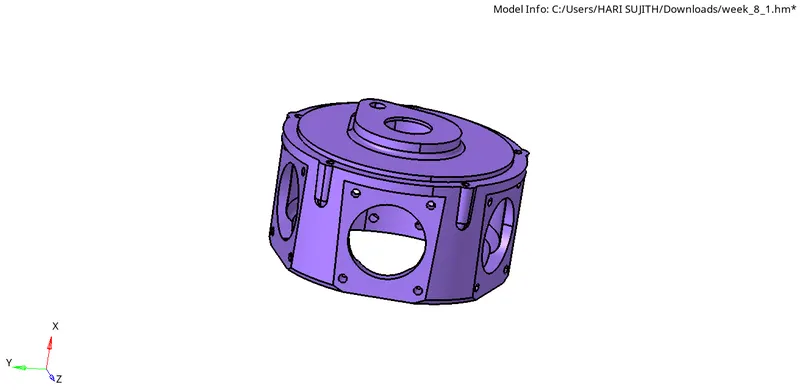
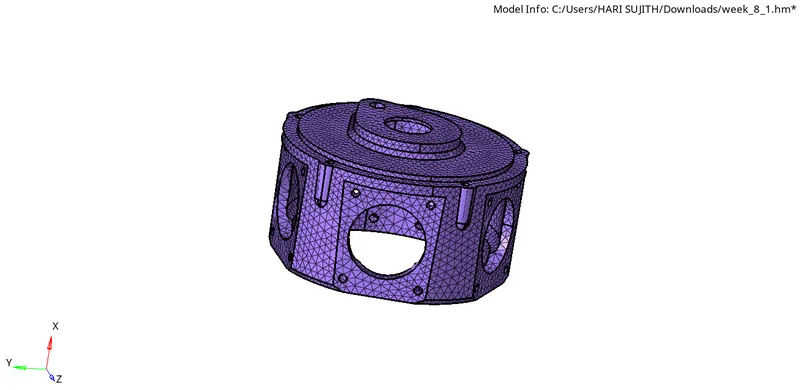
MODEL :1
OBJECTIVE : To perform 3d tetramesh using 2d to 3d mesh conversion method.
GIVEN CRITERIA : Element size : 5 units
min length : 2 units
max length : 7 units
tet collapse : 0.15
PROCEDURE : 1. Import the model through geometry STP file.
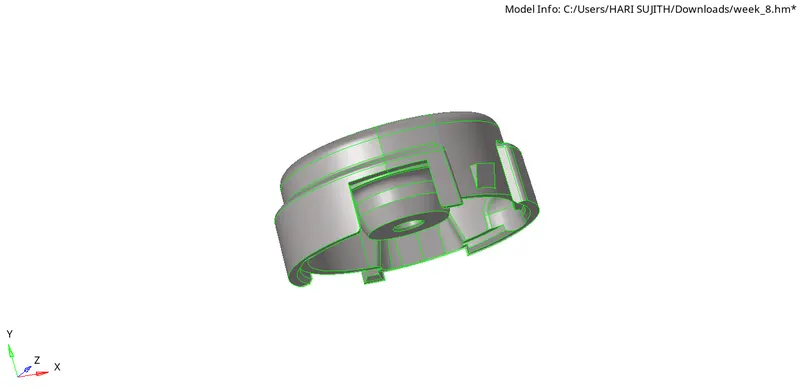
2. check for min length surfaces , toggle the surface lines to overcome minimum length error .
3. Model is divided into two components ,mesh seperately each component using 2d tria elements.
4. Next check for min and max length quality error in check elements tool panel .
5. If any error occur , solve by remeshing the failed elements using remesh option in 2d panel
6. Ensure no failed minimum and maximum length elements before going to mesh tetra elements.
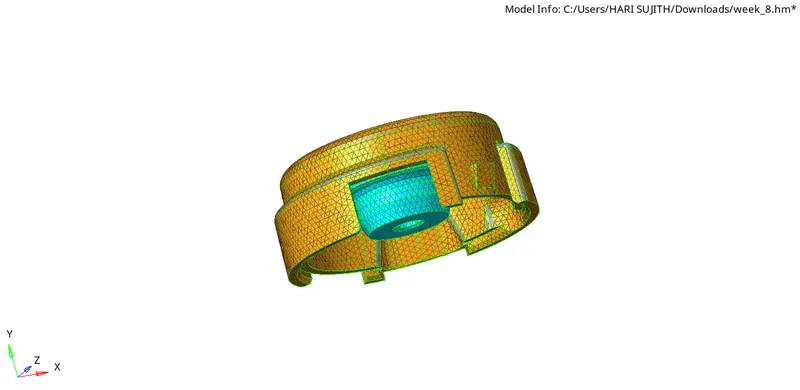
7. Perform 3d tetramesh by selecting all the tria elements .
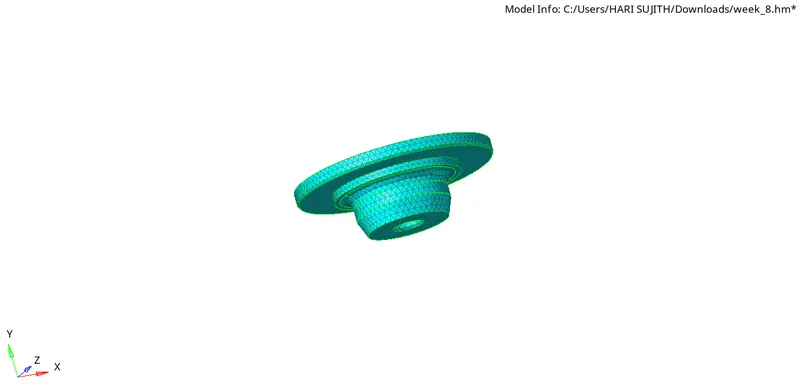
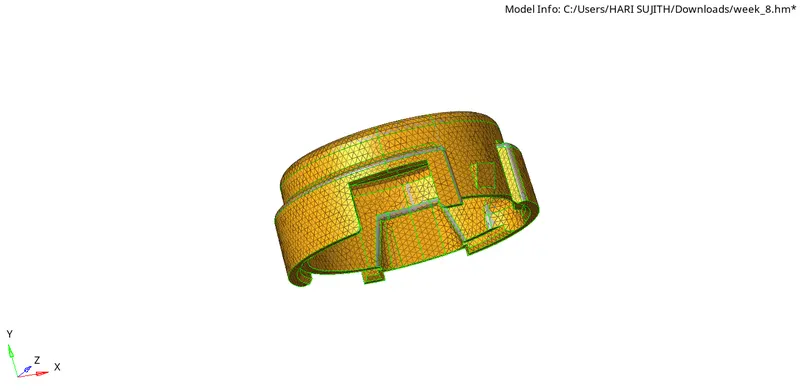
8. Check tet collapse error for the tetra elements in the check elements too panel.
9. If any error occur in the tet collapse solve it by tetra remesh or by moving the failed element nodes.
10. At the end check for no quality error for minimum length ,maximum length and tet collapse error .
11. Thus housing model is meshed using 3d elements without no quality errors.
MODEL :2 :
OBJECTIVE : To perform volume tetramesh for the given model.
GIVEN CRITERIA : Element size : 3 units
Tet collapse : 0.150
PROCEDURE :
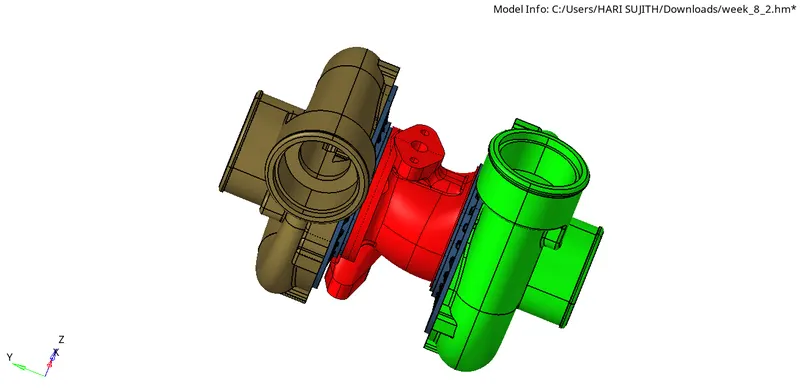
1. Import the model through geometry IGES file.
MODEL_2
2. check for min length surfaces , toggle the surface lines to overcome minimum length error .
3. Using the volume tetramesh option in 3d mesh panel , mesh the model by giving desired element size 3 units and tet collapse of 0.150 in tetramesh parameters.
4. If any error occur in the tet collapse solve it by tetra remesh or by moving the failed element nodes.
5. Check for no quality error in tet collapse , if any error remesh the falide elements using tetra remesh .
6 . Thus model is meshed by volume tetramesh tool .
MODEL : 3:
OBJECTIVE : To perform quick tetramesh or volume tetramesh for the given model components .
GIVEN QUALITY CRITERIA :
Element size : 3 units
Tet collapse : 0.150
PROCEDURE :
1. Import the model through geometry IGES file.
2. check for min length surfaces , toggle the surface lines to overcome minimum length error .
3. As the model is divided into 6 different components mesh each component individually using any of mesh given .
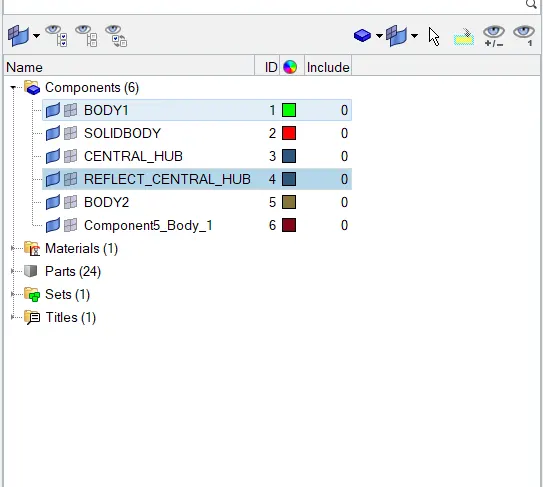
4. BODY1 is made as current component and mesh using the volume tetramesh by giving the element size and tet collapse in parameter panel.Check for error in tet collapse and remesh the failed elements and ensure no tet collapse error.
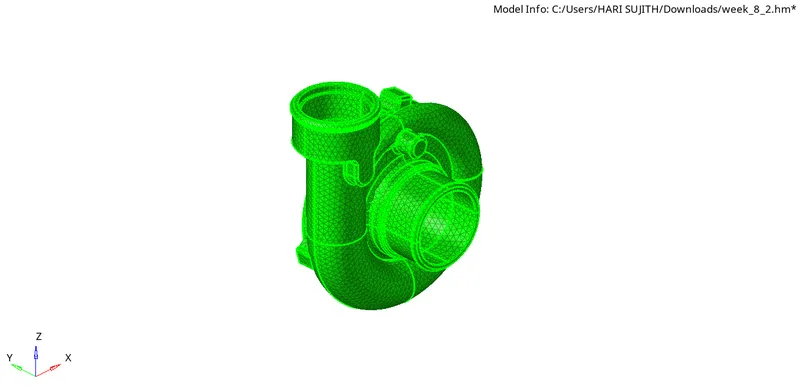
BODY1
5. Similarly solid body is meshed by following the same steps as BODY1 .
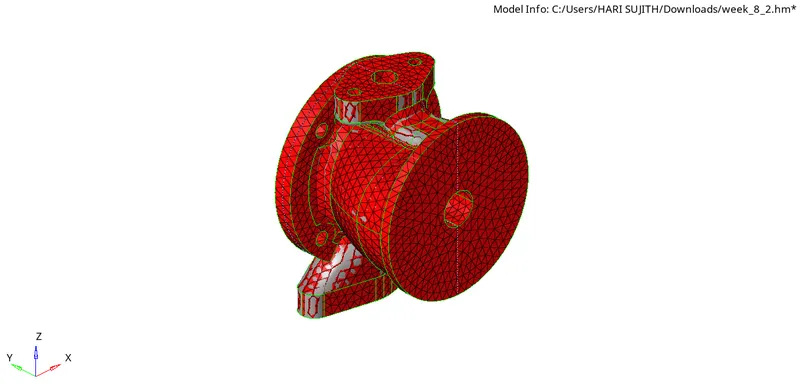
SOLIDBODY
6. For the hub body, mesh the hub using quick tetramesh found in the utility panel by giving desire element size .
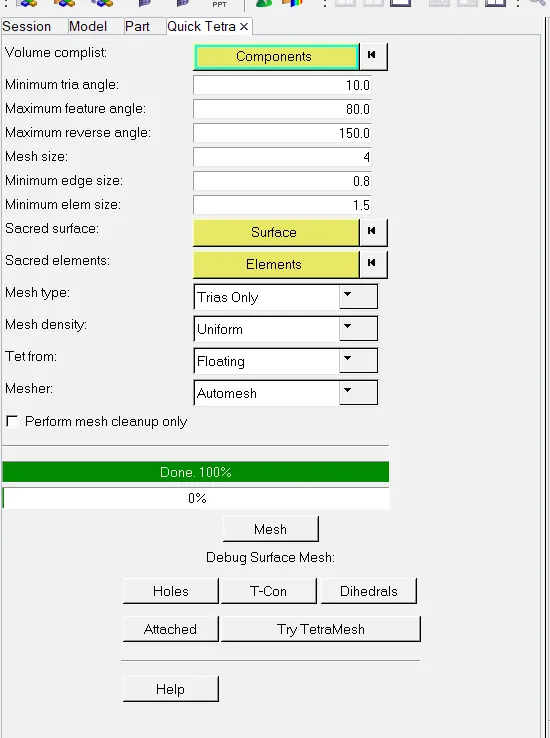
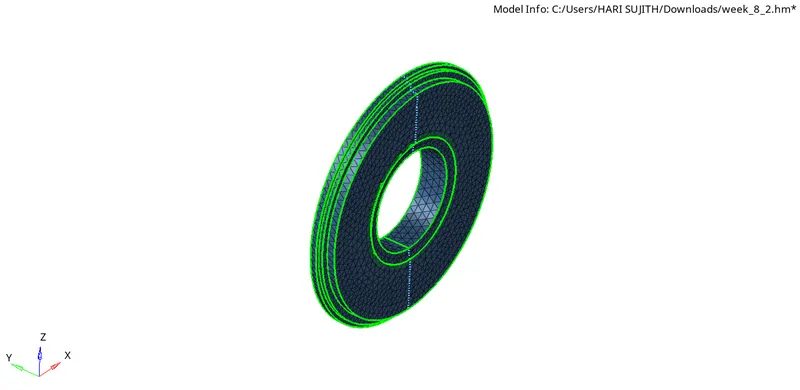
CENTRAL HUB
7. Check for error in tet collapse and remesh the failed elements and ensure no tet collapse error.
8. Other hub is meshed similary following same steps .
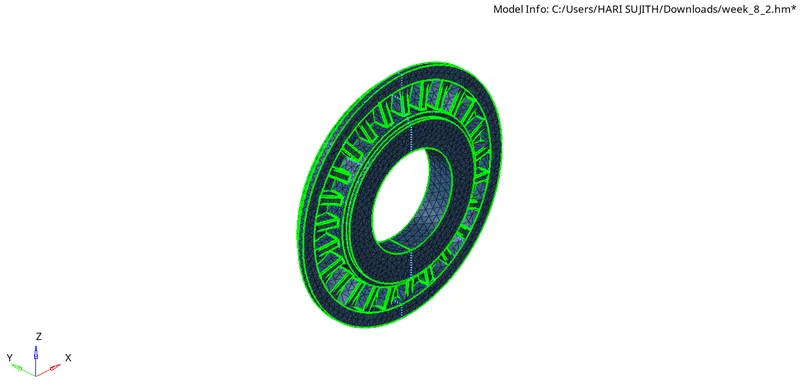
9. Body2 is made currect currect component and mesh the component using quick tetra mesh by giving desired element size of 4 units .
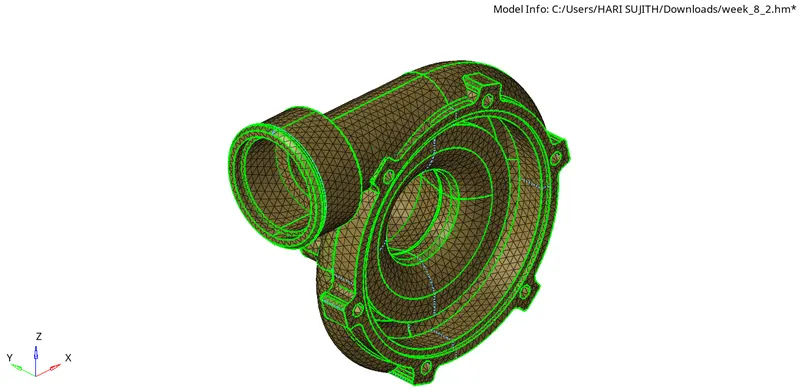
BODY2
10. Check for error in tet collapse and remesh the failed elements and ensure no tet collapse error.
11. A new components are created for each quick tetramesh component , organize the compoents to respective parent component .
12 . Thus given model is eshed using quick tetramesh and volume tetramesh following given criteria parameters .
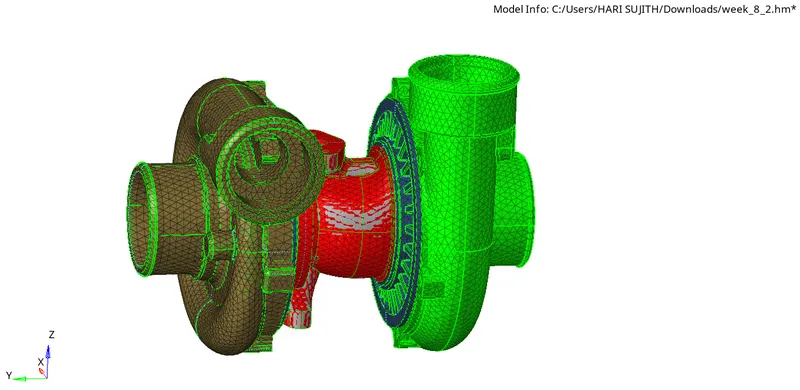
FINAL MODEL3
RESULT AND FINAL MODEL IMAGES : Through this challenge learnt to mesh 3d elements using tetramesh,quick tetramesh and volume tetramesh tools and to overcome the tet collapse error
HOUSING MODEL 2
MODEL 3