Week 6-Meshing of Hood Challenge
AIM : To create a mesh for the given hood component and assign thickness.
CAD MODEL IMAGE :
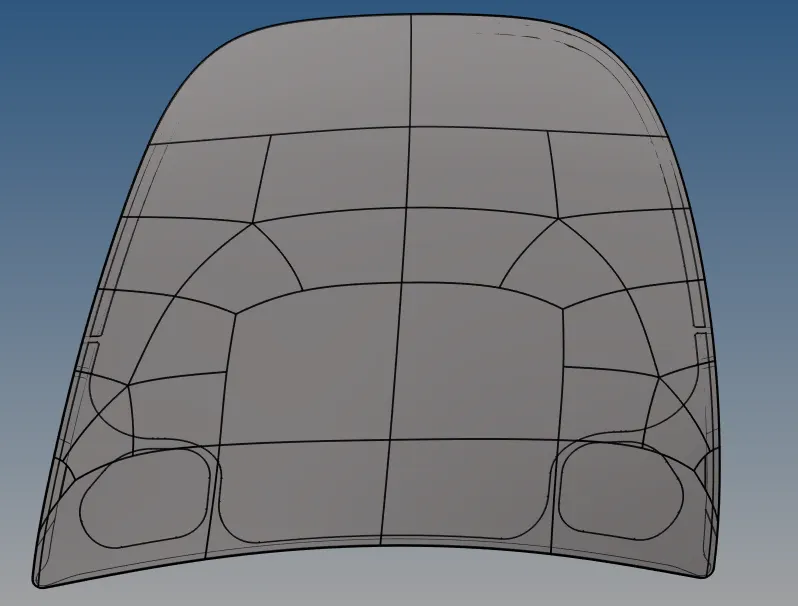
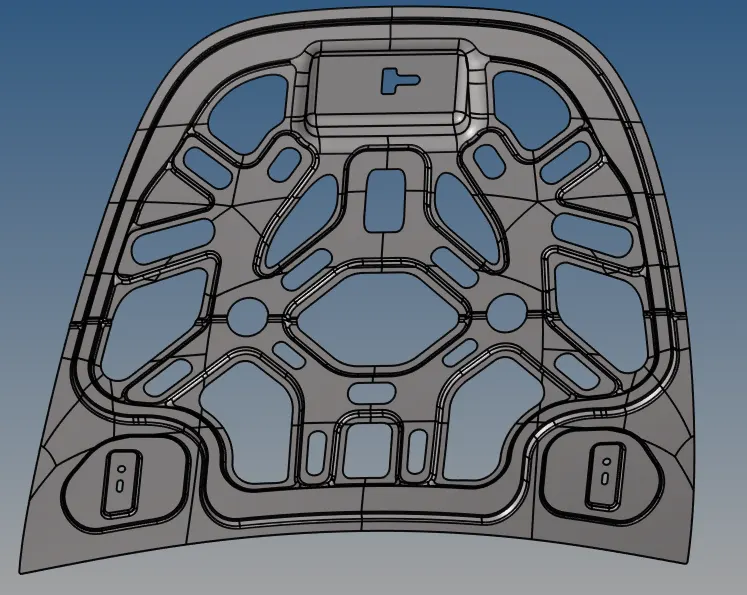
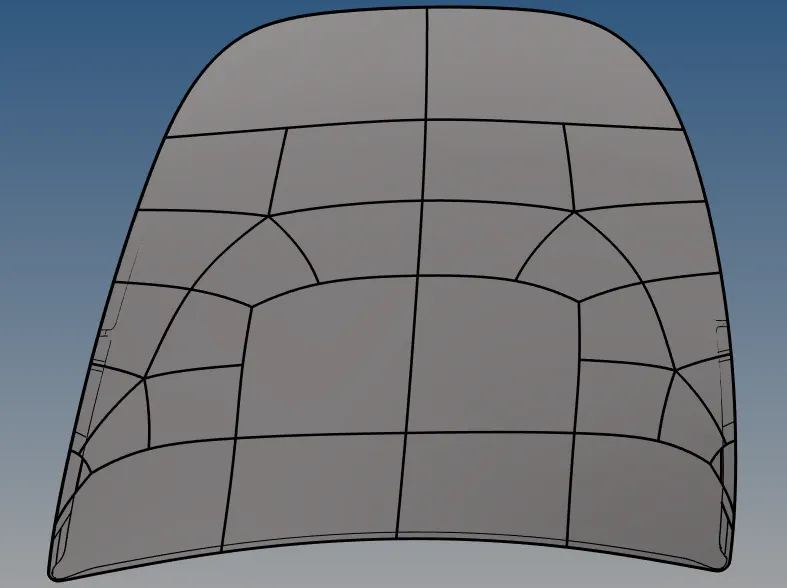
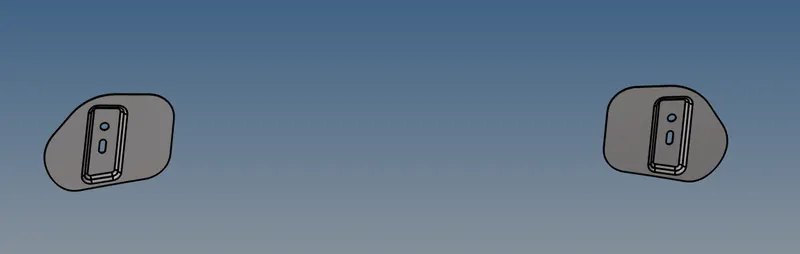
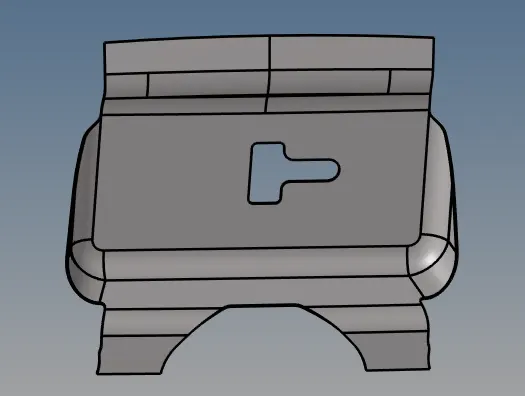
INPUT _EXTRACT OUTPUT EXTRACT HINGE EXTRACT LATCH EXTRACT
GIVEN ELEMENT CRITERIA :
| S.NO | QUALITY CRITERIA | VALUE |
| 1 | ELEMENT LENGTH | 5 |
| 2 | ASPECT RATIO | 5 |
| 3 | SKEWNESS | 45 |
| 4 | WARPING | 15 |
| 5 | TAPER | 0.5 |
| 6 | MIN.LENGTH | 2 |
| 7 | MAX.LENGTH | 8 |
| 8 | MIN ANGLE QUAD | 45 |
| 9 | MAX ANGLE QUAD | 135 |
| 10 | MIN ANGLE TRIA | 20 |
| 11 | MAX ANGLE TRIA | 120 |
| 12 | TRIA % | 10 |
MESH RULES FOR BETTER MESH : 1.TRIA ELEMENTS THUMB RULES :1. No tria elements should be opposite to each other.
2.No tria elements should be connected back to back.
3.No tria elements should be on edge of geometry
4.No tria elements should be near holes.
5. No tria elements should be on feature or on fillets.
6. There should be less tria concentration.
2.Rotating quads are to be avoided in crash and safety analysis, because these quads distract the flow of energy.
PROCEDURE :
Import the given hood component into the hypermesh tool via import option .[file_import_model_select required file _import]
Model is divided into four components inner_extract, outer_extract,hinge_reinforcement_extract and latch_reinforcement_extract
Select each component delete the solid surfaces from each component and extract mid surface for each component seperately , before extracting topology clean up is done like filling surfaces, free edges checking and missing surfaces .(mid surfacing is done with skin offset extraction option).
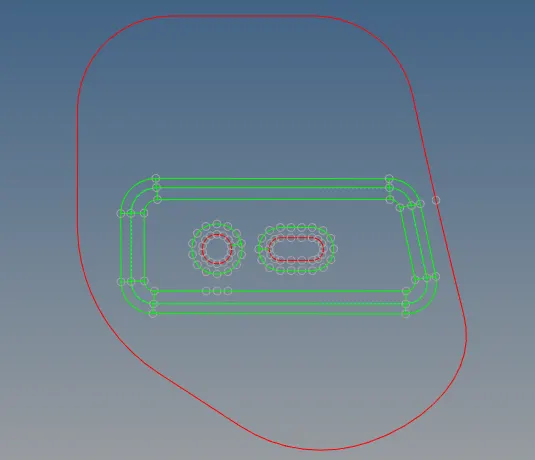
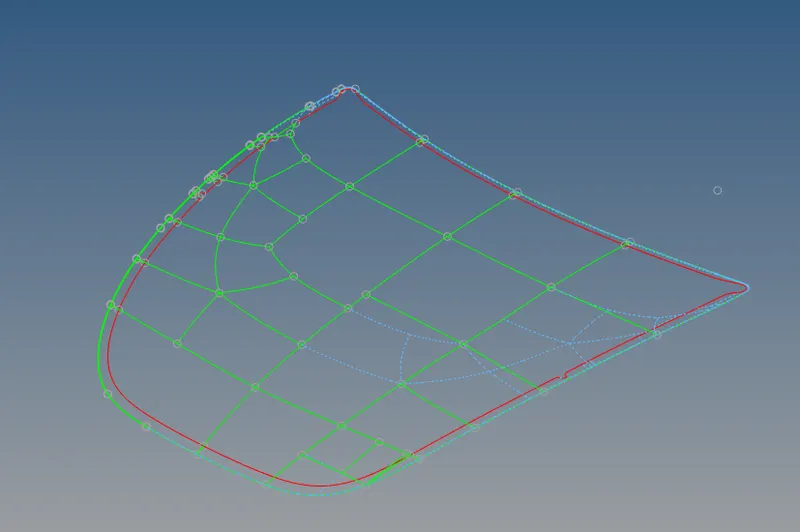
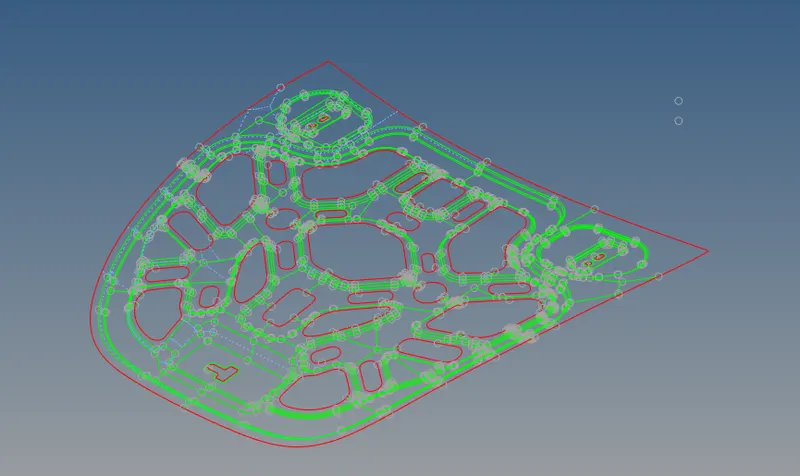
HINGE MIDDLE SURFACE OUTER EXTRACT MIDDLE SURFACE INNER EXTRACT MIDDLE SURFACE
Select outer_extract mid surface component and hide the parent component , geometry clean up is done to the outer mid surface component like creating surfaces and toggling the lines .
Hemming part : As we can see length between two surfaces in hemming region is very less , this results error in minimum length of the element . In order to overcome this surface line is toggled using toggle line option in the quick edit panel .
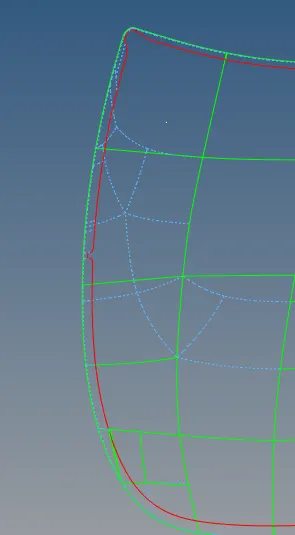
SURFACE AFTER HEMMING
Meshing :1. In the outer extract component , contains two symetric surfaces , mesh the component for only one symmetric part .
2. For better mesh results split the surfaces using quick edit tools panel.
3. Select the surfaces , as it is for crash and safety simulations mixed elements are used for meshing .
4. Follow the mesh rules in the theory part for better mesh .
5. Necessary corrections are done to obey the mesh rules .
6. Likewise mesh each surface seperately so that better mesh flow is obtained
Reflection : From the tool bar select reflect option
1. Select all the elements using displayed option.
2. Duplicate all the elements of current component.
3. select the respective base and axis to refect and click on reflect option.
Thus meshing is done for outer_extract component
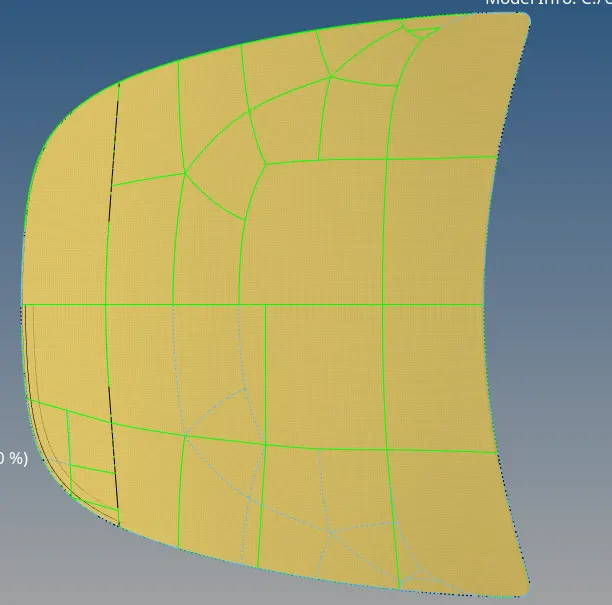
OUTER EXTRACT MESH
By following the same steps and rules mesh hinge and latch extracts and make necessary corrections to obey the mesh rules .
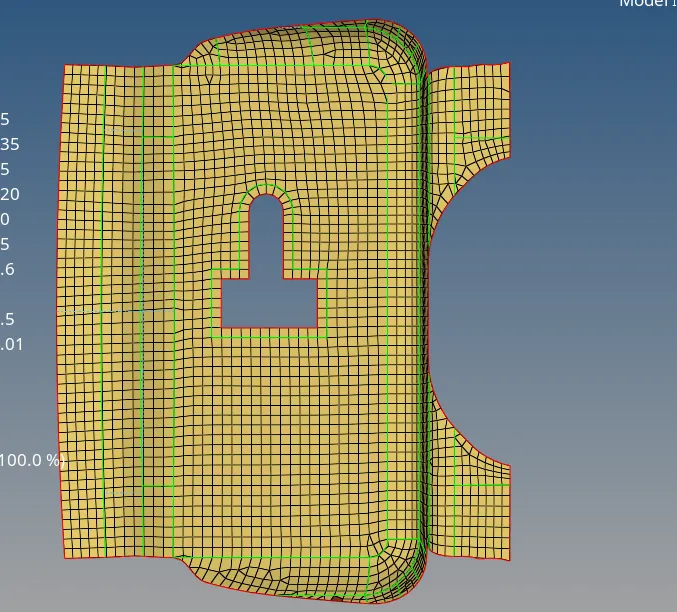
LATCH EXTRACT MESHING
HINGE_EXTRACT REFLECTION : 1. Create a node between the hinge cirle using arc centre in the node panel , then similarly create anaother node for the simitrical hinge . With the help of two nodes , create a node between both nodes .
- Select all the elements using displayed option.
- Duplicate all the elements of current component.
- Select base as middle node between both surfaces and respective axis and click on reflect option.
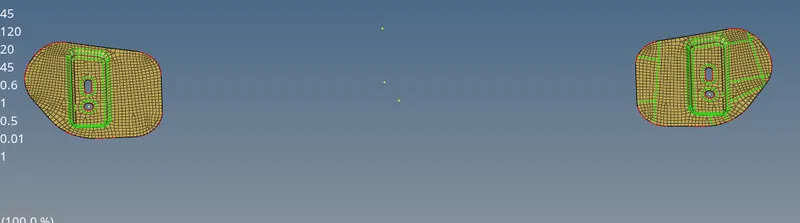
HINGE EXTRACT MESH
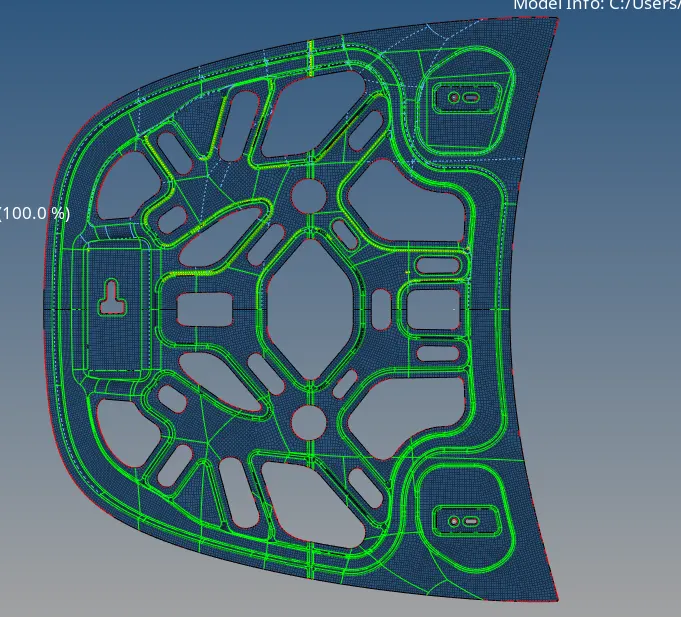
INNER_EXTRACT :1. Extraxt the mid surface using skin offset extract option .
2. Inner surfaces consists of complex surfaces , so split surfaces with respective to the component , if required toggle the lines .
3. Mesh the splitted surfaces slowly with out any quality error .
4. As dented surfaces are more complex , mesh it slowly by doing necessary quick edits .
4. Except one surface in the component , remaining part contains two symmetric surfaces .
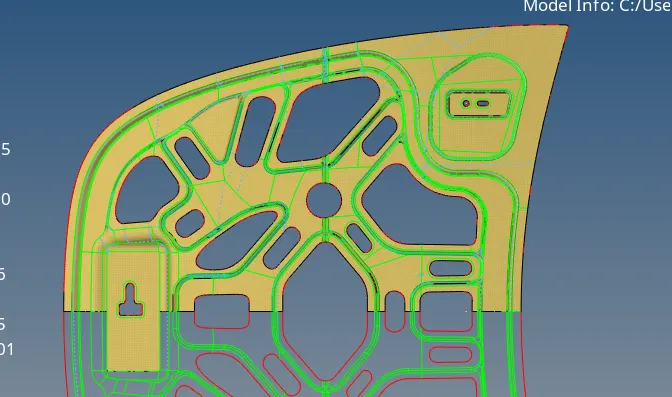
INNER EXTRACT MESH
Reflection : From the tool bar select reflect option
1. Select all the elements using displayed option.
2. Duplicate all the elements of current component.
3. select the respective base and axis to refect and click on reflect option.
RESULTS : Thus meshing of hood is done with required criteria parameters.
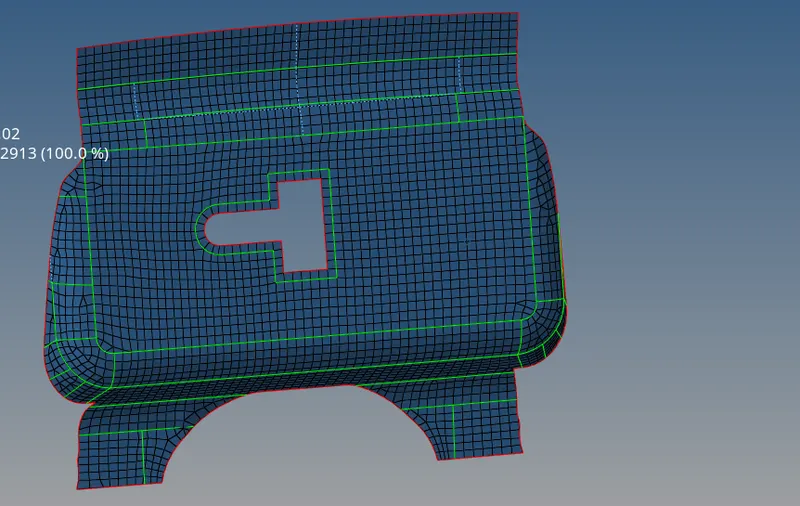
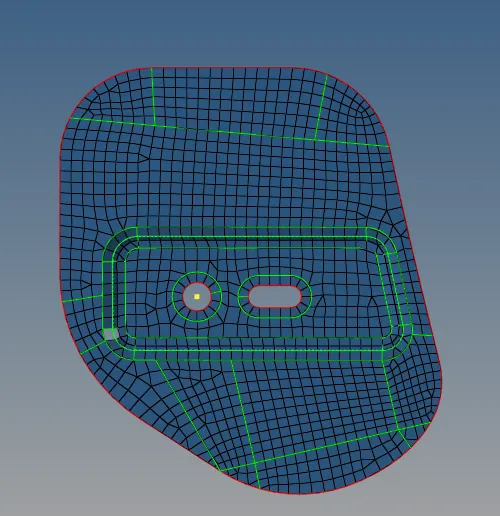
LATCH FINAL MODEL HINGE FINAL MODEL
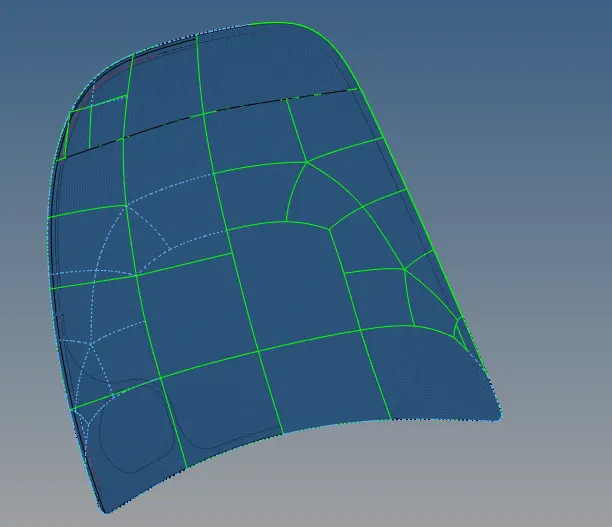
OUTER EXTRACT FINAL MODEL INNER EXTRACT FINAL MODEL