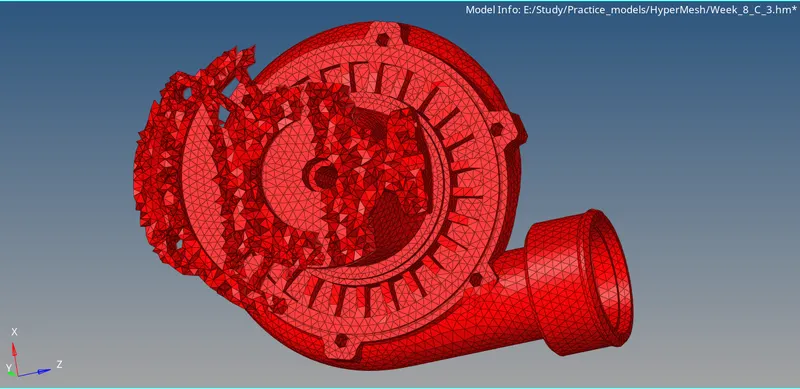
Week 8-3D Tetra Meshing Challenge
Aim:
To generate Tetra mesh for the given geometry with the given quality criteria.
Pre-requisites:
- Geometry
- HyperMesh software
Overview:
- Import geometry to HyperMesh software
- Generate mesh
- Compare mesh with quality parameters
- Acquire the quality of the mesh according to given quality parameters
Procedure:
-There are three geometries given and we need to follow 3 different methods to generate tetra mesh for these feometries.
-Firstly, import the first geometry to HyperMesh software.
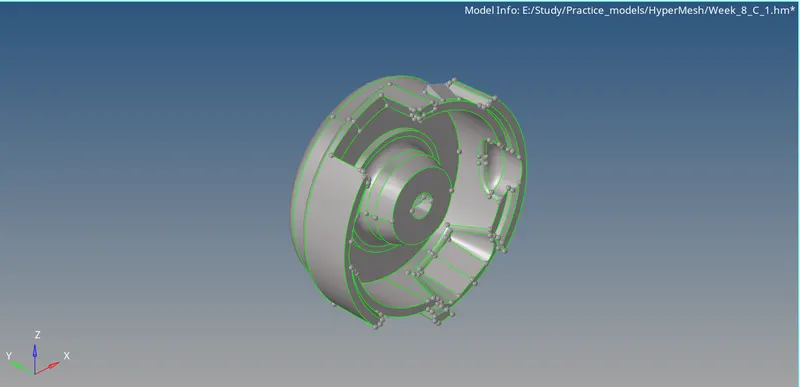
-As, we can see there are two major components in this geometry. So, we need to seperate those two components and mesh those geometries.
-For this geometry we need to 1st 2D mesh the geometry and then we need to convert 3D tetra mesh.
-To do that we need to first clean up the topology of the geometry.
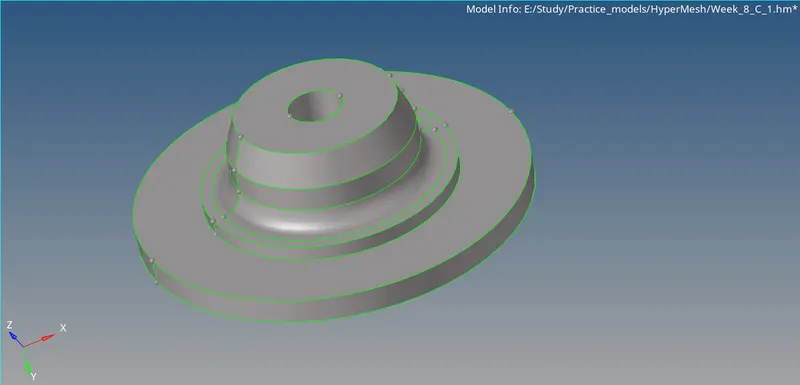
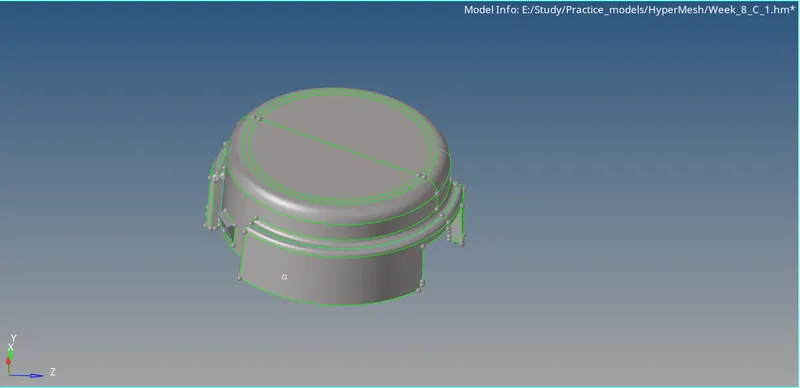
-After cleaning up the geometry we should go to 2D panel and there we shoulod select automesh option and select trias for meshing and select all the surfaces and generate mesh.
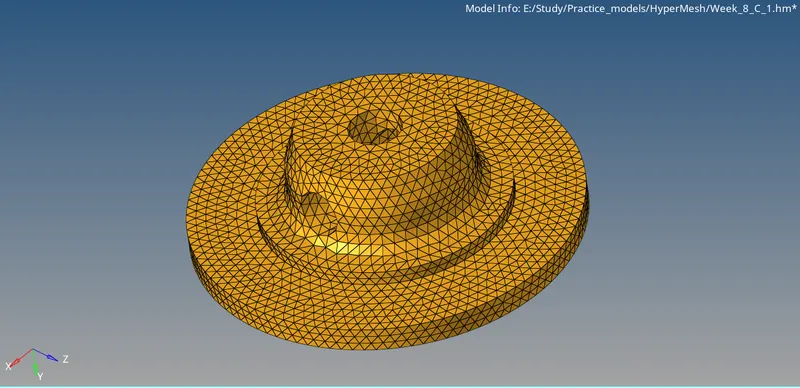
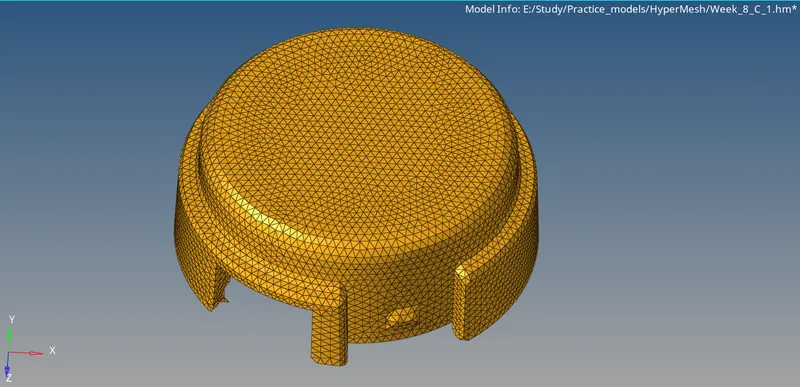
-After generating 2D mesh for the geometry, we should go to 3D panel and there we should go to tetramesh option and select all the elements and generate 3D tetra mesh.
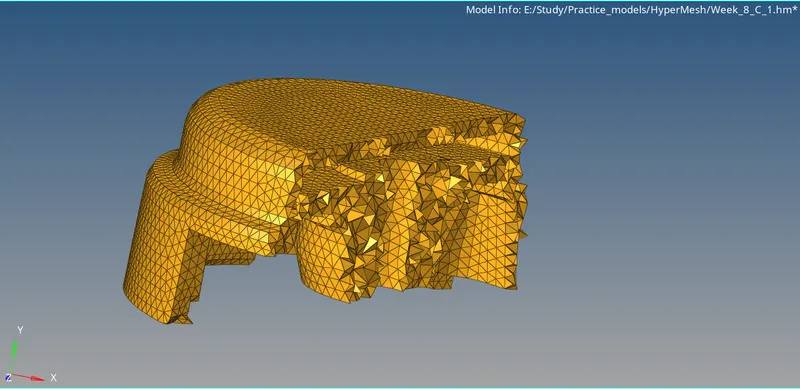
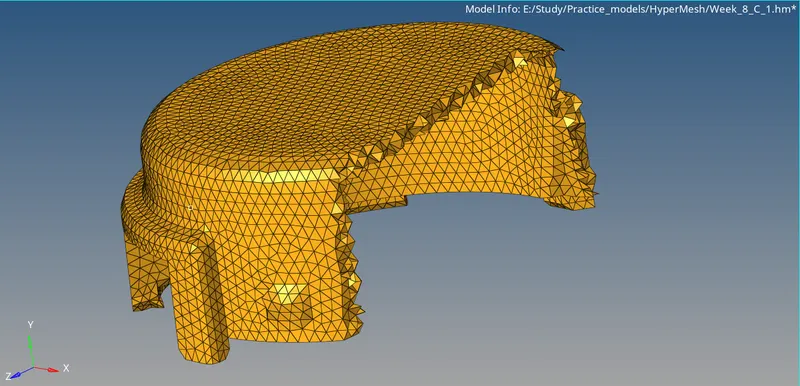
-Now, check elements if they are failing. We need to check min and max length for shell mesh and tet collapse value for volume mesh.
-Now, Import second geometry to HyperMesh software.
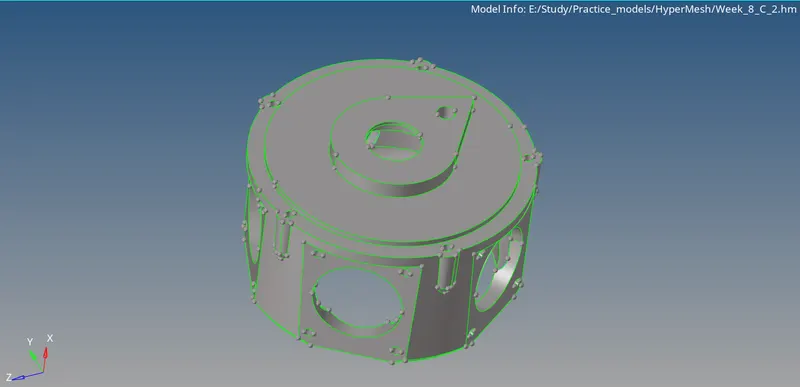
-For this geometry we are going to use quick tetra method for meshing this model.
-Now, we need to topology clean up the geometry. Convert the small filletes into edges in order to get good results.
-Now, for generating quick tetra mesh (view->Browsers->HyperMesh->Utility->Geom/mesh->quick teramesh) follow this path and change required parametrs in quick tertamesh panel, select the surface which is required to mesh and mesh the geometry.
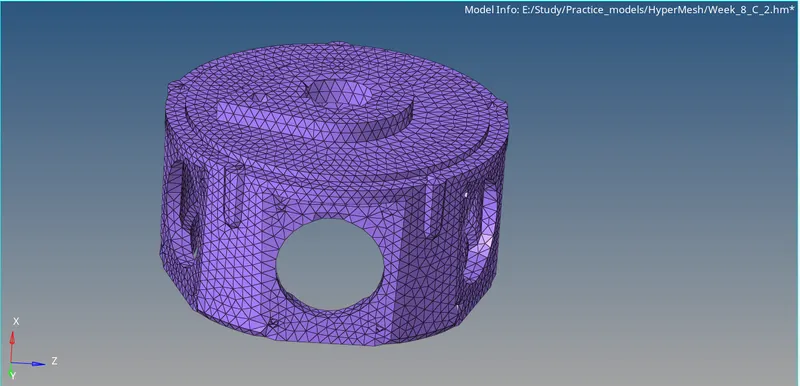
-Now, check weather the elements rae failing for quality.
-Here, in this method we need not check quality for min and max length as we are not creating any 2D shell mesh. But, we need to check quality for TET collapse.
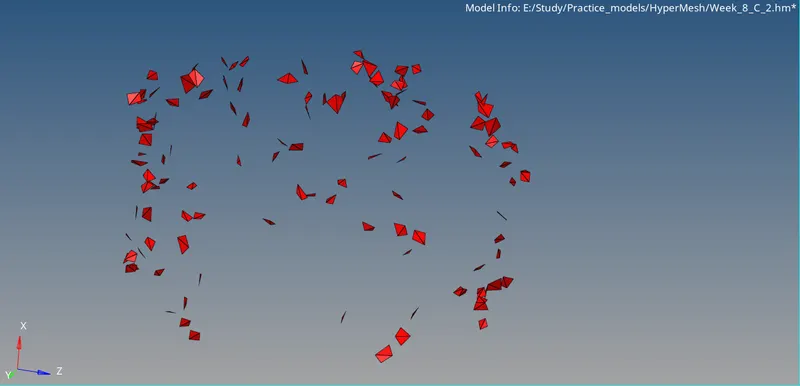
-We need to resolve all the failed elements manually.
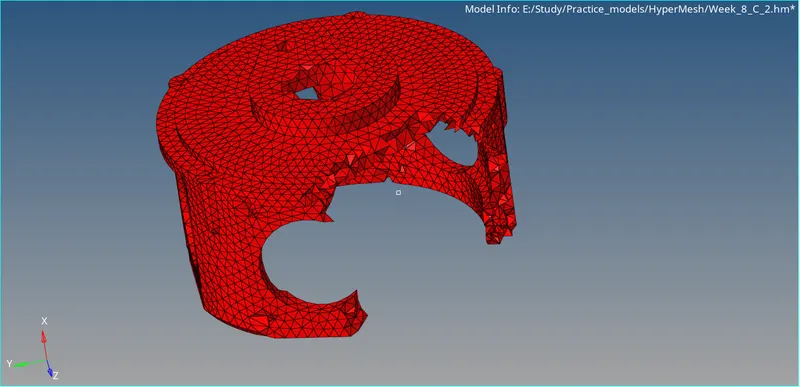
-Now, Import the last geometry to HyperMesh software.
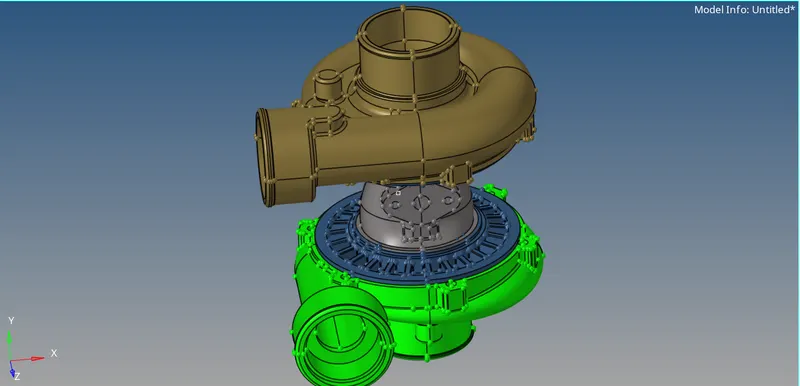
-Here, in this given geometry we are having 5 main components. We need to mesh those one by one and we can use either of the methods(quick tetra or volume mesh). Here, I have used quick tetra method.
-Clean up the components one by one.
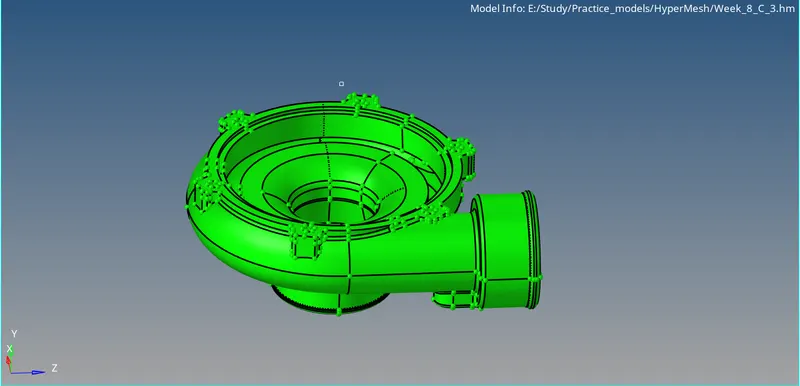
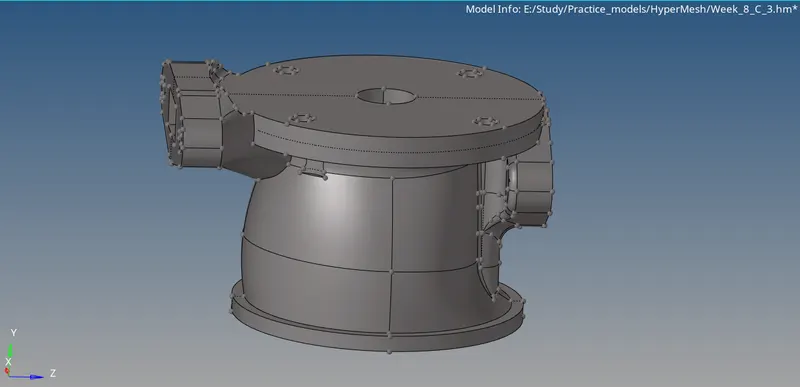
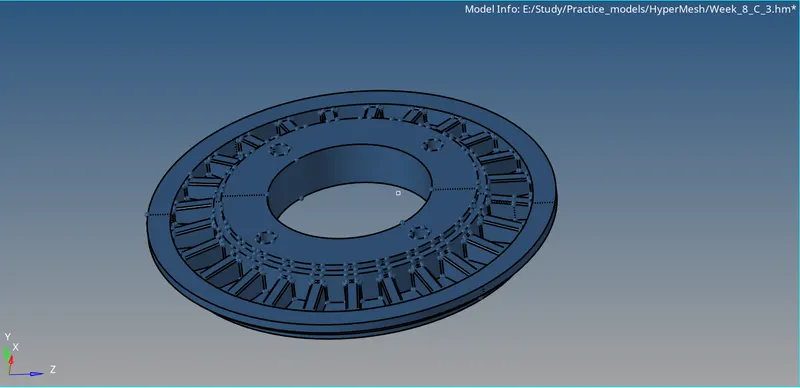
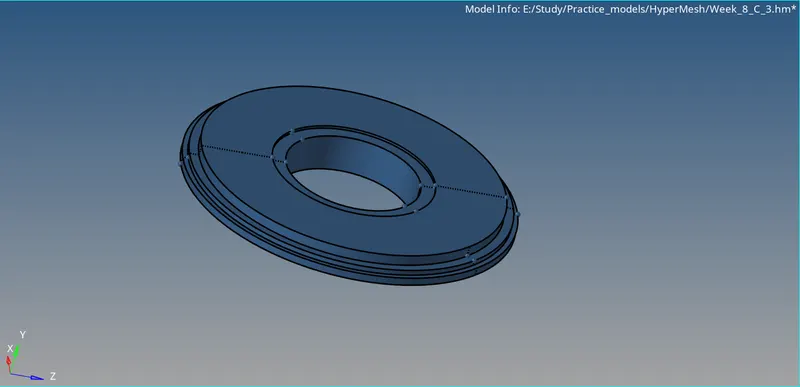
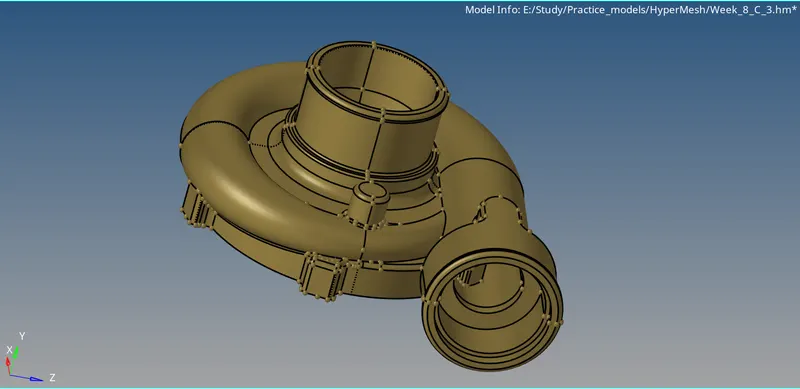
-After cleaning up the geometry we can go ahead and repeat the same process as we did for the previous model and mesh the components.
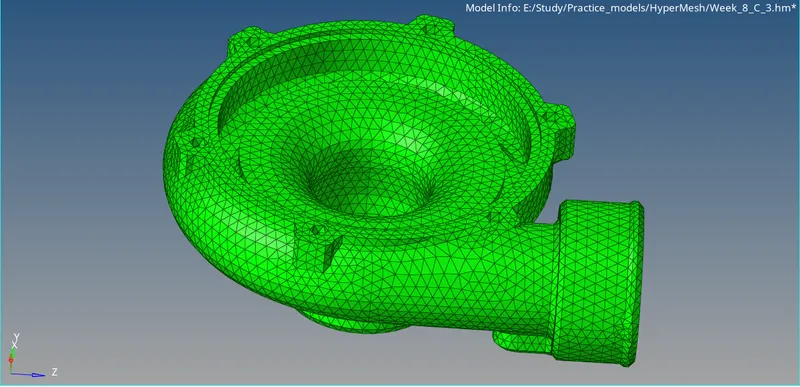
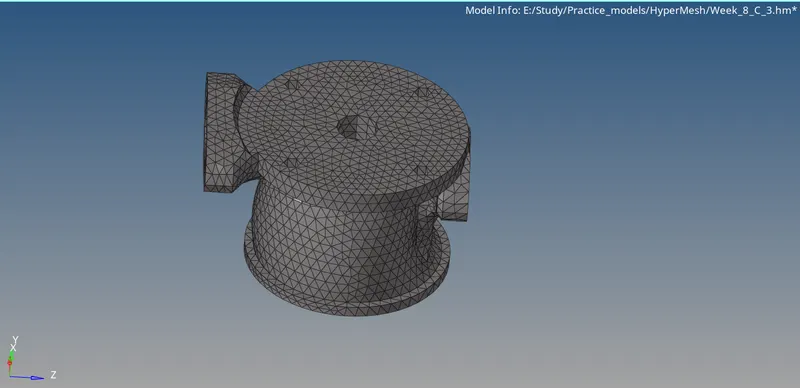
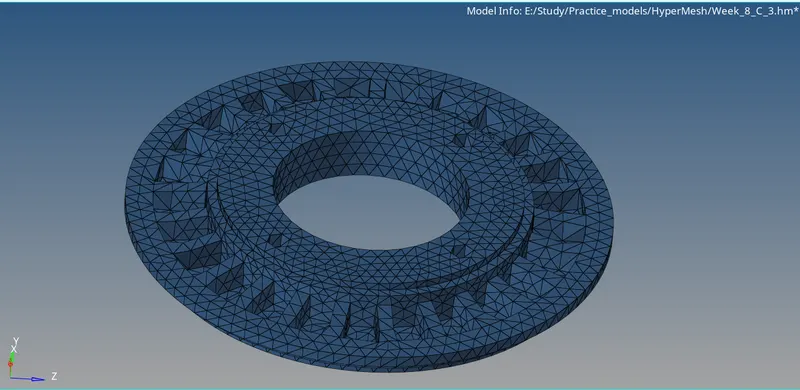
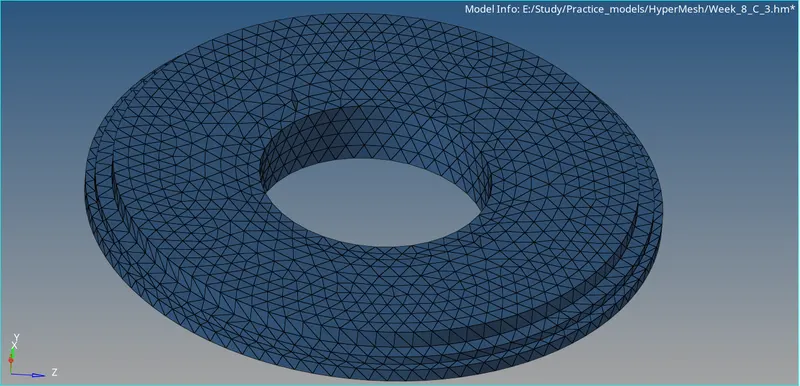
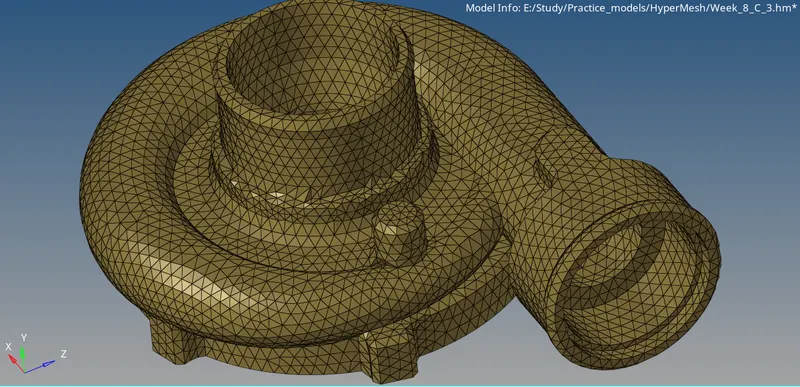
-Now, check teh quality parameter, weather the elements are failing for any TET collapse.
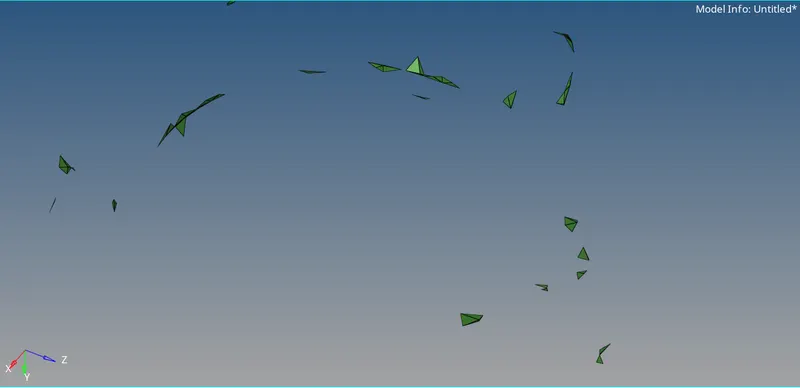
-Clear all the failed elements to the given quality criteria.