Week 3 - 2D meshing for sheet metal
AIM:
2-D Meshing for a Sheet Metal(HOOD of a Car Bumper) by using ANSA Software for the given Quality criteria.
Pre-requisites:
- Geometry
- ANSA Software
Overview:
- Importing of Geometry into ANSA software.
- Topology Cleanup.
- Extraction of mid surface.
- Assigning property card for the mid surface.
- Creating a mesh for the geometry.
- Cleaning the mesh.
Procedure:
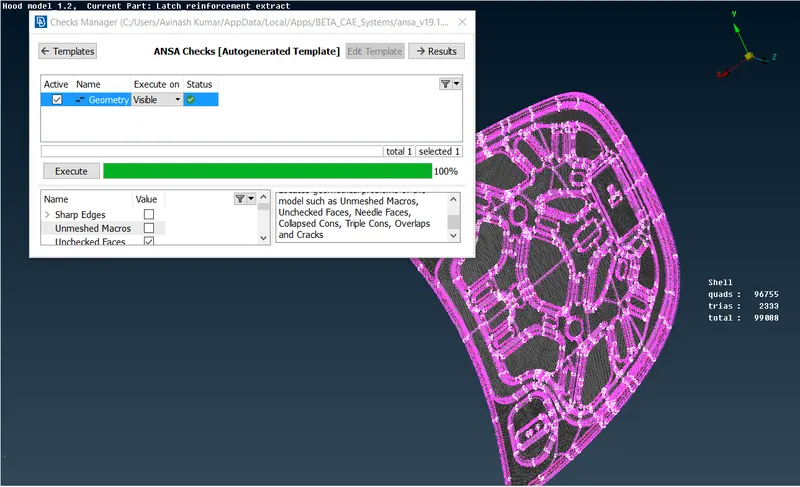
- Import the given geometry.
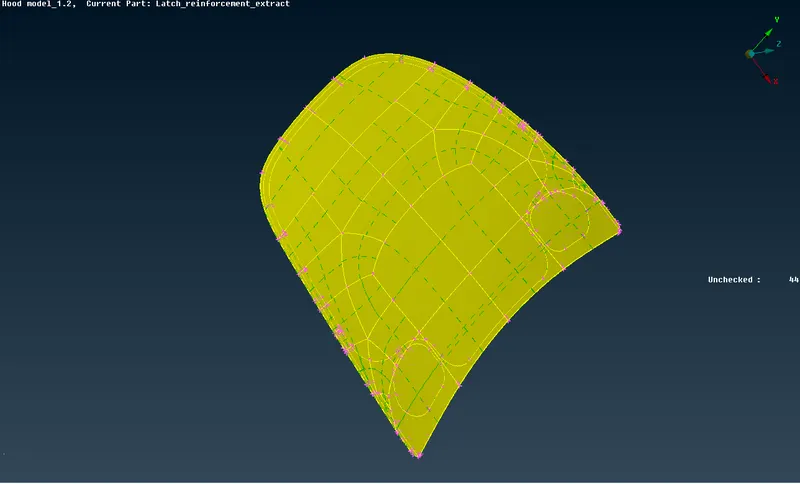
- This geometry is having four major elelments, they are: Latch, Hinge and inner extract and a outer extract.
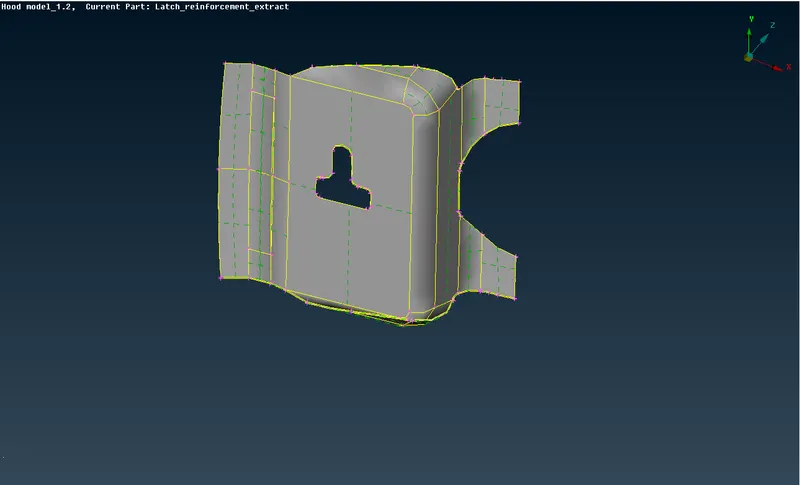
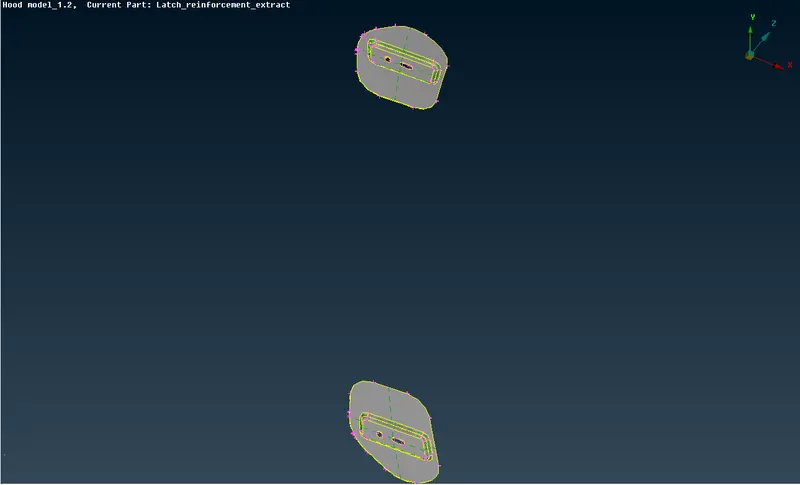
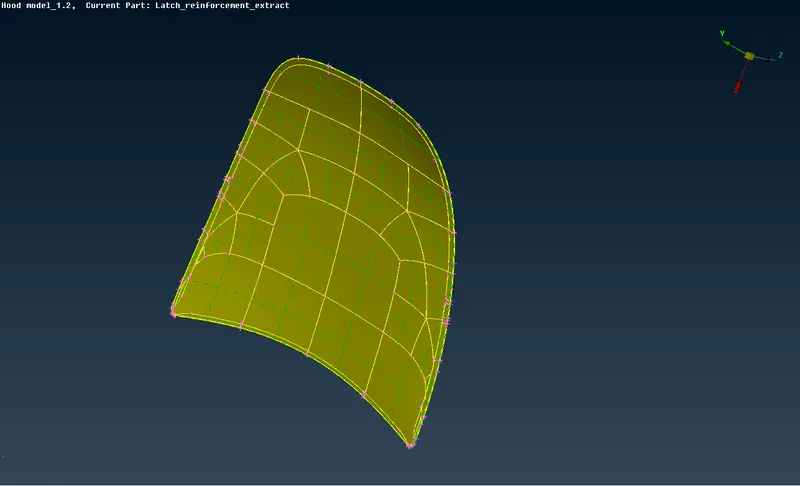
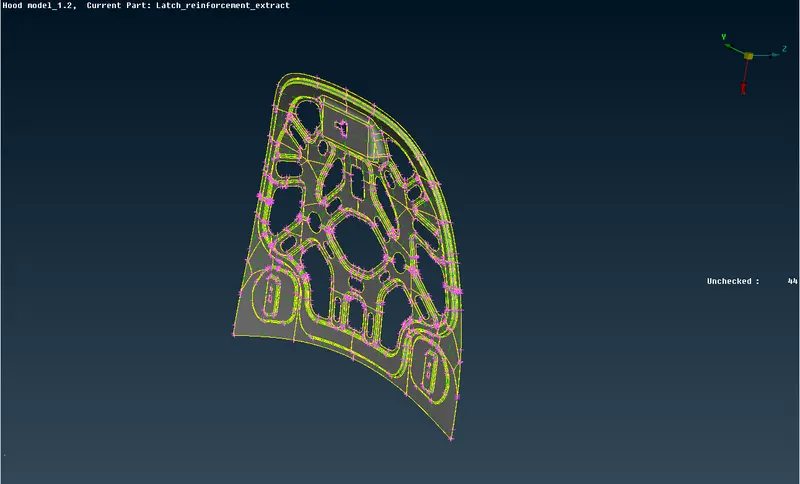
- So, pick any one of the part and create it's mid surface.
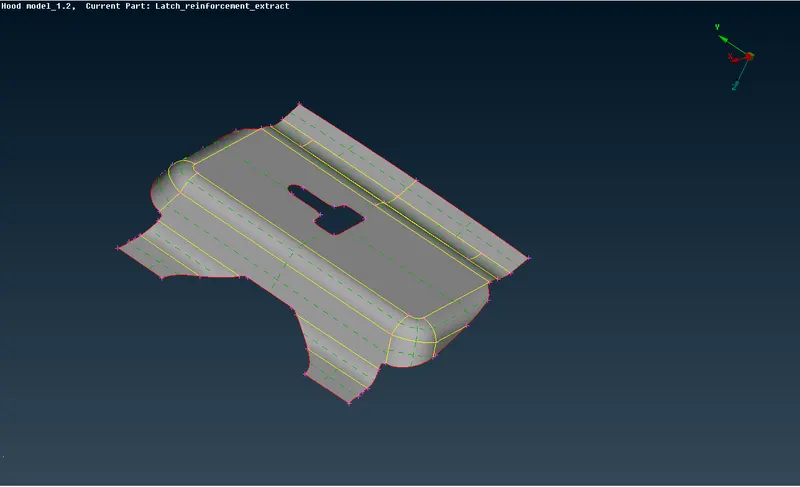
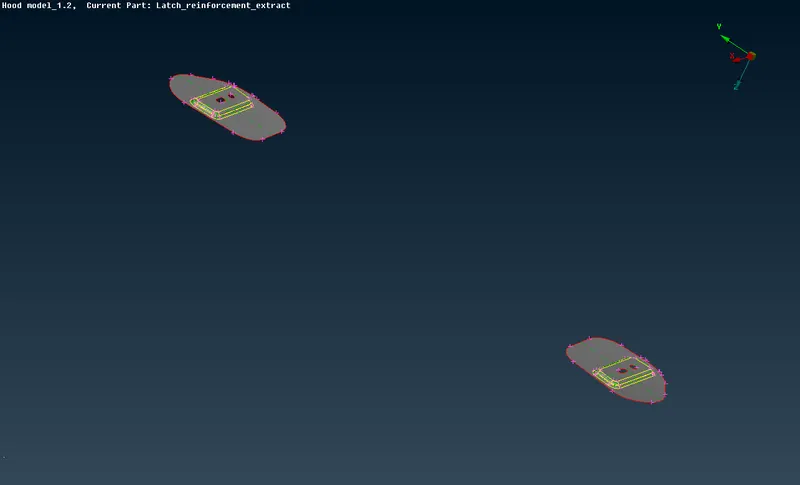
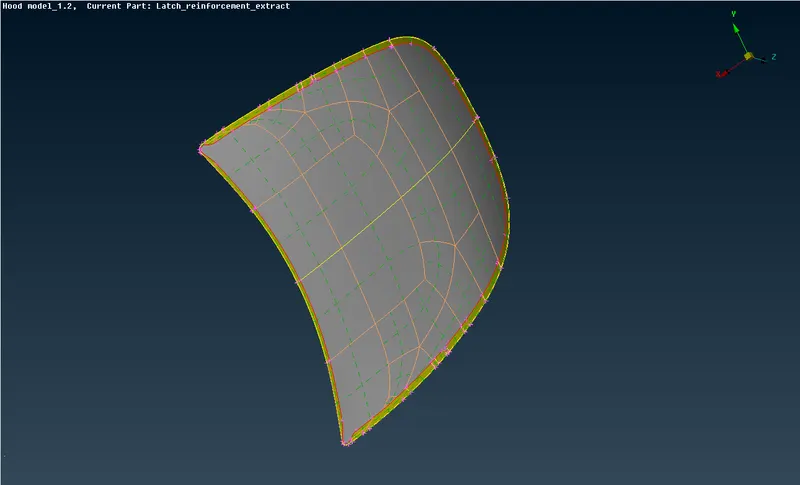
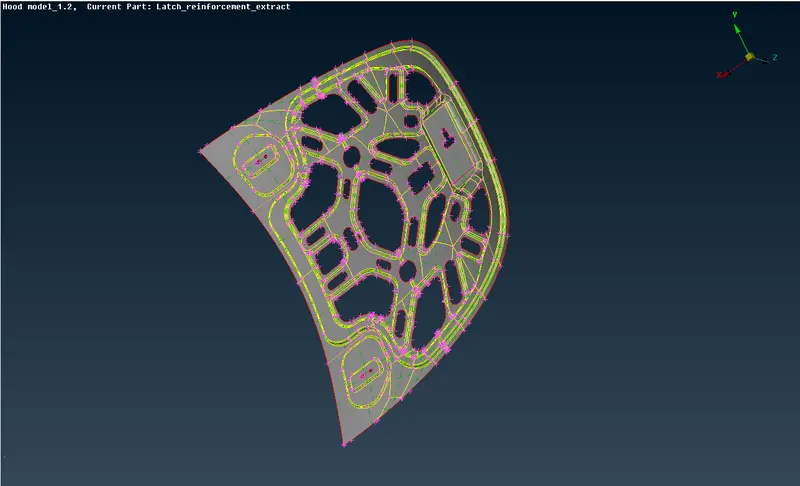
- To create a mid surface you can either go manually with offset method or auto with midsurface skin generation as the component is made up of sheet metal.
- Seperate the mid surface from the parent geometry and make sure the shell elements length to be of 5mm.
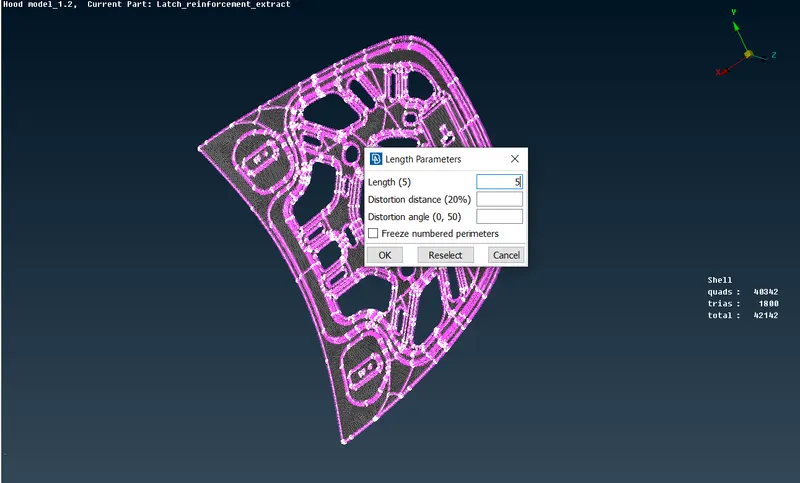
- After altering the shell elements length now you can start your meshing for the component.
- Assign the property and material card for the mid surface.
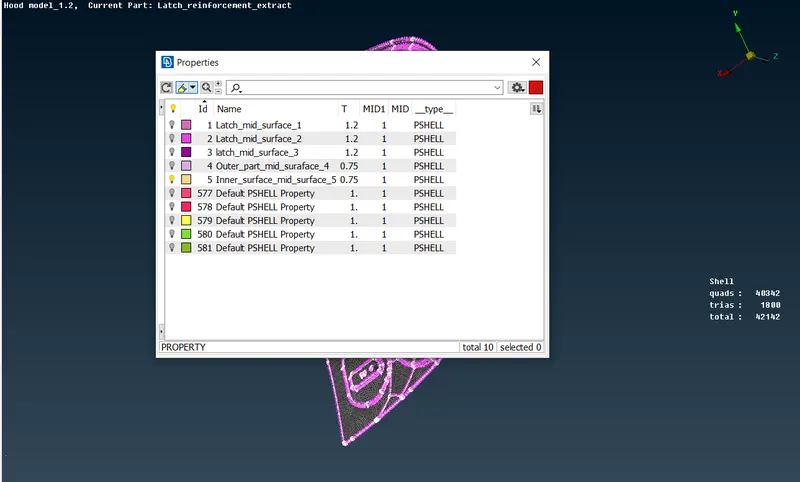
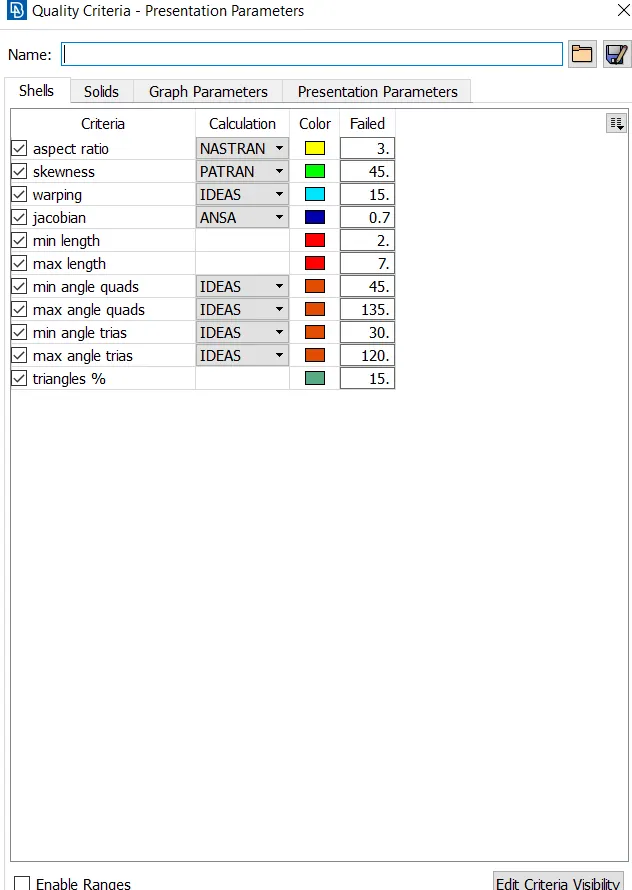
- Before that you need to give the quality criteria for the component
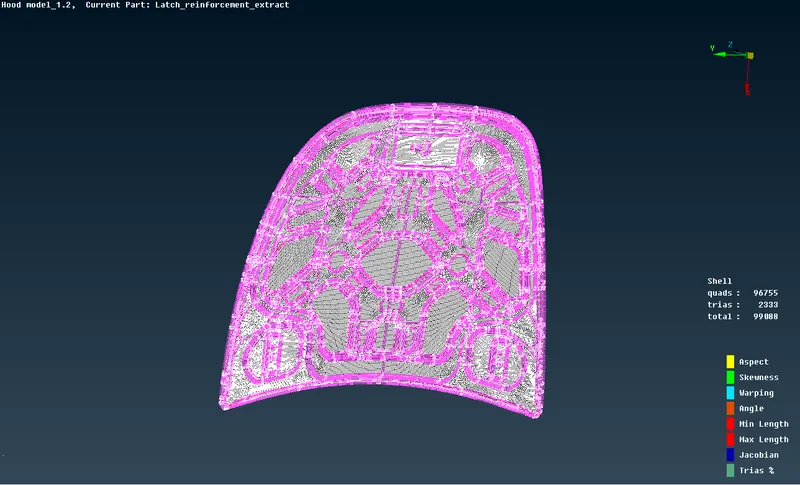
- After meshing the component, check weather the component is failing any of the quality criteria.
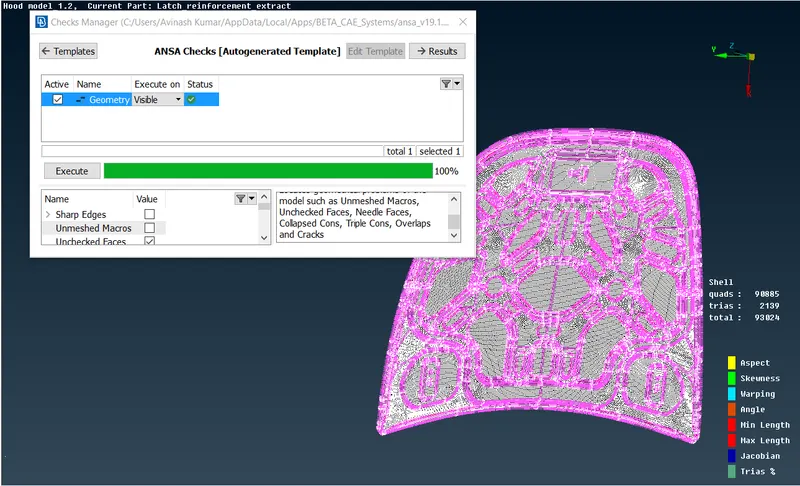
- In case the meshing geometry is failing then you need to clean up the meshing geometry
- Now, repeate the steps 3, 5 and 7 for different components.
- In this case the geometry is symetrical. So, you can use symmetry option to save time.
Learning Outcomes:
- Things I have learnt are how to create a mid surface for a complicated geometry and how to generate the mesh and cleanup the mesh to the required quality criteria.
Conclusion:
- 2-D Meshing for a Sheet Metal(HOOD of a Car) has been generated for the required quality criteria.
Quality