Week 8-3D Tetra Meshing Challenge
Objective:-
- to make a 2d tria mesh for the given modal in the first part
- eliminate all the size failing elements
- then do a 3d tetra mesh with the given quality parameters
- then check for the tet collapse and fix them
- to do a quick tetra mesh for the given components in part 2 and part 3 of the challenge
Introduction:-
- we were given 3 different modal to do 3d meshing with different methods
- by creating the 2d elements first then doing a 3d mesh on it
- by directly creating a volume tetra nesh or quick tetra mesh
Theory:-
- for the first modal given in the challenge we were asked to do a 2d to 3d mesh
- so for that, we first created the 2d mesh on the surface after deleting the solids and
- then we did the quality check for the 2d tetra elements (maximum and minimum size)
- then after fixing all the failing elements we moved to the 3d mesh
- so for creating a 3d tetra mesh over the 2d tria mesh
- we went to "3d" then to tetra mesh then there we selected the elements
- and clicked on create
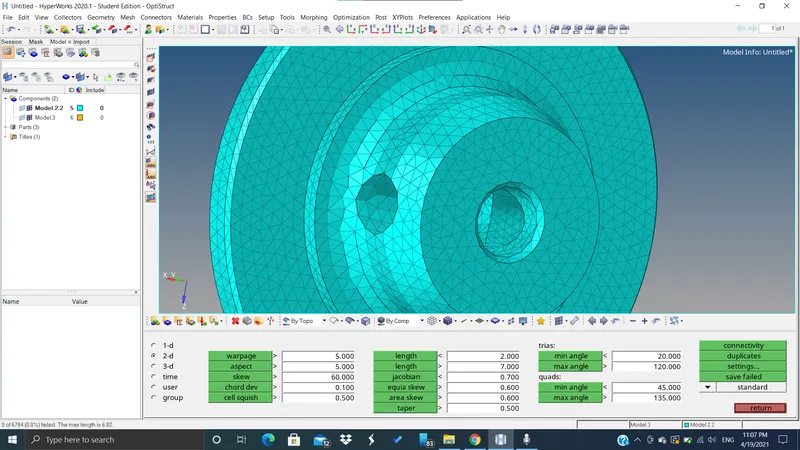
zero failing elements after doing the 2d tria mesh
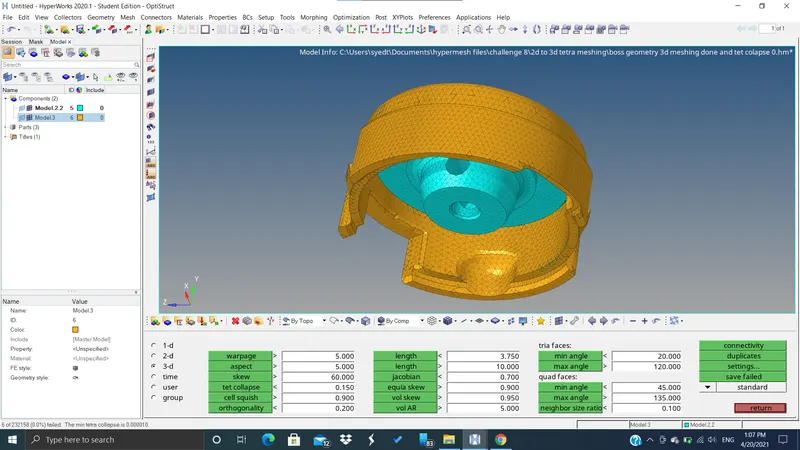
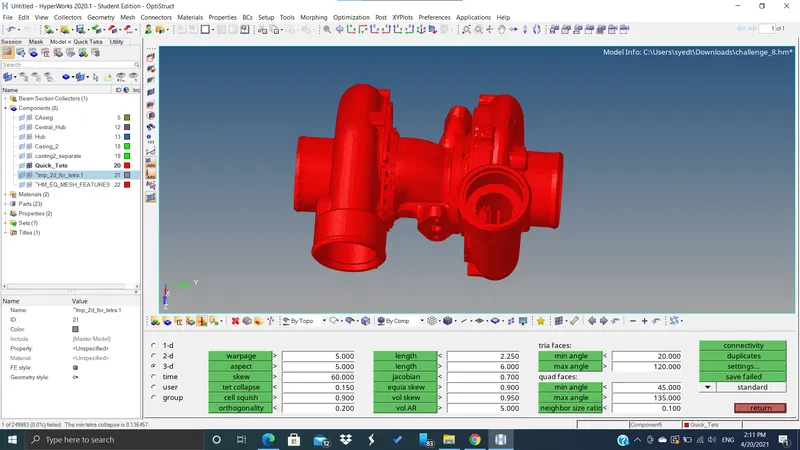
After fixing all the elements failing for tet collapse
- for the second part of the challenge, we first import the geometry
- then we deleted all the solids present there
- then we went to "view" then "browser" then "hypermesh"
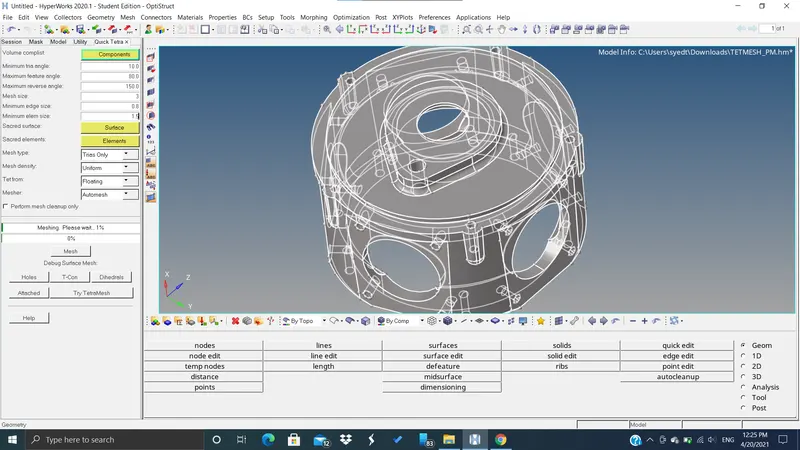
- then we selected "quick tetra mesh"
- there we selected the component
- then we inserted the parameters such as element size as 3 and tet collapse as 1.5
- then we clicked on create
- after getting the 3d tetra mesh many elements were failing for the tet collapse
- so for that, we saved those elements there
- and then in the mask option, we selected "elements" then "retrieve" then we masked the failing elements
- then we reversed the masked elements in this way we got all the failing elements
- then we went to 3d then tetra mesh parameters and then there we inserted the data such as fill voids, fix mid nodes, smoothing
- and then we remeshed those failing elements with their adjacent elements
quick tetra option
after fixing all the elements failing for tet collapse zero elements failing for tet collapse
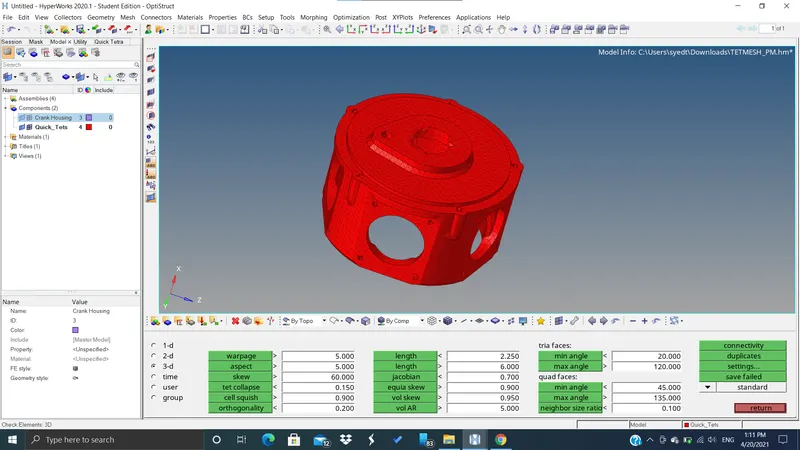
3rd modal of the challenge with zero failing elements
conclusions:-
- we learned different ways of doing tetra mesh
- we learned how to eliminate the failing elements