Week 8-3D Tetra Meshing Challenge
Objective
To mesh the given model with tetra mesh by adopting three methods i)2D to 3D conversion ii) Quick Tetra Mesh/ Volume Tetra Mesh- Utility panel iii) Quick Tetra Mesh/ Volume Tetra Mesh.
Procedure:
- i) 2D to 3D conversion
Step 1:
Open the given step file housing model
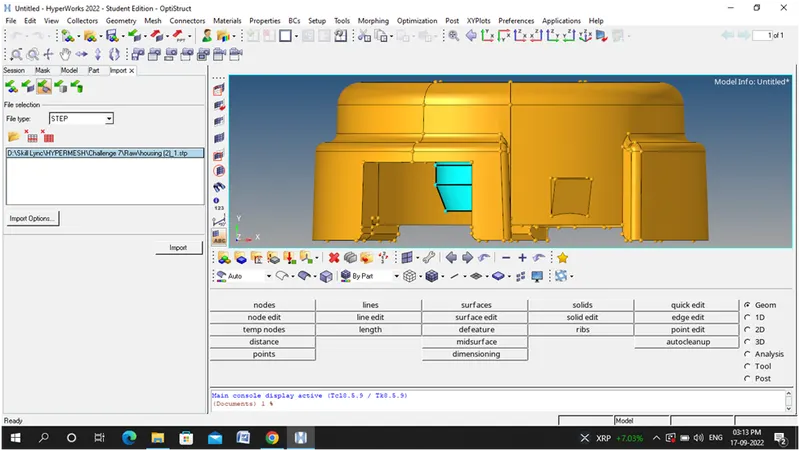
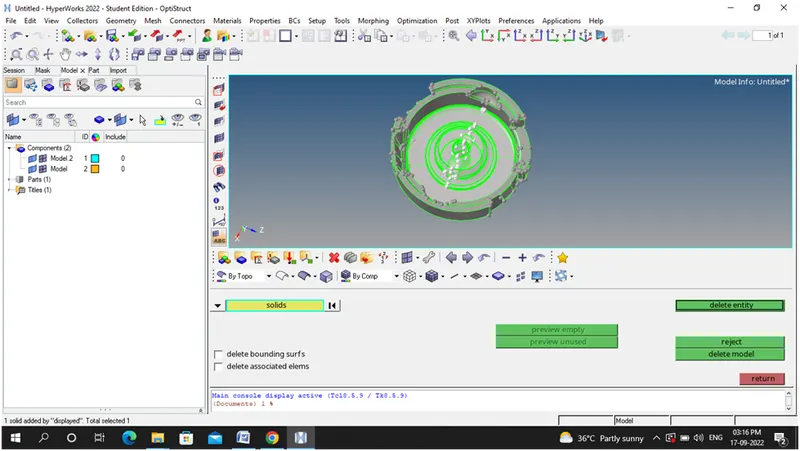
Step 2: Deleting the solid part of the model
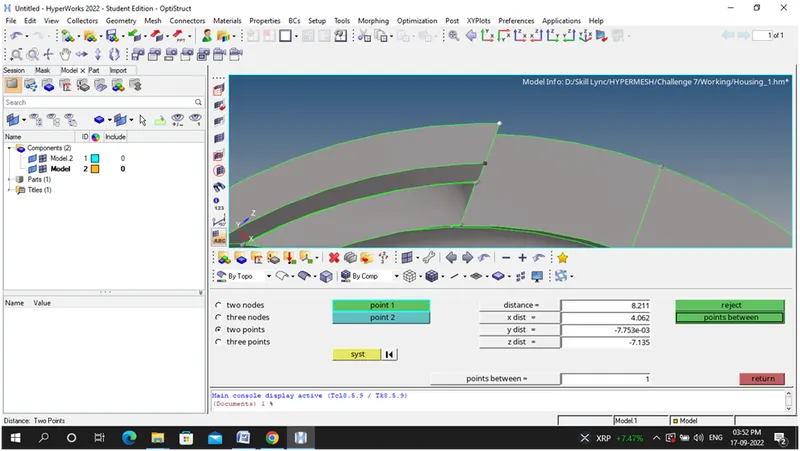
Step 3:Checking the distance ie., its 8.2mm
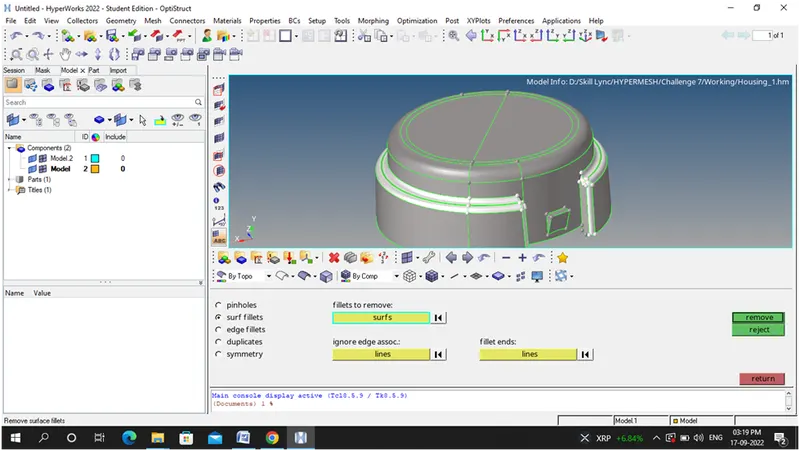
Step 4: Remove the fillet region
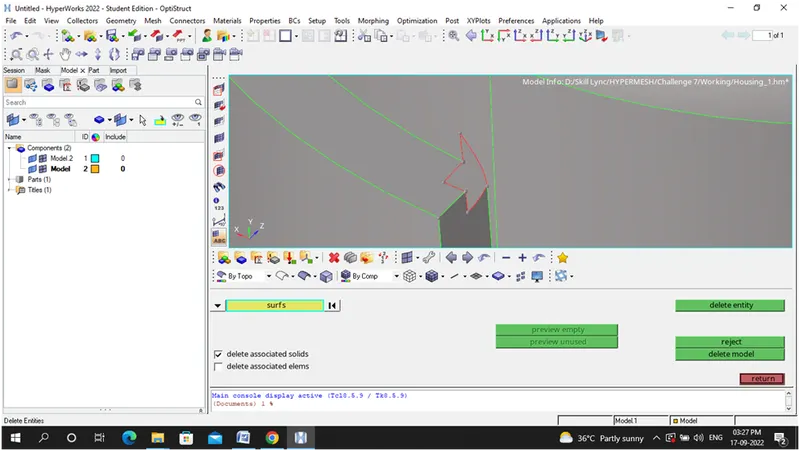
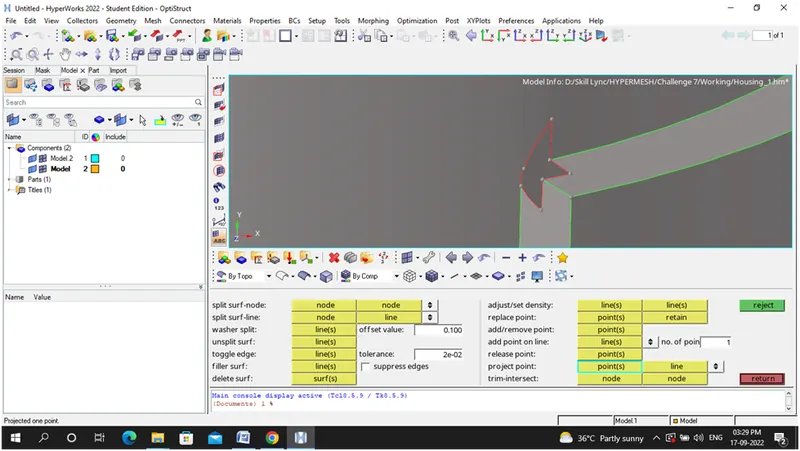
Step 5: Cleaning up the geometry manually
i)Surface Delete Option
ii)Project points option, replace points option, toggle edge option
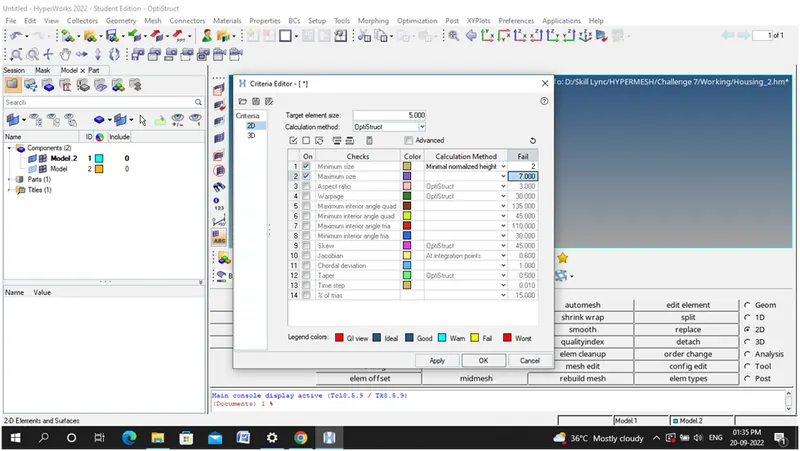
Step 6: Setting quality Criteria
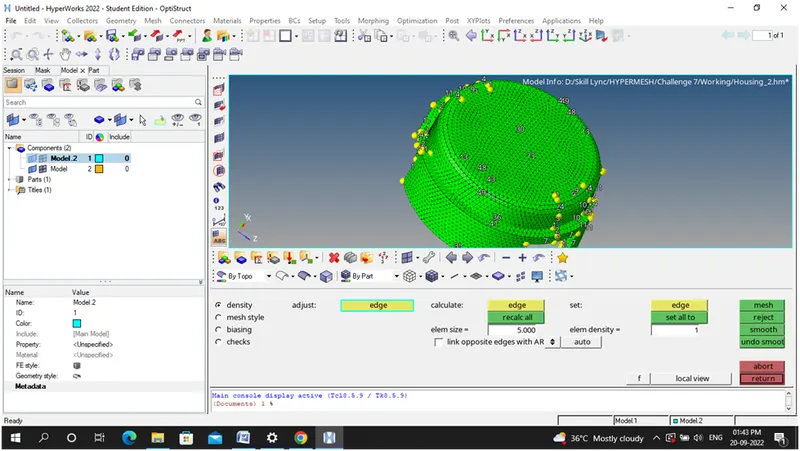
Step 7: Mesh the given component
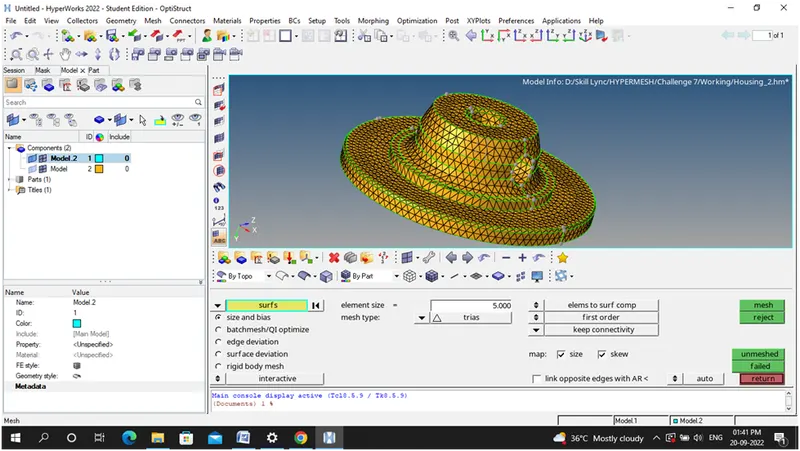
Step 9: Clearing the quality issues
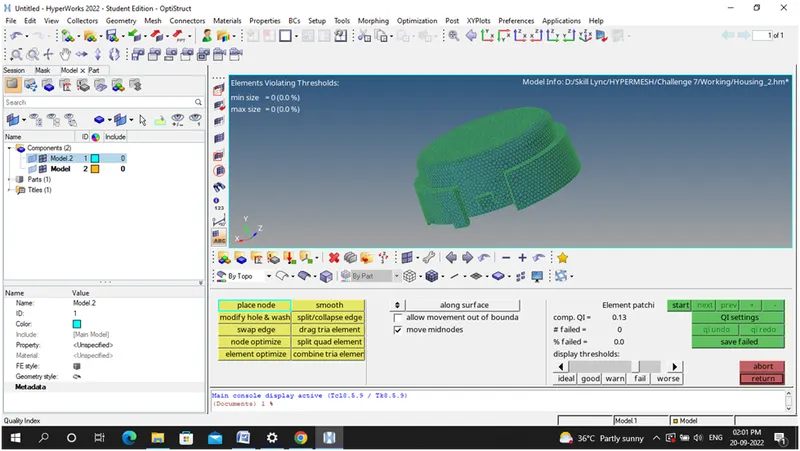
Step 10: converting the 2D tria mesh into 3D tetra Mesh
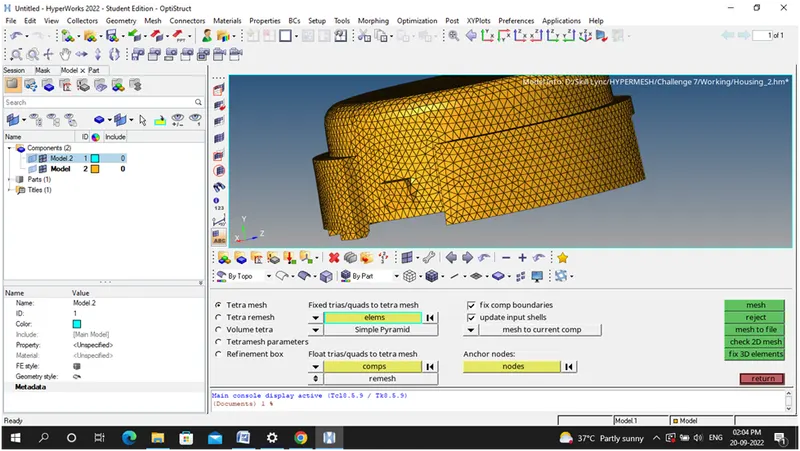
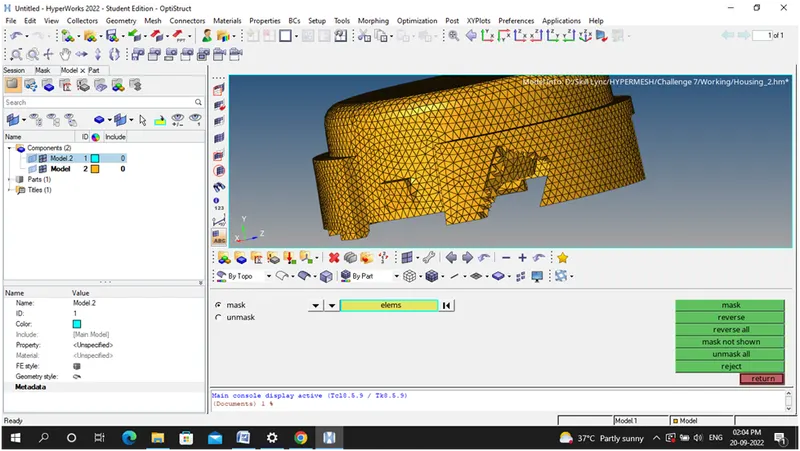
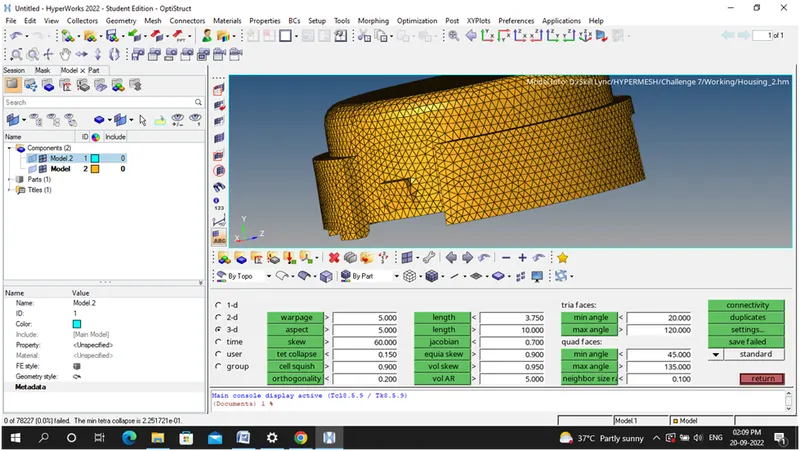
Step 11: Checking the quality issues for 3D Tetra mesh ie., Tet Collapse-0.15
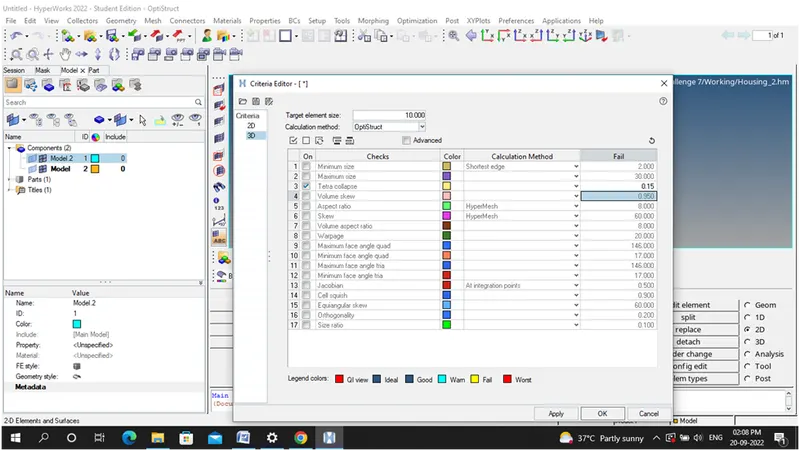
No elements failed for Tet collapse quality criteria for 3D mesh
Final Completed Model
- ii) Model 2- Quick Tetra Mesh/ Volume Tetra Mesh- Utility panel
Step 1: Import the model by using import the geometry
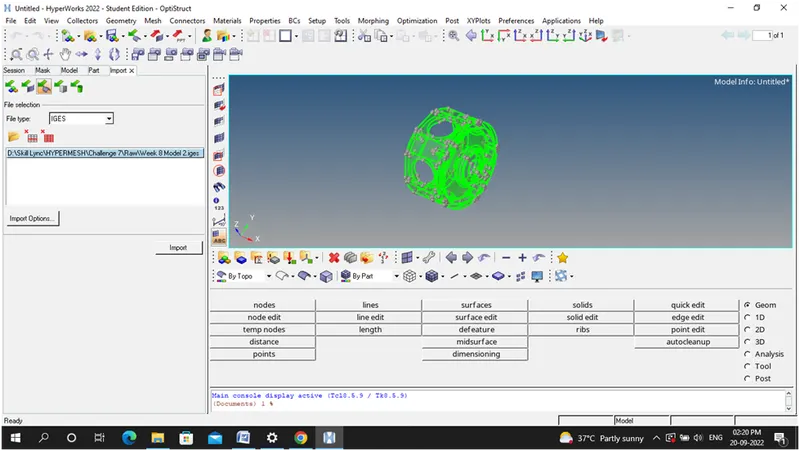
Step 2: Delete the solids
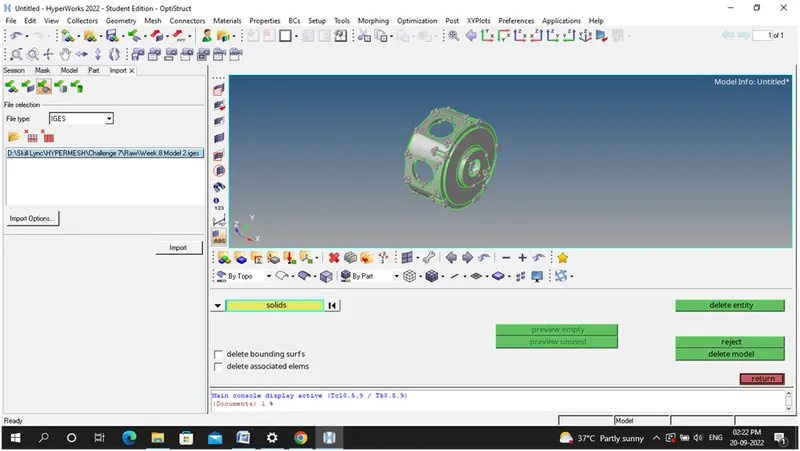
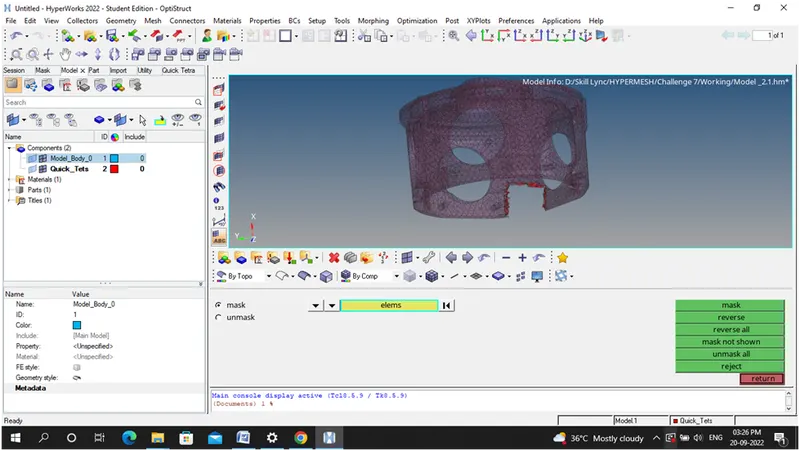
Step 3: Directly 3D mesh the elements
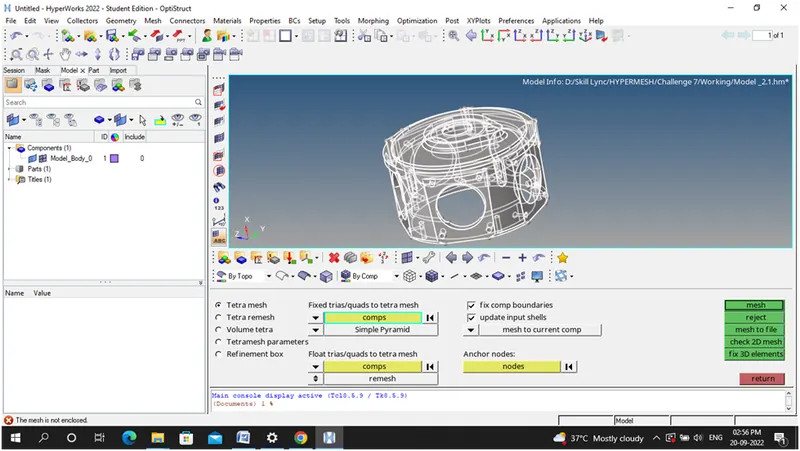
Step 4: Another way of 3D meshing
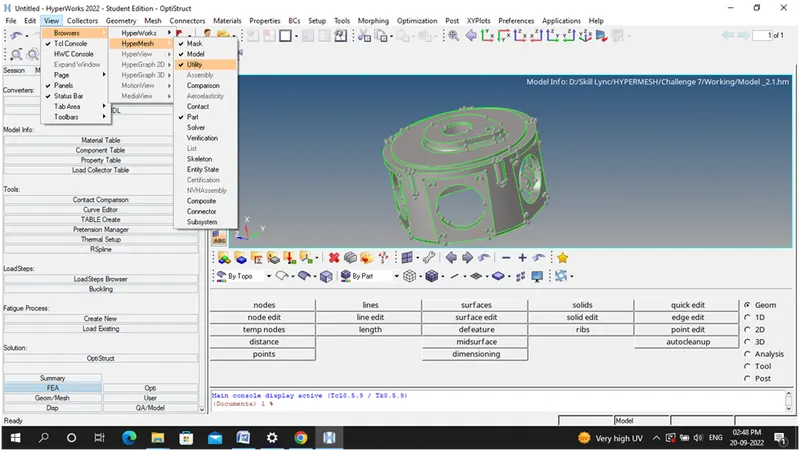
Step 5:Click- Geometry Tools +quick tetra mesh to open the 3D mesh Module
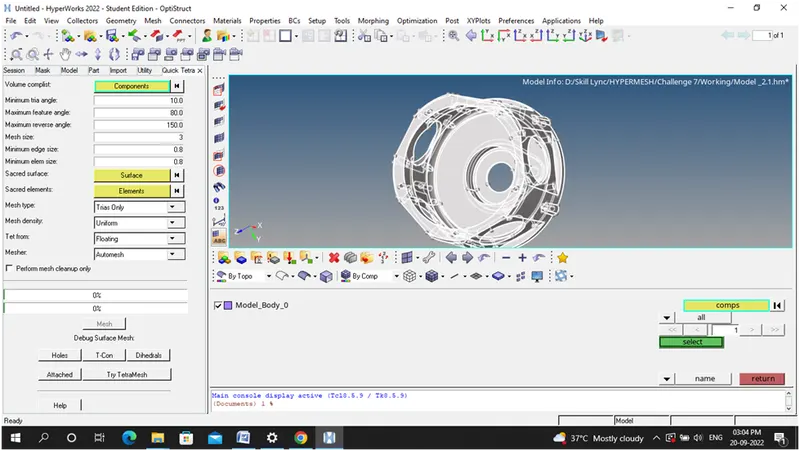
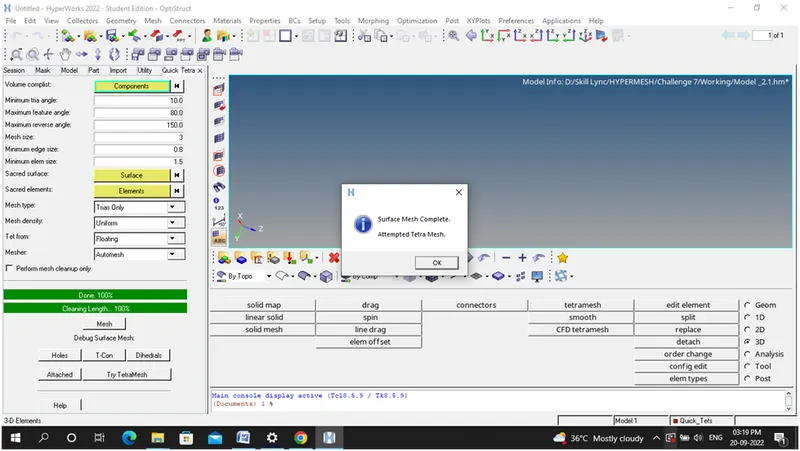
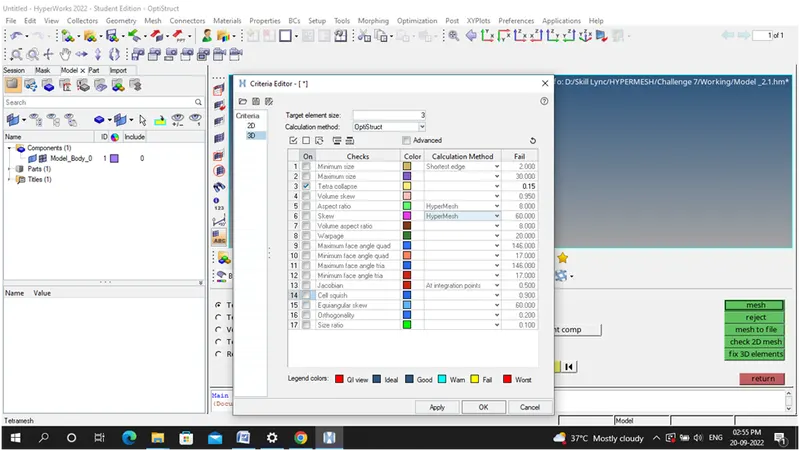
Step 6: Setting Quality criteria
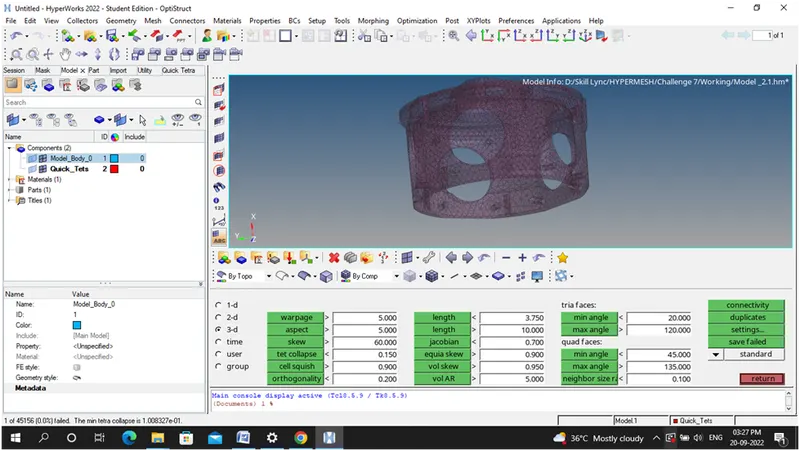
Step 7:Final Completed Model
Model 3:Volume Tetra mesh method
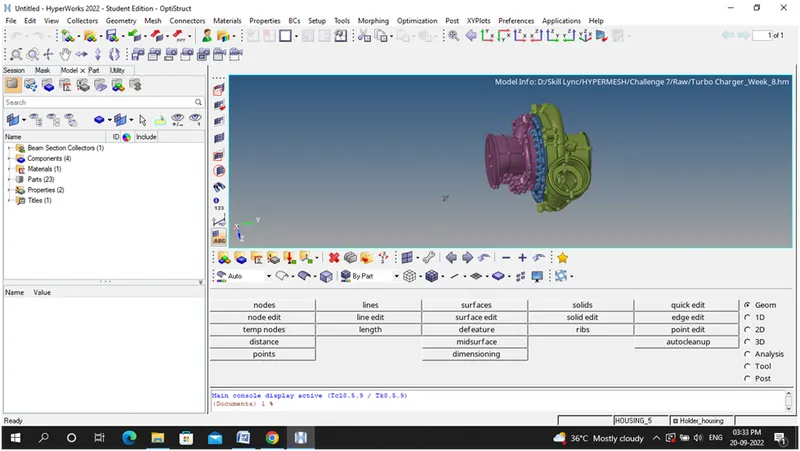
Step 1:Import the model
Step 2:Mesh the model –Volume tetra –mesh the casing
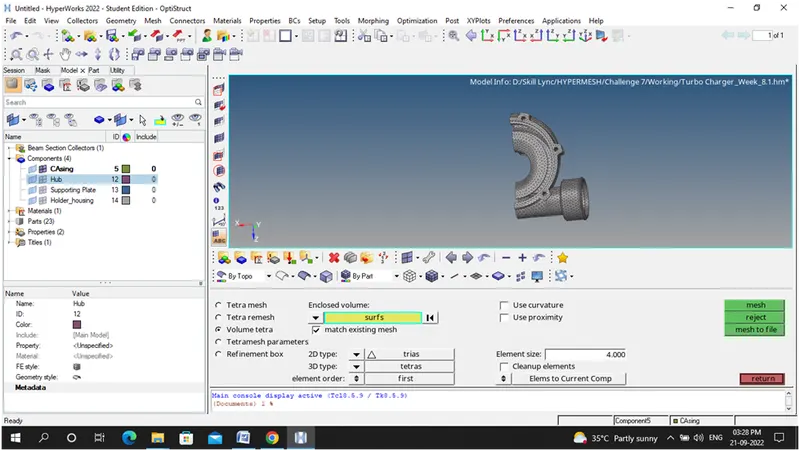
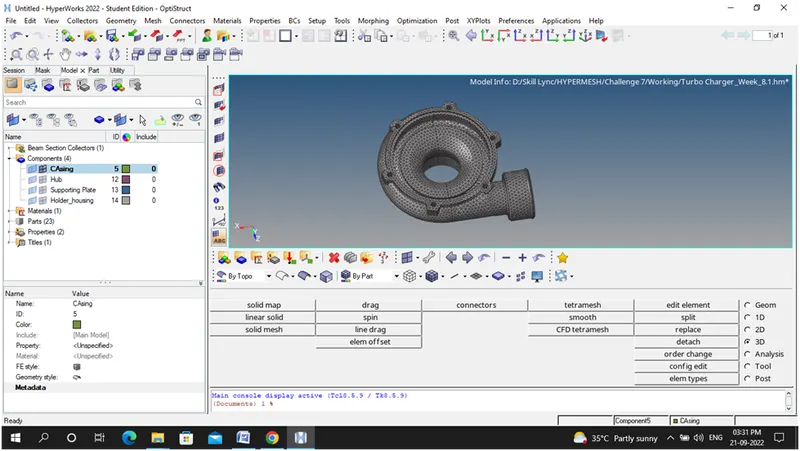
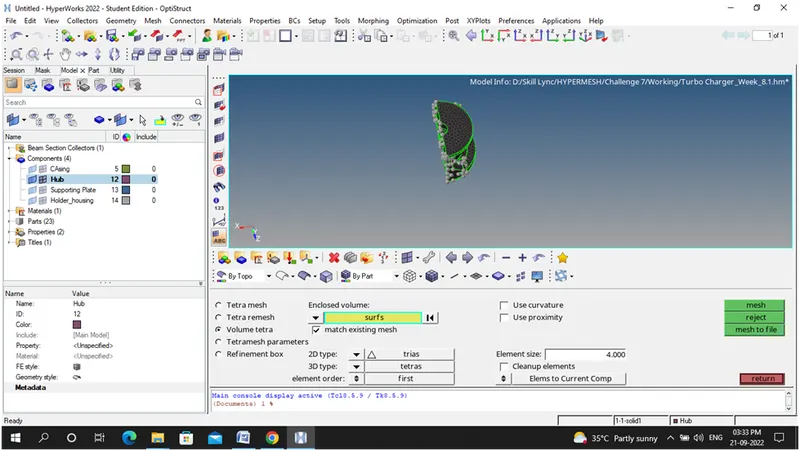
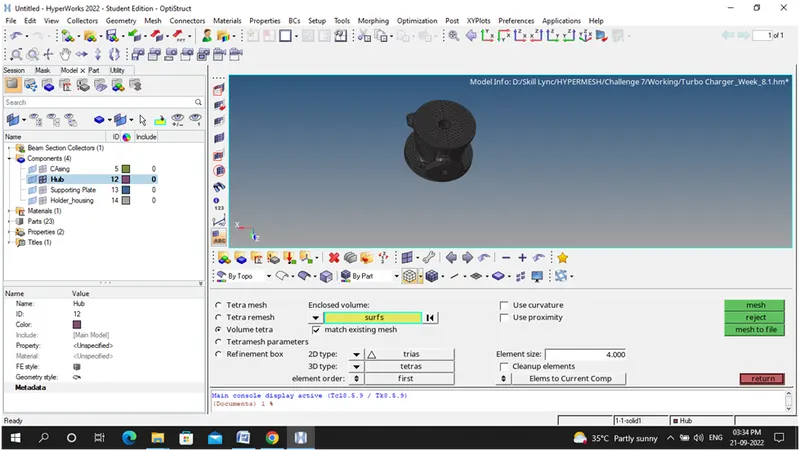
Step 3: Mesh the hub
Step 4:Mesh the housing
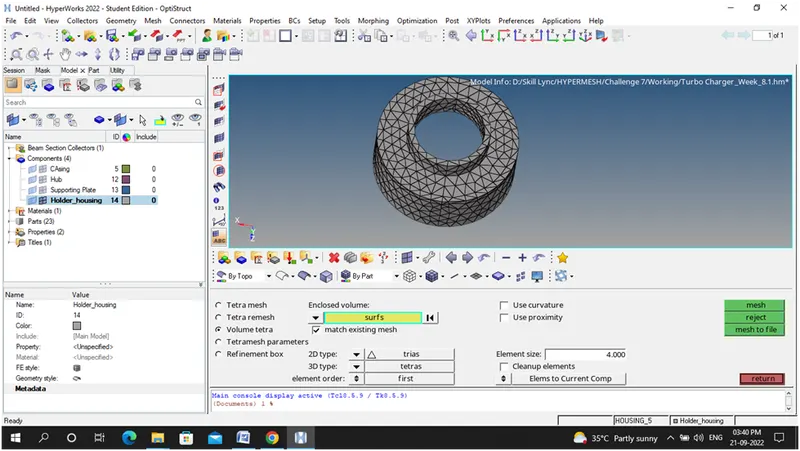
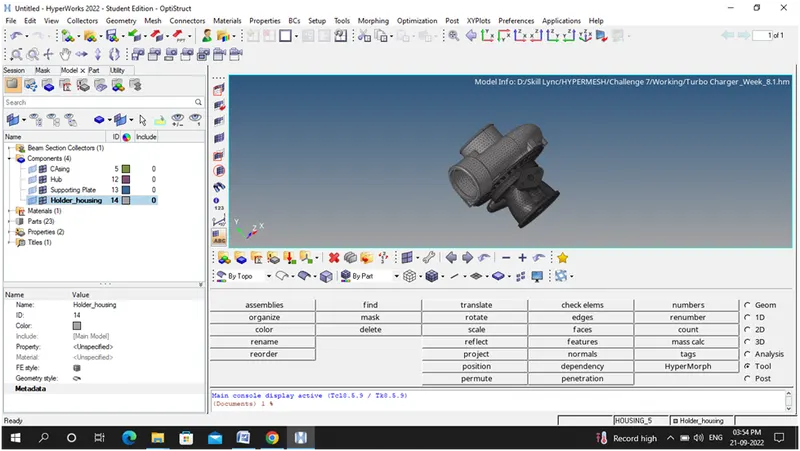
Step 5: Finally Completed Model
Conclusion:
Successfully mesh (Tetra Mesh ) the given model by adopting 3 methods i)2D to 3D conversion ii) Quick Tetra Mesh/ Volume Tetra Mesh- Utility panel iii) Quick Tetra Mesh/ Volume Tetra Mesh.