Week - 4 - 2D meshing for Plastic components
S.No:1
AIM:
To clean up the geometry discontinuties with the help of TOPO module in ANSA preprocessor Tool.
PROCEDURE:
STEP1:
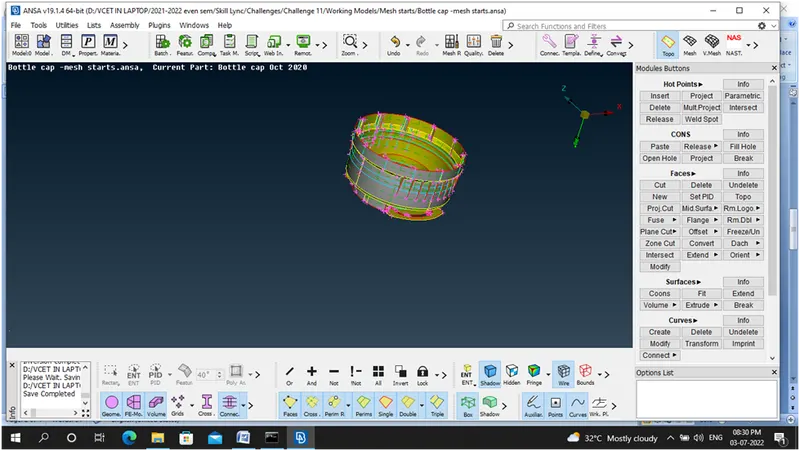
Import the given model using File –Open Command
STEP 2:
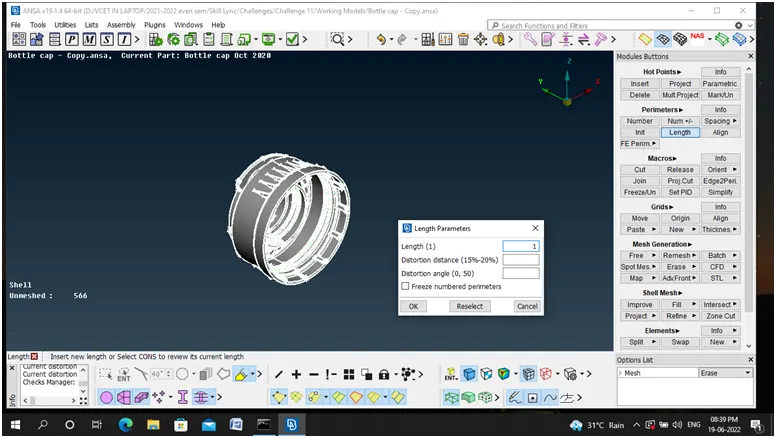
Mesh-Perimetre-Length & Macros make it as 1
STEP 3:
Check-Geometry -12 Errors
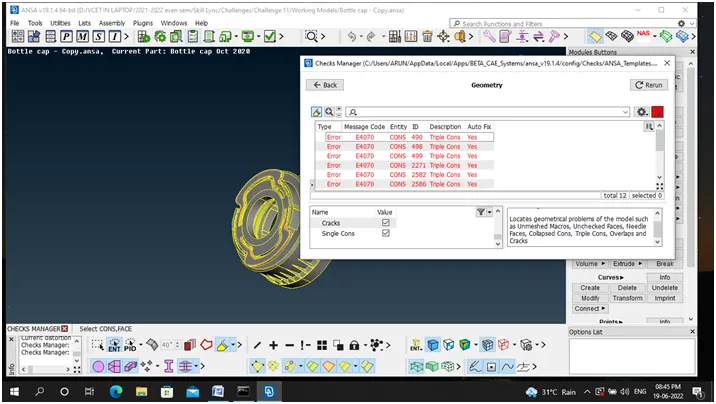
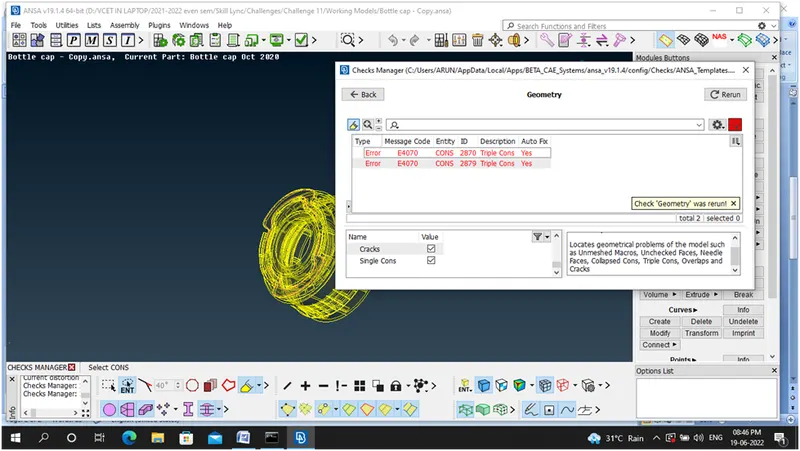
STEP 4:Autofix Command used –Errors reduced to 2
STEP6: By using Offset Command, (Various Offsets Thickness are there in this Component) Mid Surface Generated and Geometry Clean up Takes Place.
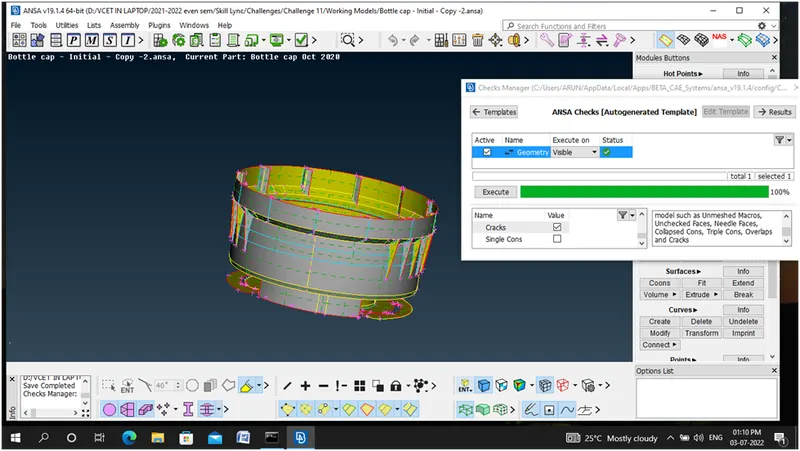
STEP 7: Orient – Grey volume Outside , Yellow Volume Inside
LEARNING OUTCOMES:
Learnt about how to take offset for components having varying thickness and how merge with them and also learnt about how to utilize the commands like
Faces-Extend,Intersect,Middle.
Curves-Middle
Cons- Project
Hot Points-Project,Multiproject
CONCLUSION:
Learned about how to cleaning up the geometry discontinuities with the help of TOPO module in ANSA preprocessor Tool as well as how to take offset for components having varying thickness.
S.No:2
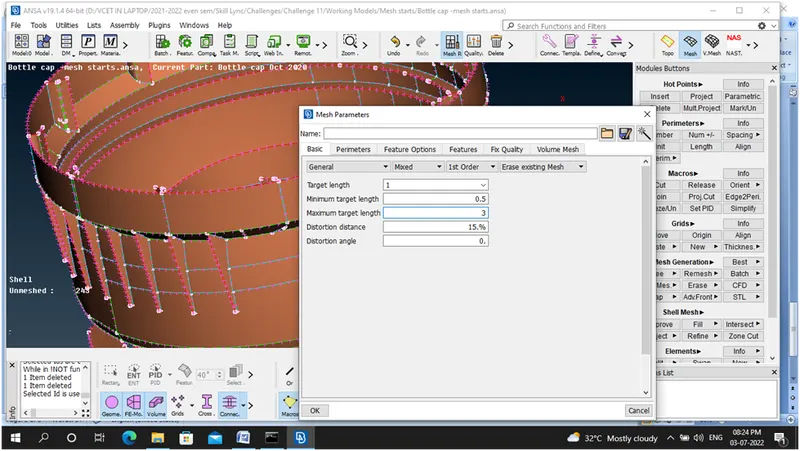
STEP8: MESH –Element Target Length-1MM
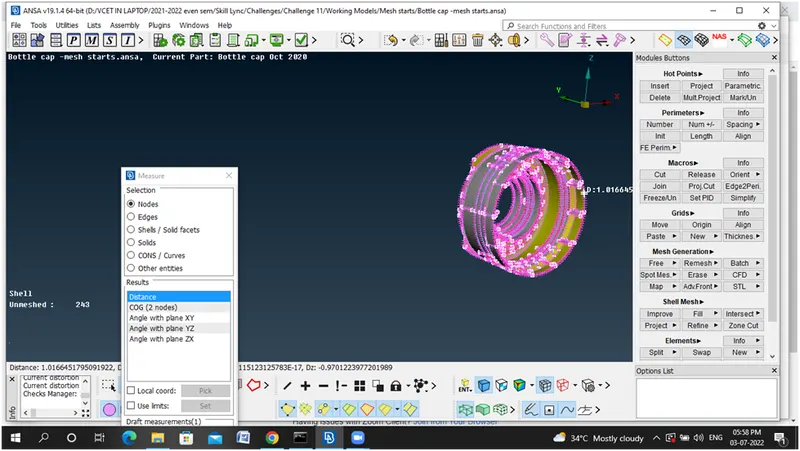
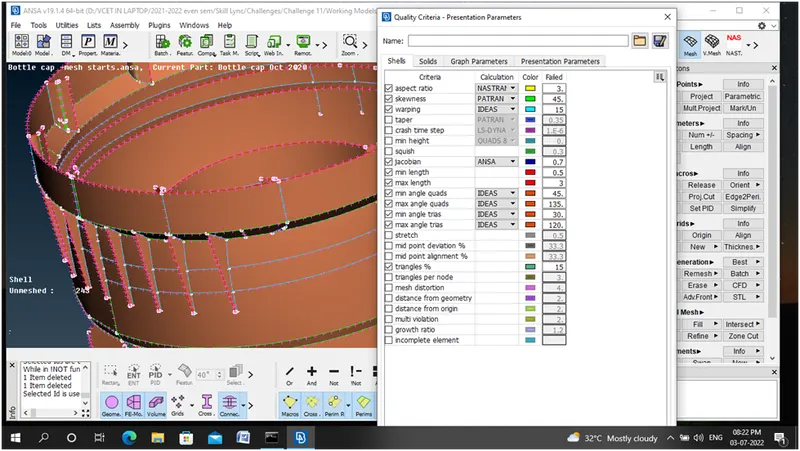
STEP 9: Setting Quality Criteria
STEP 10: Setting Mesh Parametres
STEP 11: Made the Off elements nearly to zero
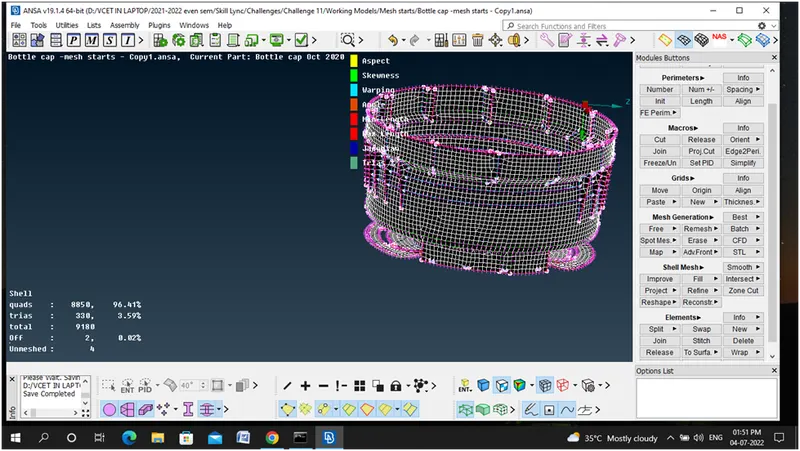
STEP12: Draw Shell as solid Tab Enabled
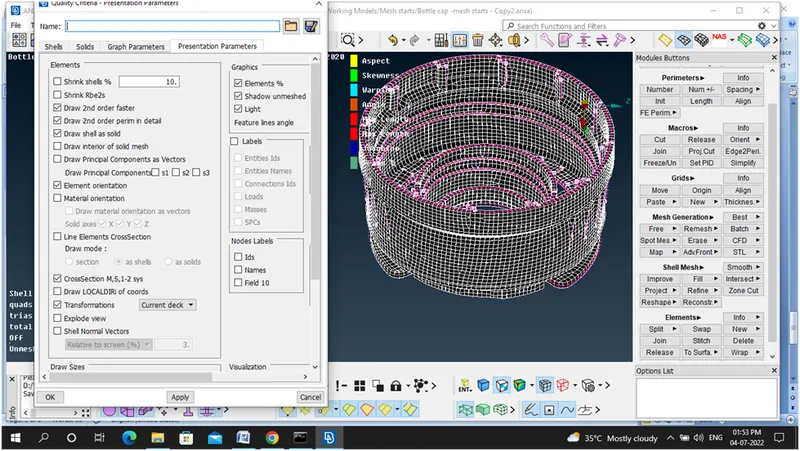
LEARNING OUTCOMES:
Learned about how to utilize the mesh module and also practiced to utilize the commands like
Mesh Generation-Best
Shell mesh-Reshape, Reconstruction, Smooth
CONCLUSION:
Learned about how to generate Mid surface for the given Bottle Cap Model and mesh with good mesh flow, No Off elements, Thickness Assignment.