Week 8-3D Tetra Meshing Challenge
Aim:
To generate tetra meshing on the given number of model with zero tet collapse.
Procedure:
The first step is to import model after that start meshing. Mesh the surface of the componenet with triangular shape.
Increase and decerease the number of element and make a good mesh flow.
Check for the minimum and maximum length of the element the tool tab and complete the 2D meshing.
Go to 3D modeling and use tetra meshing to make the model as 3d tetra mesh model.
For element 1:
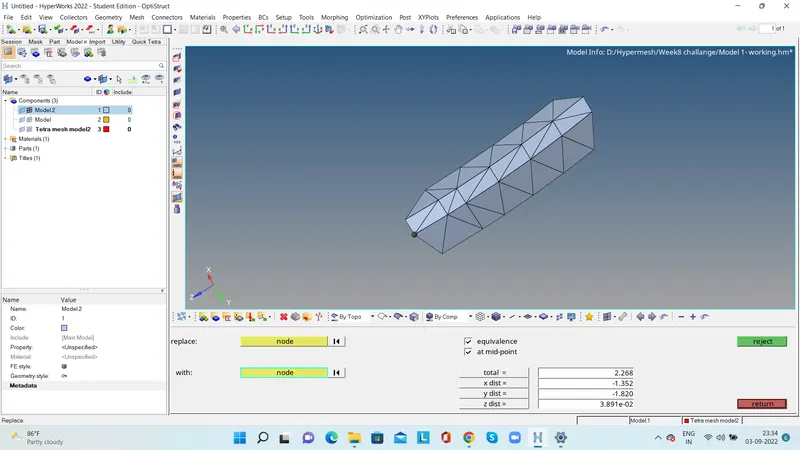
Feed the 2D mesh element model into the tetra mesh and complete the meshing and check for the 3D element quality parameter
Check for the tet collapse and save the failure elements and by using mask option the dispaly the failured elements and make zero tet collapse.
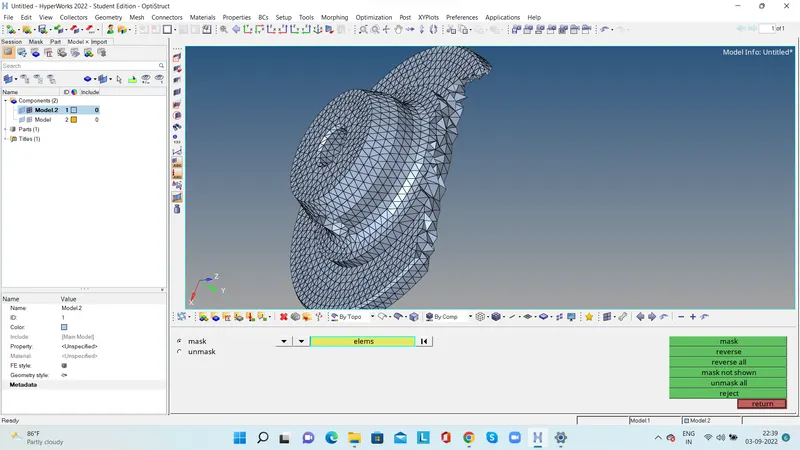
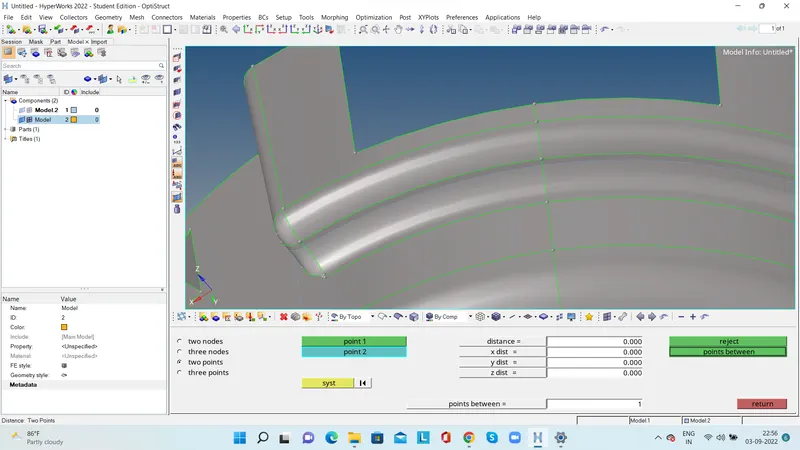
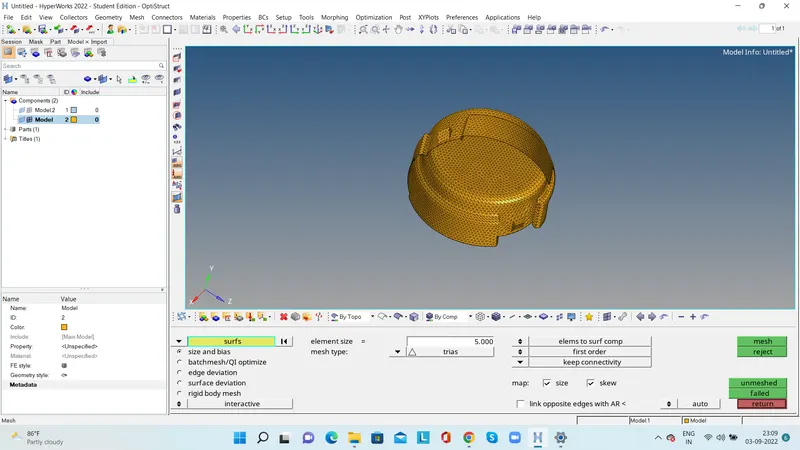
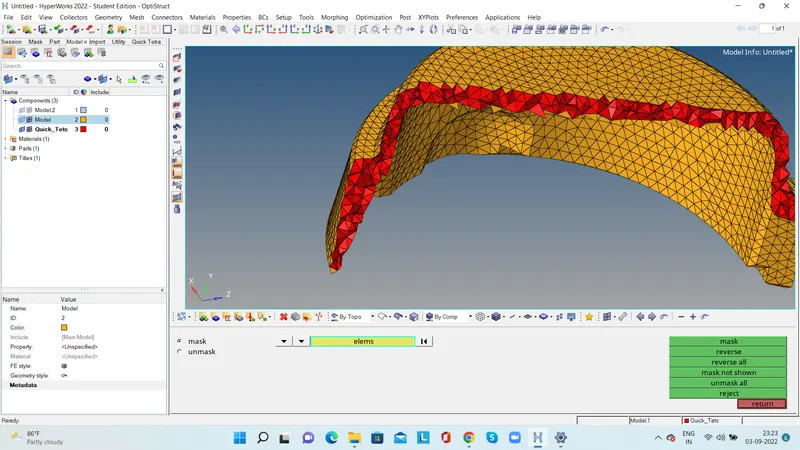
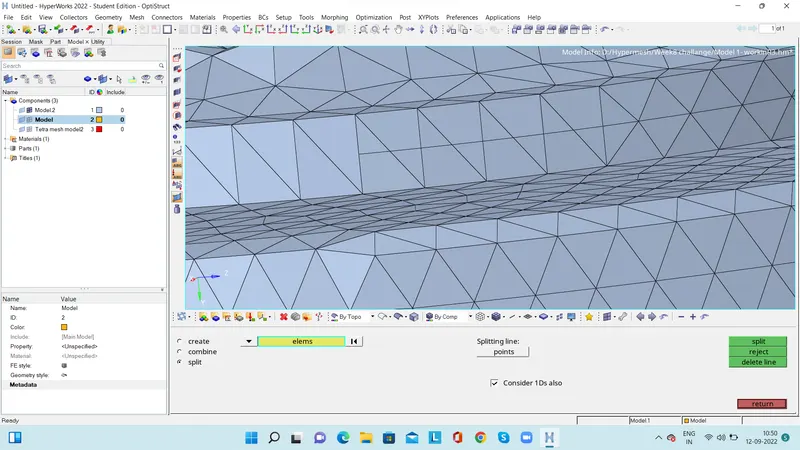
Use the split option to split the element and clear the element length failure.
For model 2:
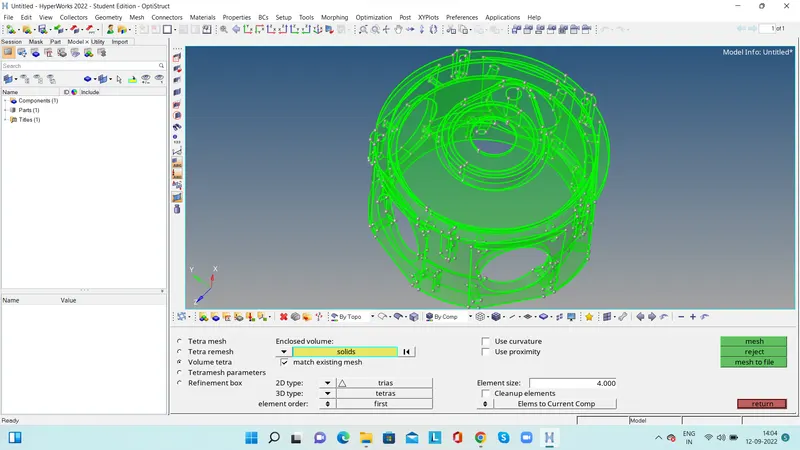
Use the volume meshing option.In volume meshing we can directly feed the solid model.
Feed the target element length and tet collapse value and complete the meshing.
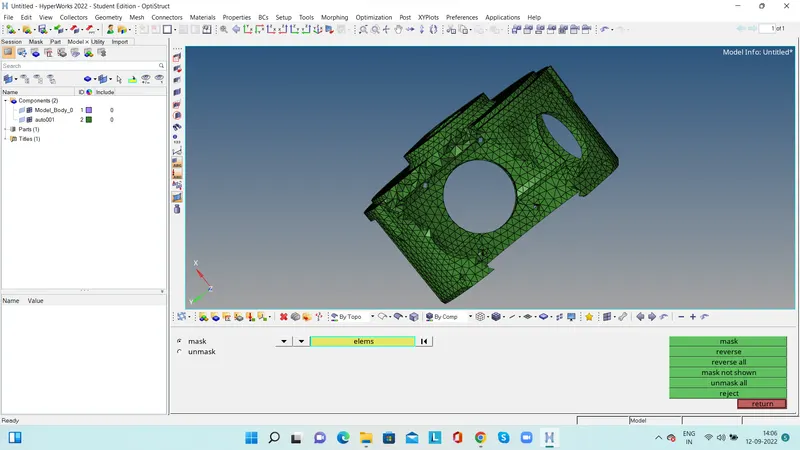
Chek for the tetcollapse and using mask option dispaly the failed elements. Uste tetra resmhing option and change the height of the elemnt to achieve the tet collapse.
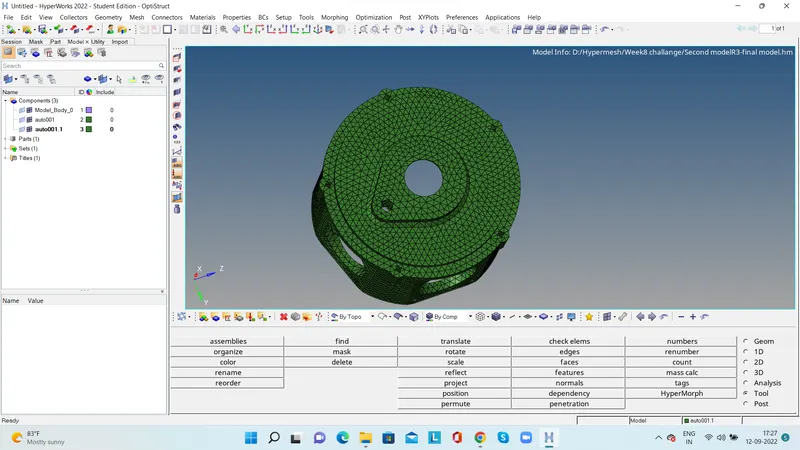
Conclusion:
Completed tetra meshing for the given componenets.
Outcome:
- When ever the thickness of the component is heigher than the 6 mm tetra mmeshing is prefarable.
- When the minimum and maximu length of the mesh or quality is very important we should make 2D mesh model and then convert into 3D esh model
- When quality parameters is not important only tet collapse for 3D is mandatory we can choose volume mesh or rapid mesh. Meand we can directly feed the solid or componenet without 2D mesh model and make a 3D mesh model