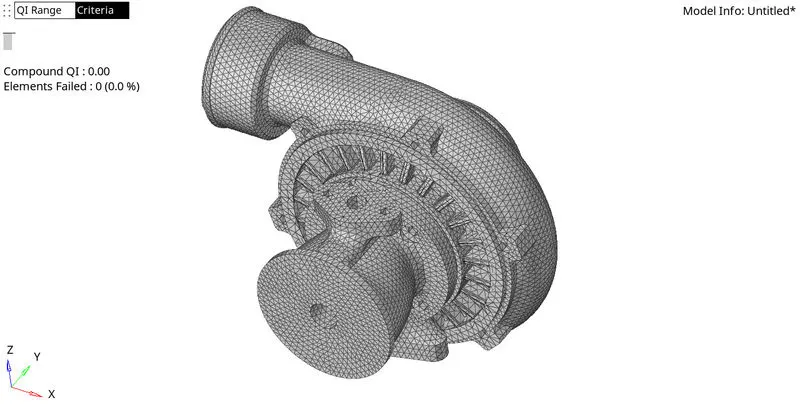
Week 8-3D Tetra Meshing Challenge
AIM :
To create the teramesh for the given components.
Model 1:
TetraMesh Generation Method: 2D to 3D Conversion
Elements sizes: Min- 2 Units, Target- 5 Units, Max- 7 Units
Tet collapse: 0.15
Model 2:
TetraMesh Generation Method: Quick Tetra Mesh/ Volume Tetra Mesh
Target Element size: 3 Units.
Tet Collapse: 0.15
Model 3:
TetraMesh Generation Method: Quick Tetra Mesh/ Volume Tetra Mesh
Target Element size: 4 Units.
Tet Collapse: 0.15
PROCEDURE :
Model 1:
1. Import the cad model in hypermesh.
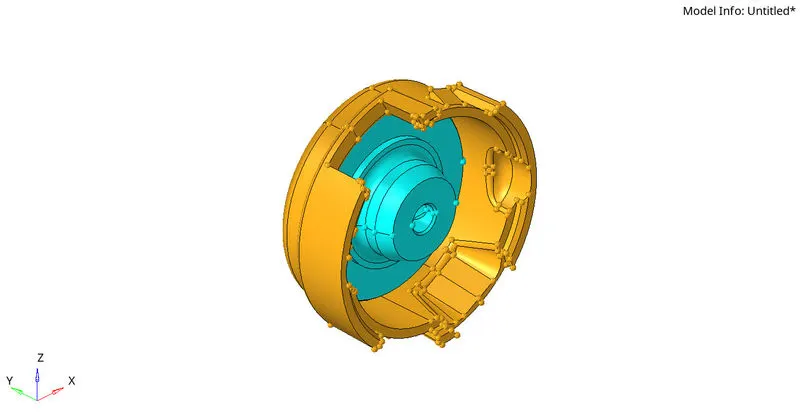
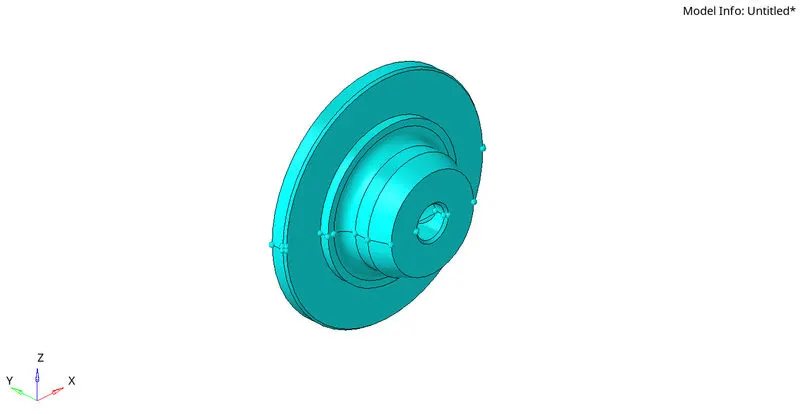
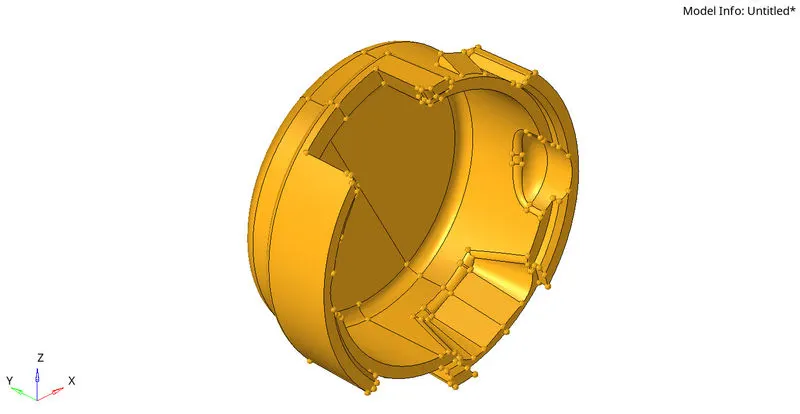
2. Check geometry, Close the open surfaces and delete solid geometry.
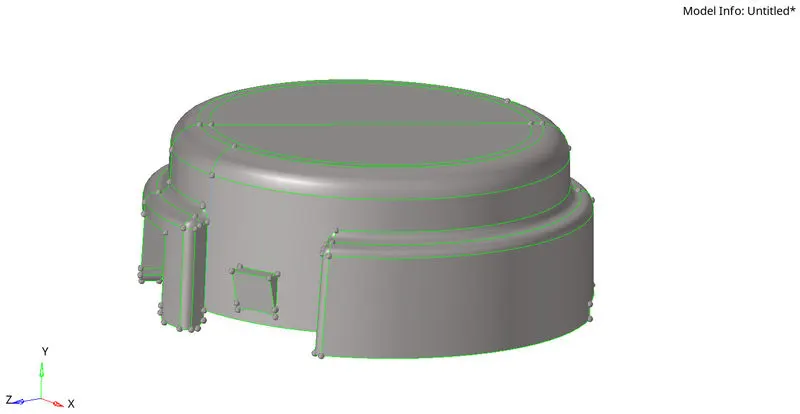
3. Mesh the surface with tria elements: Elements sizes: Min- 2 Units, Target- 5 Units, Max- 7 Units.
2D > AUTOMESH > SURFACE > SELECT THE SURFACE > ELEMENT SIZE 5 > MESH
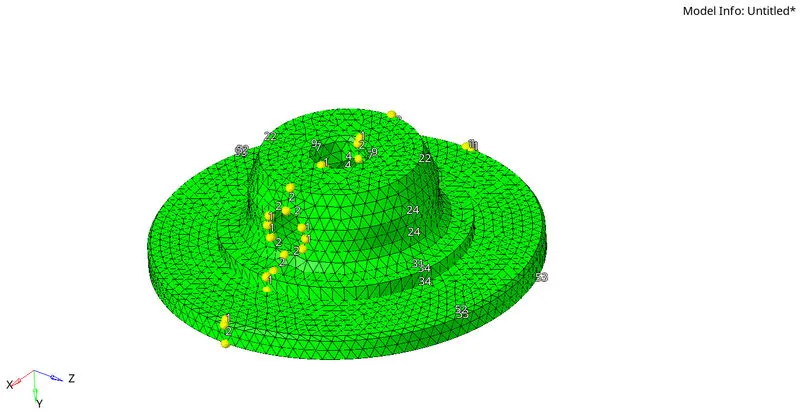
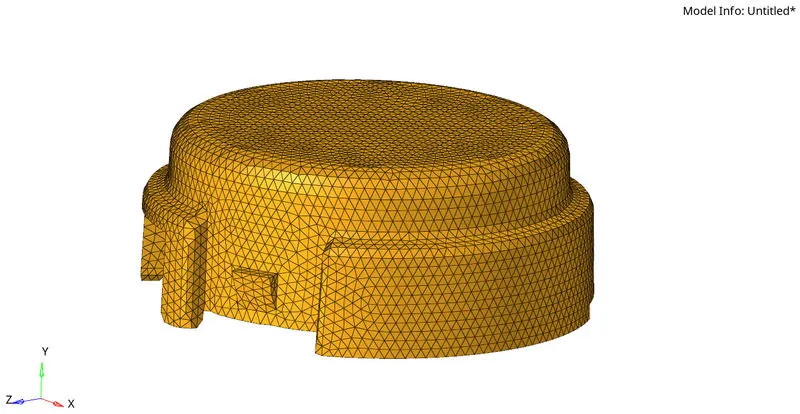
4. Check elements in the Quality index and correct the failing elements with cleanup tools.
5. Mesh the 2D elements into tetra elements with tet collapse of 0.150.
3D> TETRAMESH> TETRAMESH> PARAMETER> Tet Collapse 0.150> MESH
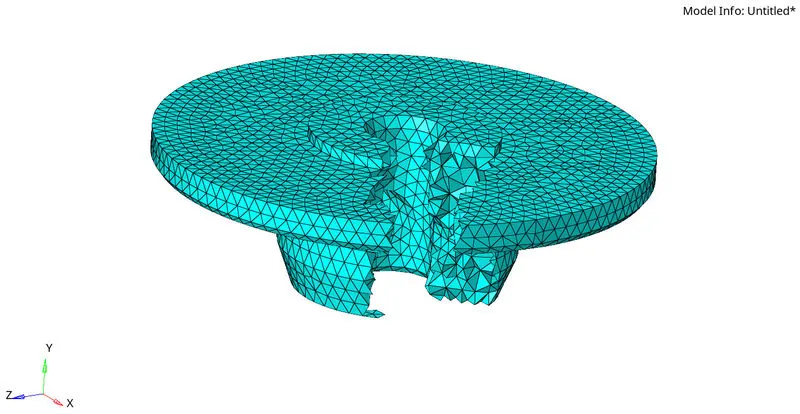
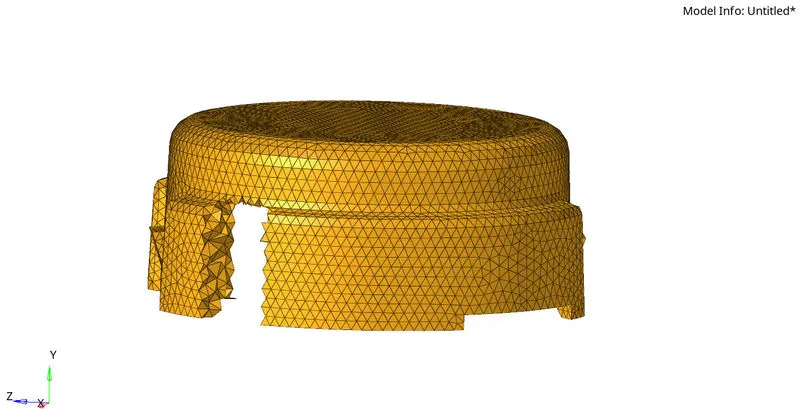
Here the 2D elements are converted into 3D elements by the tetramesh.
Model 2 :
1. import the cad model.
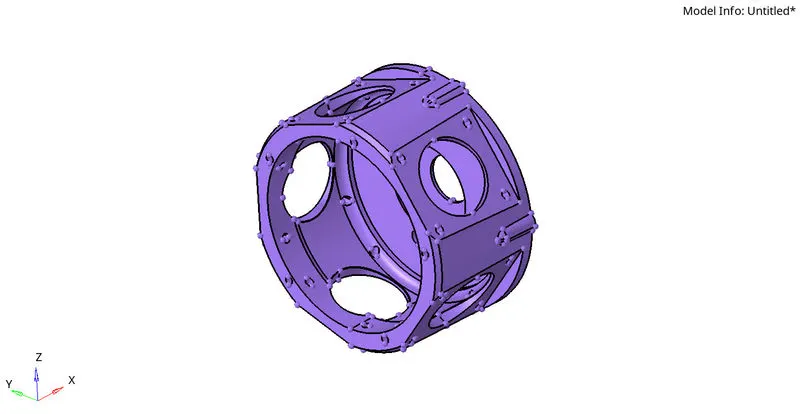
2.Create the quick tetra mesh.
View> Browse> Hypermesh> Utility > Geomesh> Quickmesh> Componets> Mesh size: 3> Mesh.
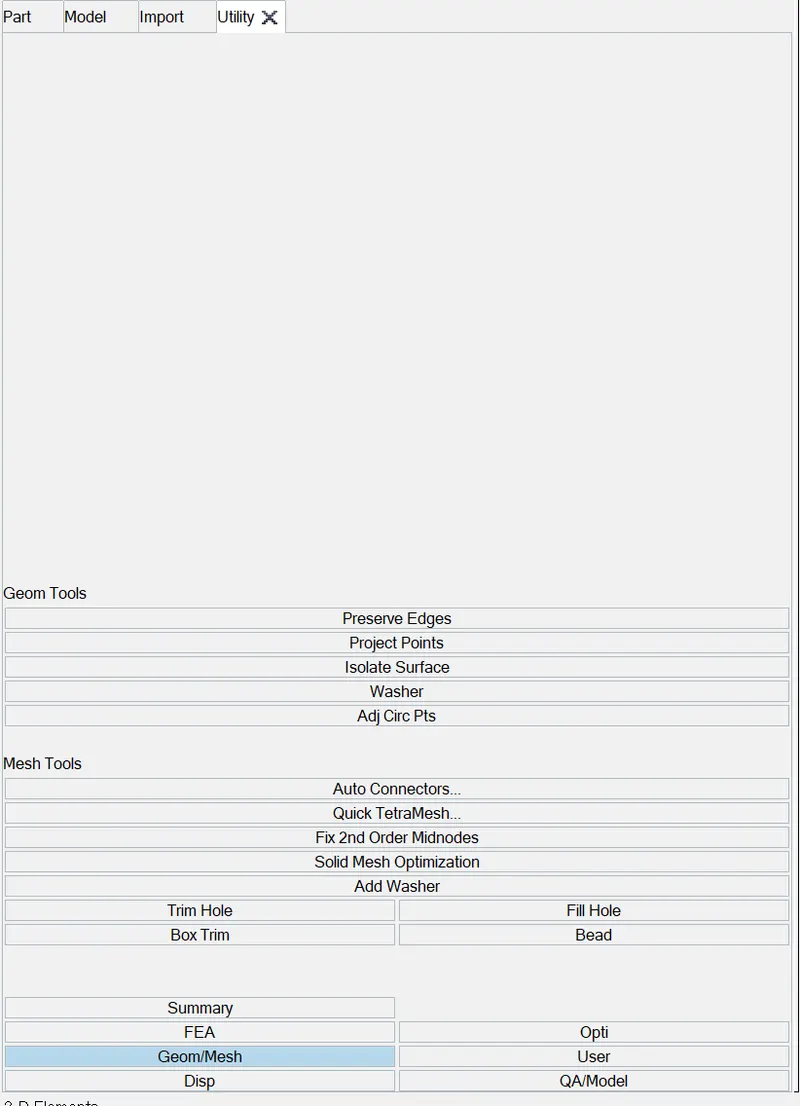
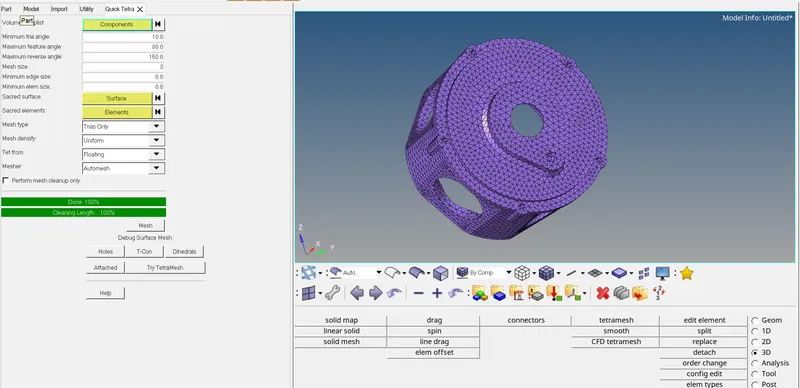
3. If many tetra elements are failed in tet collapse use Tetra Remesh to clean the fail elements.
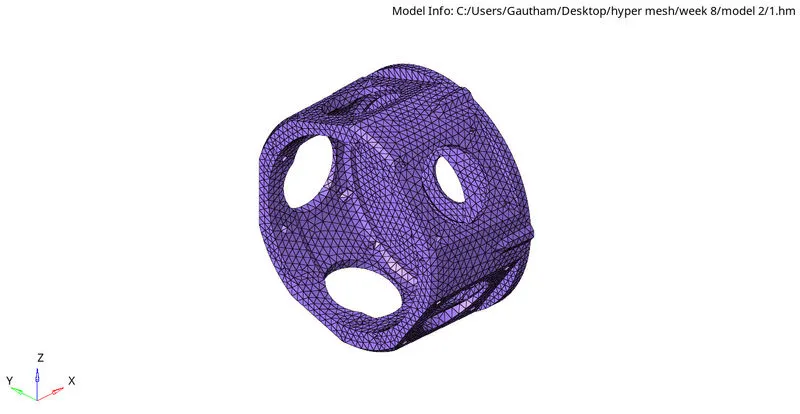
Here the tetra mesh is generated by using Quick tetra mesh from the utility panel.
Model 3 :
1. Import the cad model and check the geometry.
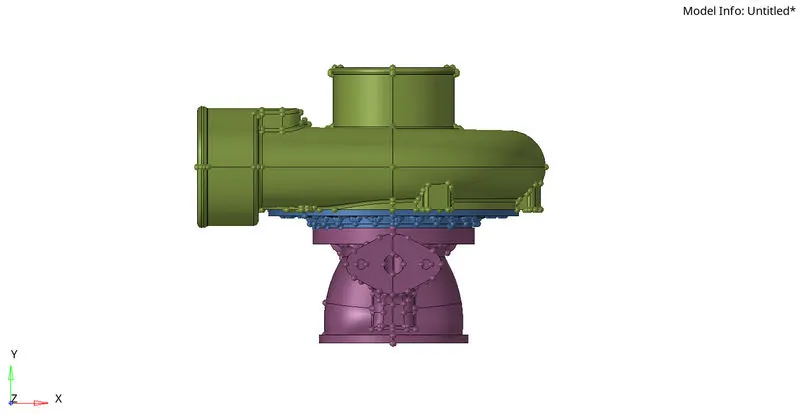
2. Mesh the model in solid geometry.
3. Mesh the component in Volume tetra.
3D> Tetramesh> Volumetetra> select the solid > Element size: 4> Tet collapse: 0.150> Mesh.
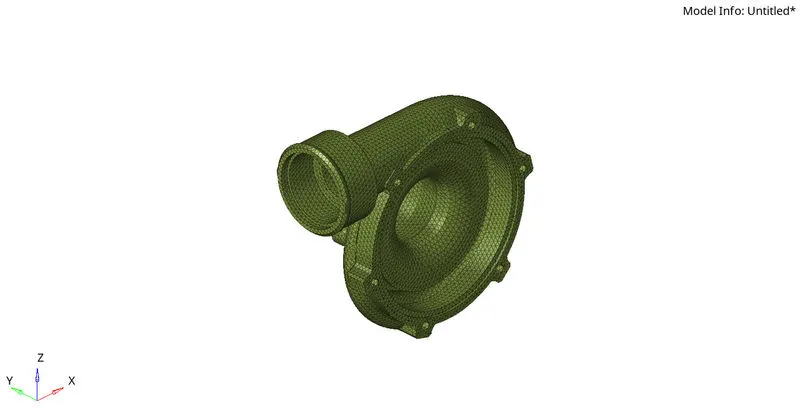
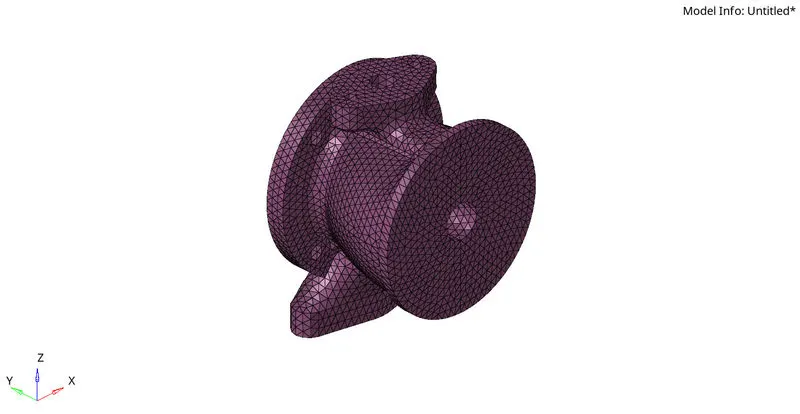
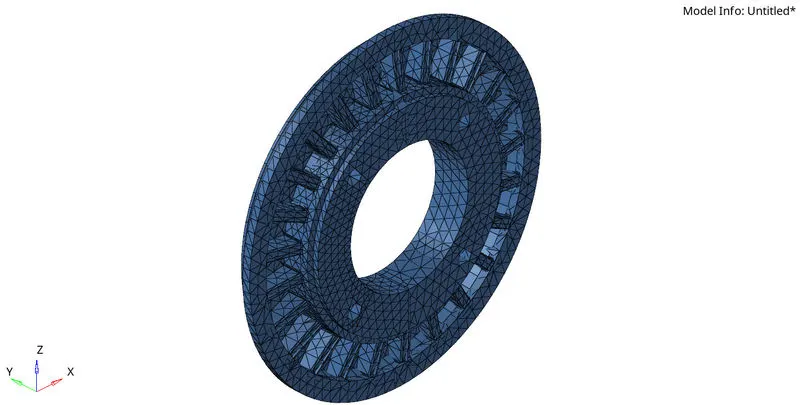
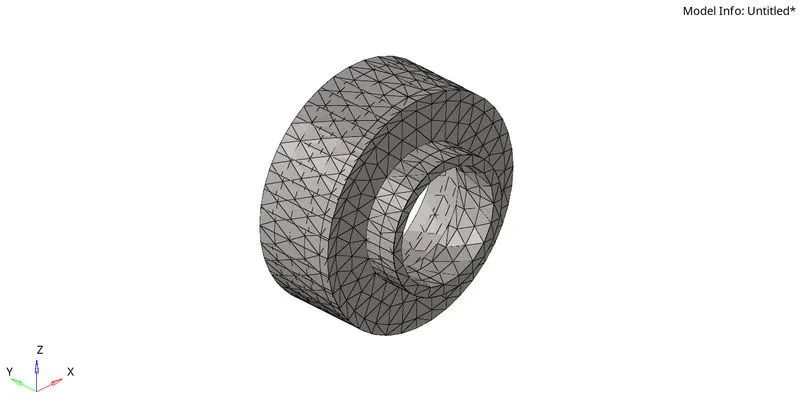
Here the components are meshed with volume tetra mesh and the tet collapse fail elements are corrected by tetra remesh.
RESULT:
The given models are 3d meshed by given quality criteria .
FINAL IMAGES:
Model 1:
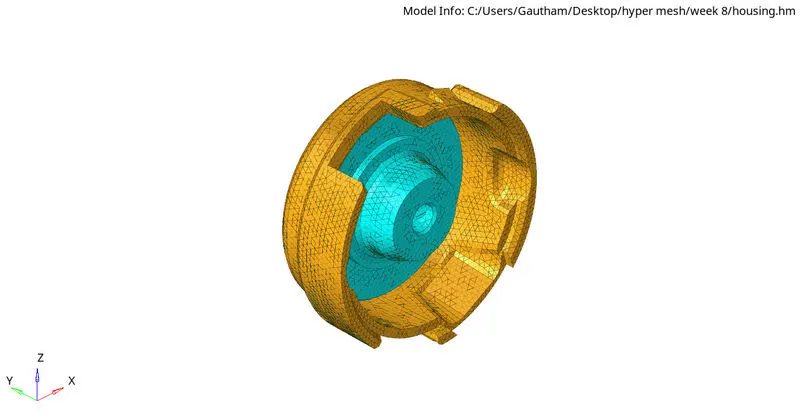
Model 2:
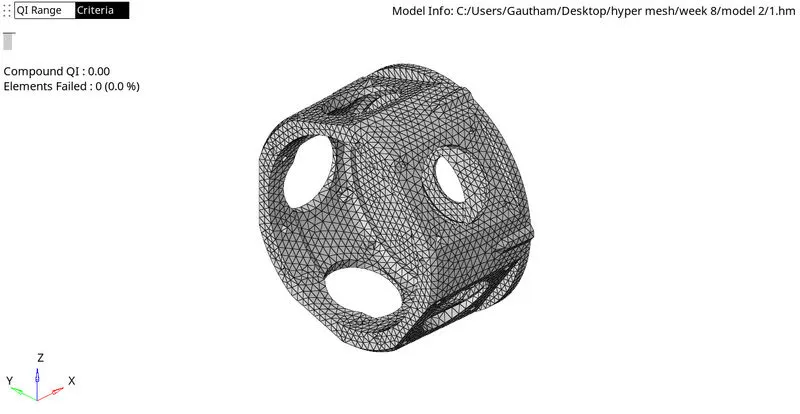
Model 3: