Week 8-3D Tetra Meshing Challenge
Aim: to create a 3d tetra mesh for the given models as per the given quality criteria.
objective: To create a 3d tetra mesh for the given models .for each model has its own quality criteria.
basic procedure for model1 housing
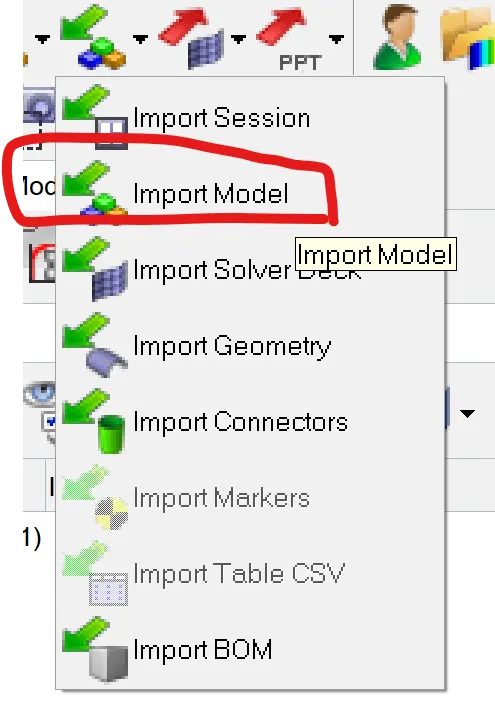
1. import :
select import model
2. geometry clean up and 2d meshing
after importing of model check for the solid if it is present delete the solid from the model. geometry cleanup is takesplace by using tool quick edit.

In this, it is not required to obtain the mid surface because we are creating 3d tetra mesh. the 2d mesh is created by selecting the surface of the component.
we are using trias type of element only with given quality criteria.

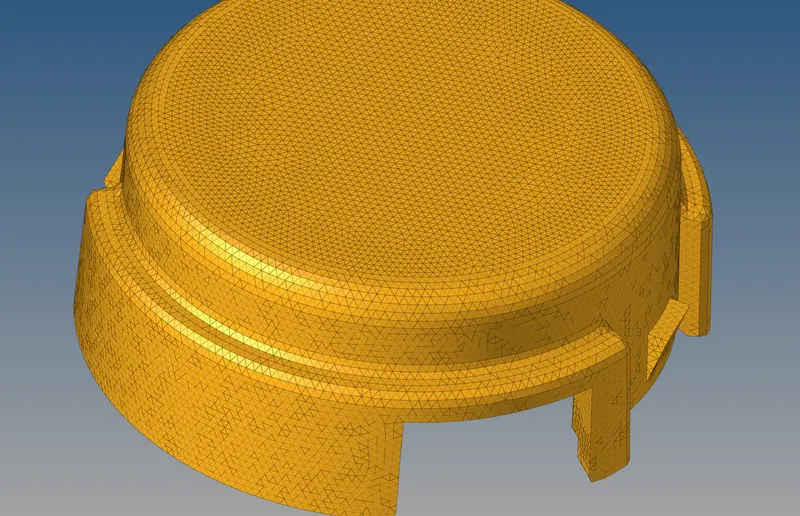
3. creating of tetramesh:
3d - tetramesh - tetramesh.
in this select the 2d elements create mesh.

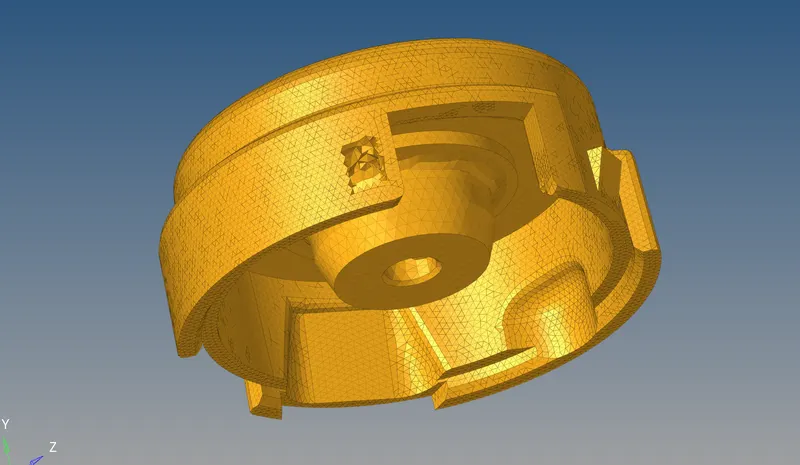
2. creating the quick tetra mesh for model 2:
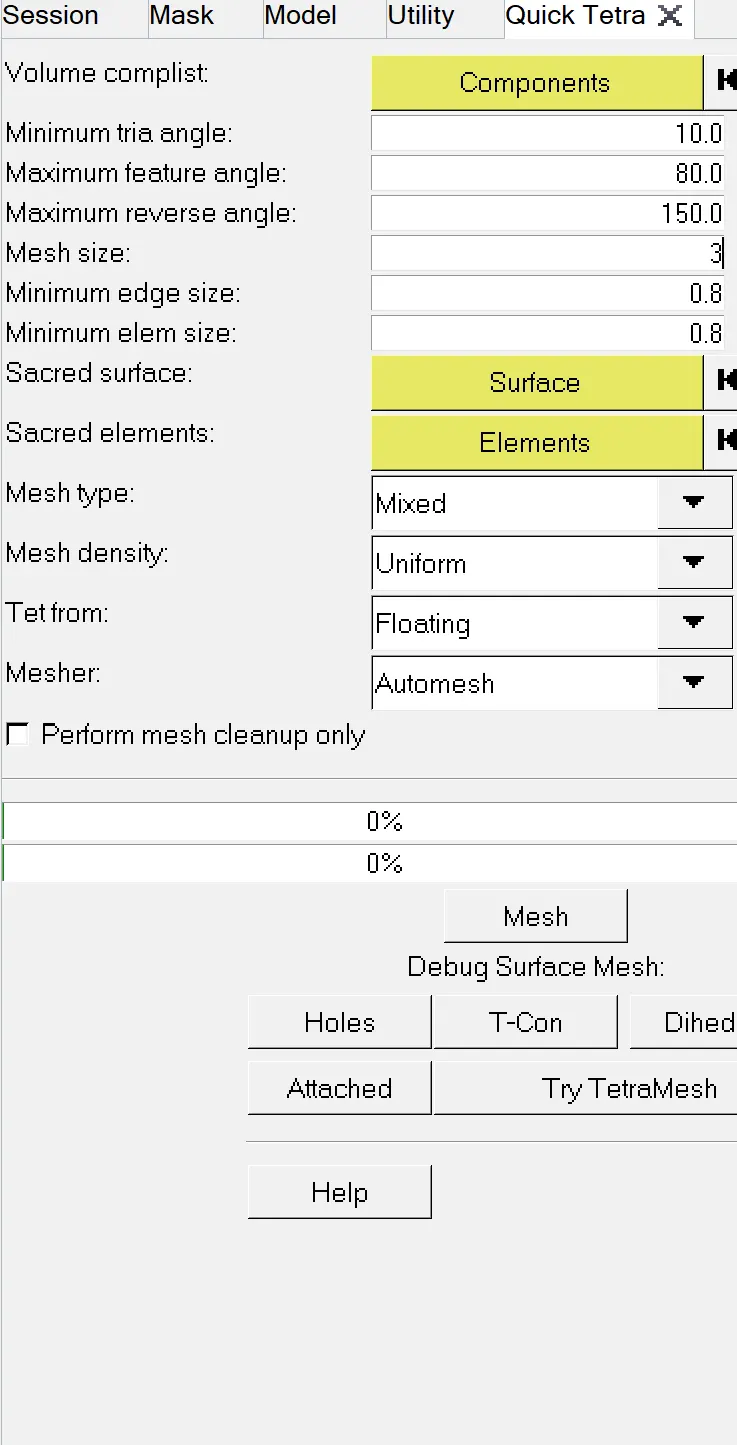
View - browser - hypermesh - utility - geom/mesh - quicktetra mesh.
select the componet - mesh type - tria only- mesh.
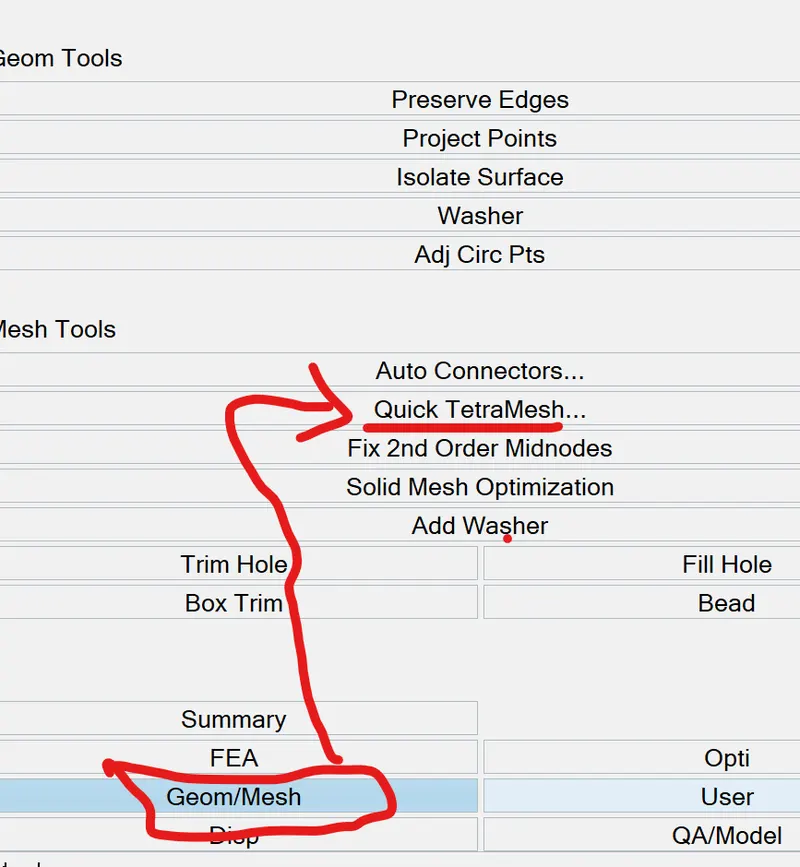
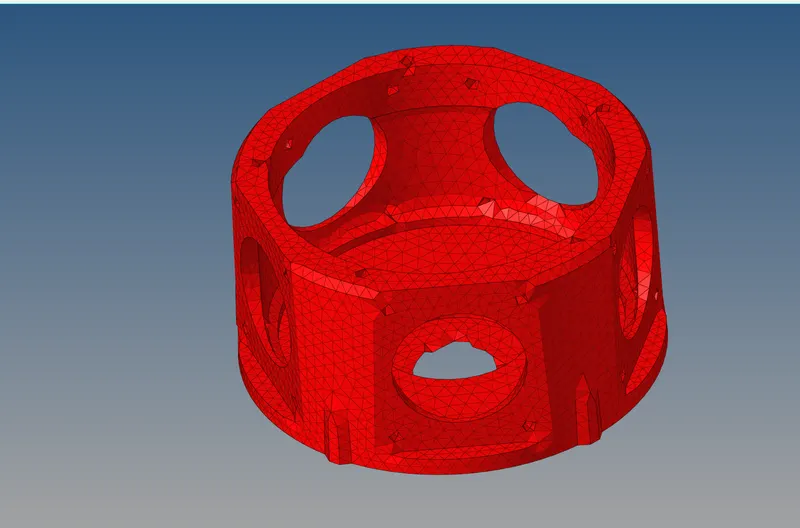
3.quick tetra mesh for model 3:
same procedure is followed as per model 2 but we have to change the quality criteria.
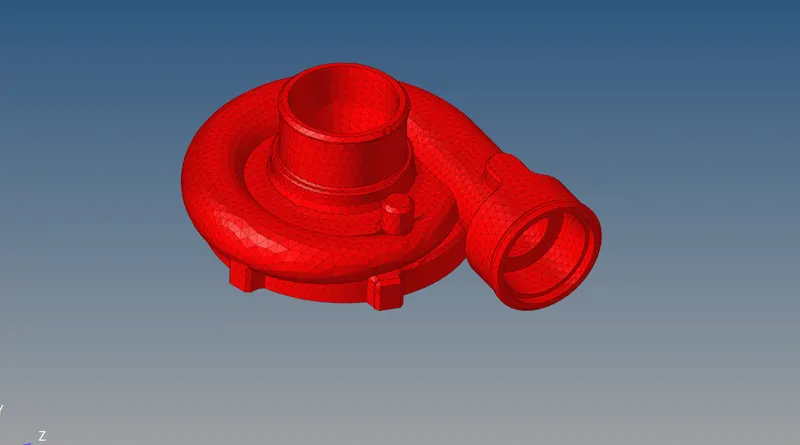
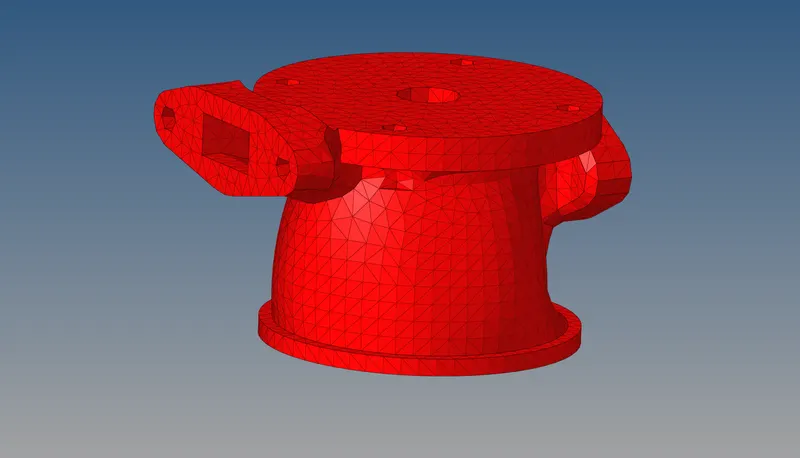
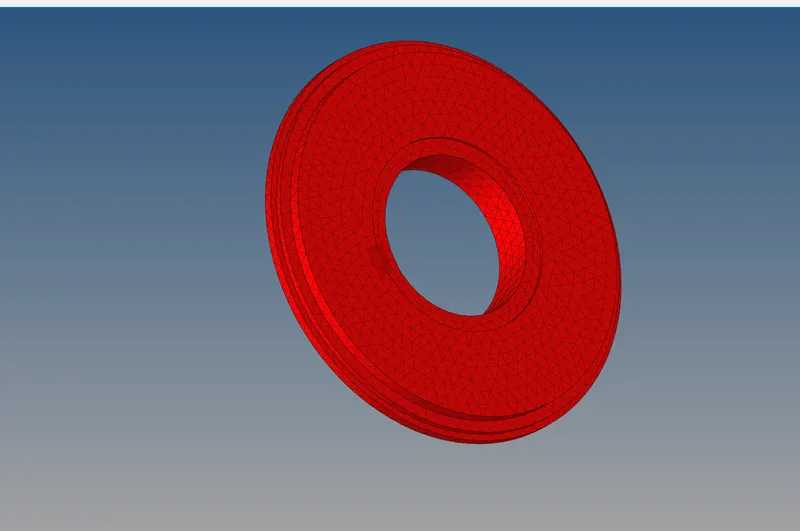
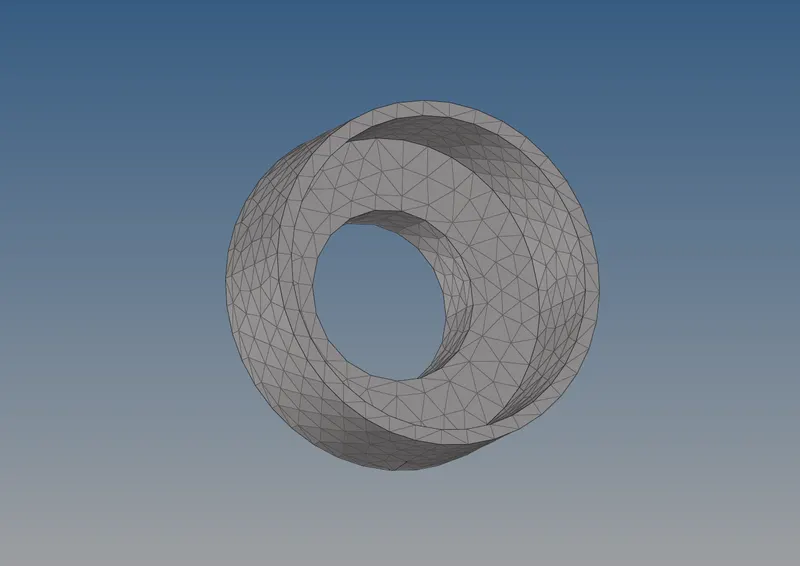
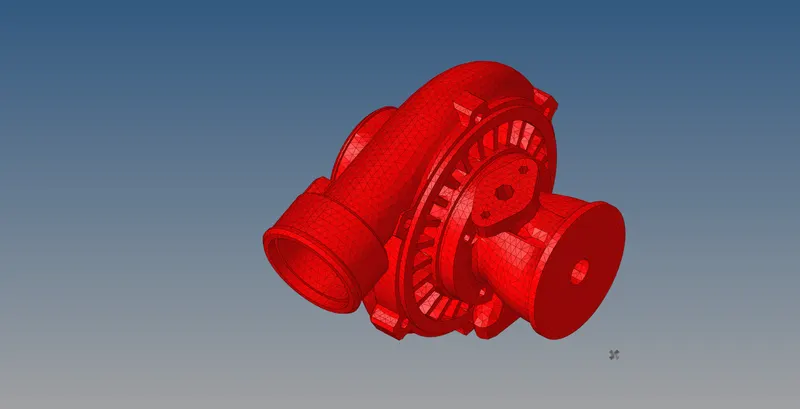
result: all the components are done with 3d tetra mesh as per the given condition and quality criteria.
conclusion:
In this challenge, we learned to perform the 3d terta mesh with different methods and quality check basically on tetcollapse.