Week 6-Meshing of Hood Challenge
Aim: To mesh the given component with the given criteria and apply the thickness.
objectives:
- The main objective of the project is to mesh the given component as per the criteria.
- use the quad element for the meshing.
Procedure:
- Import the model. by checking the type of file it was.
- Delete the solid from the component.

- After deleting the solid from the component it was looks as shown in the below
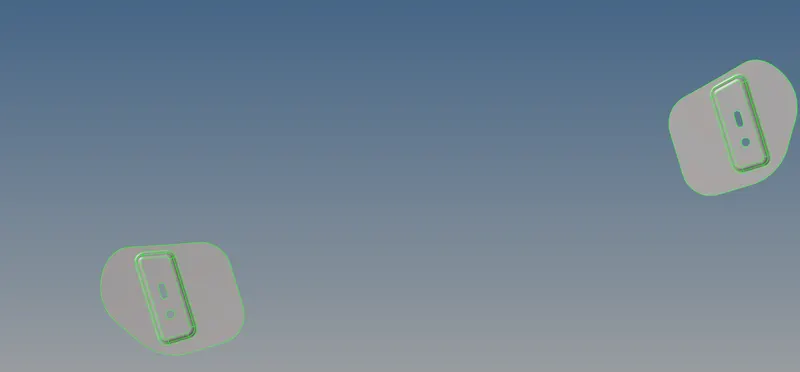
fig1 solid deleted component
2. mid surfacing and geometry clean up
geometry - mid surfacce - extraction offset - skin offset - auto extraction - surf- extract

The geometry clean up is takes place with a tool quick edit [F11] key from the heyboard. in the geometry first we toggle the all feature lines and untoggle the requide feature lines for the proper mesh. the geometry cleaned components are shown in the below figure.

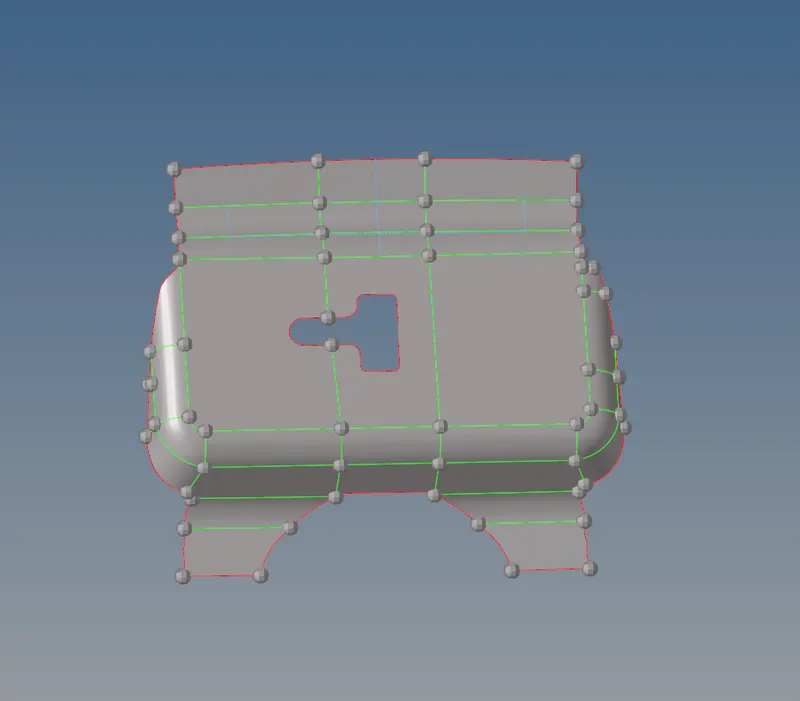
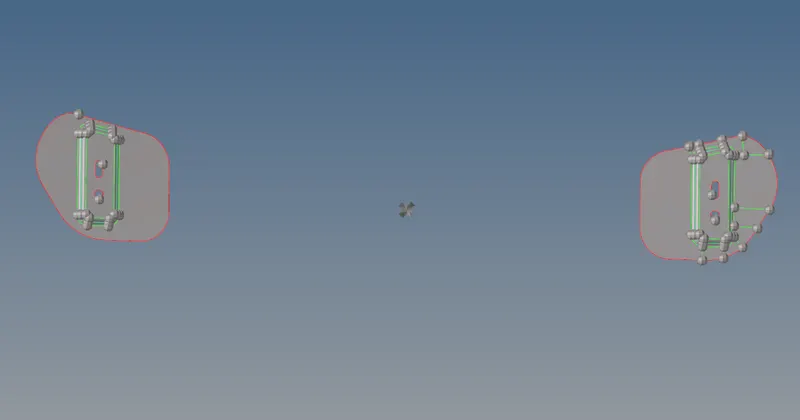
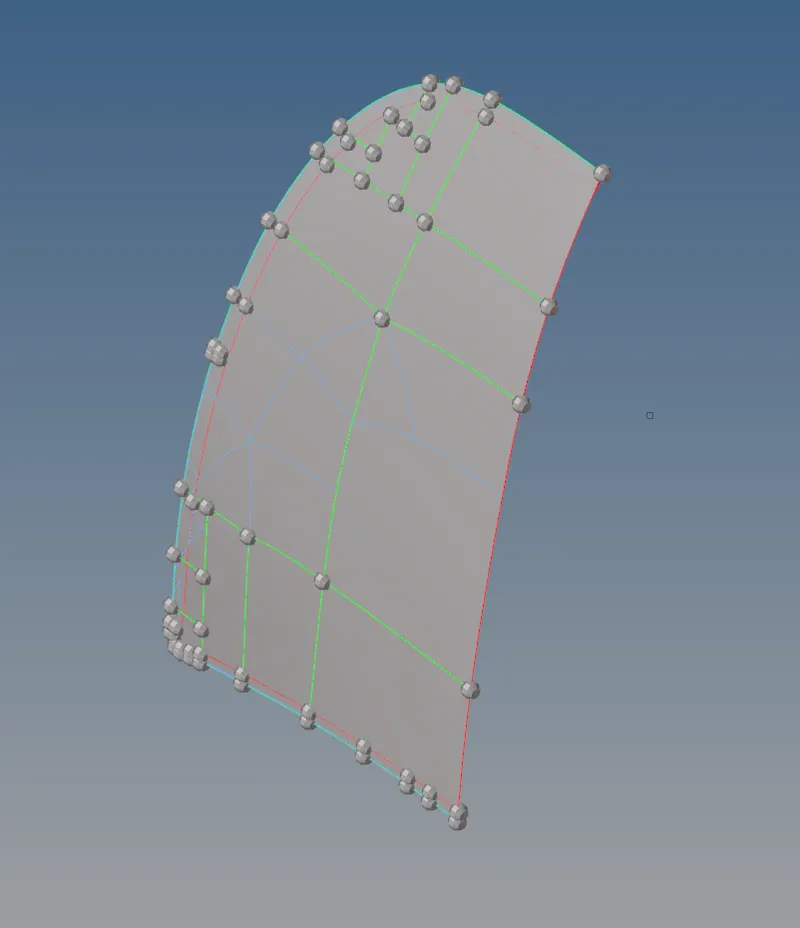
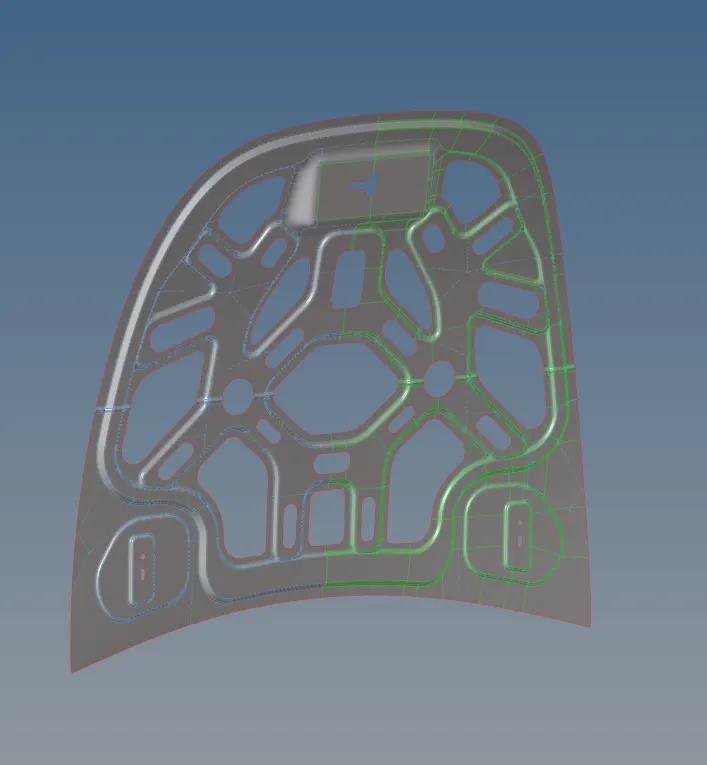
fig2. mid surface and geometry cleanup models
3. element criteria setting
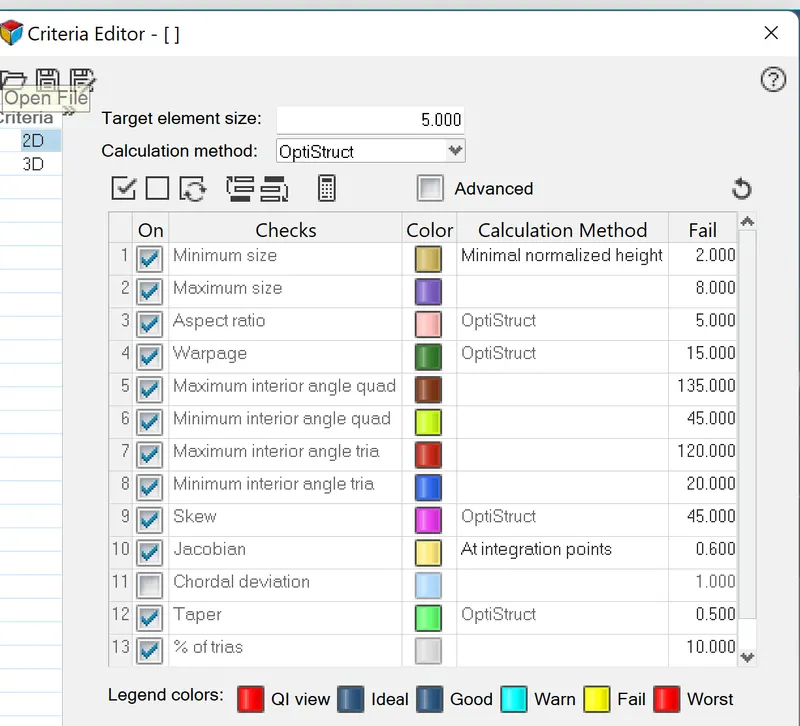
In this setting, we have to set the criteria as for the question.
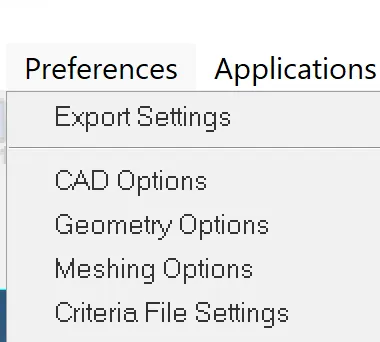
goto - preferences - criteria setting - apply -ok.
4.meshing
After completion of the geometry cleanup we perform a meshing for each particular component.
For the meshing we use the mixed type element .
goto - 2D - automesh - surf/elem

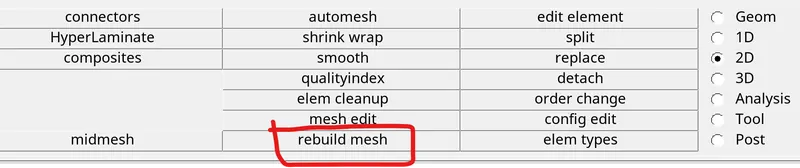
after meshing, if the surface contains more number of trias and rotating quad we have to do mesh the surface by rebuild option.

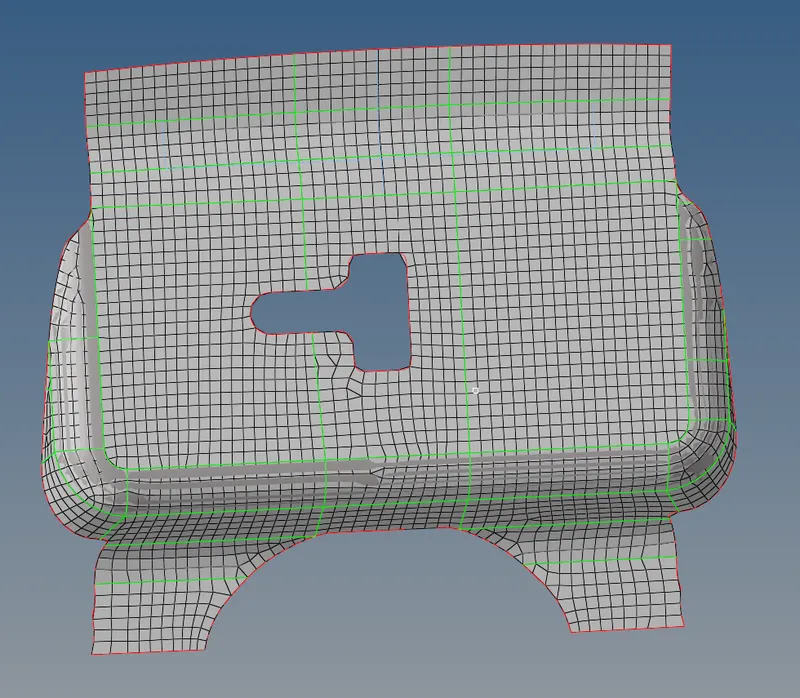
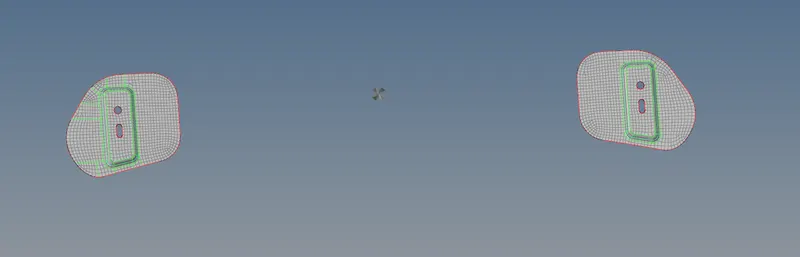
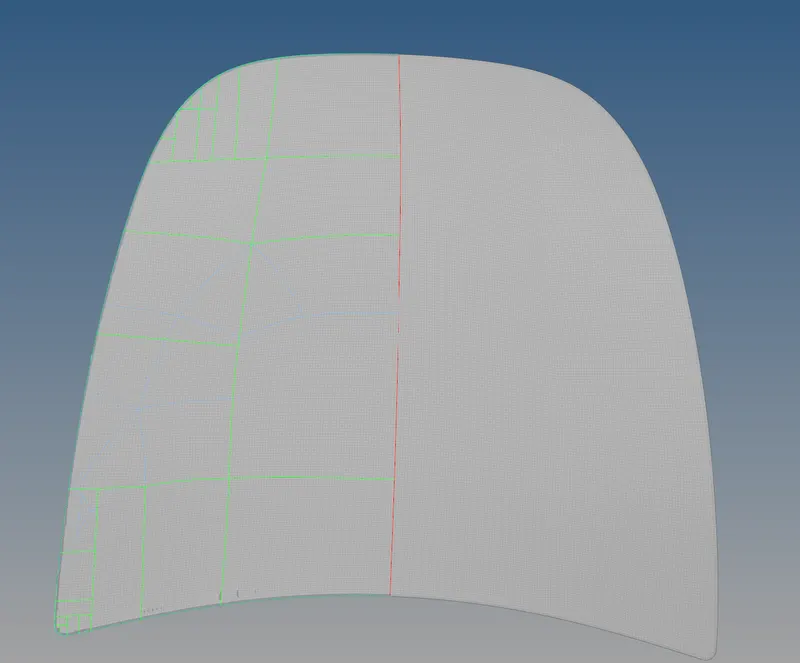
lacth component hinge component outer extract component inner extract component
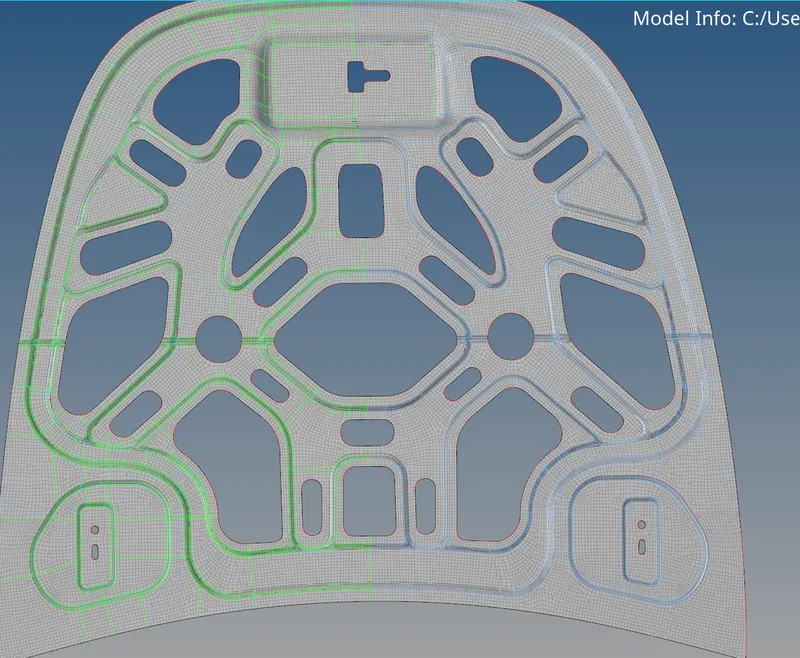
5. If there is any unwanted tria elements in meshed component we can solve by using the tool called qualityindex.

The quality index tool is also used for the fix the elements which are fail the quality criteria.
6. The component which contains symmetry that components are suiable for the reflect. in such components the mesh is done in half of the part and the remaining part we can do reflect.
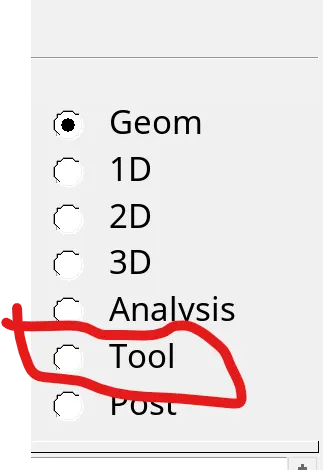
goto tool - reflect - select elem - direction - base point