Week 4-1D Element Creation Challenge
aim: To Mesh the Given component with the Size of 5 Units and Create 1D elements on the following component with the given cross-section and DOF.
objectives:
- To mesh the given model with given element size.
- To create the 1-D element for the component with specified degrees of freedom.
1. import the geometry :
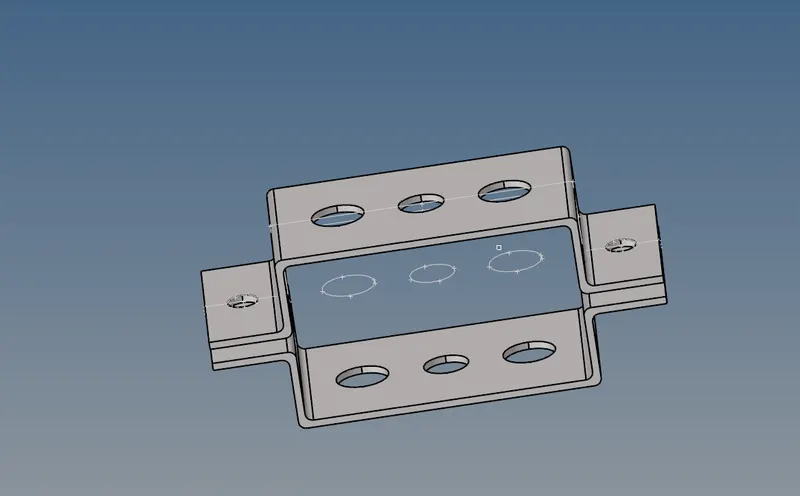
- after importing the geometry check for the solid body, if solid existed delete the solid.
- goto delete - select solid - select whole component -delete.
2. midsurfacing:
select extraction type - offset+plane - auto midsurf - select surface- create.
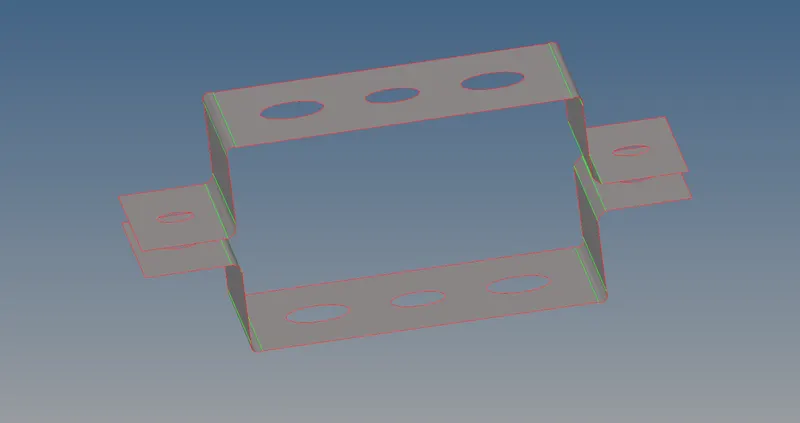
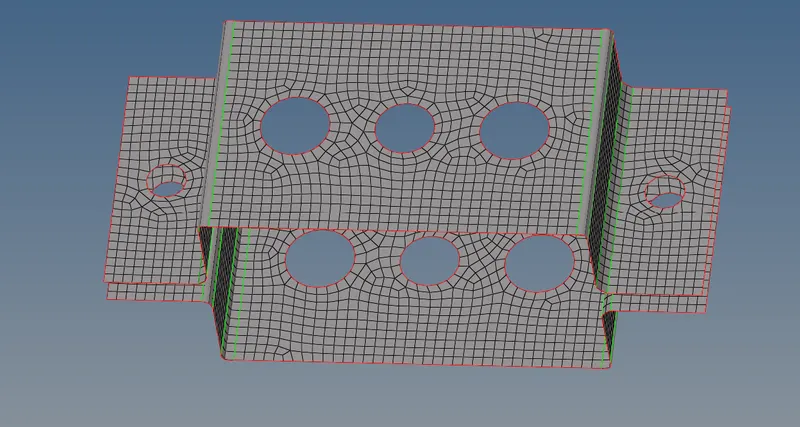
3. meshing:
select 2d mesh or[f12] - automesh - select all surface - element type - quad- element size- 5.
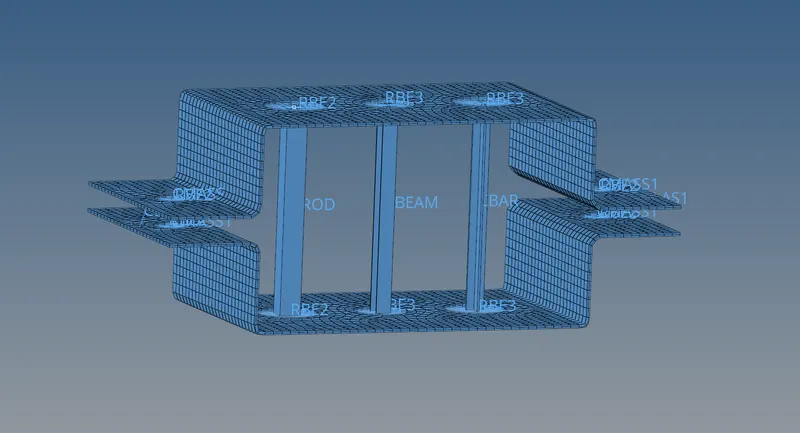
4. creation of 1D element:
two types 1D elements are used like RBE2 and RBE3.
select rigids - select nodes- apply DOf.
5. applying the materials:
create materials - select card imag.
6. assign the properties:
create property - click thickness - select material creating the bar, beam ,rod as per given dimension and creating element.
select hyperbeam - select standard section - hypermesh - select the requide section.
Bar - select two nodes -element type - CBAR.
rod- select rod- select two nodes -element type - CROD.
beam - select bar - select nodes - element type - CBEAM.
8. Creating properties for rod , beam and bar.
prop1= rod
card image = PROD
section = ROD.
prop2 = beam
card image= PBEAM
section = BEAM.
prop3 = bar
card image= PBAR
section = BAR
9. creating mass and spring:
mass - select two nodes - apply dof -create.
spring - select nodes - apply DOF -create.
result:
- create the mesh for the given component with unit of 5.
- created the 1D elements as per the given condititon.
- created the bar, beam and rod section as per the given conditions.
conclusion:
in the given challenge we learn the how to mesh and create 1d elements and also get knowledge on creation of sections.