Week 8-3D Tetra Meshing Challenge
Report
case 1
Aim: Create a Teramesh for Housing component with the following quality criteria.
TetraMesh Generation Method: 2D to 3D Conversion
Elements sizes: Min- 2 Units, Target- 5 Units, Max- 7 Units
Tet collapse: 0.15
Procedure:
import geometry
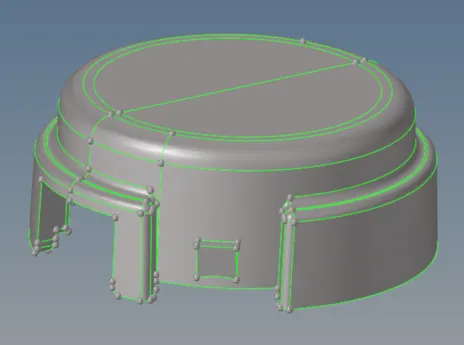
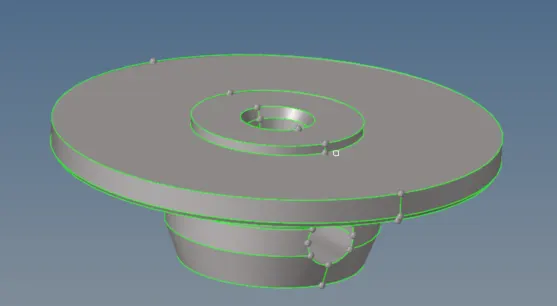
toggle lines below minimun length and select all surface for 2d automesh
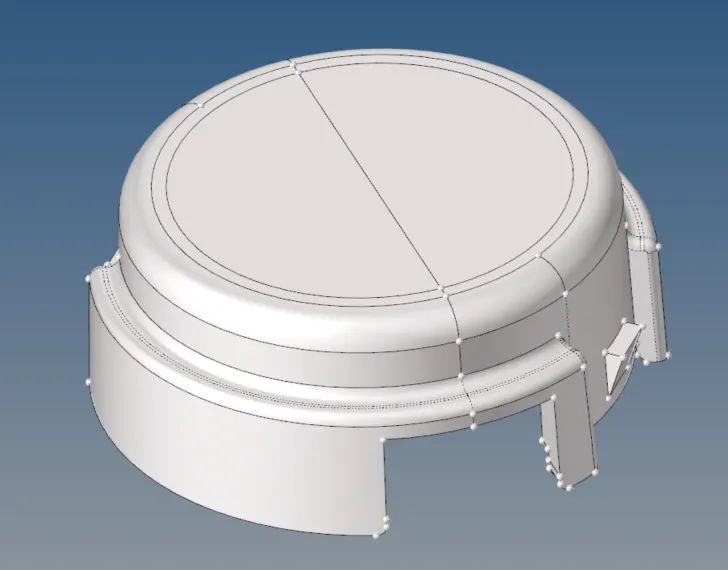
target mesh is 5 unit and make sure all mesh are between 2 to 7 unit
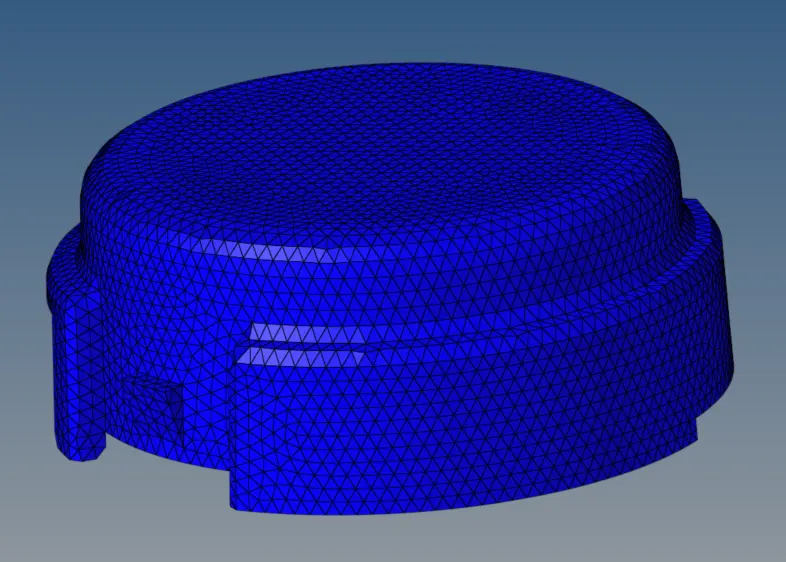
use 3d tetra mesh, select all 2d element and convert to 3d element
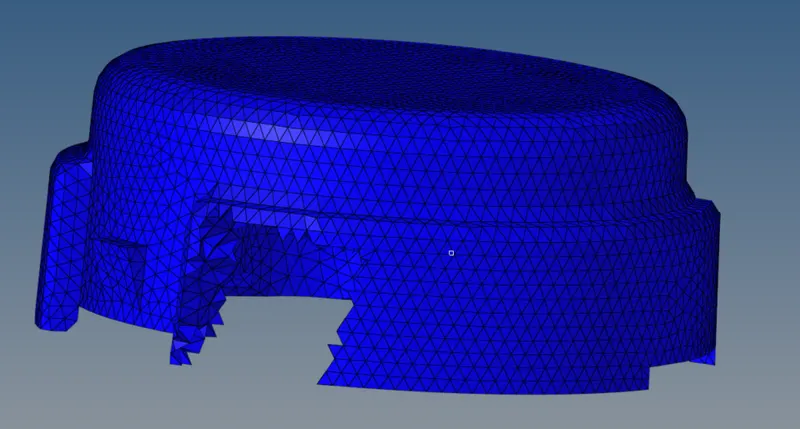
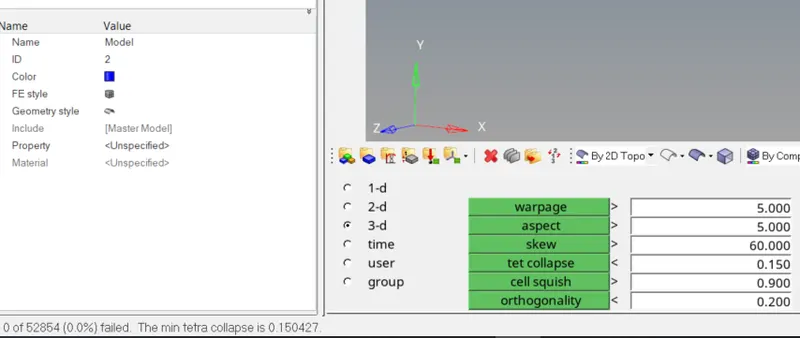
check tetra collapse <0.15, there is no element
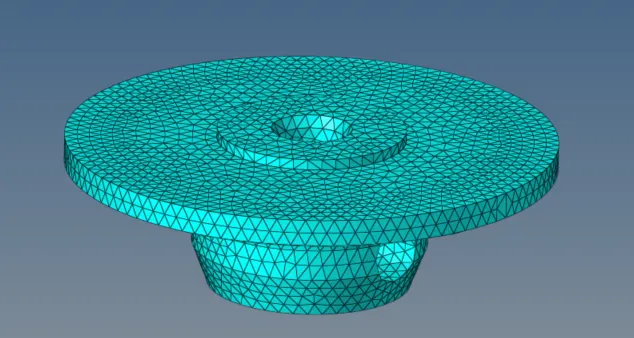
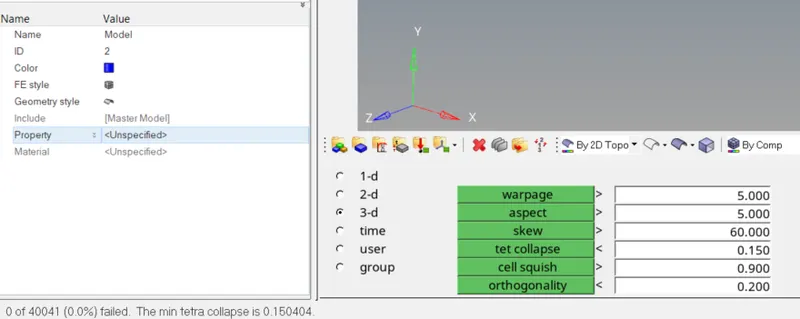
same for another part, create 3d mesh and check tetra collapse<0.15
case 2:
Aim: For the given model, Create a 3D Tetramesh with the following quality criteria.
TetraMesh Generation Method: Quick Tetra Mesh/ Volume Tetra Mesh
Target Element size: 3 Units.
Tet Collapse: 0.15
Procedure:
import geometry
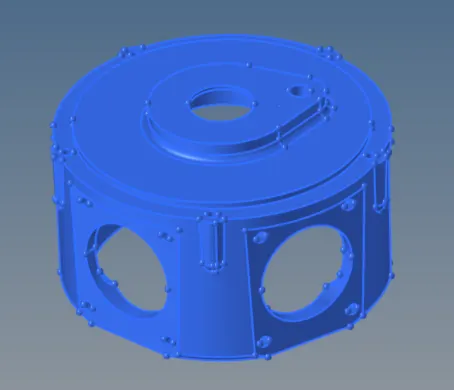
go to 3d-tetra mesh-volume tetra, select solid and mesh with size 3 unit
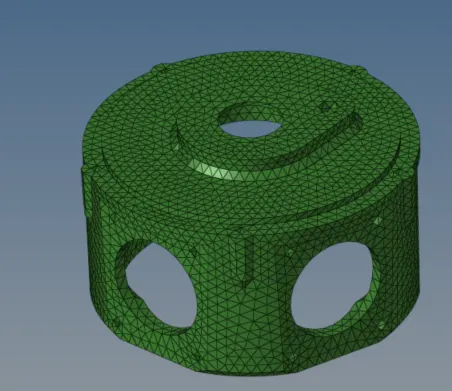
check quality and fix all mesh Tet collapse greater than 0.15
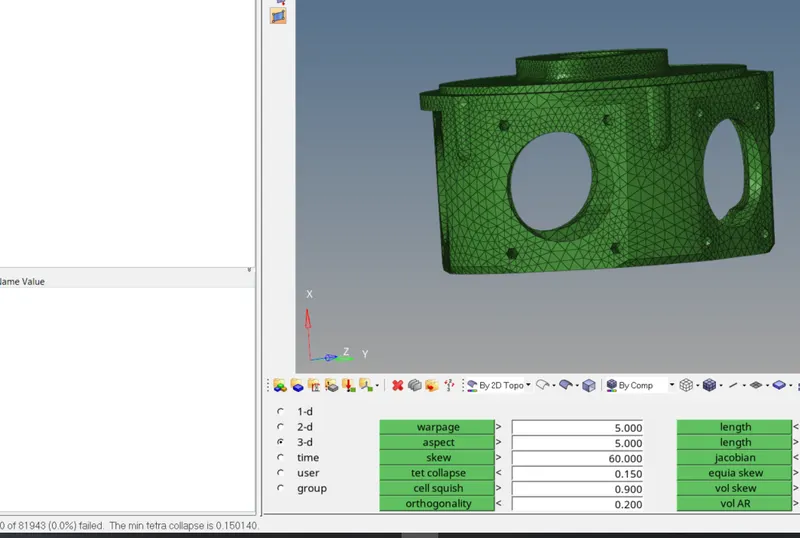
case 3:
Aim: For the given assembly model, Create a 3D Tetramesh with the following quality criteria.
TetraMesh Generation Method: Quick Tetra Mesh/ Volume Tetra Mesh
Target Element size: 4 Units.
Tet Collapse: 0.15
Procedure:
import geometry: there are 4 components in the geometry
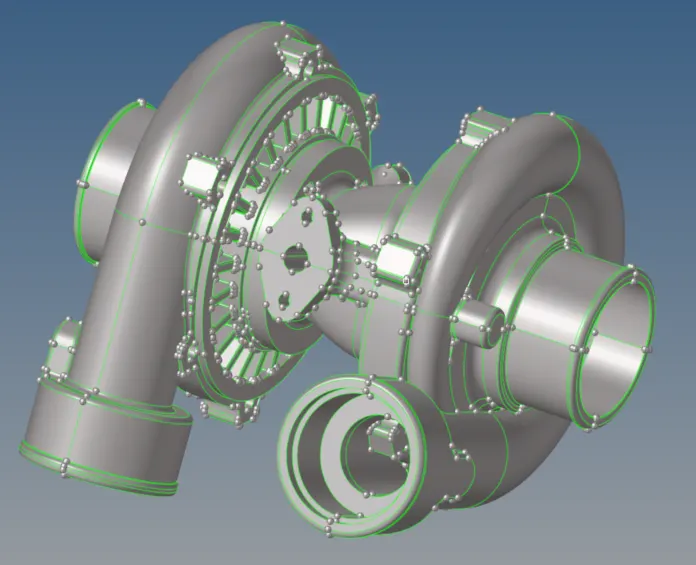
use different ways to create 3d mesh: create 2d mesh first and tetramesh or use volume mesh.
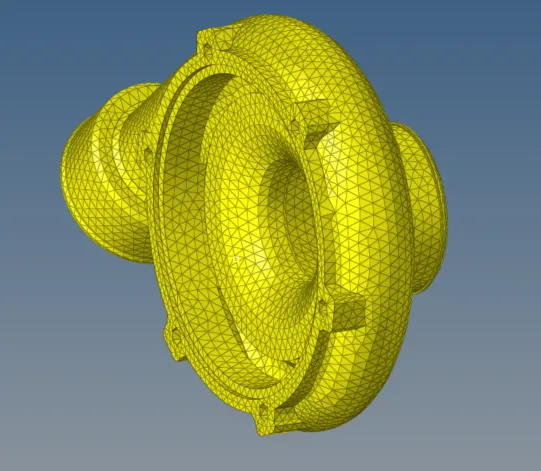
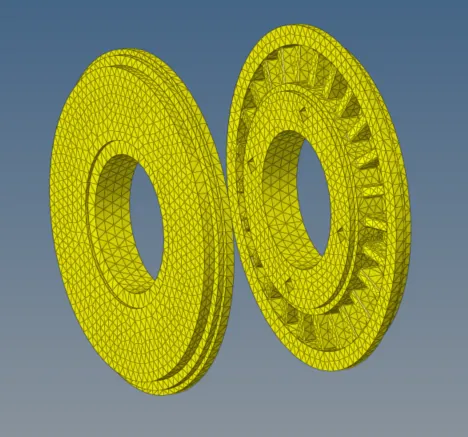
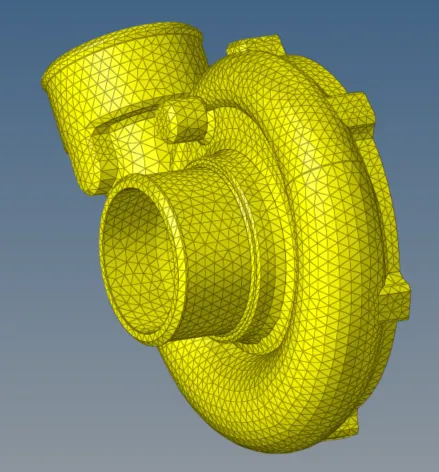
for mid hub, there is penetrate surface, fix the surface first and use 2d or volume mesh to create 3d mesh
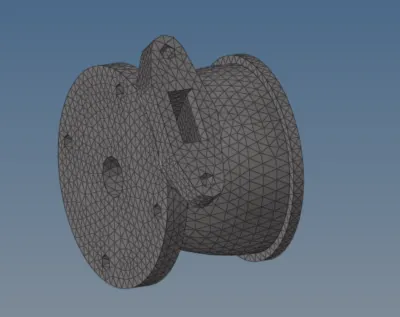
Check 3d mesh quality: tet collapse should be greater than 0.15. If there are failed element, set 3d mesh parameter and remesh. The final result is that failed element is less than 0.1% of total mesh quantity.
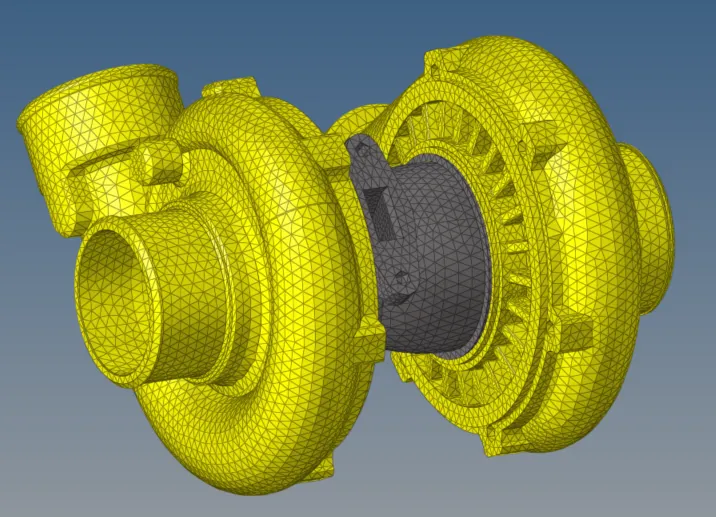
Conclusion: use different ways to 3d tetre mesh the component. The final result should meet the quality requirment.