Week 8-3D Tetra Meshing Challenge
Aim :
- create 3D tetra meshing
Objective :
- Create a Teramesh for Housing component with the following quality criteria.
TetraMesh Generation Method: 2D to 3D Conversion
Elements sizes: Min- 2 Units, Target- 5 Units, Max- 7 Units
Tet collapse: 0.15
- For the given model, Create a 3D Tetramesh with the following quality criteria.
TetraMesh Generation Method: Quick Tetra Mesh/ Volume Tetra Mesh
Target Element size: 3 Units.
Tet Collapse: 0.15
- For the given assembly model, Create a 3D Tetramesh with the following quality criteria.
TetraMesh Generation Method: Quick Tetra Mesh/ Volume Tetra Mesh
Target Element size: 4 Units.
Tet Collapse: 0.15
First Objective :
- first, change the criteria settings such as min element size as 2, max element size 7, target element size 5 tet collapse 0.15
- preferences >> criteria settings
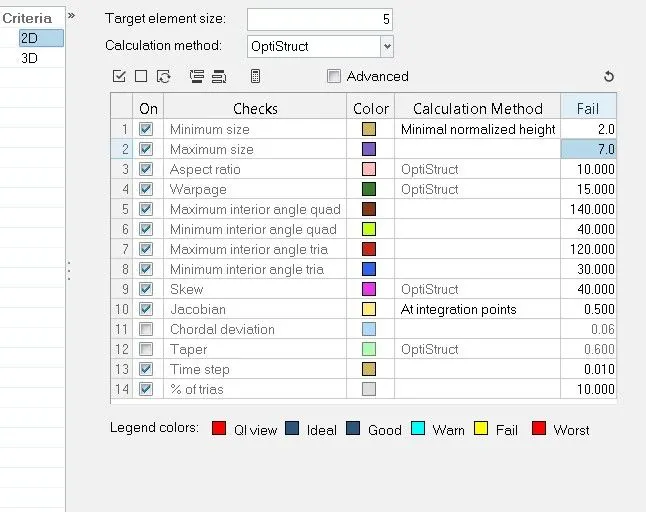
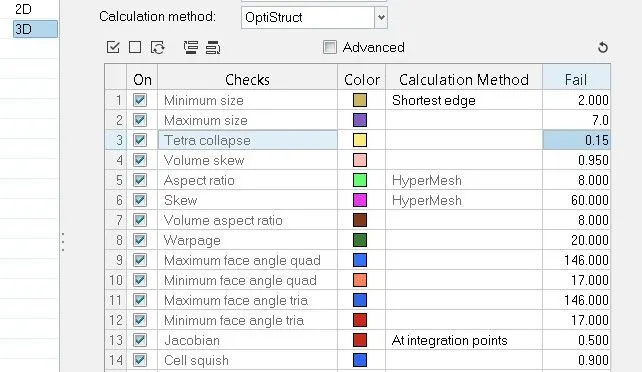
- then delete the solid and create the 2d mesh with the trial elements
- 2D >> automesh

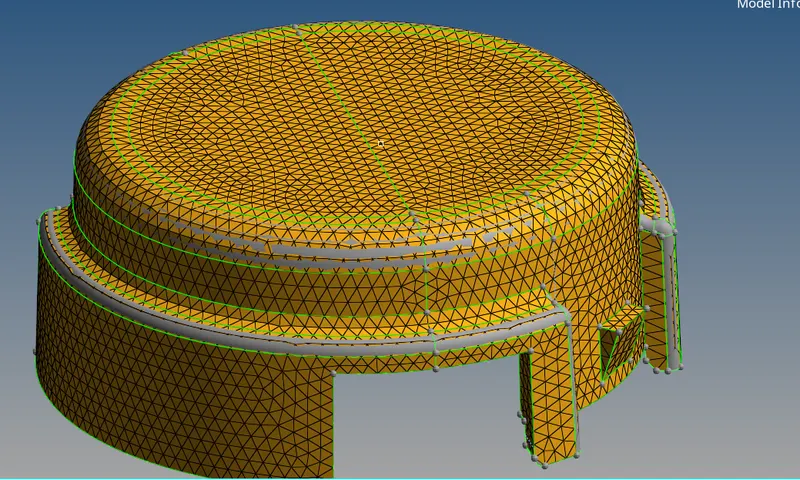
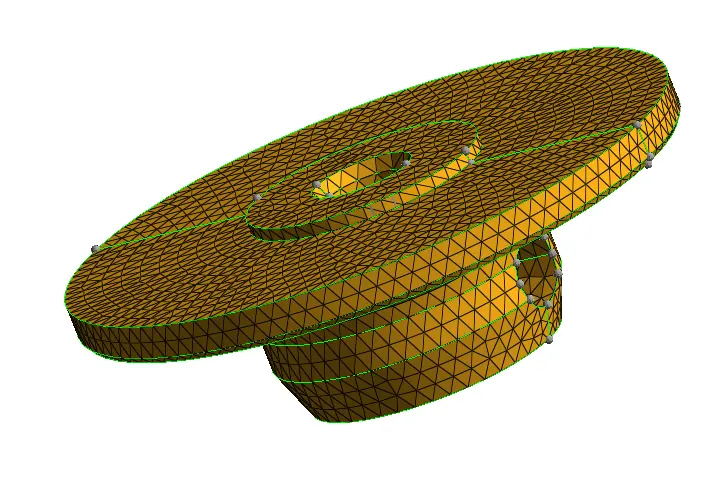
- generate 3d tetra mesh from 2d mesh
- 3d >> tetramesh then select the 2d elements the create the 3d tetra elements
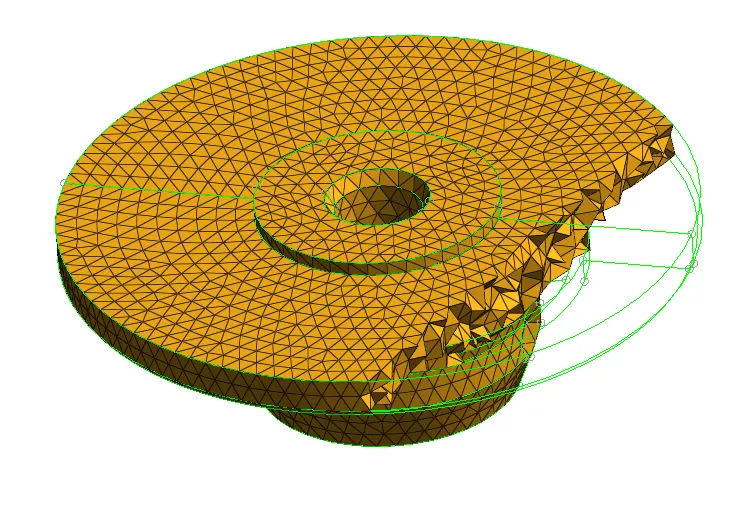
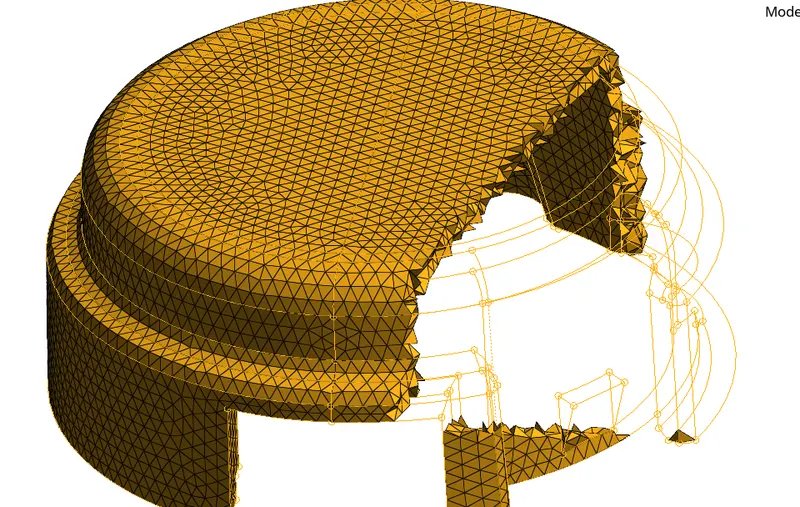
- check for elements fails for tet collapse shows 0
Second Objective :
- first change the criteria for file as per given target elements of 3 units and tet collapse 0.15
- then as we need to create Quick Tetra Mesh/ Volume Tetra Mesh for given component we will not delete the solid.
- we select whole compoenet and create the tetra mesh
- 3D >> tetramesh >> volume tetra

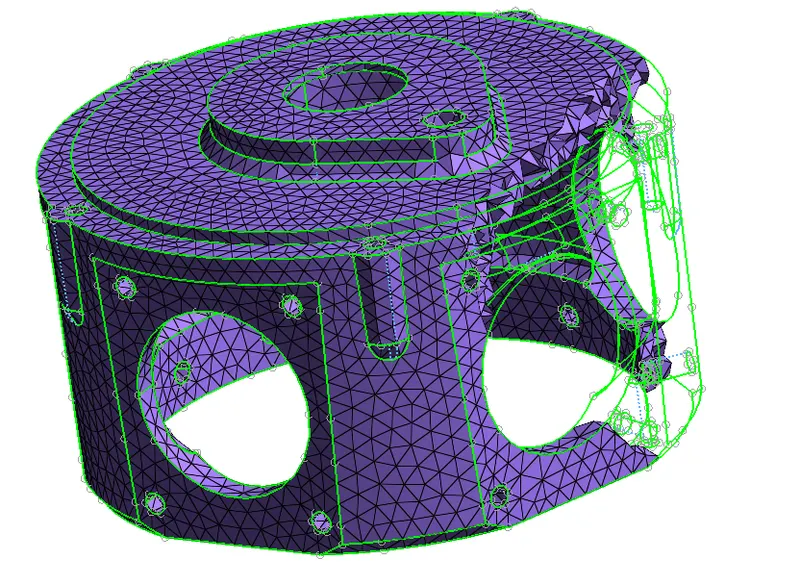
- check for elements which fails for tet collapse shows 0
Third Objective :
- we created the tetramesh using the volume tera for casing1 also for runner 1 and runner 2
- 3d >> tetramesh >> volume tetra with element size 4 as given

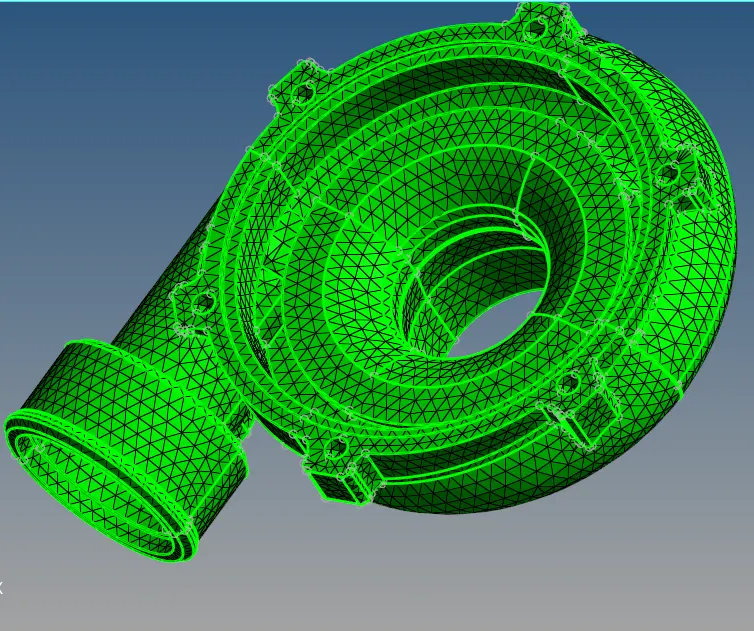
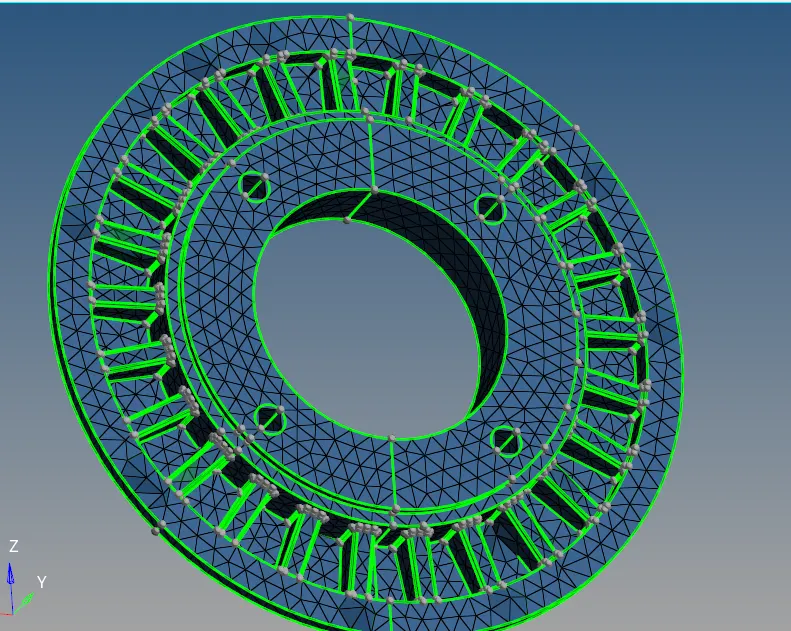
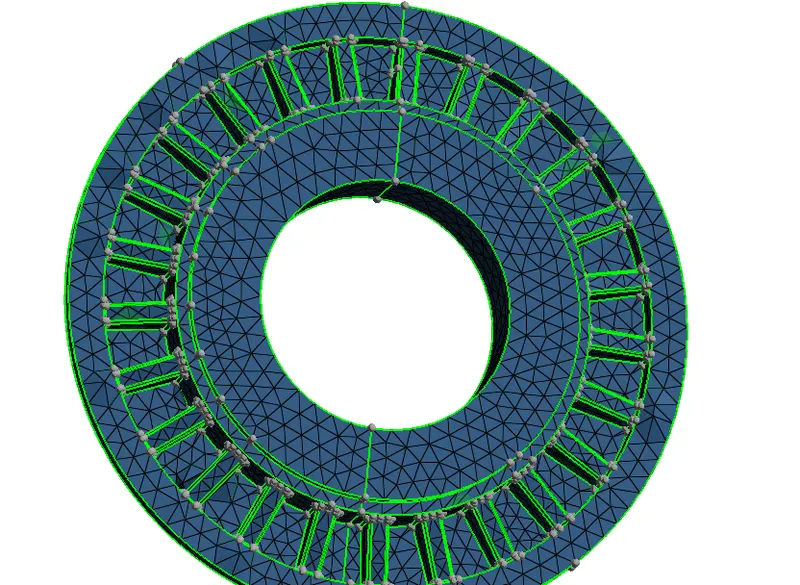
- then we have created the tetra mesh using the Quick tetra mesh.
- view >> browse >> hypermesh >> utility >> Geom/Mesh >> Quick TetraMesh >> select the component
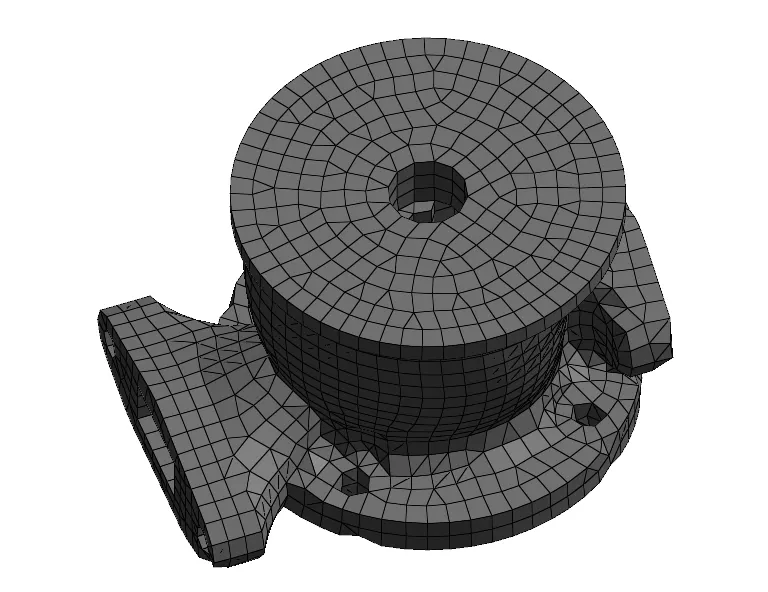
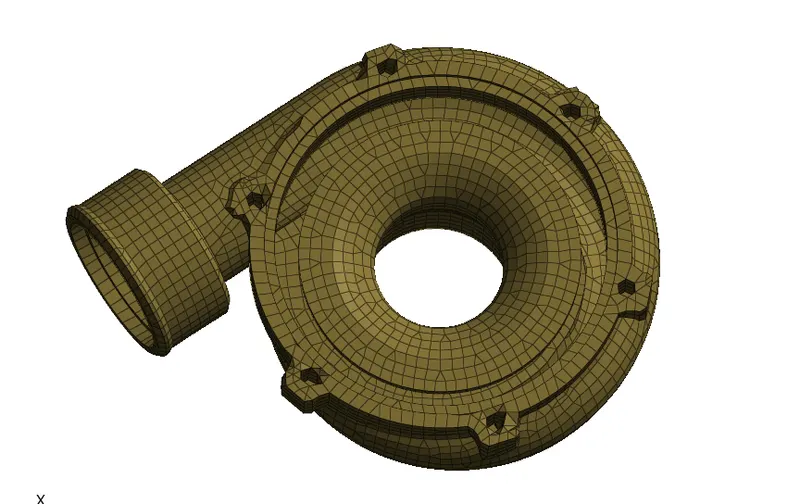
- checked elements fails for tet collapse 0
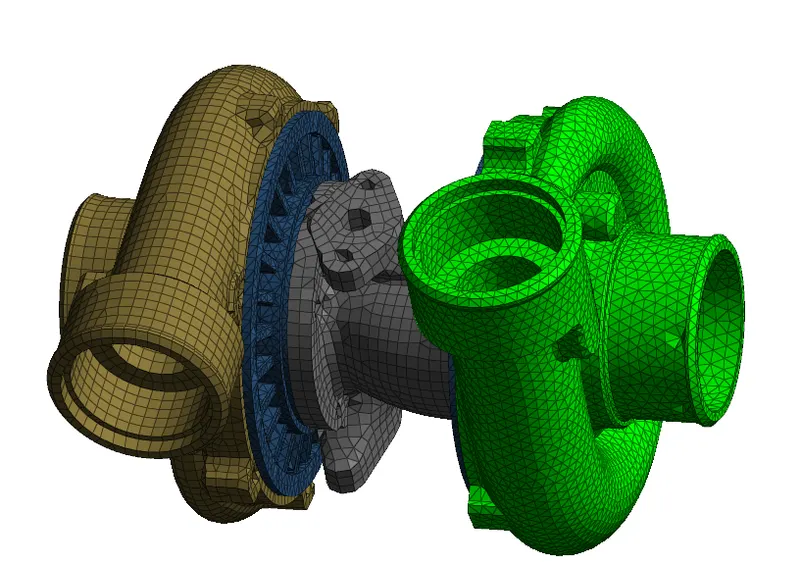
Conclusion :
we have meshed all components with 3D Tetra mesh