Week 8-3D Tetra Meshing Challenge
Aim: To tetra mesh the given models with various tetra mesh options.
Objective : To use Tetra mesh options 1) Tetra mesh 2) Quick tetra and 3) Volume tetra.
Cad Model:
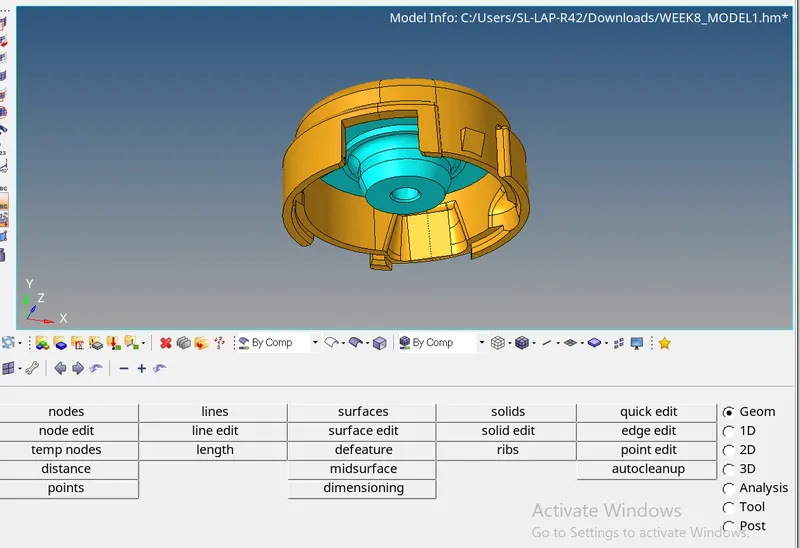
Model 1)
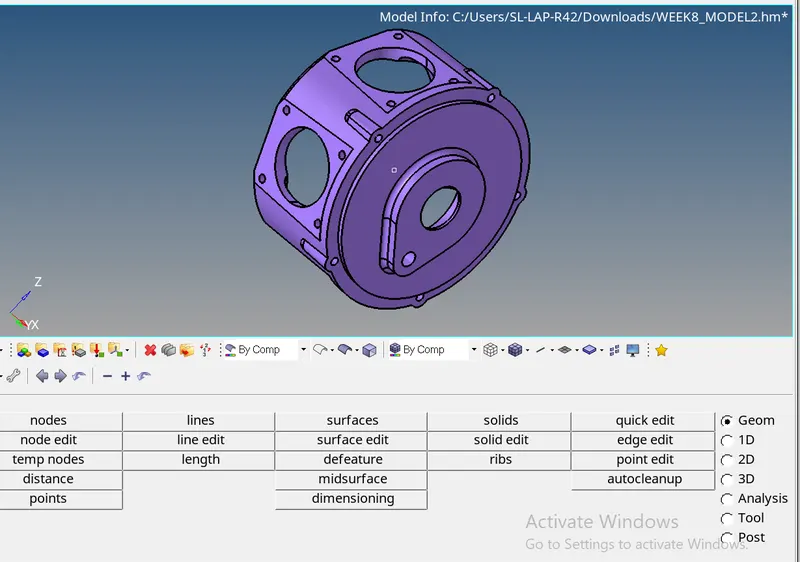
Model 2)
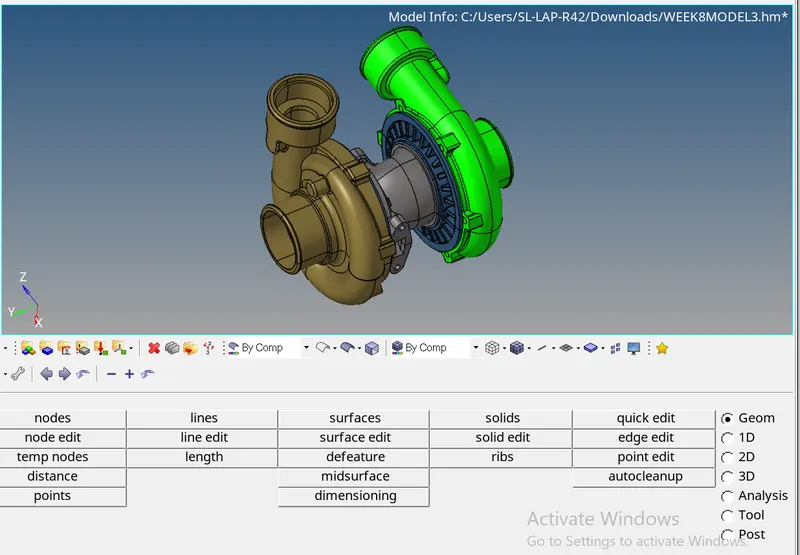
Model 3)
Procedure:
Model 1:
1) Delete the solids in the model.
2) Cleanup the geometry using Toggle option.
3) 2D mesh the components using Automesh with first order Trias.
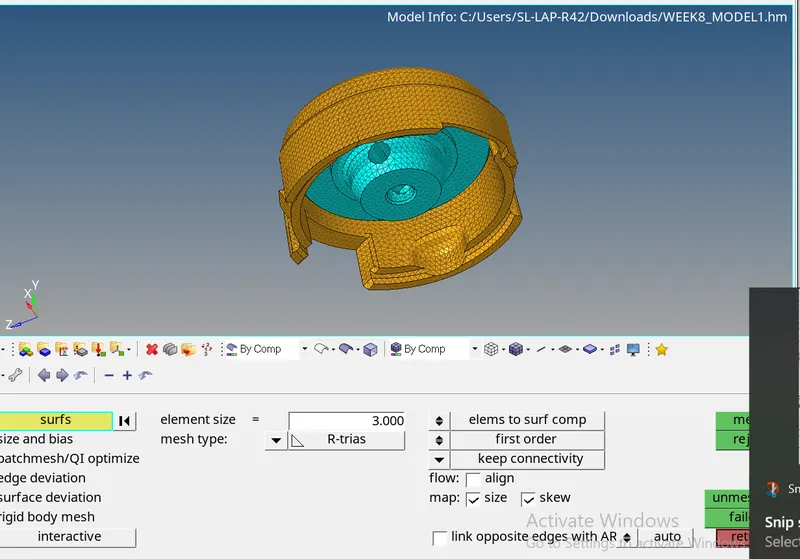
Check for free edges and clear 2d element quality.
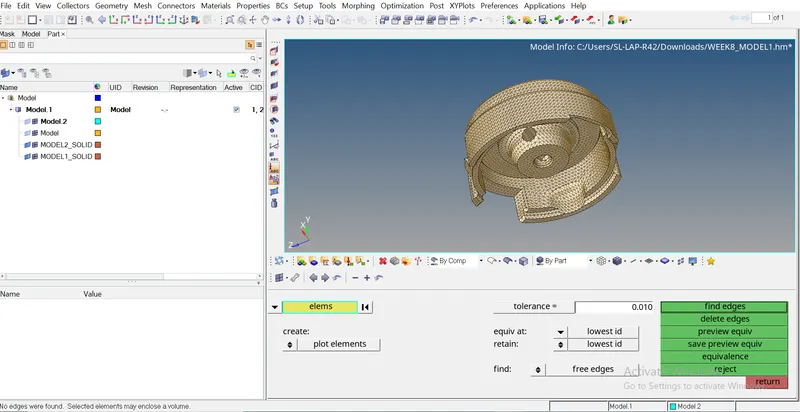
4) Use 3d> Tetramesh with the settings shown in the message to create 3d mesh
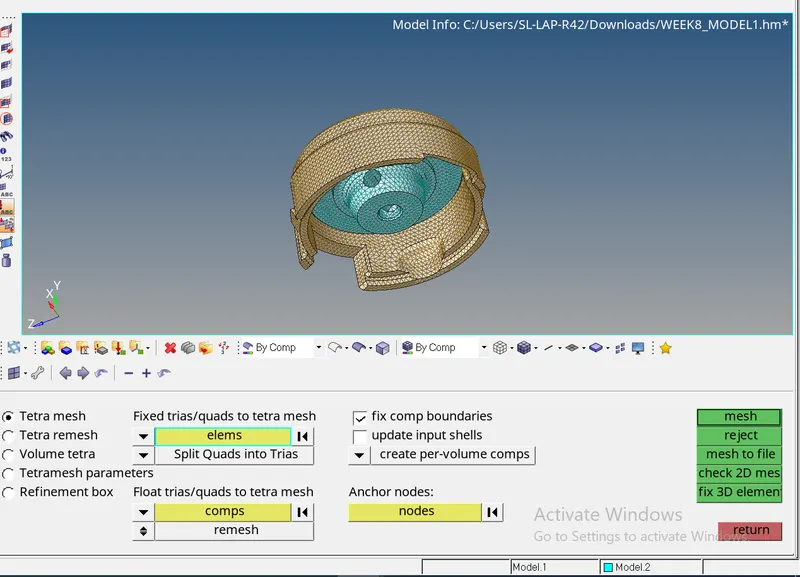
5) Check for tet collaps in 3d element quality and resolve if any issues.
Model 2)
1) Use Utility>Quickmesh tool with inputs as shown in image.
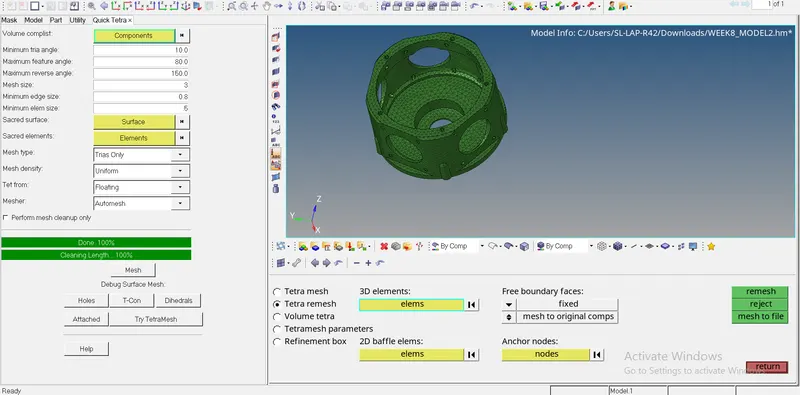 2_
2_
2)Clear Tet collapse with options in image
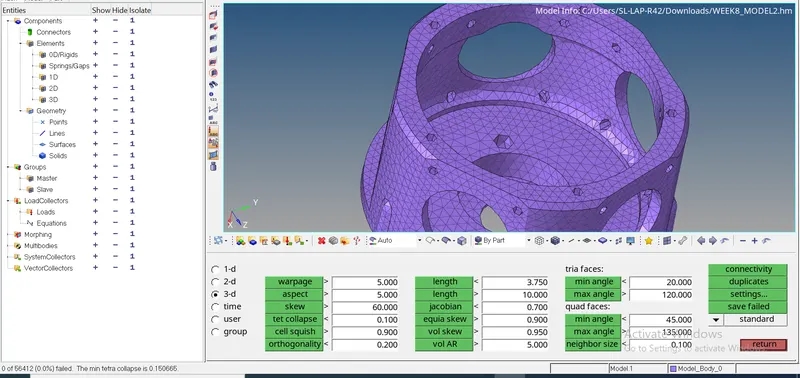
Model 3)
Cleanup the geometry for fetures less than Min length.
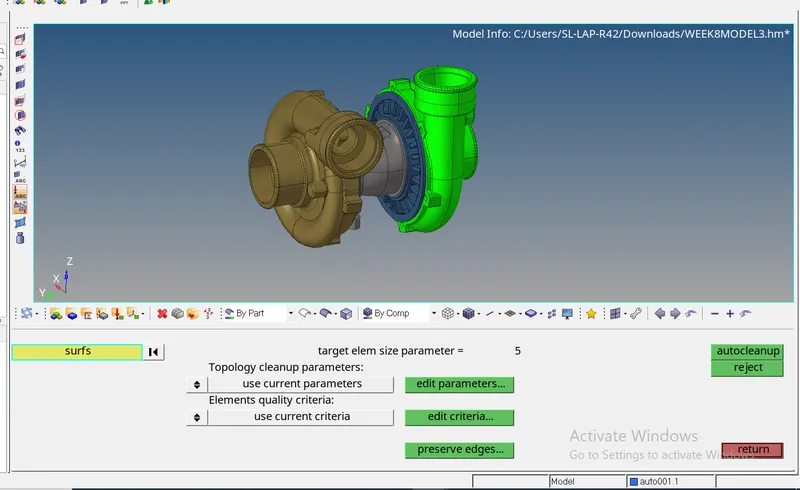
Use 3d>Tetramesh>Volume tetra with the following Tetra options.
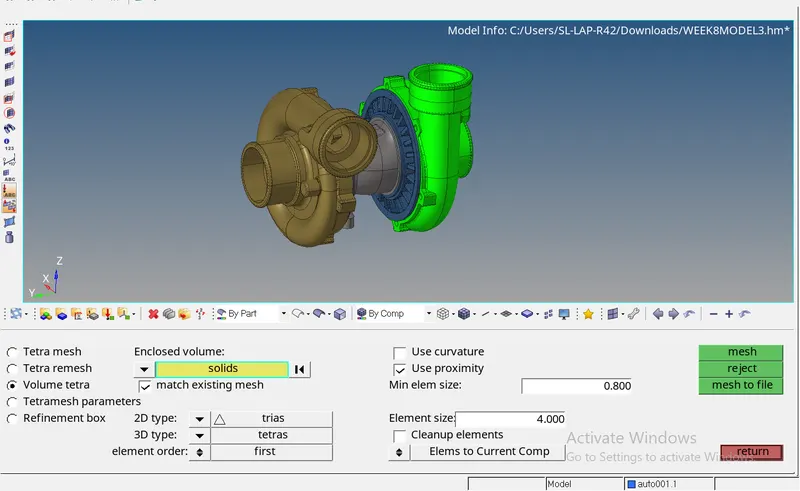
Cleanup the elements violating the Tetcollapse using Tetra remesh.
Conclusion: Tetmesh of the models completed successfully.
Lessons learnt
1) Different ways of Tet meshing
2)Element quality removal using remesh.
3)Affect of various input parameters like growth rate, Min element size in Volume mesh and quick mesh.