Week 8-3D Tetra Meshing Challenge
MODEL-1
Procedure -
1. Open the housing.STP file by importing geometry as shown :
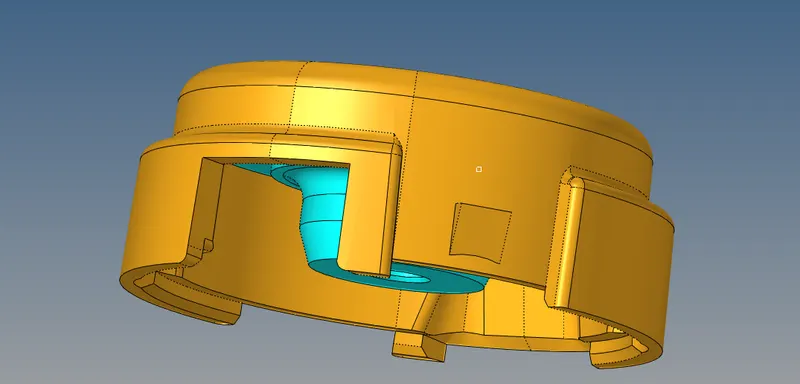
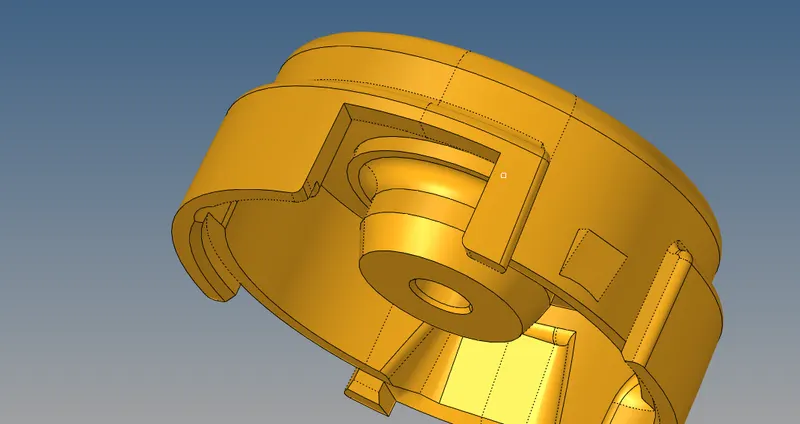
2. Deleting the solid part by F2 shortkey
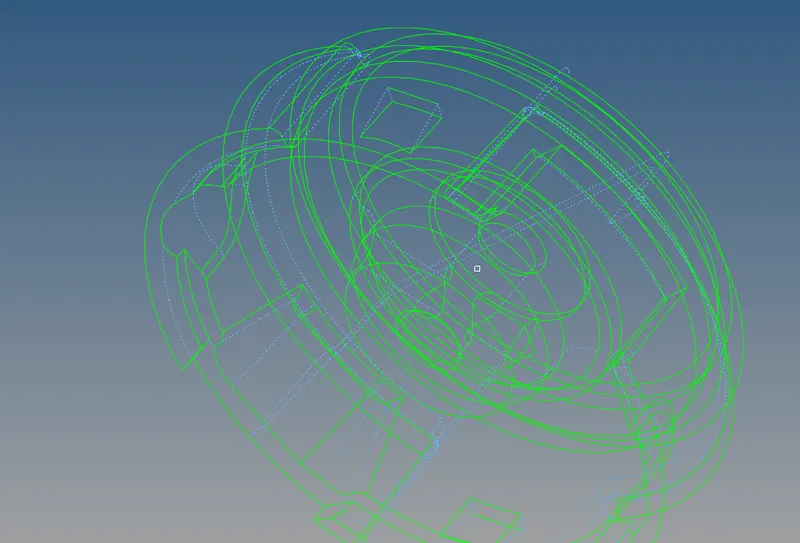
3. Checking free edge & unedge surface, manually cleaning the surface
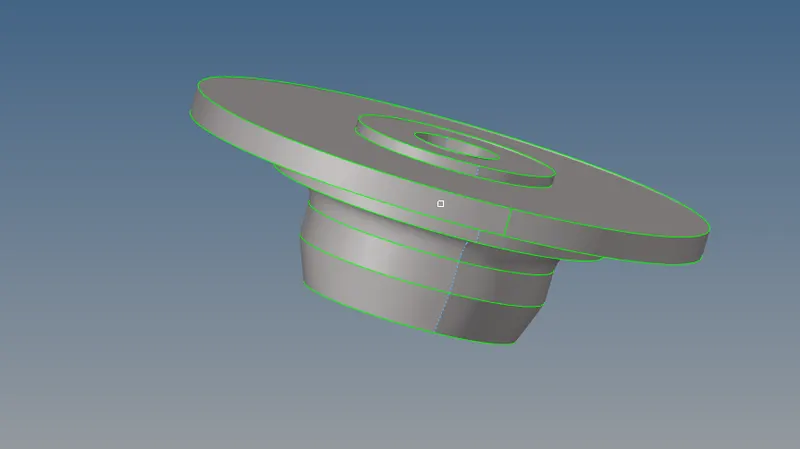
4. Cleaning up the geometry by removing fillets & toggling the lines
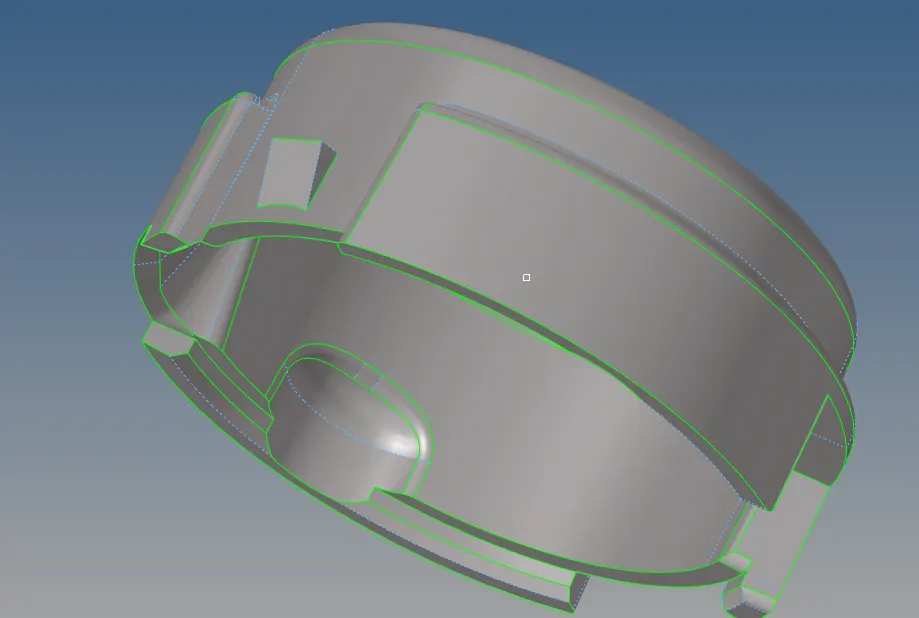
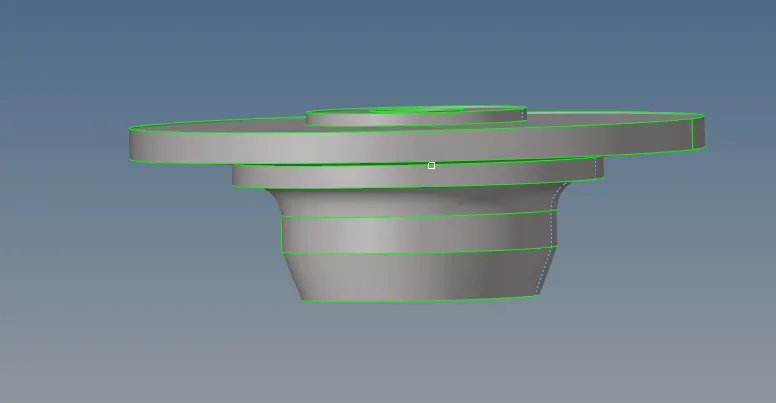
5. Meshing the model with tria elements(2D) with the target element length as 5 units & Checking the quality of criteria
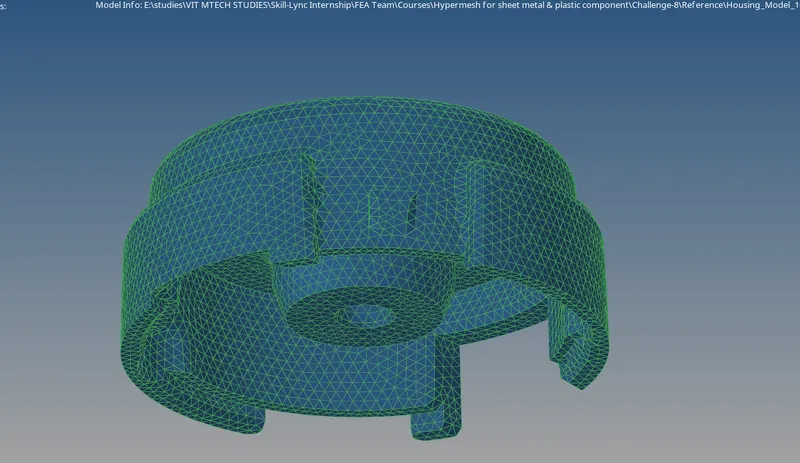
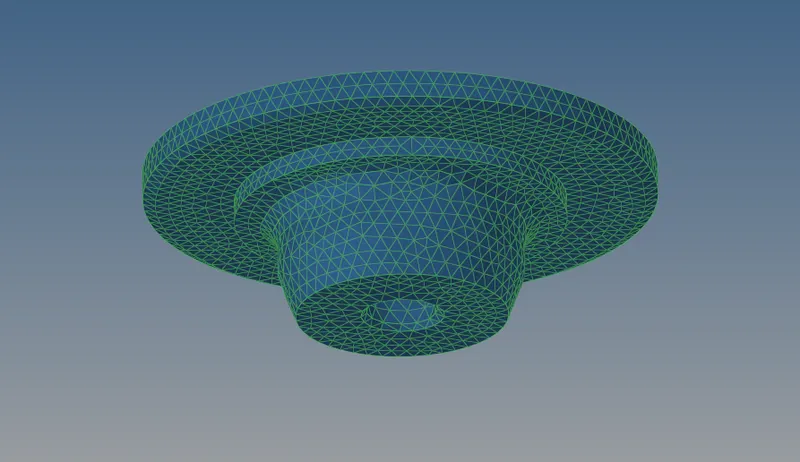
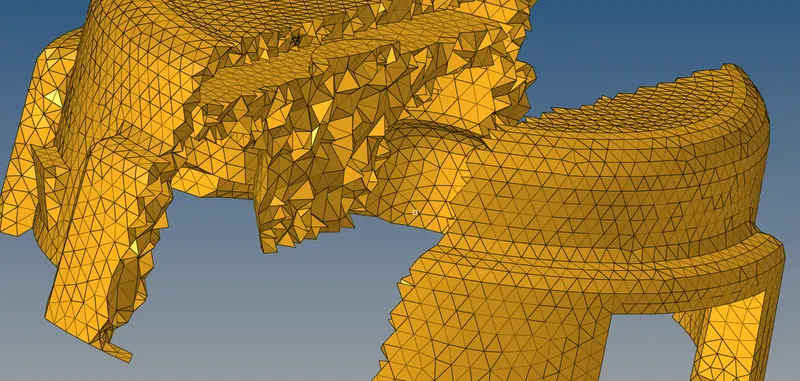
7. Select tetra mesh from the 3D mesh panel, specify the tetra meshing parameters, and mesh the model:
The final mesh should be like this!
MODEL-2
1. Open the .iges file by importing geometry as shown :
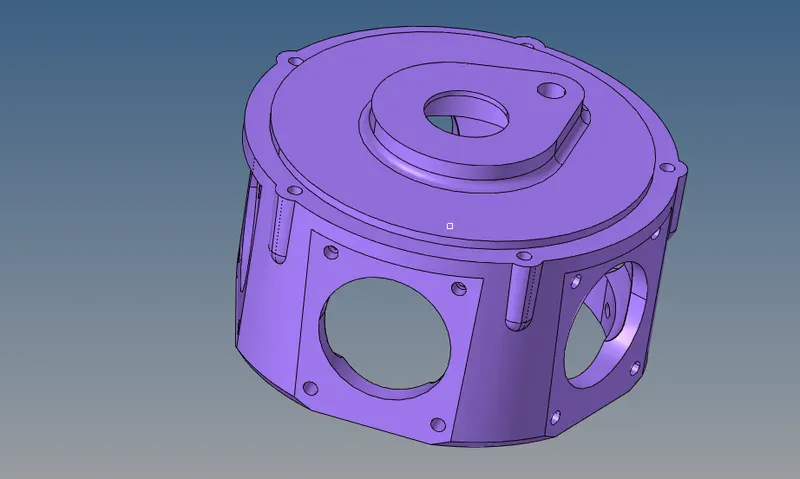
2. Remove any solids from the model:
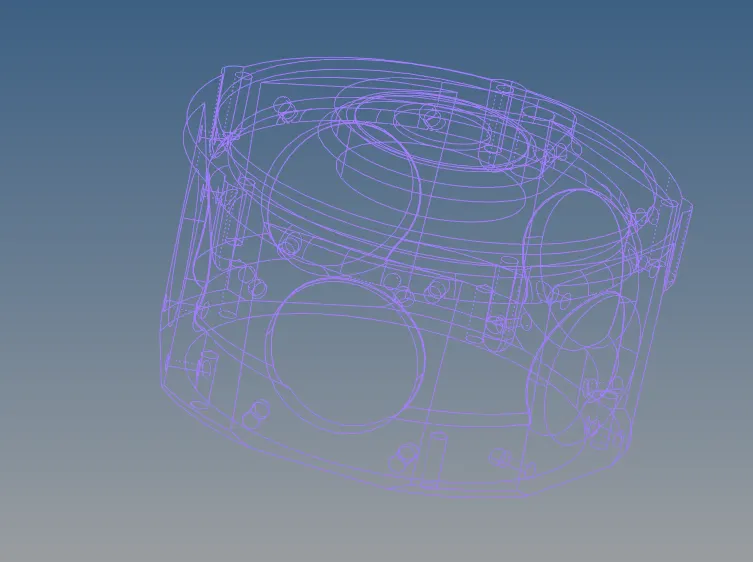
3. Look for any free edges in the model:
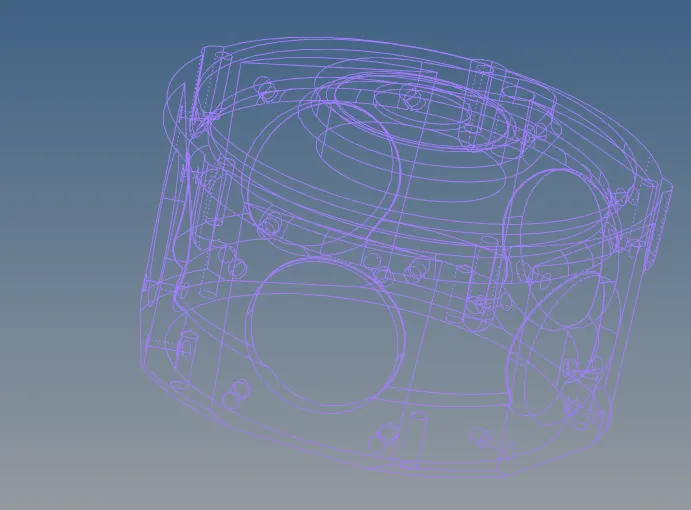
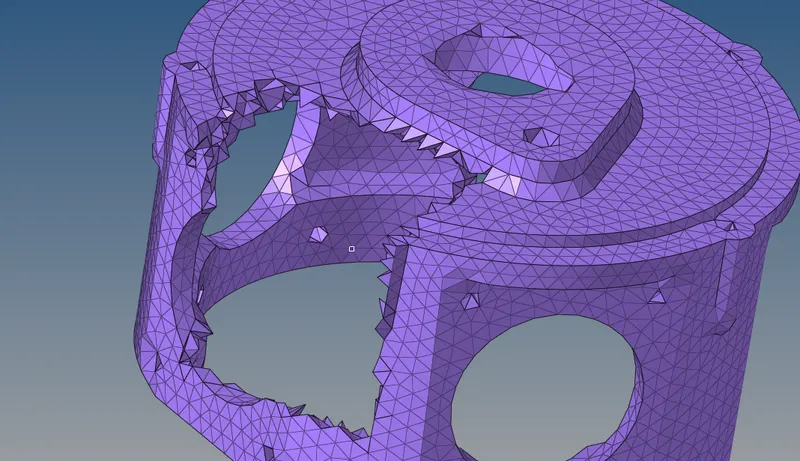
4. Go to tetra mesh and try meshing the model :
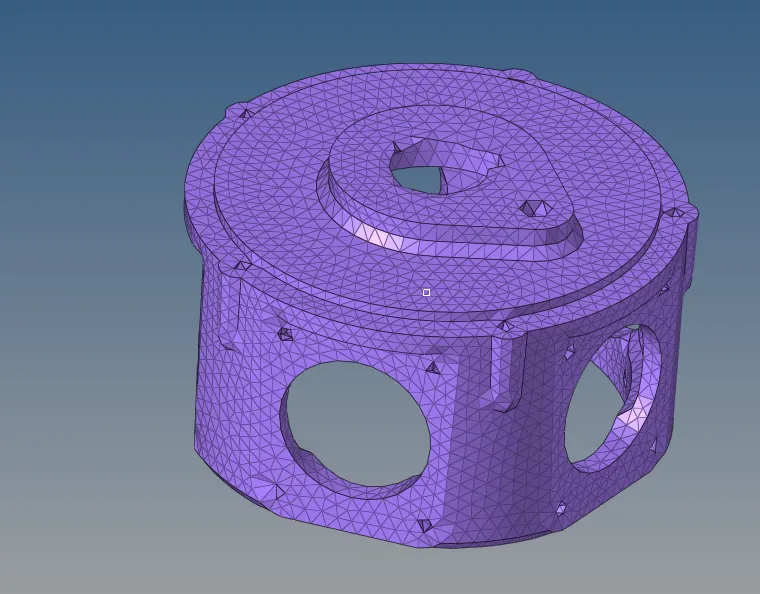
7. Remesh or manually change the distance between two nodes to improve the quality of the elements:
Model-3
1. Open the .iges file by importing geometry as shown :
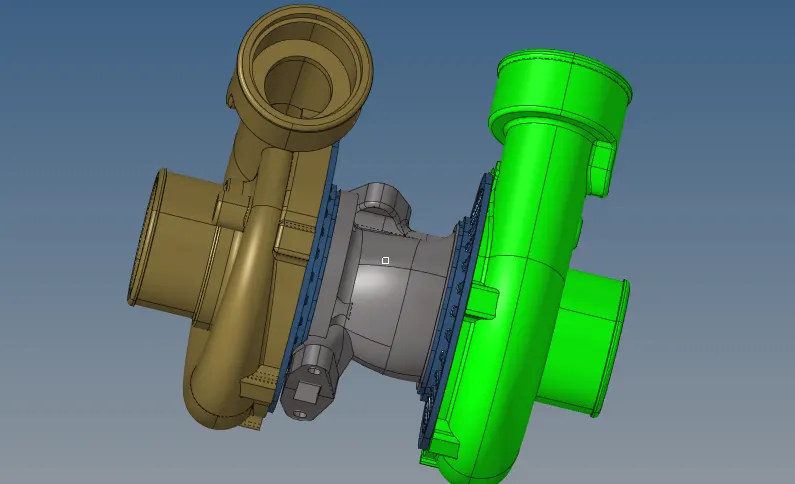
2. Open the volume tetra option, and select the surface option :
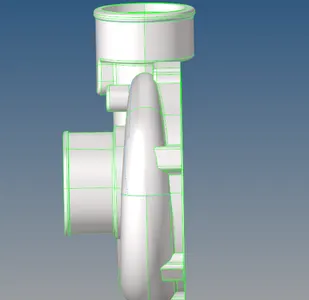
3. Mesh the model with element length as given
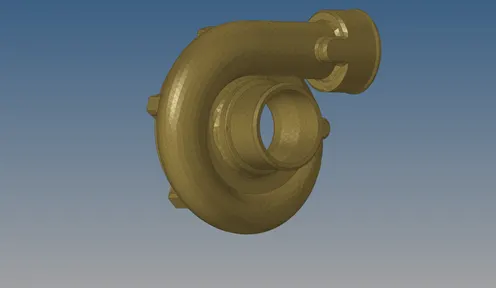
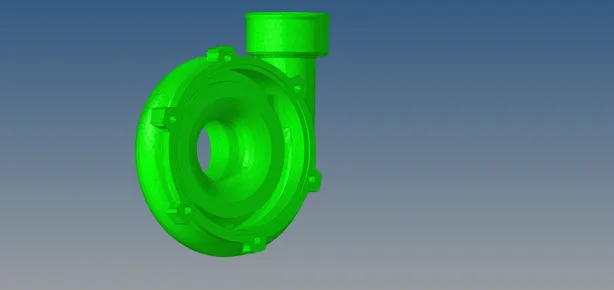
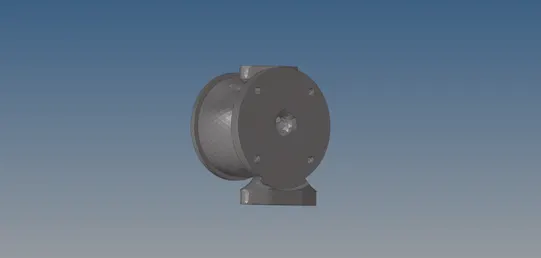
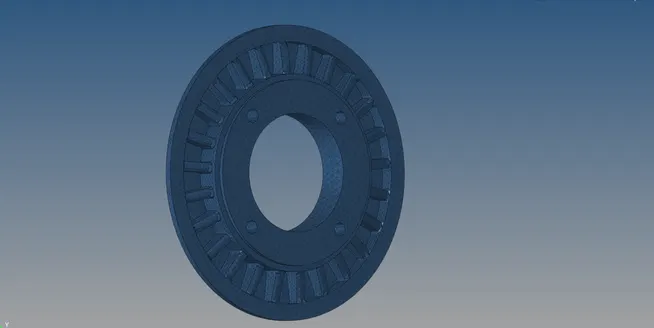
5. Check for tetcollapse in the model and Clear the quality of the elements by remeshing or manually changing the distance between two nodes.
6. The final mesh is as shown :
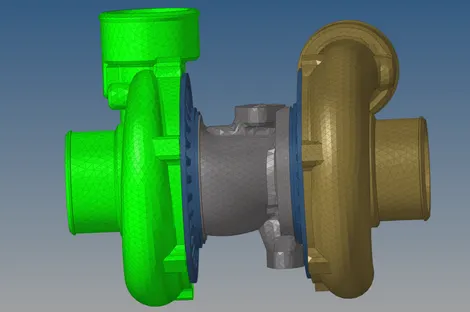
As per the requirements, the submitted models have been successfully 3d tetra meshed.