Week 8-3D Tetra Meshing Challenge
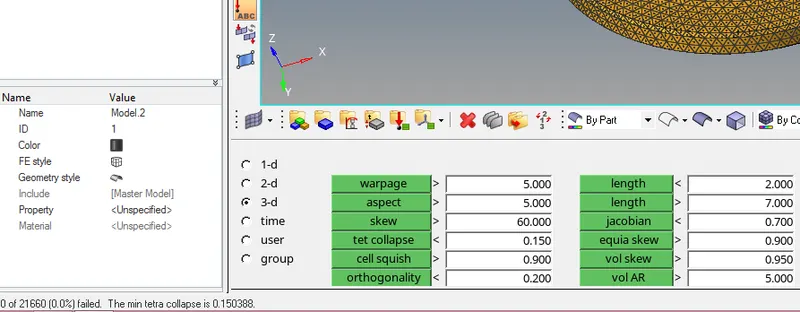
1) Objective: Create a Teramesh By 2d to 3d conversion for Housing component with the following quality criteria.
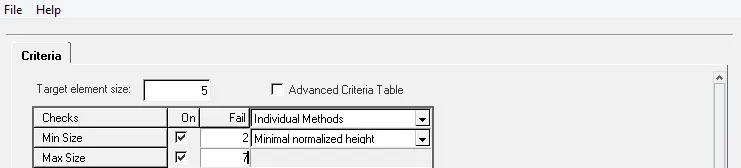
Elements sizes: Min- 2 Units, Target- 5 Units, Max- 7 Units
Tet collapse: 0.15
Cad model image:
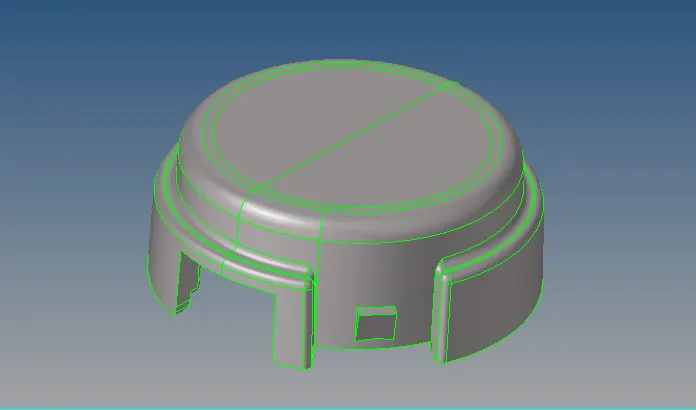
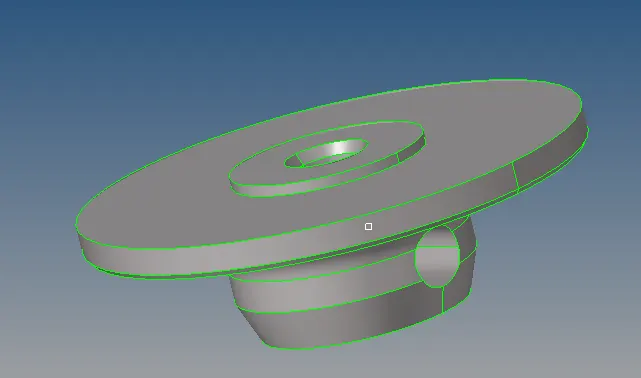
Procedure with required images:
This tetra mesh generation involves 2d to 3d conversion method. First, i will clean the geometery and then 2d mesh it with the trias within the given quality criteria and then from 3d panel, do tetra mesh.
a) applying the criteria before the mesh:
b) check all the edges and the fillets which are smaller than minimum element size:
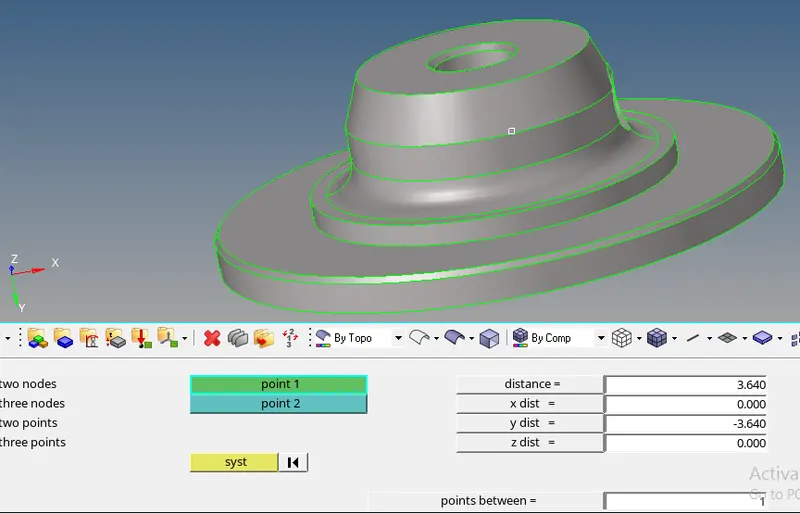
c) 2D mesh the elements with target element size and trias:
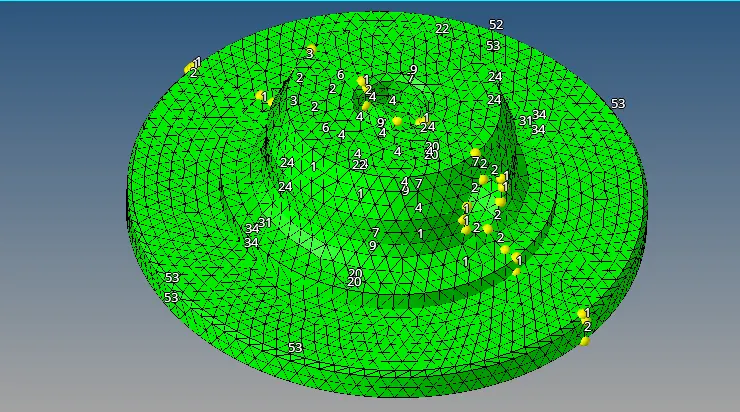
d) going to 3d mesh panel and doing tetra mesh by selecting the surface:
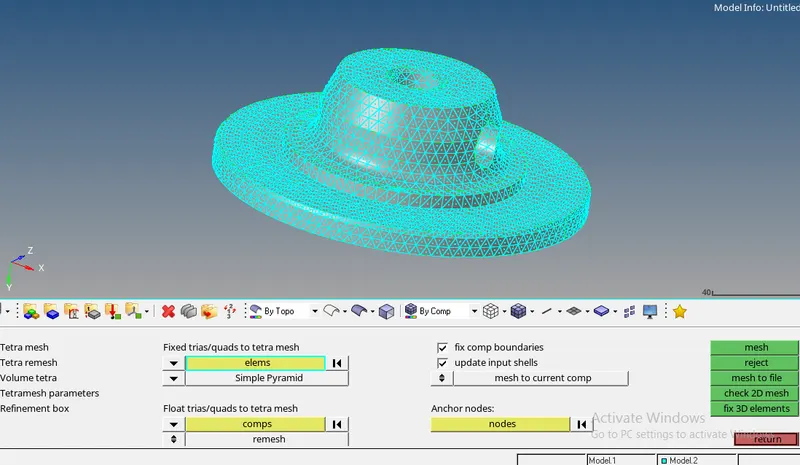
e) checking the tet collapse, which deals with the maximum height of the element and rectifying it:
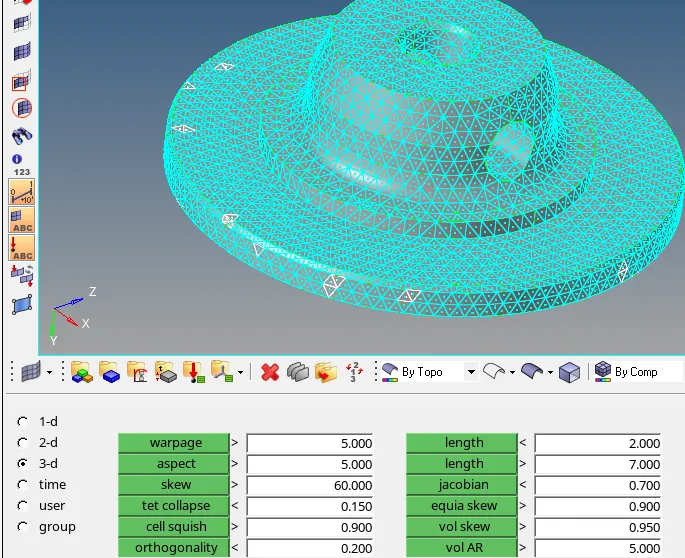
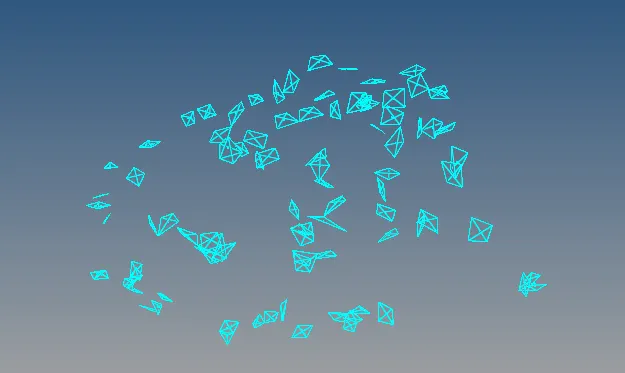
tet collapse can be handle individually or tetra remesh can be done on the whole elements . So following is the image after zero elements failed for tet collapse.
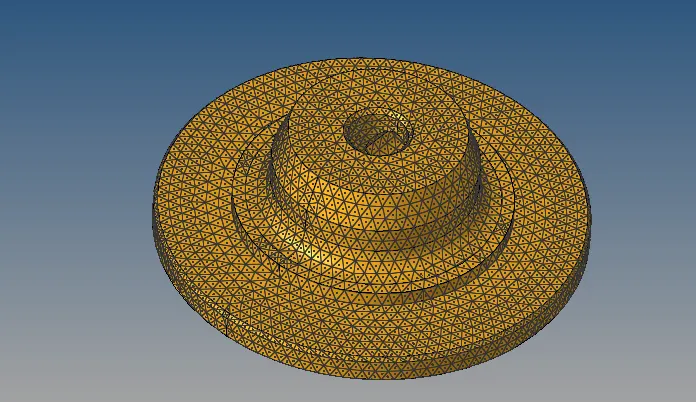
Final model image:
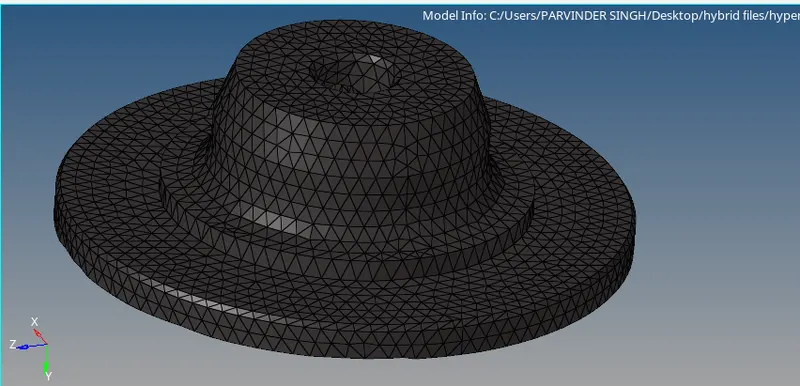
2ND PART:
a) Geometery cleaning:
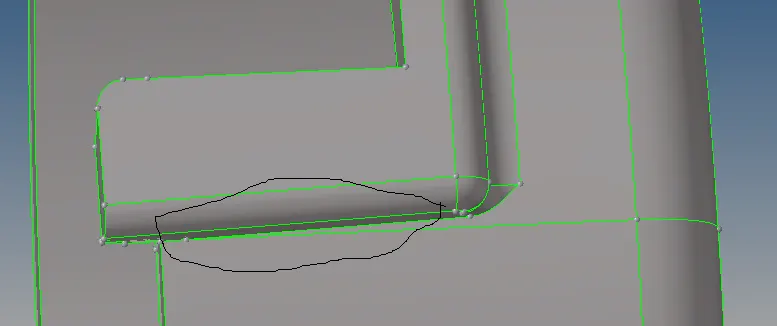
Elements in the above area can fail minimum element size, So, we can toggle that part.
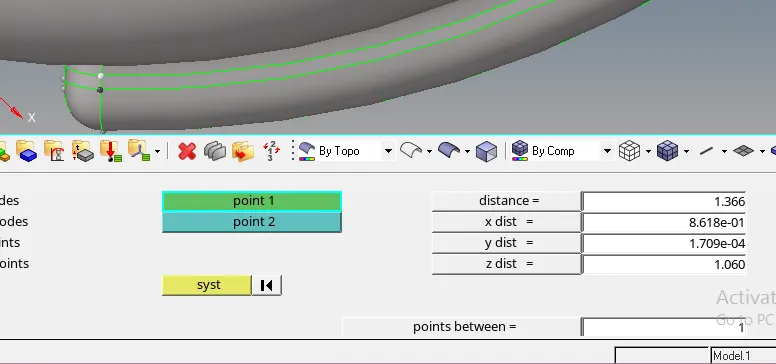
Minimum element size is failing here as well. Here, i can replace nodes to rectify this part.
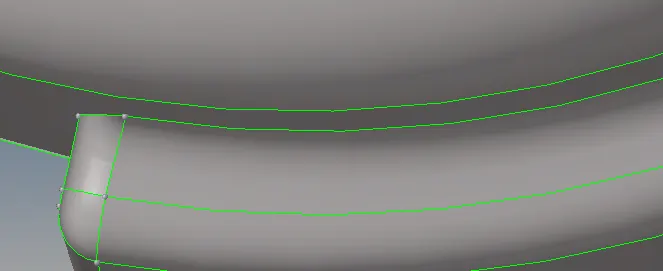
b) Doing 2d mesh after geometery cleanup:
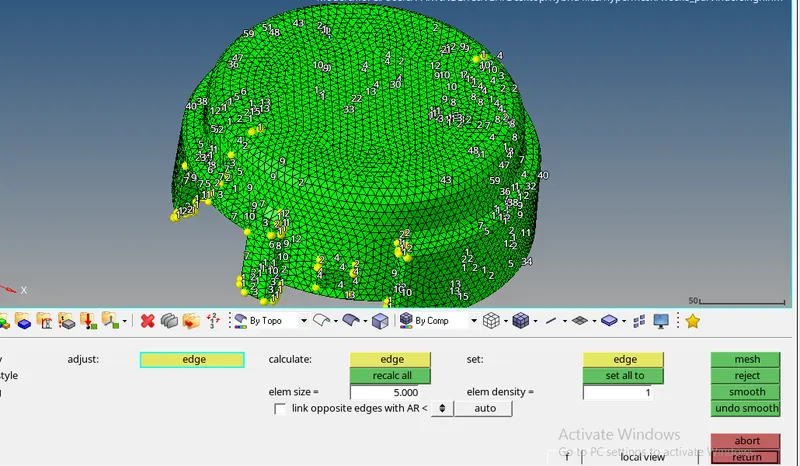
c) cleaning minimum and maximum size from 2d mesh panel:
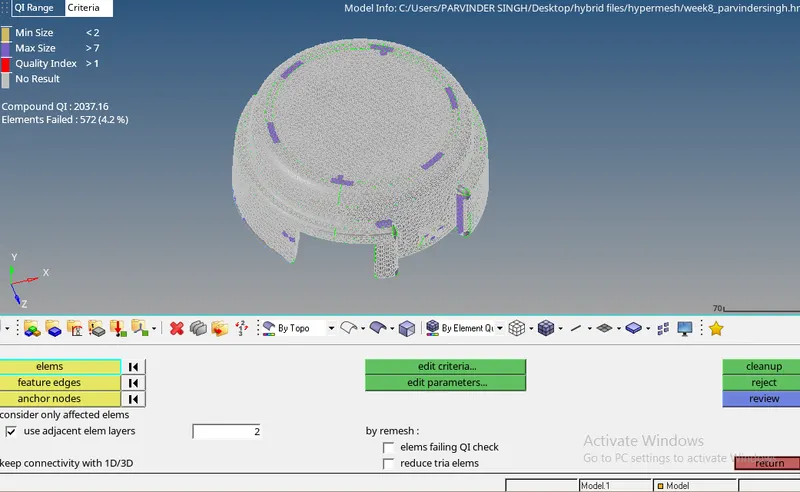
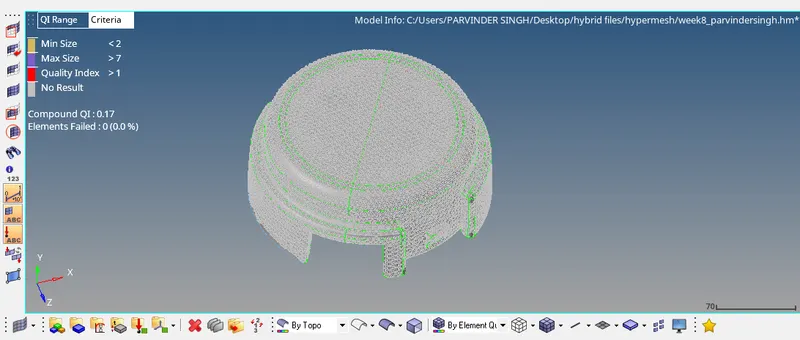
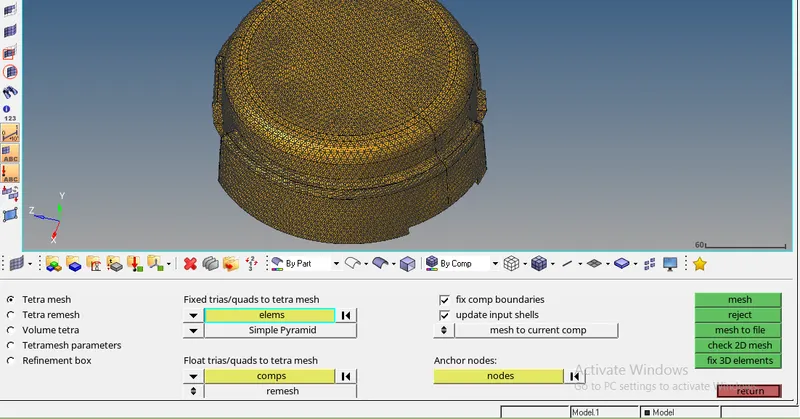
d) Now doing 3d tetra mesh:
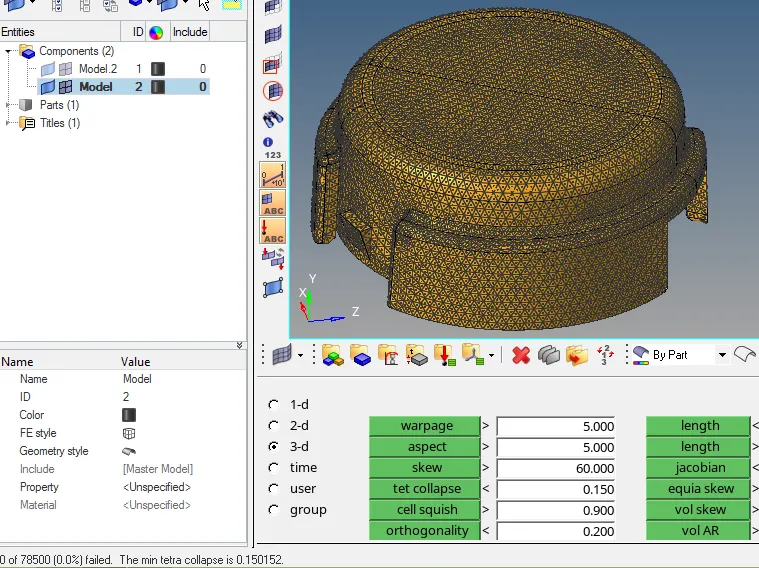
e) checking the tet collapse:
FINAL MODEL IMAGE:
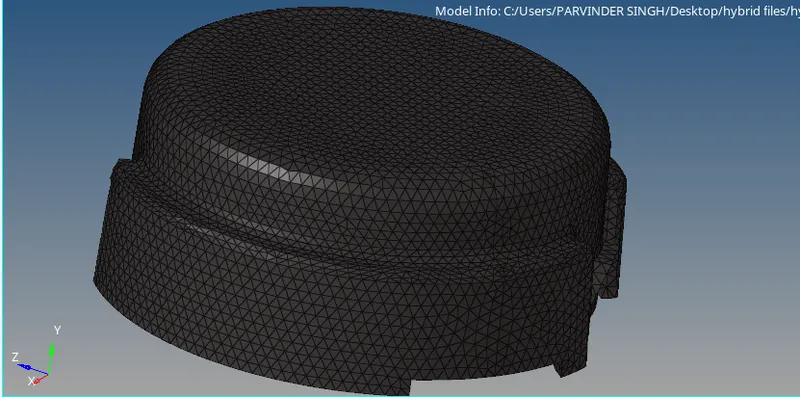
MODEL 2:-
OBJECTIVE: Create a Teramesh for Housing component with the following quality criteria.
Target Element size: 3 Units.
Tet Collapse: 0.15
Cad model image:
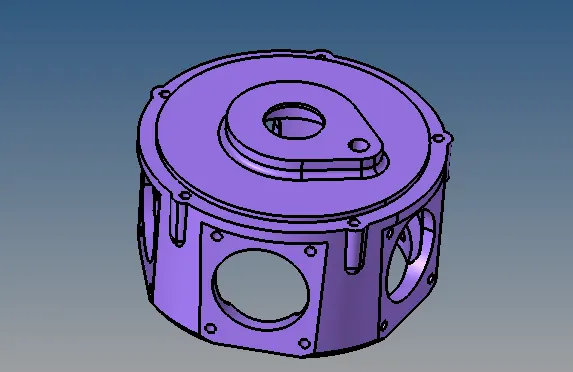
Procedure with required images:
a) finding out the geometric errors:
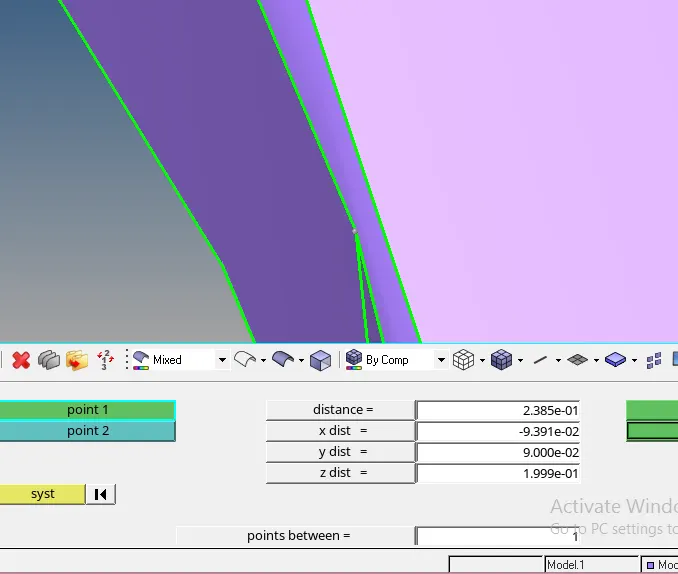
here the element will fail target element size, so rectifying this with the help of toggle edge or by replacing the points.
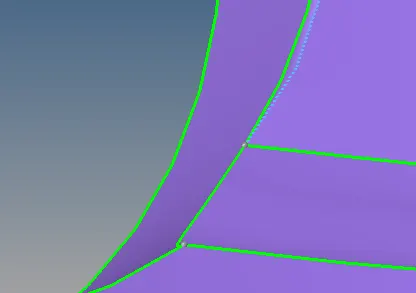
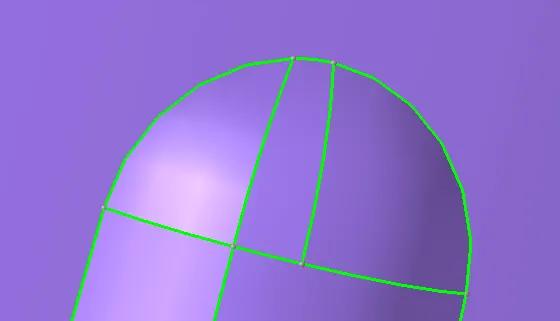
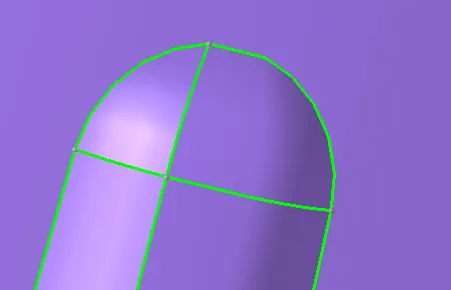
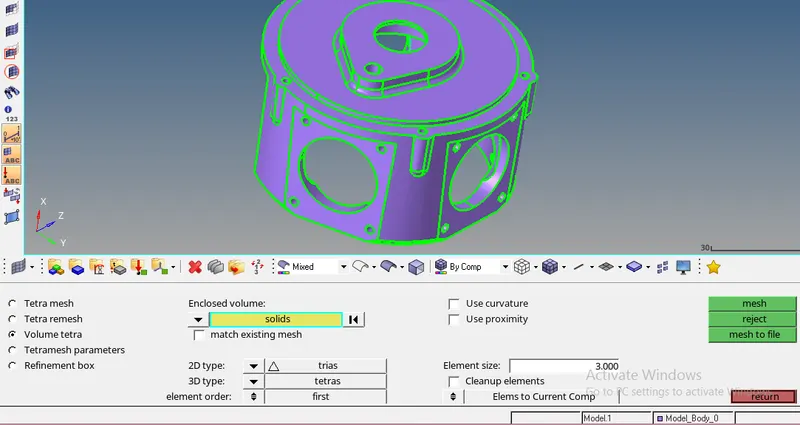
b) generating the volume tetra mesh with target element size of 3.
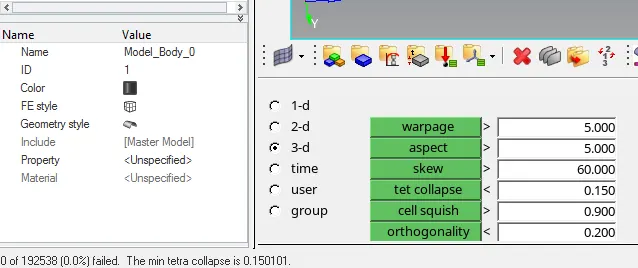
c) checking the tet collapse:
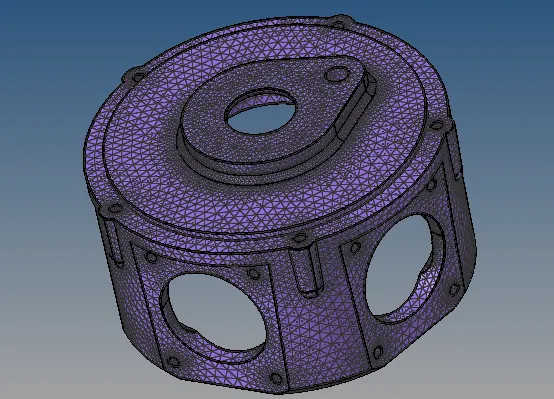
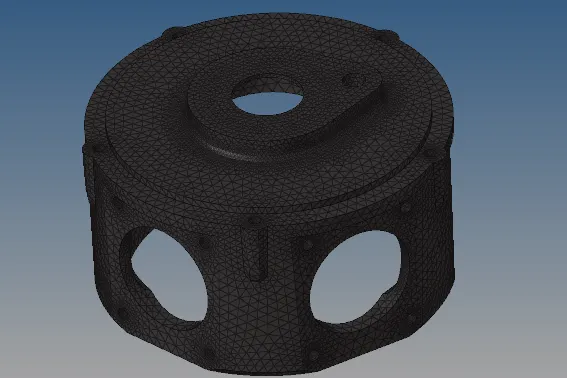
Final model image:
Objective: For the given assembly model, Create a 3D Tetramesh with the following quality criteria.
Target Element size: 4 Units.
Tet Collapse: 0.15
Cad model image:
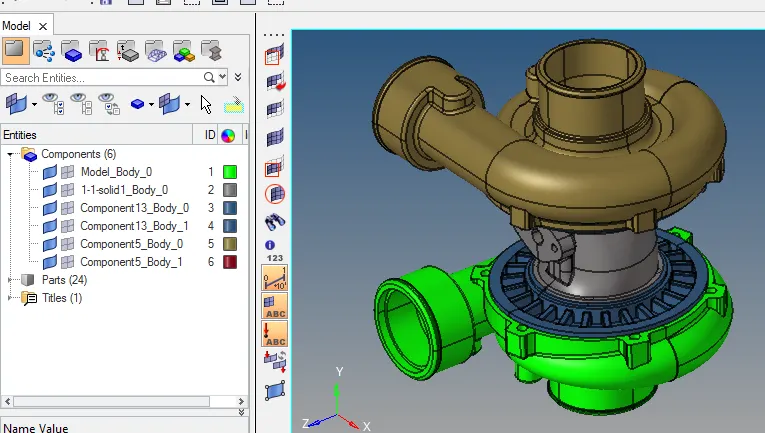
Procedure with required images:
a) Here i generated the volume tetra mesh on some parts with curvatures as quick tetra mesh is not generated properly on the parts with curvature.
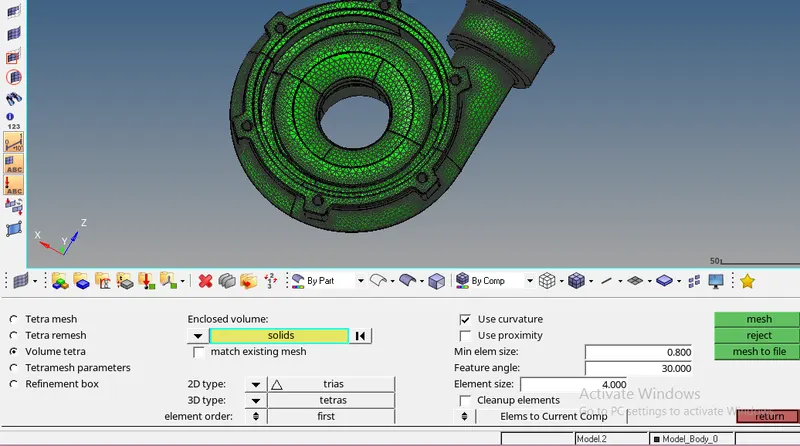
b) checking for the tet collapse and rectifying it individually or by doing tetra remesh:
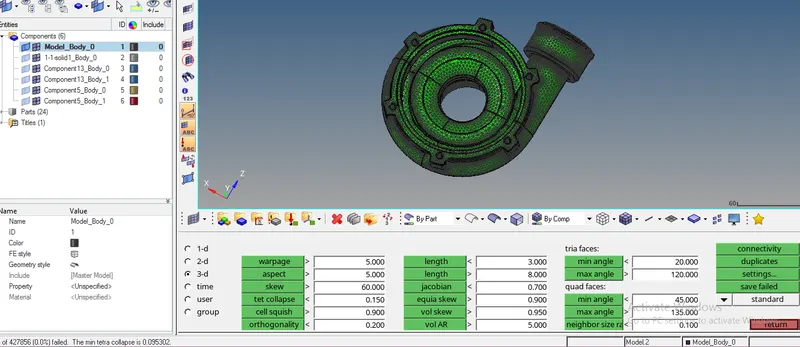
Similarly on the following parts, mesh is generated:
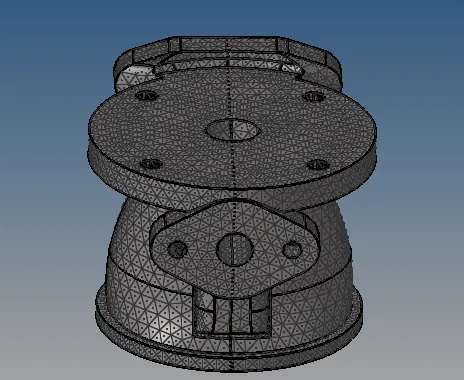
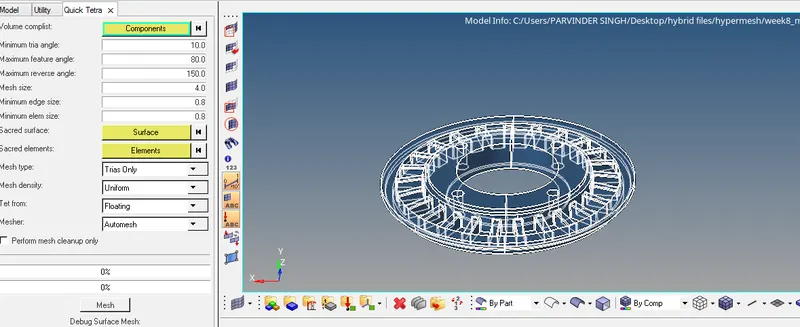
Here the mesh is generated by the quick tetra .
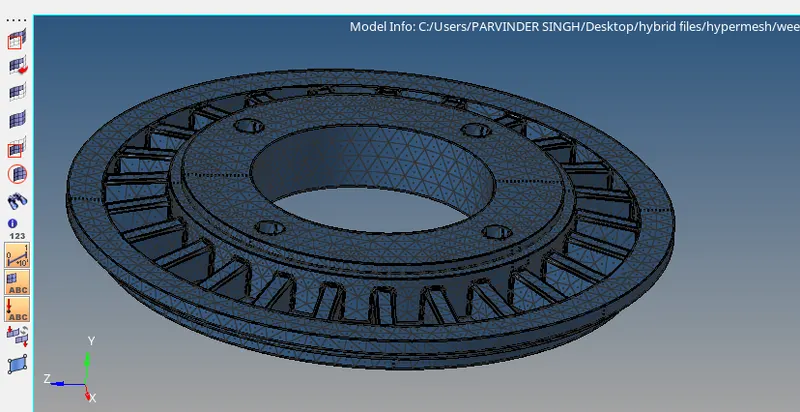
Final model image