Week 8-3D Tetra Meshing Challenge
Aim - To generate tetra mesh using various methods on the given models.
Model 1 :
Procedure -
1. Open the housin.stp file by importing geometry as shown :
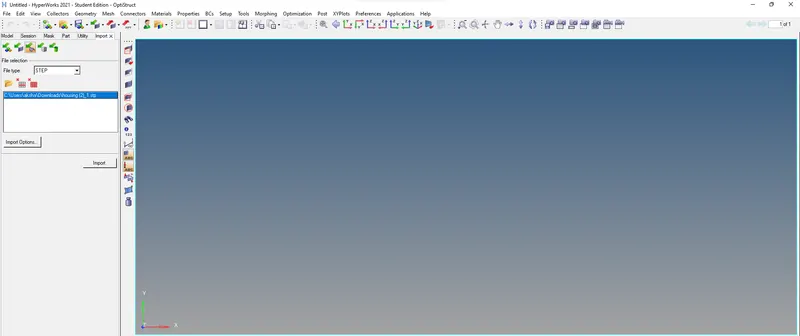
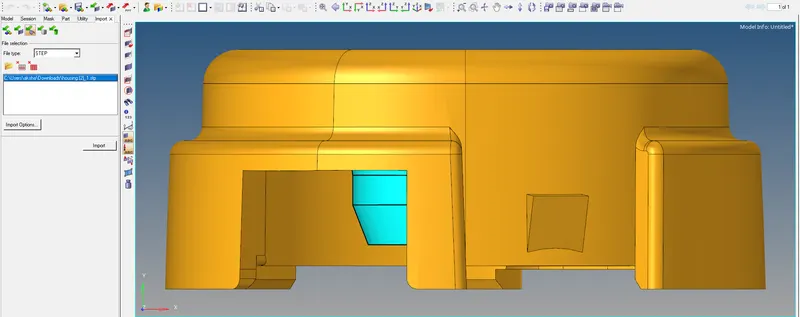
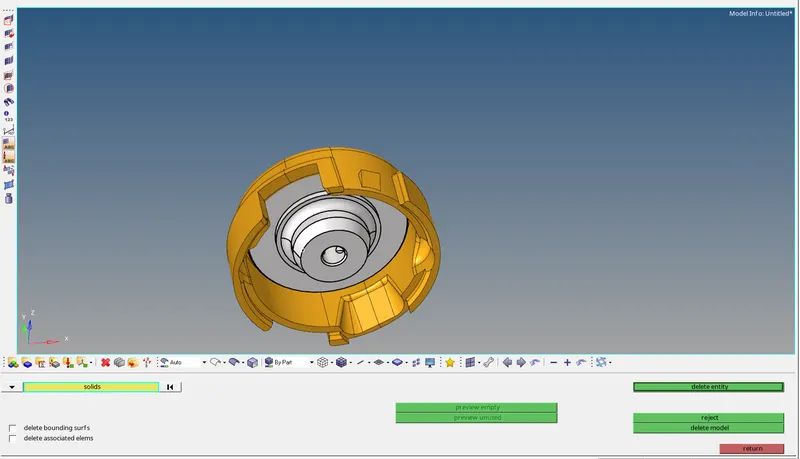
2. Delete all solids present in the model :
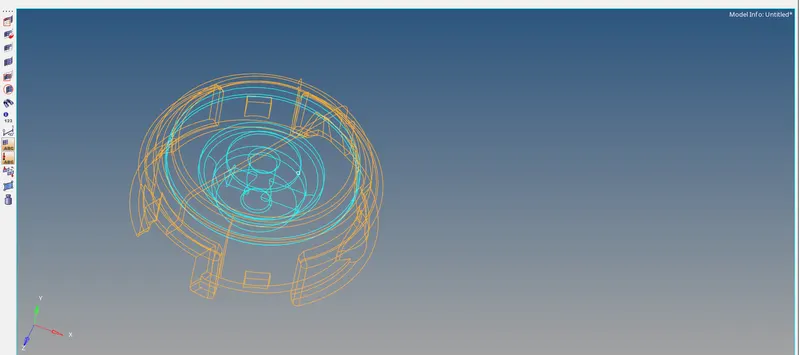
3. Check for free edges in the wireframe mode and make sure the geometry is enclosed :
4. Cleanup the geometry removing any unnecessary fillets and toggling edges :
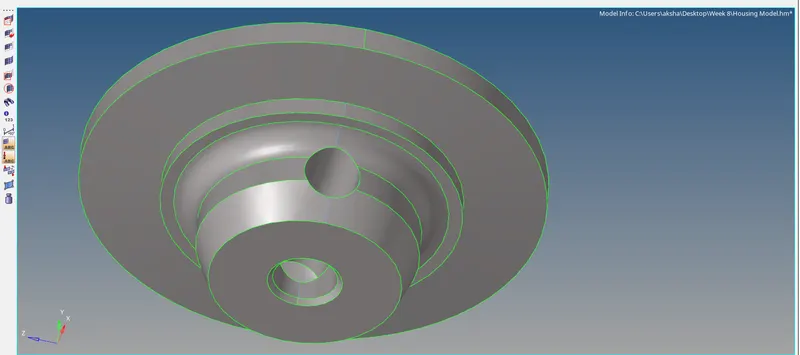
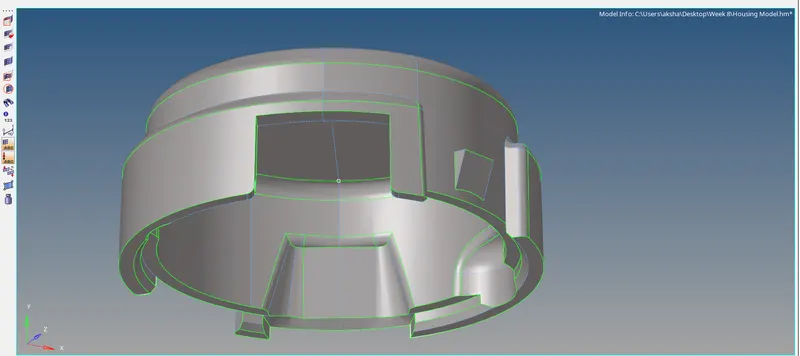
5. Mesh the model with tria elements with the target element length as 5 units :
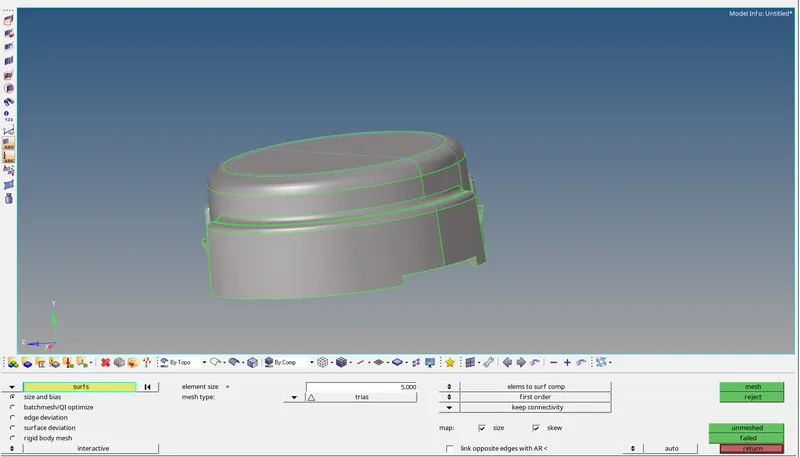
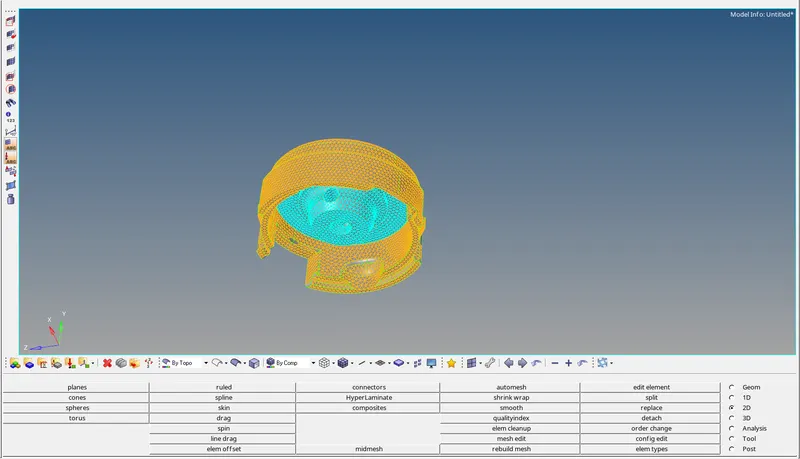
6. Check for quality of the mesh and perform cleanup on any elements which fail for quality :
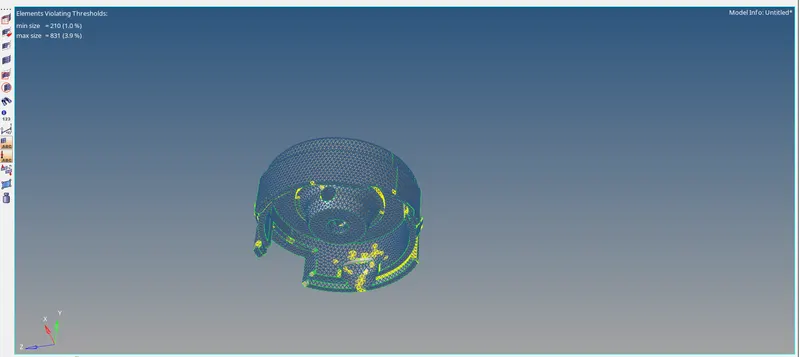
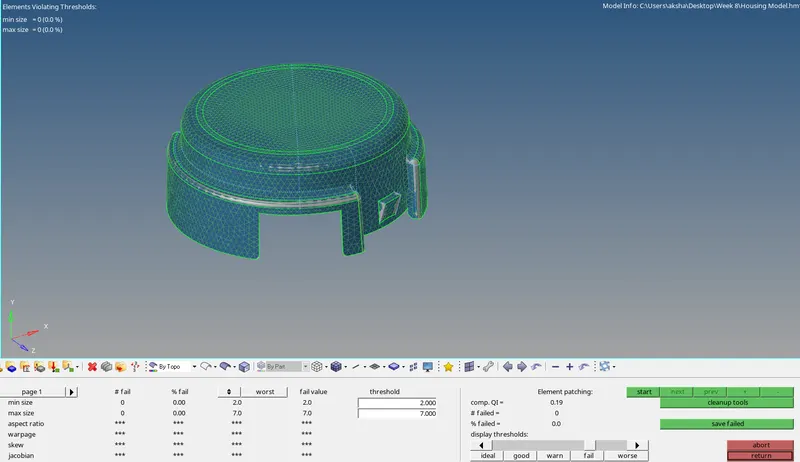
7. Go to the 3D mesh panel and select tetra mesh, set the tetra meshing parameters, and mesh the model:
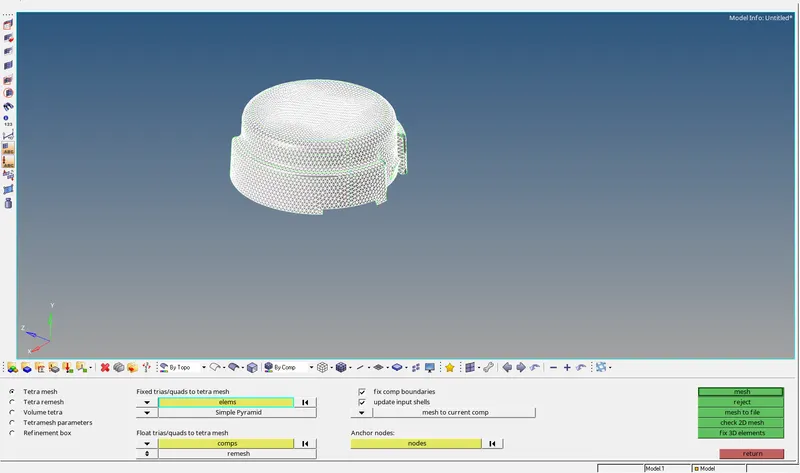
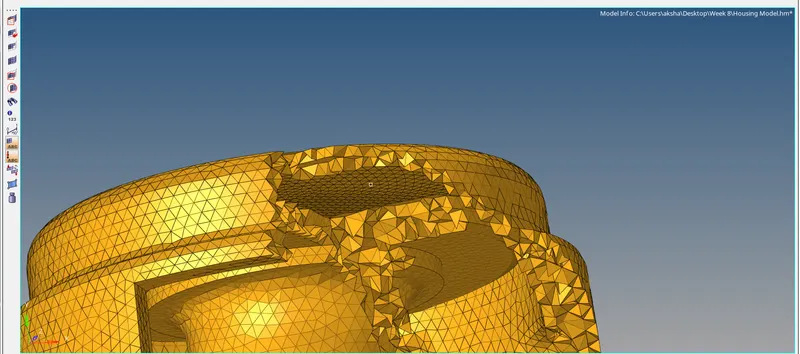
8. Check for failed quality elements in the tetra mesh and correct them by remeshing :
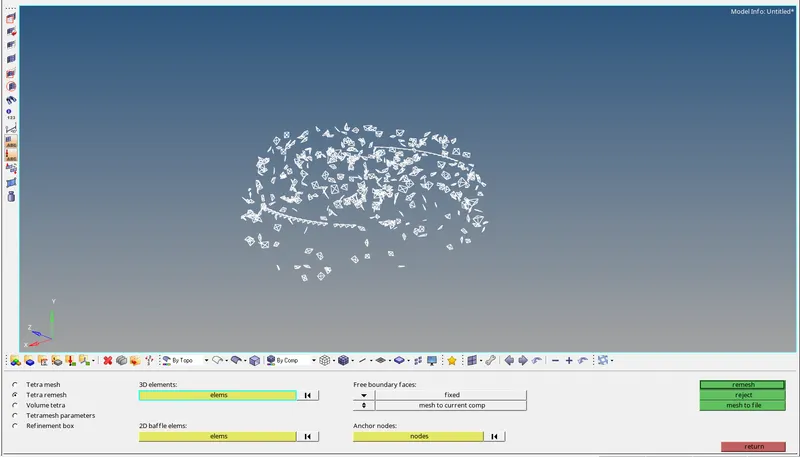
9. If remeshing does not clear the quality then we change the distance manually as shown :
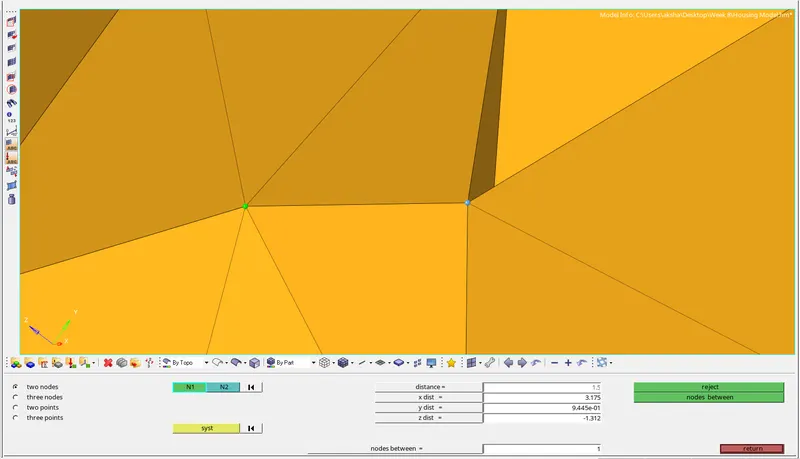
10. The final mesh is as shown below :
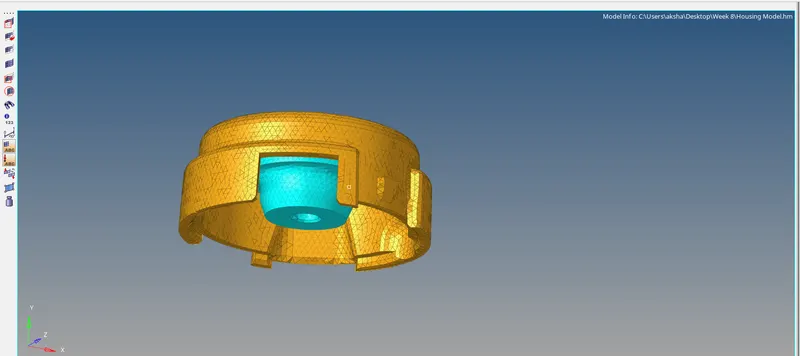
Model 2 :
1. Open the .iges file by importing geometry as shown :
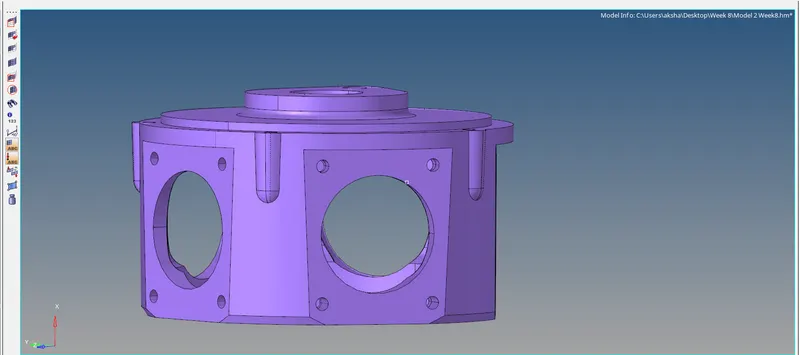
2. Delete any solids present in the model:
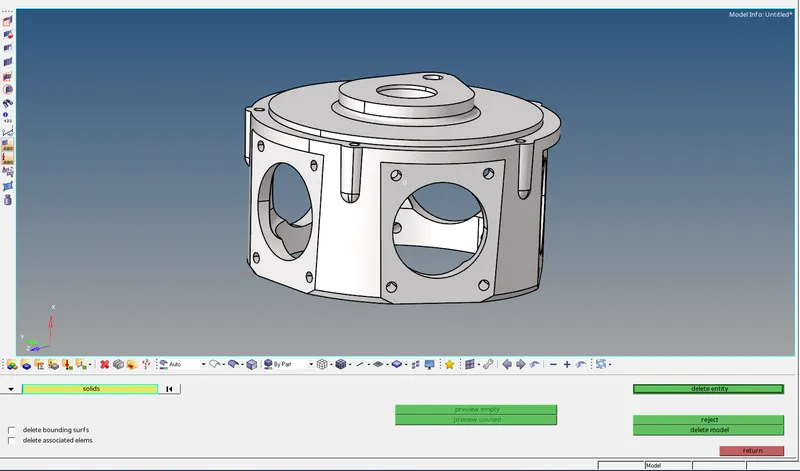
3. Check if the model has any free edges :
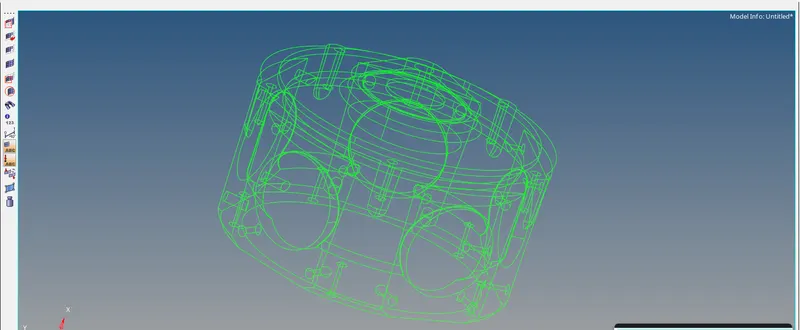
4. Go to tetra mesh and try meshing the model :
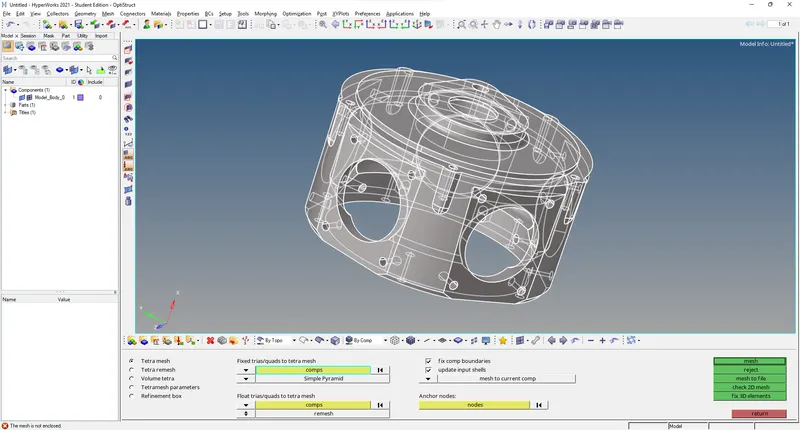
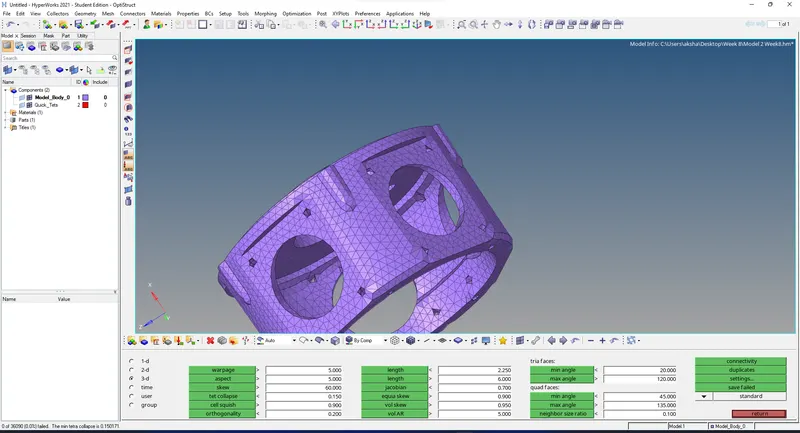
5. If the meshing fails, go to the quick tetra mesh panel and mesh the model as shown :
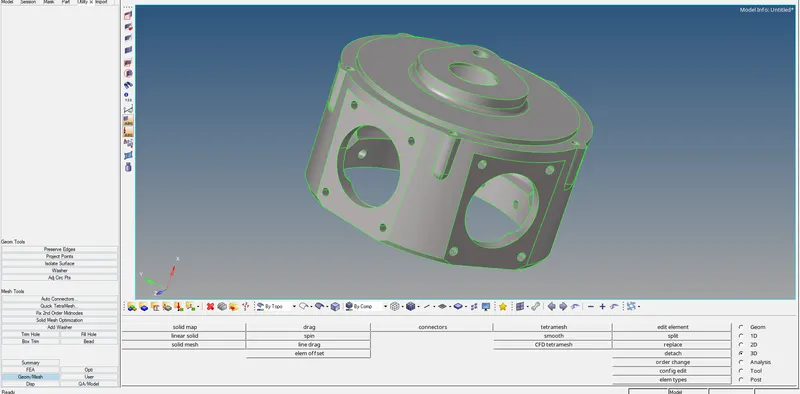
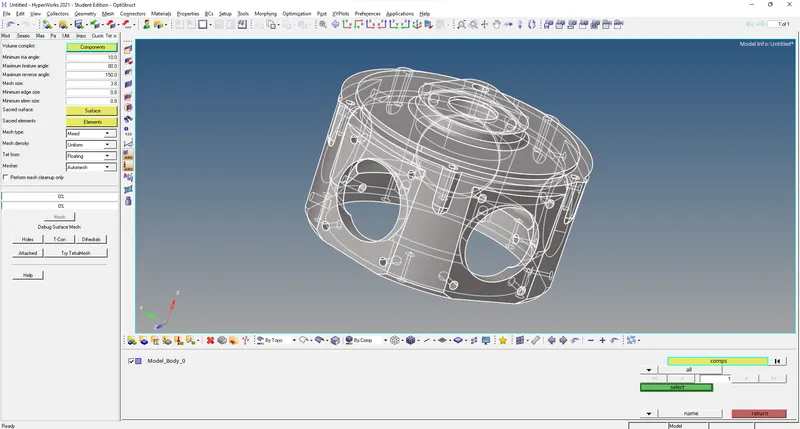
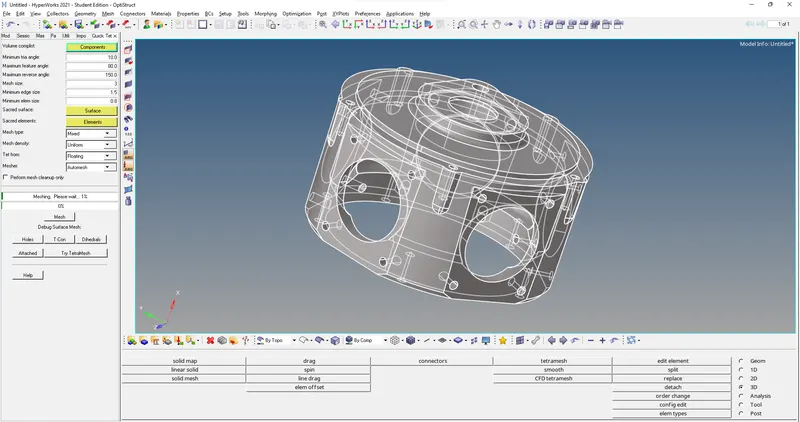
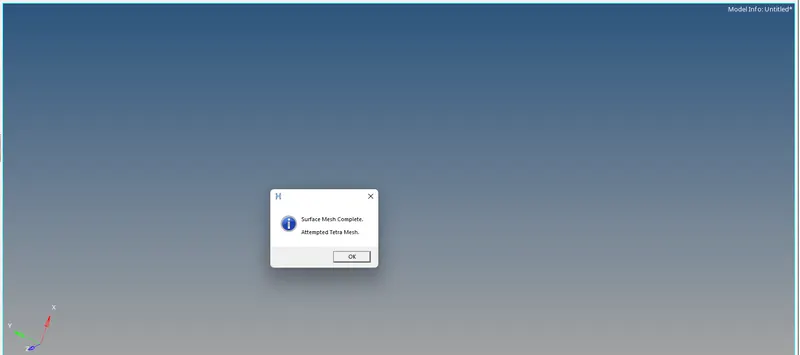
6. Check for tetcollapse in the model :
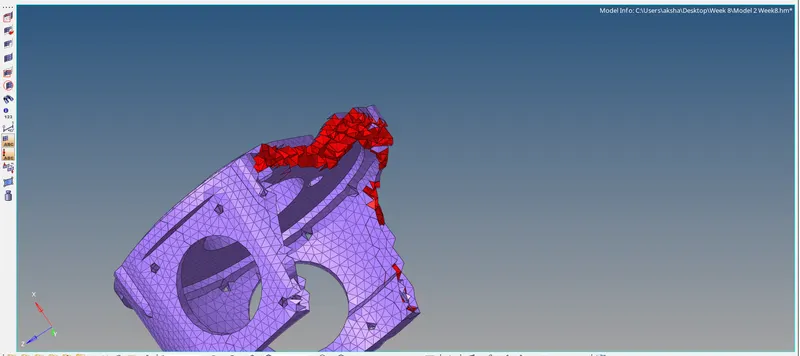
7. Clear the quality of the elements by remeshing or manually changing the distance between two nodes:
Model 3 :
1. Open the .iges file by importing geometry as shown :
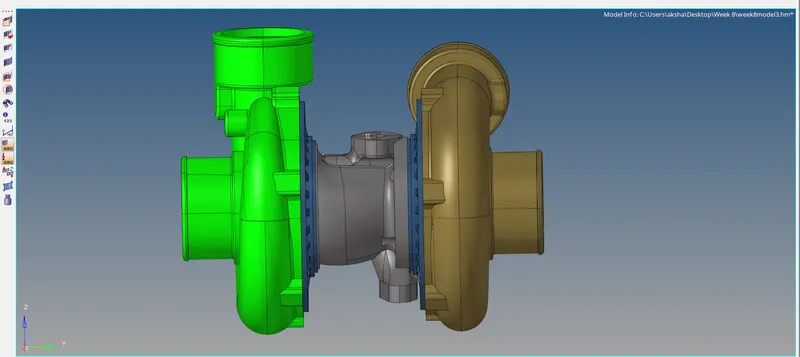
2. Open the volume tetra option, and select the surface option :
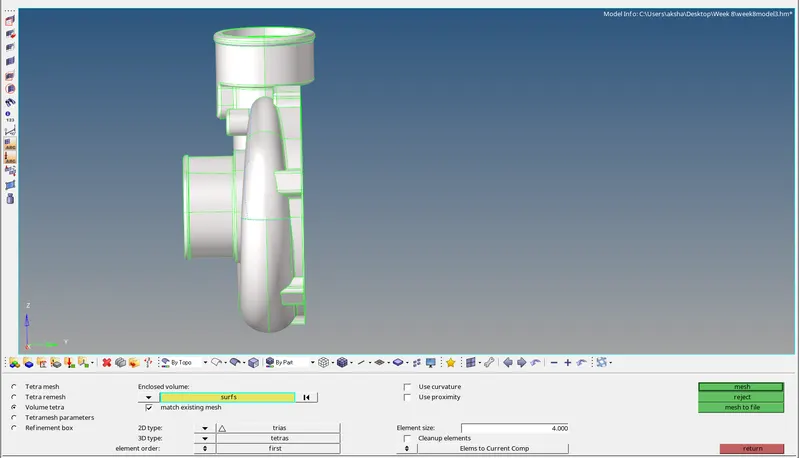
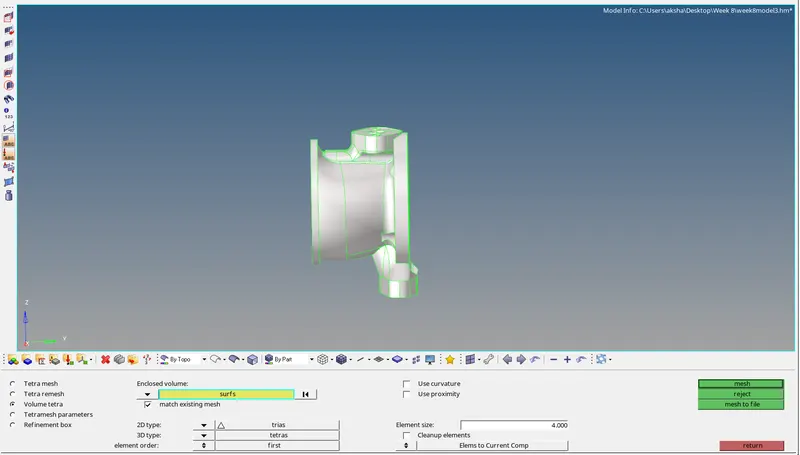
3. Mesh the model with element length as given :
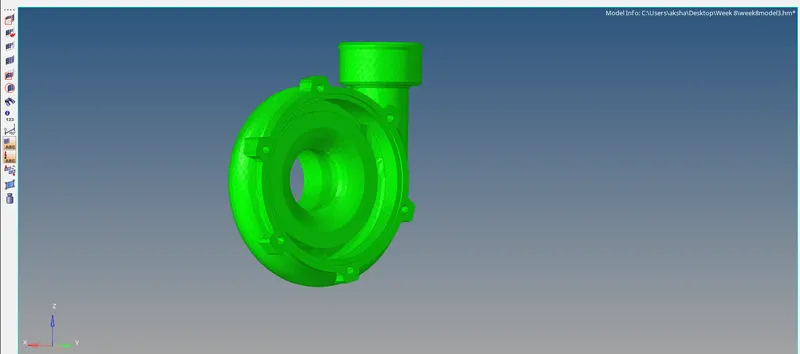
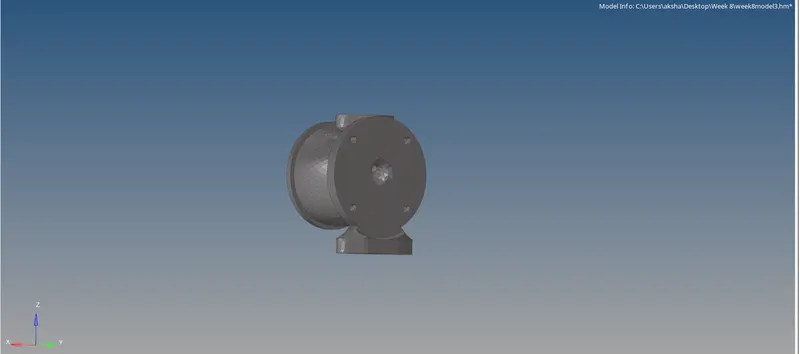
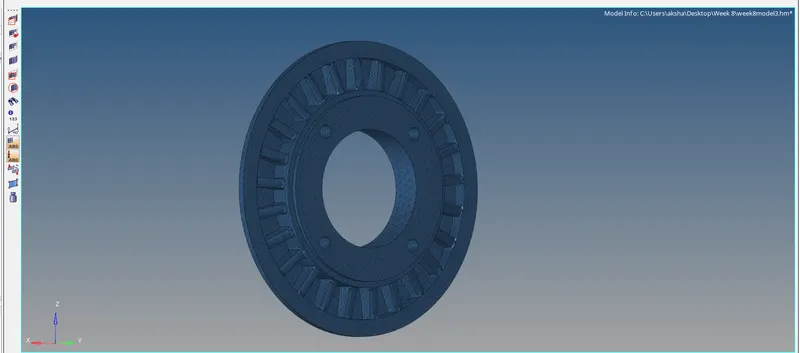
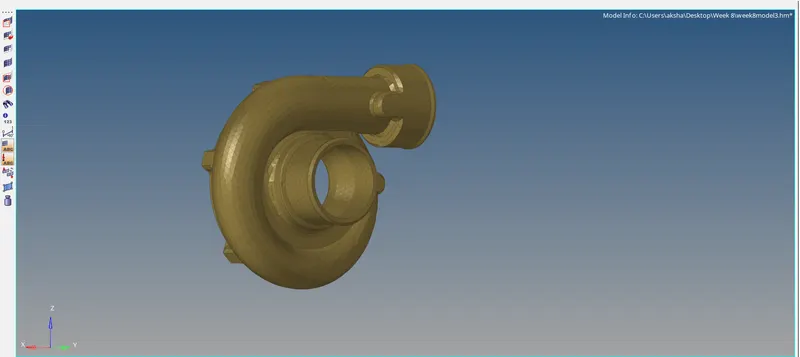
5. Check for tetcollapse in the model and Clear the quality of the elements by remeshing or manually changing the distance between two nodes.
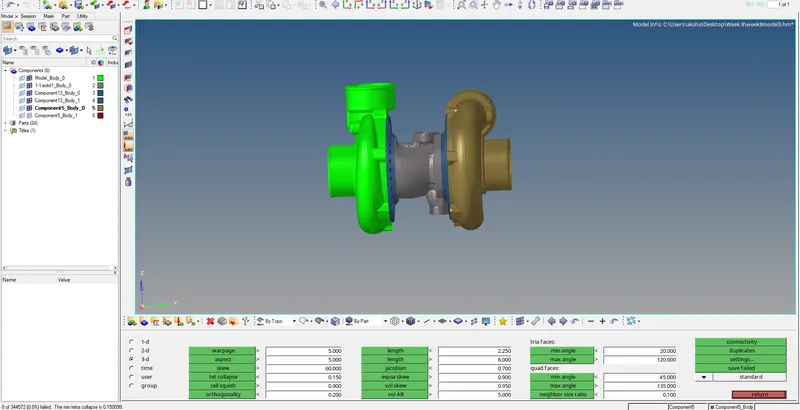
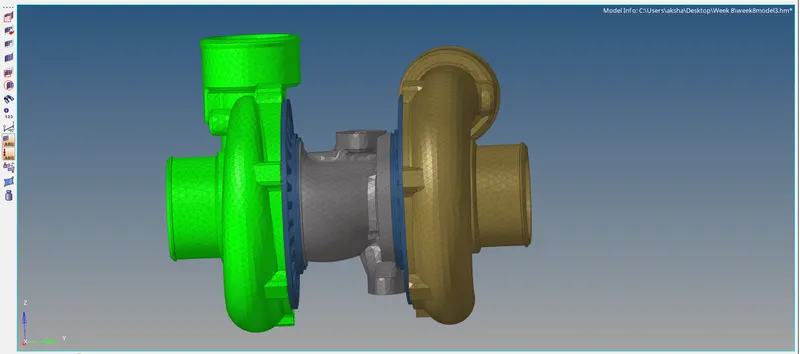
6. The final mesh is as shown :
Learning Outcomes :
Learned to 3d mesh a component by 2d to 3d conversion.
Learned to directly mesh a component by using 3d quick tetra mesh panel.
Learned to directly tetra mesh by volume tetra mesh option.
Learned to clear the quality of 3d mesh.
Result :
The given models have been successfully 3d tetra meshed as per given requirement.