Week- 5 - Solid meshing
Aim - Removing geometrical errors and volume meshing the model using tetra mesh
Procedure-
1 - Import the model into ANSA and perform topo on the whole model
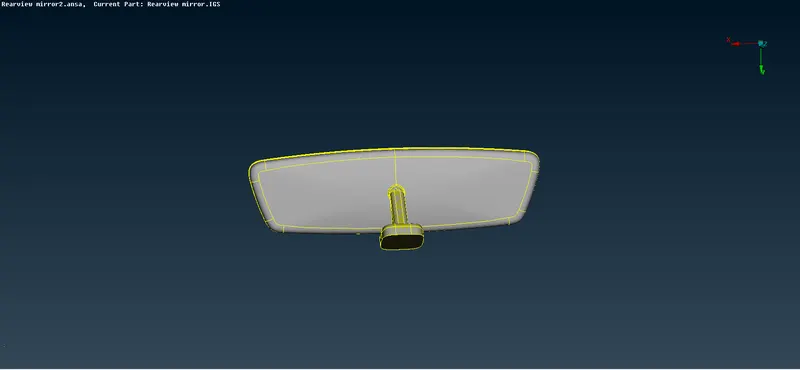
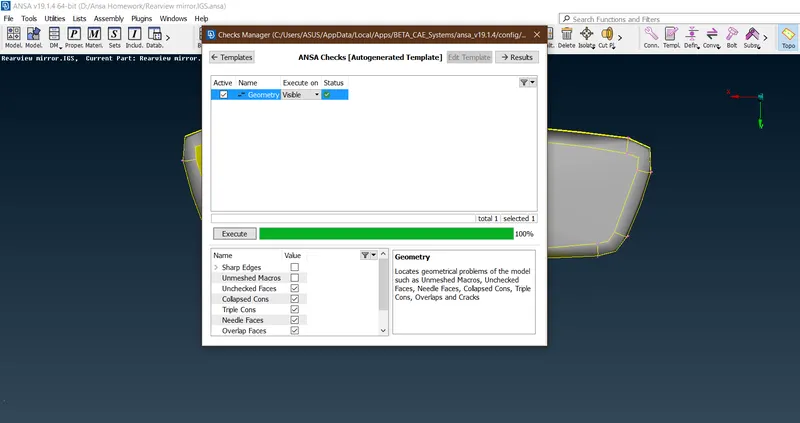
2 - Run a geometry check on the model and check for errors
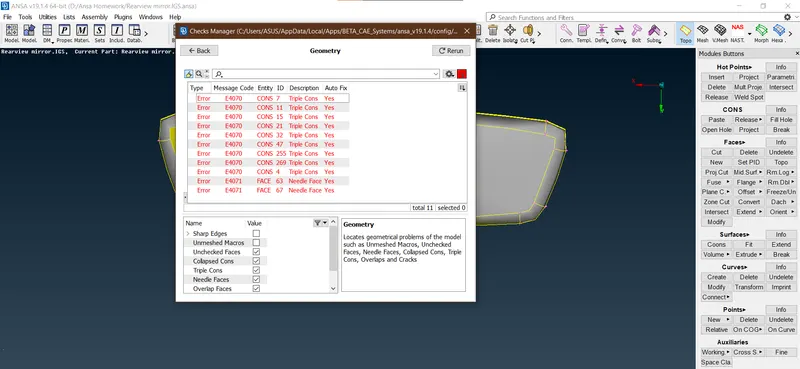
3 - Fix geometrical errors by using the auto-fix command and deleting the needle face whenever required.
4 - Run geometry check and see that no errors exist.
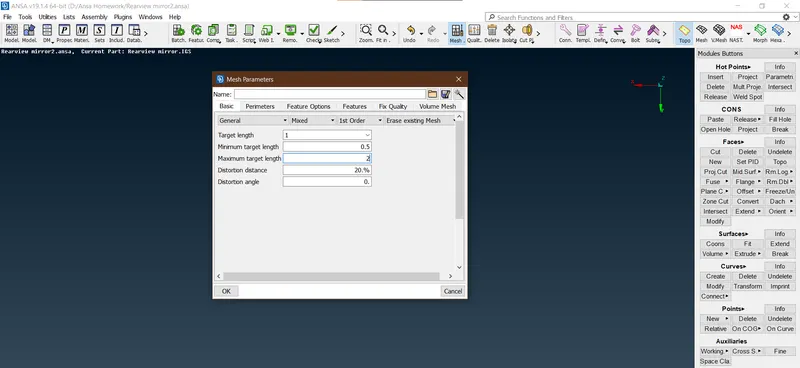
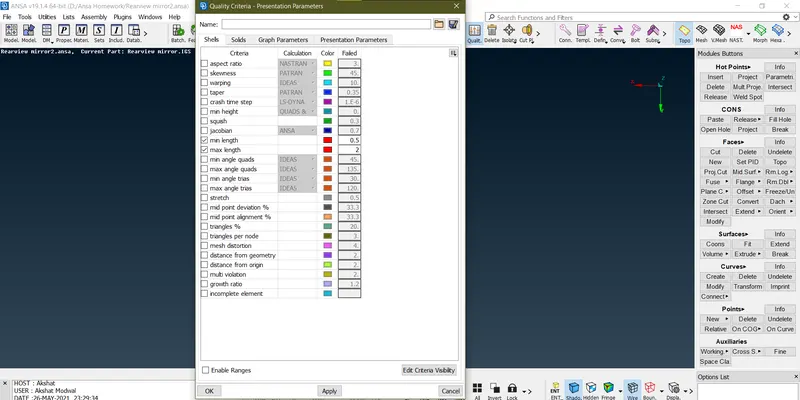
5 - Set the mesh parameters with target length for meshing, also set the quality parameters for shell meshing
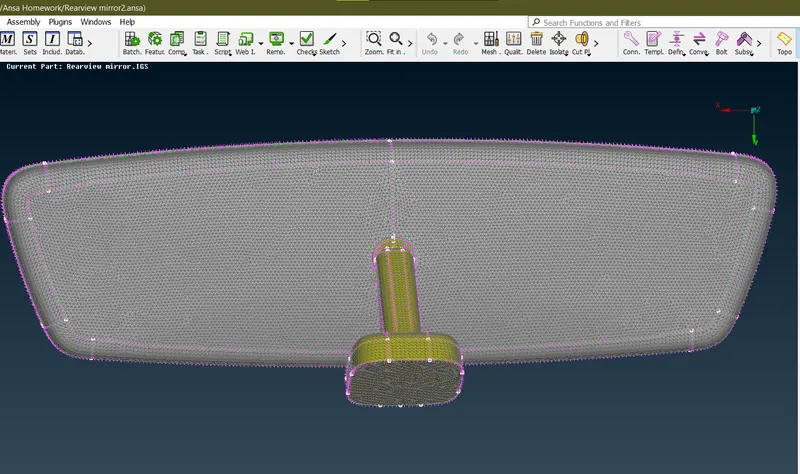
6 - Mesh the component using spot meshing - tria for surfaces with fewer features and ortho tria for surfaces with complex features. The mesh generated is as shown:
7 - Once the surface has been meshed we define the volumes, go to v.mesh module and select define - manual and select the volumes, and create a new Psolid volume.
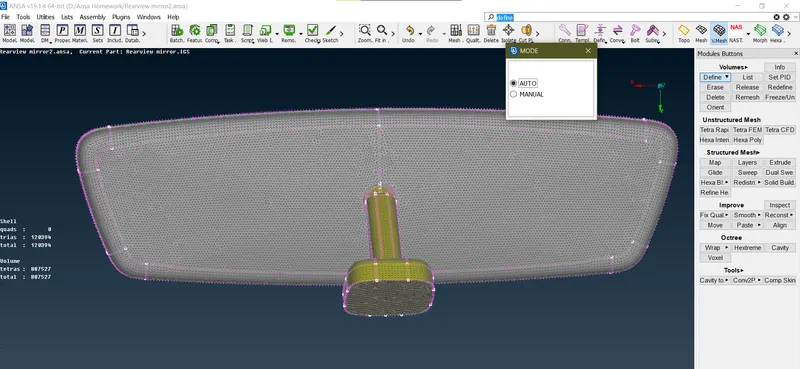
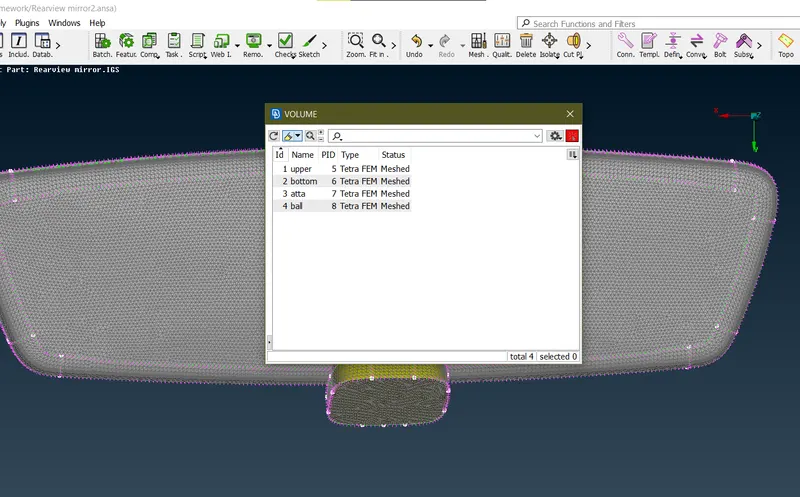
8 - Once the closed volumes have been defined, mesh the volumes using Tetra Fem or Tetra Rapid.
9 - Clear any quality which is failing by using the mvfree, swap options, check the surface should not contain any kinks.
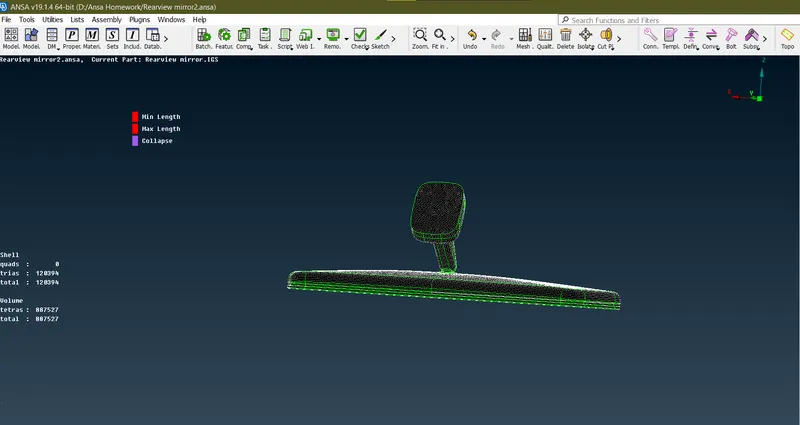
10 - The final meshed volumes are shown below
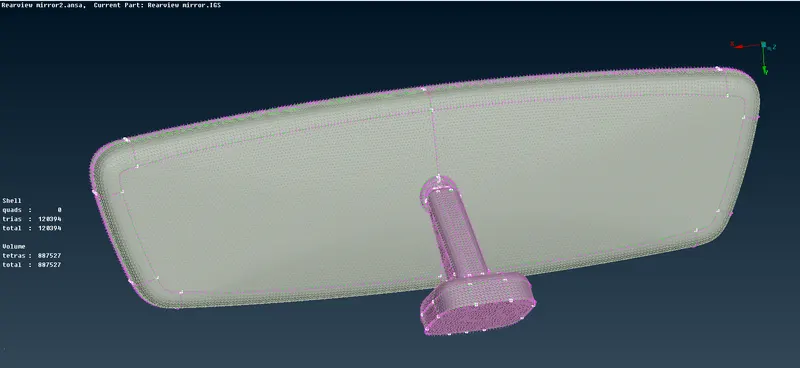
Result :
- The model has been successfully checked for geometry and shell meshing has been done.
- Volumes have been defined and solid meshing has been performed on the model.
Learning Outcomes:
- Solid Meshing
- Use of tria and ortho tria using spot meshing
- Defining Volumes
- Using Tetra Fem and Tetra Rapid Module.