Week - 4 - 2D meshing for Plastic components
AIM:
To mesh the model of bottle cap by taking appropriated mid surface and getting the model clean of geometrical errors.
PROCEDURE:
- Geometry Cleanup
- Taking Mid Surface with various techniques.
- Assigning PID for each mid-surface.
- Mesh Generation and Refinement.
- Geometry Cleanup - Open the file in ANSA :
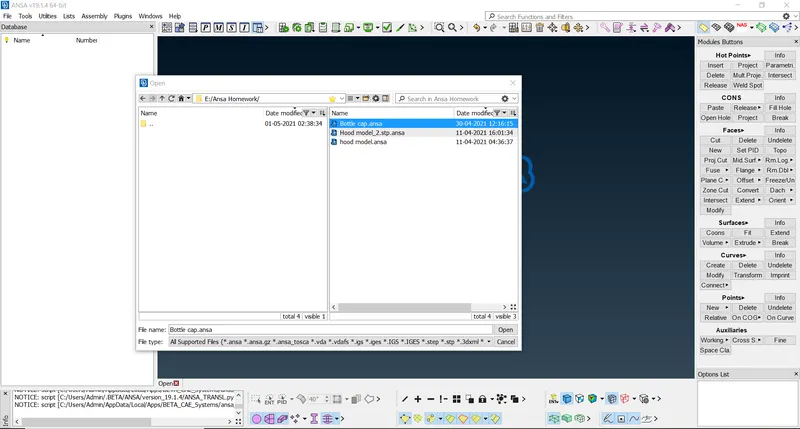
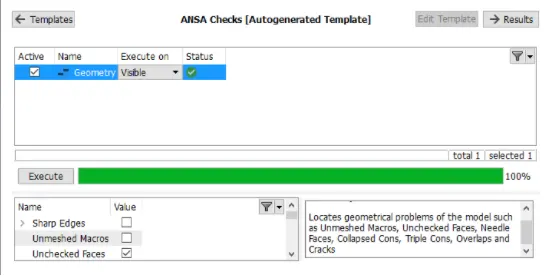
Go to the checks manager and click on geometry. Select all the errors and right-click & select the fix option.
After this, the geometry has been cleaned and after execution will show the green tick.
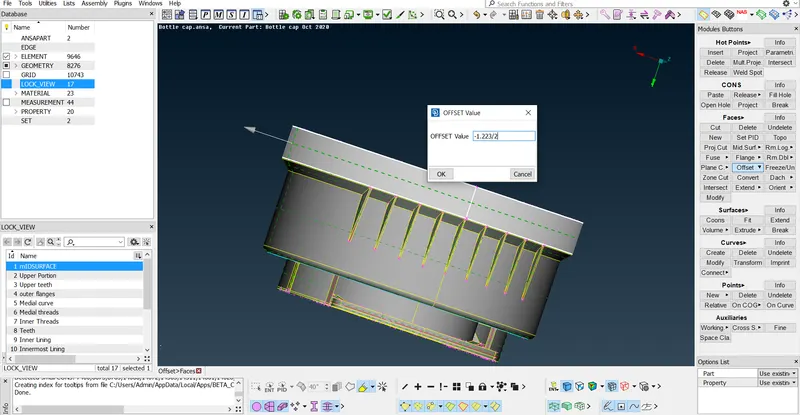
- Taking Mid Surface with various techniques :
- A manual offset method was applied with areas having uniform thickness and mid surface was extracted for the same.
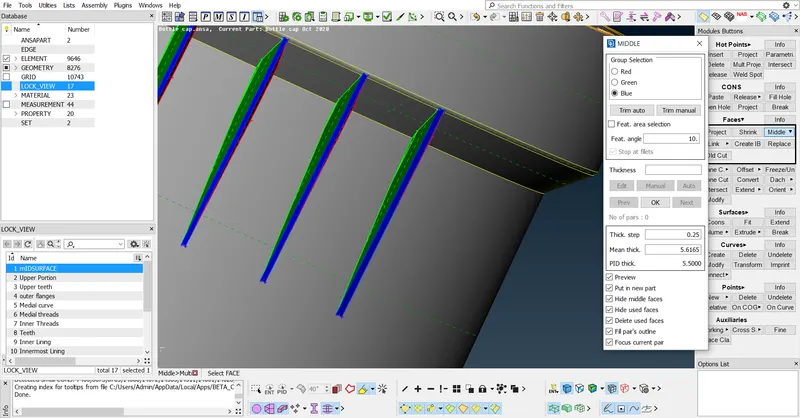
- For outer ribs the middle multi option was used, this saves time and gives middle for the same features repeating in the model
- In this geometry there are many teeth present, to capture the accurate mid surface the following approach was used.
- Curves are generated with the help of curve - middle and projected on the base, which helps in the generation of new faces which would be the accurate representation of mid surfaces.
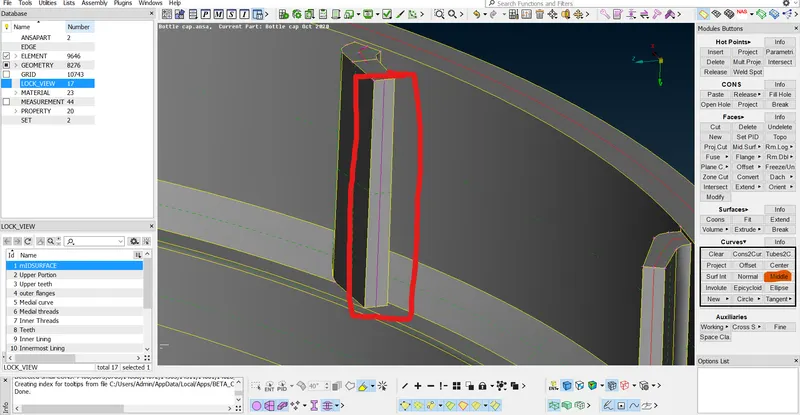
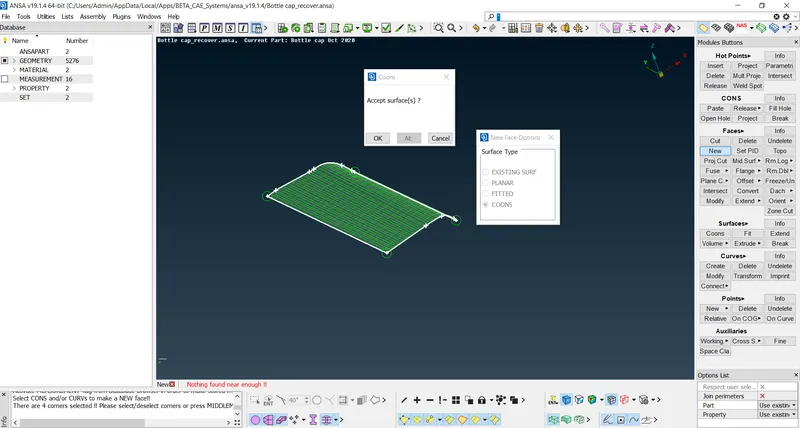
The same was followed for the inner teeth :
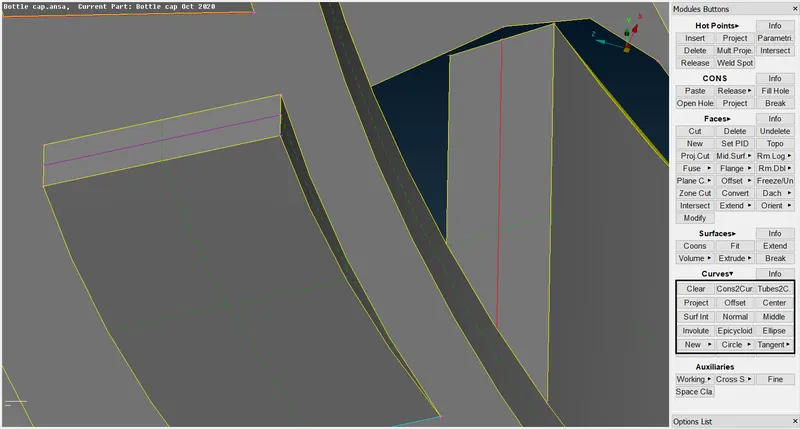
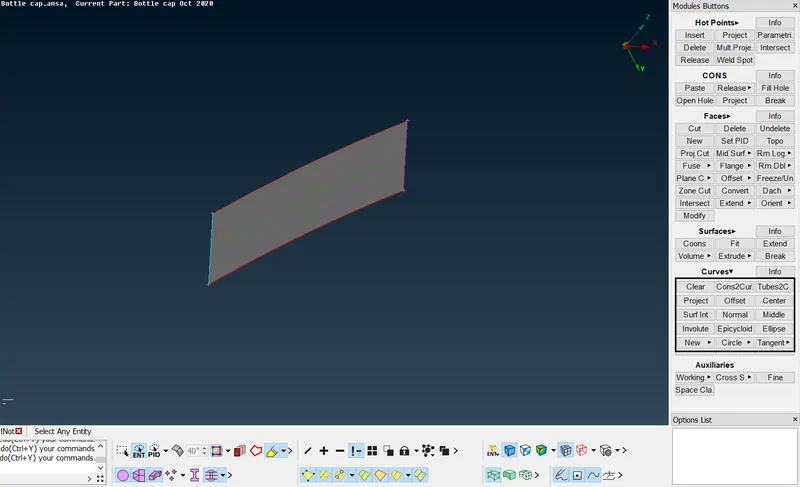
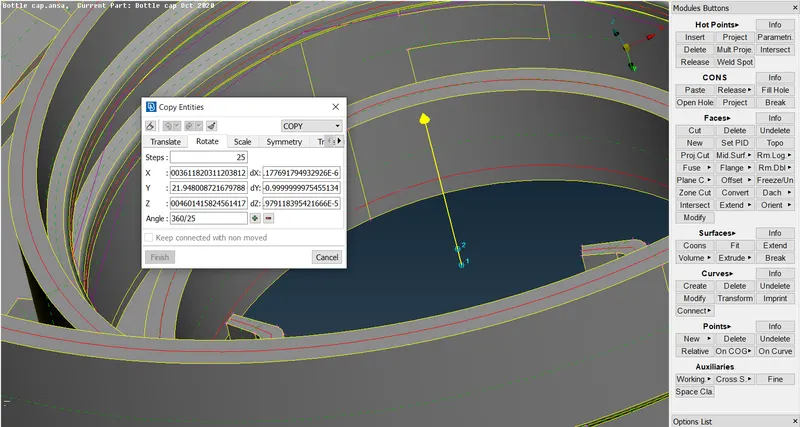
- After taking the accurate representation of the mid surfaces the rotate command is used to get the mid surfaces for all teeth:
Create two COG points at different heights for which the model has to be rotated along, this can be done in the points COG option.
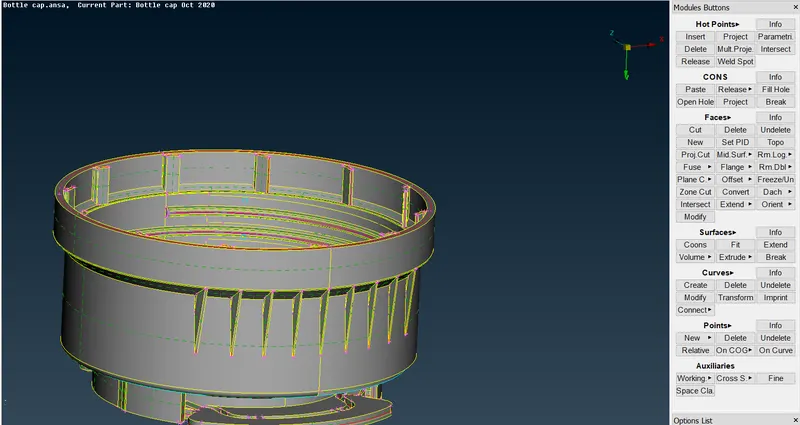
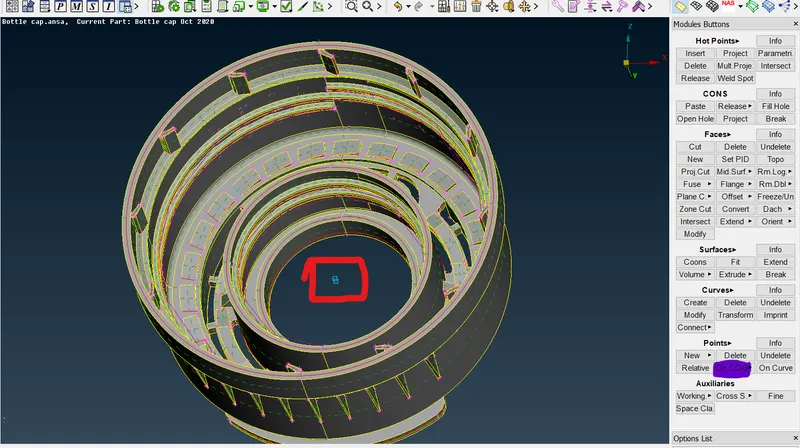
- After taking COG points the rotate command is used :
Select the entities which are to be rotated -
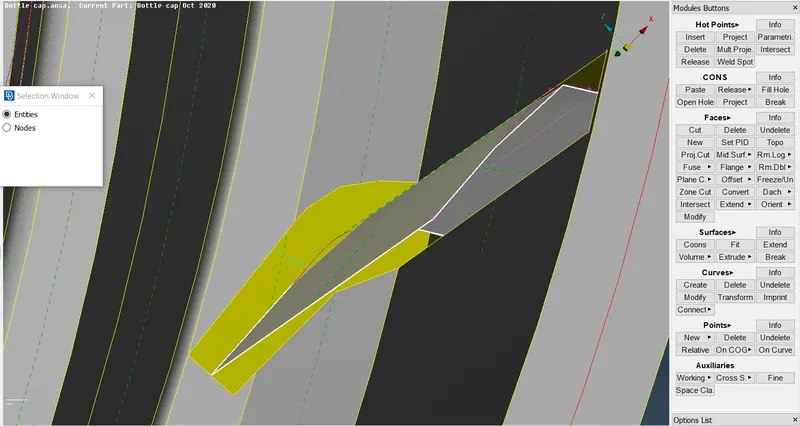
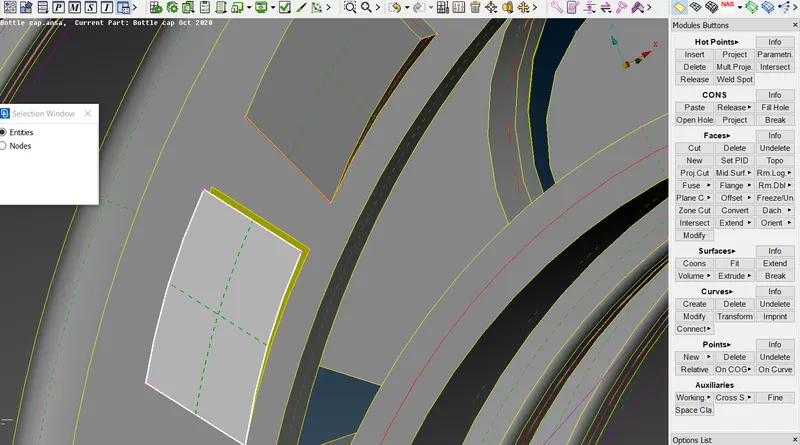
- In the X tab select the lower COG point and in the dx tab select the other COG point.
- The no of steps is the total no of teeth.
- The angle to be input is (360 / no. of teeth).
The mid surface for all teeth has been successfully extracted--
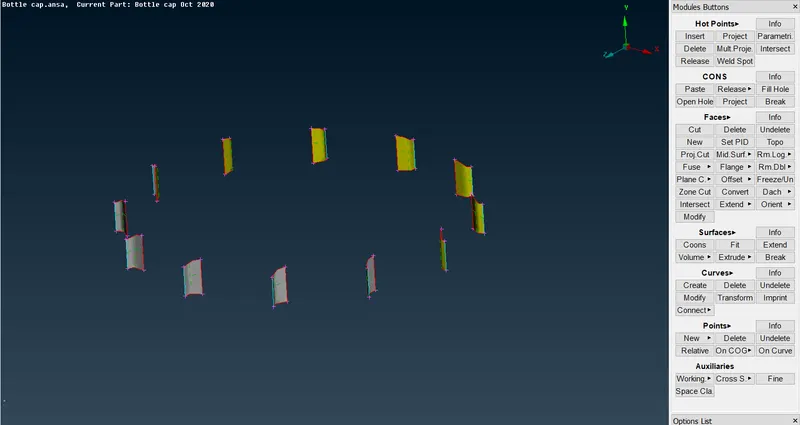
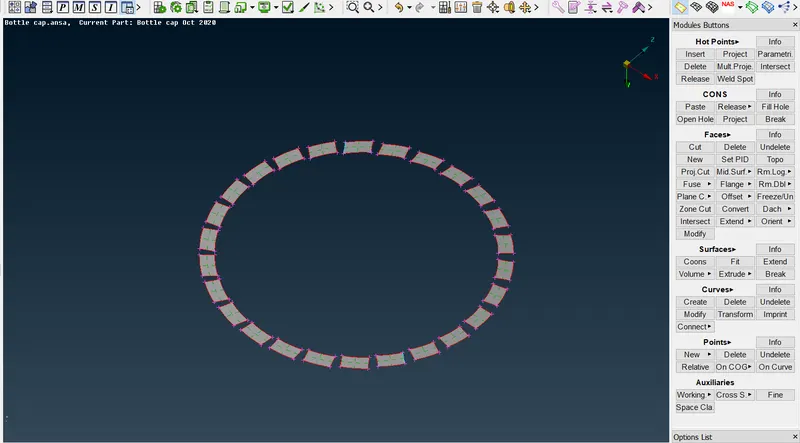
Thus by applying suitable techniques to every area the mid surface of the model has been extracted:
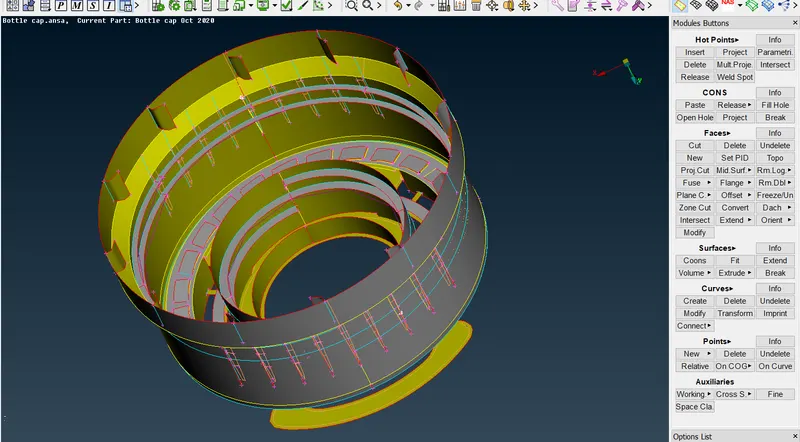
ASSIGNING PID'S TO EVERY MIDSURFACE :
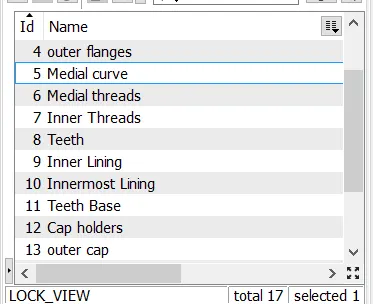
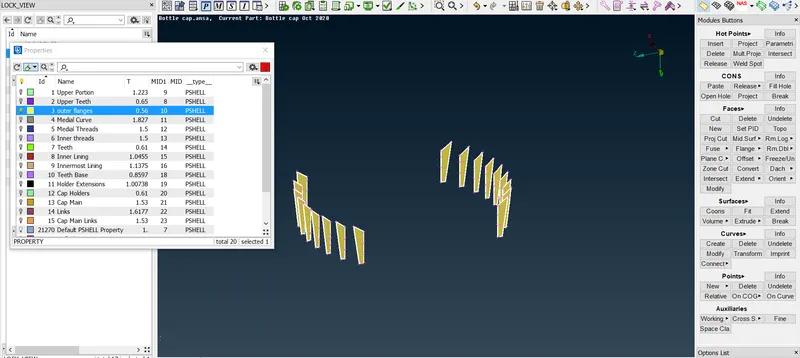
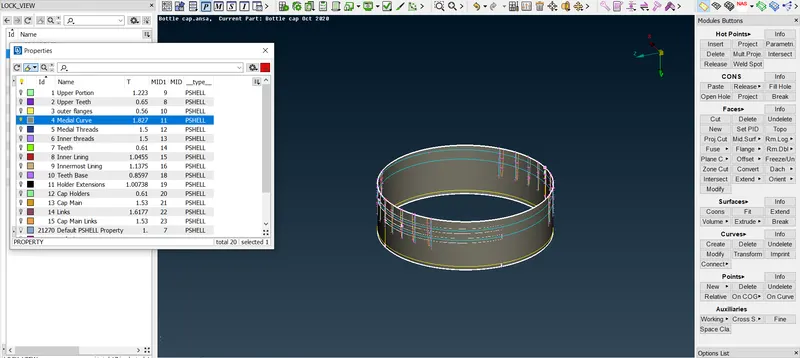
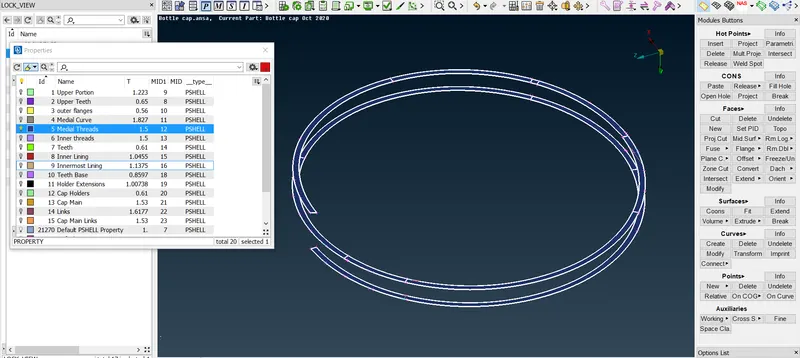
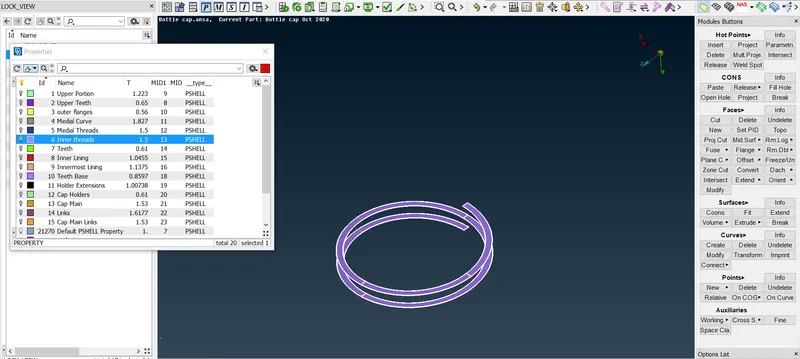
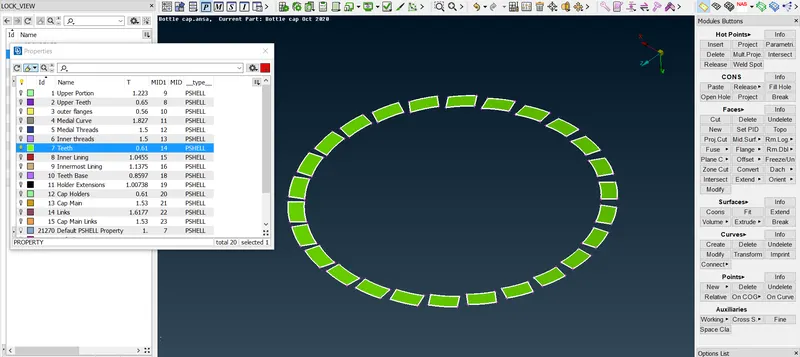
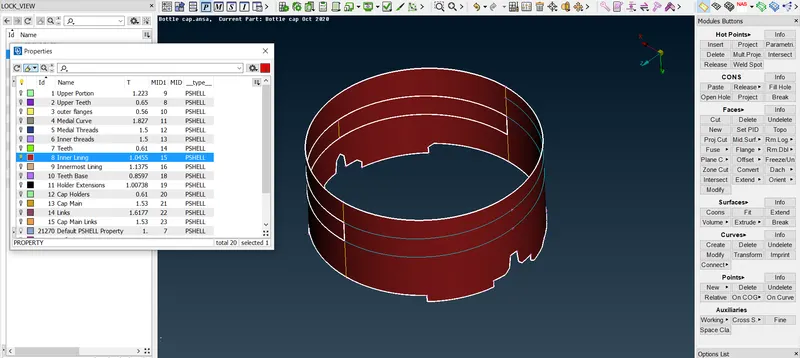
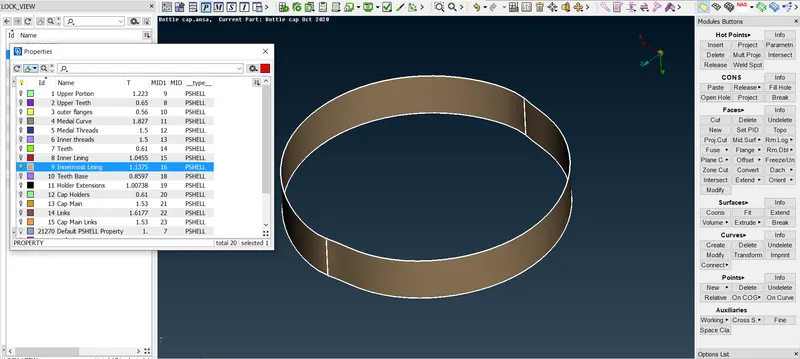
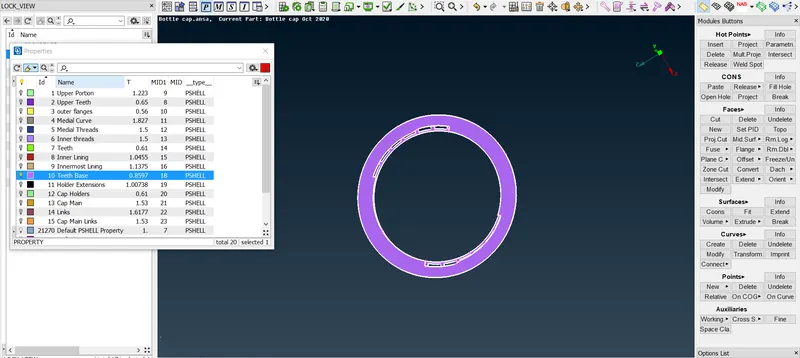
Create lock views to easily assign PID to each mid surface without error :
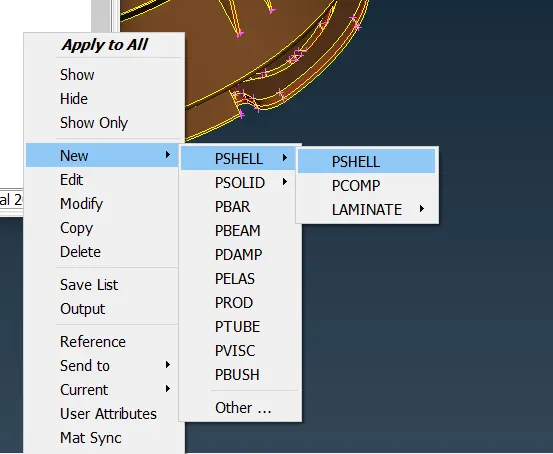
To assign a new PID go to the properties tab, right-click and create a new P-Shell.
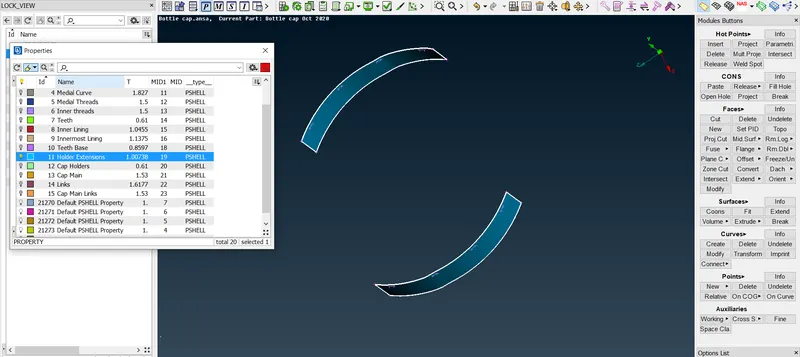
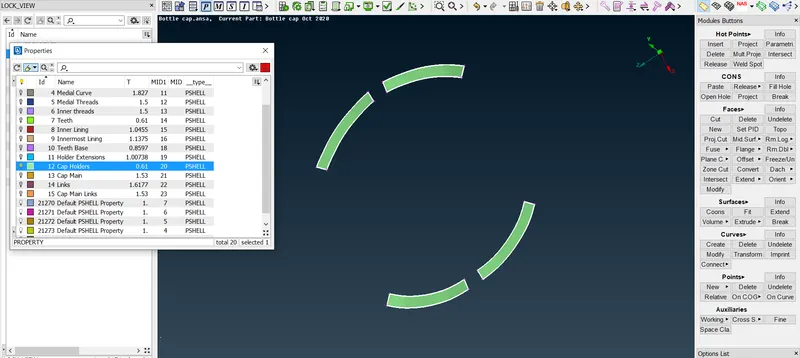
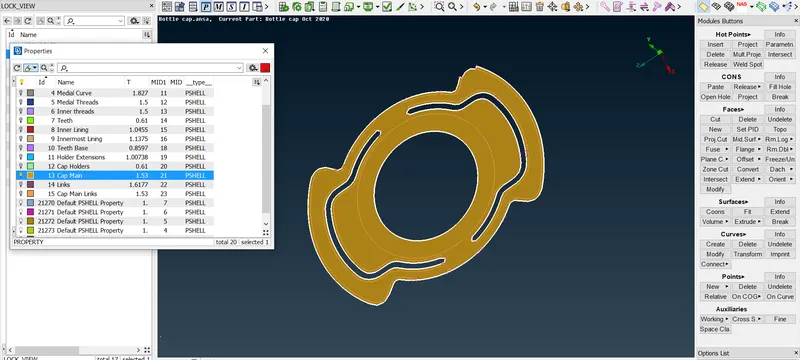
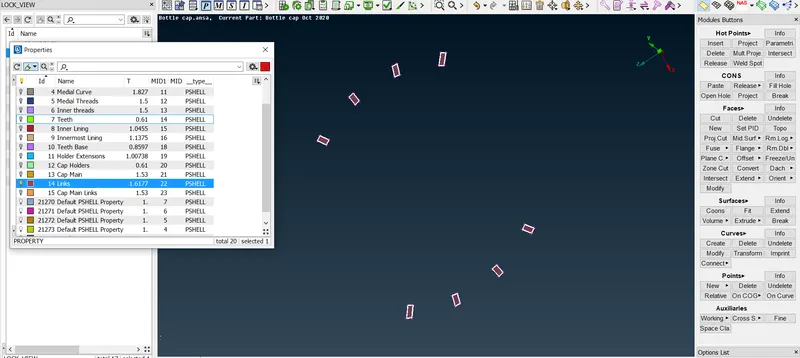
Each Midsurface is assigned different PID's with respective thickness values compared to the parent geometry as shown:
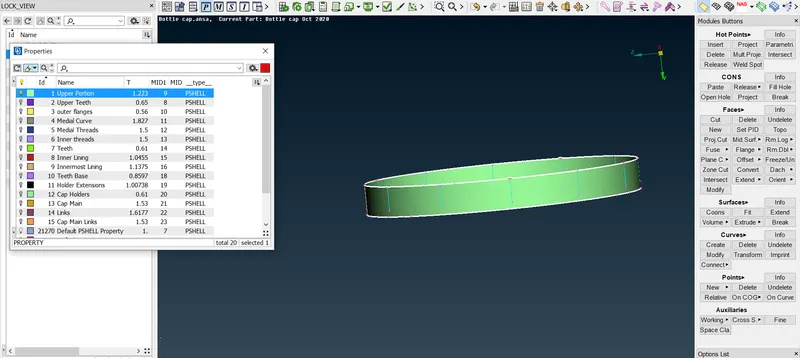
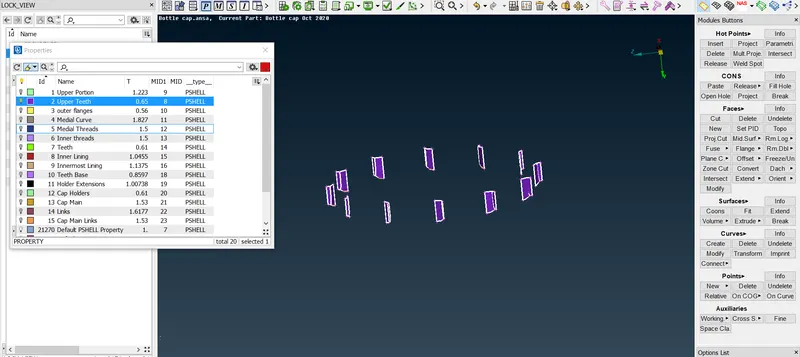
MESH GENERATION & REFINEMENT :
For mesh generation, we first enter the meshing parameters :
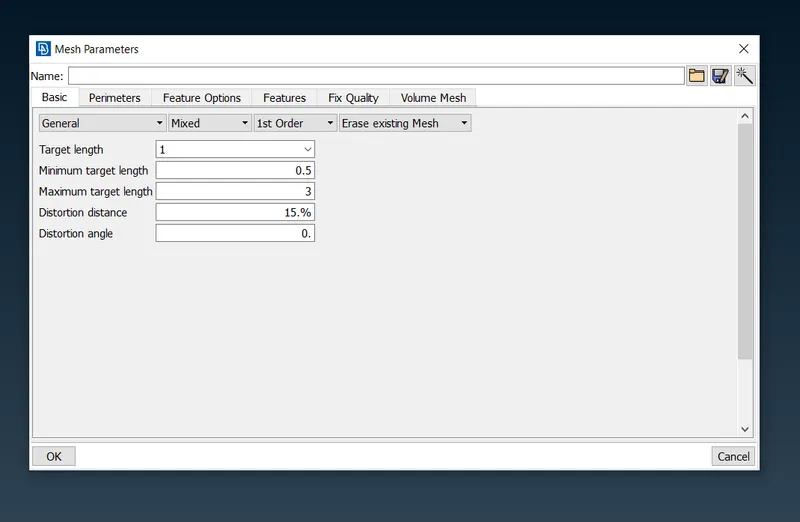
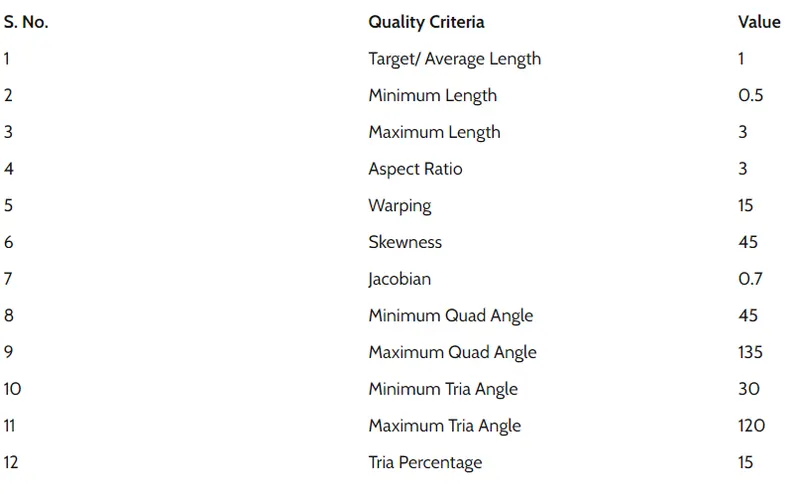
The quality criteria are entered as given in the table:
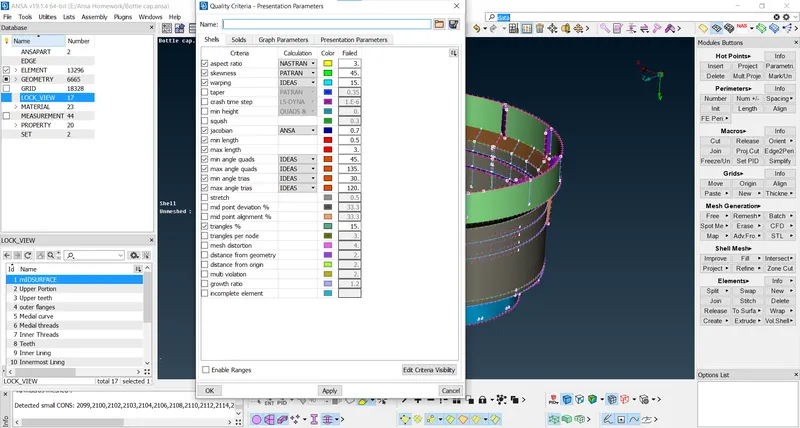
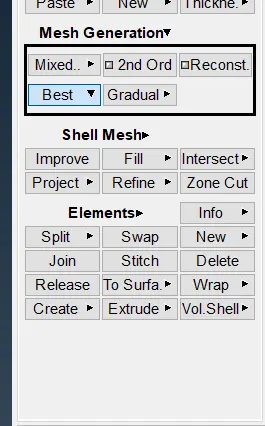
The mesh is then generated using the best command in mesh generation:
After the mesh generation, the meshed model is checked for errors and the mesh is reconstructed to fix them.
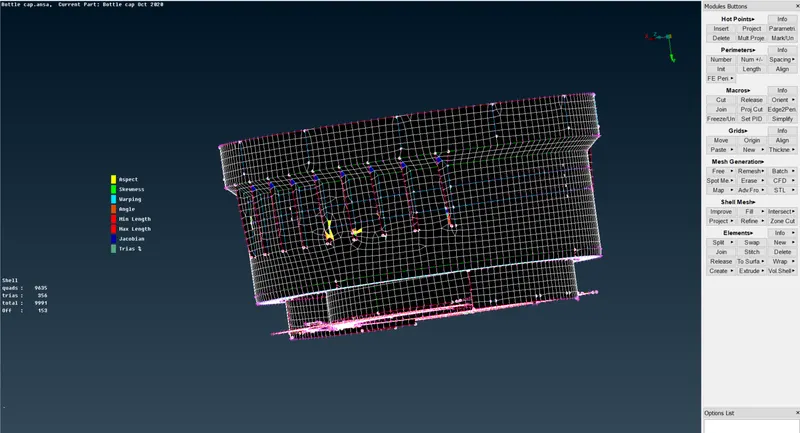
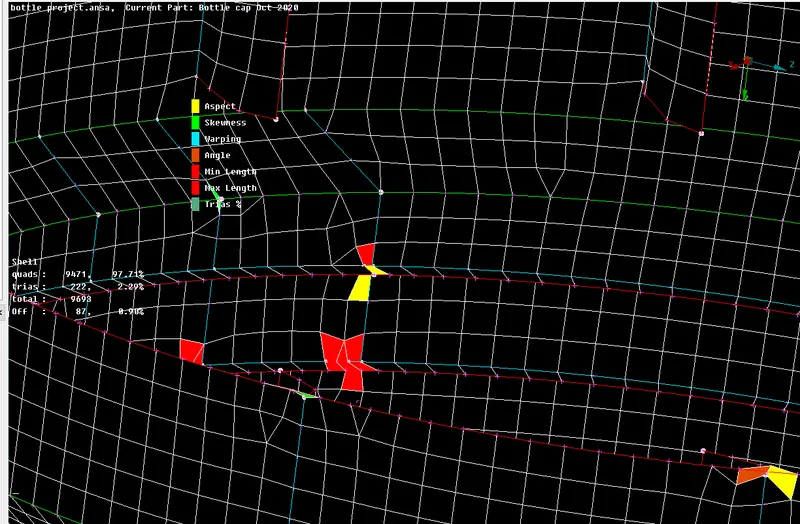
There will be some off elements present at the junctions where there are triple cons that are translating from one feature to another.
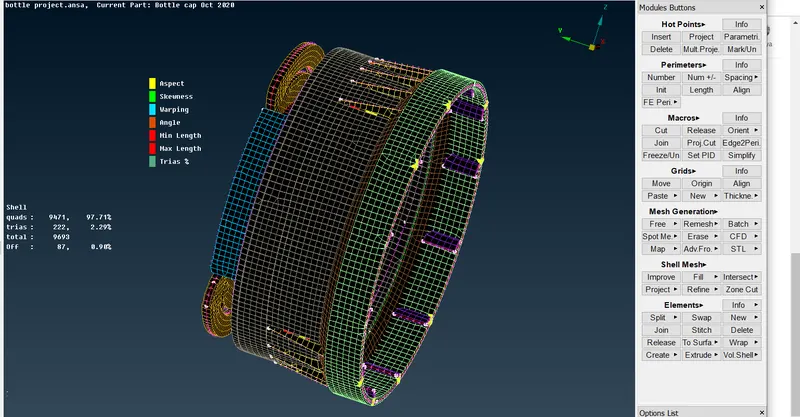
The model has successfully meshed:
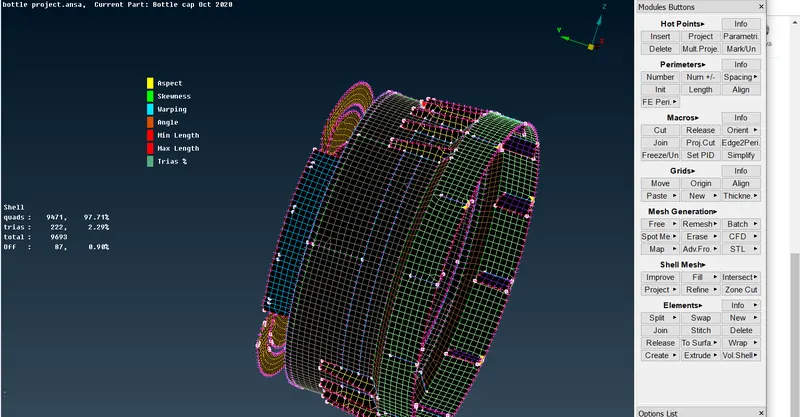
After giving thickness to the meshed model :
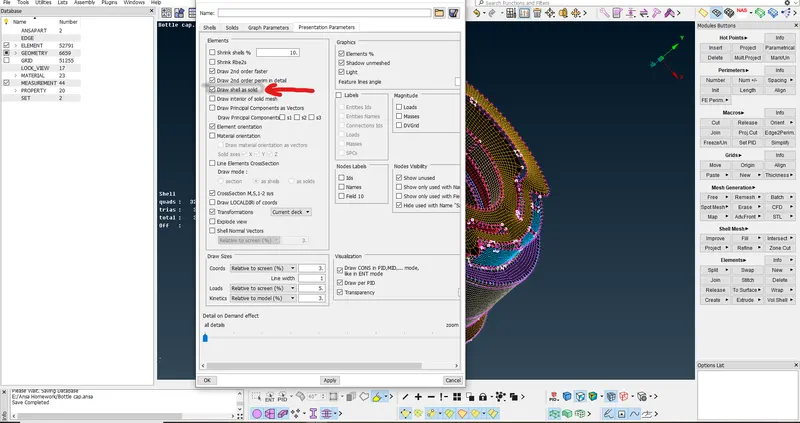
Learning Outcomes :
Geometry Cleanup in ANSA
Taking Mid surface using various mid-surfacing techniques and methods.
Systematic approach towards a model by creating locks and accessing them whenever required.
Mesh Generation and correction of OFF elements wherever possible.
Modeling of plastic parts in ANSA.
Conclusion:
The given bottle cap model has successfully meshed and geometrical cleanup has been successfully performed.