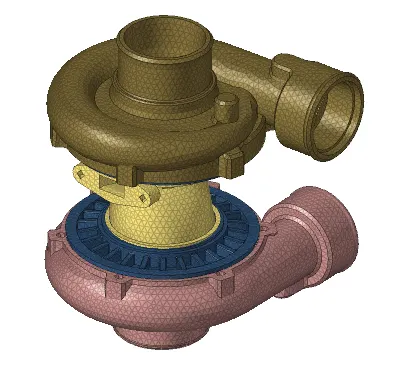
Week 8-3D Tetra Meshing Challenge
3D TETRA MESHING
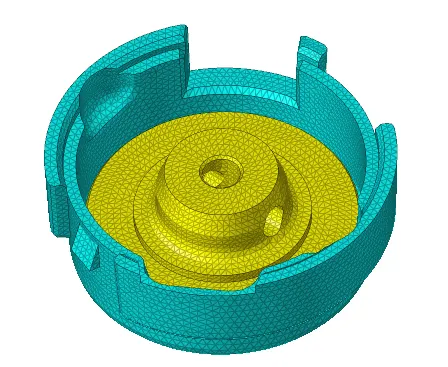
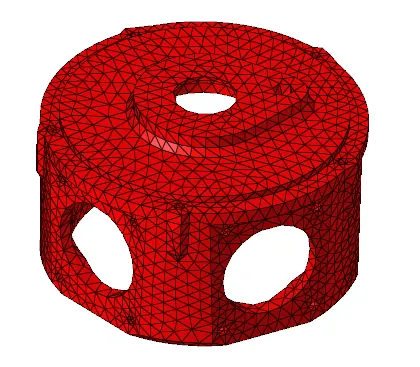
1. Objective: To create a Teramesh for Housing component with the following quality criteria.
TetraMesh Generation Method: 2D to 3D Conversion
Elements sizes: Min- 2 Units, Target- 5 Units, Max- 7 Units
Tet collapse: 0.15
Procedure:
- Import the geometry
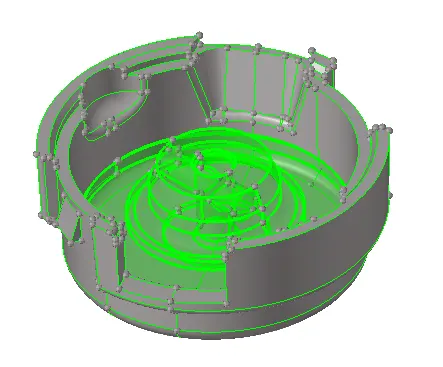
- Delete the solids
- Perform geometry cleanup and make sure that the geometry is free from free edges
- Mesh the surfaces using automesh from 2D mesh panel
- Check for minimum and maximum element sizes from the quality criteria
- Cleanup tools in quality criteria are used to get rid of these failed elements
- Convert this 2D mesh to 3D tetramesh using tetramesh option in the 3D panel
- Input tetcollapse value and check fill voids, fill midnodes and smoothing in tetramesh parameters
- Check for tetcollapse failed elements from Check elements tab in tools panel
- Save these failed elements and perform a tetra remesh to get rid of them
- Incase where remesh failed to clear the failed elements, perform a manual cleanup by translating element nodes accordingly
------------------------------------------------------------------------------------------------
2. Objective: For the given model, Create a 3D Tetramesh with the following quality criteria.
TetraMesh Generation Method: Quick Tetra Mesh
Target Element size: 3 Units.
Tet Collapse: 0.15
Procedure:
- Import the geometry
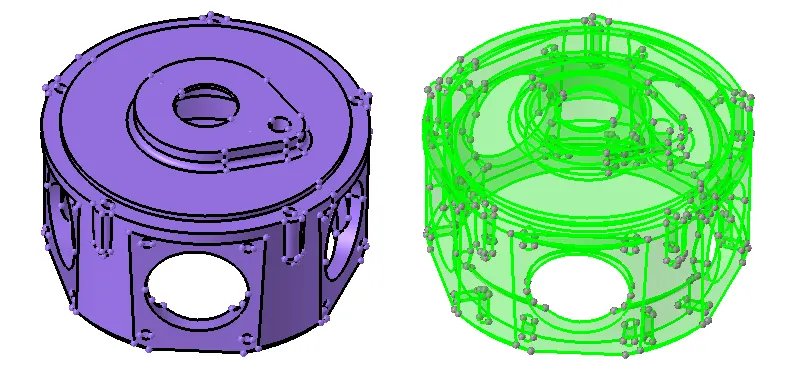
- Check for Utility>Geom/Mesh>Quick Tetramesh
- Select the component and input mesh size value
- Check for tetcollapse failed elements from Check elements tab in tools panel
- Perform a tetra remesh from 3D Tetramesh panel to get rid of failed elements
-----------------------------------------------------------------------------------------------------------
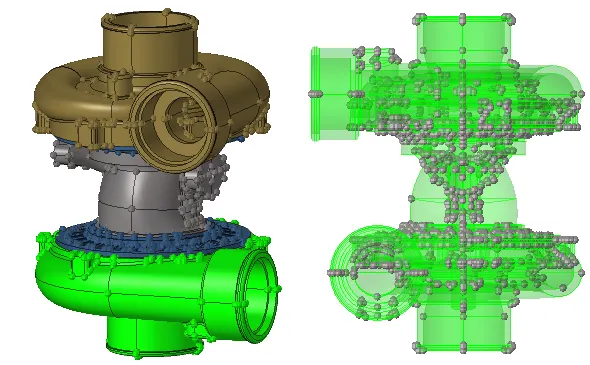
3. Objective: For the given assembly model, Create a 3D Tetramesh with the following quality criteria.
TetraMesh Generation Method: Volume Tetra Mesh
Target Element size: 4 Units.
Tet Collapse: 0.15
Procedure:
- Import the geometry
- Check for 3D>Tetramesh>Volume tetra
- Select the solids and input element size value
- Input tet collapse value in tetramesh parameters
- Mesh the component and check for failed tet collapse elements
- Perform a tetra remesh from 3D Tetramesh panel to get rid of failed elements
- Incase where remesh failed to clear the failed elements, perform a manual cleanup by translating element nodes accordingly