Week 8-3D Tetra Meshing Challenge
AIM: To create a Teramesh for the given components with the given quality criteria.
Theory:
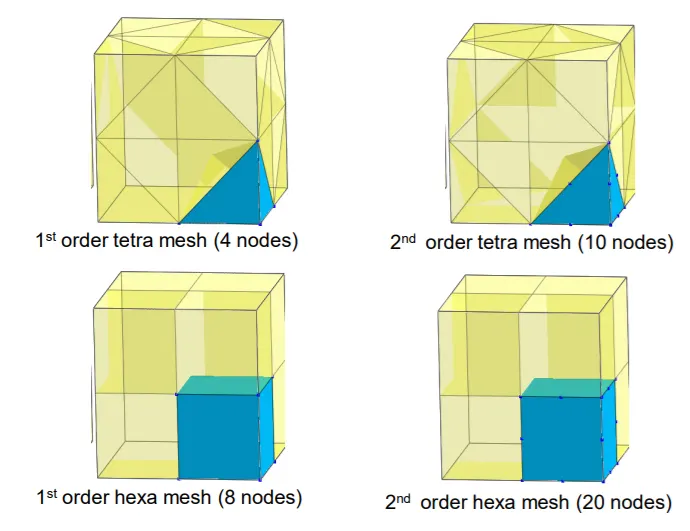
There are 2 main types of 3D elements
Tetrahedral elements (4 faces, 4 nodes) and
Hexahedral elements (6 faces, 8 nodes).
2nd order elements, called also quadratic elements, add 1 middle node to each edge.
The calculation is more accurate for hexahedral elements than tetrahedral elements. And it’s more accurate for 2nd order elements because the approximation function will be quadratic instead of linear.
Tet Collapse:
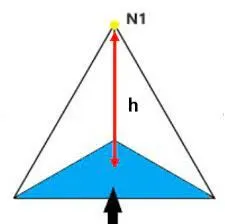
Tet collapse of a tet element is minimum of (h)/(1.24*sqrt(A))
Where, h is the perpendicular distance from a node to the opposite face of the TET and A is the area of the opposite face.
Procedure:
Case 1:
The housing model is provided
TetraMesh Generation Method: 2D to 3D Conversion
Elements sizes: Min- 2 Units, Target- 5 Units, Max- 7 Units
Tet collapse: 0.15
Import the given model and delete the solid part.
Delete >>> Solids
There are two parts in the component
1. Outer housing
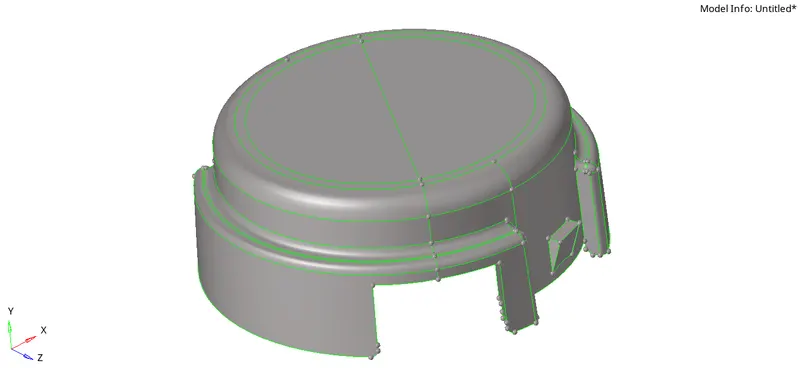
2. Inner housing
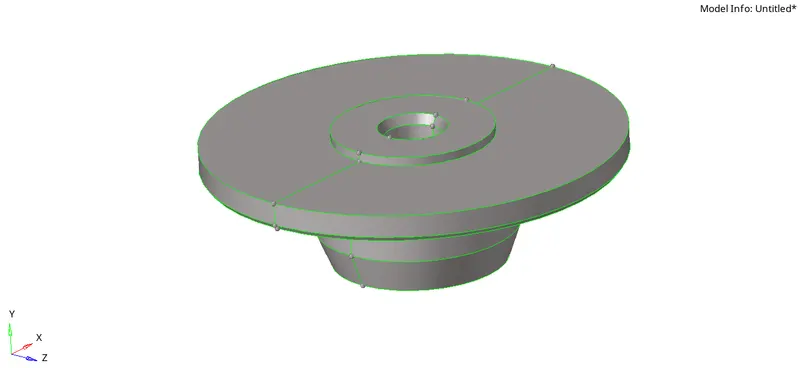
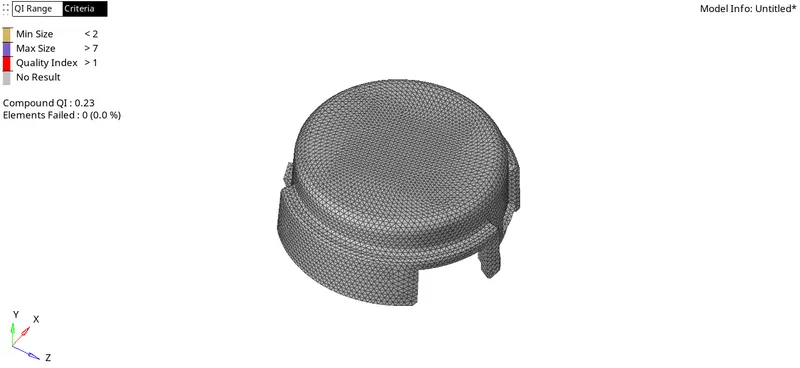
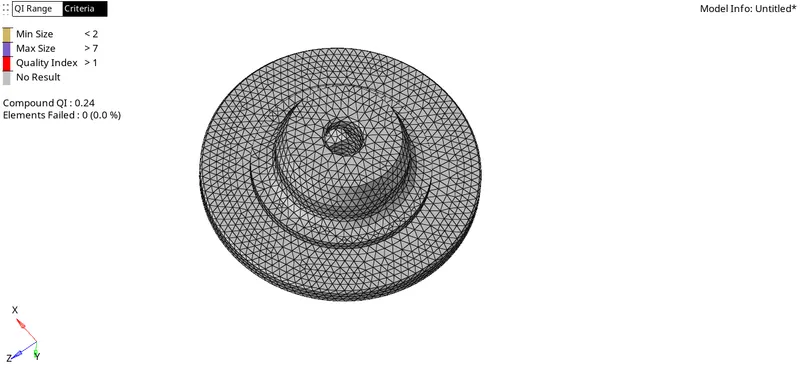
Mesh the outer geometry with 2D mesh and then, we do tetra meshing to generate the 3D mesh.
Surface Quality after Volume mesh should be good. (i.e. There should not and kinks and dips on the surface of the component.)
Perform topological clean-up and mesh the surface
2D >>> Automesh >>> Provide the parameters >>> mesh
Outer housing component:
Inner housing component:
Now, Go to 3D >>> Tetramesh >>> Provide the parameters in tetra mesh parameters (maximum tetra size, minimum tetra size, and tet collapse) >>> Tetramesh >>> Select the elements >>> Mesh

The compoenents with 3D mesh are shown below: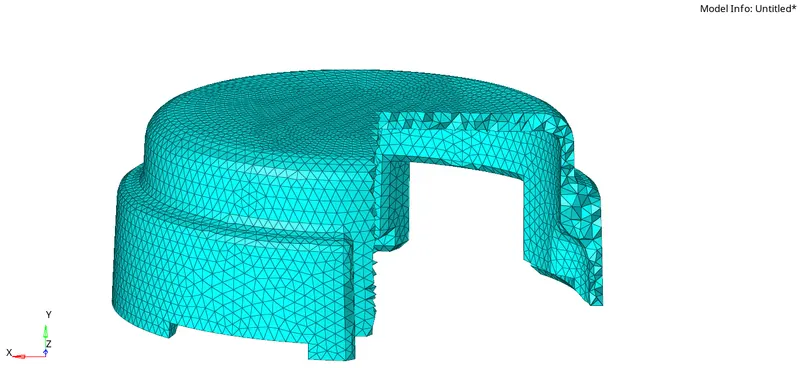
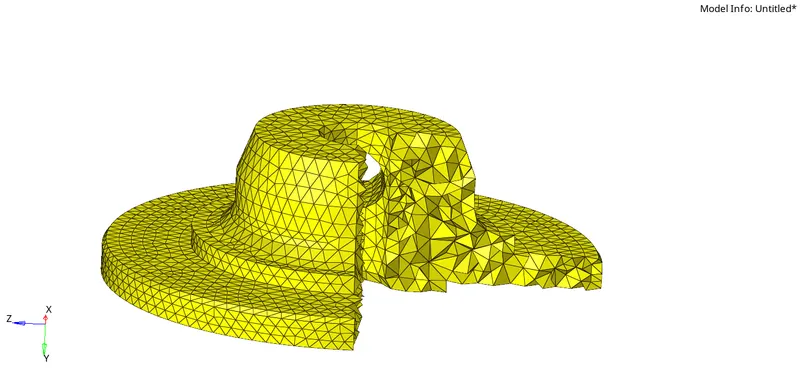
The only qualitycriteria we should clear is Tet collapse,
Go to Tools >>> check elements >>> Tet collapse >>> Provide the value >>> On the status bar we can see if there are any failed elements.
Save the failed elements and Go to mask >>> Elements >>> Retrieve >>> Mask >>> Reverse all.
Go to distance in the geometry module and choose the magnitude value approximately by trial and error method. The model should be cleared with the tet-collapse error.
Learning Outcomes:
- The advantage of doing 2D mesh first and tetrameshing the component. This method of generating 3D mesh is more efficient as one can control the quality parameters on the surface.
- 3D mesh provide more reliable and accurate results when compared.
Case 2:
For the given model, Create a 3D Tetramesh with the following quality criteria.
TetraMesh Generation Method: Quick Tetra Mesh/ Volume Tetra Mesh
Target Element size: 3 Units.
Tet Collapse: 0.15
Import the given model:
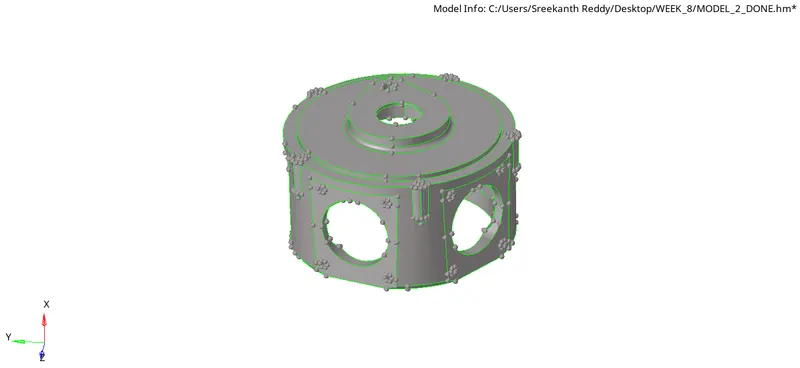
Quick tetra mesh generates mid-surface by itself and generates mesh automatically.
Enable the utility browser.
Go to view >>> browsers >>> Hypermesh >>> Utility.
Go to geometry/mesh >>> Quick tetramesh >>> Select the component >>> Provide the mesh size >>>Select the mesh type >>> Mesh.
The tetramesh is automatically generated.
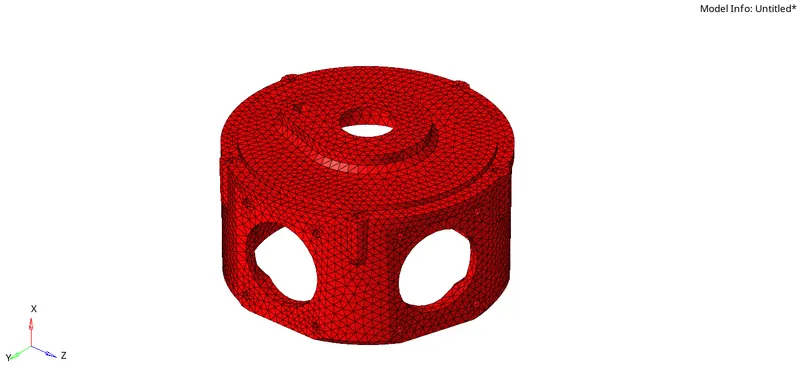
Check for the tet collapse errors. If many errors are found.
Go to 3D >>> Tetramesh >>> Tetra remesh >>> Provide the necessary parameters in tetramesh parameters >>> Mesh
Now check if tet collapse errors are still present. Save the failed elements, retrieve and mask the elements.
Go to distance, change the distance between the nodes by trial and error method and solve all the tet collapse errors.
Learning Outcomes:
- If mesh quality is not an issue and time is a major concern then quick tetra is the efficient one.
Case 3:
For the given assembly model, Create a 3D Tetramesh with the following quality criteria.
TetraMesh Generation Method: Quick Tetra Mesh/ Volume Tetra Mesh
Target Element size: 4 Units.
Tet Collapse: 0.15
Given model:
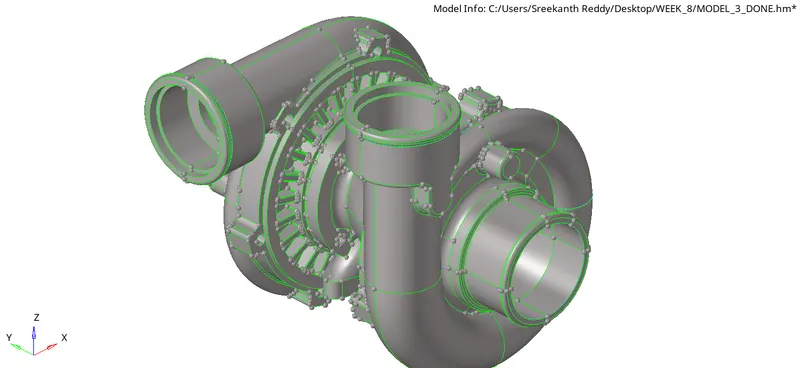
For the outer casings, Quick tetramesh is used and for the rest three parts 2D mesh is generated on the surface and tetramesh is generated.
The topological cleanup is to be made before meshing the surface of the component.
After meshing the surface and met with the required quality, Go to 3D mesh and perform tetrameshing.
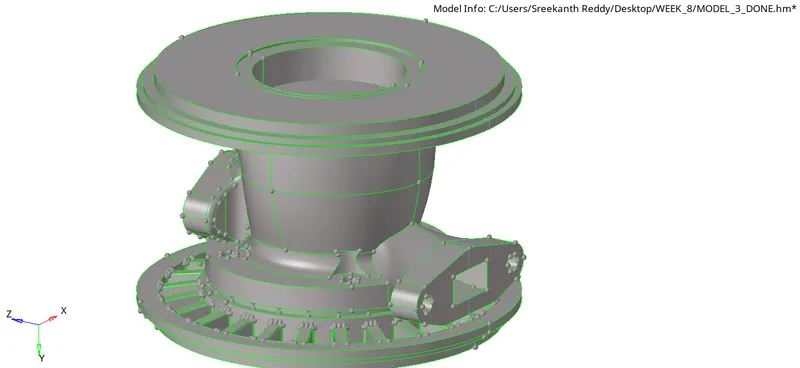
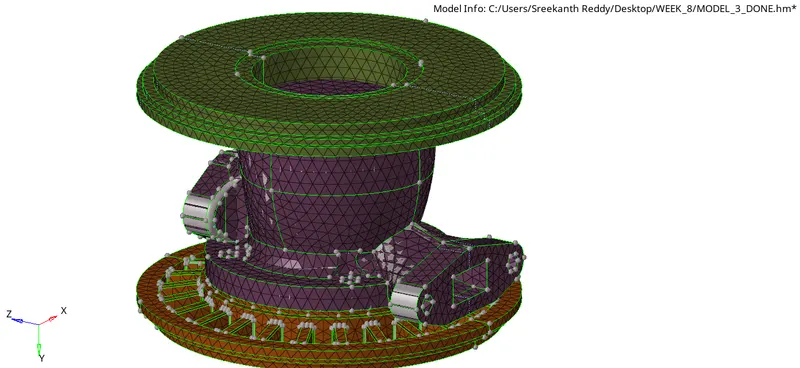
For the outer casings, Quick tetra mesh is performed.
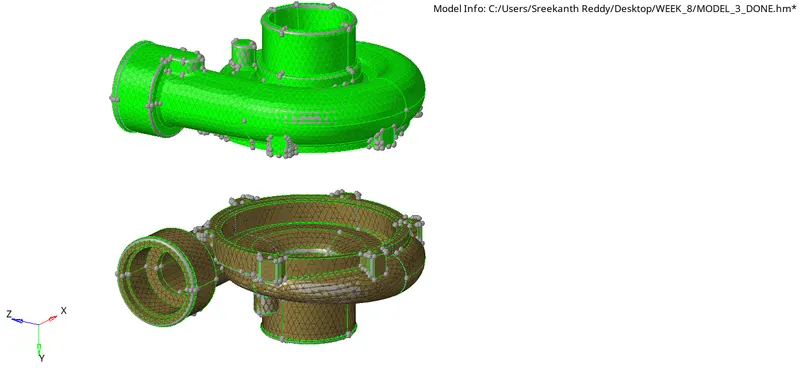
Check for the quality criteria errrors. If found use the procedure explained earlier to clear OFF elements.
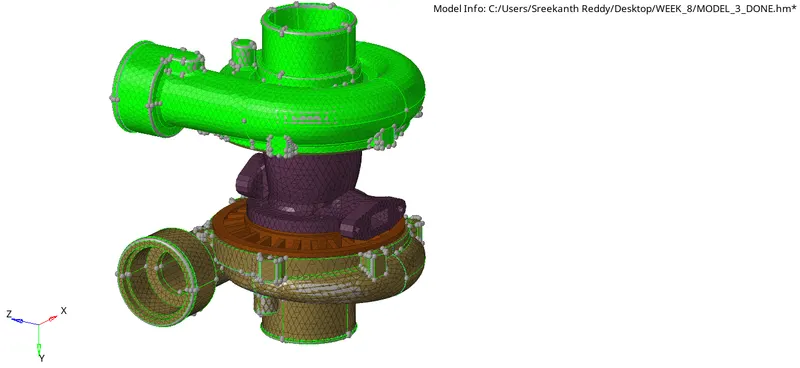
Conclusion:
- Learnt the ways to do 3D meshing and their respective benefits.
- Generated 2D mesh if surface quality is a major concern and then 3D mesh is generated using Terta mesh.
- If Quality is not a major concern, Quick tetra is used to generate the mesh.