Week- 5 - Solid meshing
AIM: For the given Rear view mirror component, check for the geometrical errors and mesh the Surfaces with the given 2D element Quality criterias given, Use tetra elements to mesh the Volumes defined in the model and check for the given quality after Volume meshing.
PROCEDURE:
Step-1: Geometric clean-up of the cad model i.e., rear view mirror.
After importing the cad model, the geometrical errors in the cad model are to be spotted and fixed.
After importing cad model >>>>> Tools >>>>> Check Geometry.
Check Geometry >>>>> Geometry >>>>> enable unchecked faces, collapsed cons, triple cons, needle faces, overlap faces, cracks.
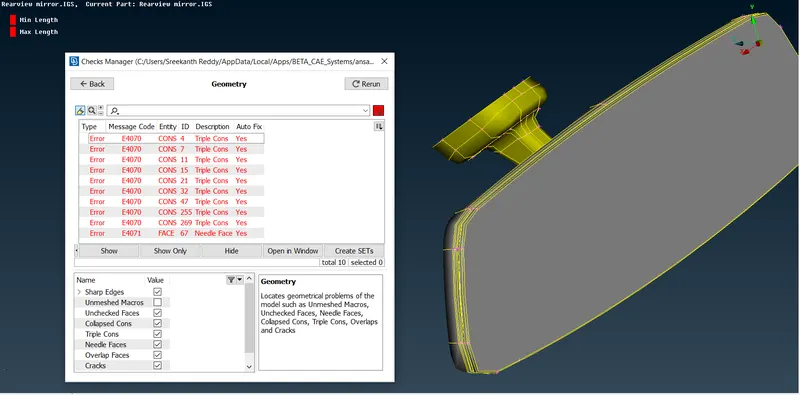
After enabling execute the check geometry.
The errors in the geometry of the model are visible in check list, if geometry is not having any errors after executing it will show 100%.
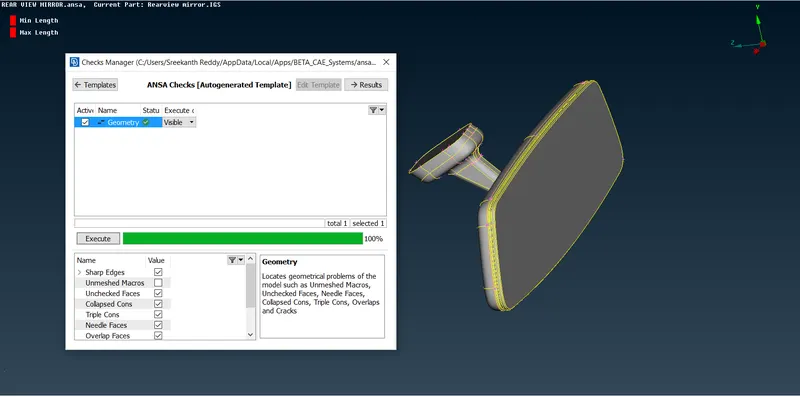
If any errors are present in model, fix the errors by deleting the unnecessary sharp edges, needle faces. If any triple cons are present release the cons and check if any extra cons or faces are present. If there delete the extra faces or cons.
These errors in geometry have to be fixed until 100% clean geometry is obtained.
STEP-2:
Utilities >>> Quality criteria >>> Shells >>> select the provided and give values to them >>> Apply.
Utilities >>> Quality criteria >>> presentation parameters >>> graphics >>> enable Elements % and detail on demand effect to all details.
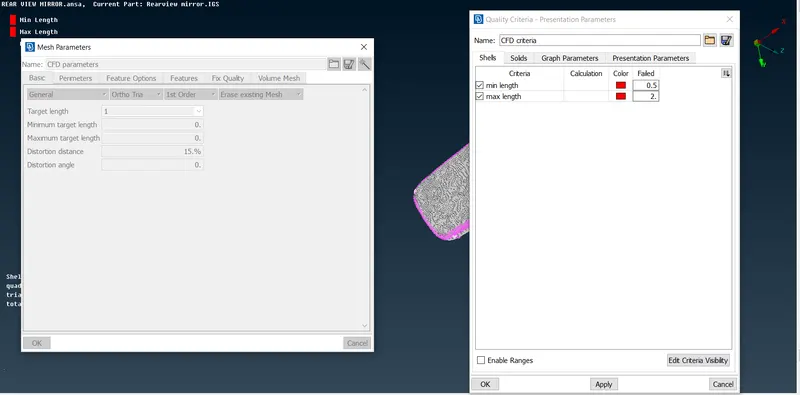
Utilities >>> Mesh parameters >>> provide values to target length, minimum length, maximum length >>> Ok.
Mesh >>> length >>> perimeter >>> give the value. (target length)
Mesh >>> length >>> maros >>> give the value.
STEP-3:
Lists >>> Model browser >>> check if there are any sub-systems.
Tools >>> Batch mesh >>> create new >>> meshing scenario >>> Define contents >>> provide mesh parameters >>> provide Quality Criterea >>> Run.
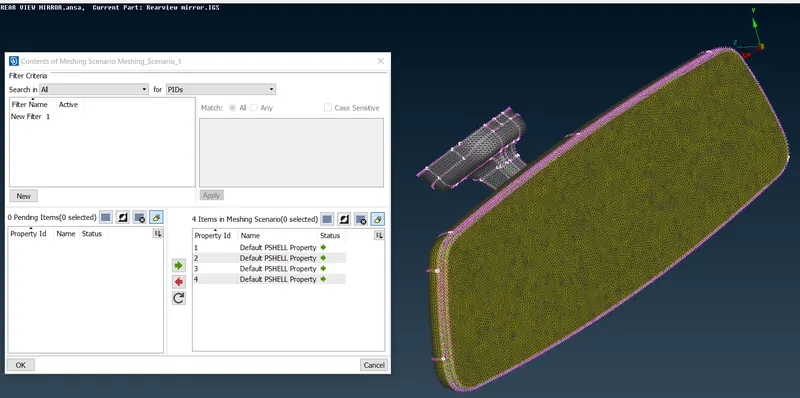
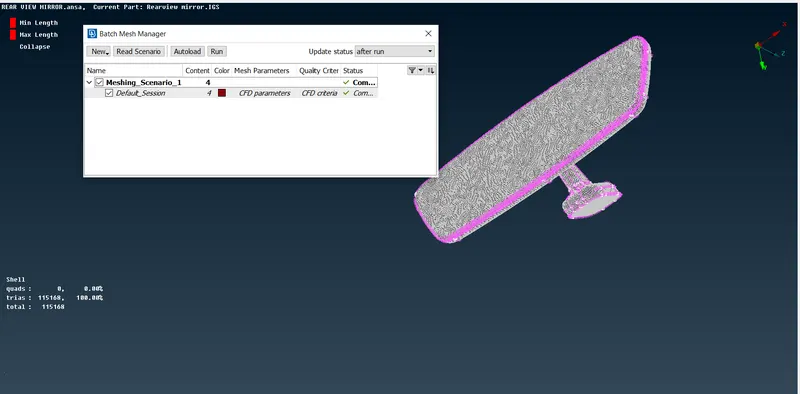
This tool creates customizable batch meshing sessions to perform automatic mesh generation on Geometry and FE data. In addition, it provides the ability to manage flanges, holes, fillets, tubes and perform de-featuring.
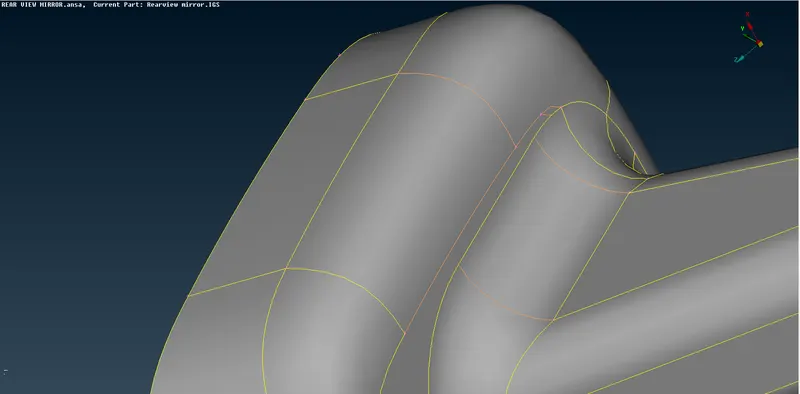
If features are captured properly then define volume or if not,
Mesh module >>> mesh generation >>> Erace.
If defeaturing is not satisfactory, defeature the model. If not proceed with manual meshing.
After completing the 2D meshing, the model should be cleared with the Minimum and Maximum Elemental error.
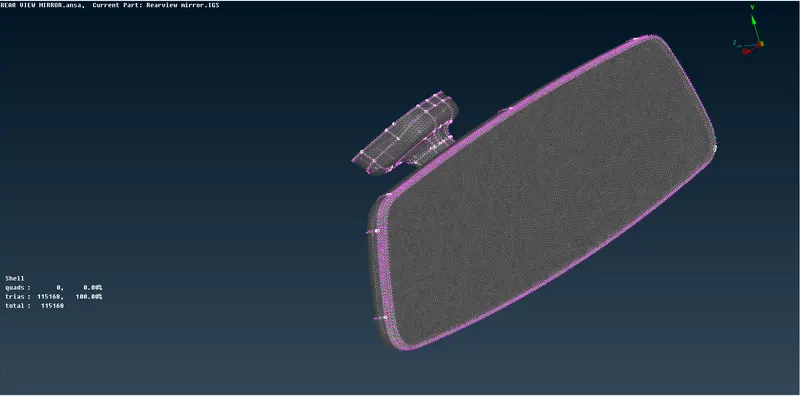
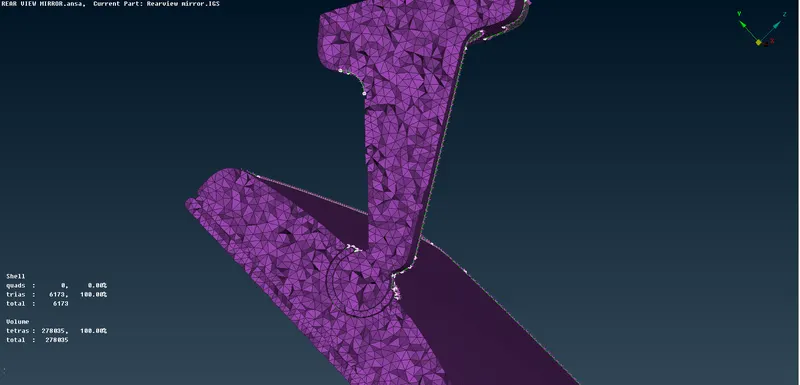
Now the model is ready to perform the Tetra Meshing.
STEP-4:
Volume mesh module >>> Define >>> manual >>> Auto >>> Select the model >>> Create solid property ID.
Volumes >>> List >>> Define the type of unstructured mesh >>> Remesh the volume.
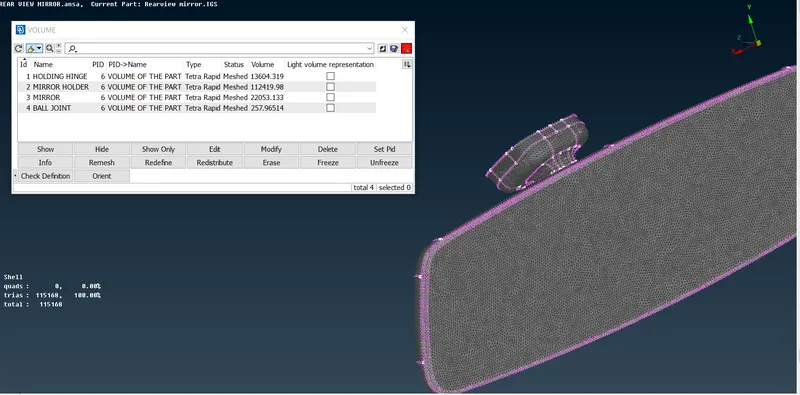
Utilities >>> Quality criterea >>> solids >>> collapse >>> provide the value.
After completing the 3D meshing, the model should be cleared with the collapse error.
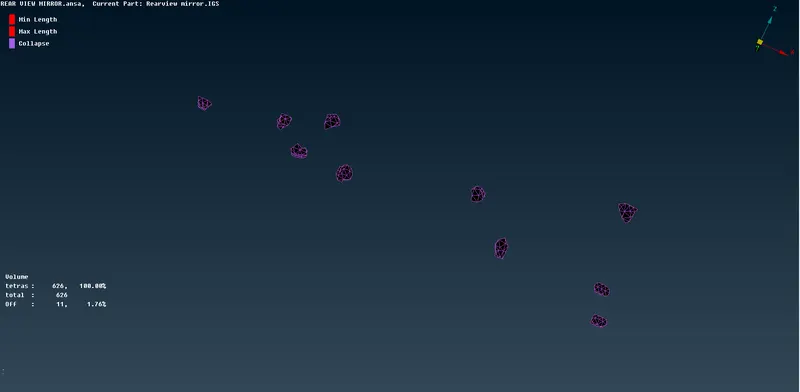
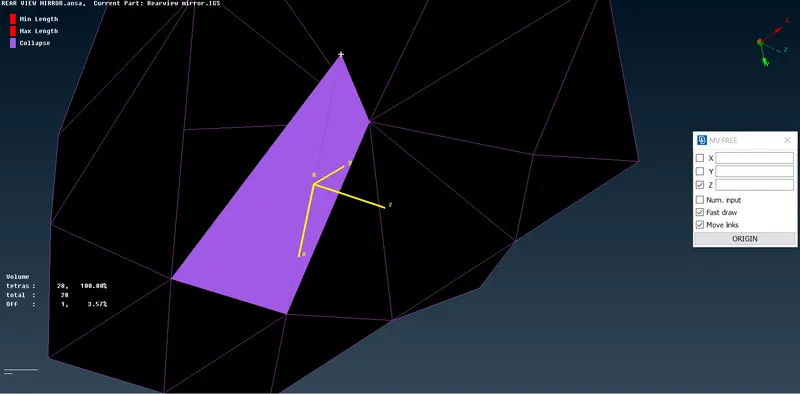
To clear collapse off elements use
Volume module >>> grids >>> MV FREE
-
Pick a node in any one failed element, which has minimum height.(apex node)
-
Select N1, N2, N3 which represents the opposite plane of the prior selected node.
Choose the magnitude value approximately by trial and error methodThe model should be cleared with the collapse error.
LEARNING OUTCOMES:
I have learnt how to use BATCH MESH to generate automatic 2D mesh and in addition it performs auto defeaturing to meet the given quality criterea.
I have learnt the significance of the ORTHO TRIA and TRIA in the element type.
I have learnt how to define a solid in volume mesh module, Difference between structured mesh and unstructured mesh, how to use MV FREE to clear the collapse off-elements.
CONCLUSION: For the given Rear view mirror component, Geometrical errors are cleared and meshed the Surfaces with the given 2D element Quality criteria, Tetra elements are used to mesh the Volumes defined in the model with given Quality criteria.