Week 8-3D Tetra Meshing Challenge
Model 1:
Aim:
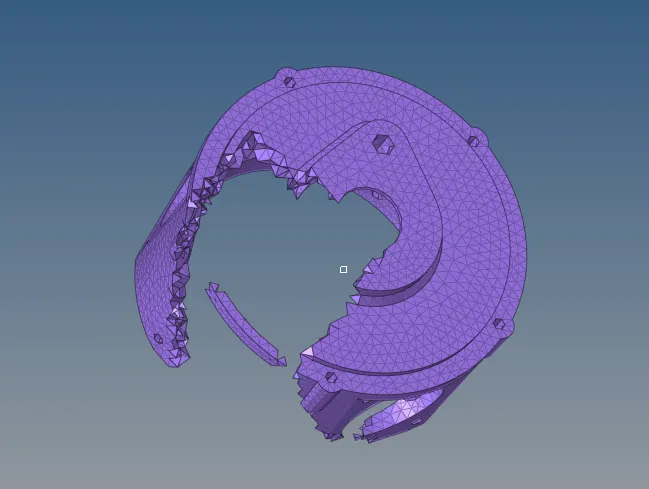
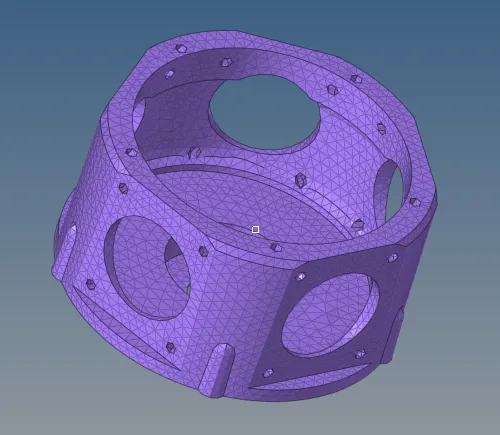
To create a tetramesh for housing component with the following component
Procedure:
Step1.
Import the model and check for any geometrical error
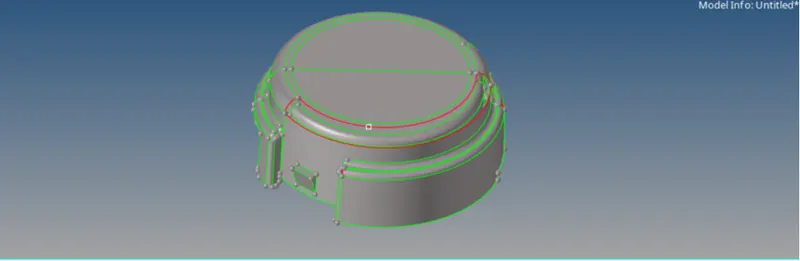
Defeature some surfaces that fail for minimum length error.
Step2:
Initially mesh the surface using 2d tria elements with target size 5mm
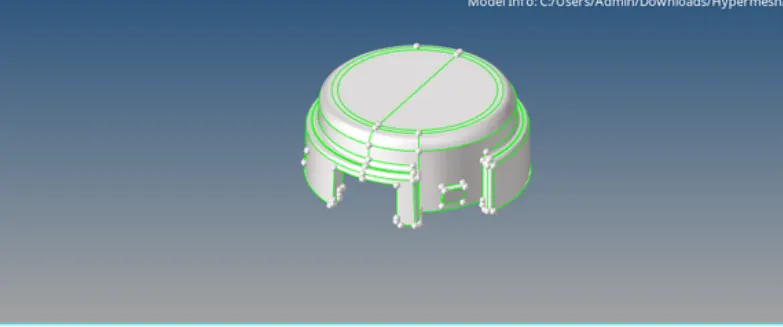
Check for minimum and maximum length error
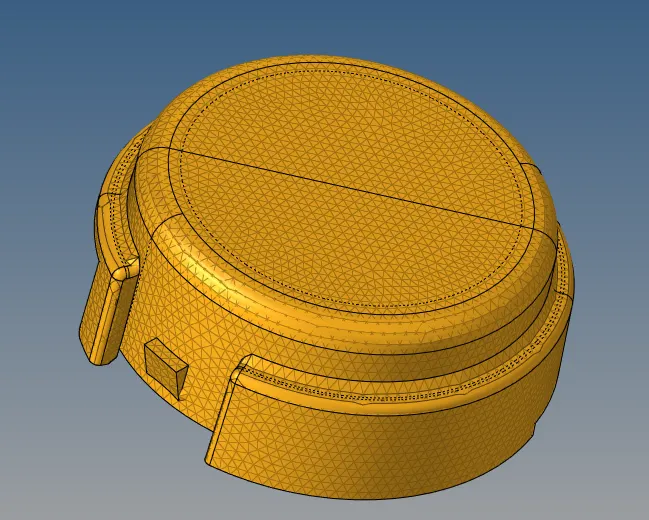
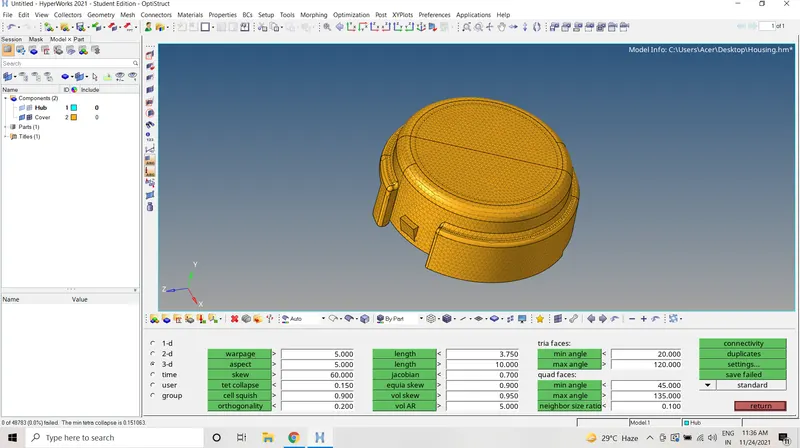
Check for minimum and maximum length error to rectify the max length error use distance option
Go to 3D-Tetramesh option to tetramesh select elements mesh and then tetraremesh
check for tetcollapse and clear those options
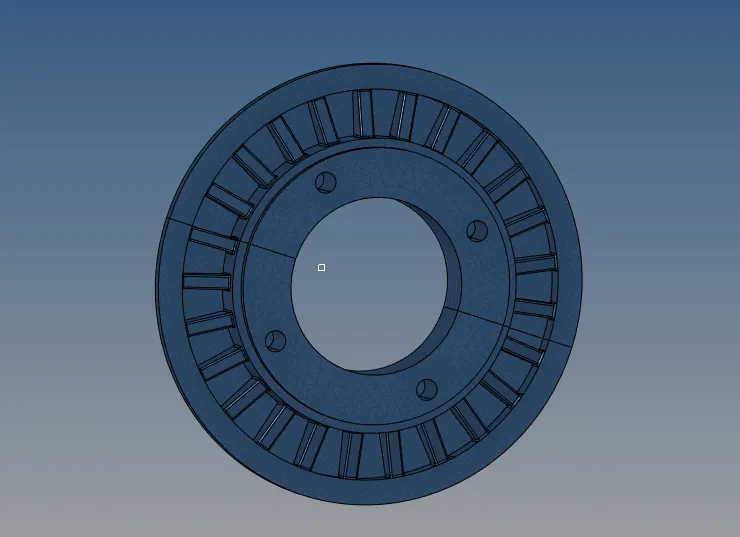
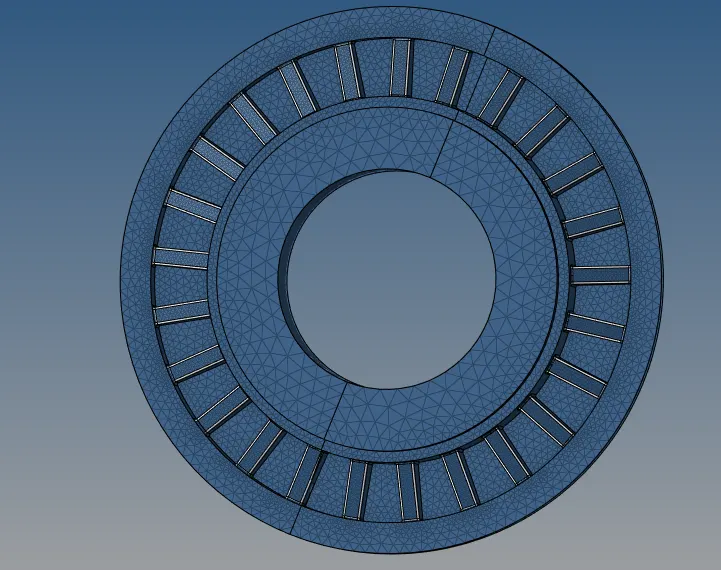
Hub:
Geometry clean up on the components
Toggle the small lines which fail for minimum length
Go to 2D automesh trias with target element size 5mm
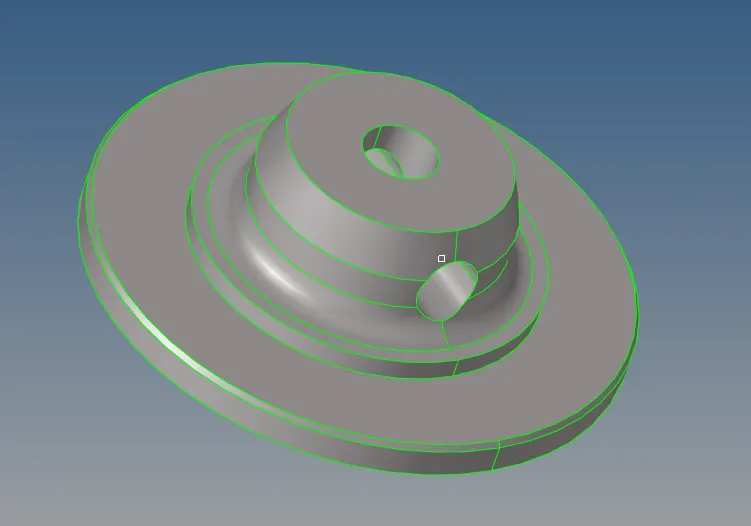
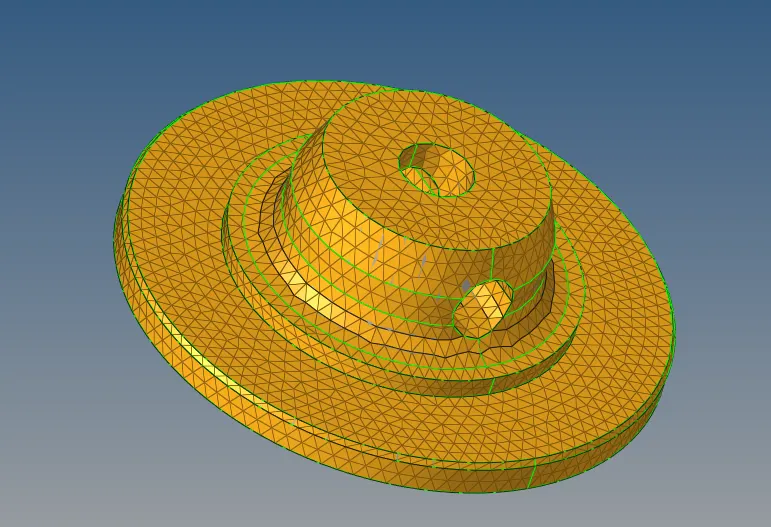
Check for minimum and maximum length error to rectify the max length error use distance option
Go to 3D-Tetramesh option to tetramesh select elements mesh and then tetraremesh
check for tetcollapse and clear those.
Conclusion:
Thus the housing component meshing was done with 2d to 3d conversion was done with tetramesh 0.15
Model 2:
Aim:
To create a 3D tetramesh option of crank with quick tetra option.
Procedure:
Step1:
Import the geometry and check for geometrical errors
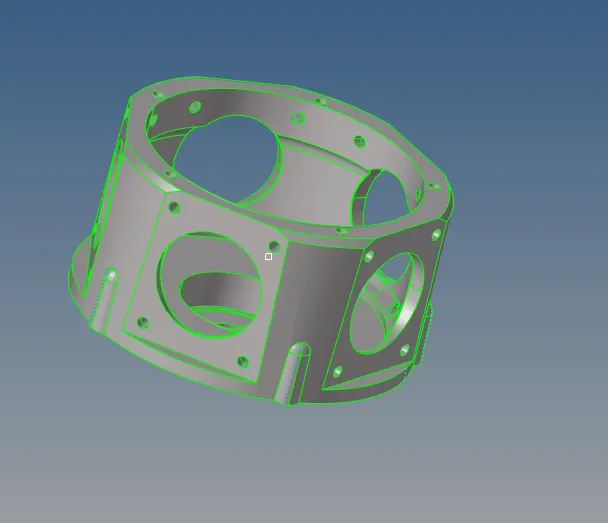
Defeature some surfaces which fails for minimum length error.
Step2:
Go to view- browsers-hypermesh-utility
select the components and then procced and change the elements type as trias only with mesh size 3mm
click on mesh
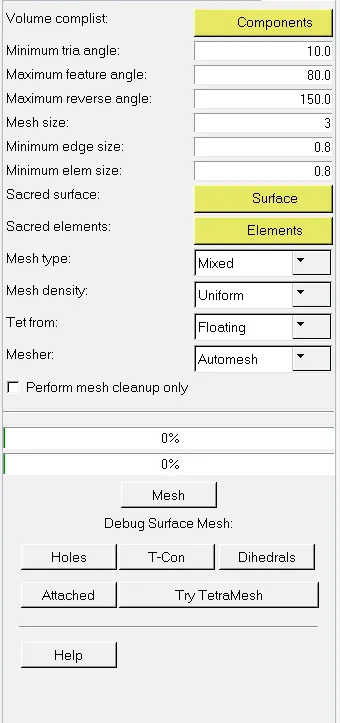
Check for tetcollapse 0.15 by tetraremesh options
Conclusion:
Thus the crank component was done with quick tetramesh option and check for tetcollapse.
Model3:
Aim:
To create a 3D tetramesh using quick tetramesh/volume tetra option.
Procedure:
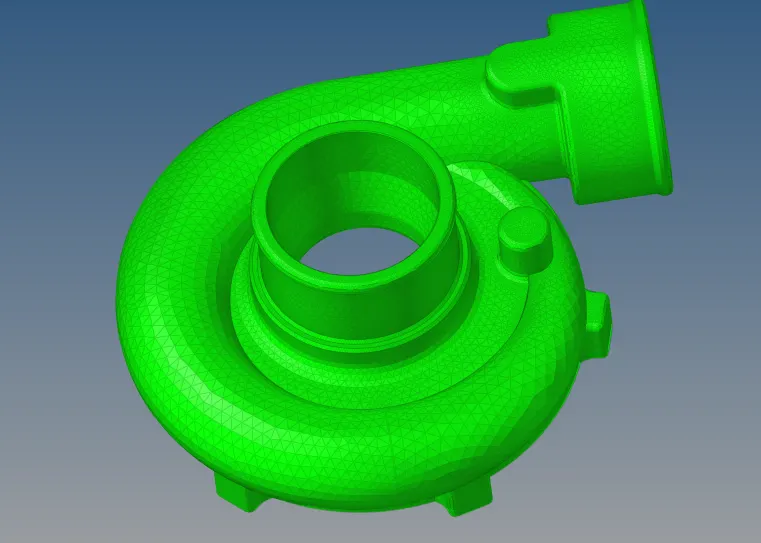
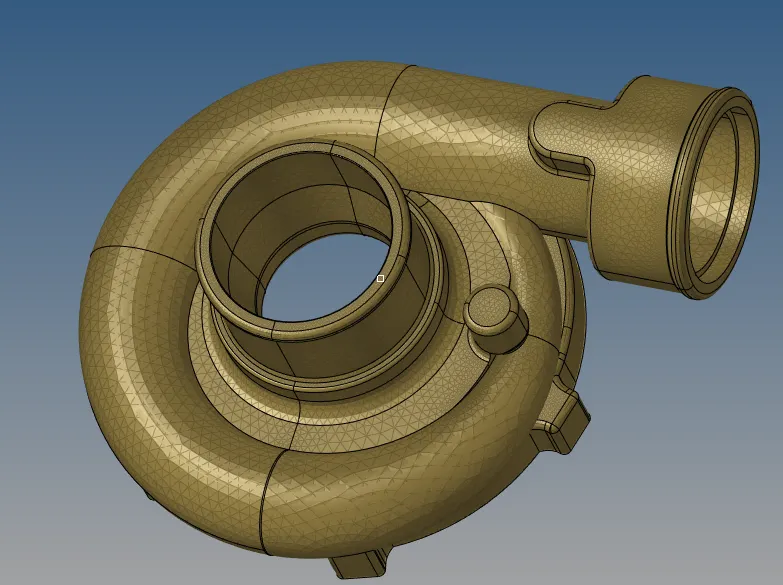
Casing1 was meshed with the volume tetra
Central hub was meshed with the quick tetra
Casing2 was meshed with the volume tetra
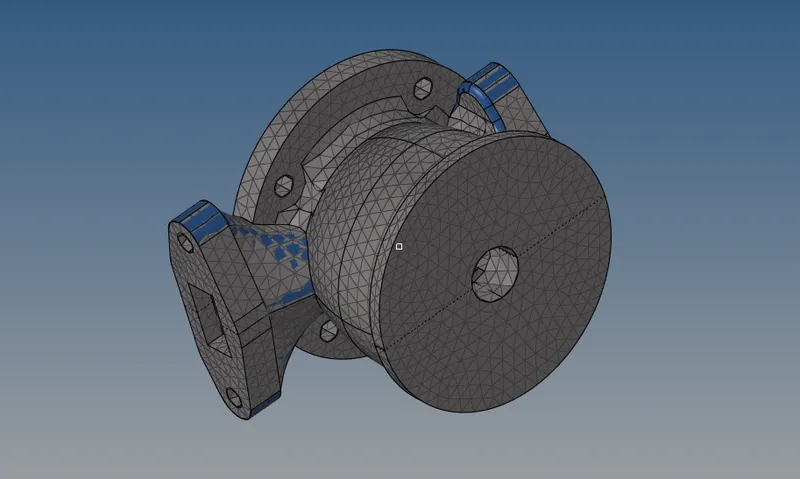
Hub1 and hub 2 was meshed with the volume tetra
Check for the tetcollapse
Conclusion:
Thus the component was meshed with satisfying the tetcollapse