Week 8-3D Tetra Meshing Challenge
AIM:
To generate tetramesh for the following models using normal 2-D to 3-D conversion method, Quick tetra Mesh and Volume tetra mesh
Objective:
- To create a tetra mesh for the given component.
- To do the solid mesh cleanup.
- Perform the different solid mesh techniques to remove the errors.
PROCEDURE:
Model 1-Housing:
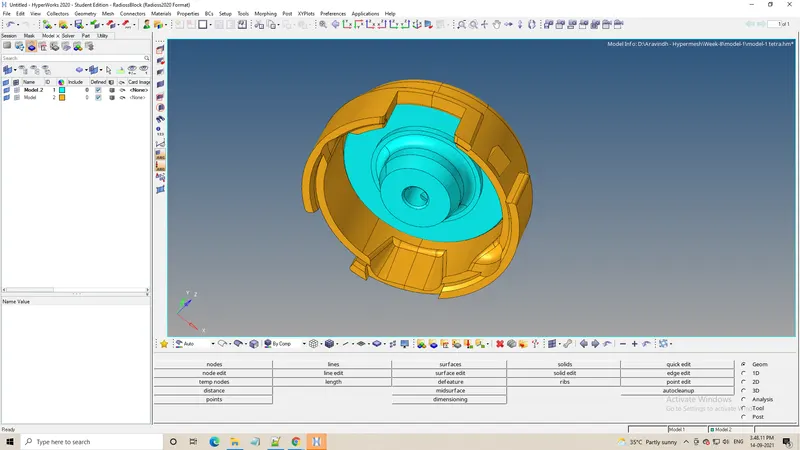
Steps carried out:
- As per the requirement the model has to mesh. Prior to mesh geometry cleanup has to be done in order to remove the regions where the elements might fail for a minimum length.
- Such areas have to be toggled and changes should be done as per the requirement. Some of the changes are shown below.
- Initially Mesh the surface using 2D tria elements
- Check for minimum and maximum element size error from and clear the same
- Below the image shows there no min and max element size error.
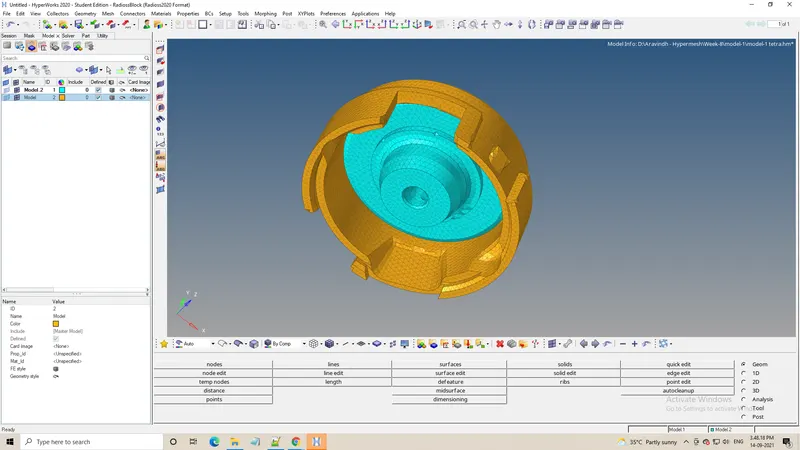
- Perform 3D tetramesh using the 2D tria elements, 3D>Tetramesh>select all the elements
- Then finally the tetramesh will be generated,but we have to check for any failure that might be present in that component
Model-2:
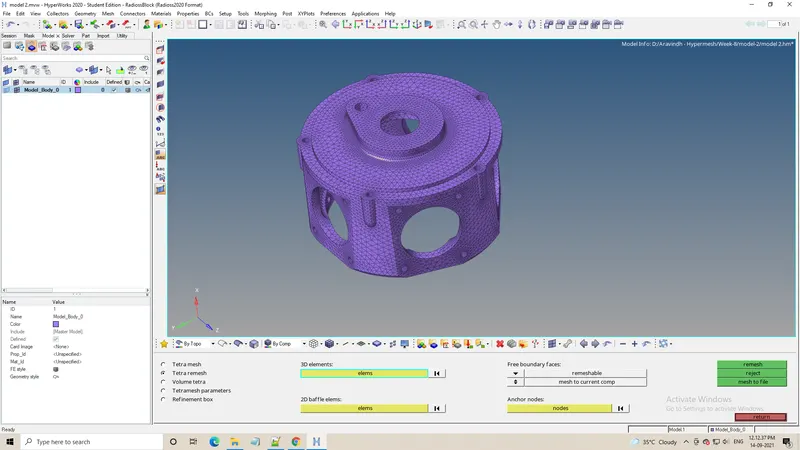
Steps carried out:
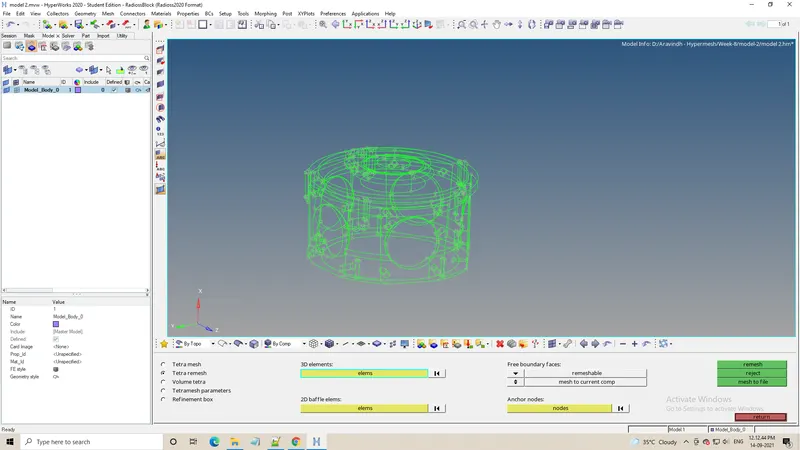
- Import the geometry to the software
- Look for any geometry error in the cad, this model contains few unstitched edges.
- The given model has lots of errors at certain portions.These errors will be fixed by toggle edge option
- In this model there is no minimum and maximum element size criteria
- So used the volume tetramesh method to mesh the model
- The given model is surface, so used 3d>tetramesh>volume tetramesh> surface, gave the desired element size and gave tet collapse value in tetramesh parameter
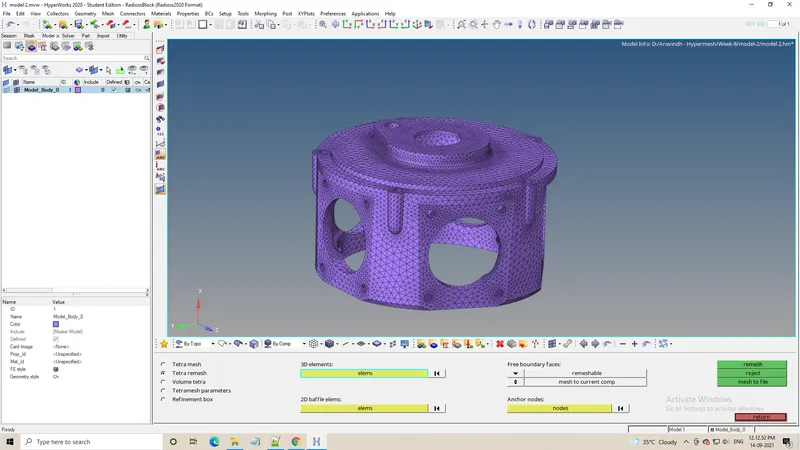
- The given model is meshed and fixed all the tet collapse error
- Below image shows the final result
Model 3 :
Steps carried out :-
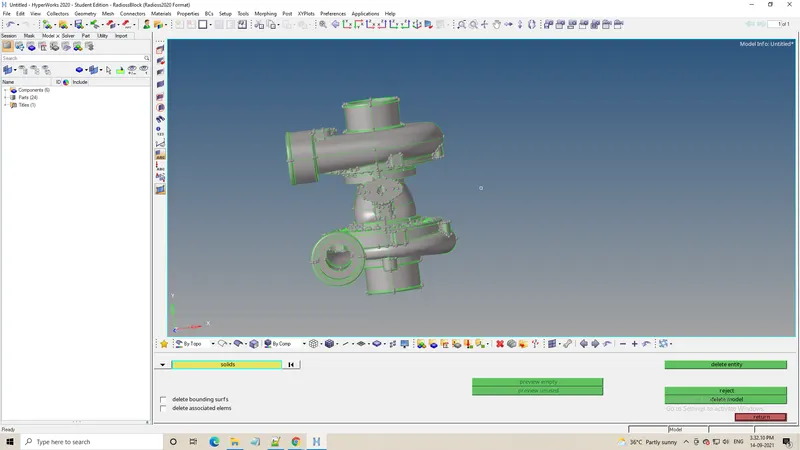
- Import the model to the software, look for any geometry error.
- There are 4 different components in this model, mesh each the component in different methods.
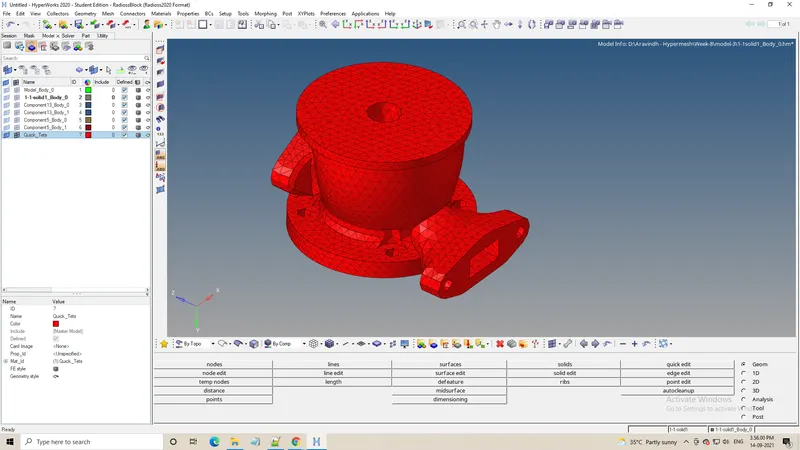
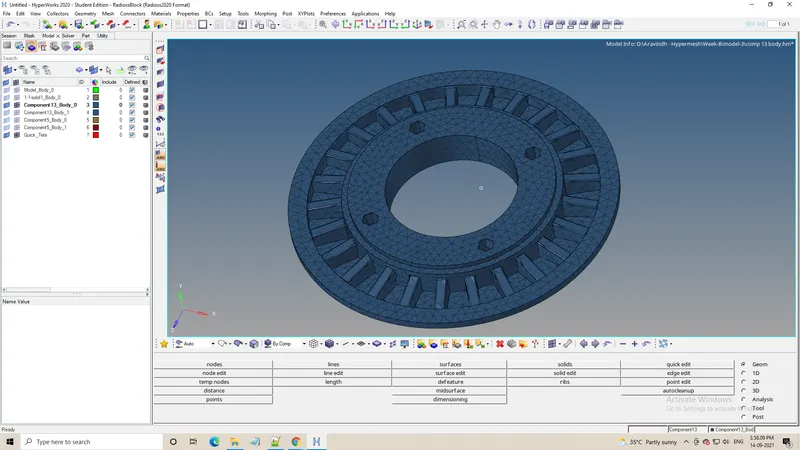
- Casing 1 is meshed using volume tetramesh method.
- Casing 2 is meshed using quick tetramesh method.
- Check for only tet collapse error in this model and fix the same.
- Here in this model we are doing tetramesh separately for all the components as hypermesh has a possibility of crashing due to graphic intolerance.
- So after tetra mesh is done ,we can check for the failures due to tet collapse.
- The failures can be removed using the tetraremesh options.
- Thus we can have a complete model after remeshing them
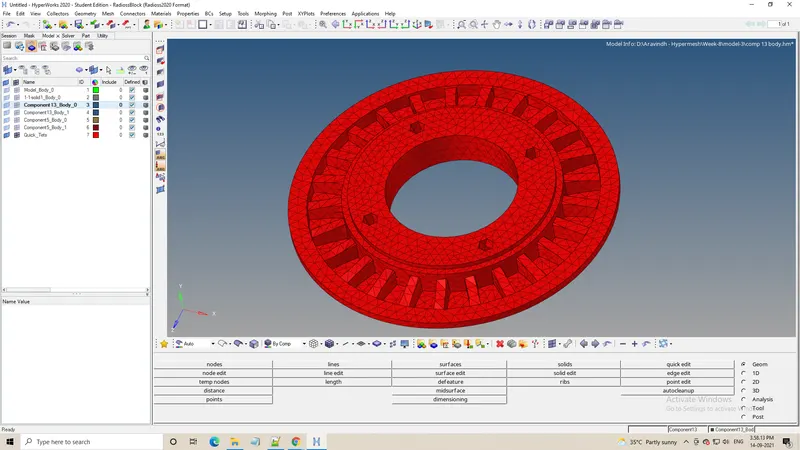
Conclusion:
Thus we can use these three methods to generate tetramesh on the desired components. But from my learning rather than tetra volume meshing ,quick tetramesh gives a bette mesh flow.