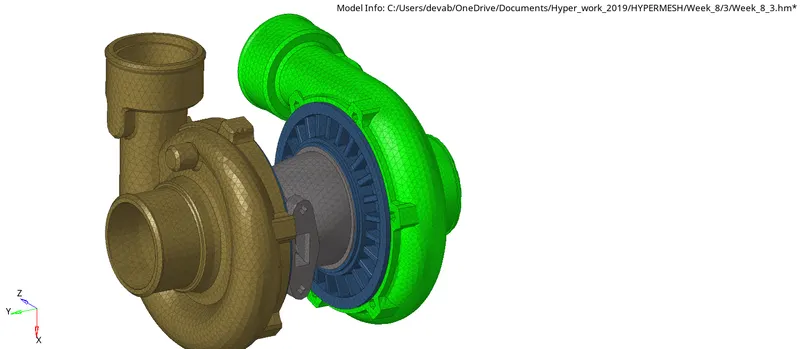
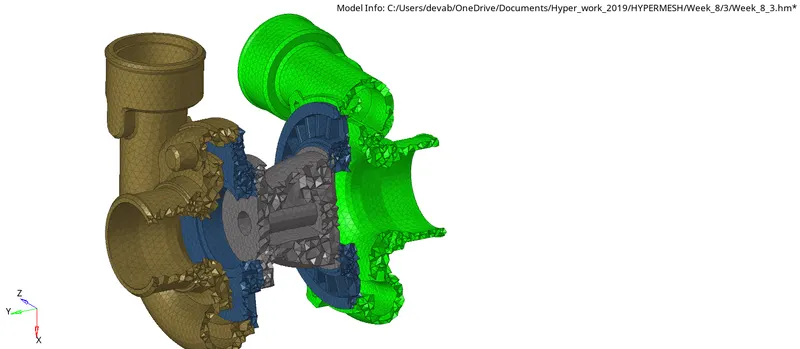
Week 8-3D Tetra Meshing Challenge
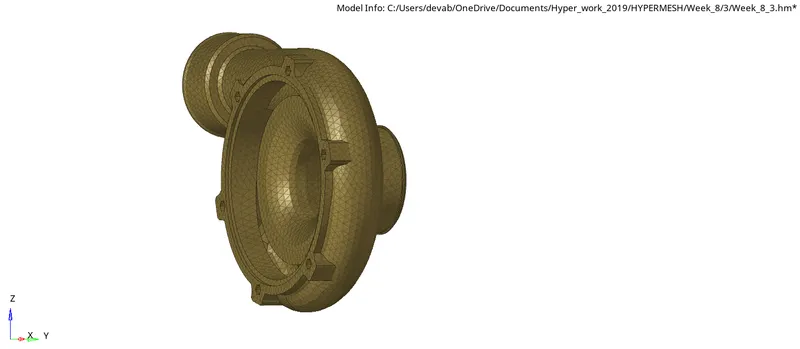
Q-1) Create a Teramesh for Housing component with the following quality criteria.
TetraMesh Generation Method: 2D to 3D Conversion
Elements sizes:
Min- 2 Units
Target- 5 Units
Max- 7 Units
Tet collapse: 0.15
- Given Component 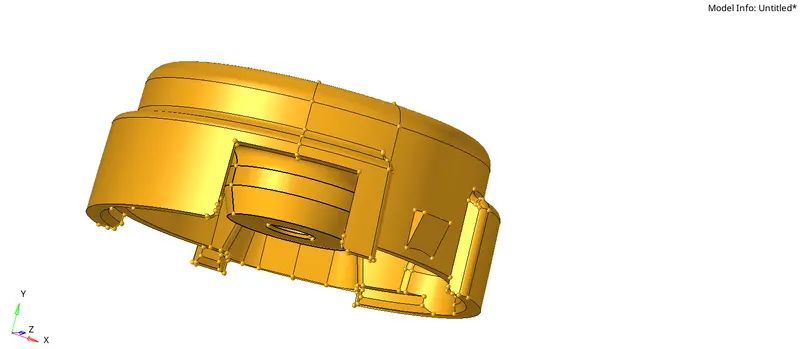
For the given component, first, we delete the solid and Mesh the given surface 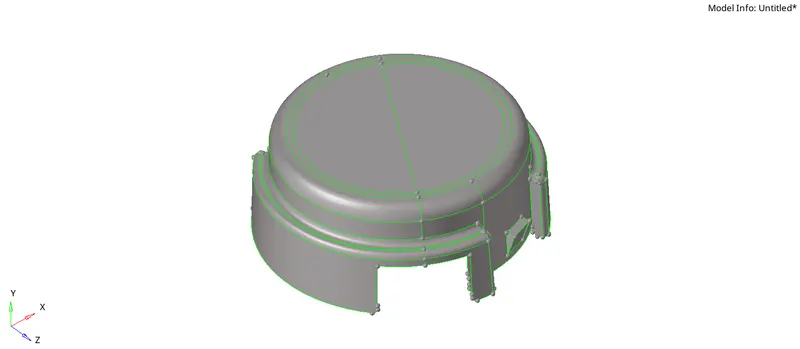
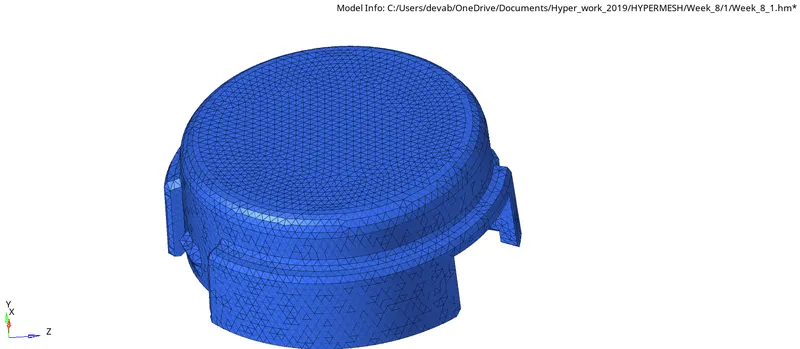
After fixing the surface, mesh the surface and eliminate the minimum and maximum length error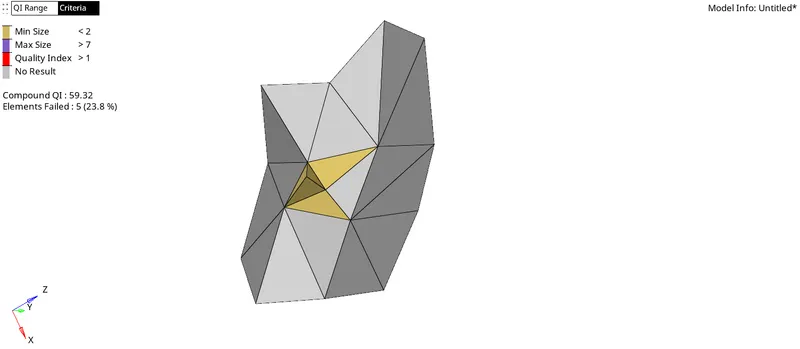
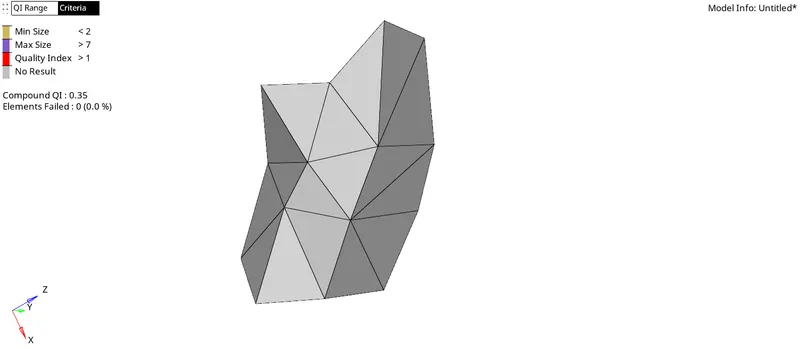
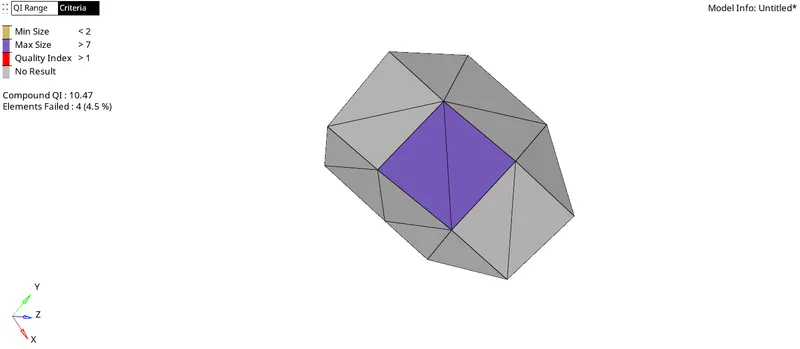
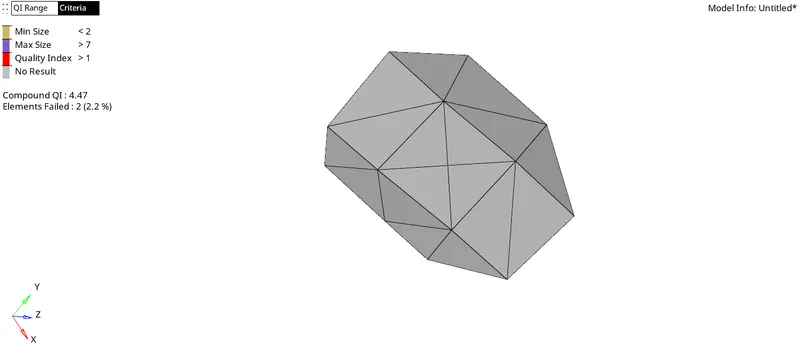
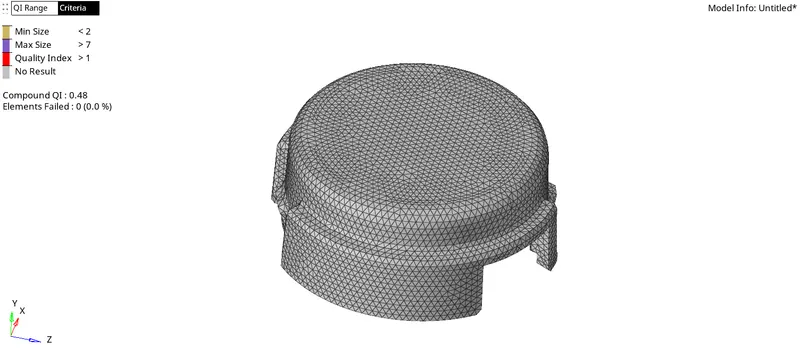
After eliminating all the minimum and maximum length errors, we extract the 3-d mesh of the surface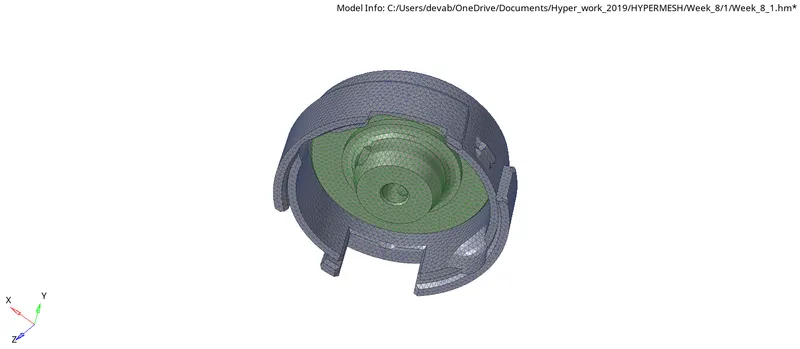
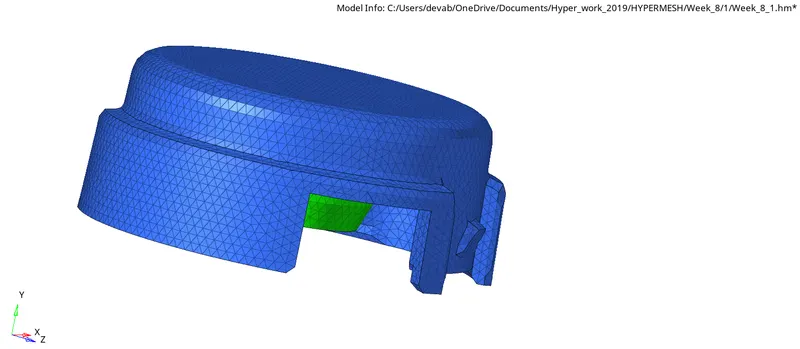
Now we have to eliminate Tet-collapse error, we use the 'remesh' option.
finally we get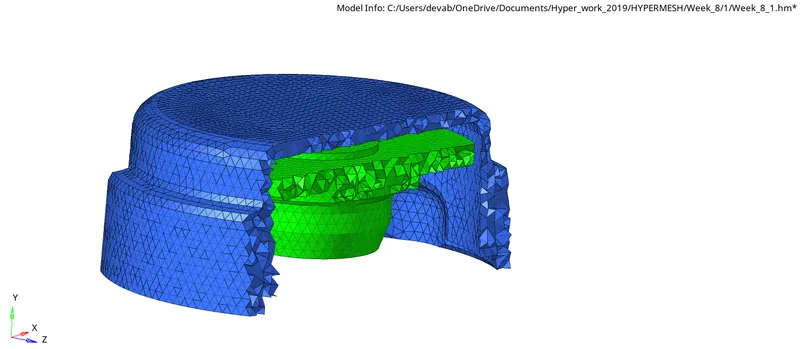
Q-2) For the given model, Create a 3D Tetramesh with the following quality criteria.
TetraMesh Generation Method: Quick Tetra Mesh/ Volume Tetra Mesh
Target Element size: 3 Units.
Tet Collapse: 0.15
In order to mesh the given model, we use Quick tetra mesh option.
First, we delete the solid model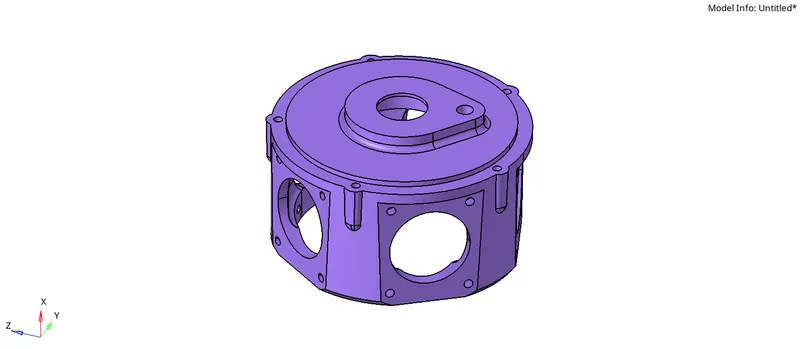
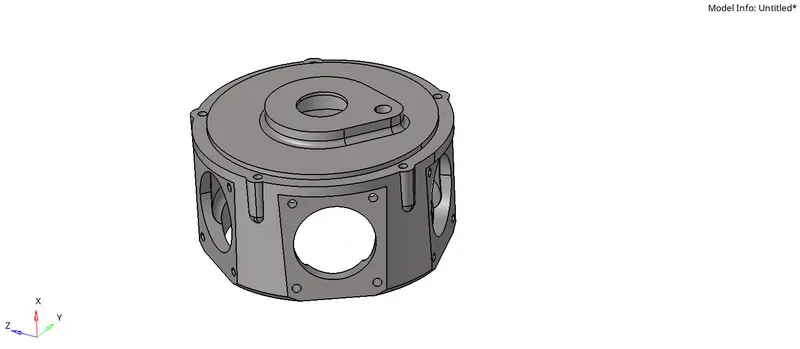
Now, repair the surface and toggle edges undersize of the minimum length size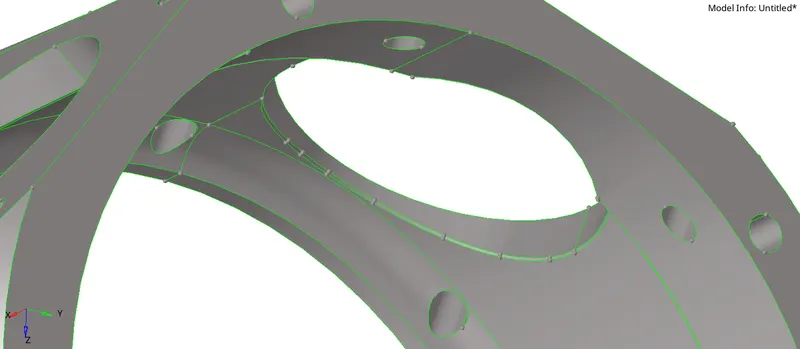
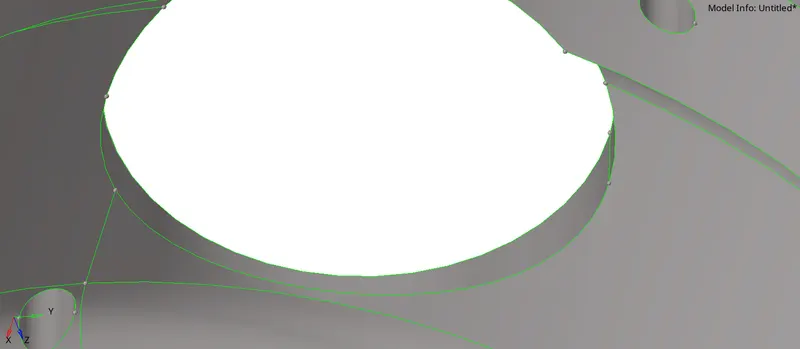
After fixing the surface, we open Utility under the Hypermesh option, and under utility, we select Quick Tetra mesh, and Under Mesh type we choose trias and give a mesh size of 5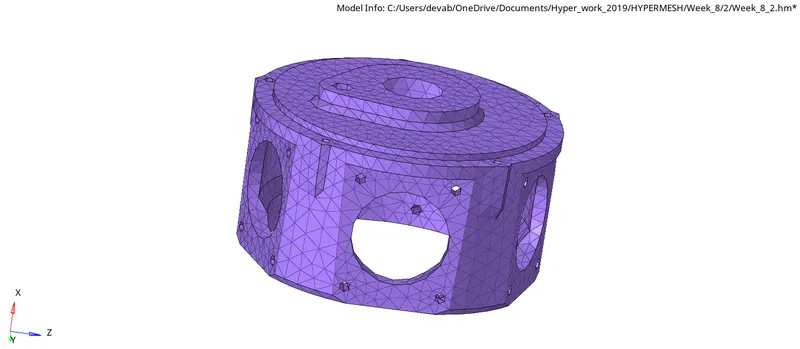
After proper meshing of the component, we check for Tet collapse error and eliminate it by using the 'remesh' option.
finally we get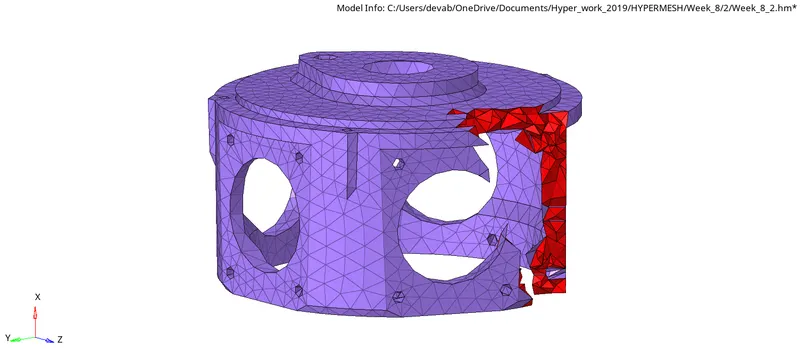
Q-3)For the given assembly model, Create a 3D Tetramesh with the following quality criteria.
TetraMesh Generation Method: Quick Tetra Mesh/ Volume Tetra Mesh
Target Element size: 4 Units.
Tet Collapse: 0.15
For a given component, we use Volume mesh for Meshing the component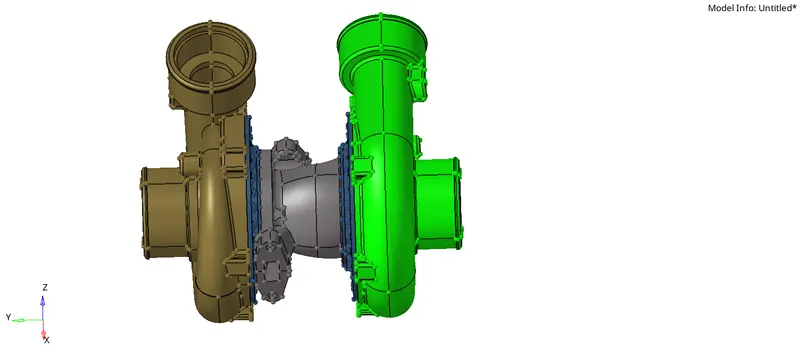
In order to volume mesh, we use volume remesh under tetramesh, provided the tetramesh parameter

To properly capture the whole component, we delete the solid and use the surface as Enclosed volume
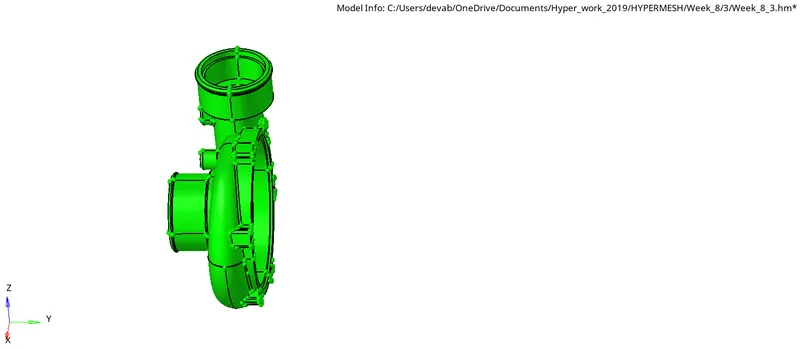
For proper meshing, we mesh components by component and also use 'reflect' for the symmetric model.
we get,
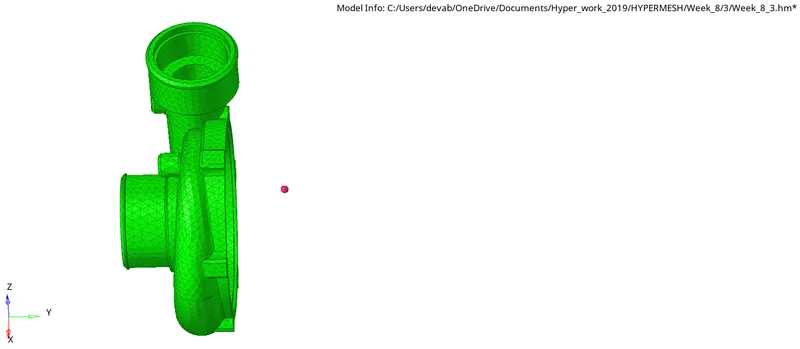
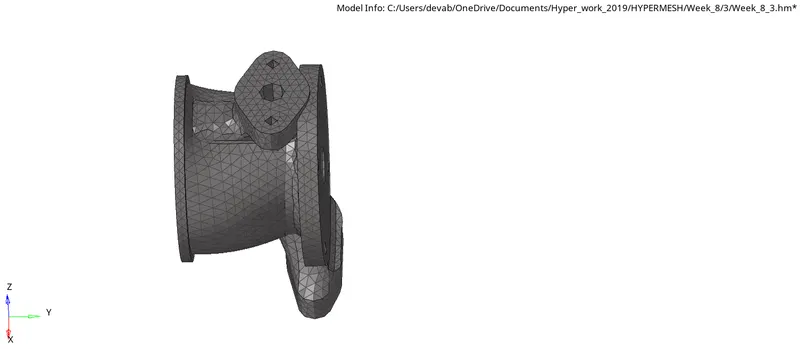
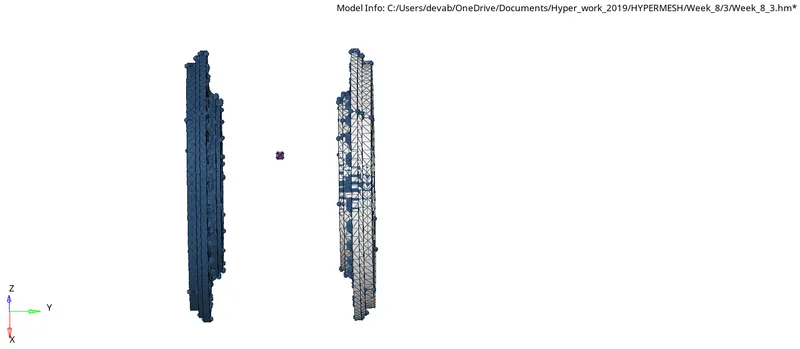
After proper meshing of the component, we check for Tet collapse error and minimize it (below 0.1 %), using the 'remesh' option.
finally we get