Week 7- Meshing of Backdoor Challenge
Aim-
For this challenge, we have to mesh the backdoor geometry of a car that is provided above. Provided with the quality parameters that you have to follow.
Procedure-
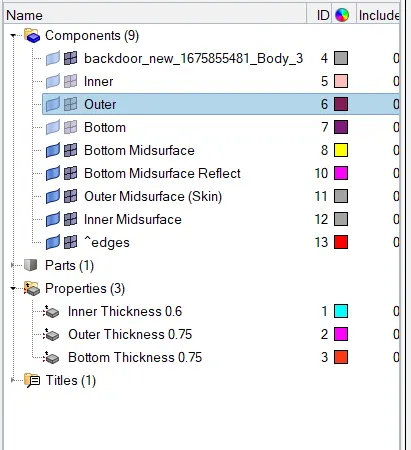
- After Importing Organizing parts W.R. to Door Inner, Outer, Bottom by Tools-Organize-Surface-Attached Pic 5, 6,
Door Inner:-
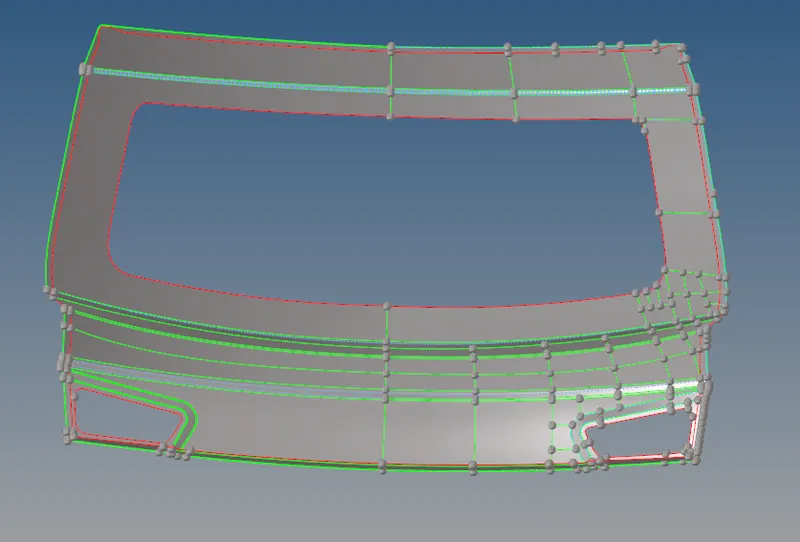
Door Outer:-
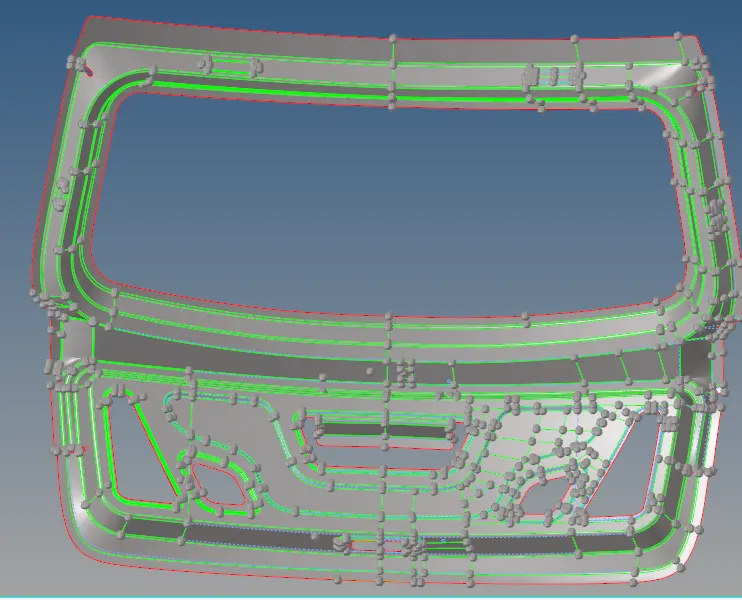
- Taking midsurface for Door Inner, Outer, Bottom with Skin Offset and also with manuall offset wherever required (Geo-Surface Edit- Offset), (Geometry-Midsurface-Skin Offset)
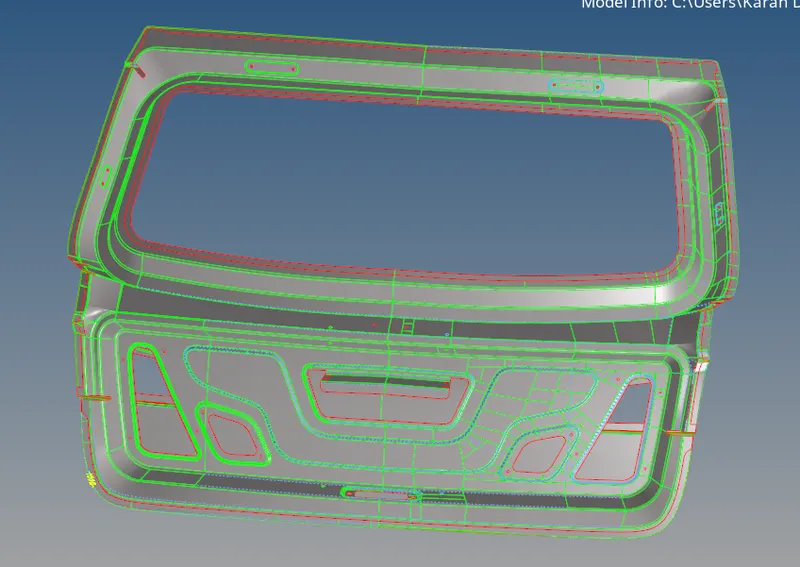
- Moving Forward with Meshing by applying given quality criteria, Preferences-Criteria File Settings.
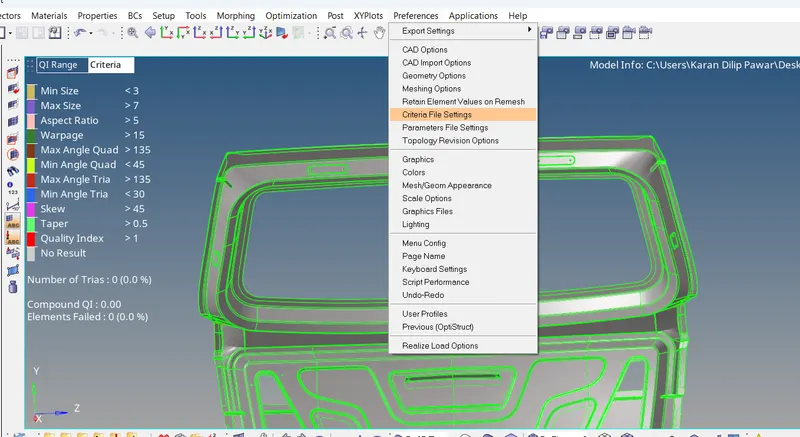
- Making possible cuts wherever necessary in order to have a good mesh flow and less tria.
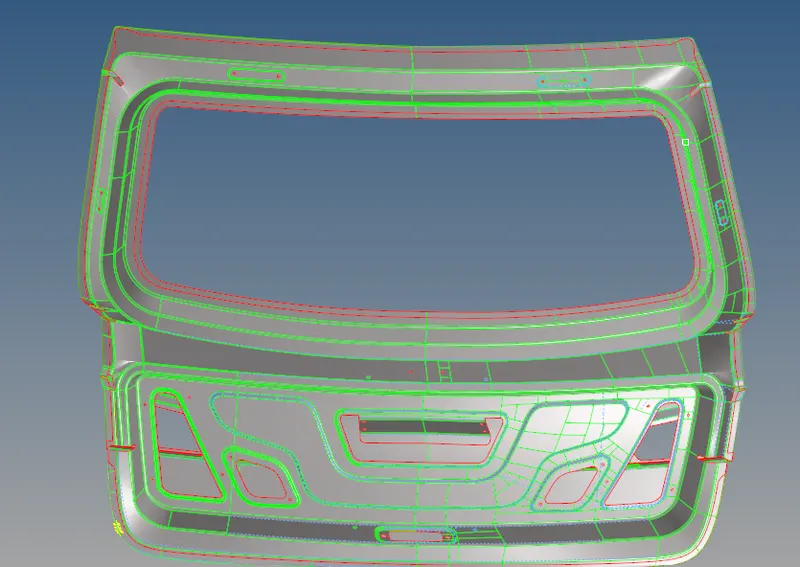
- Eliminating the quality failure if any by tools like project, scale, 2D-Quality Index-Element Optimize
6. Performing Smooth after meshing to have smooth Mesh flow.
7.Assigning the thickness to midsurface by creating a property for each Inner, Outer, Bottom.
8.After Completing Mesh Check for Normal (Tools-Normal), Check for duplicates-(Tools-Check Elms), Check For Free Edges
Learning Outcome:
Learn to work on different parts of single component i.e door through organizing them first and then meshing them.