Week 7-Long Piston With Cam
OBJECTIVE:
- The main objective of this challenge is to perform a Transient structural Analysis on a piston and cam mechanism and to run the analysis with Frictionless contact, Frictional with 0.1 and 0.2 as the frictional contact for a total of 3 cases, as well as to find out the Equivalent Stress, Directional Deformation and Equivalent Elastic Strain and compare them for all the three cases.
INTRODUCTION:
- A piston is a component of reciprocating engines, reciprocating pumps, gas compressors, hydraulic cylinders and pneumatic cylinders, among other similar mechanisms. It is the moving component that is contained by a cylinder and is made gas-tight by piston rings.
- A cam is a rotating or sliding piece in a mechanical linkage used especially in transforming rotary motion into linear motion. It is often a part of a rotating wheel (e.g. an eccentric wheel) or shaft (e.g. a cylinder with an irregular shape) that strikes a lever at one or more points on its circular pat
PROCEDURE:
- Open the ANSYS Workbench software. Under the Analysis system select the Transient structural and wait for few seconds to pop up the window, which contains Engineering data, Geometry, Model, setup, Solution and Results.
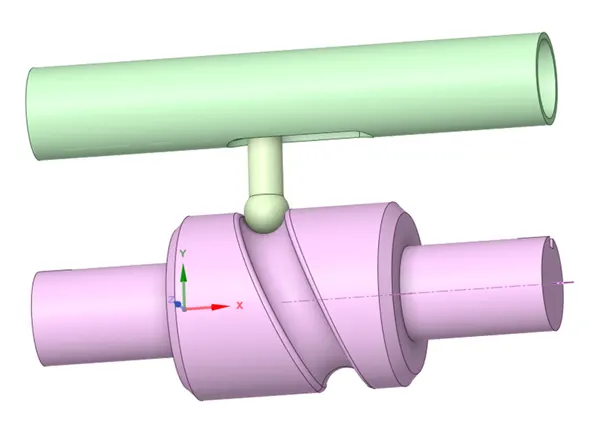
- Under geometry import the Long Piston model.
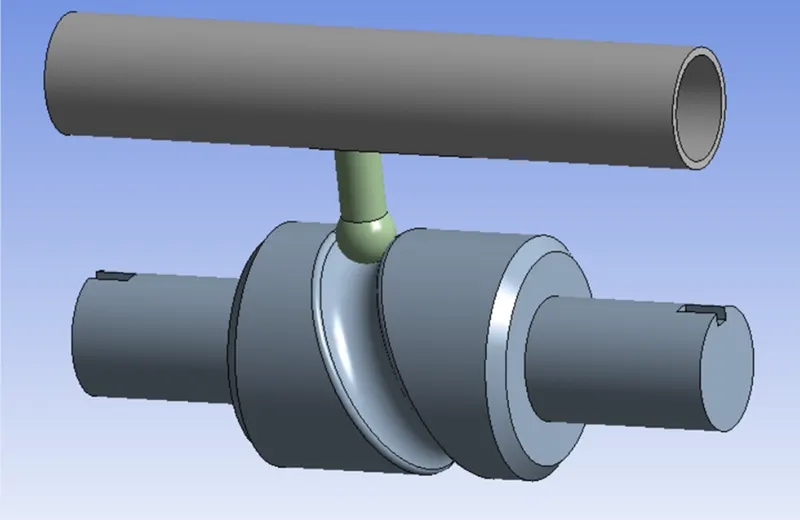
- Update the model by right click and edit the Model for Preprocessing.
- Wait for few seconds and ANSYS Mechanical will open as shown below. Rename the model as Barrel, Barrel Cam and Cam Follower.
- Change Barrel and Barrel Cam as rigid, then the solver consider them as mass, which will be concentrated on their body centers and consider them as point masses.
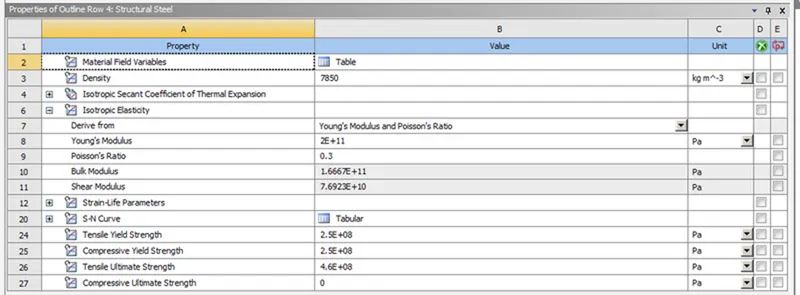
- Assign the material to the model. Default we haves structural steel.
- Connections plays a major role in analysis, so click on connections and we can see the default contacts between the parts with a question mark. It can be removed by selecting two contacts and flip them. Select the contacts as shown below.
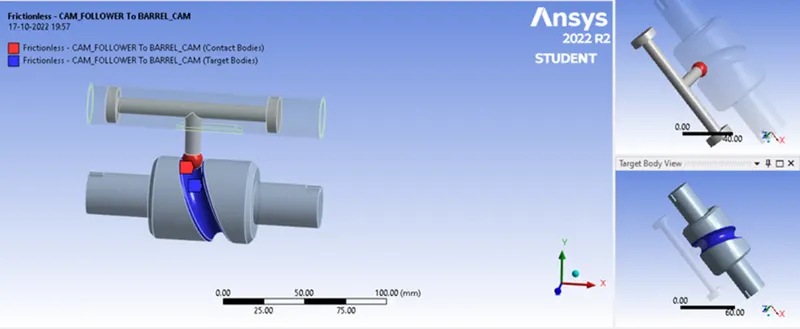
- Select both the contacts and change the type to frictionless for case-1, and Frictional with 0.1 and 0.2 as the frictional contact for case-2 and case-3. Remaining steps are same for all the three cases
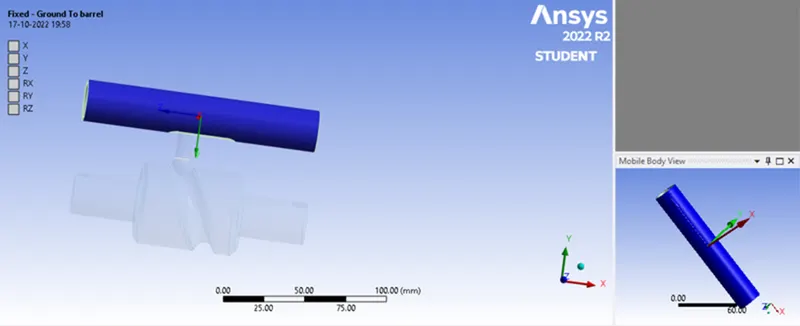
- Inserting the Joints for the model - Insert a fixed joint for the barrel. Change the connection type as body to ground.
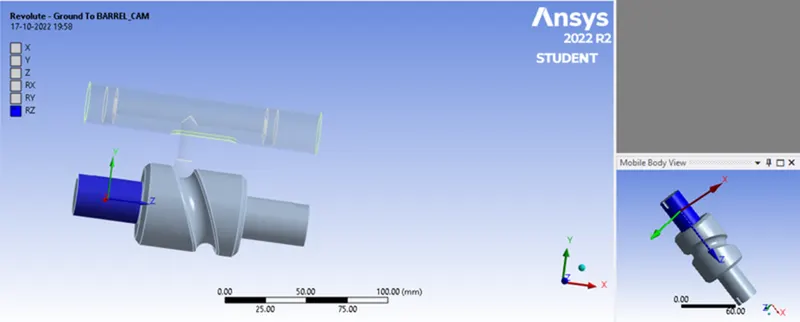
- Insert a revolute joint to the cam. Change the connection type as body to ground
- Insert a translational joint to the barrel and cam follower. Change the connection type as body to body. Select the face for mobile and reference as shown below.
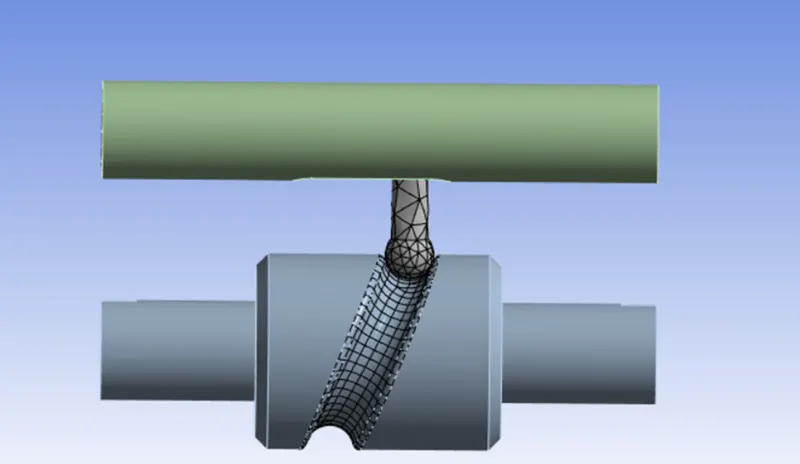
- In ANSYS automatic mesh will be performed with Default mesh size and select the sizing option and select the faces as shown below and assign the element size as 3mm.
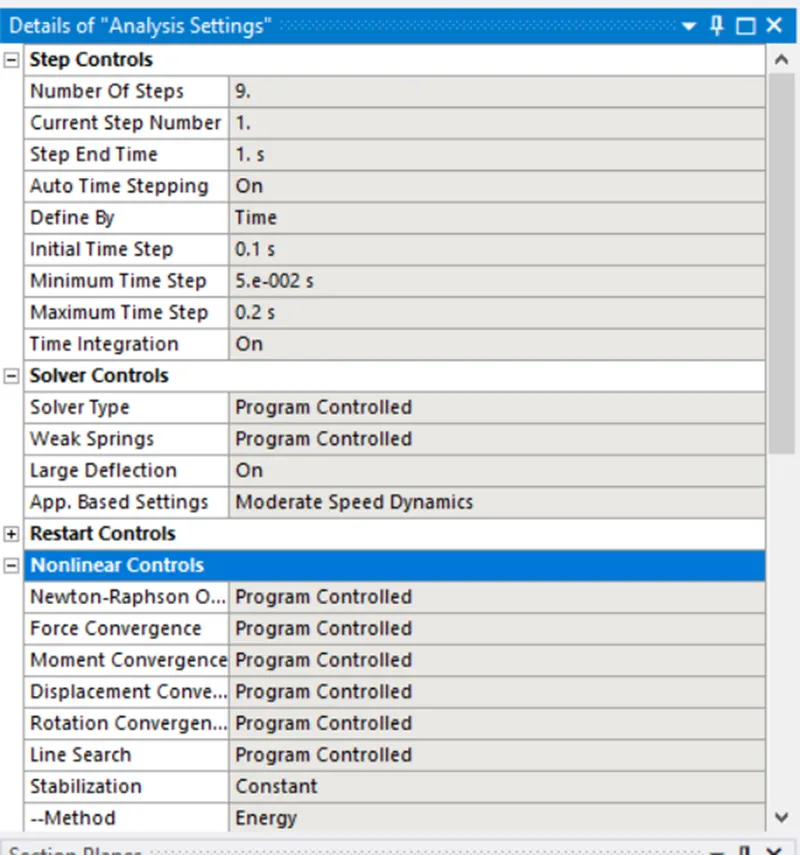
- Analysis settings Change no. of steps as 9, for 1st step add initial time step as 0.1, min type step as 5e^-2, Max time step as 0.2, Weak spring as program controlled, large deflection on, Non linear control-Stabilization as Constant, energy dissipation 0.1, output controls all as yes, expect for contact miscellaneous, Activation for first step as Yes. For 2nd to 9th step change initial time step as 0.1, min type step as 5e^-2, Max time step as 0.3, Non linear control-Stabilization as Constant, energy dissipation 0.1, Activation for first step as Yes.
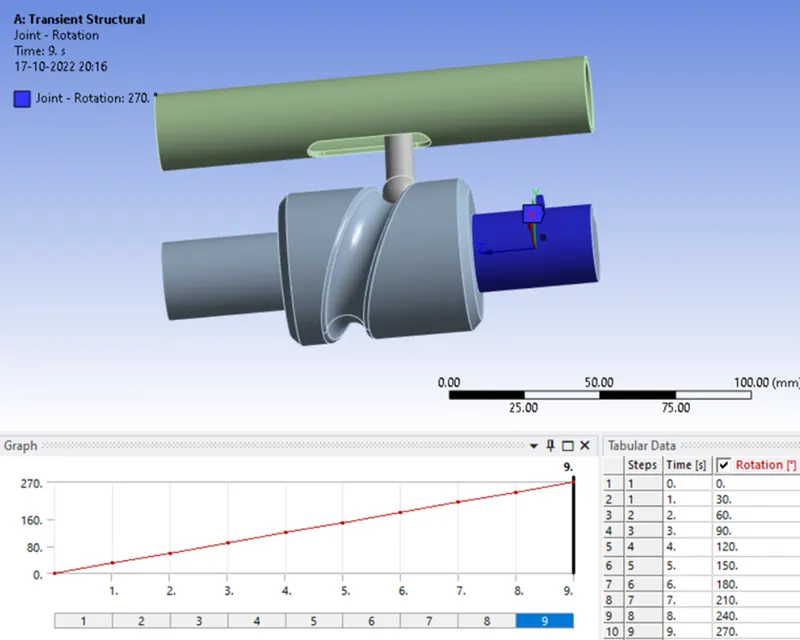
- Joint Load for the barrel is defined by inserting a joint load and change the type as rotation, select the face for scope and magnitude of 0,30,60,90,120,150,180,210,240,270.
- Now request for the outputs such as equivalent stress, equivalent elastic strain, directional deformation in Y-Direction.
SIMULATION RESULT: frictionless
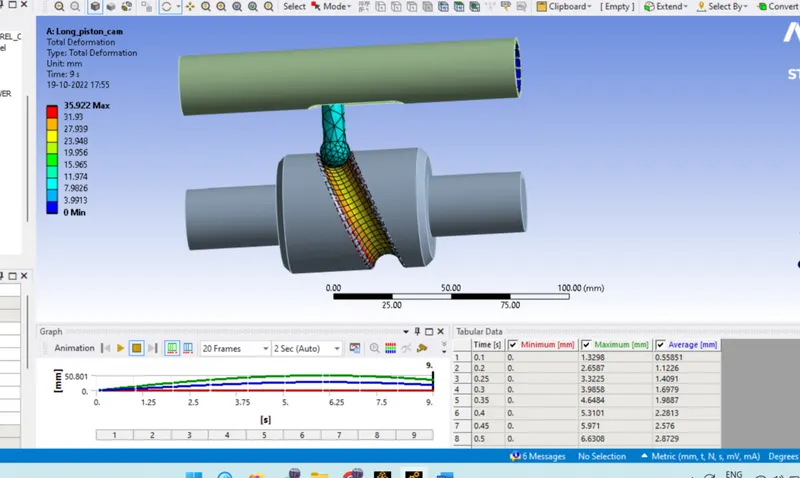
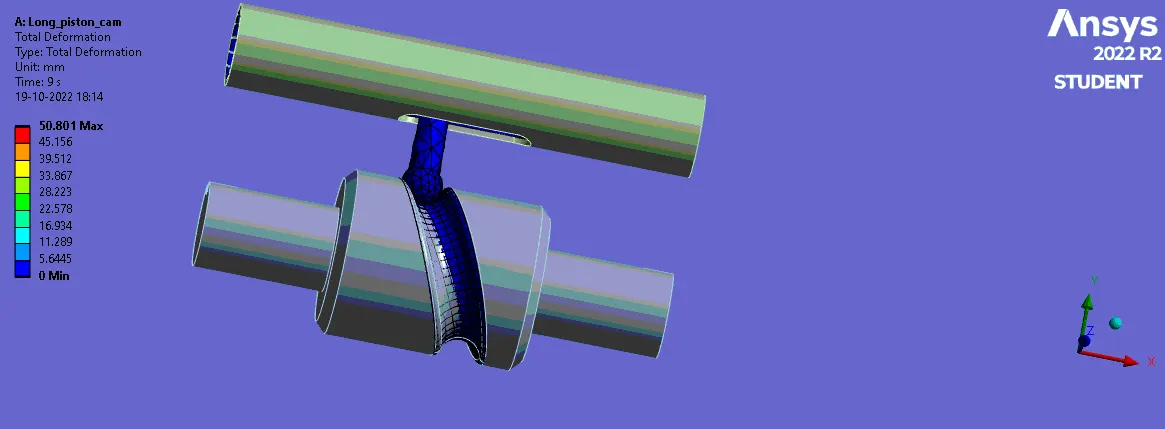
- Total Deformation :
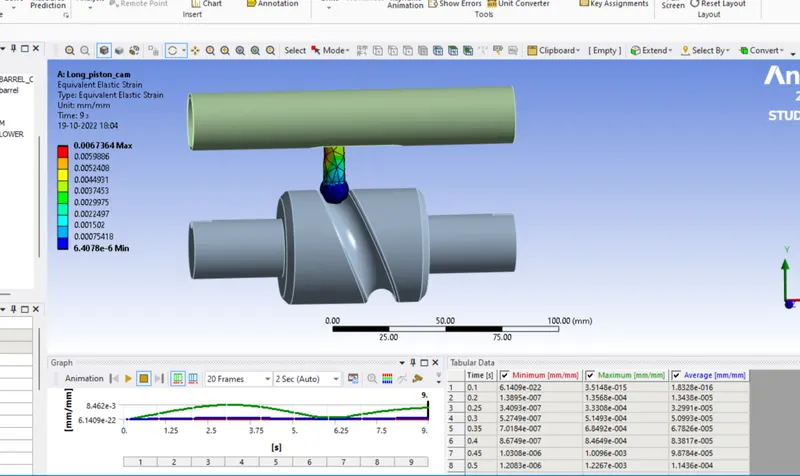
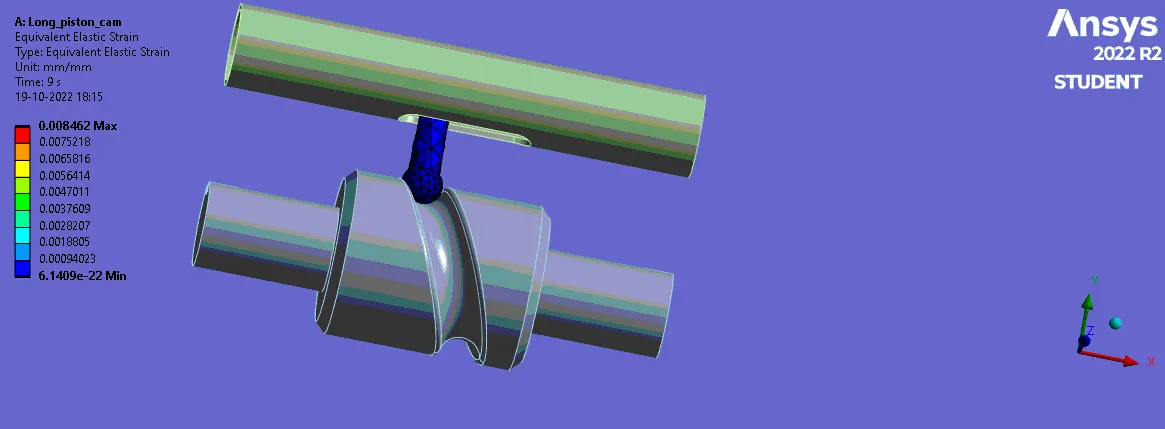
- Equivalent strain-
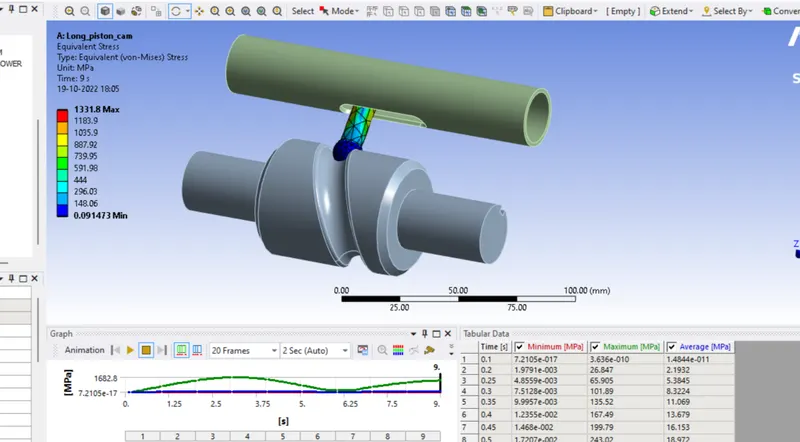
- Equivalent stress-
- Directional Velocity-
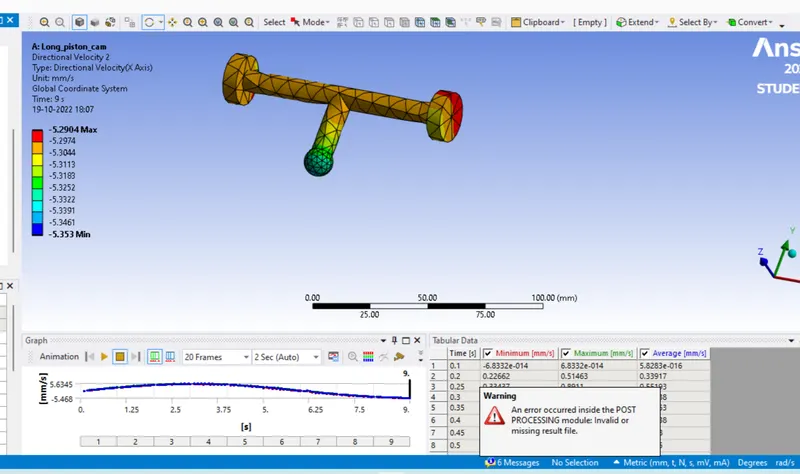
Animation
Deformation
Strain
Comparison of results:

|
0 |
0 |
35.922 |
0 |
6.4704E-06 |
0.006726 |
1331.8 |
0.0914 |
CONCLUSION:
- From the above result we can conclude that the minimum equivalent stress of 1331.8 MPa is experienced at frictionless contact, and maximum equivalent stress of 1788.6 MPa is experienced at frictional contact with coefficient of friction as 0.2. So the equivalent stress of Frictional Contact With Coefficient of friction as 0.2 is greater than the Frictional Contact With Coefficient of friction as 0.1 is also greater than the With frictionless CONTACT. The variation between the result is due to type of contact we used as well as the coefficient of friction. Higher in coefficient of friction value will experience high equivalent stress and Lower is coefficient of friction value will experience Low equivalent stress. The overall Equivalent Elastic Strain, Total Deformation and Directional Deformation are same with some small values.