Week 7 Challenge - Assembly Workbench
AIM
To create the quick return mechanism from the given 2D drawings in CATIA
SOFTWARE USED
CATIA V5
PROCEDURE
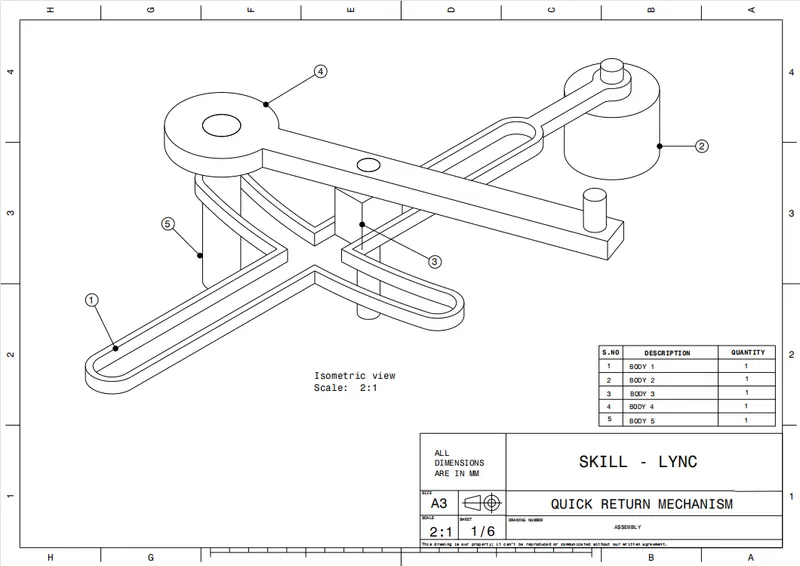
- Create a separate CATPART for all the body given in above drawing.
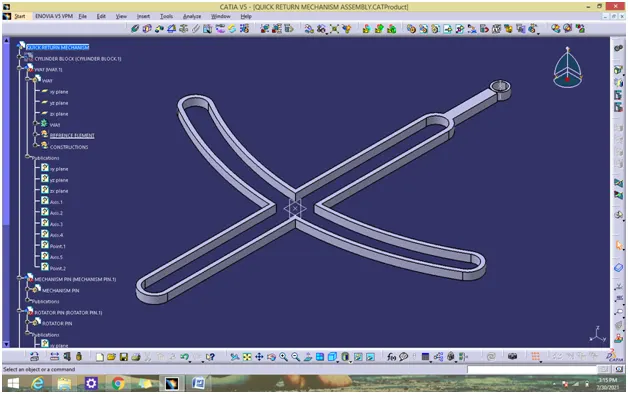
BODY 1-WAYS
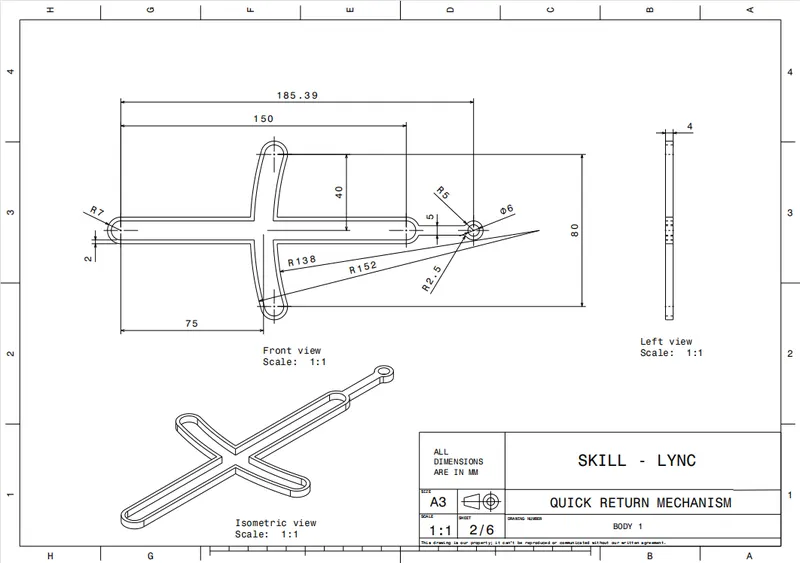
- Create the required sketch according to the given dimension.
- Create a all sketch by using positioned sketch command.
- Ensure that all the sketches in iso-constrained.
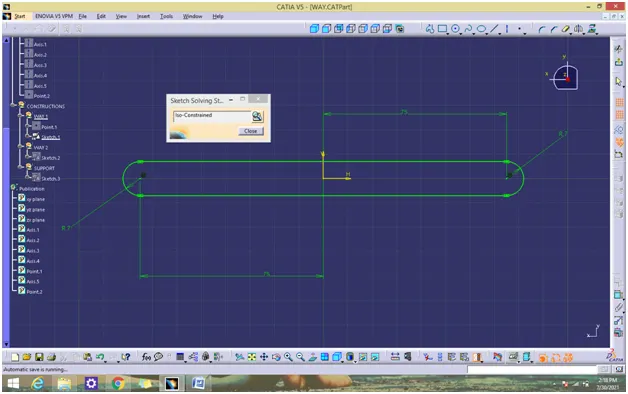
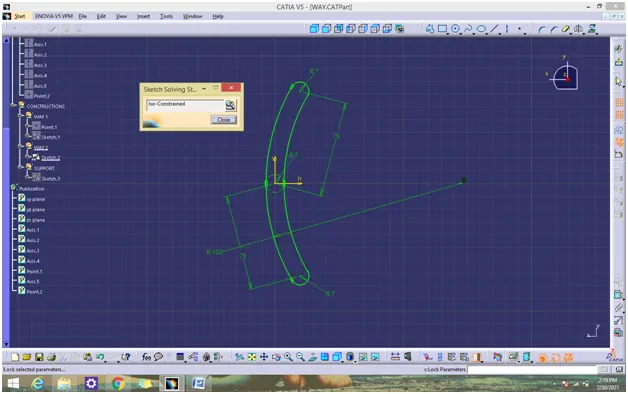
- Then pad it.
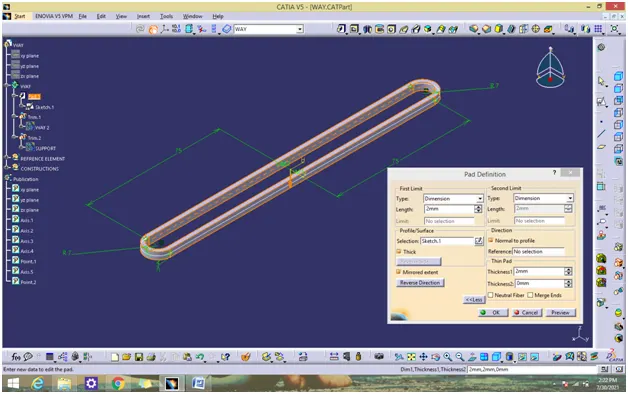
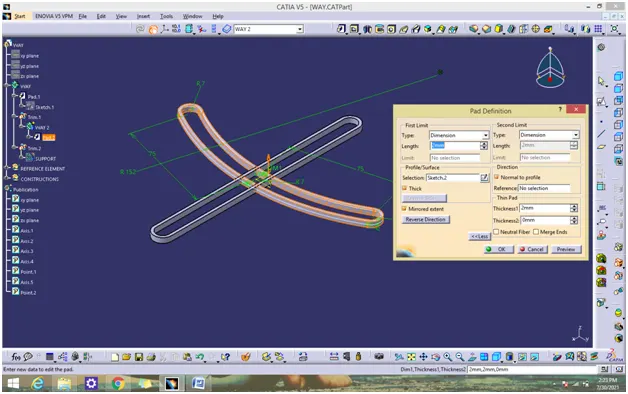
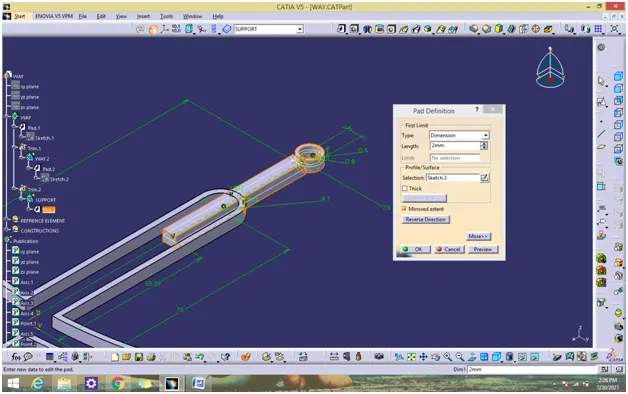
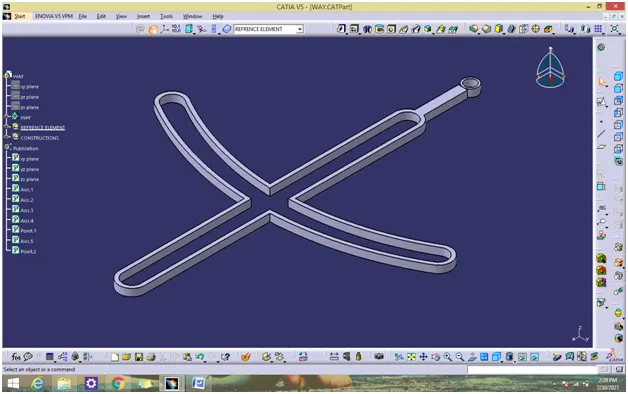
- Join all the solids to from body 1 solid by using Boolean operation (trim and add).
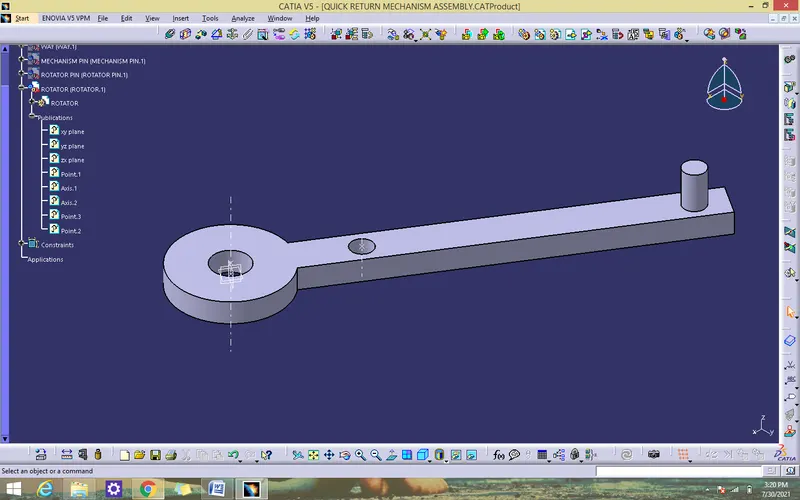
BODY 2- ROTATOR
- Create the required sketch according to the given dimension.
- Create a all sketch by using positioned sketch command.
- Ensure that all the sketches in iso-constrained.
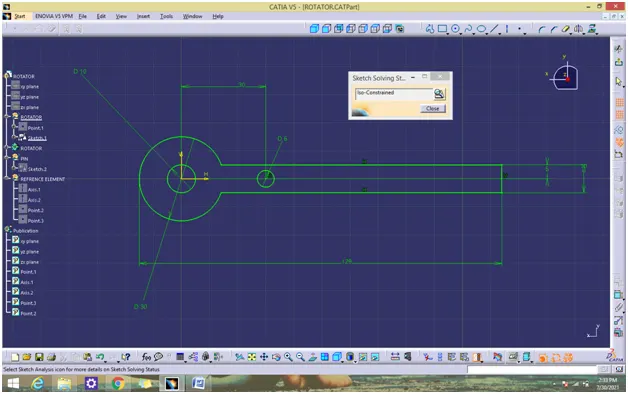
- Use pad command for thicken solid for all the above sketch.
- Join all the solids to from body 2 solid by using Boolean operation (add).
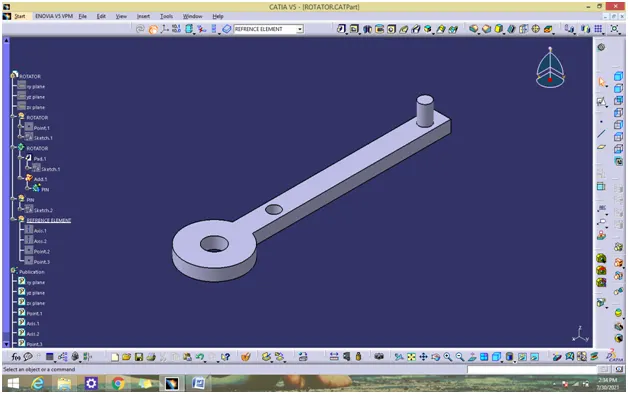
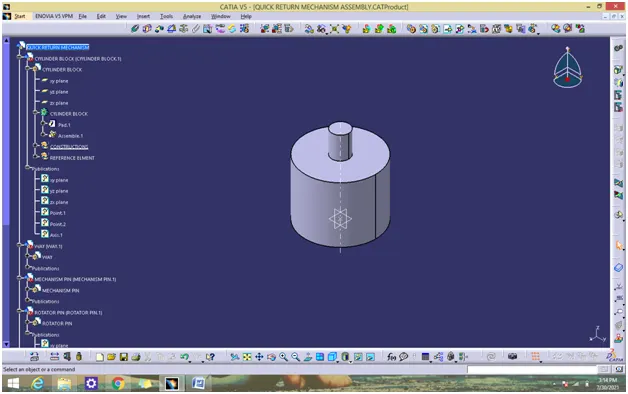
Body 3- CYLINDER BLOCK
- Create the required sketch according to the given dimension.
- Create a all sketch by using positioned sketch command.
- Ensure that all the sketches in iso-constrained.
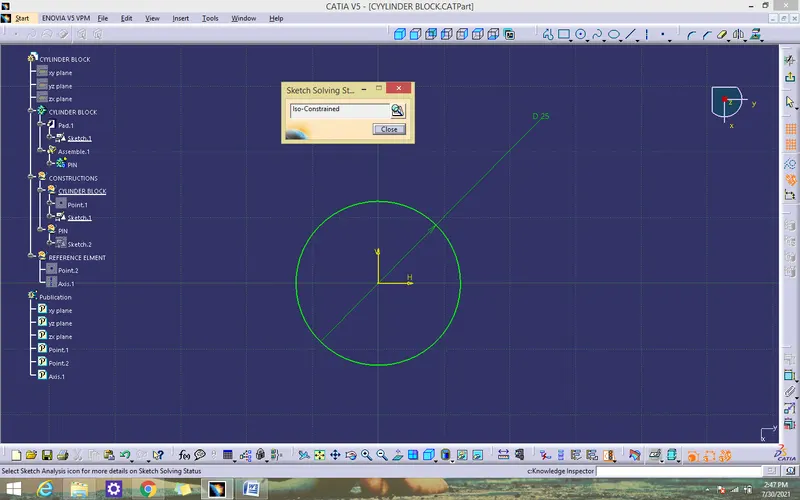
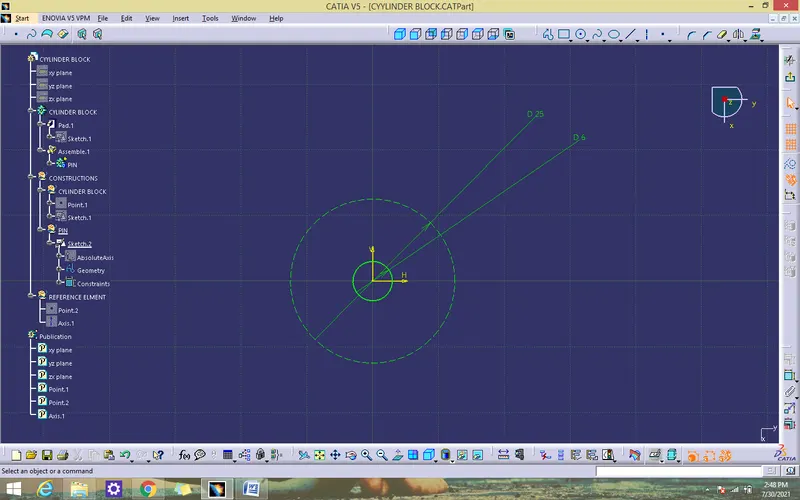
- Use pad command for thicken solid for all the above sketch.
- Join all the solids to from body 3 solid by using Boolean operation (add).
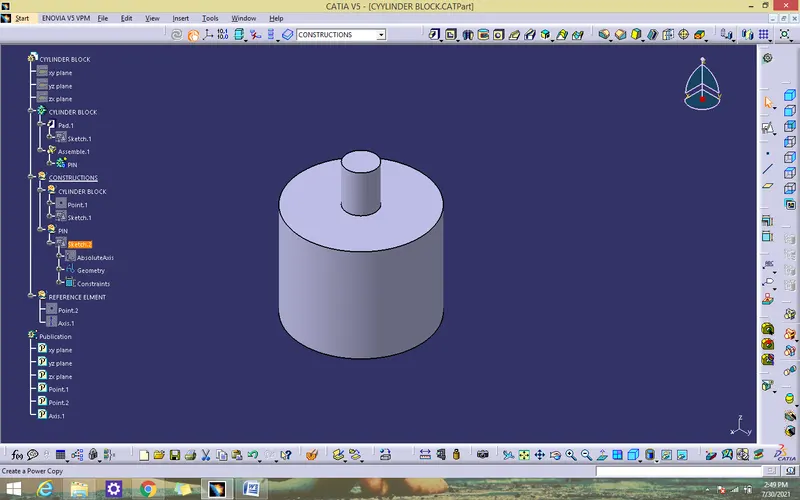
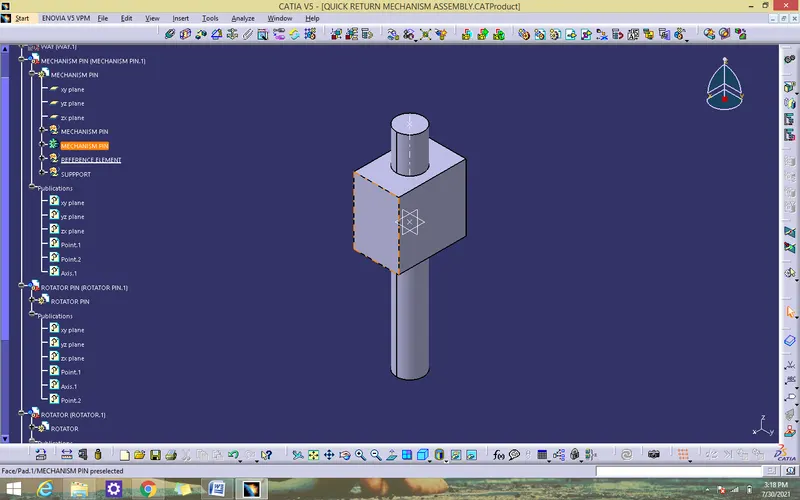
BODY 4- MECHANISM PIN
- Create the required sketch according to the given dimension.
- Create a all sketch by using positioned sketch command.
- Ensure that all the sketches in iso-constrained.
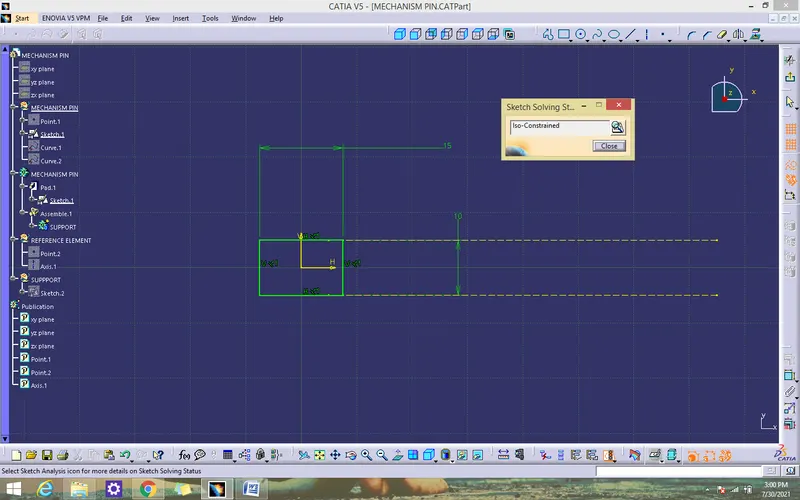
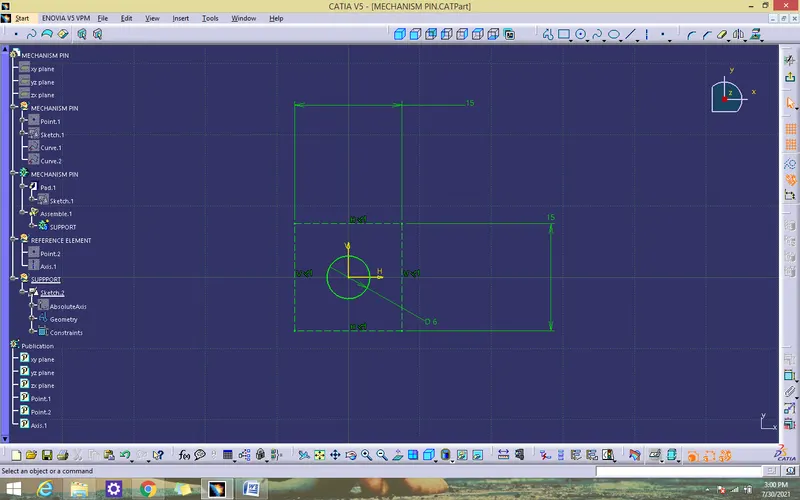
- Use pad command for thicken solid for all the above sketch.
- Join all the solids to from solid by using Boolean operation (add).
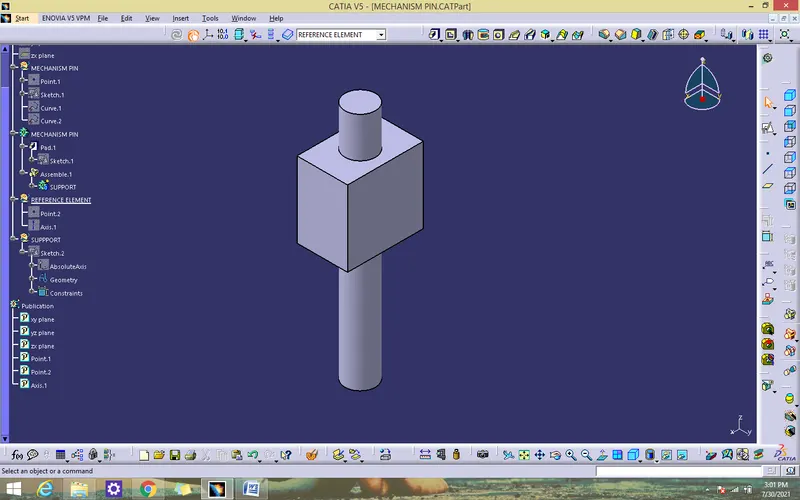
BODY 5- ROTATOR PIN
- Create a all sketch by using positioned sketch command.
- Ensure that all the sketches in iso-constrained.
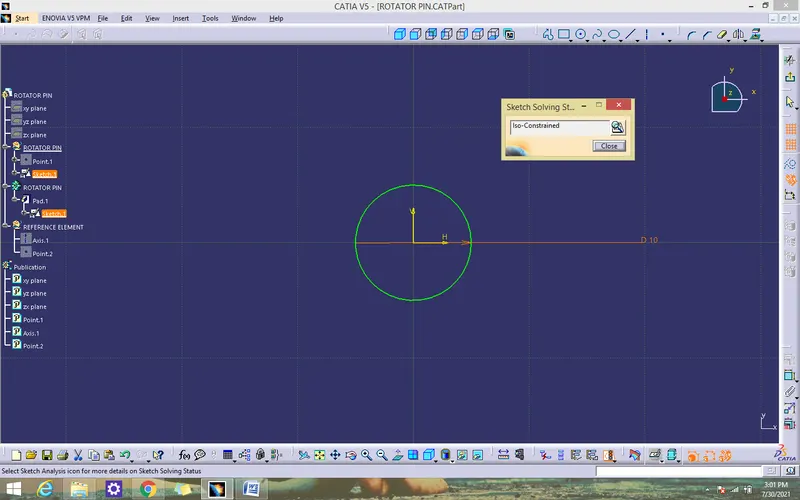
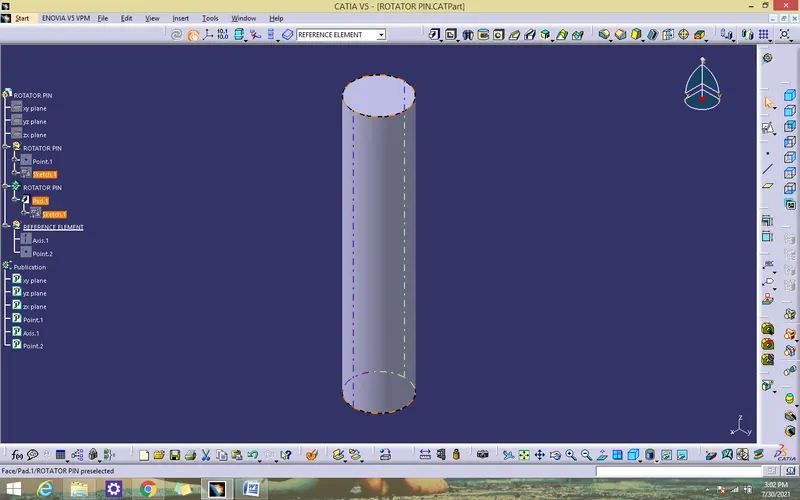
- Ues pad command for thicken solid for the above sketch.
Assembly all the parts
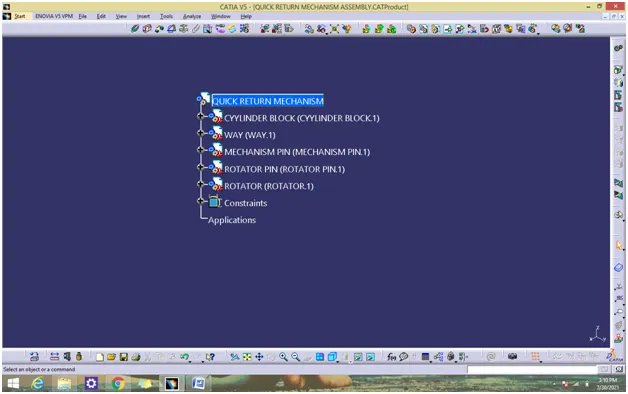
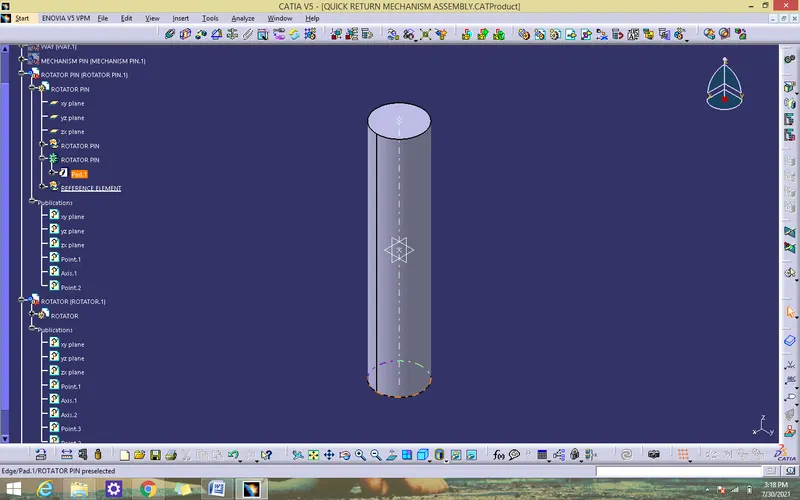
ASSEMBLY PROCEDURE ASSEMBLY PROCEDURE
- Fix the cylinder block by using the fix component command.
- Coincidence the cylinder block axis with way axis to block x,y more by using conicidence constraint.
- Coincidence the cylinder block point with way point to block z more by move by using coincidence constraint.
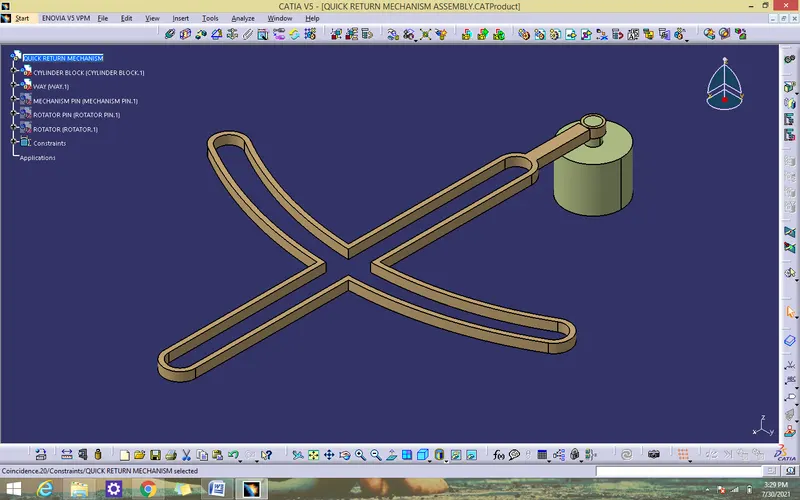
- Coincidence the cylinder block zx plane with mechanism pin zx plane to block x mainpulation by using coincidence constraint.
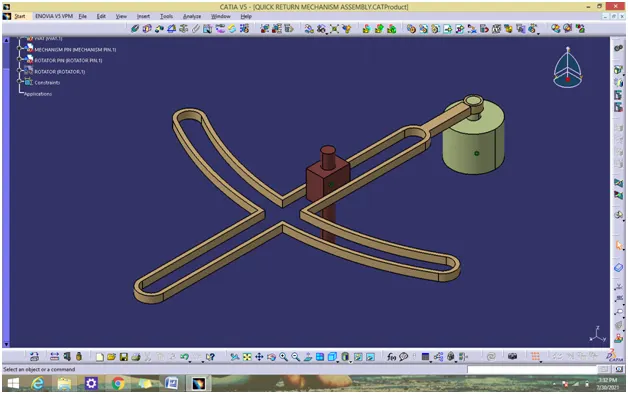
- coincidence the way surface with rotator pin surface by using contact constrain
Select body change the body Every Colors
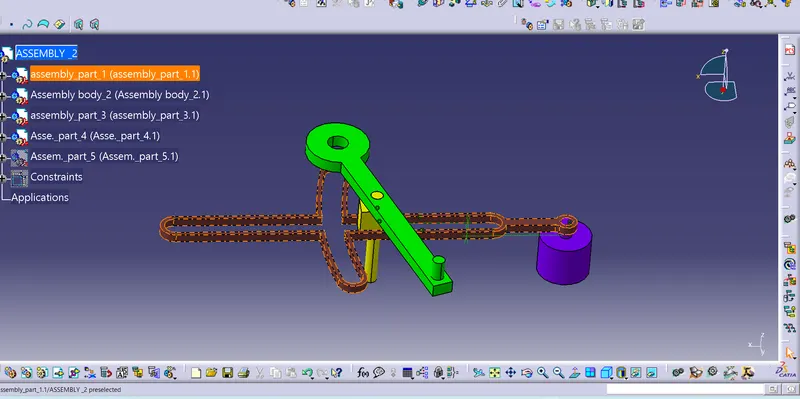
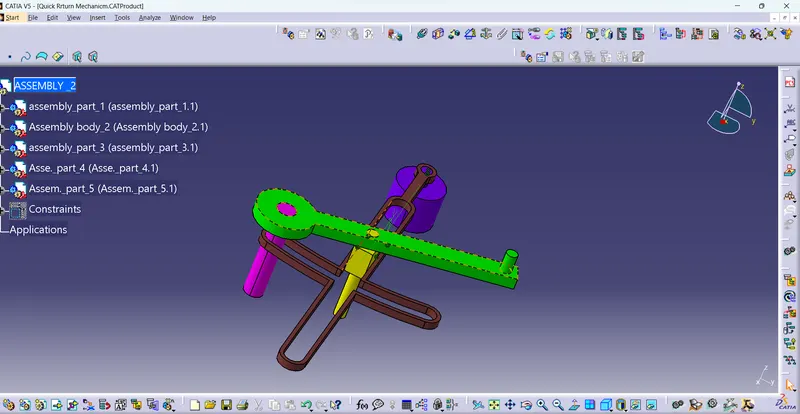
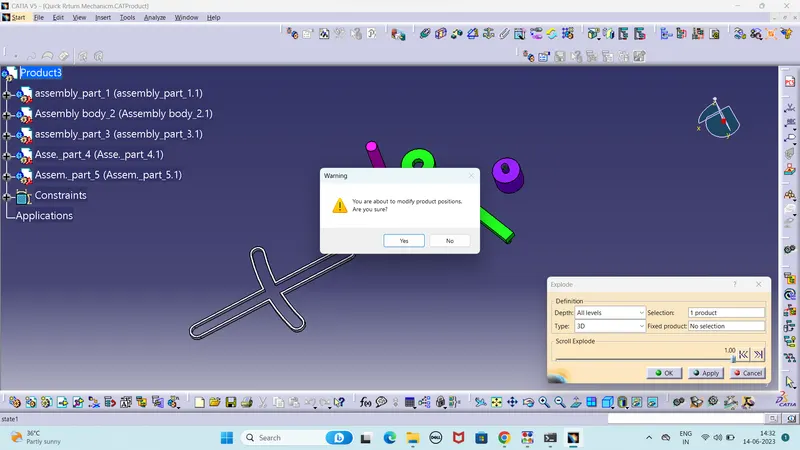
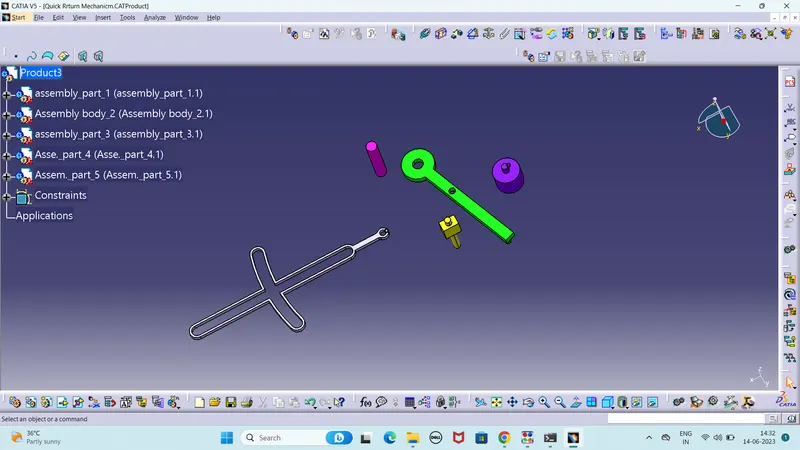
Used Explode command
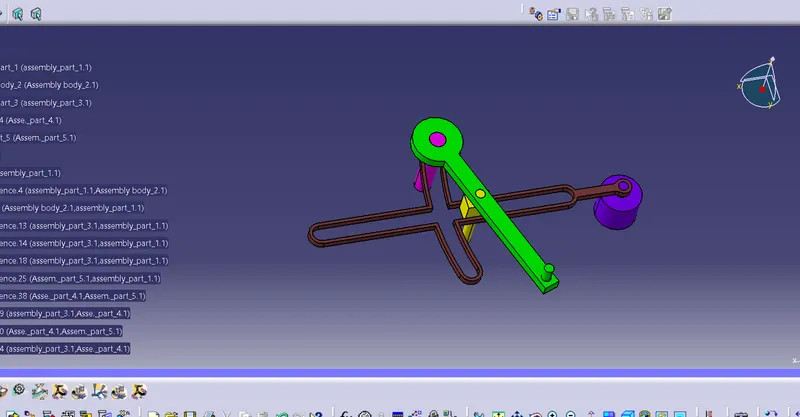
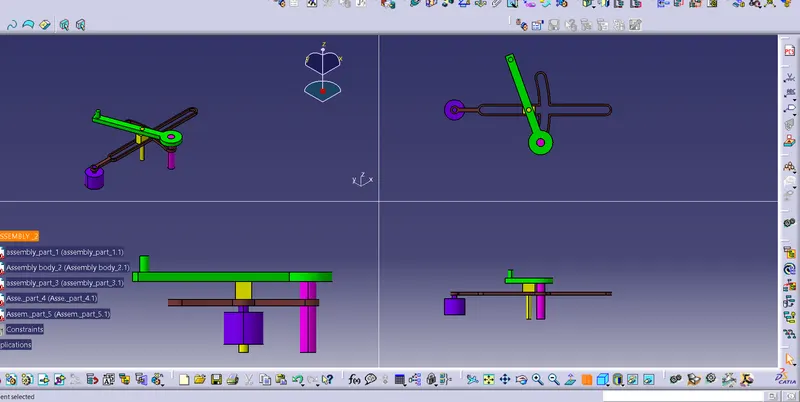
ISOMETRIC VIEWS
CONCLUSION
Quick return mechanism been created by using CATIA V5.
AIM
To create the quick return mechanism from the given 2D drawings in CATIA
SOFTWARE USED
CATIA V5
PROCEDURE
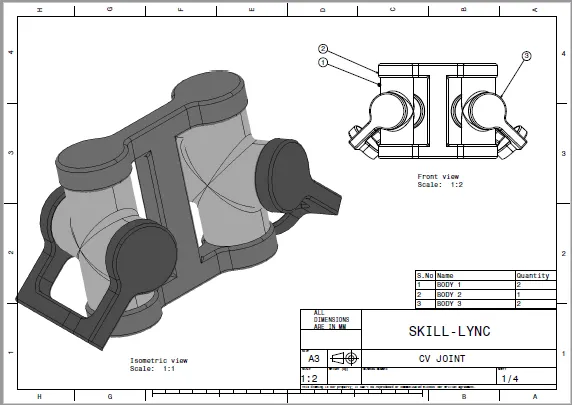
- Create a separate CATPART for all the body given in above drawing.
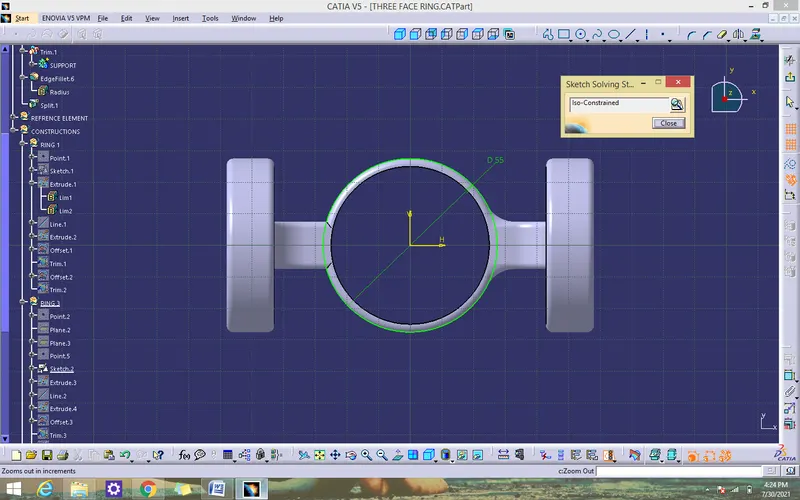
BODY 1-THREE FACE RING
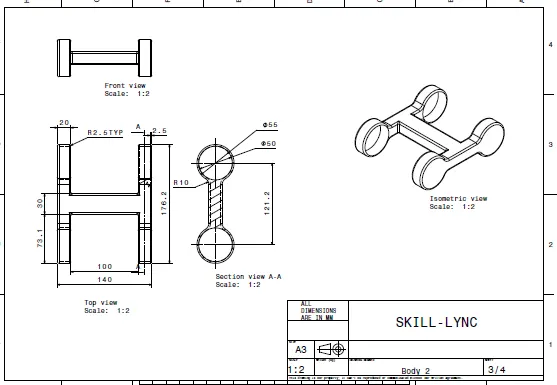
- Create the required sketch according to the given dimension.
- Create a all sketch by using positioned sketch command.
- Ensure that all the sketches in iso-constrained.
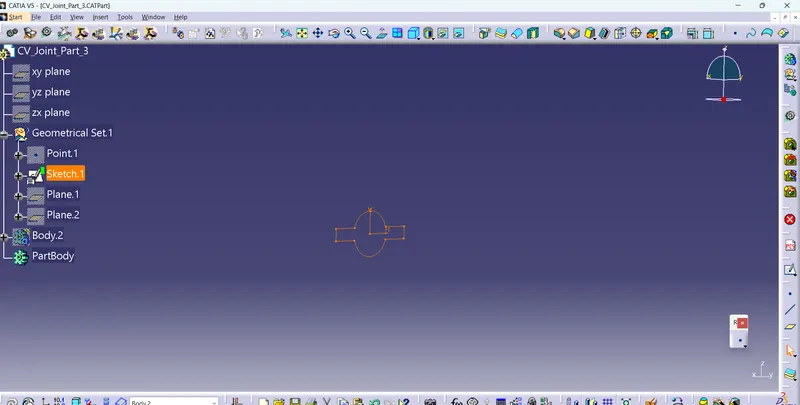
Create the 2 plane and offset 58 both sides
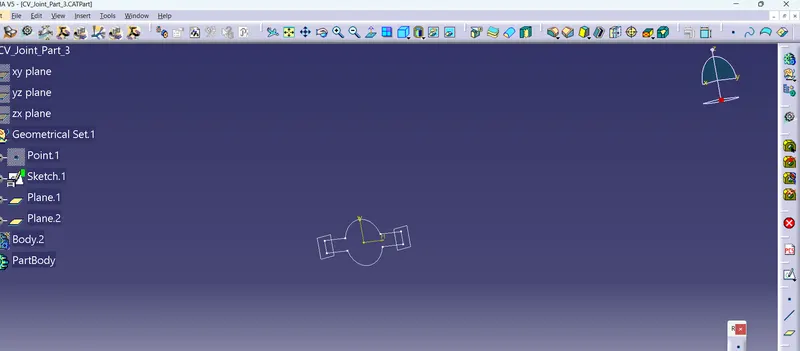
Pad it both sides
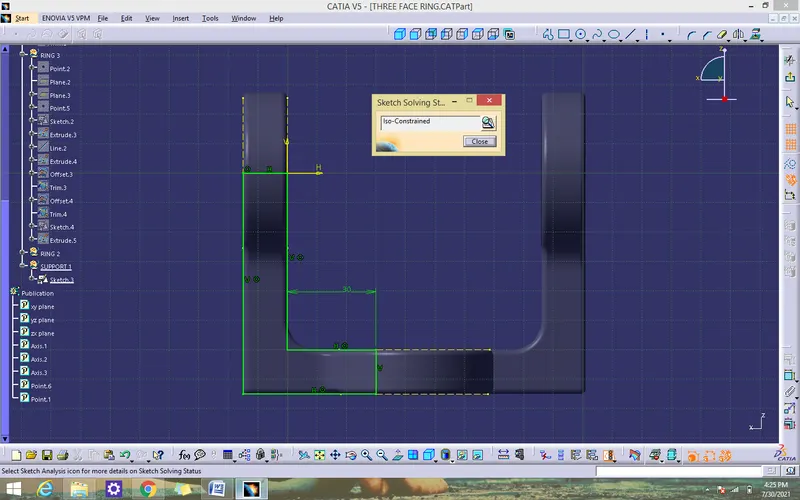
- Use pad command for thicken solid for the support
- Union trim the solid with support
- Use mirror command to from another side
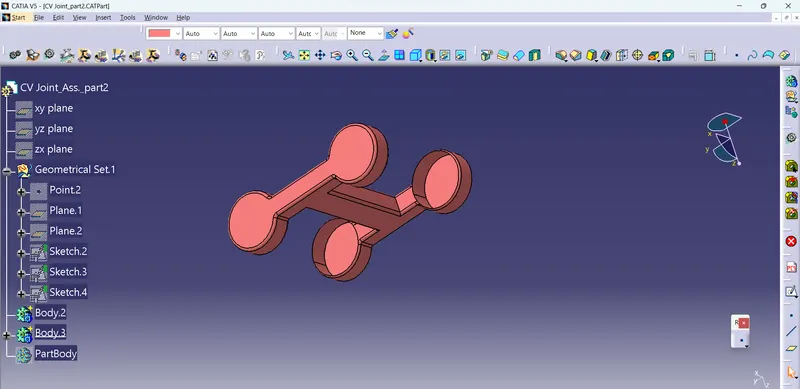
- Create a support for ring by using positioned sketcK
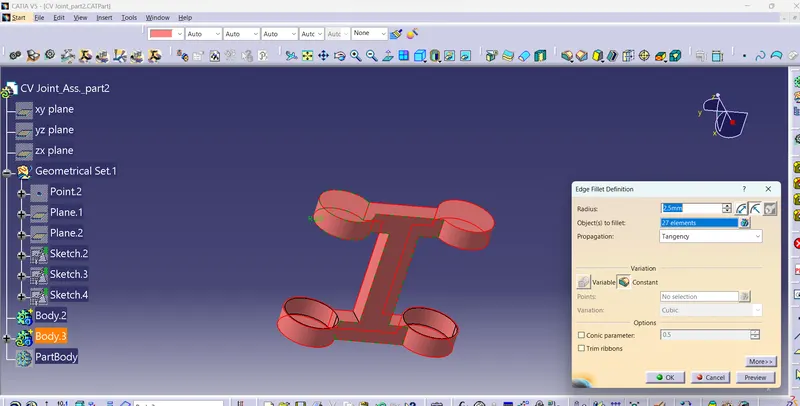
- Add fillets to all the edges
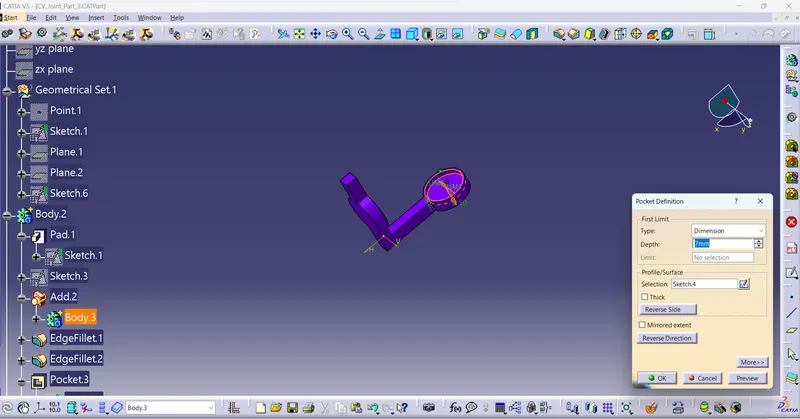
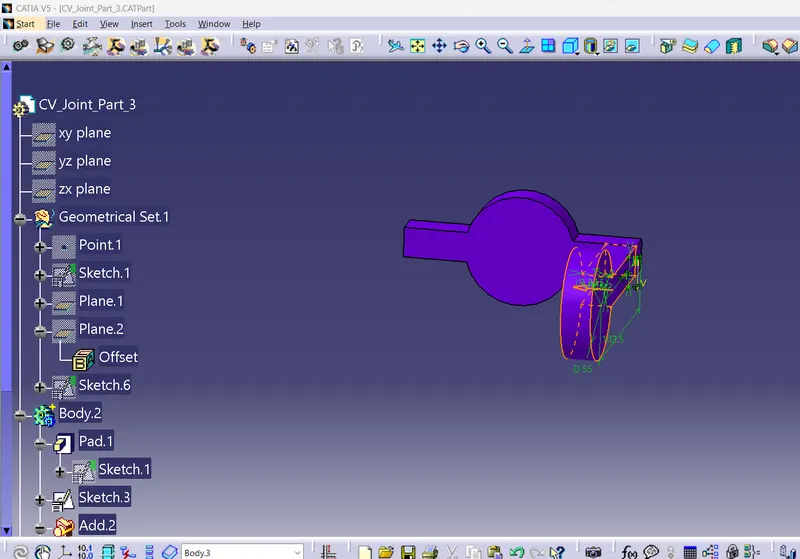
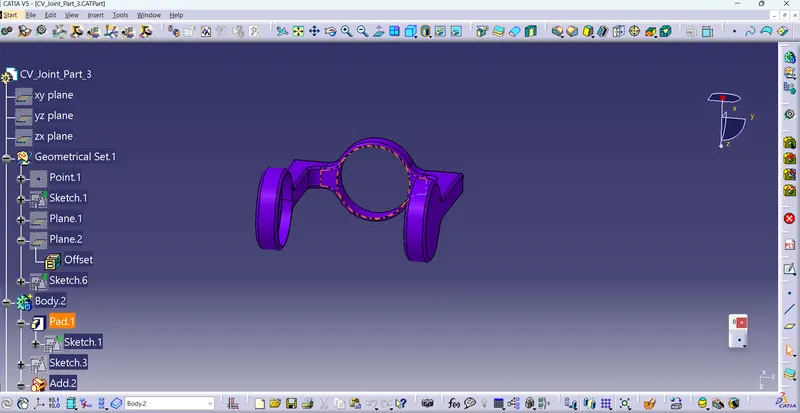
BODY-2 RING
- Create the required sketch according to the given dimension.
- Create a all sketch by using positioned sketch command.
- Ensure that all the sketches in iso-constrained.
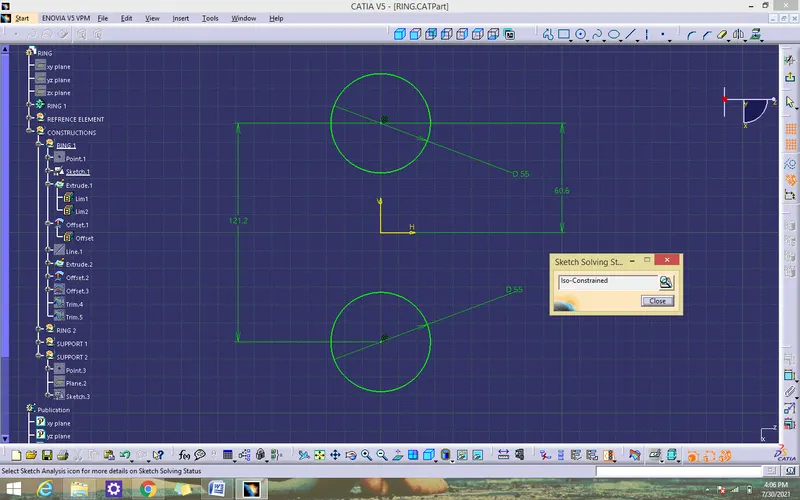
- Create a support for ring by using positioned sketch
- Ensure that all the sketches in iso-constrained.
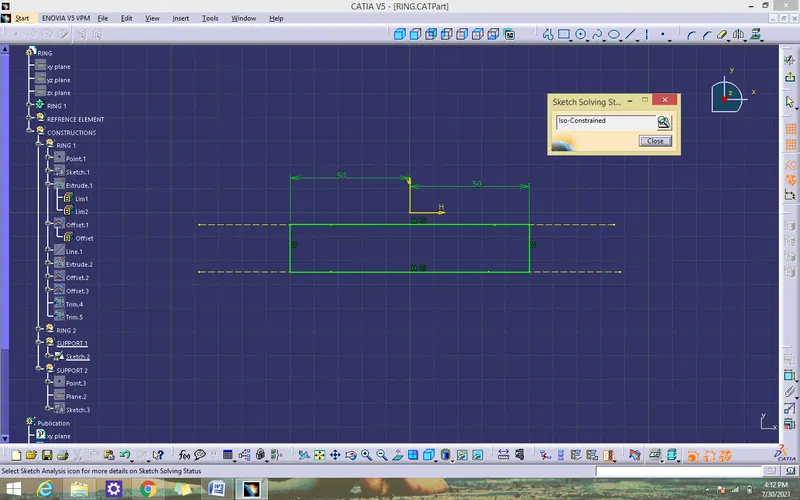
- Use pad command for thicken solid for the support
- Union trim the solid with support
- Use mirror command to from another side
- Create a support for ring by using positioned sketch
- Add fillets to all the edges
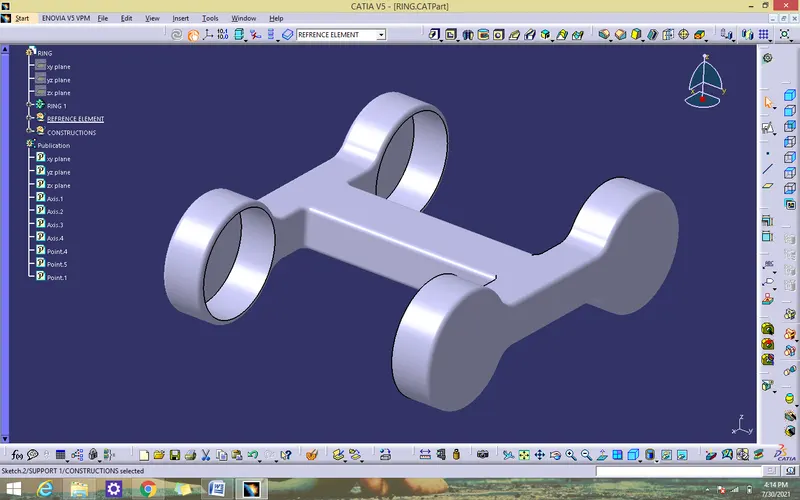
BODY 3 - FACE CYLINDER
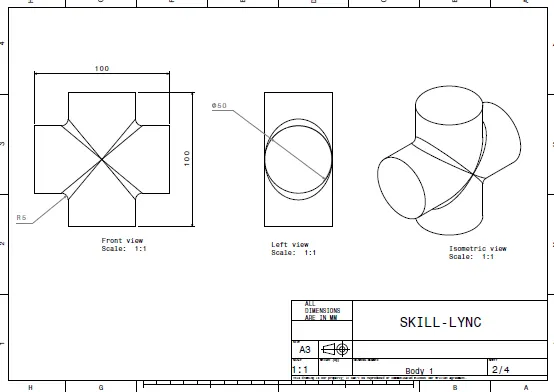
- Create the required sketch according to the given dimension.
- Create a all sketch by using positioned sketch command.
- Ensure that all the sketches in iso-constrained.
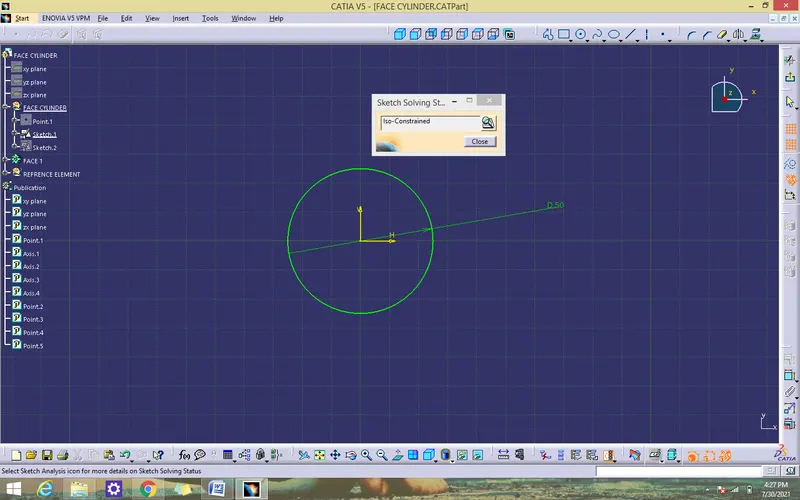
- Use pad command for thicken solid for the support
- Add fillets to all the edges
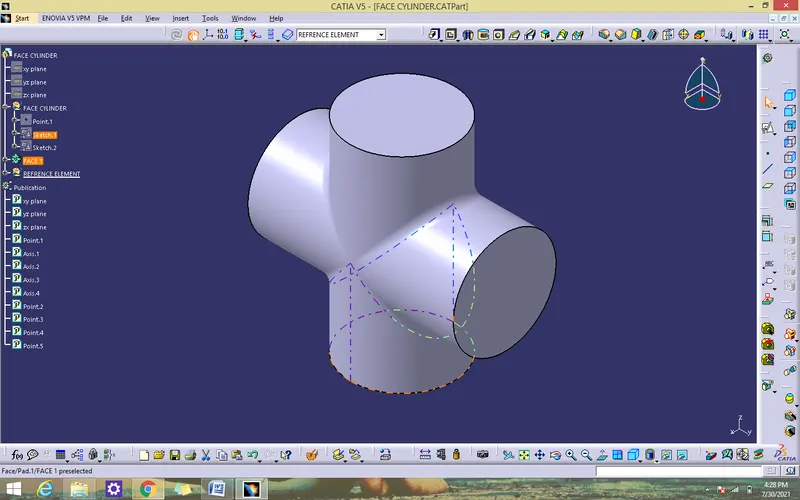
ASSEMBLE ALL CATPART
- Create a new CATproduct and insert all the above separte CATPART by using existing component command or copy /paste.
- Create a reference elements for all CATPARTS
- Add reference elements like axis, points wherever we need
- Use publication tool to make all the necessary elements visible.
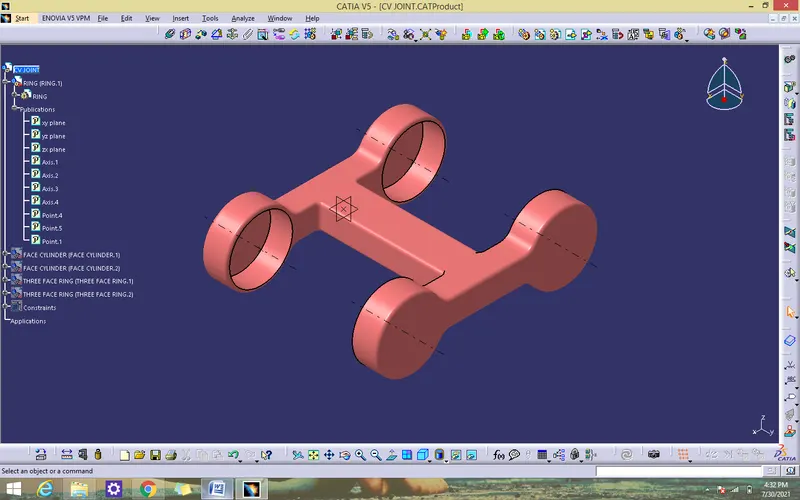
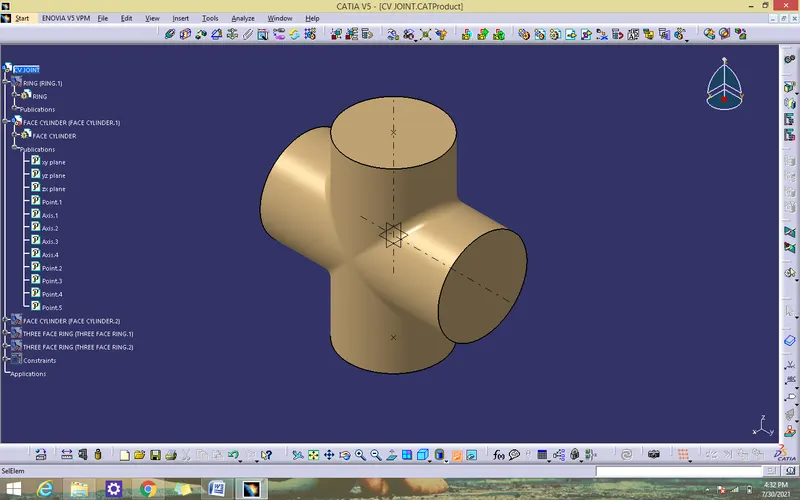
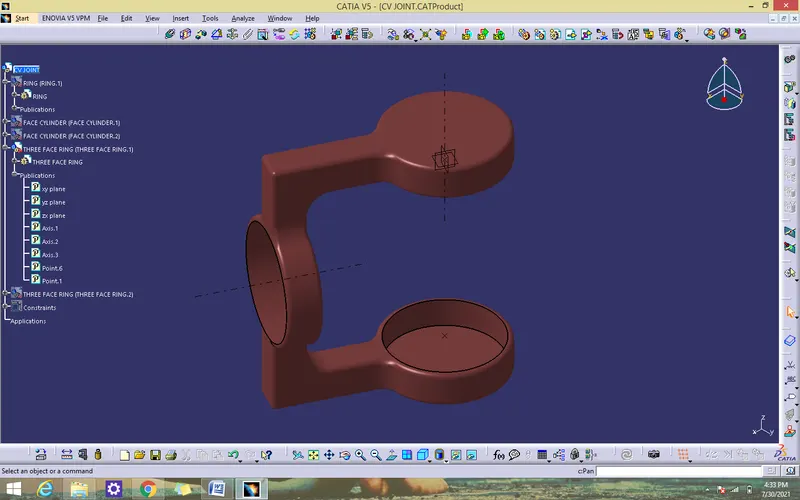
ASSEMBLY PROCEDURE
- Copy the three face ring and face cyilder and paste to make another one
- Fix the ring by using the fix componnent command
- Coincidence the ring axis with cylinderblock to block X,Y manipulation by using coincidence constraint
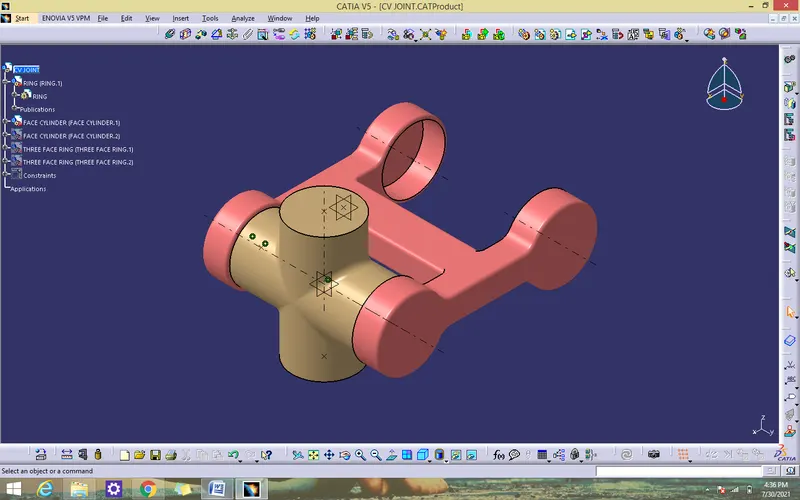
Use manipulation command
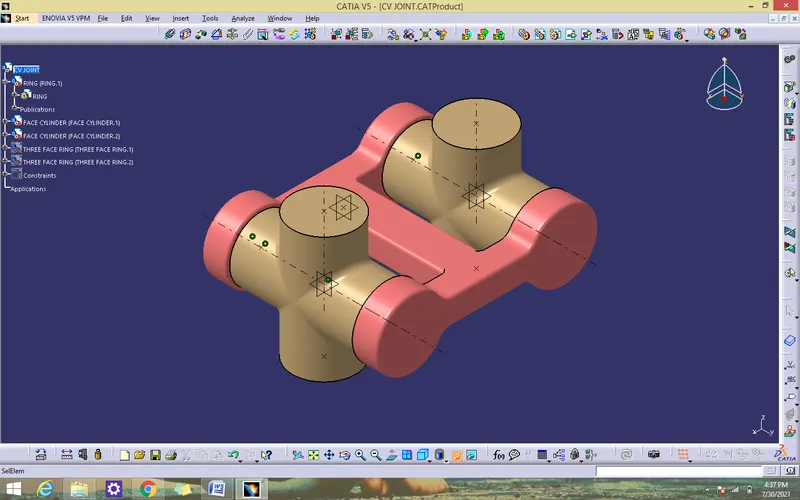
- Coincidence the three face ring point with cylinder block point by using coincidence constraint
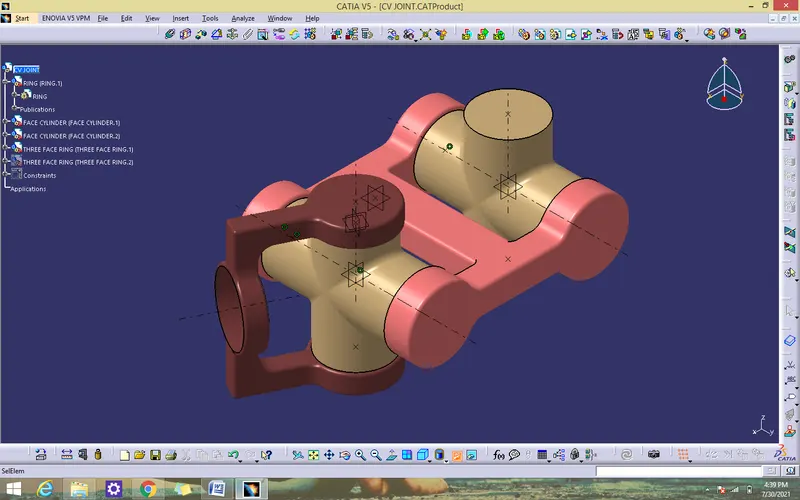
- Coincidence the another three face ring point with cylinder block point by using coincidence constraint.
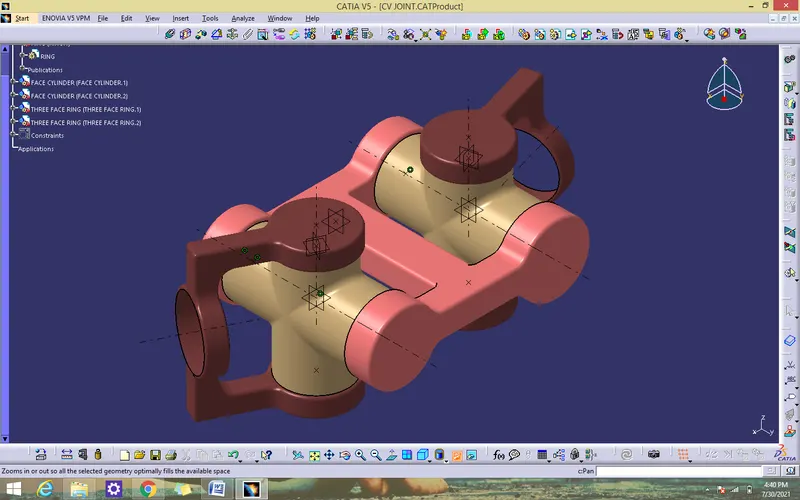
ISOMETRIC VIEW
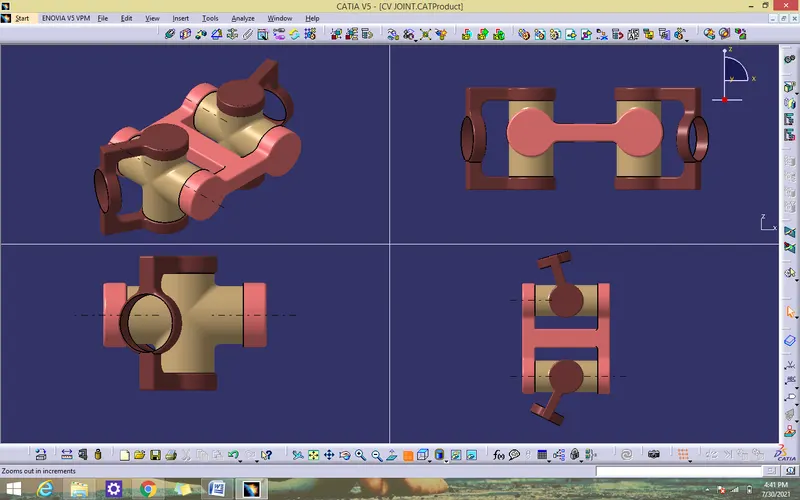
CONCLUSION
CV JOINT been created by using CATIA V5