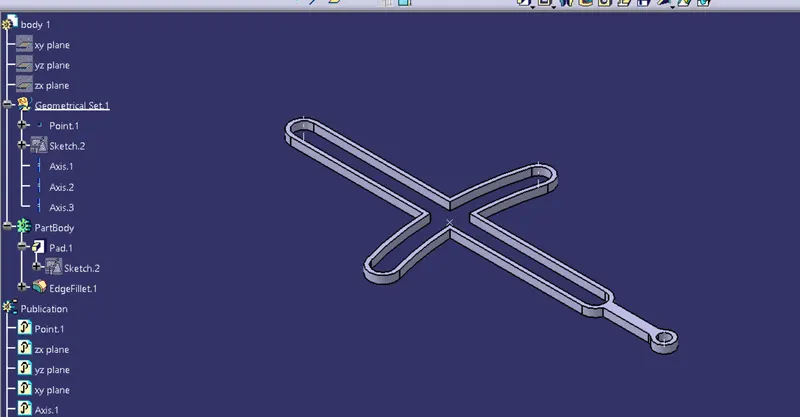
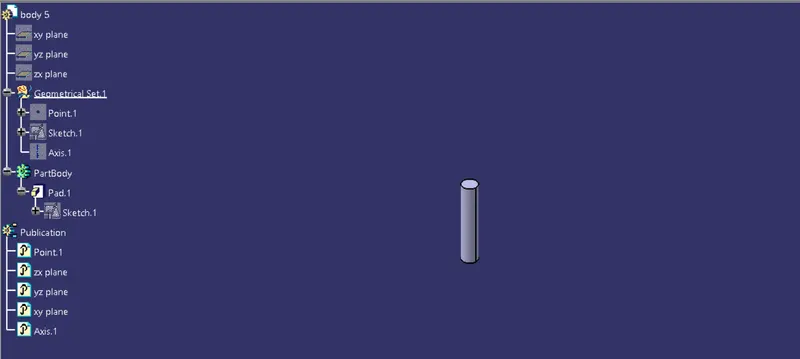
Week 7 Challenge - Assembly Workbench
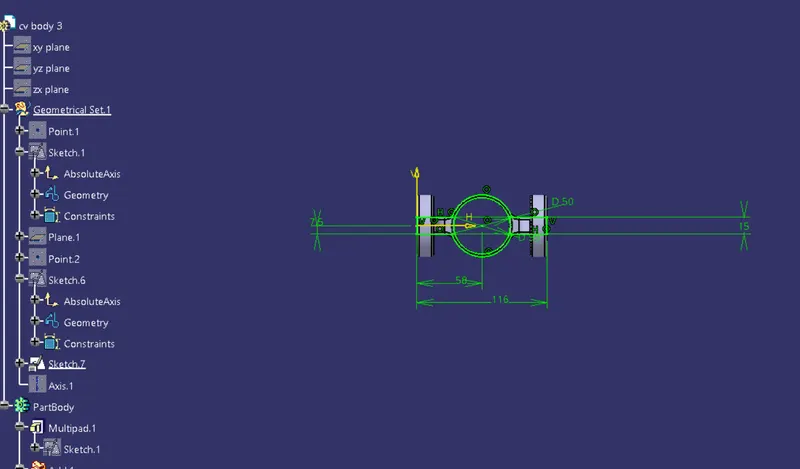
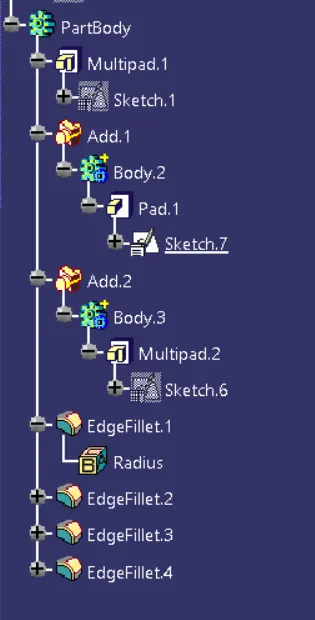
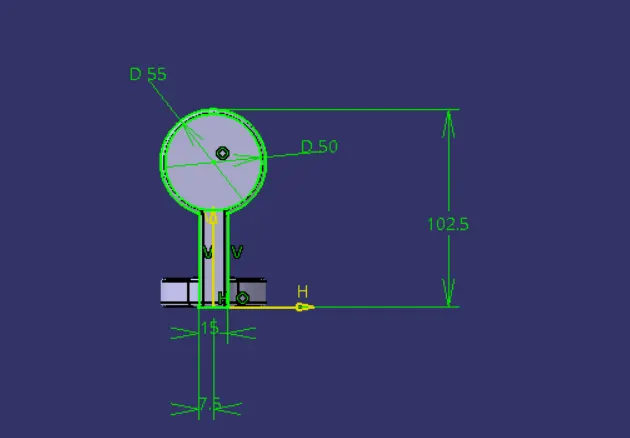
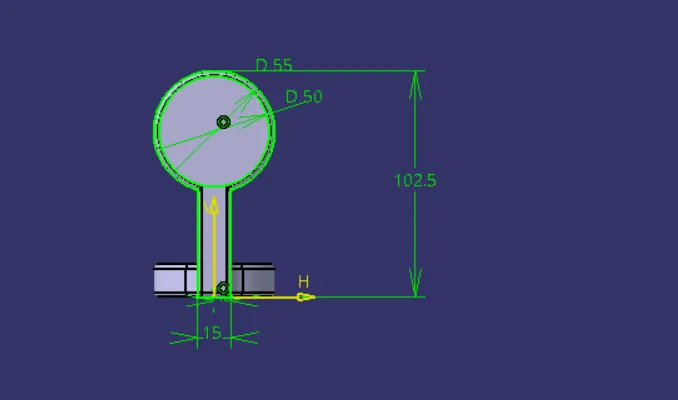
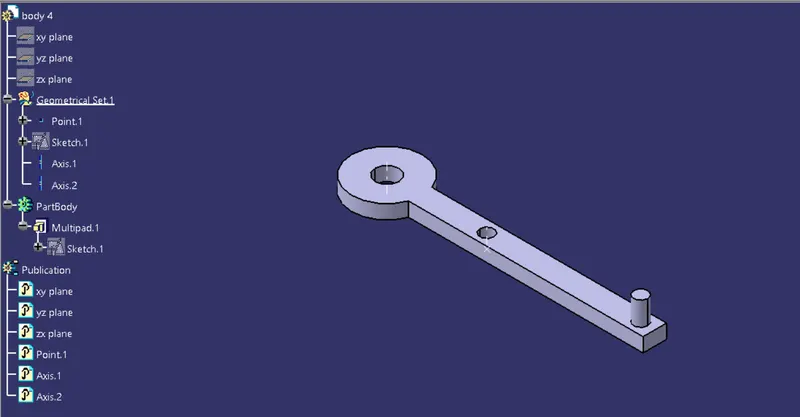
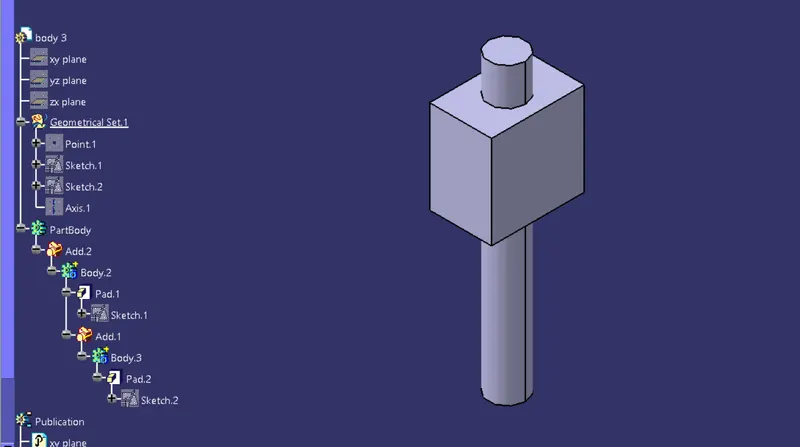
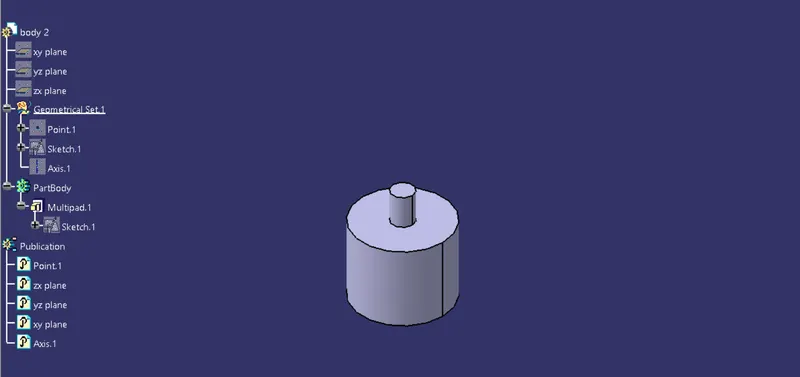
look at the above tree at first i have drawn a 2d sketch of required shape
then i used some part workbench commands like pad,multipad ,edge fillets and some booleen operatins (add)
i used the same procedure for all the parts below
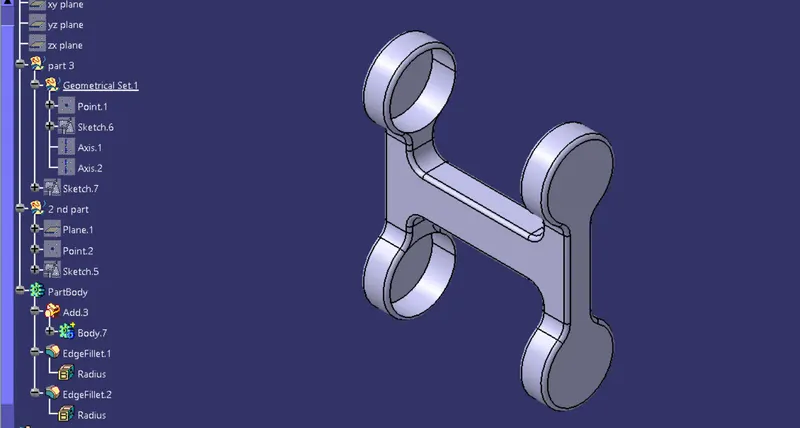
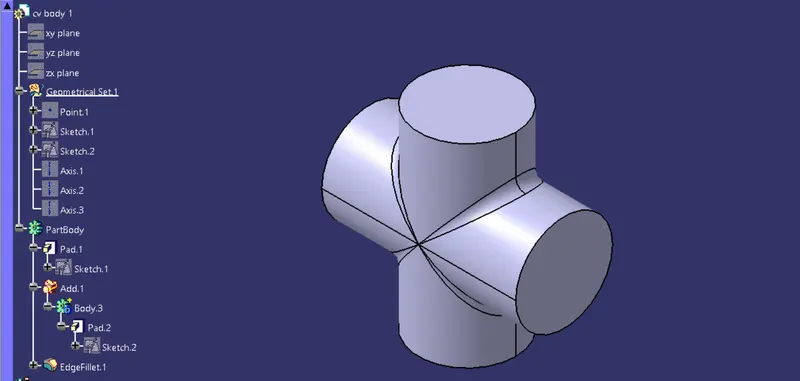
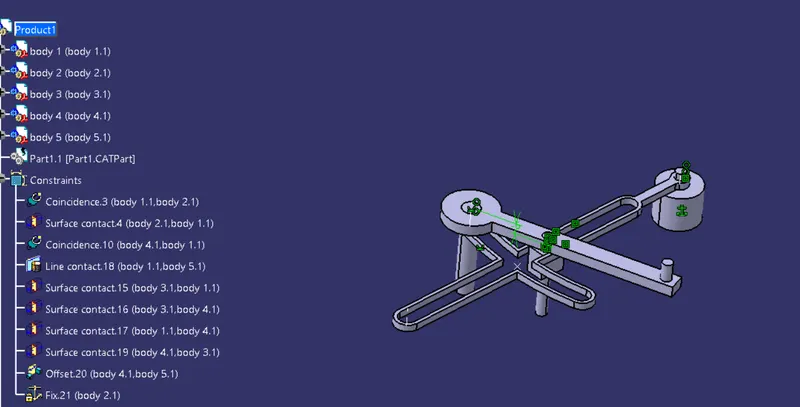
then after creating all the part files ,i have opened the assembly workbench
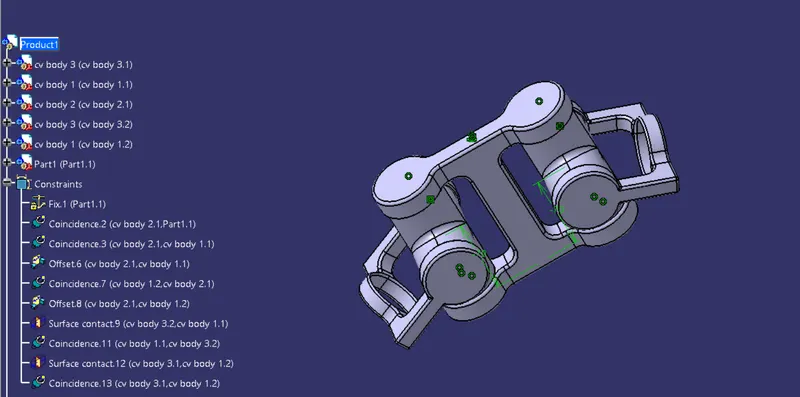
1st i have imported all the part files to the assembly workbench
then i have published all the required things
then i used the constrains to set the parts and allign them in the required constarins
i used constrains like (fix,coincidence,offset,surface contact)
i used manuplatin command also to set the parts in the required asix.
then the required assembly has been produced.