Week 7 Challenge - Assembly Workbench
OBJECTIVE:
To first create the individual part files and then create a complete assembly of those part files in the assembly workbench.
PROCEDURE:
- initially we creating a solid models by using given inputs( part dimensions).
- Once we get it, and we go to assembly design workbench.
- Inside assembly workbench the move command help to move the component in diffrent direction also help to rotate in doffrent direction
- The constraints command help to join the components
- first we need a fix constrine.it help to fix the component at a place.
- then other constries are used to join the components.
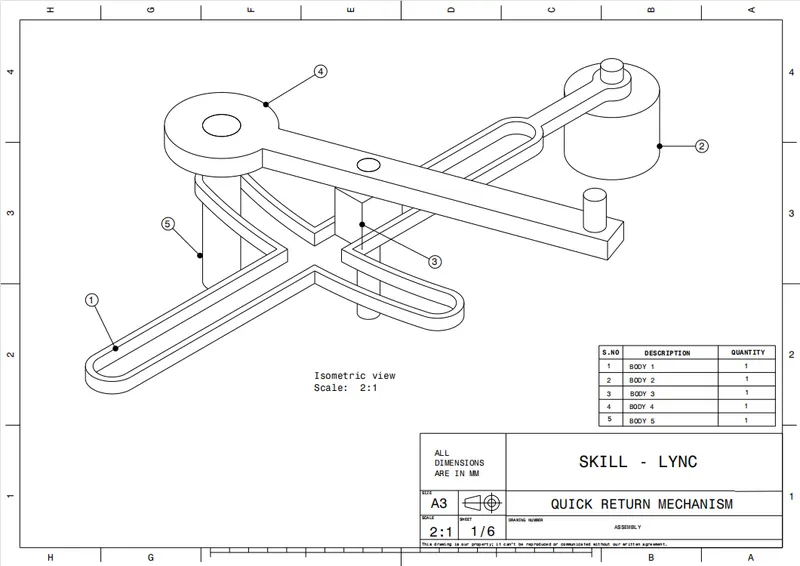
1.QUICK RETURN MECHANISAM
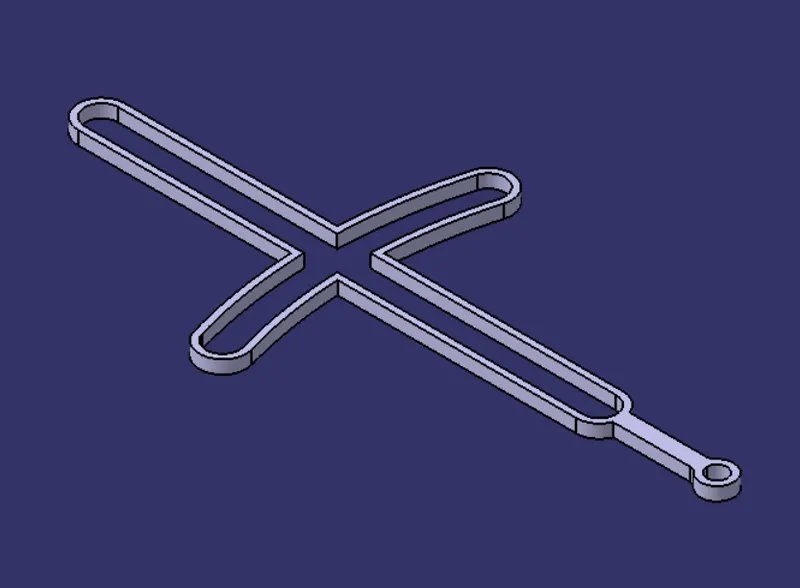
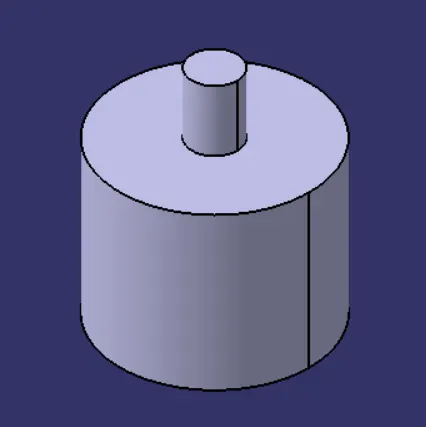
Initially all the parts of quick return mechanisam created using part design.
- BODY 1
- BODY 2
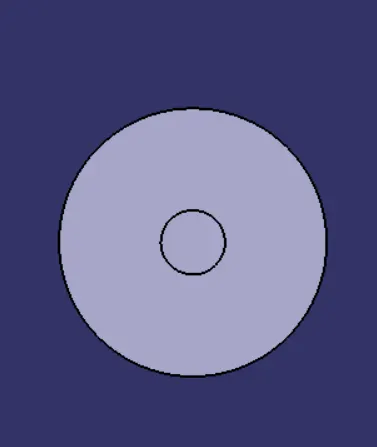
- BODY 3
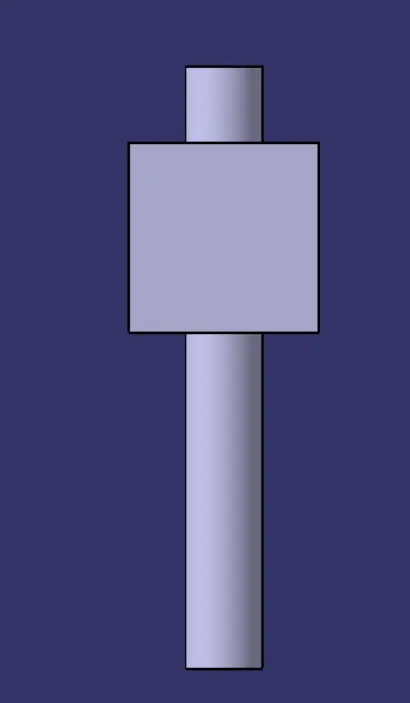
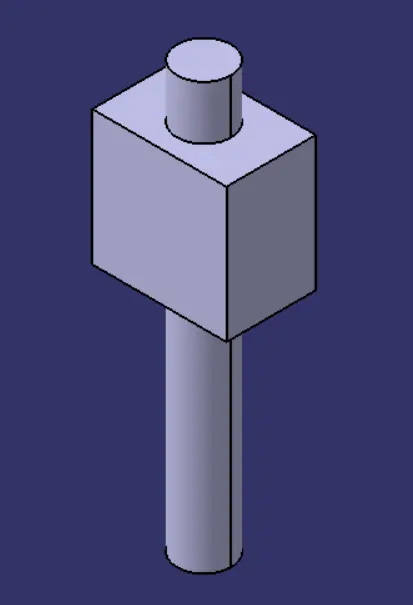
- BODY 4
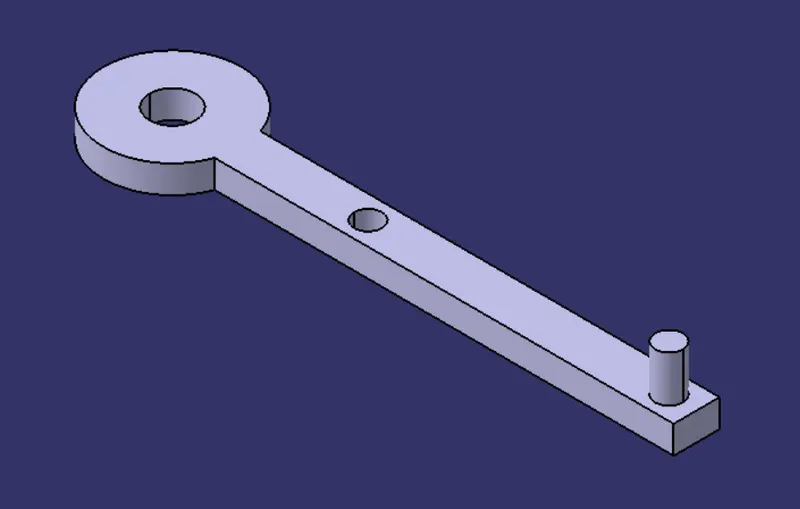
- BODY 5
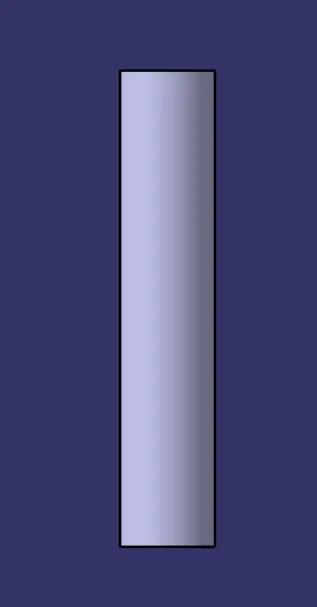
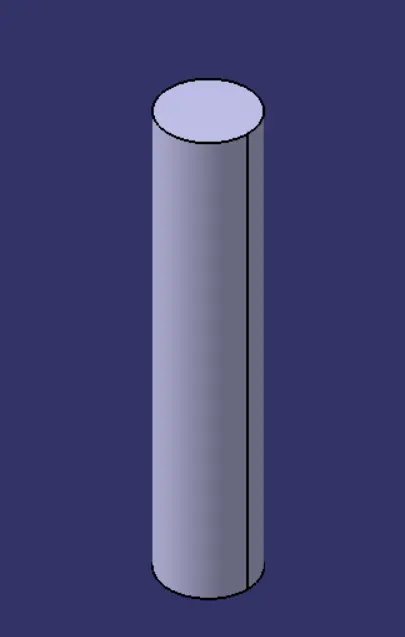
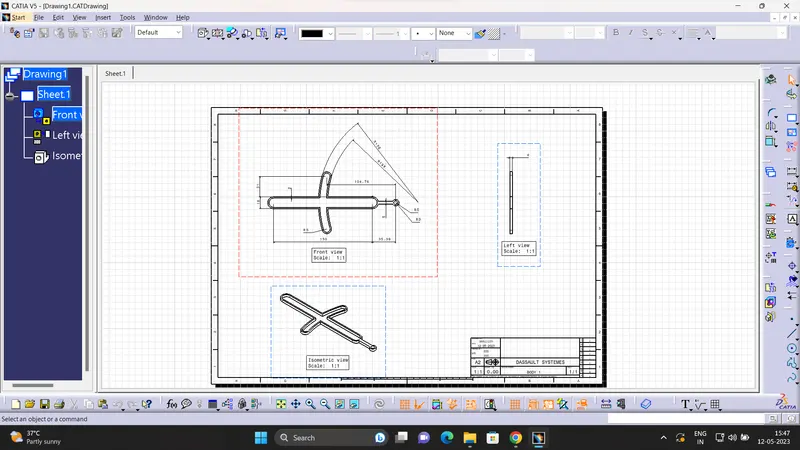
DRAFTING WORKBENCH FOR QUICK RETURN MECHANISM
- BODY 1
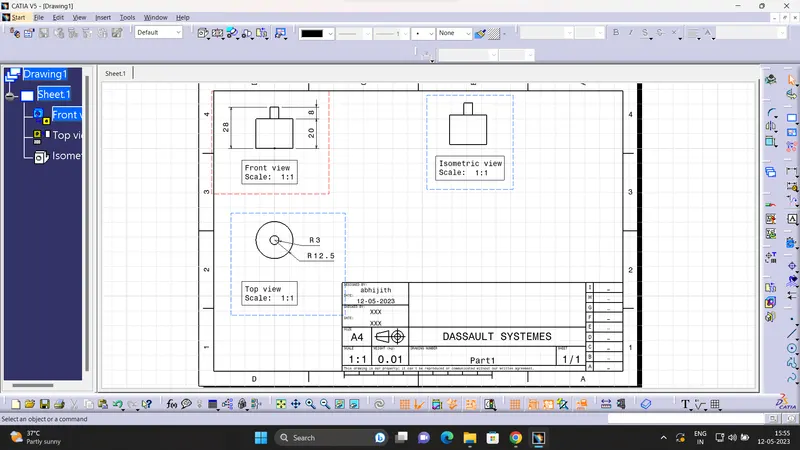
- BODY 2
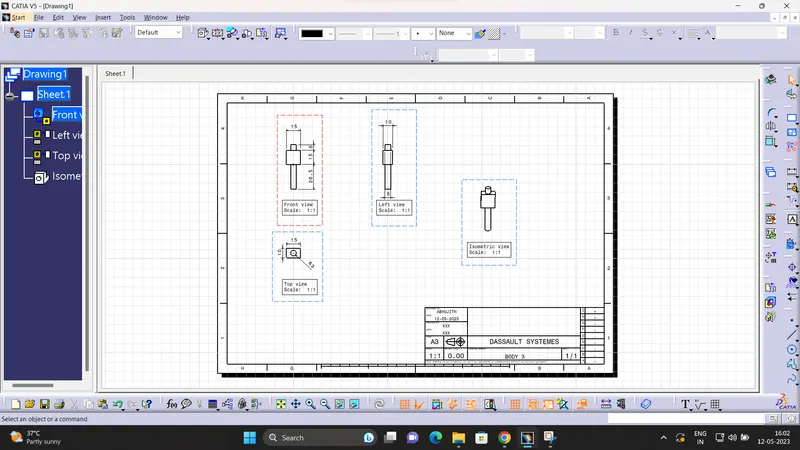
- BODY 3
- BODY4
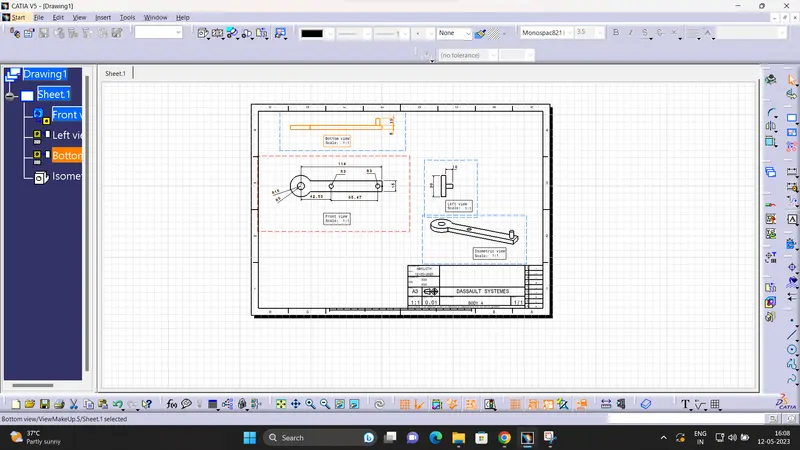
- BODY 5
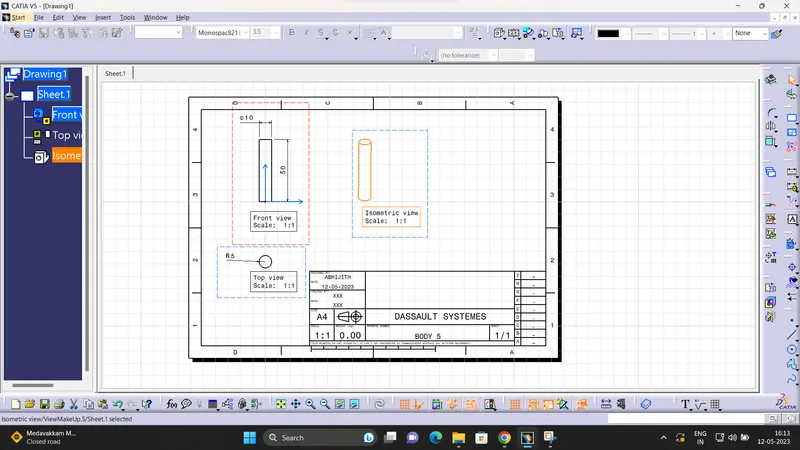
ASSEMBLY OF QUICK RETURN MECHANISAM
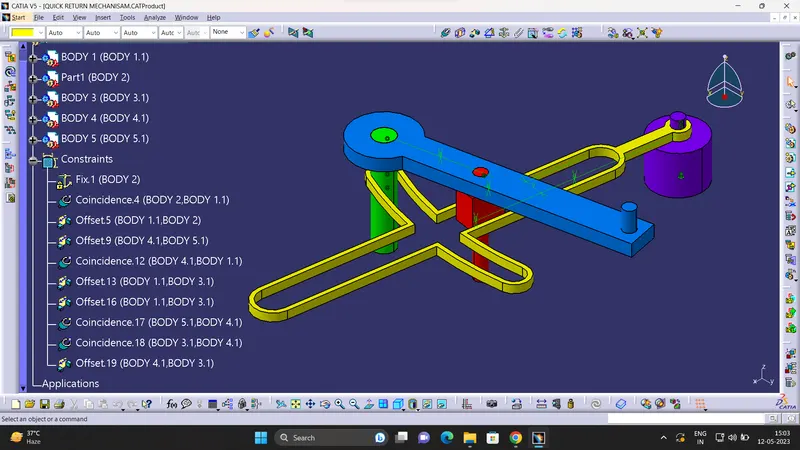
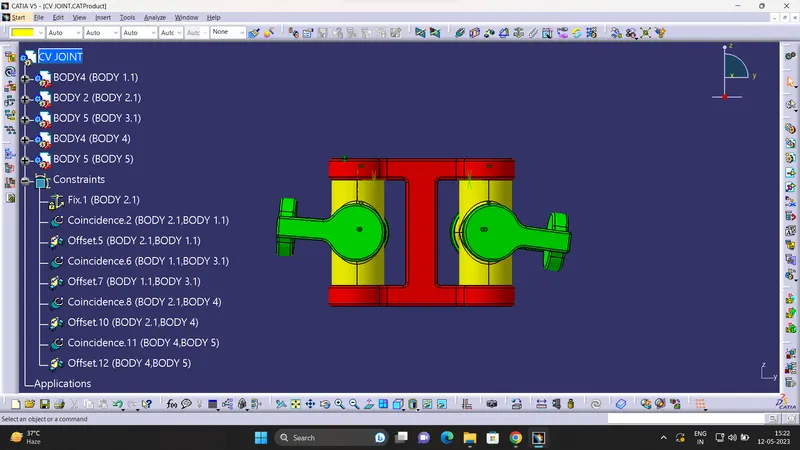
2.CV JOINTS
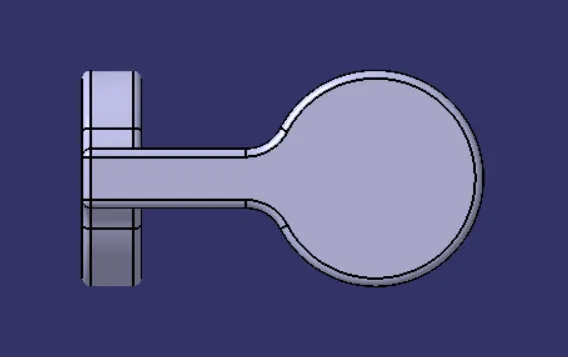
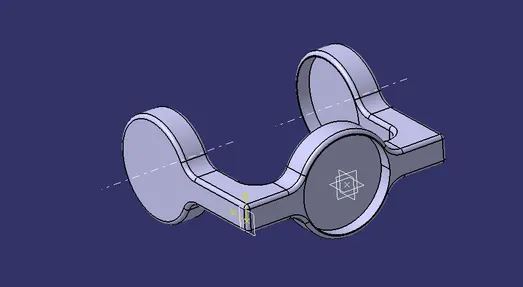
Initially all thr parts of the cv joint created in part design
- BODY1
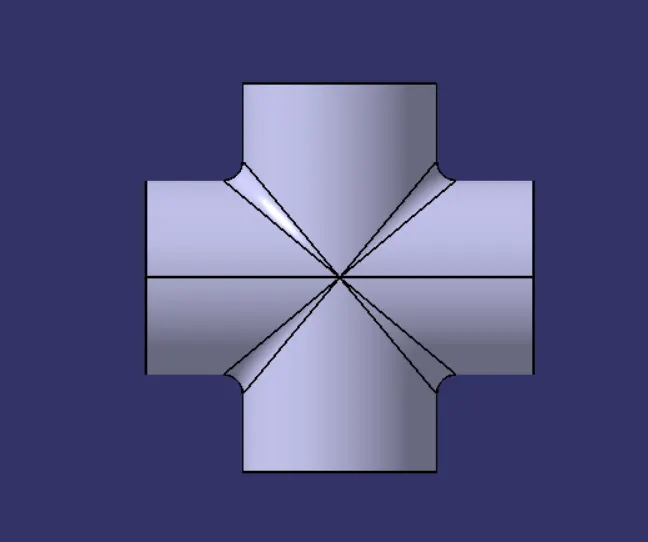
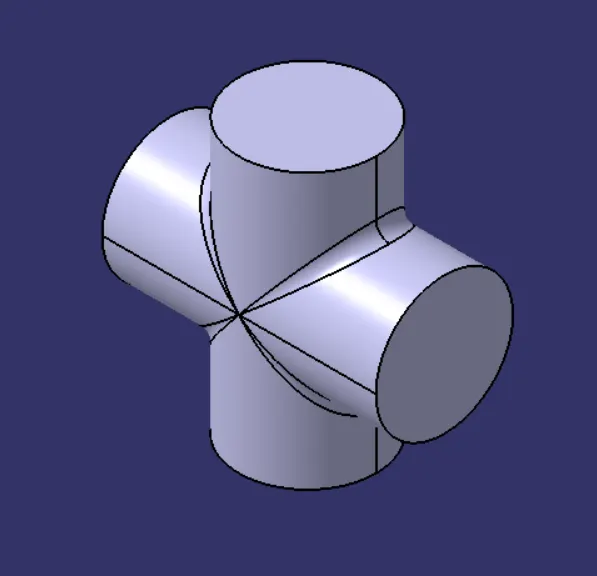
- BODY 2
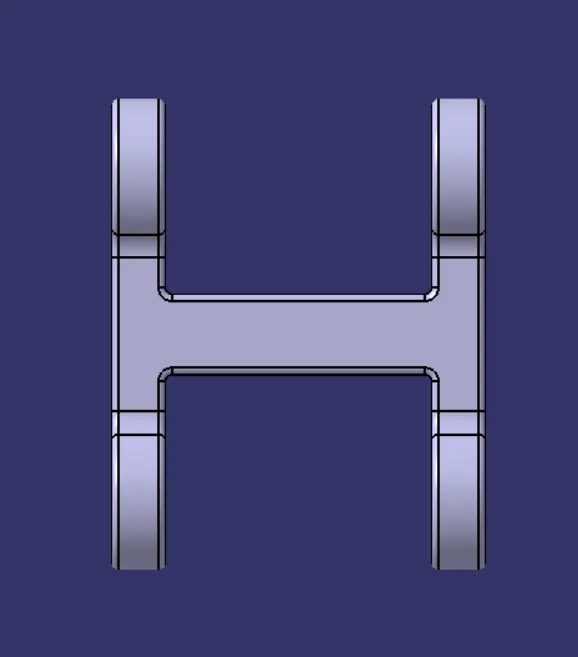
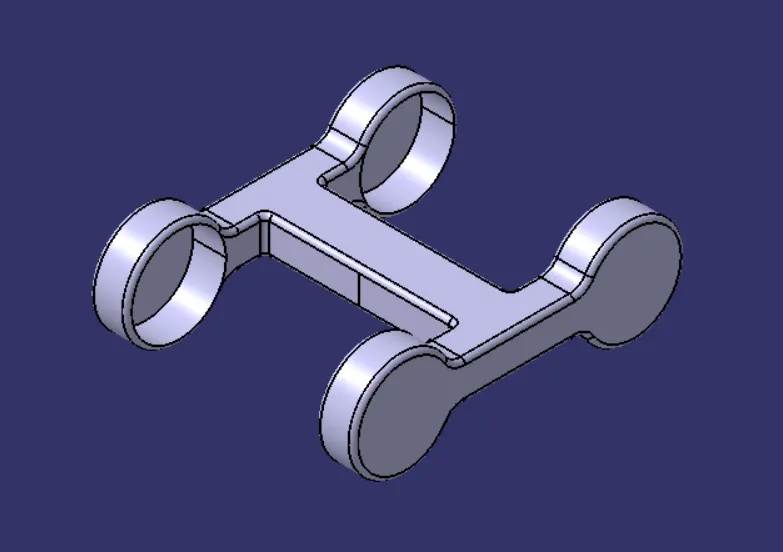
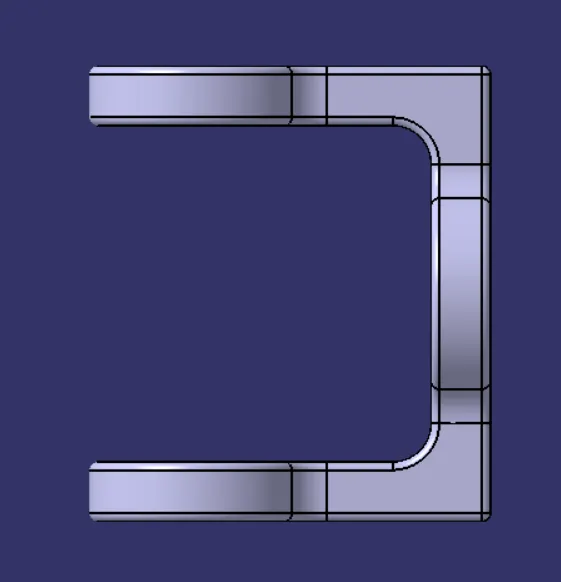
- BODY 3
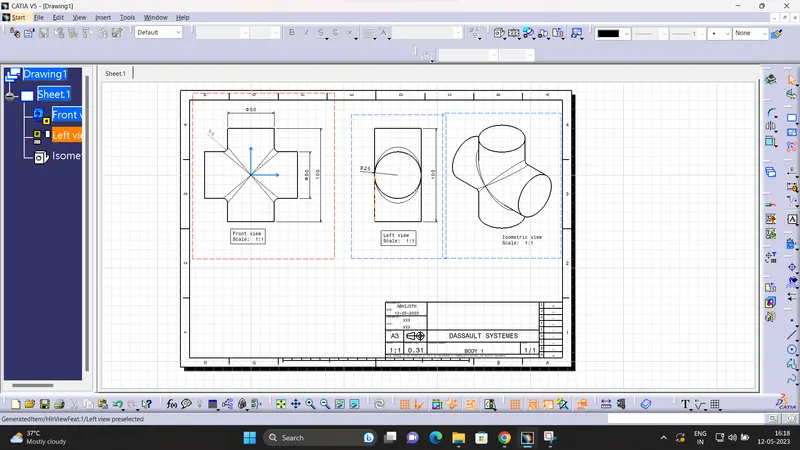
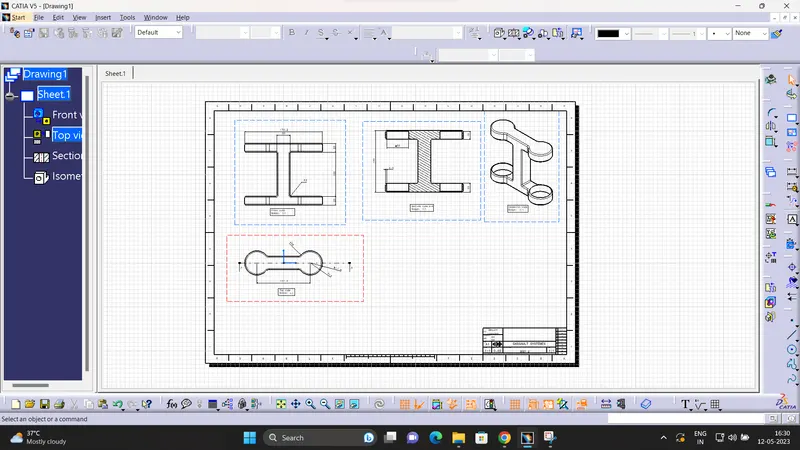
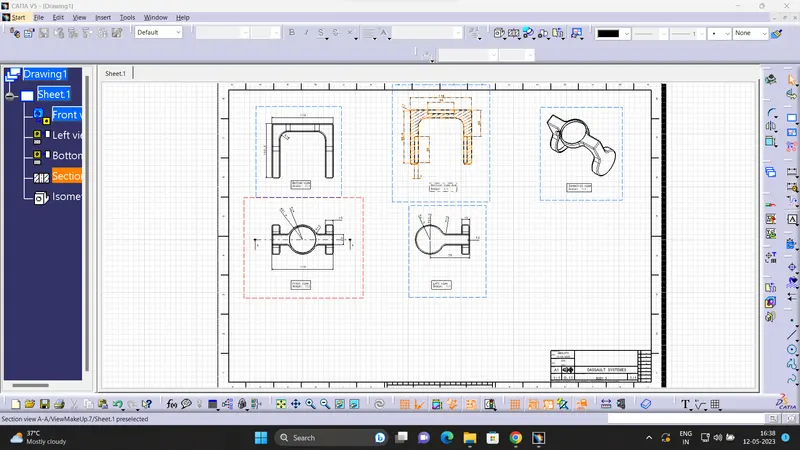
DRAFTING WORKBENCH FOR CV JOINT
- BODY 1
- BODY 2
- BODY 3
ASSEMBLY OF CV JOINT
CONCLUTION
All the parts are created using the given data ,and buy using those part filr the assembly is created.