Week 7 Challenge - Assembly Workbench
Week 7 Challenge - Assembly Workbench
Model1: Quick Return Mechanism
A. Part designing and drawing
1.1) Body1 Part Design
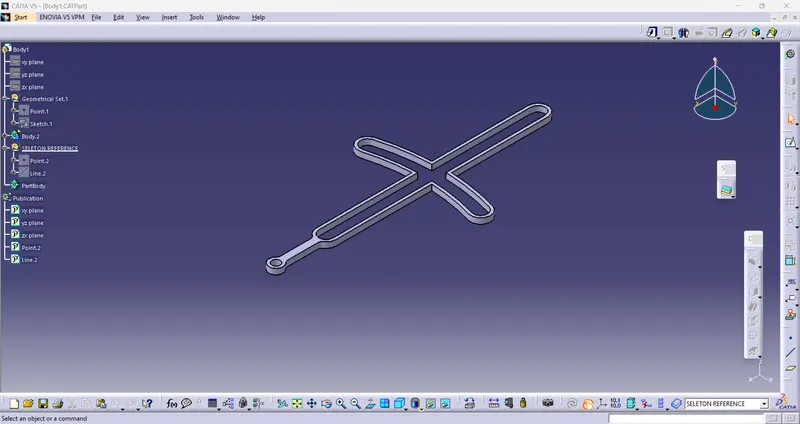
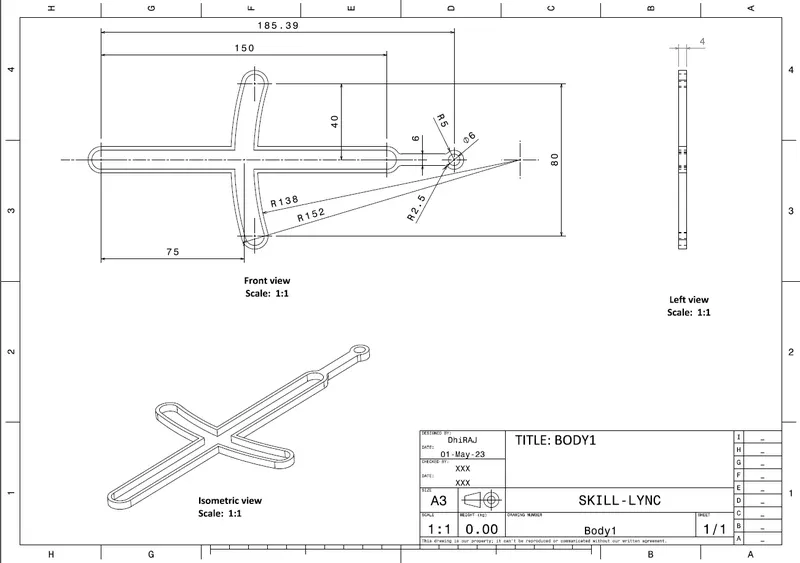
1.2) Body1 Part Drawing
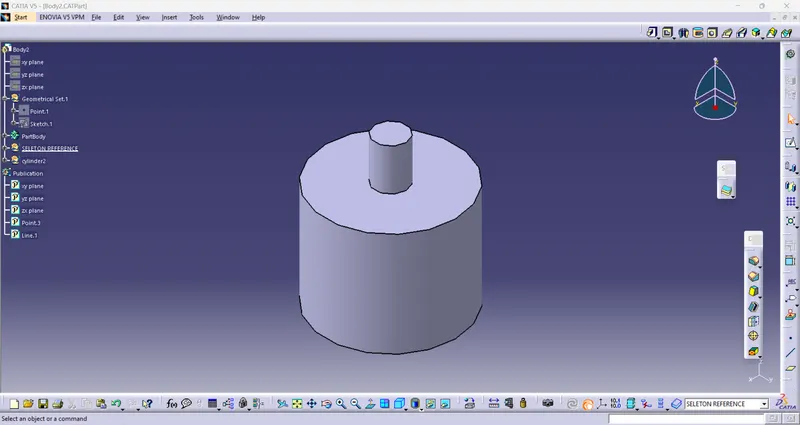
2.1) Body2 part design
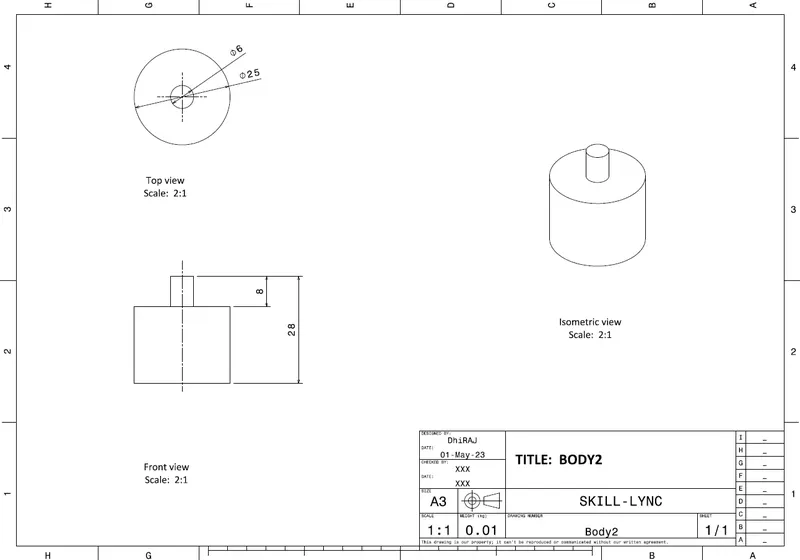
2.2) Body2 part drawing
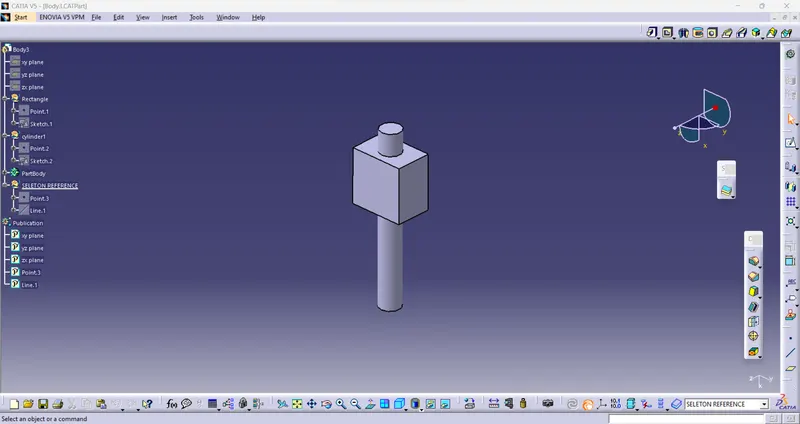
3.1) Body3 part design
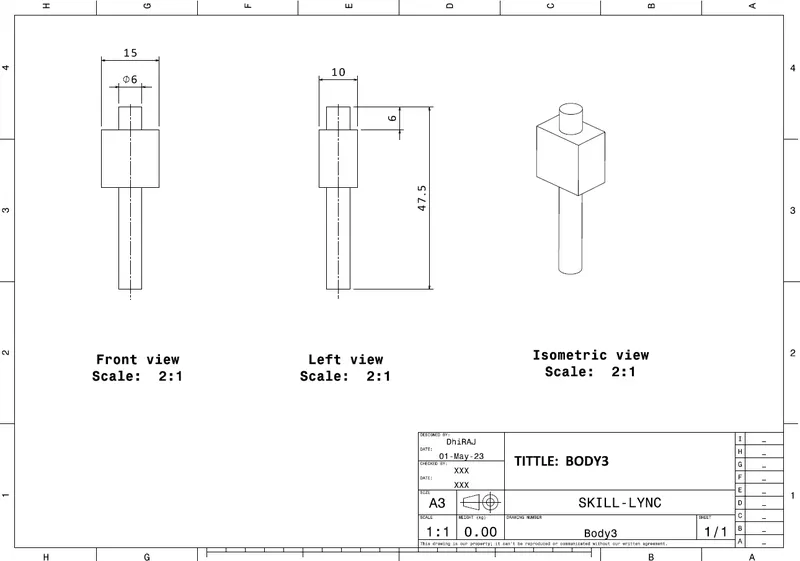
3.2) Body3 part drawing
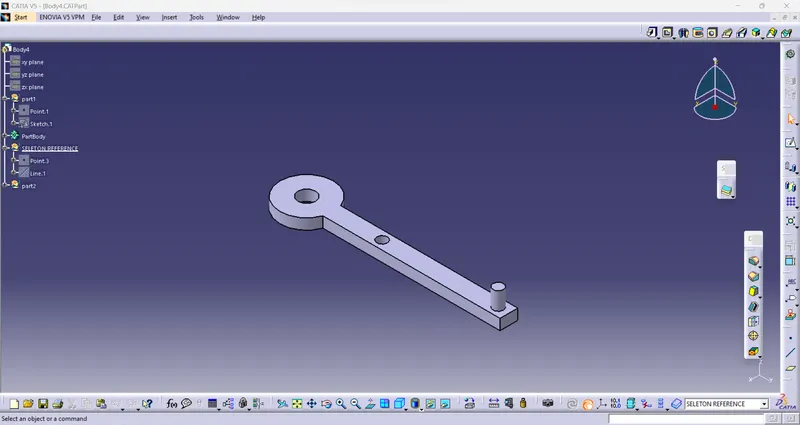
4.1) Body4 part design
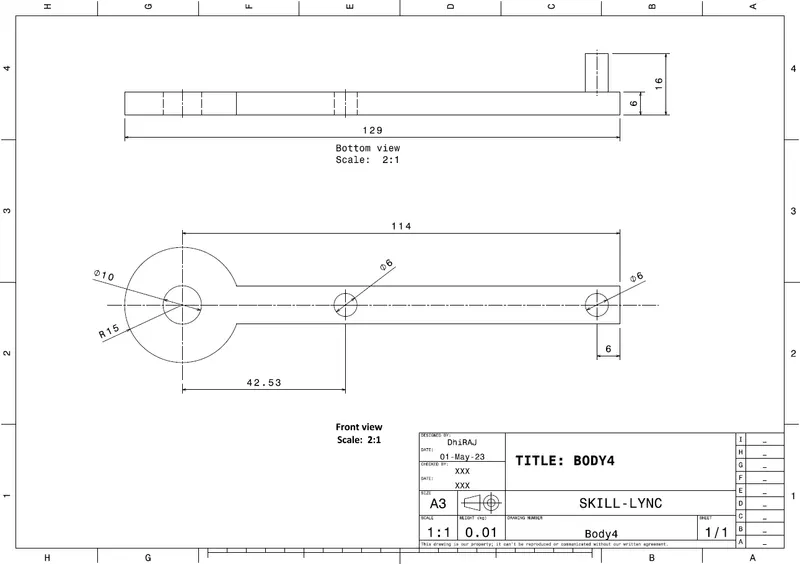
4.2) Body4 part drawing
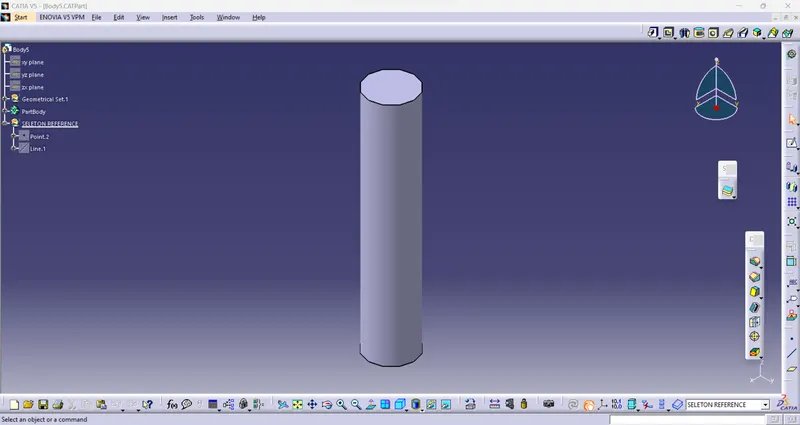
5.1) Body5 part design
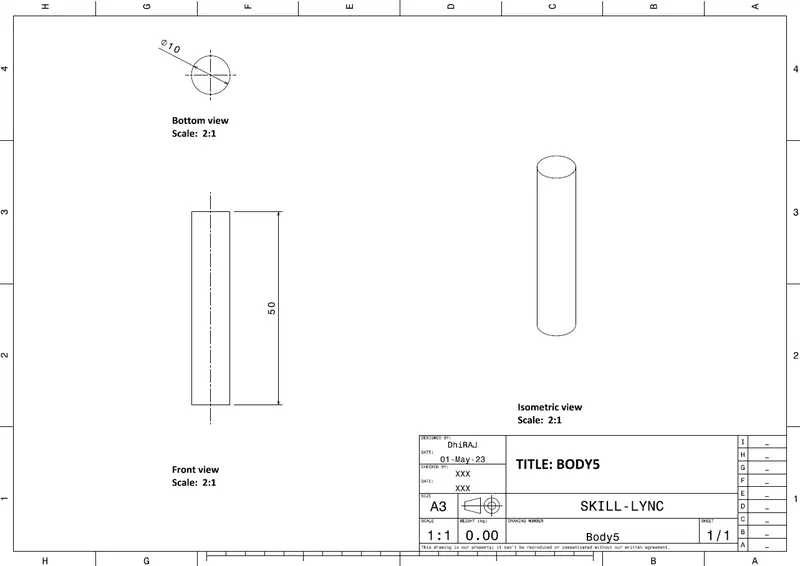
5.2) Body5 part drawing
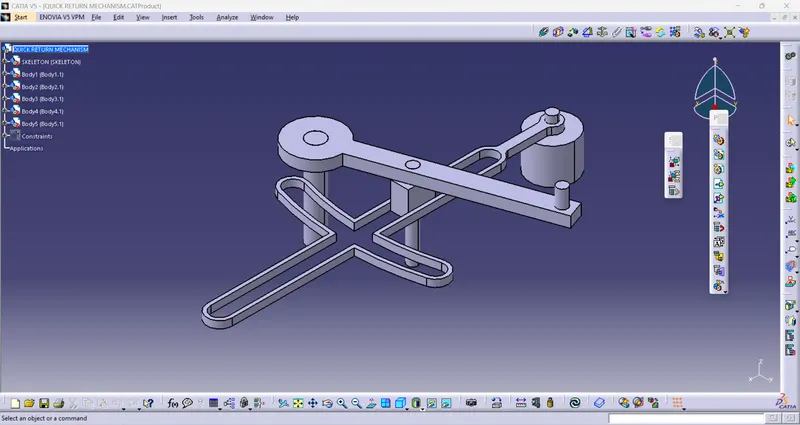
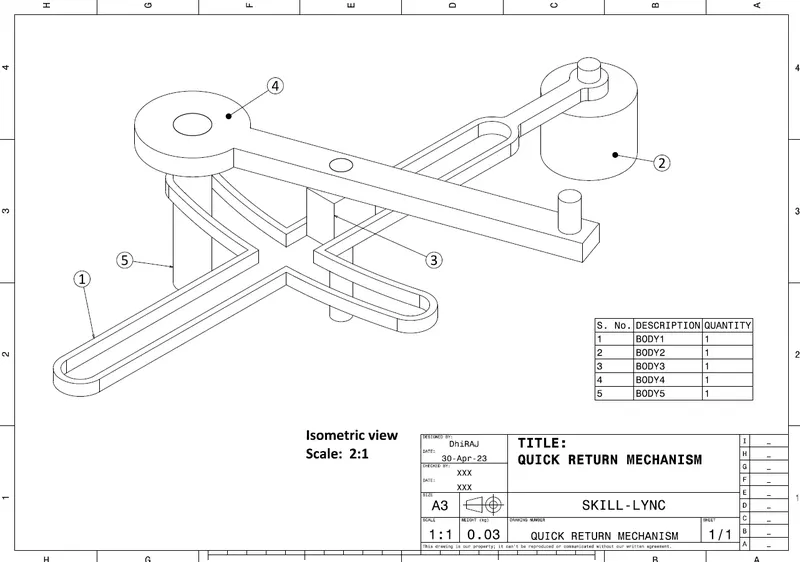
B. Assembly design and drawing
Model2: CV joint
A. Part designing and drawing
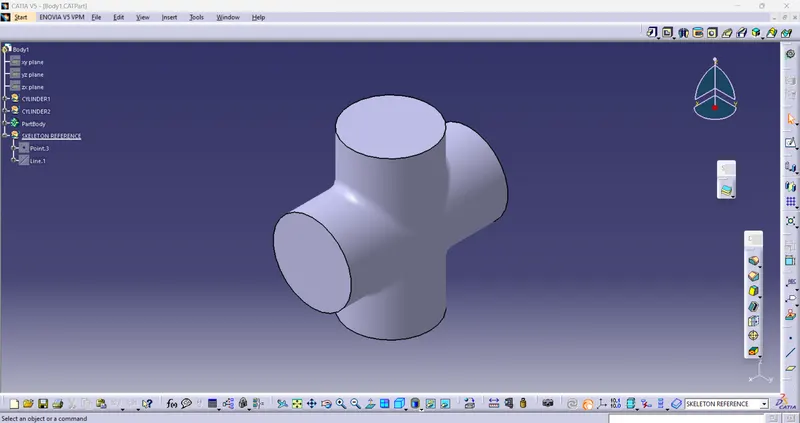
1.1) Body1 part design
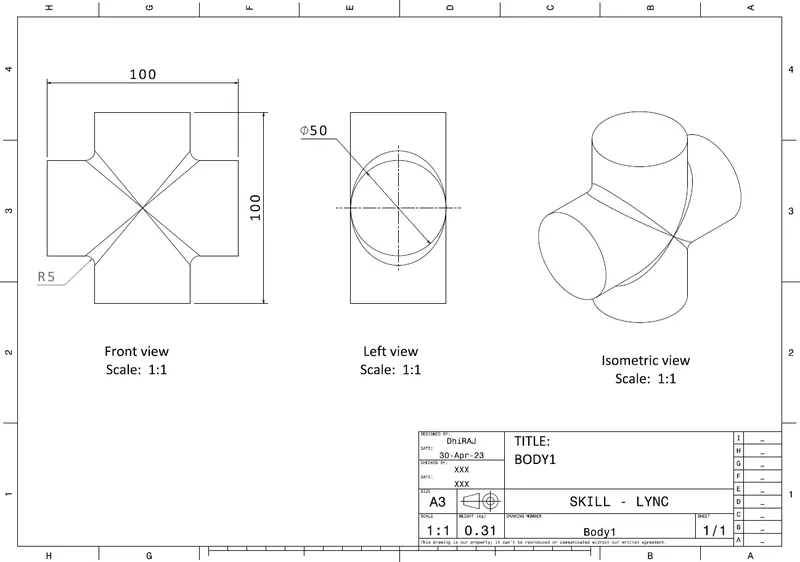
1.2) Body1 part drawing
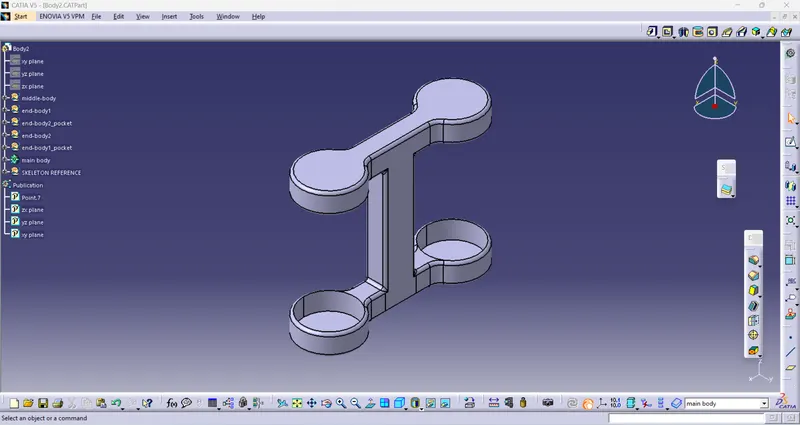
2.1) Body2 part design
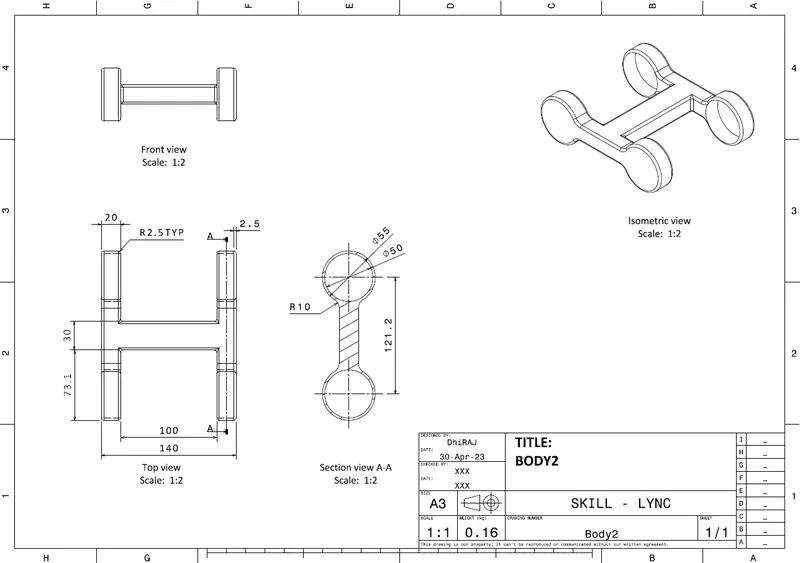
2.2) Body2 part drawing
3.1) Body3 part design
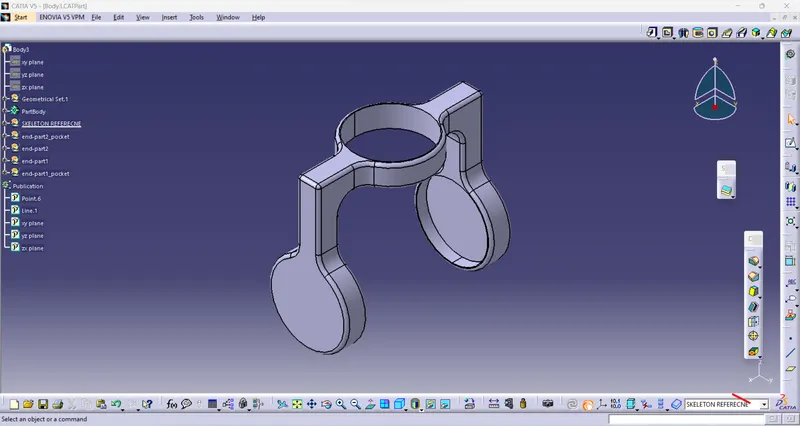
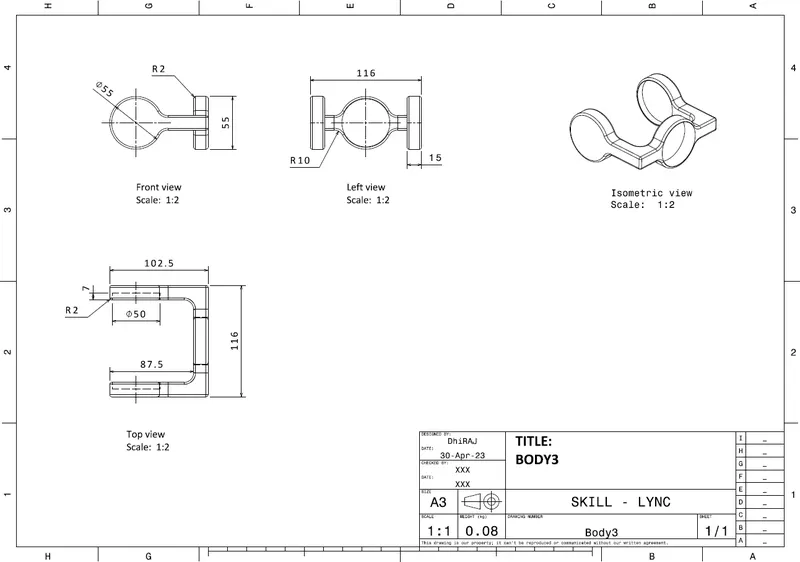
3.2) Body3 part drawing
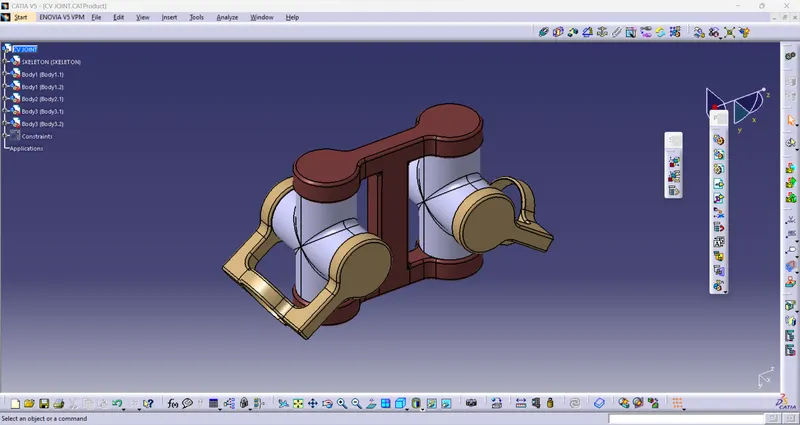
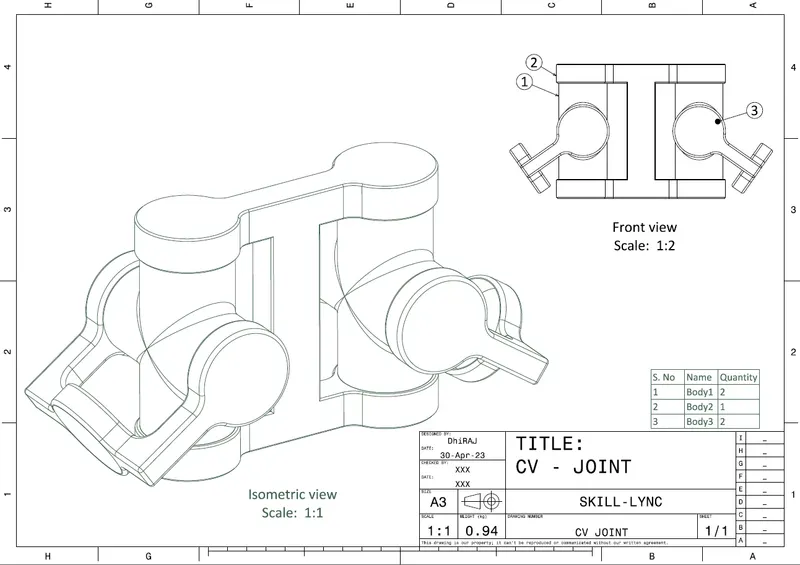
B. Assembly design and drawing
Explanation for both quick return mechanism and cv joint
Step1: All parts are designed using boolean operation and publishing all planes point and axis created.
step2: Pulling all part in product envirement (Assembly envirement)
step3: creating new part in product envirement as a skeleton and taking new geometrical set and creating point and axis and publishing them.
step4: Applying fix consrtaint to the skeleton created in assembly envirement.
step5: Applying proper constraint to every part to make proper assembly.
step6: Creating drawings for every part and assembly
step7: All stepwise screenshot are pasted above.
step8: All CATPart, CATproduct and CATdrawing files along with PDF file are attached.