Week 7 Challenge
1. Modelling of a structure exercise
Model a structure with following details
- Bay spacing 5 m
- Span of Truss 30 m
- Shape of Truss – Pratt Truss
- Slope of truss 20 degree
- Height of the column 15 m
- Floor Beams at 5 m from base
- Secondary beams at 1.5 c/c
- Length of the building 50 m
- Column Supporting Floor Beam @ 6 m c/c Along the frame
Answer -
Use process to create model.
Open the staad application.
Go to new view create analytical model with save it.
As per given structue and given data use nodes to define.
After nodes define, go to beams and define it.
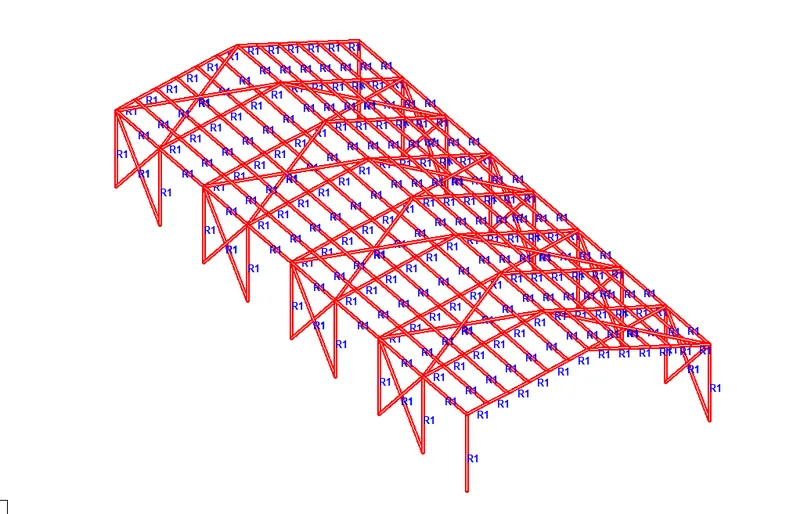
Apply nodes and beams to to draw model.
Draw columns and floor beam by using given data with translation command.
At base use support condition as fix and hinge support.
After all model create go translation command define length of building model.
2. Applying Specification and member property for modelled structure
Apply beam steel specification as mentioned below.
- Columns - ISMB 500
- Truss -Top & Bottom chord – ISA 110x110x12, Diagonal member – ISA 75x75x8
- Purlins – ISMC 150
- Tie Beam – SHS – 120x120x10
- Floor Primary beams – ISMB 300
- Secondary beams - ISMC 150
- Floor beam supporting columns – ISMB 300
- Assume bottom of the main column as Fixed support & intermediate floor beam supporting column as pinned
- Orient the Angle sections by applying Beta angle.
Answer -
Go to specification in that section database.
Choose indian section.
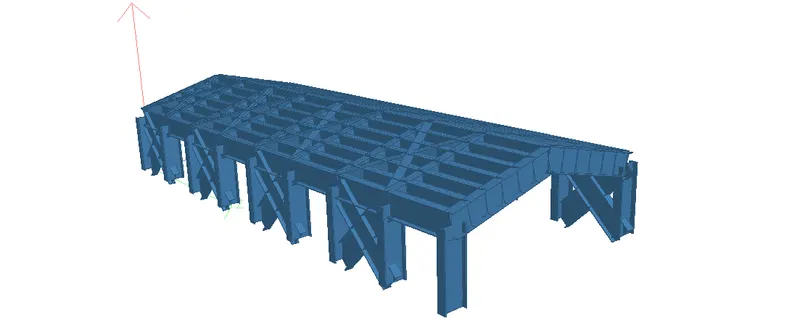
Define beams, columns, top and bottom chord by selecting section for each groups.
For beta angle choose beta angle option.
Create beta angle and select section to apply it.
3. Creating a group exercise.
Form group for following members
- External column
- Internal columns
- Roof Frames
- Top chord of the Truss
- Primary Beams
- Secondary Beams
Answer -
First open structure model.
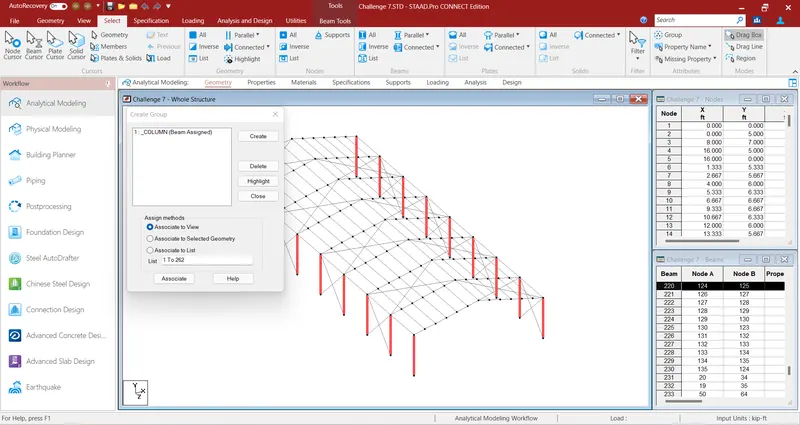
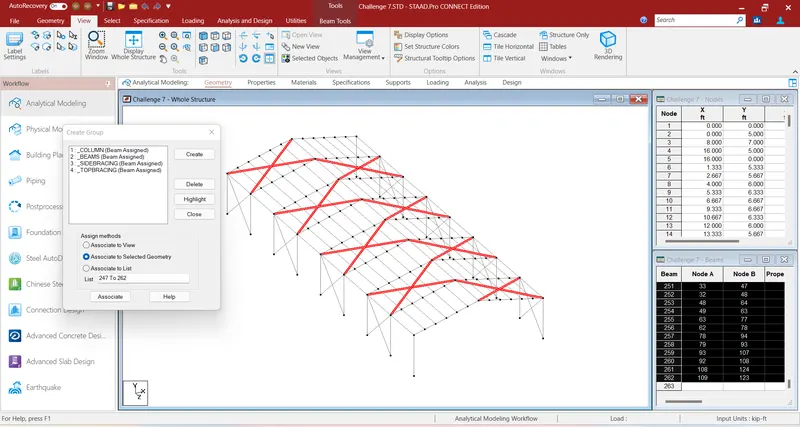
Go to geometry create groups.
Give the names of various groups.
Such as external column, internal columns, roof frames etc.
After creation of group associate group to member.
Check group by highlight option given.