Week 7 Challenge
Door Bezel Sliders design:
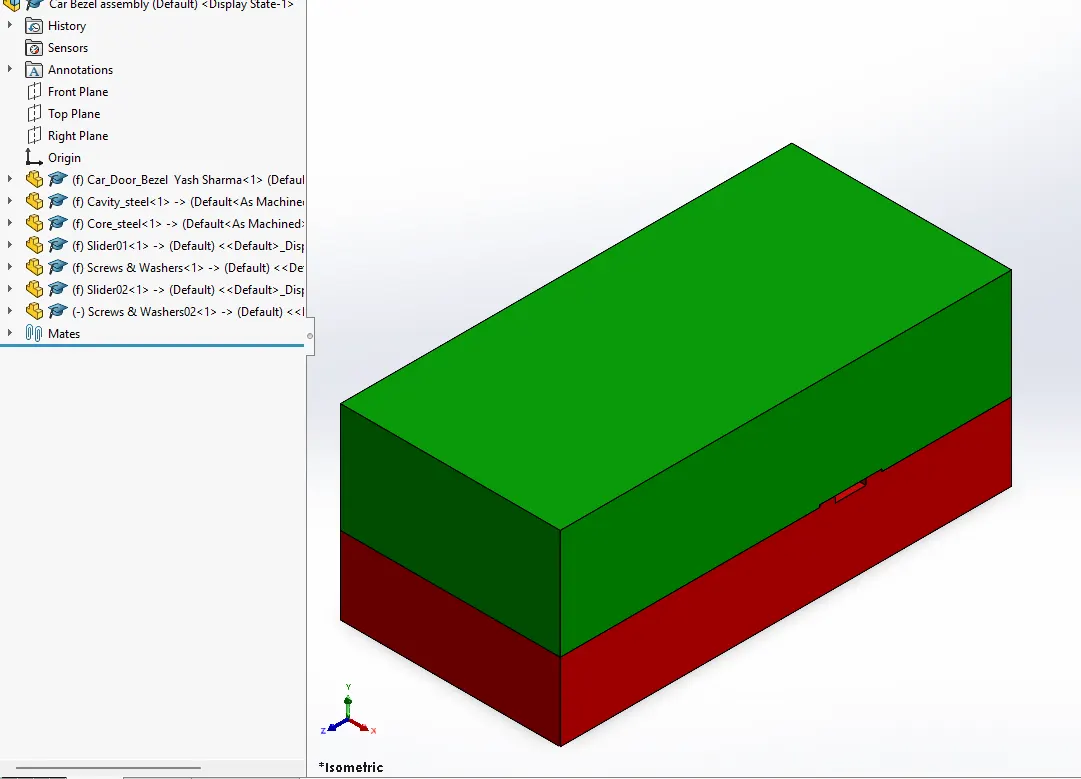
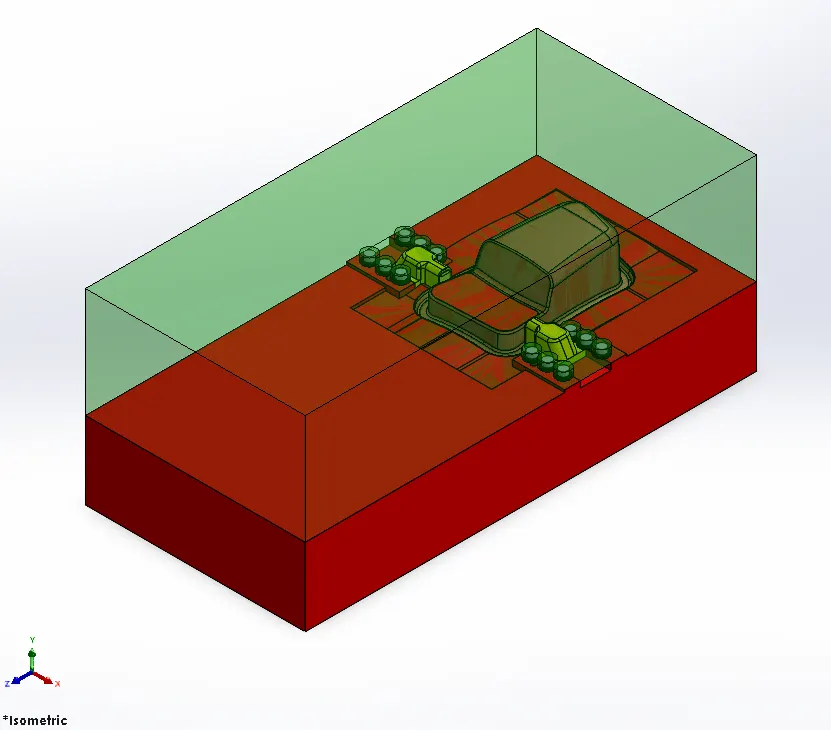
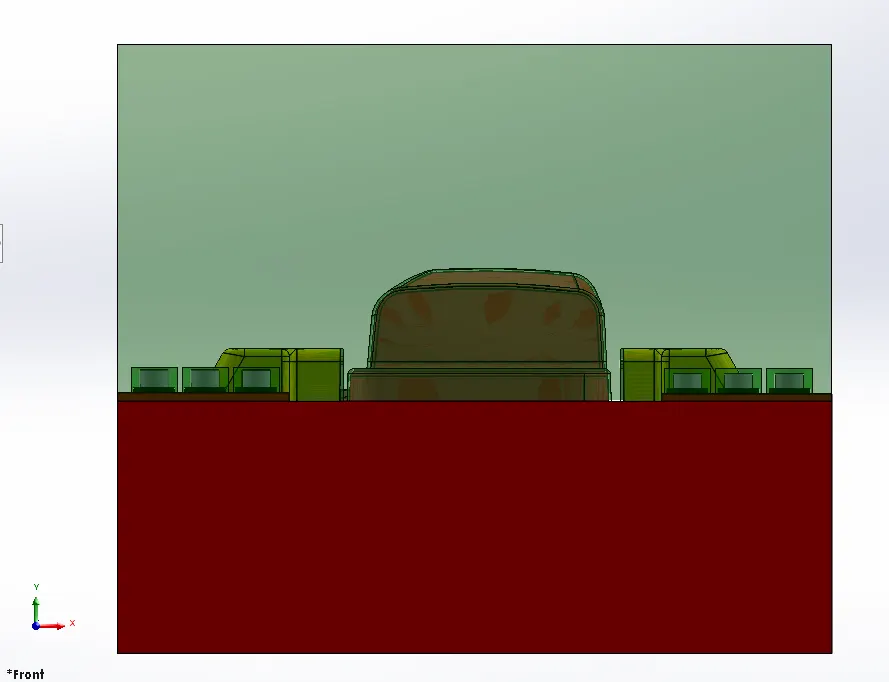
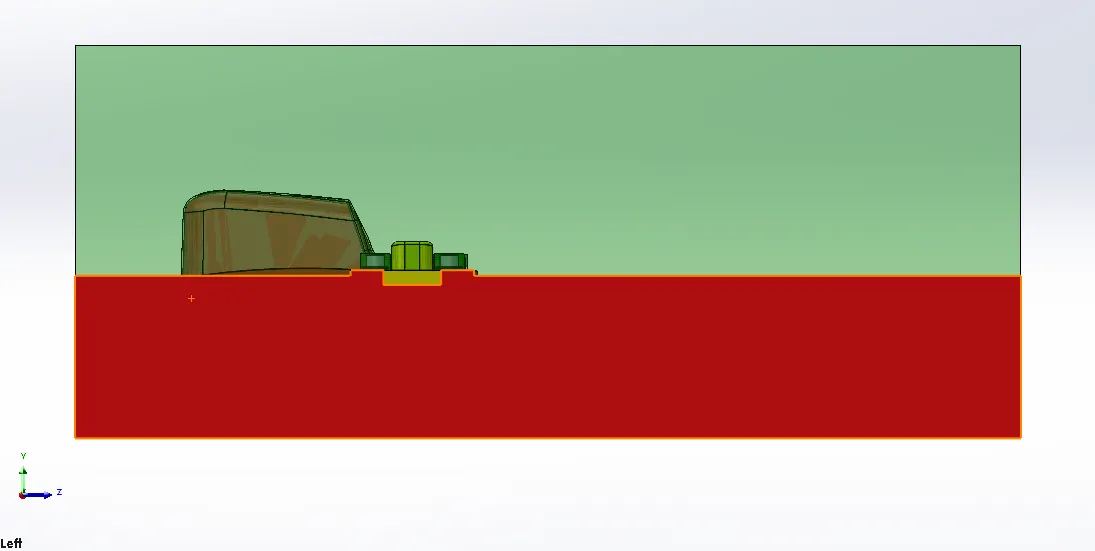
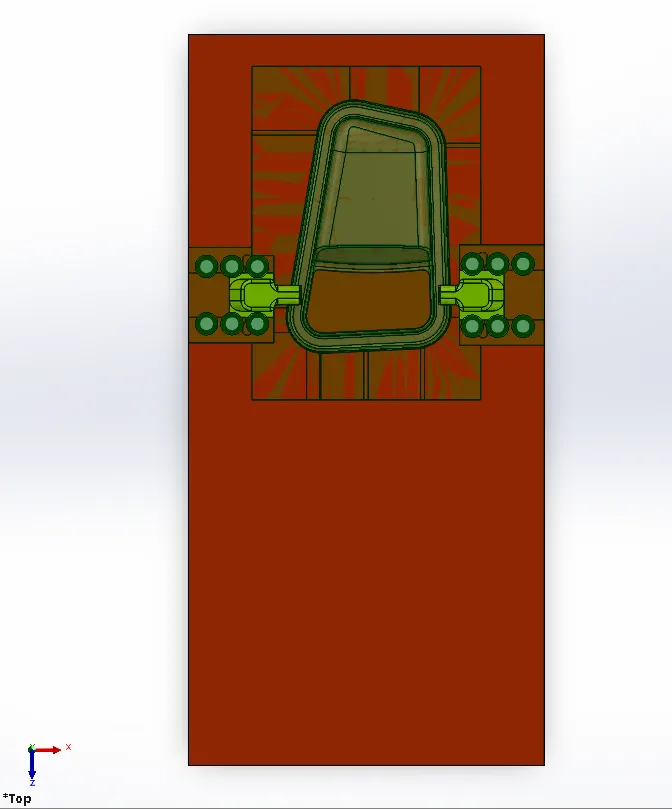
STEPS Followed:
- Creating Slider sketch using existing geometries and using SPLIT command in Cavity steel part to form initial separate slider body.
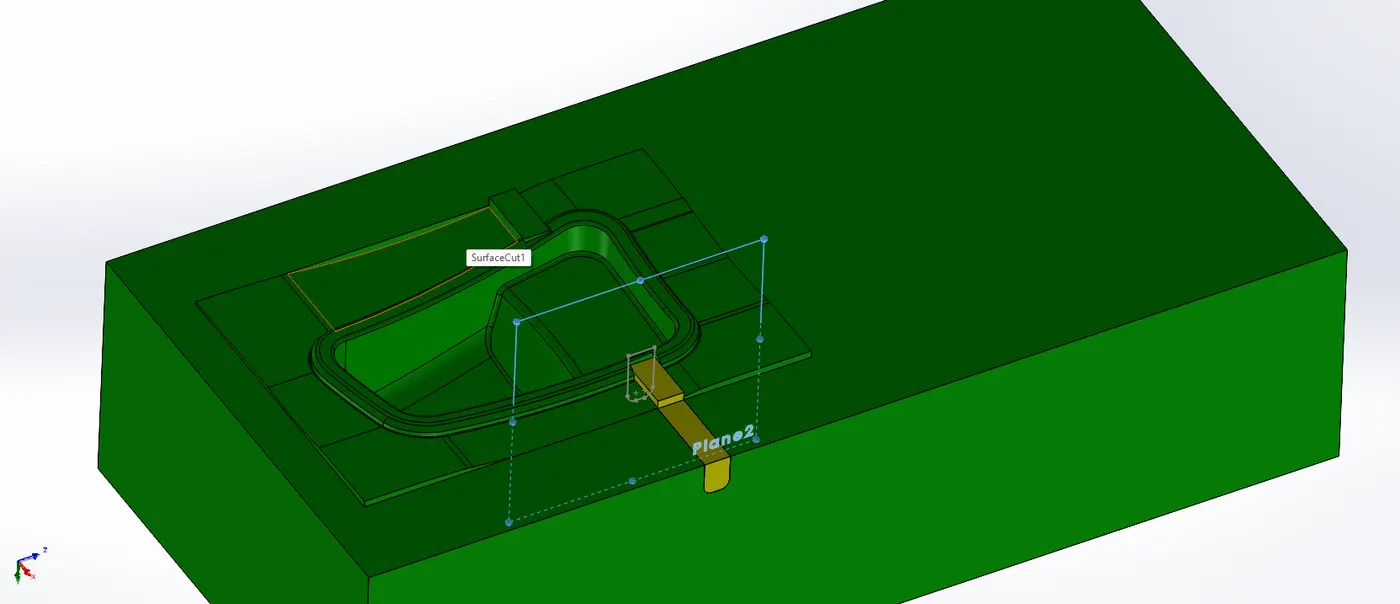
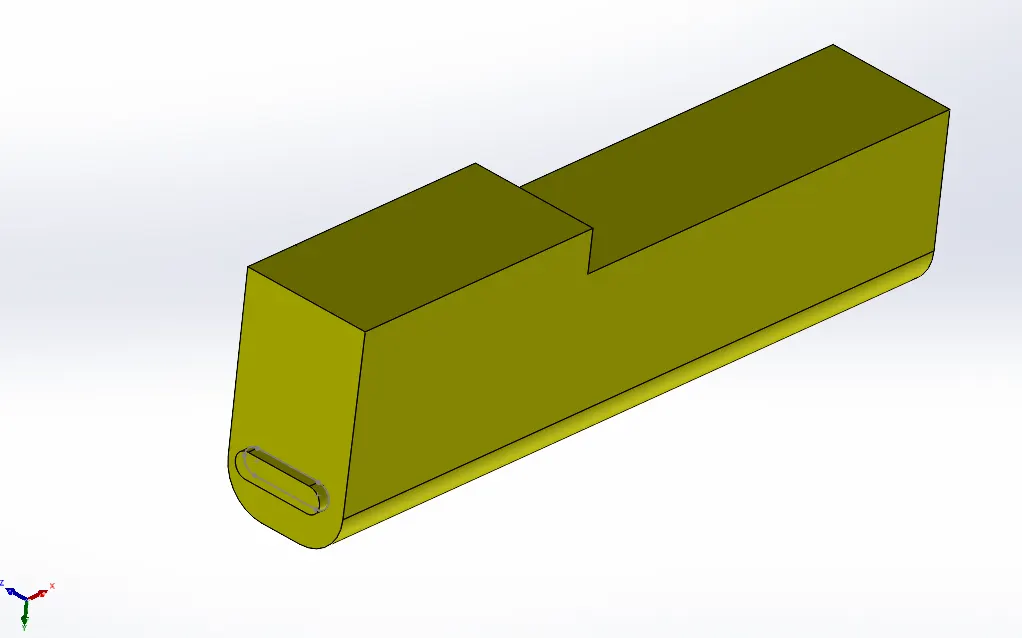
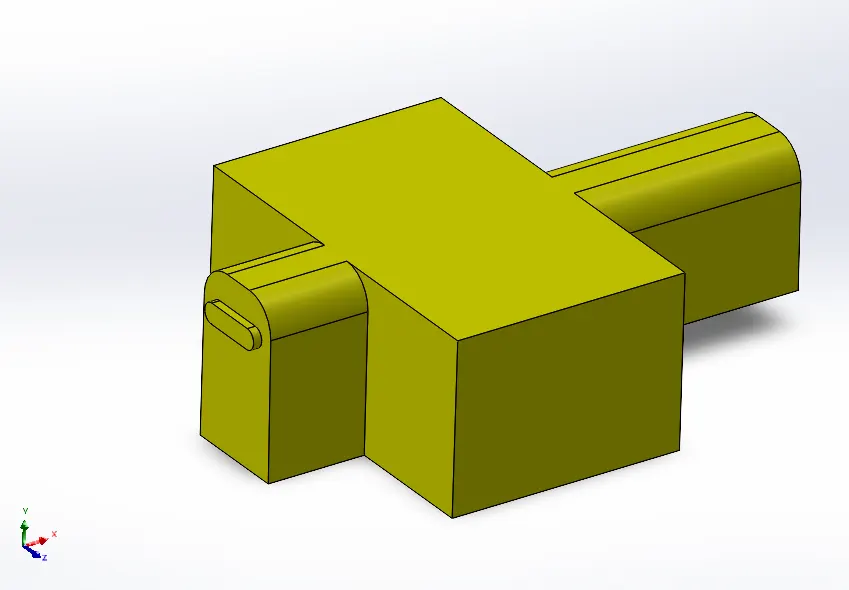
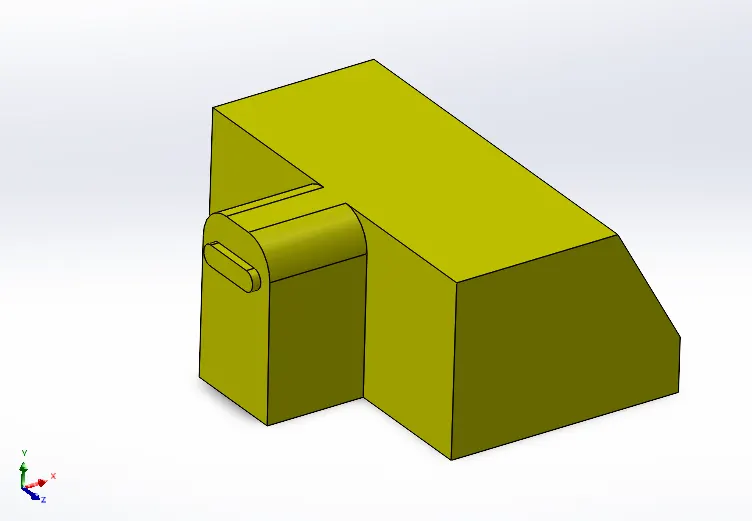
- Saving above part obtained as separate entity. Creating New part in assembly naming it Slider01 as mentioned in Tree structure by importing that part.
- Also making a copy of slider body in cavity steel for forming a cavity for slider using COMBINE command in direct editing tab.
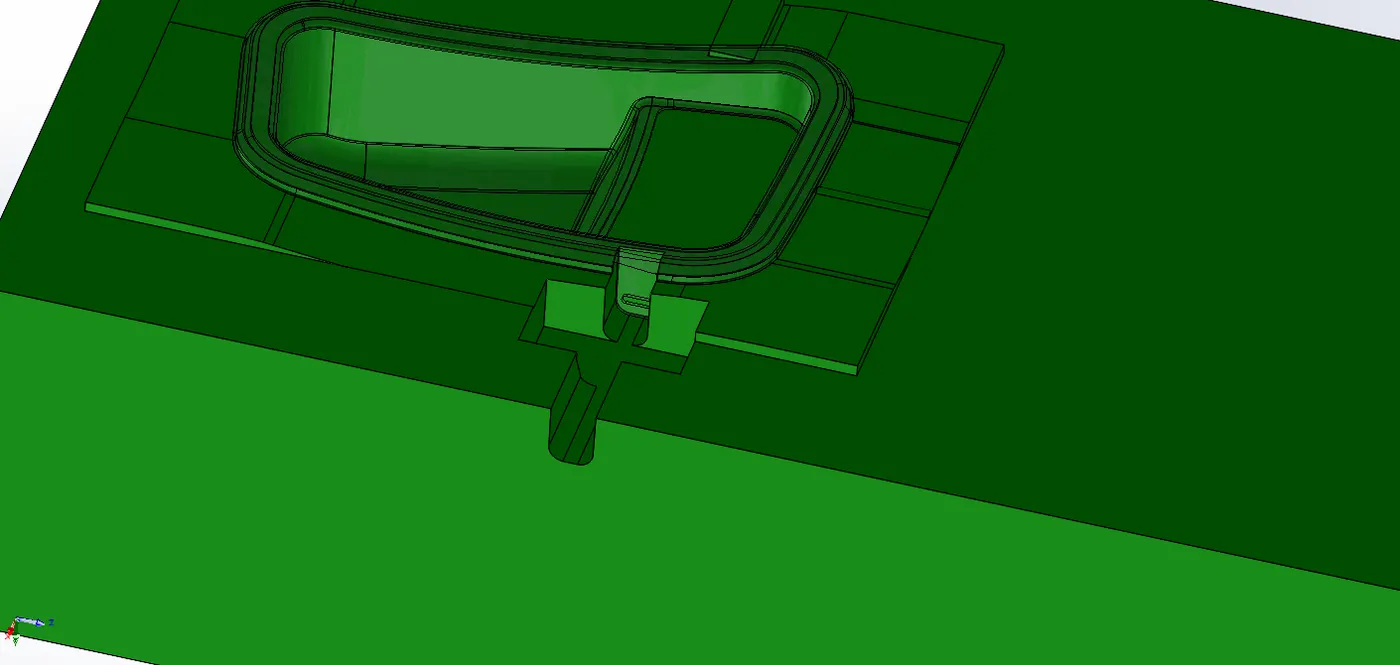
- Using MOVE FACE command for fill up surface.
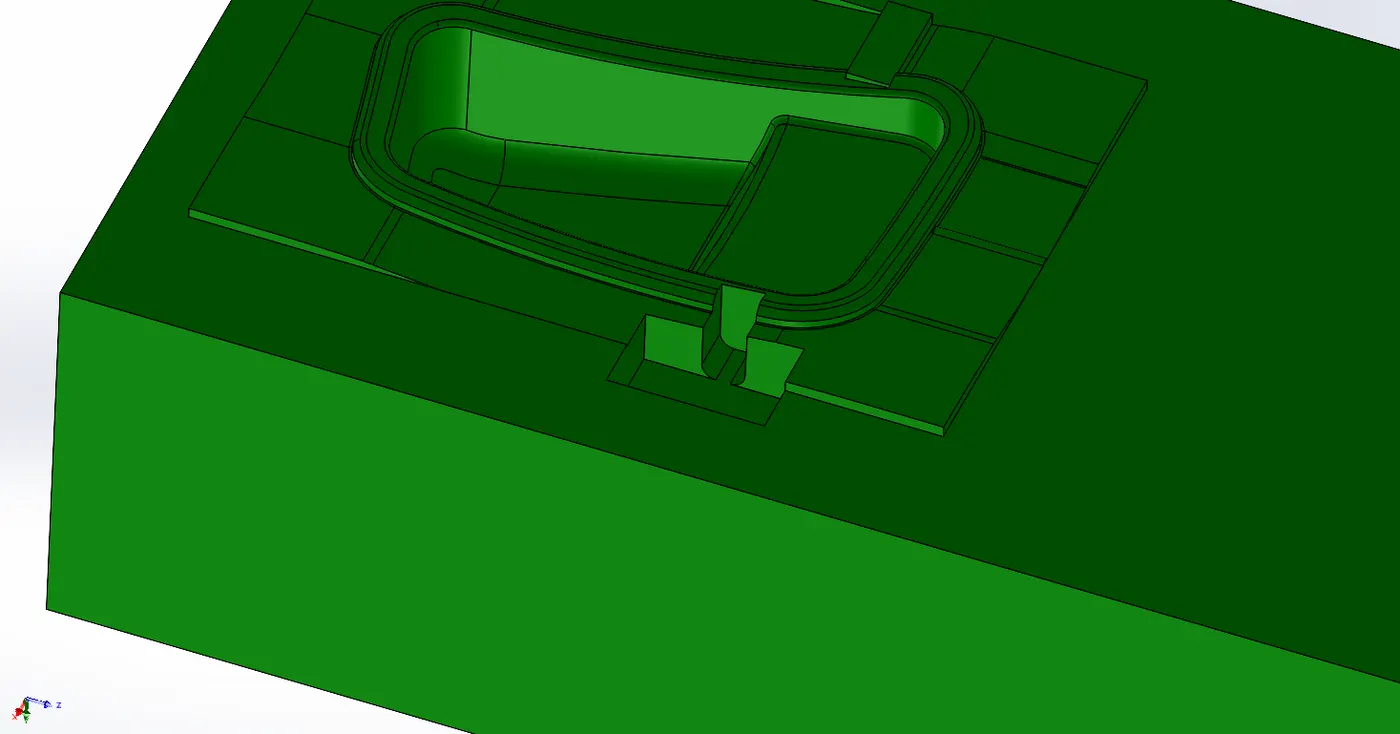
- Surfaces are trimmed out using CUT EXTRUDE command and Further edges are fillted.
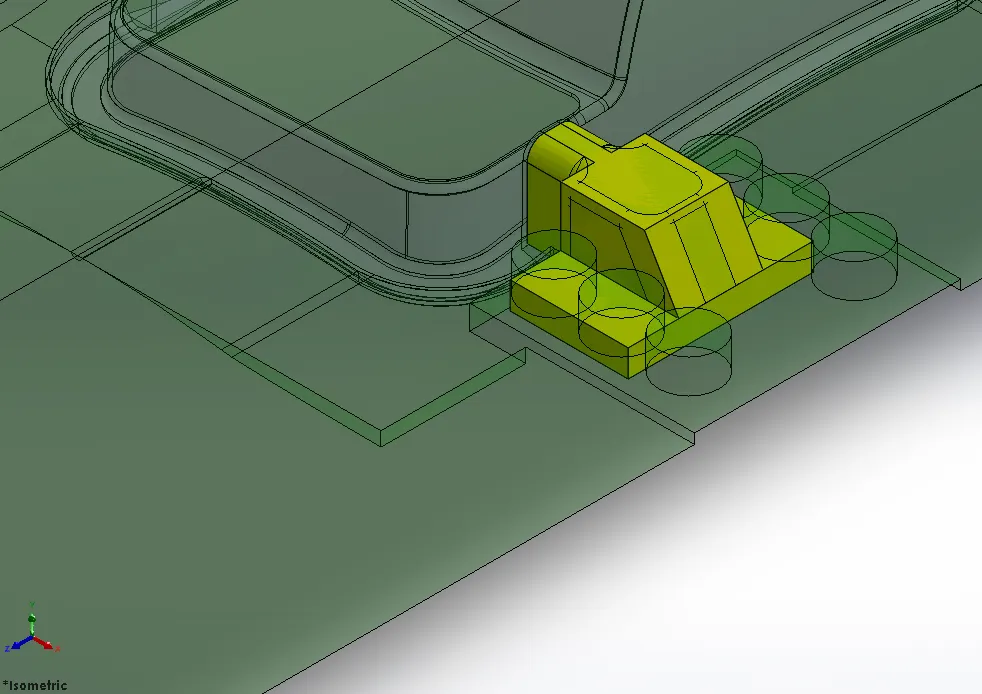
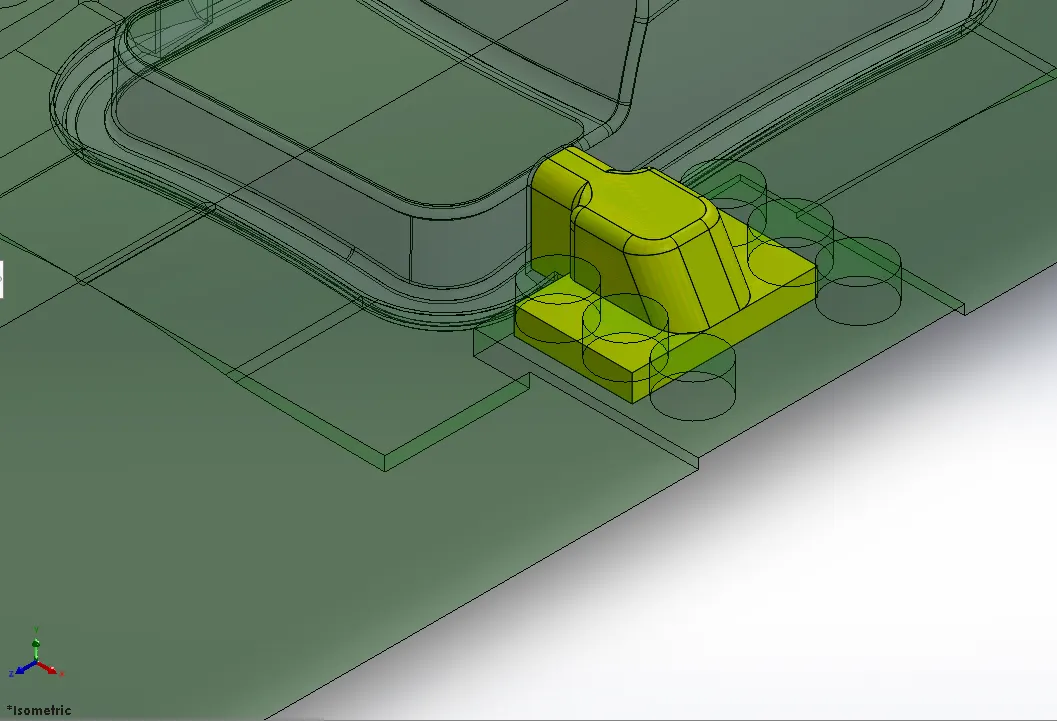
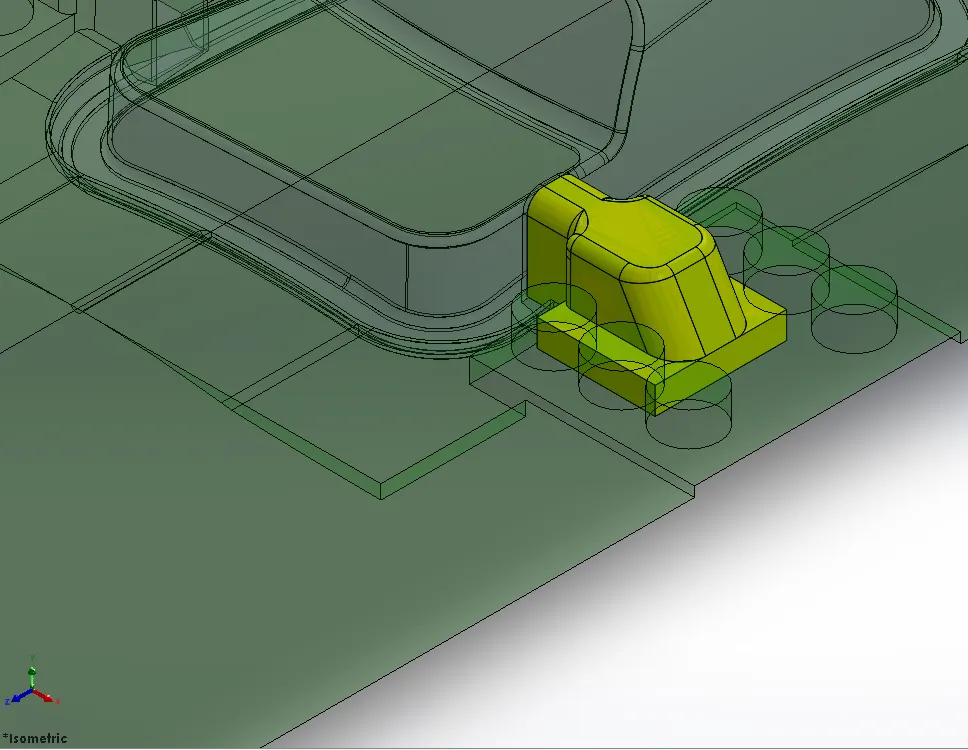
- Base dimension are reduced using MOVE FACE Command.
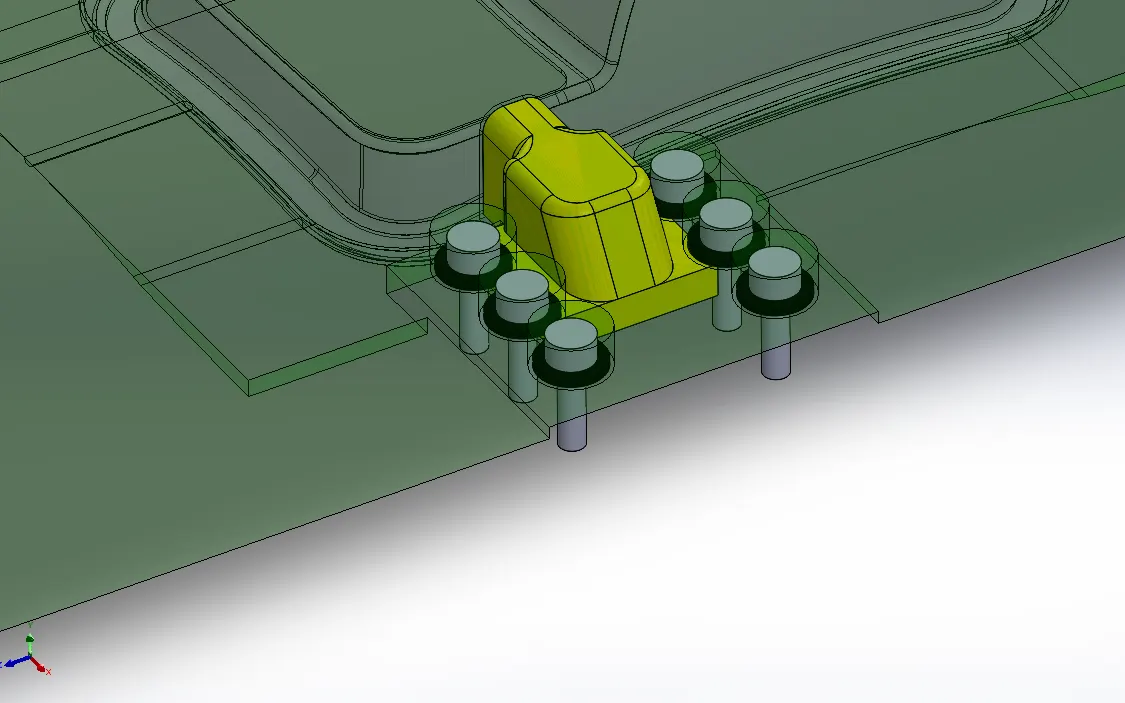
- Screw and Washers are created as a new part.
- For accomodating Slider and Screws & washers, material is removed from Cavity and Core blocks.
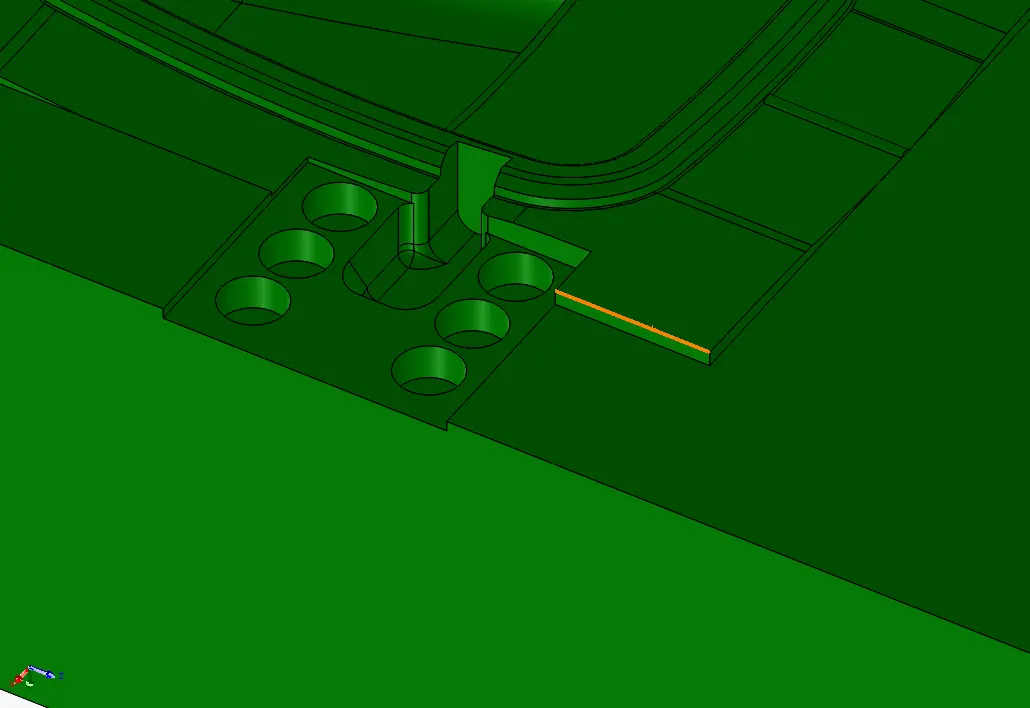
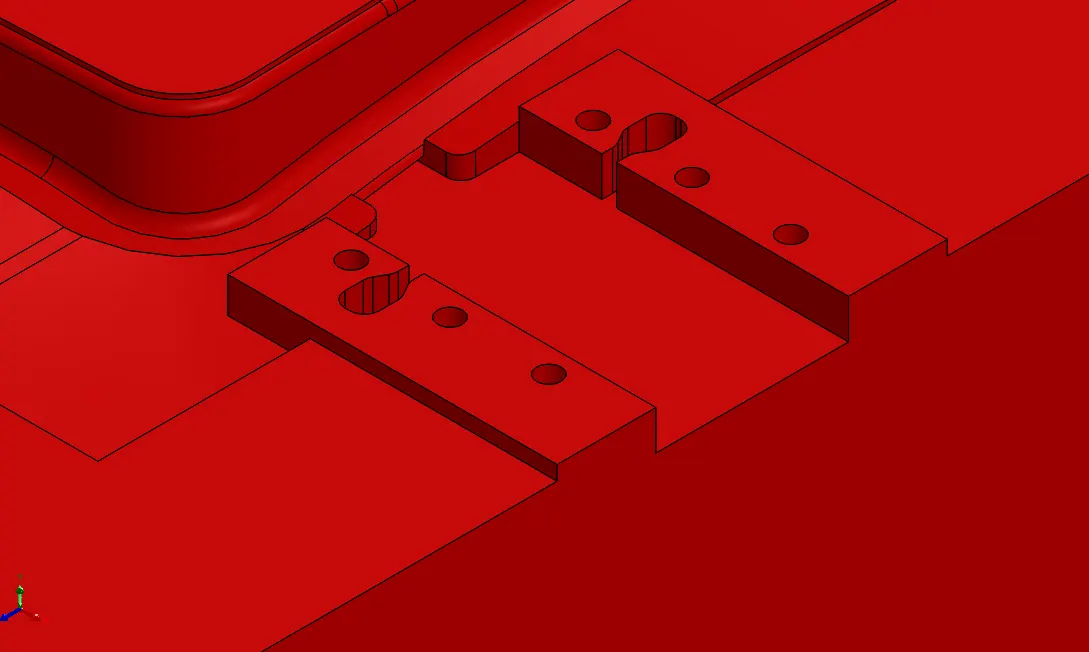
- Slider Motion restricted mechanism is created by removing material as highlighted in blue. For this slot is also created on slider side.
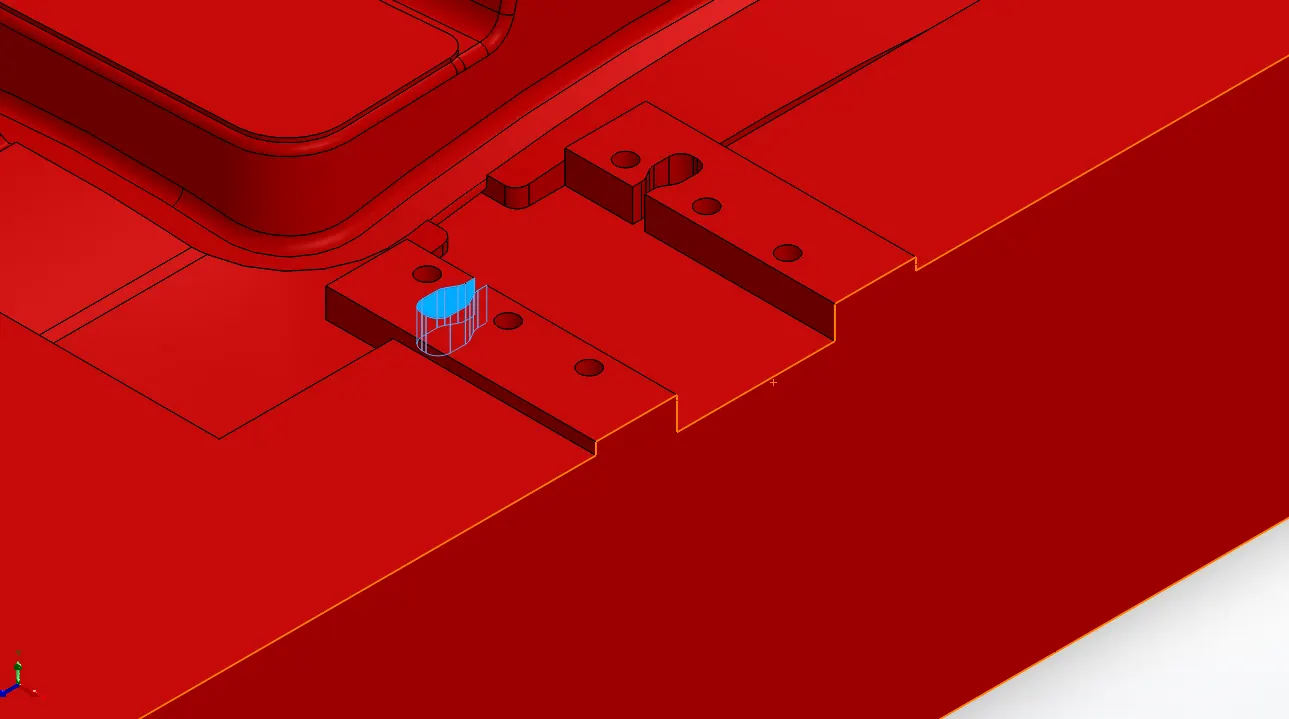
Similar Process is followed for making Slider02 as mentioned in tree structure.