Week 7 Challenge
1. Open the profile model for the innermost shape. Create existing ground profile.
2. Design the proposed profile for the existing ground & one more Design profile at one constant elevation?
3. Change the designed profiles for all the shapes with constant or variable slopes of desired values.(Using civil rule)
1. Open the profile model for the innermost shape. Create existing ground profile.
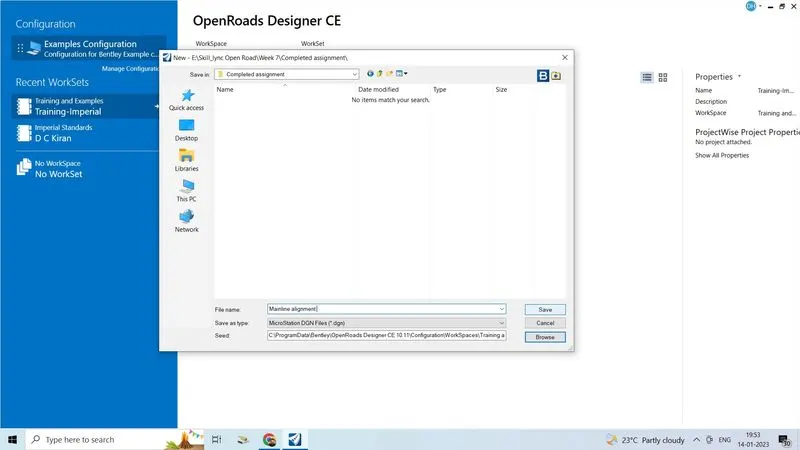
- Create new 2seed file give name as mainline alignment and save it in the proper folder, click on save
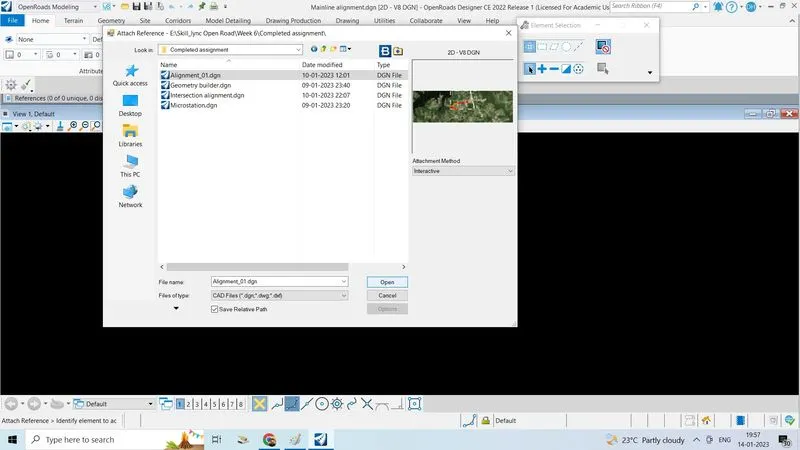
- Attach previous designed alignment so that to create profile
- Go to home tab click on attach tools click on surface or
- Open the previous alignment file directly and start doing
- Firstly in geometry , vertical section will not active so
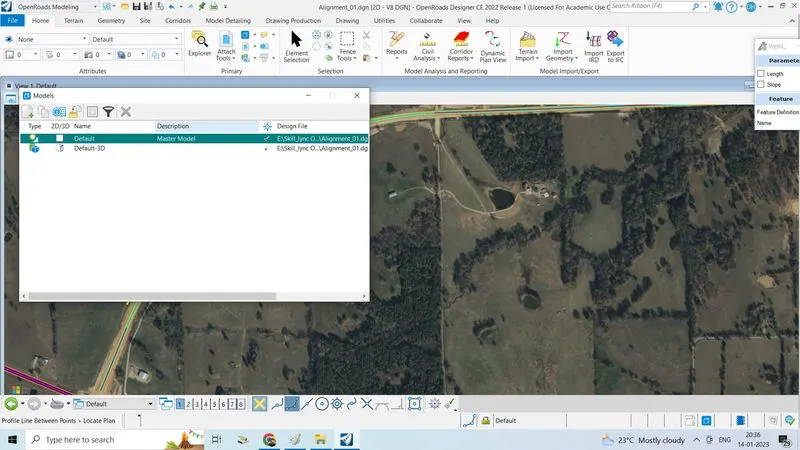
- Go to hometab in peimary section, click on models
- Active the default option then go to geometry tab
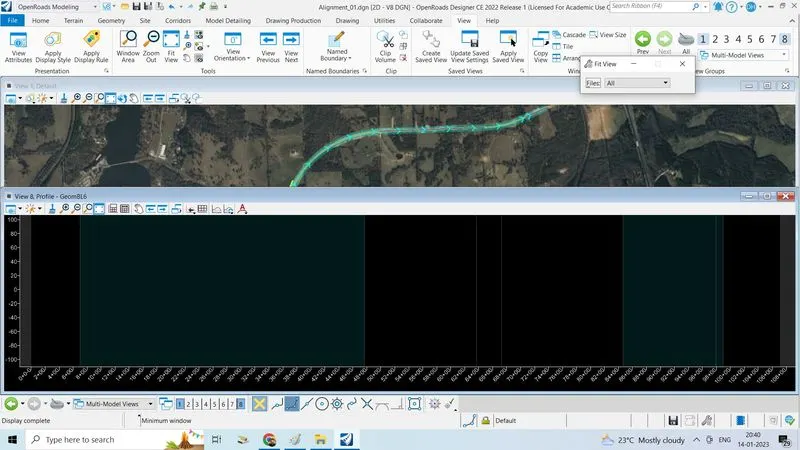
- Click on open profile model now it saying locate plan element and after select or open view in other layput sheet
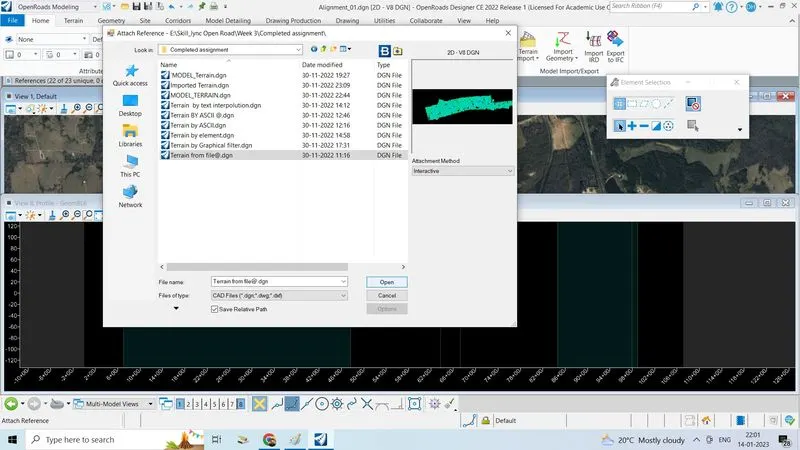
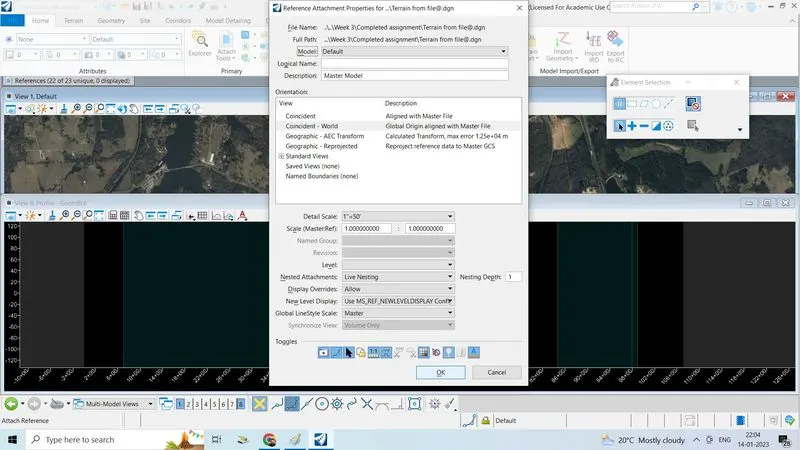
- Click on the attachtool click on reference and select terrain from file in the previous weeks or convert graphical into terrain click open
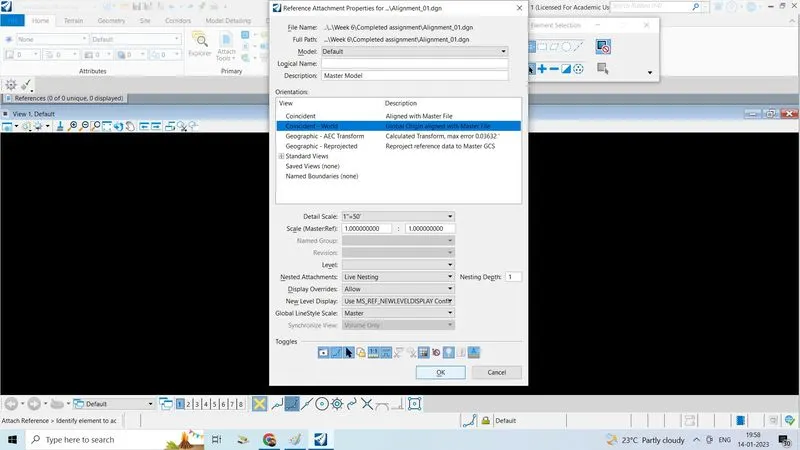
- Select model default select live nesting depth 1
- Click ok click on fit view to view
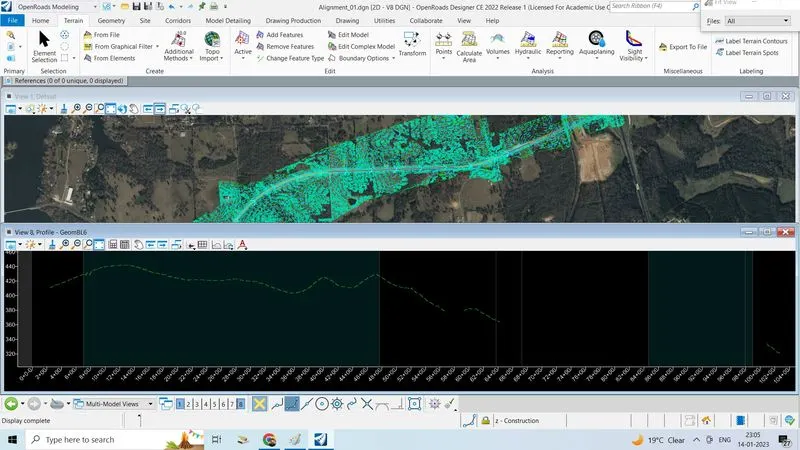
- Click on terrain set a active or go to terrain tab click on set active
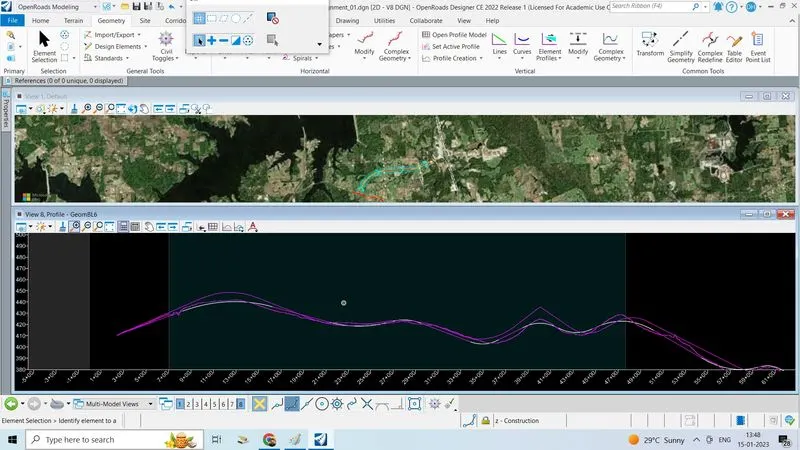
- The existing ground profile is created
2. Design the proposed profile for the existing ground & one more Design profile at one constant elevation?
- After creating existing ground profil, now we have to create proposed profile so
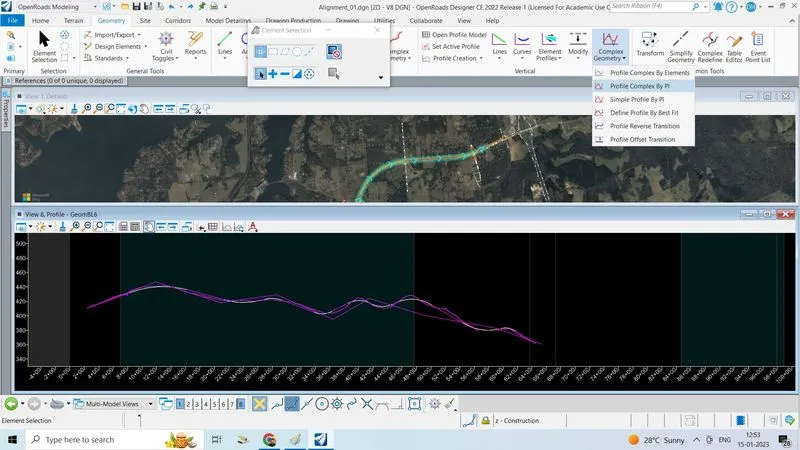
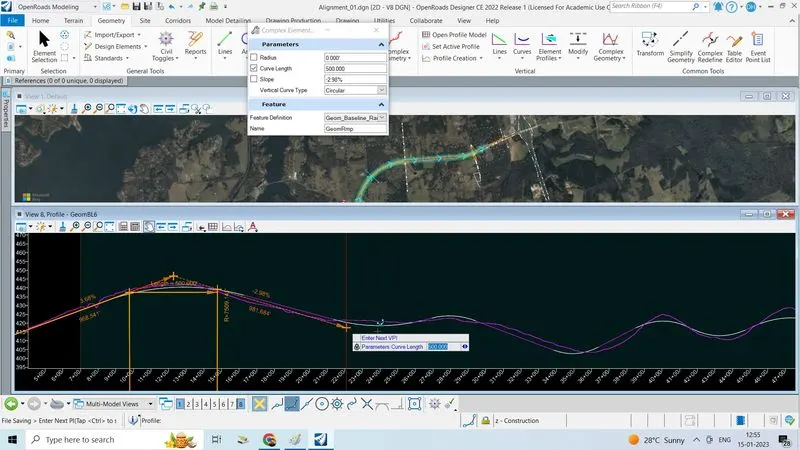
- Go to geometry tab-->in vertical section -->click on complex geometry, click on profile complex by PI
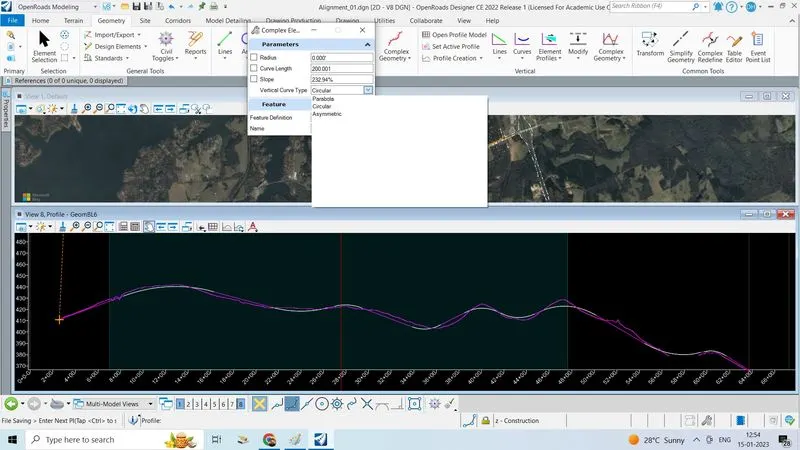
- First enter the PI point select vertical curve type as circular like do up to end of the alignment
- We can edit the profile with the help of civil rules and handles
- Give feature definitions
3. Change the designed profiles for all the shapes with constant or variable slopes of desired values.(Using civil rule)
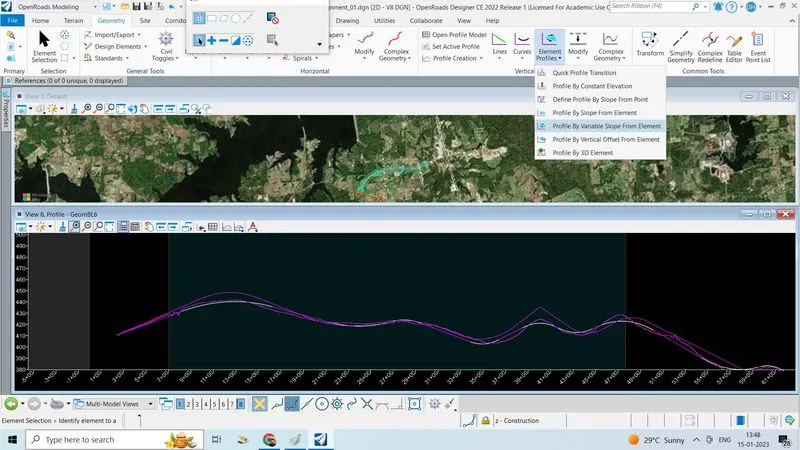
- Go to ORD --> geometry-->Element profile -->Constant/variable
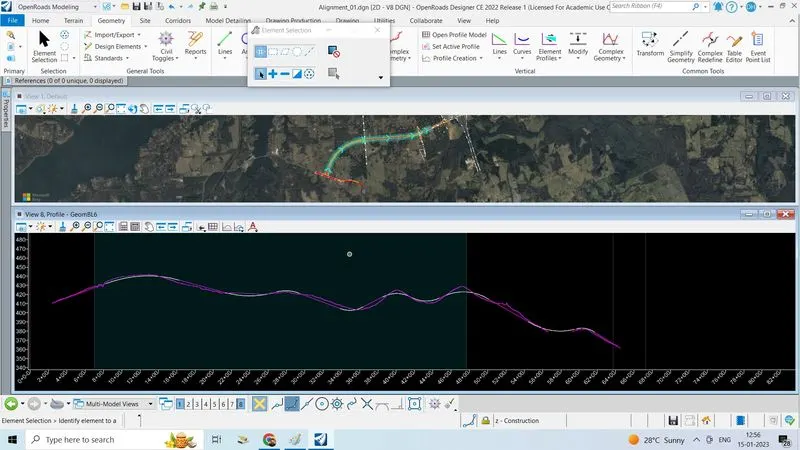
- Click on the variable one, give slope,start giving points end at last point of existing profile
- Created the design profile for all the shapes with constant slopes