Week 7-12-Creation of 1D Connectors Challenge
PROJECT REPORT
AIM:
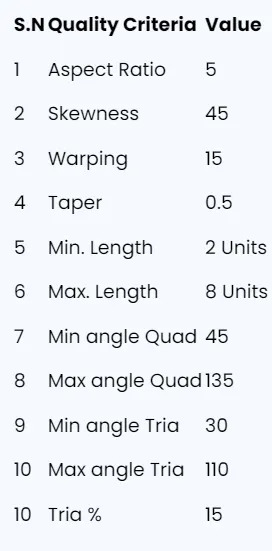
Check and correct geometrical errors on the geometry and mesh it based on the element Quality criteria given below. Then create a connector and attach the various parts of the model.
OBJECTIVES:
- Identify and Correct Geometrical Errors: Review the geometry to find any inaccuracies or defects and make the necessary corrections to ensure it is error-free.
- Mesh the Geometry: Apply meshing to the corrected geometry, adhering to the specified element quality criteria to ensure a high-quality mesh.
- Create Connectors: Design and implement connectors to join different parts of the model.
BODY OF THE CONTENT:
This is the CAD MODEL,
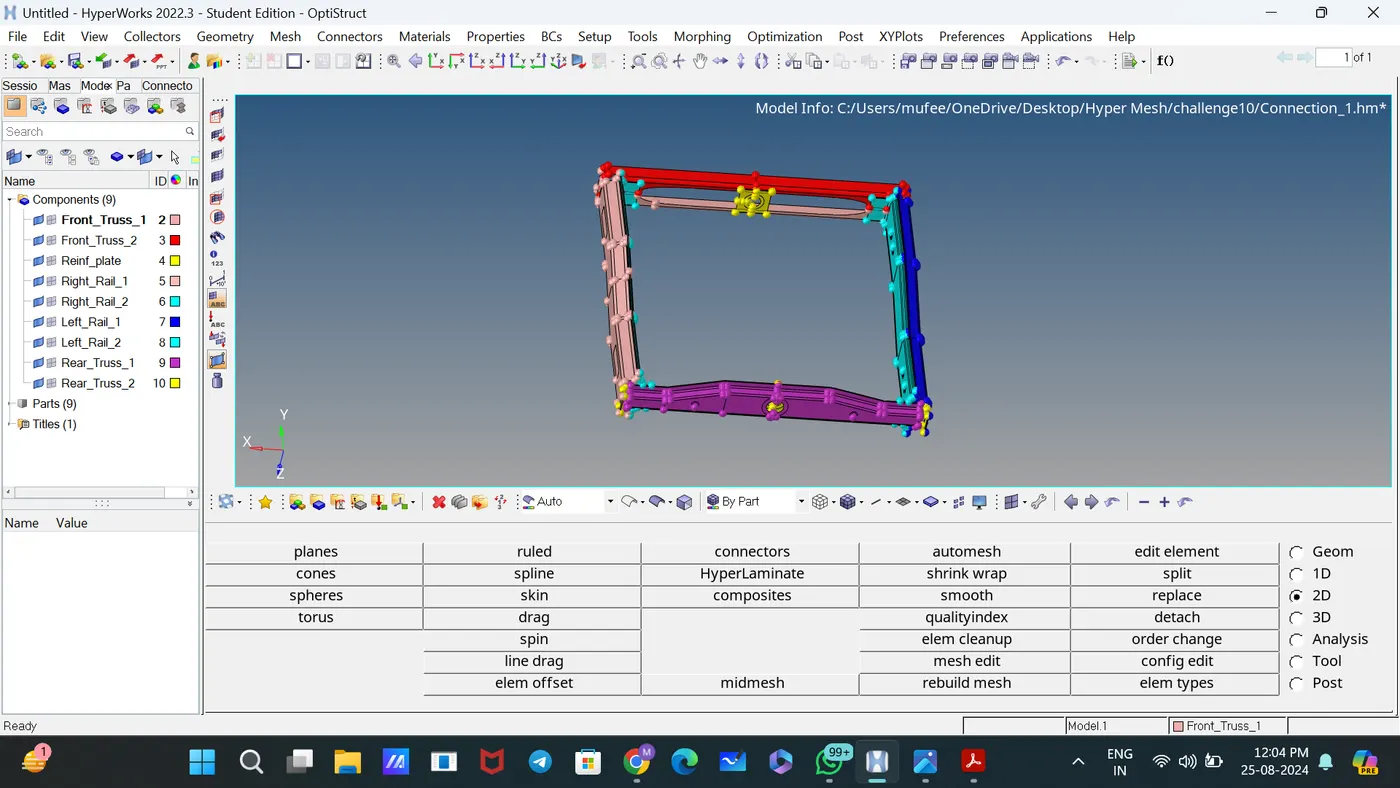
Checked the geometry, there is no geometric errors
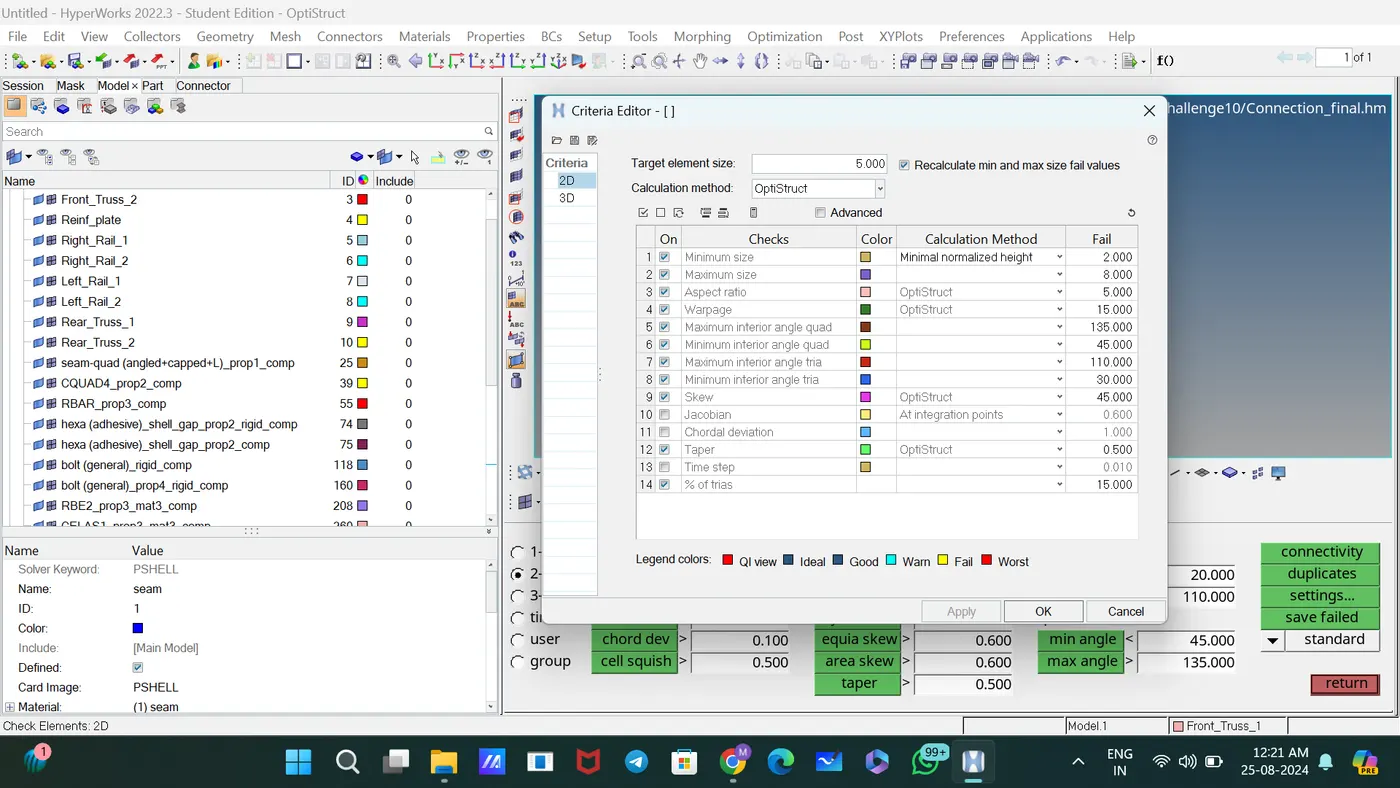
Assigned the quality criteria of elements in check Elements 2D.
Meshed the components with element size 5 by selecting surfaces.
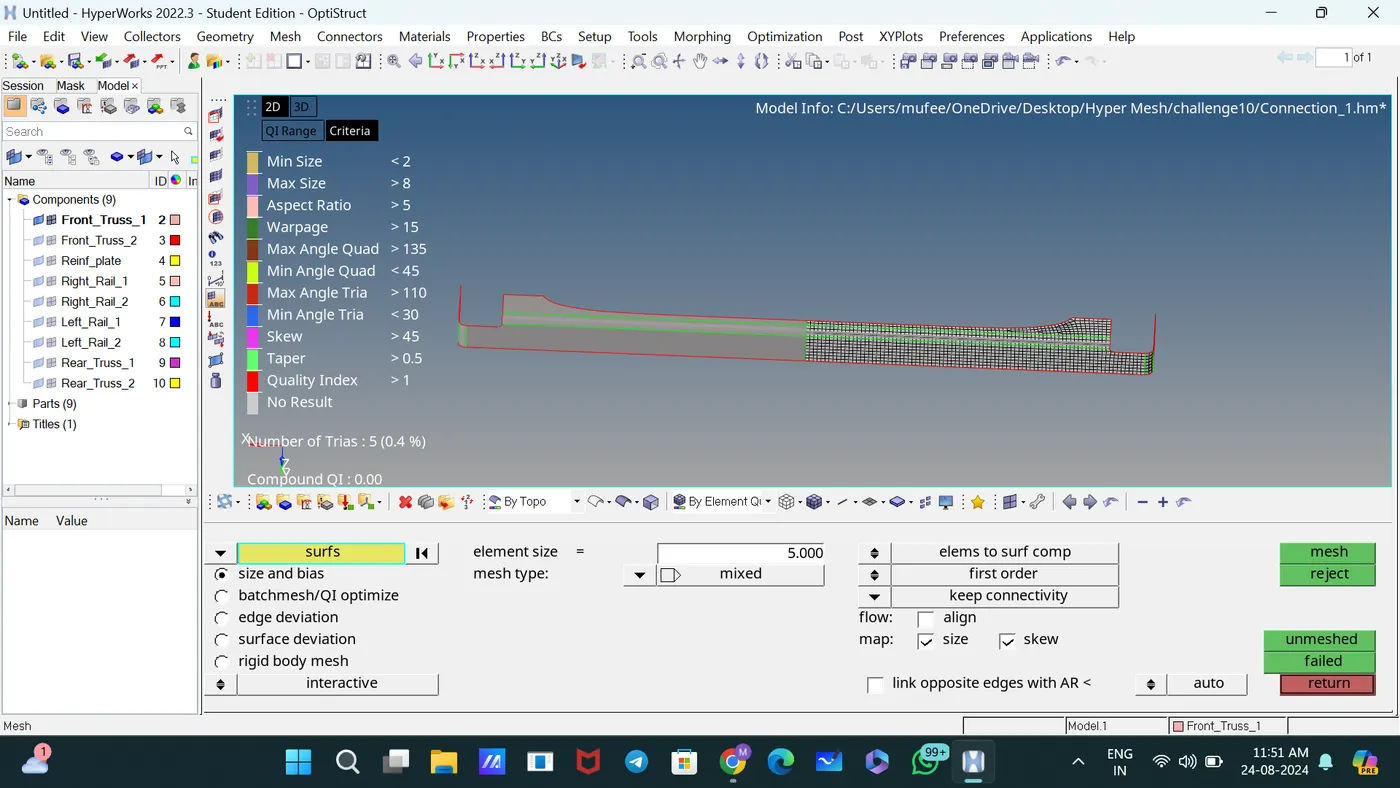
For proper mesh flow and changing tia to quads, mesh the elements and adjust the number of nodes.
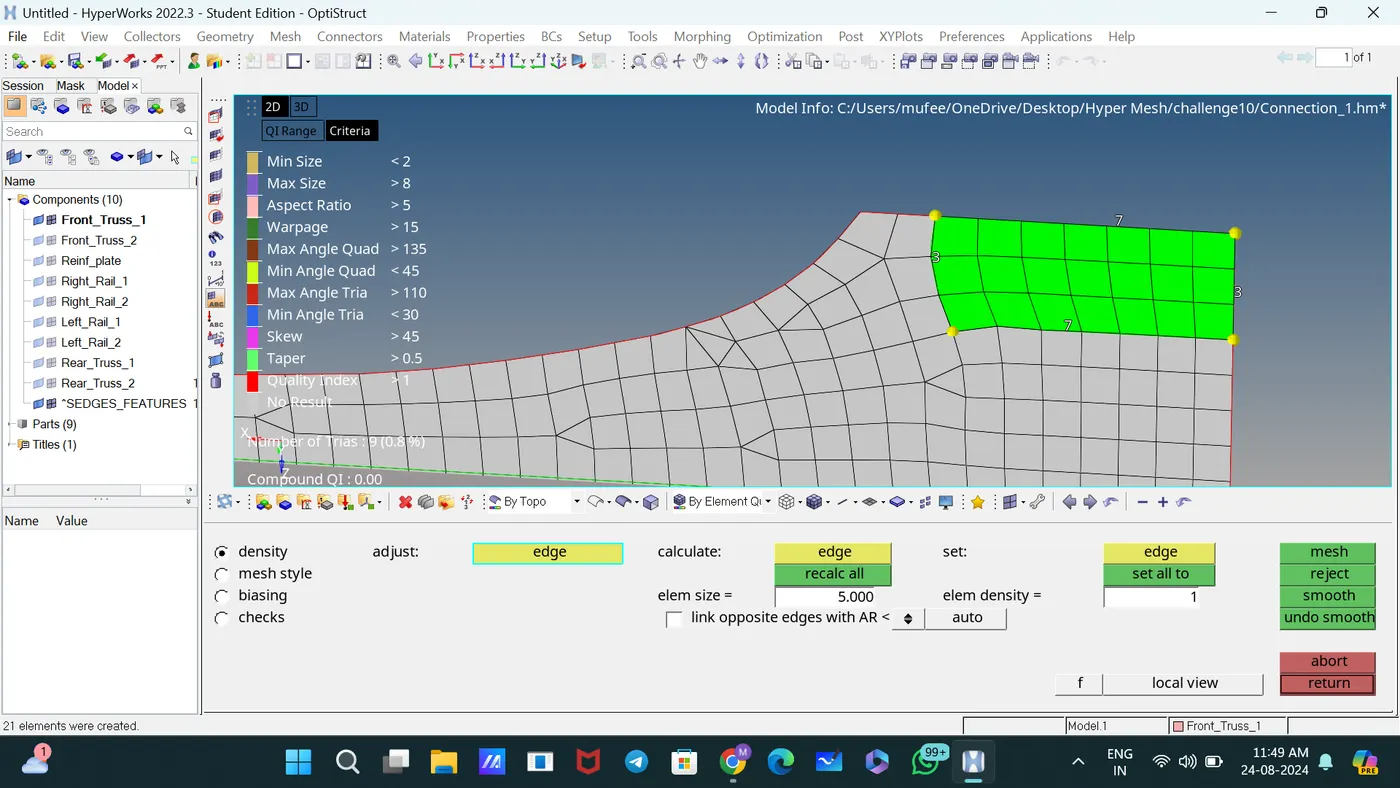
Some of the components are symmetric.
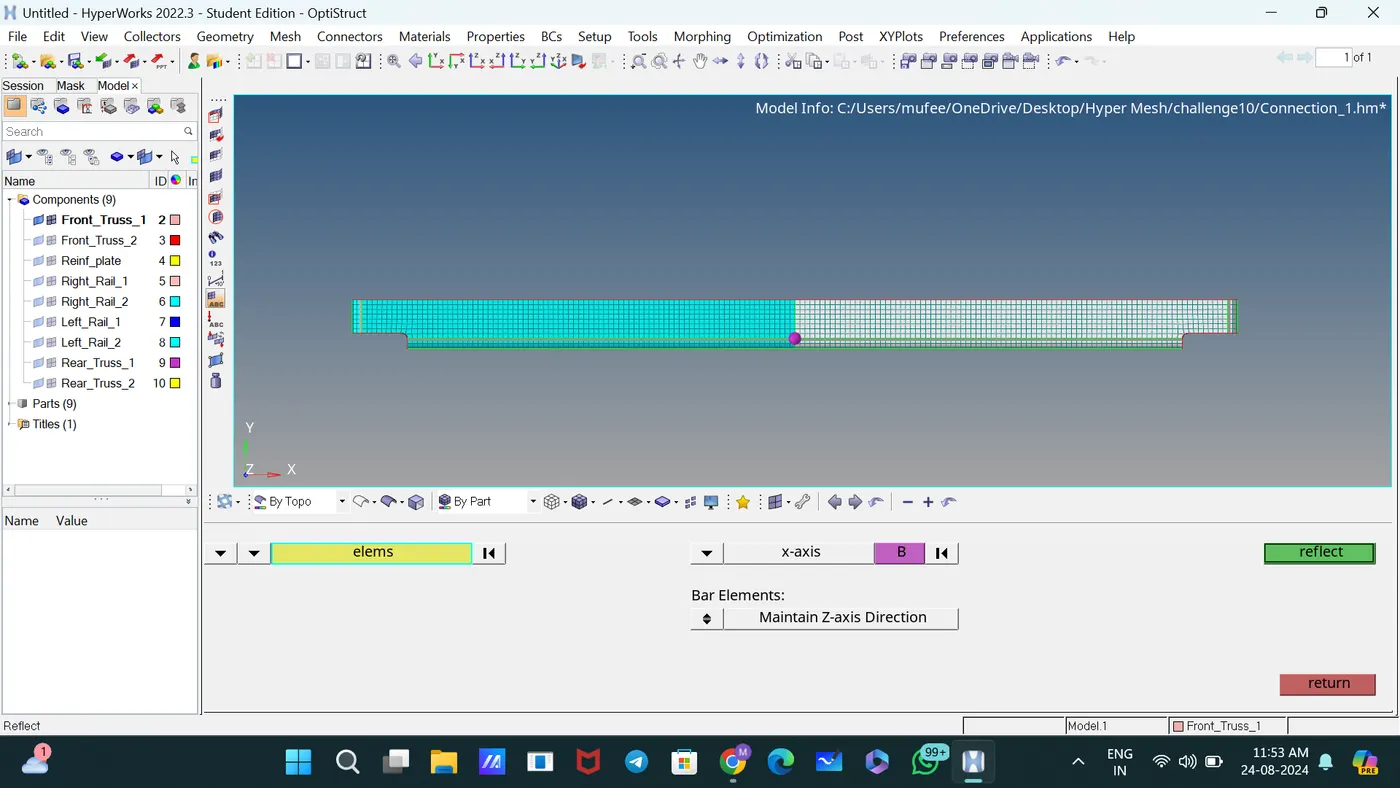
I used the Reflect panel to reflect portions of a model about a plane, changing the selected portion into a mirror image of itself.
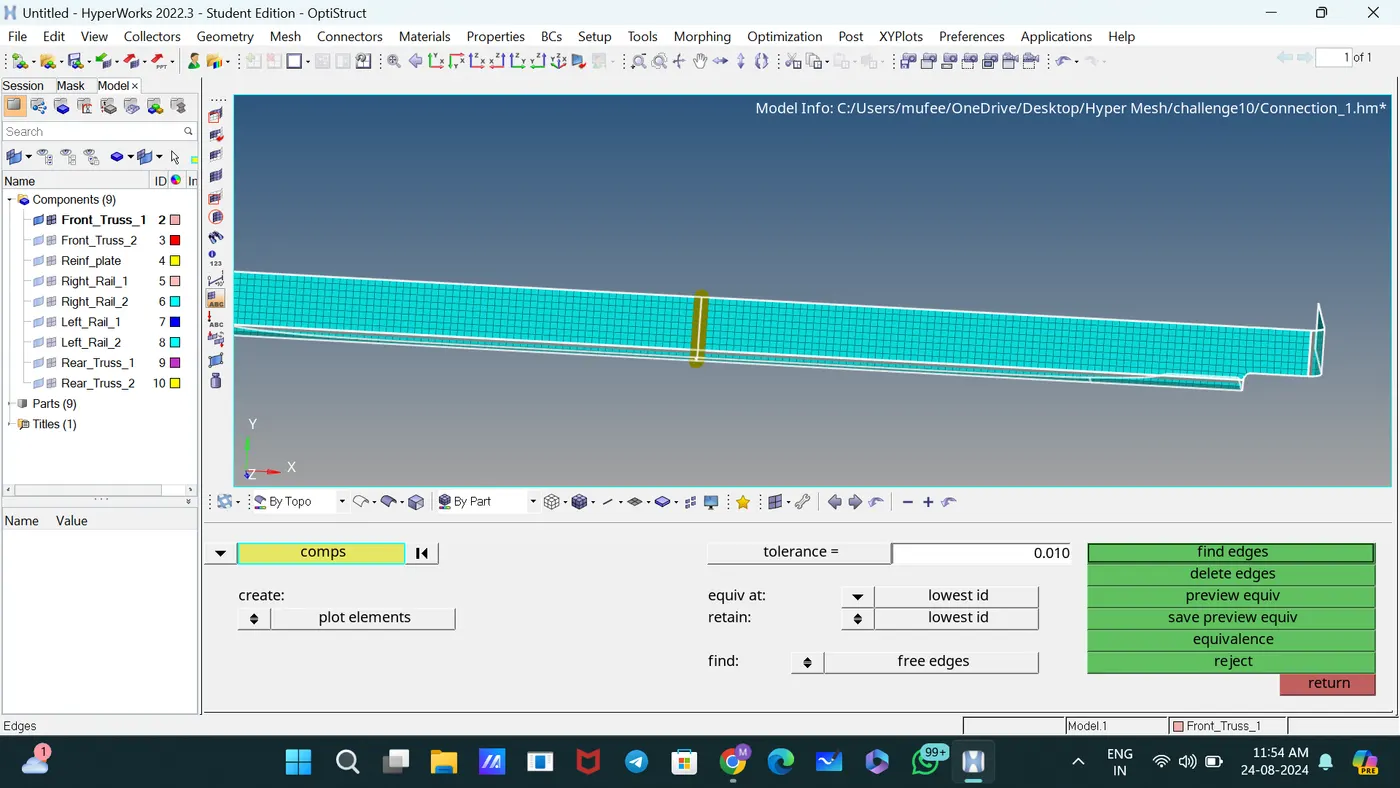
Used the Equivalence panel to join the symmetric elements.
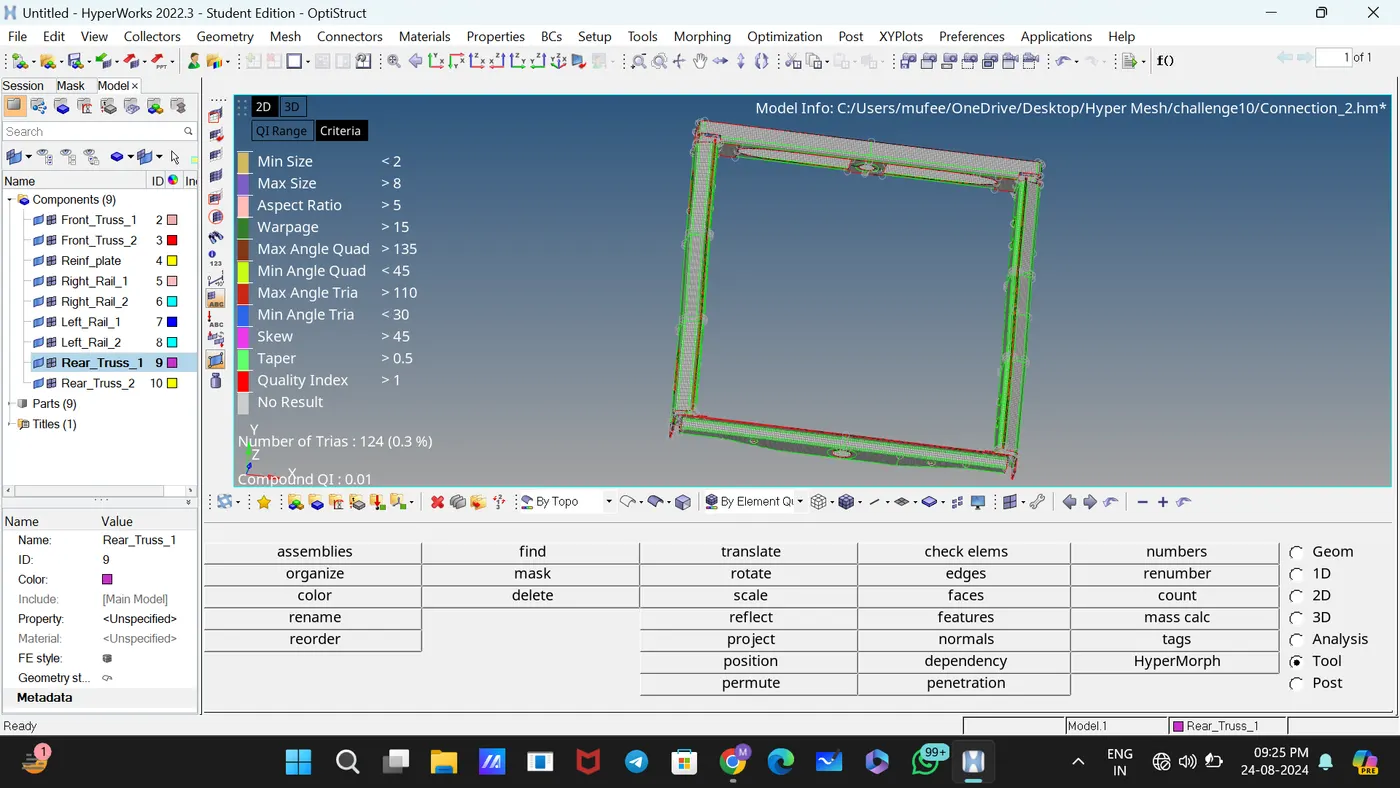
The components meshed according to the quality criteria.
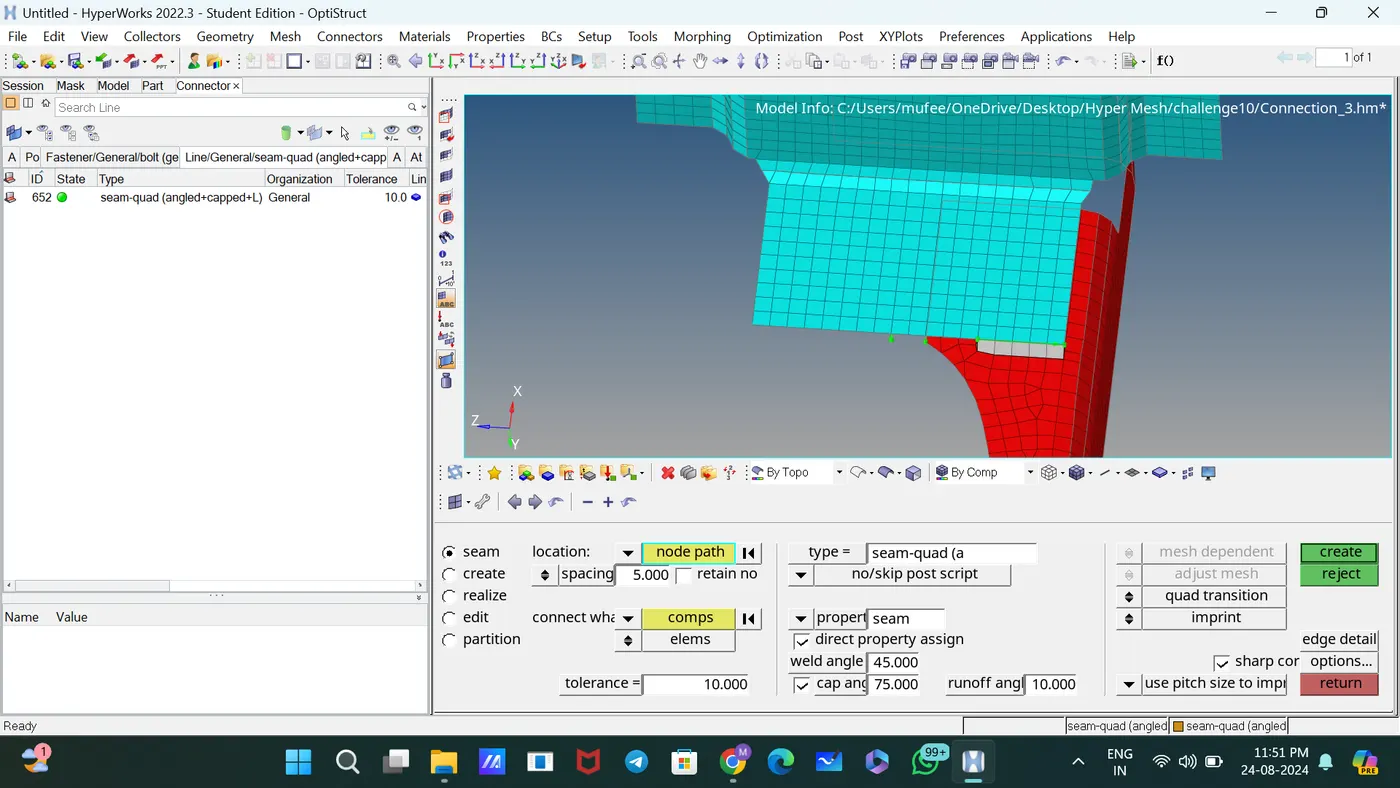
Connected Right_Rail_2 & Front_truss_1 by Seam-Quad(angled+capped+L)
[2D—connectors—seam] spacing =5, Tolerance =10, Type= Seam-Quad(angled+capped+L)
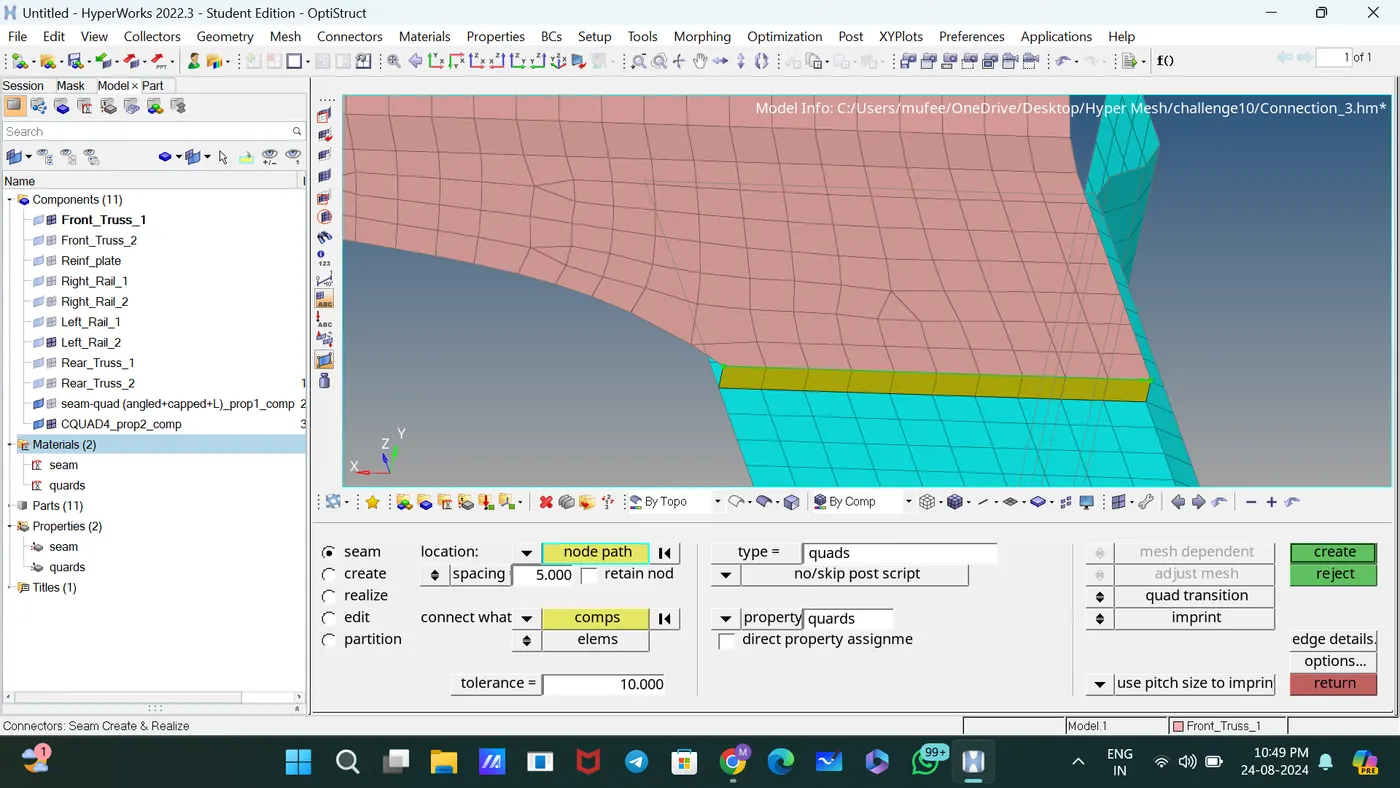
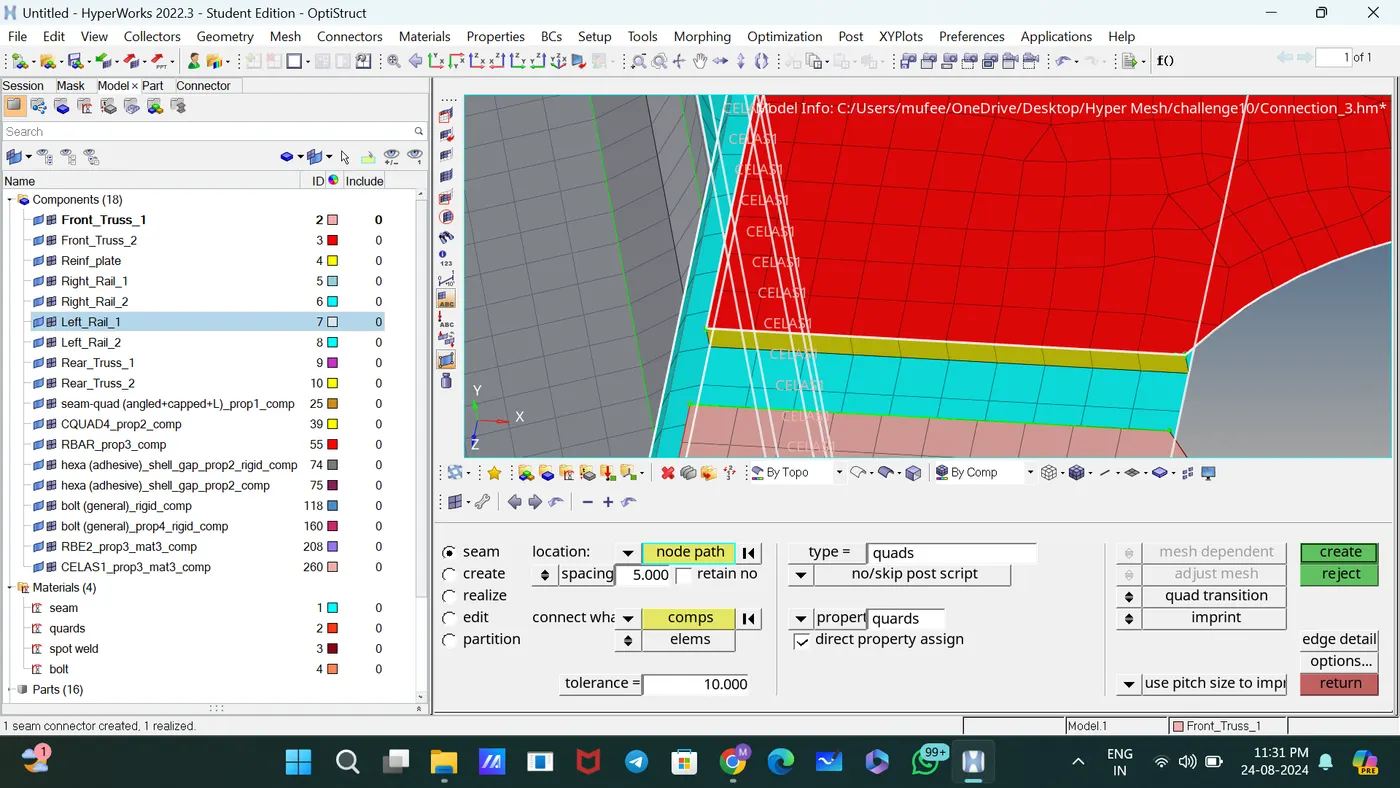
Connected Left_Rail_2 & Front_truss_1 by Quad elements
[2D—connectors—seam] spacing =5, Tolerance =10, Type= Quad elements
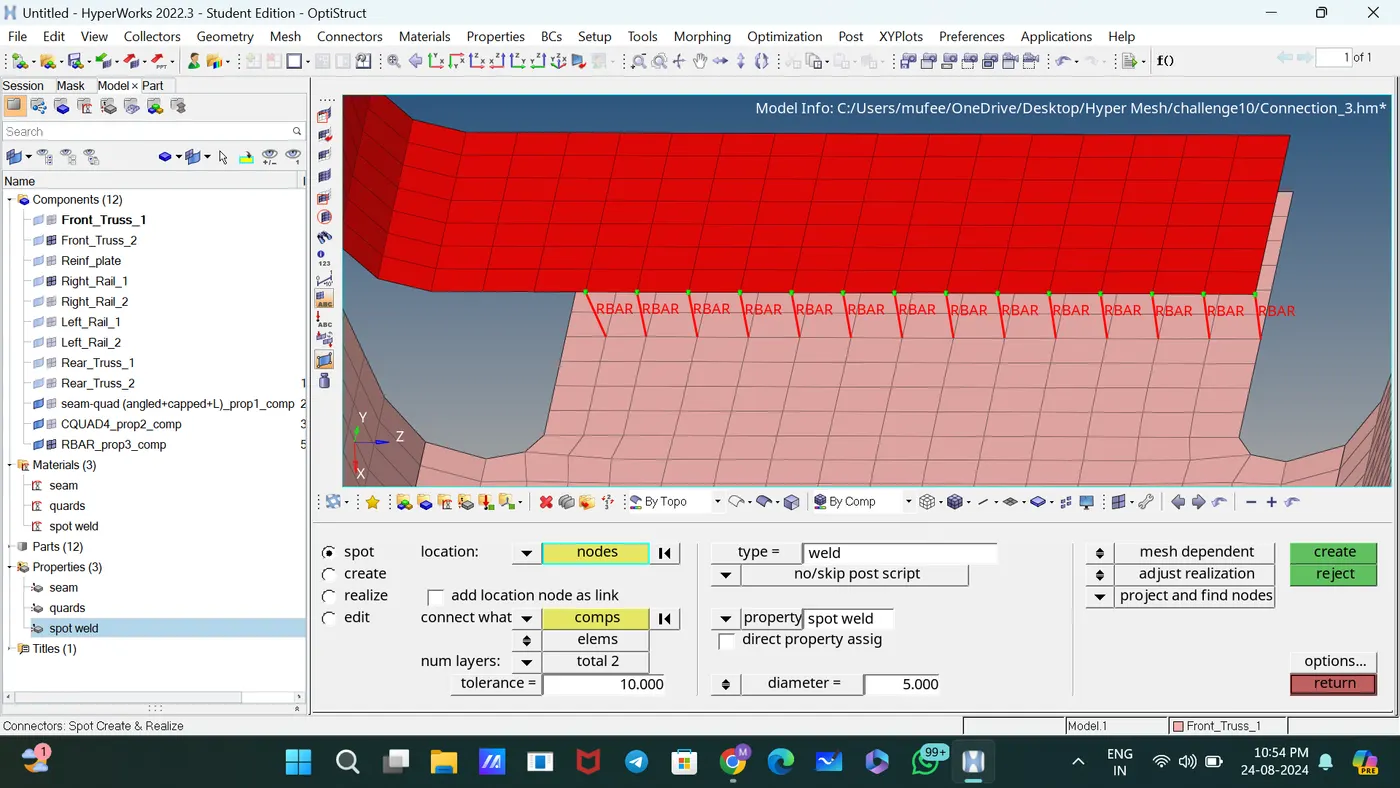
Connected Front_truss_2, Front_truss_1 & Right_Rail_1 by Spot weld with 2 Layers and 5 mm Diameter
[2D—connectors—spot]
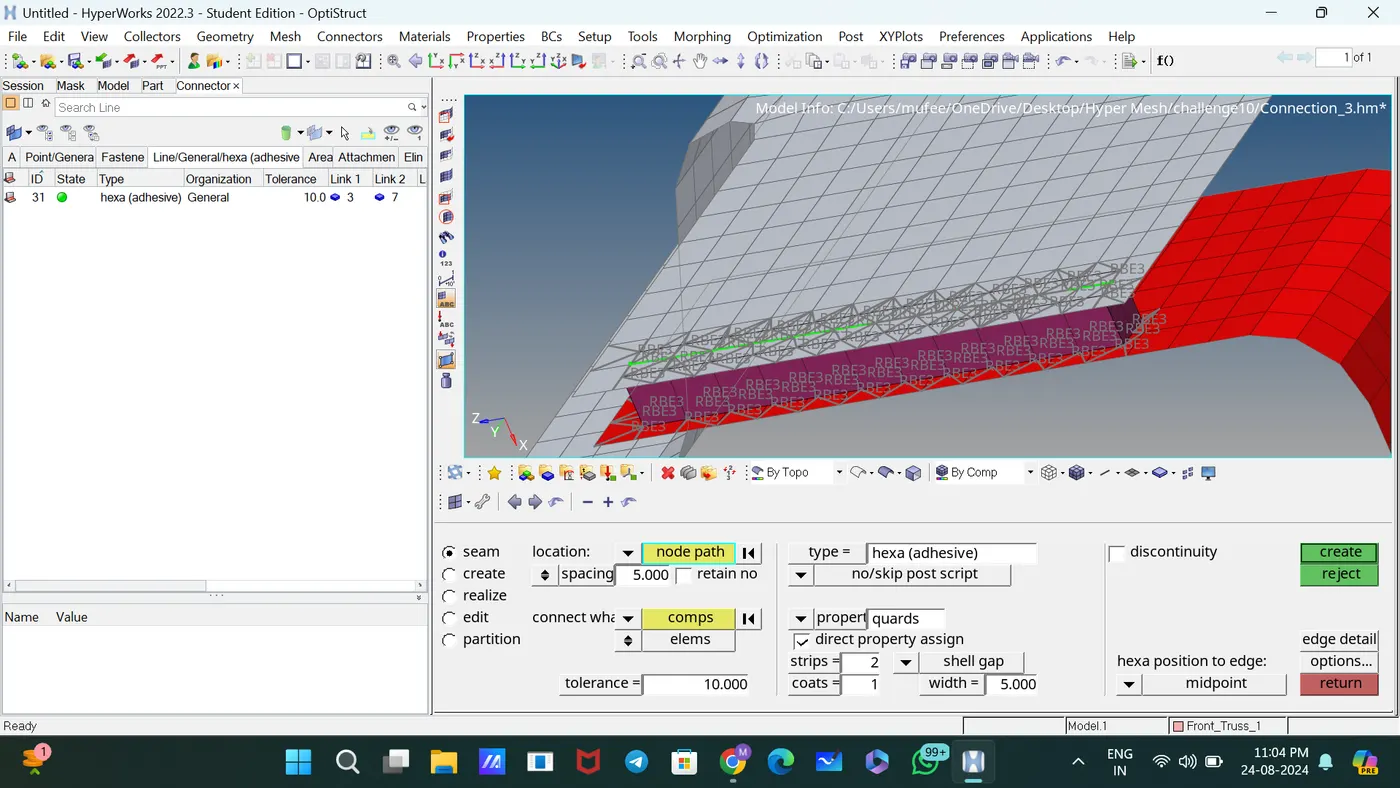
Connected Front_truss_2, Front_truss_1 & Left_Rail_1 by Hexa (Adhesive)
[2D—connectors—seam] spacing =5, Tolerance =10, Type= Hexa (Adhesive)
Connected Rear_truss_2 & Right_Rail_2 by Bolt Connector
[2D—connectors—Bolt] type= Bolt(general) selected the option create hole, if none
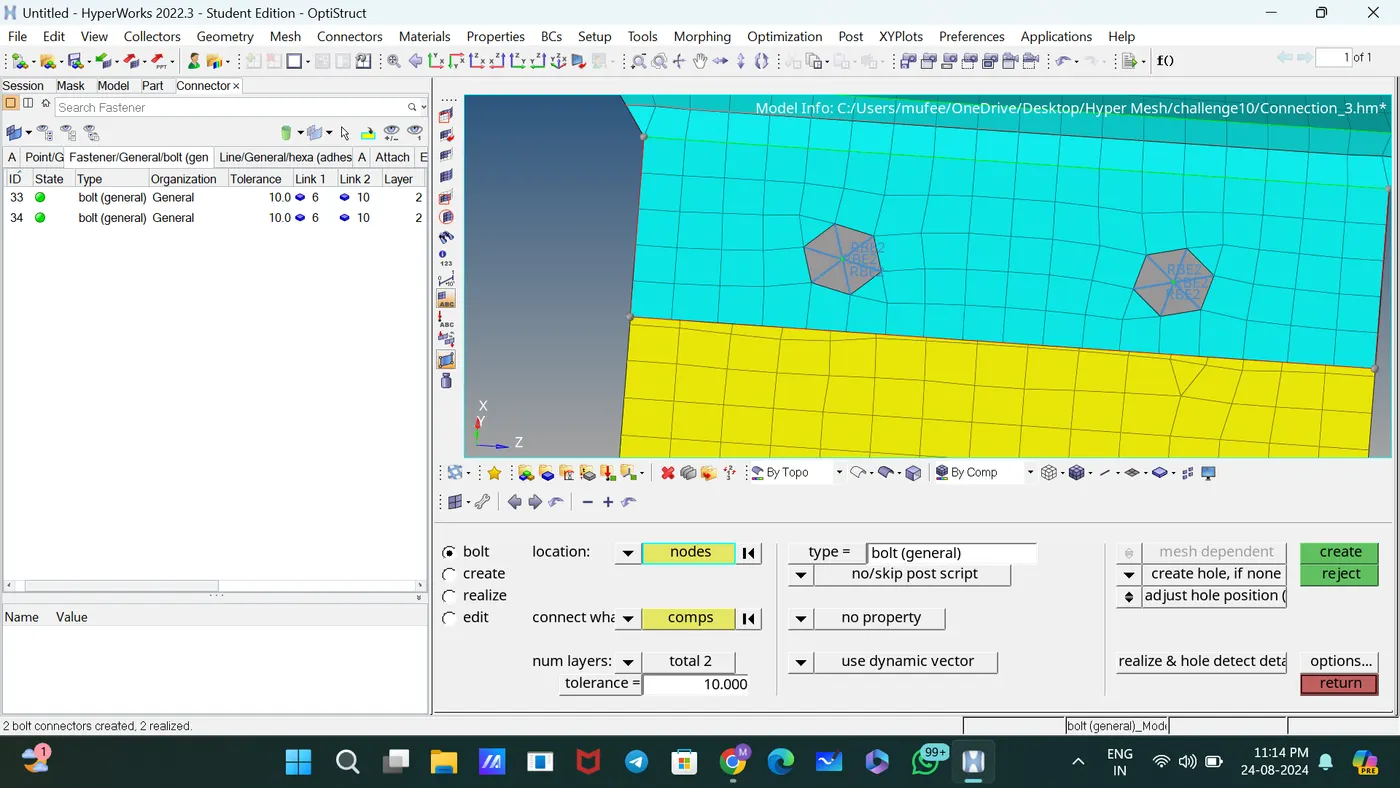
Connected Rear_truss_2 & Left_Rail_2 by Bolt Connector
[2D—connectors—Bolt] type= Bolt(general) selected the option create hole, if none
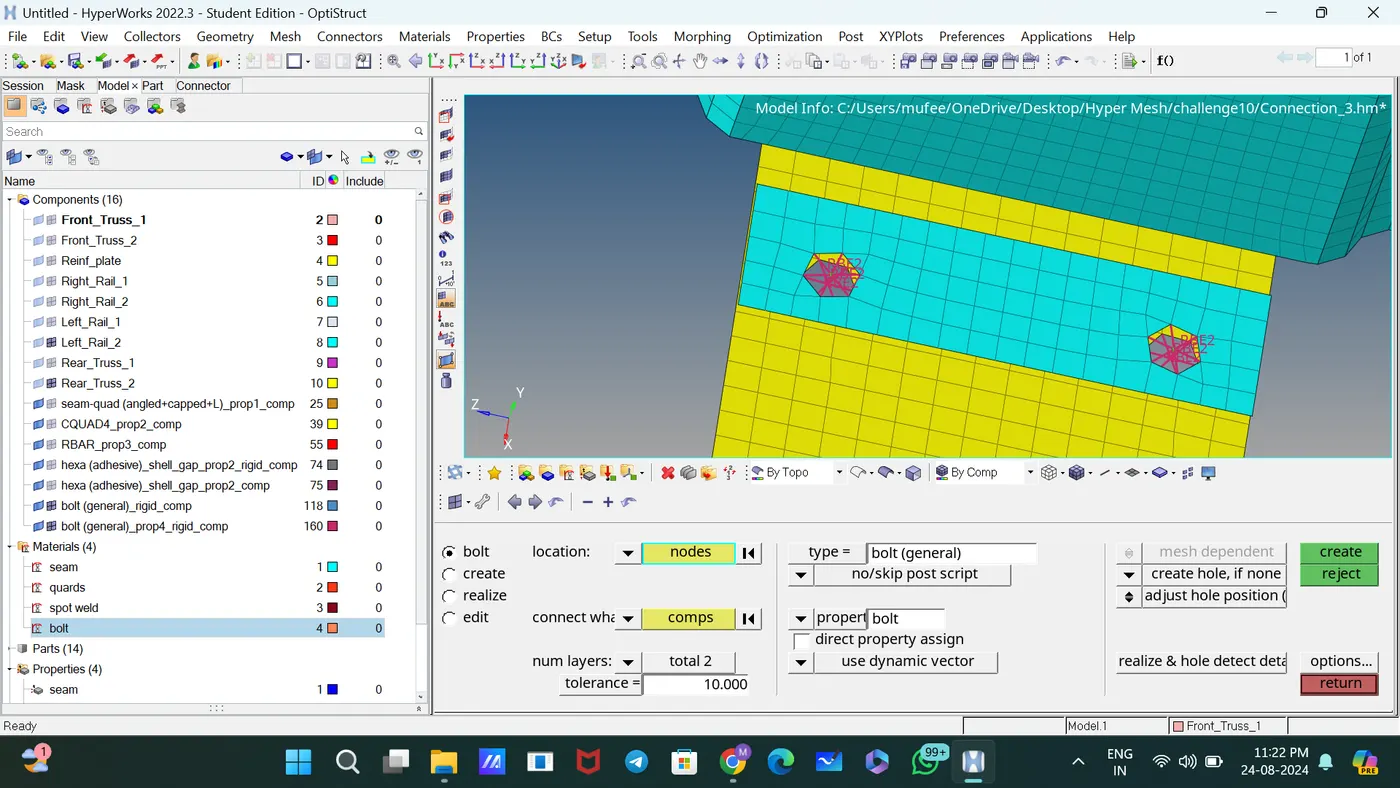
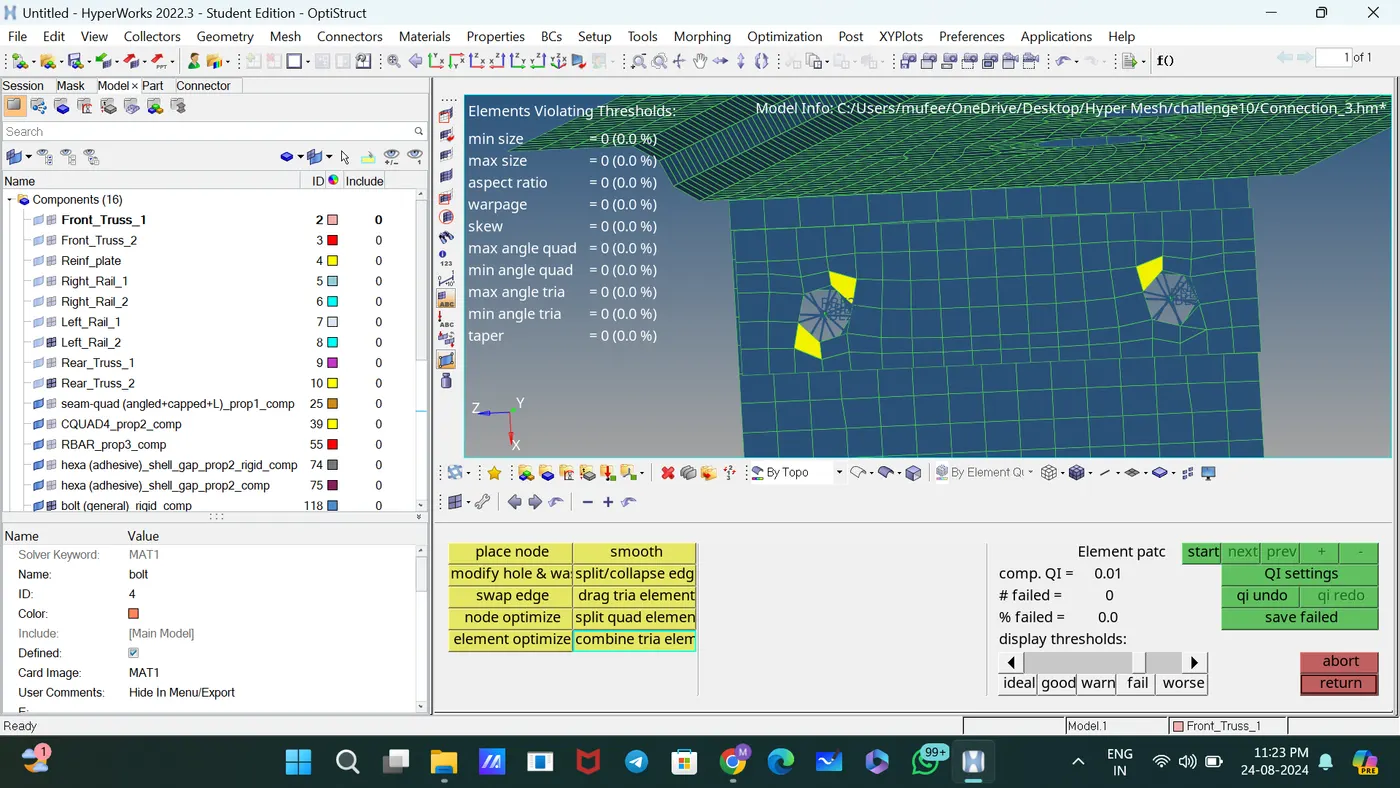
For removing rotational quads, use the slip quads and drag elements. Used Auto element cleanup to clean the element for accruing quality criteria.
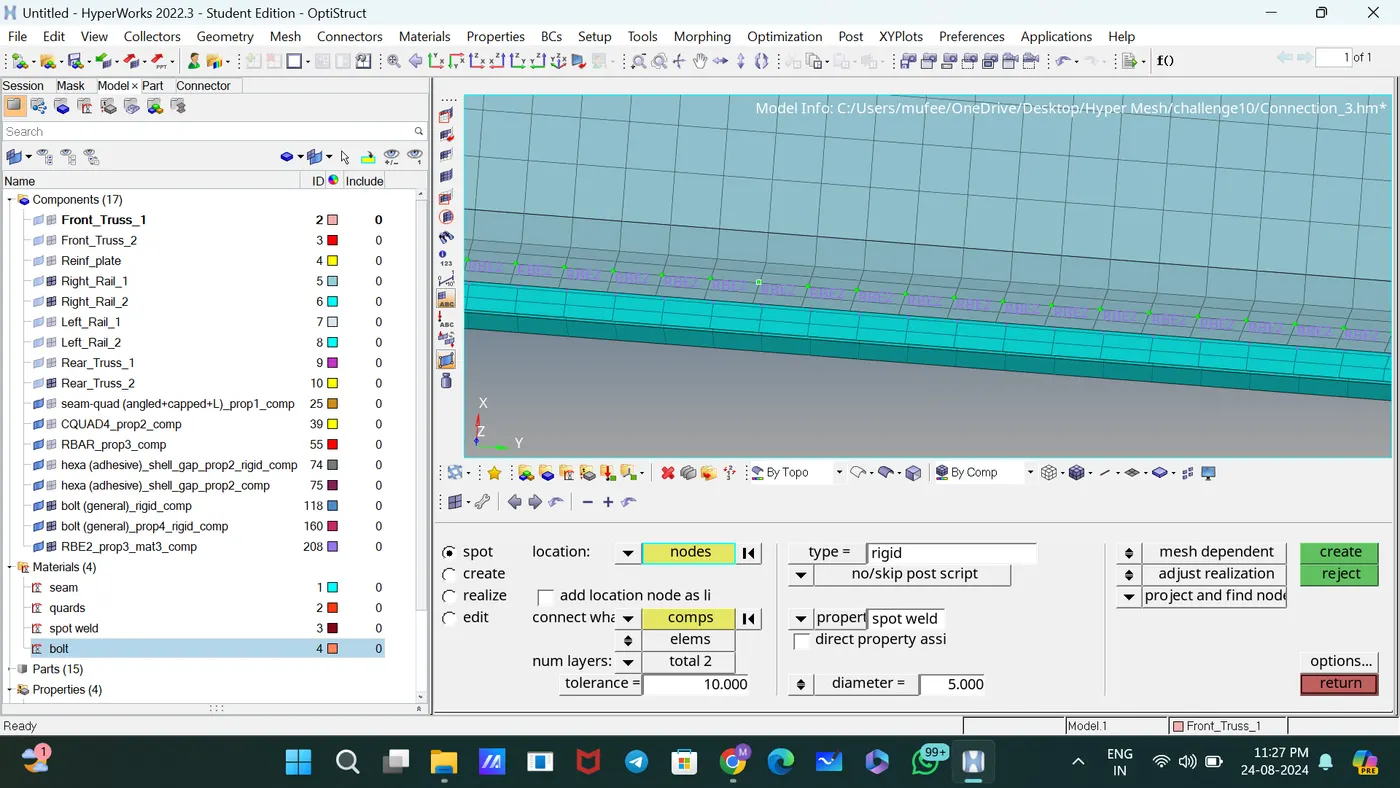
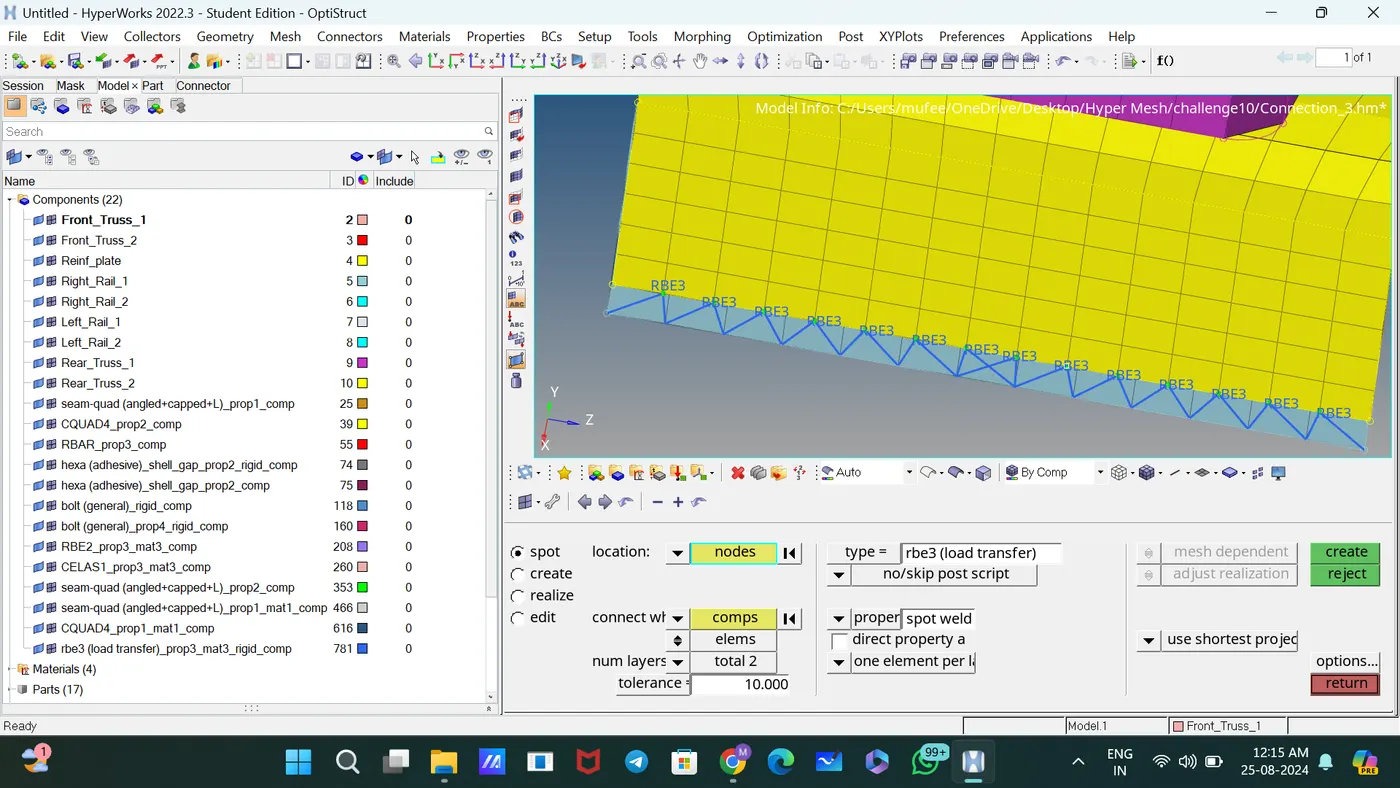
Connected Right_Rail_1 & Right_Rail_2 by Spot-weld with Rigid Elements
[2D—connectors—spot] type = Rigid
Connected Left_Rail_1 & Left_Rail_2 by Spot-weld with Spring Elements
[2D—connectors—spot] type = spring
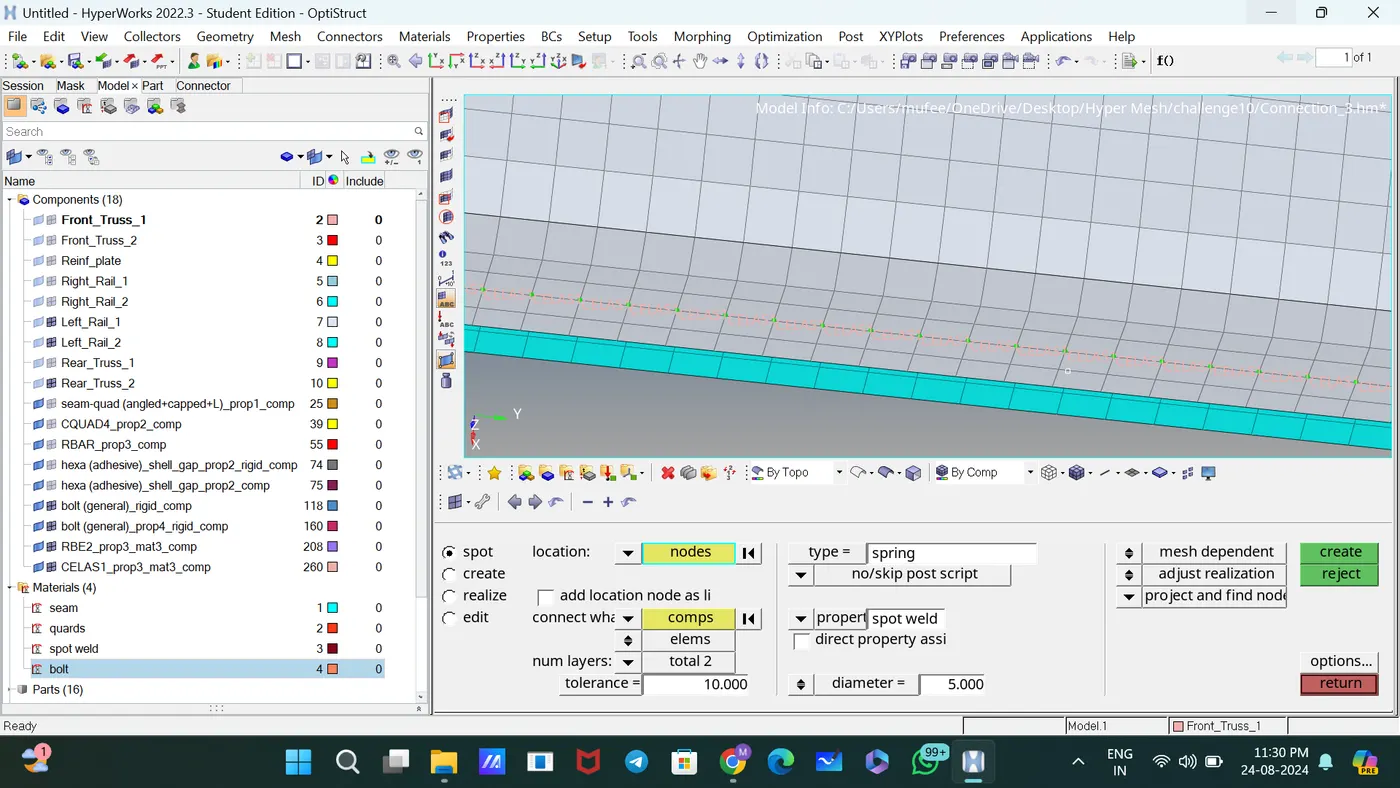
Connected by Quad elements
[2D—connectors—seam] spacing =5, Tolerance =10, Type= Quad elements
Connected by spot weld
[2D—connectors—spot] Type=RBE3
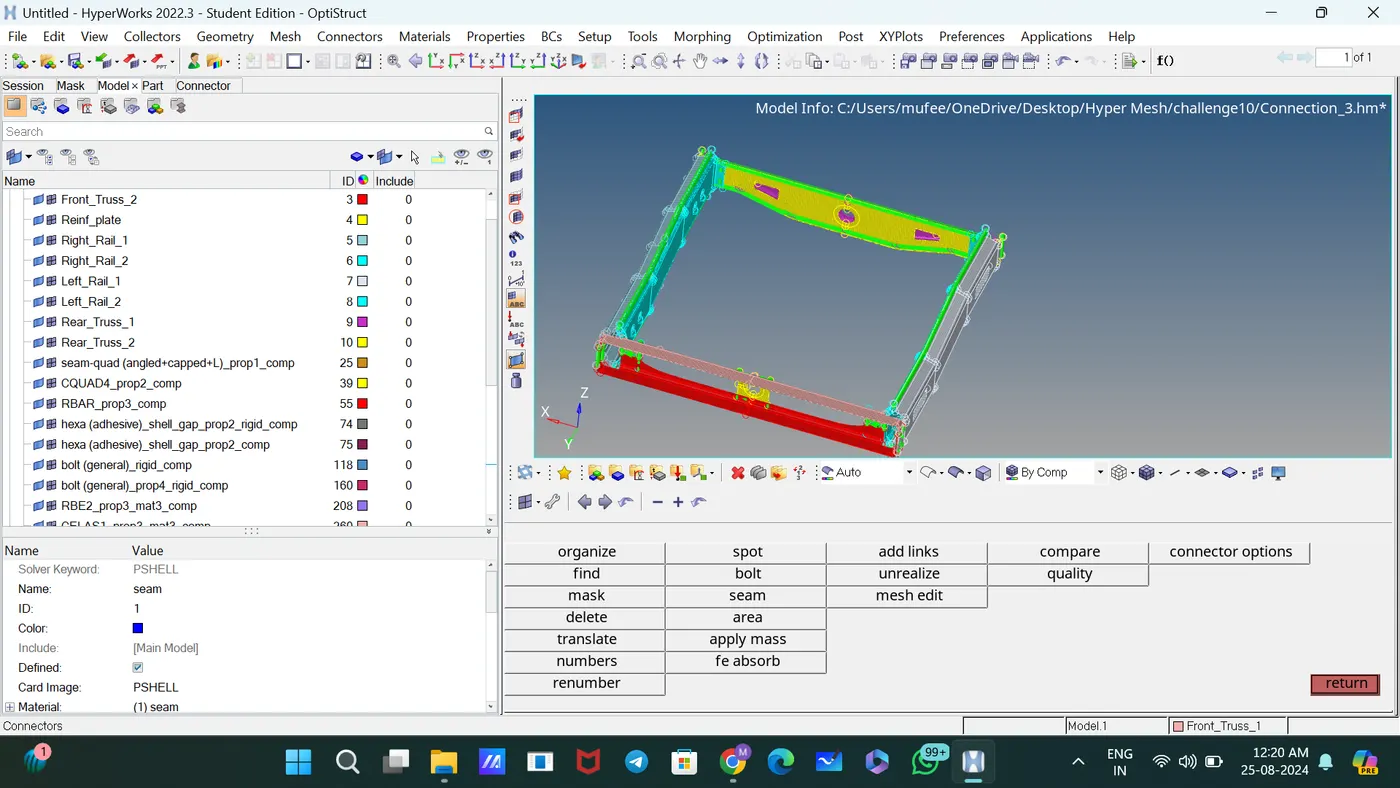
 Attached the various parts of the model using suitable connectors.
CONCLUSION:
Checked and corrected geometrical errors on the geometry and meshed it based on element Quality criteria given. Then created suitable connectors and attached the various parts of the model.