Project 2 - 2D meshing on the instrumental Panel
PROJECT REPORT
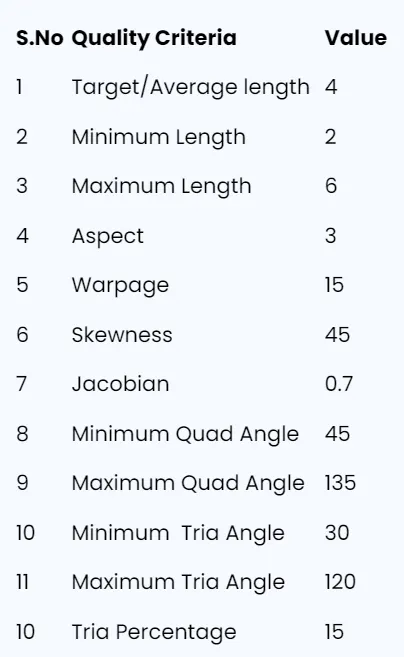
Check and correct geometrical errors on the Dash board sub part model and take mid surface, then mesh it based on element Quality criteria given below,
OBJECTIVES:
- To check and correct geometrical errors on the model.
- Generating Mid surface and geometry clean-up on the given component
- Generating mesh on the given component with low tria concentration and proper mesh flow
BODY OF THE CONTENT:
The given model is the Dash board sub part model with various thickness.
This is the CAD MODEL,
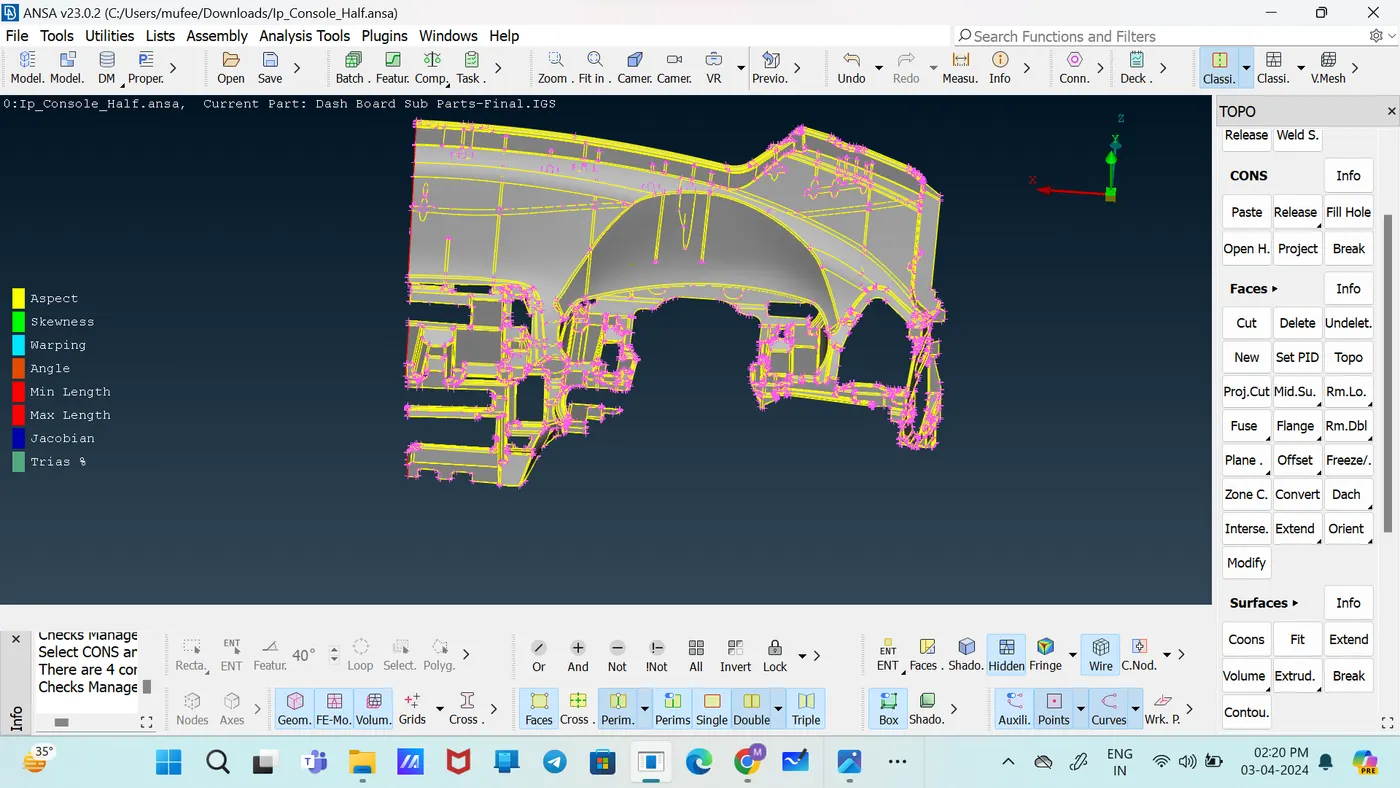
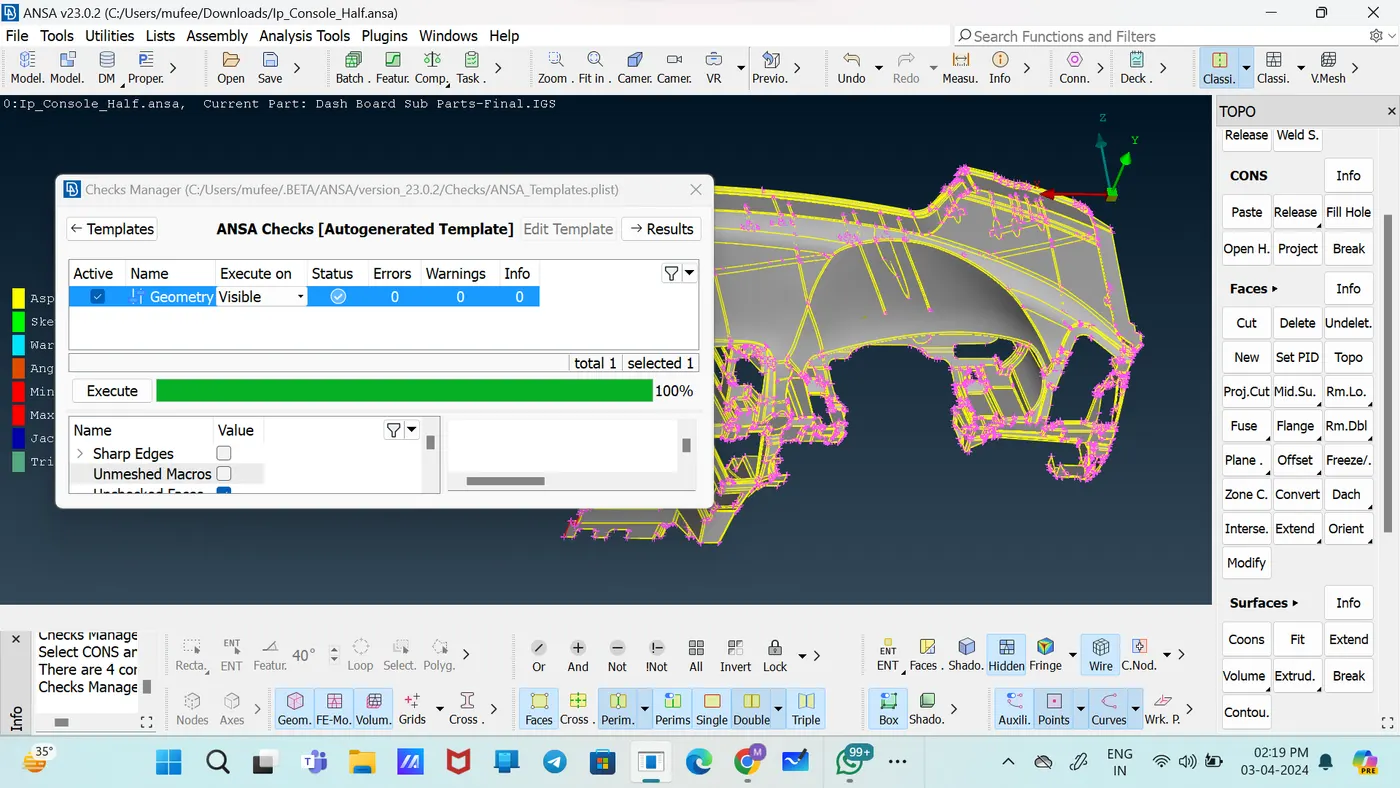
Checked the Geometry using the tool [Checks--Geometry].
cleaned up the model by fixing all errors.
Took manually the mid surface of the parent object using various techniques like middle, offset.
there is ANSA error while performing Casting command for mid surface and mesh.
cleaned up the part by replacing the damaged face with New Faces.
Used Topo and Release Tools for cleaning up.
Took mid surface of this components using by Faces ---Middle
And select the 2 surfaces who’s mid was intended to take.
Took mid surface of this components using by Faces ---Offset
Gave the OFFSET Value that is half of thickness with sign correspond to direction.
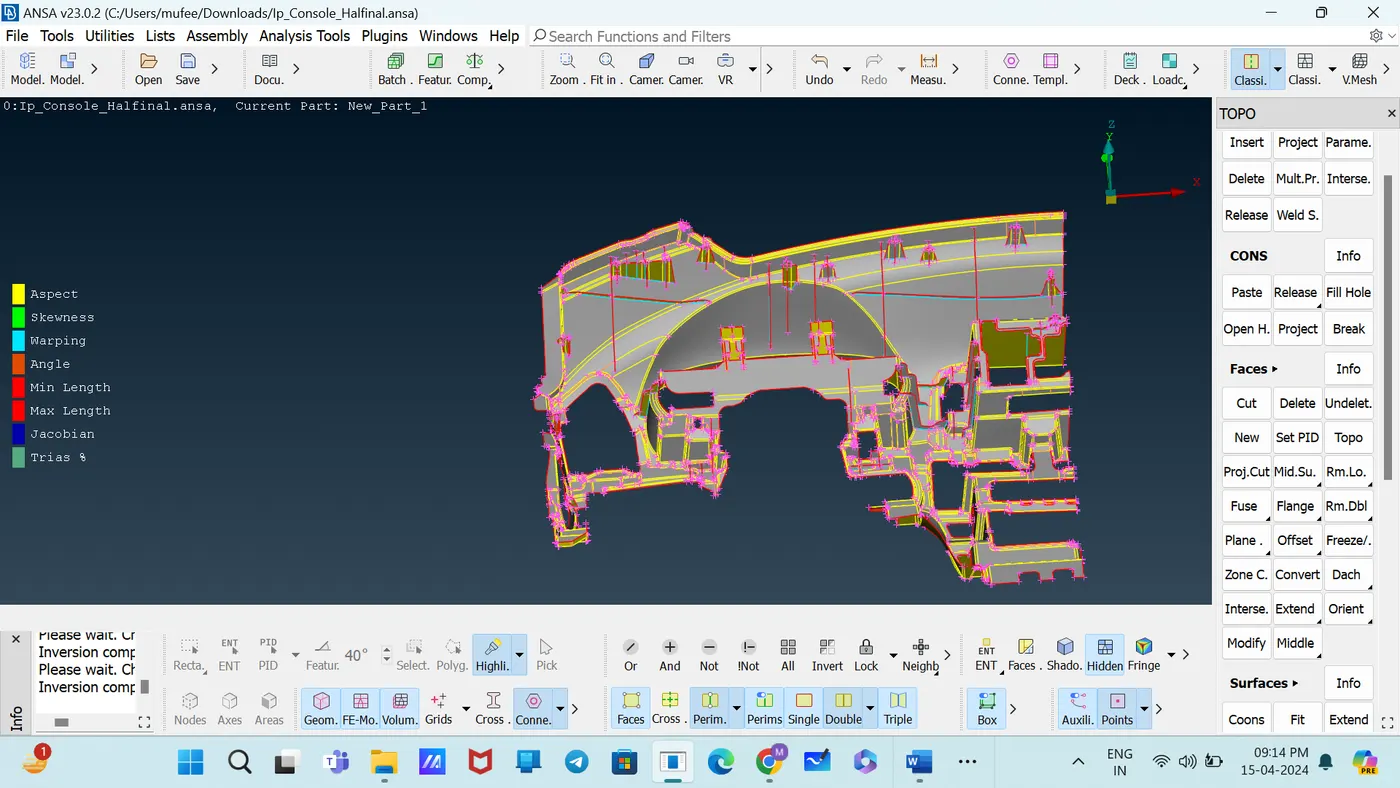
Dog house in this model captured as "Cross pattern" in Mid surface and assign default thickness.
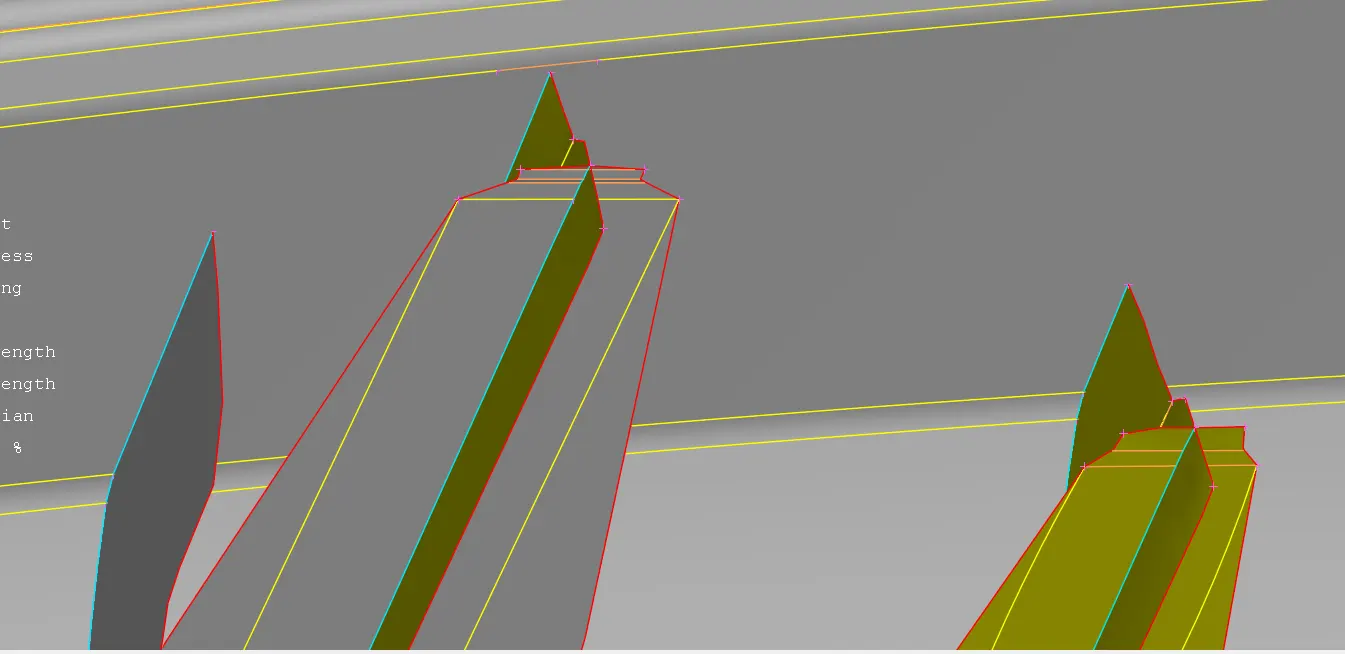
Assign PID and thickness to each entity of same of parent thickness.
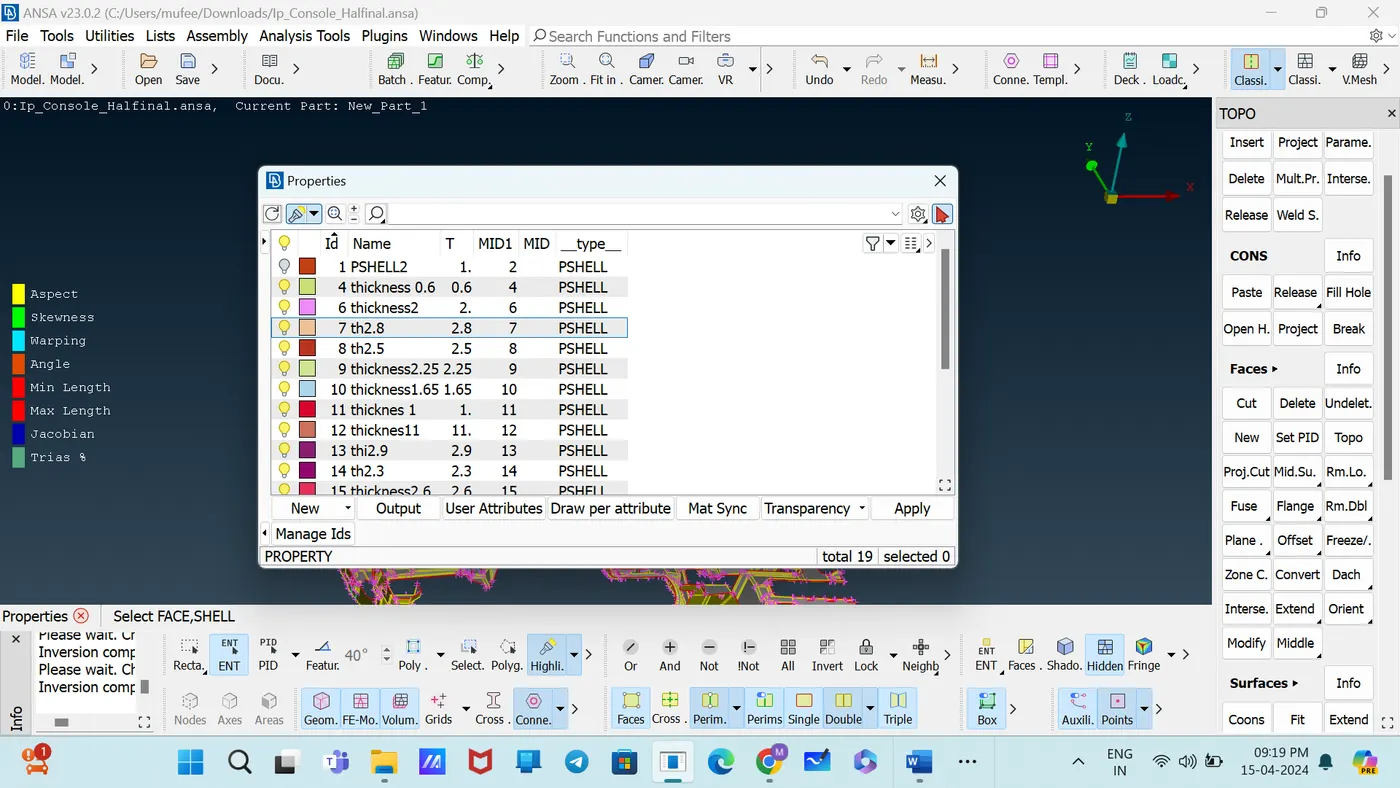
It started meshing with a component and moving outwardly.
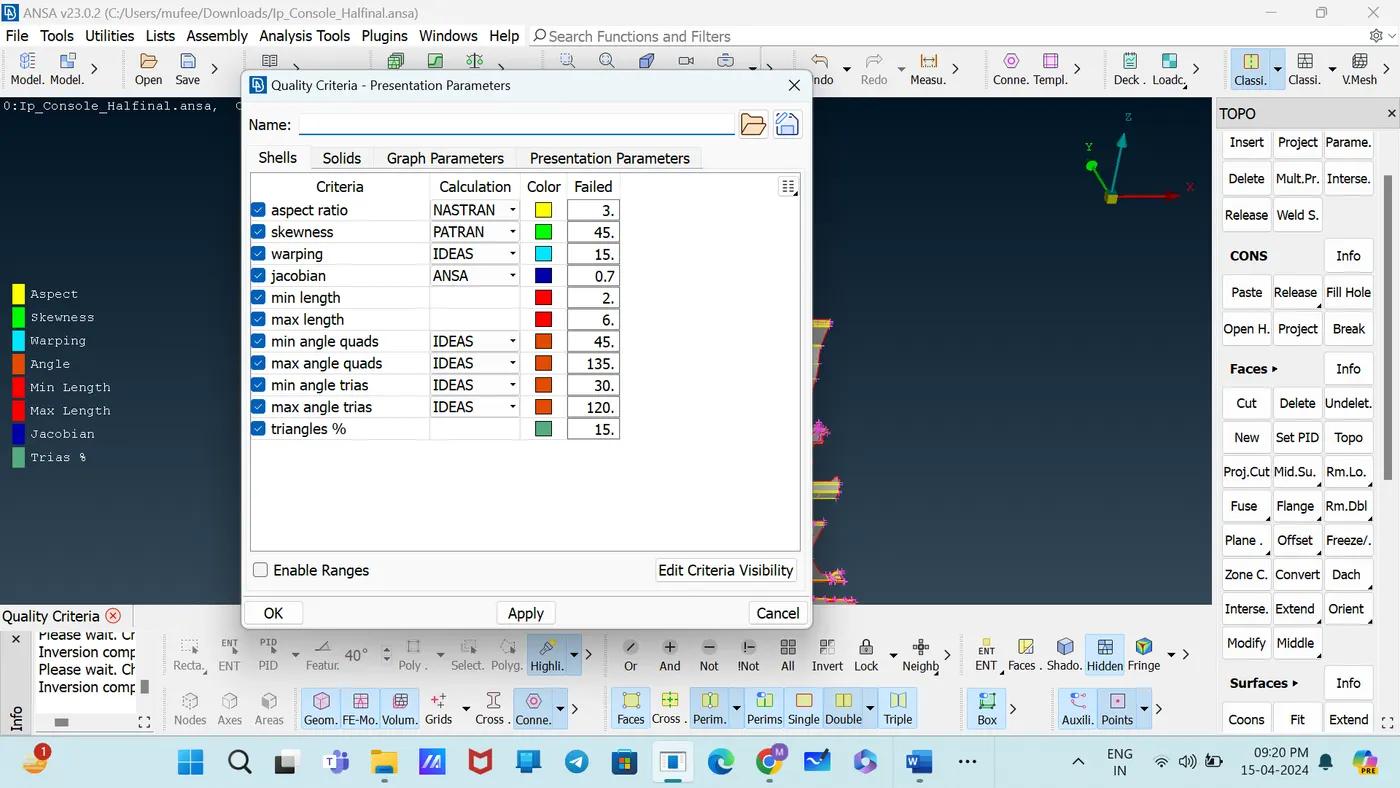
Applied the all given elements of Quality Criteria by [Quality criteria--Shells].
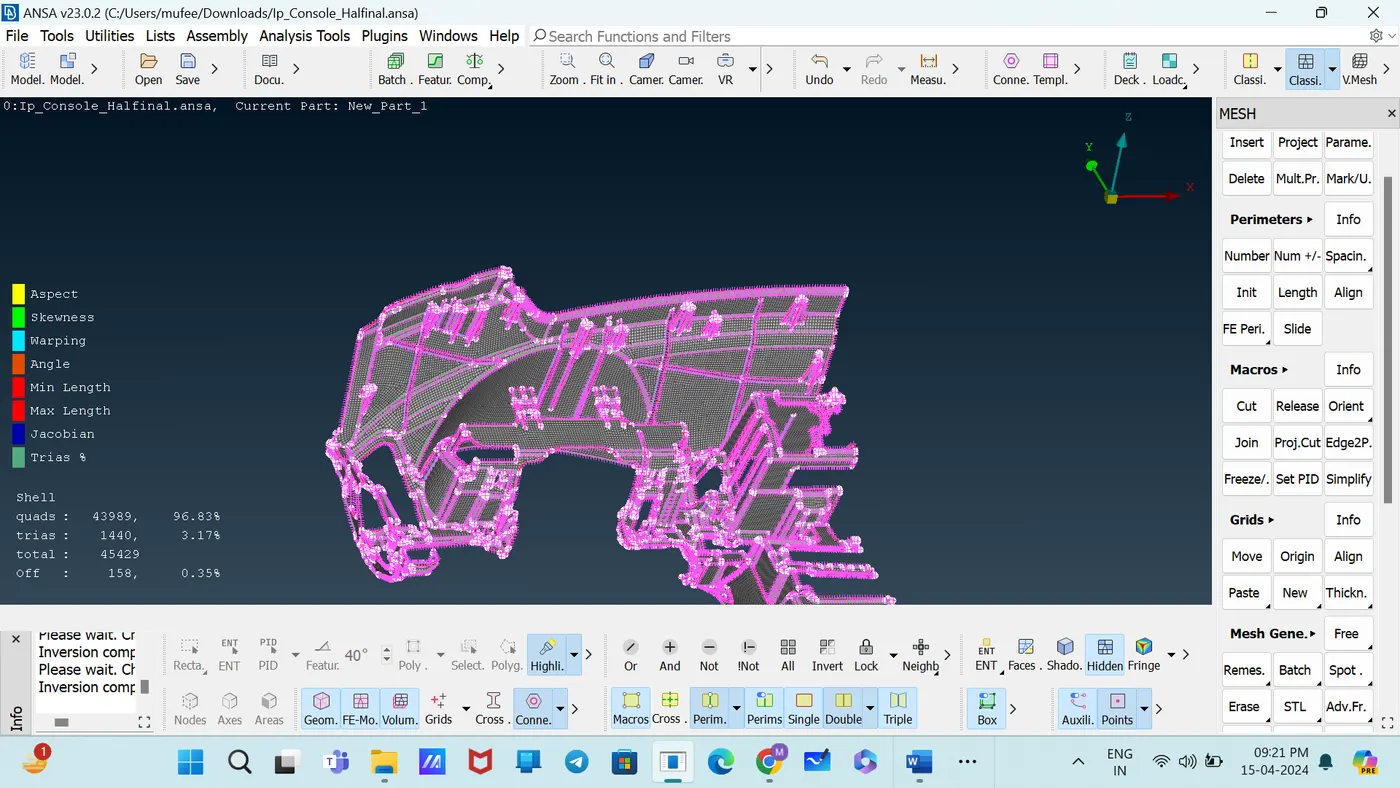
Changed to Hidden Mood to identify the off elements and fixed using the Tools
in the Shell mesh they are Reconstruct, Smooth, Collapse, and in the Elements,they are Split, Swap.
CONCLUSION:
For the given Dash board sub part model, the mid surface after checking the geometrical errors, Assign PID, Thickness to mid surfaces meshed with the mid surface 3.17%tria concentration, and proper mesh flow with the given element Quality criteria.