Week- 6 - Solid meshing
PROJECT REPORT
AIM:
Check Rear view mirror component for geometrical errors, and mesh Surfaces with specified 2D element quality criteria.
| SL NO | Quality Criteria | Value |
| 1 | Target/Average Length | 1 |
| 2 | Min Length | 0.5 |
| 3 | Max Length | 2 |
Use tetra elements to mesh the Volumes defined in the model and check for the below quality after Volume meshing.
| SL NO | Quality Criteria | Value |
| 1 | Tet Collapse | 0.2 |
OBJECTIVES:
- · Identify and rectify any geometric errors present in the rearview mirror component to ensure accurate modeling and simulation results.
- · Mesh the surfaces of the rearview mirror component according to specified 2D element quality criteria to ensure the integrity and accuracy of the mesh representation.
- · Utilize tetrahedral elements to mesh the volumes defined within the rearview mirror model, ensuring a suitable mesh density and quality for accurate simulation results.
- · Assess the quality of the volume mesh to ensure it meets predefined criteria, focusing on factors such as element shape, aspect ratio, and mesh density distribution.
- · Confirm that the surface quality of the rearview mirror component remains high after volume meshing, ensuring there are no surface imperfections such as kinks or dips that could impact simulation accuracy or visual representation.
PROCEDURE:
This is the CAD MODEL of Rear-view mirror component,
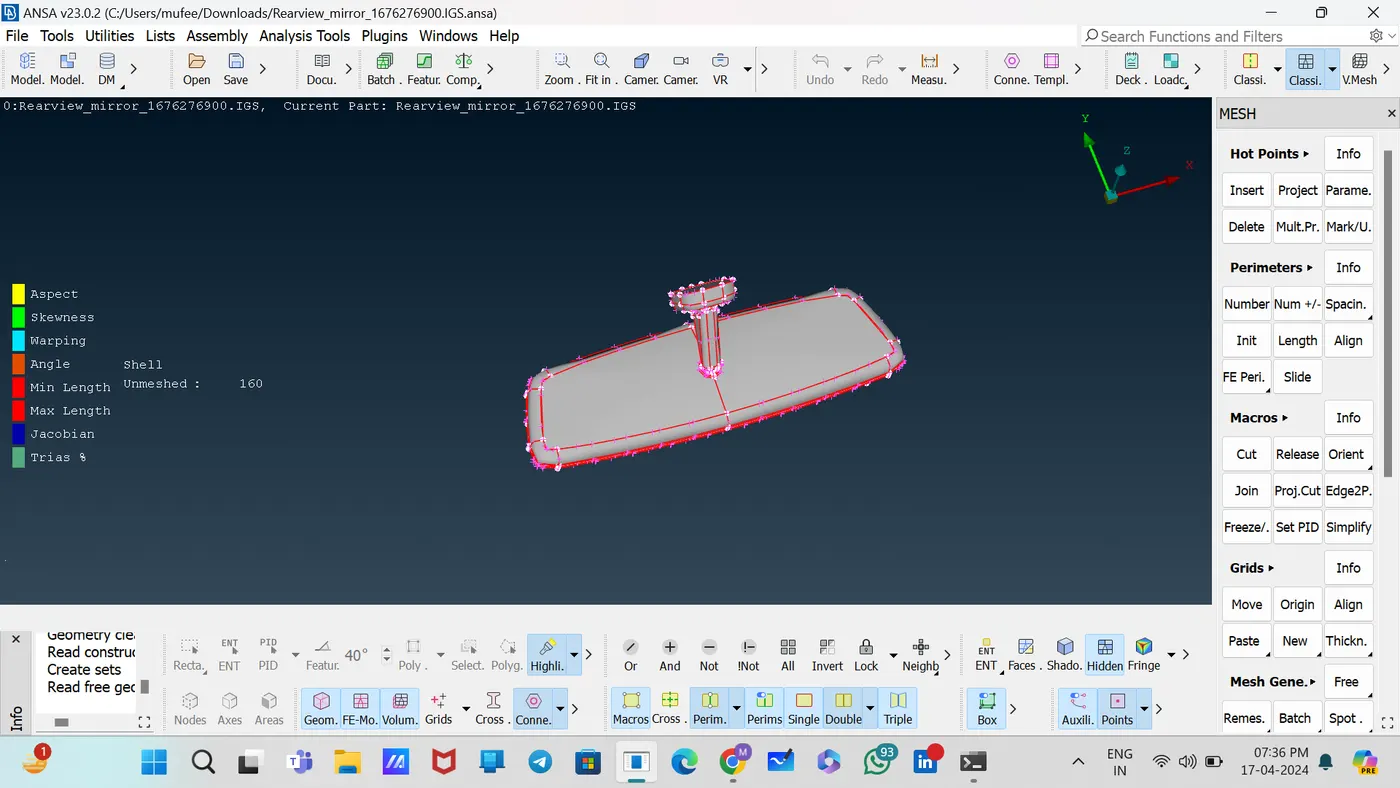
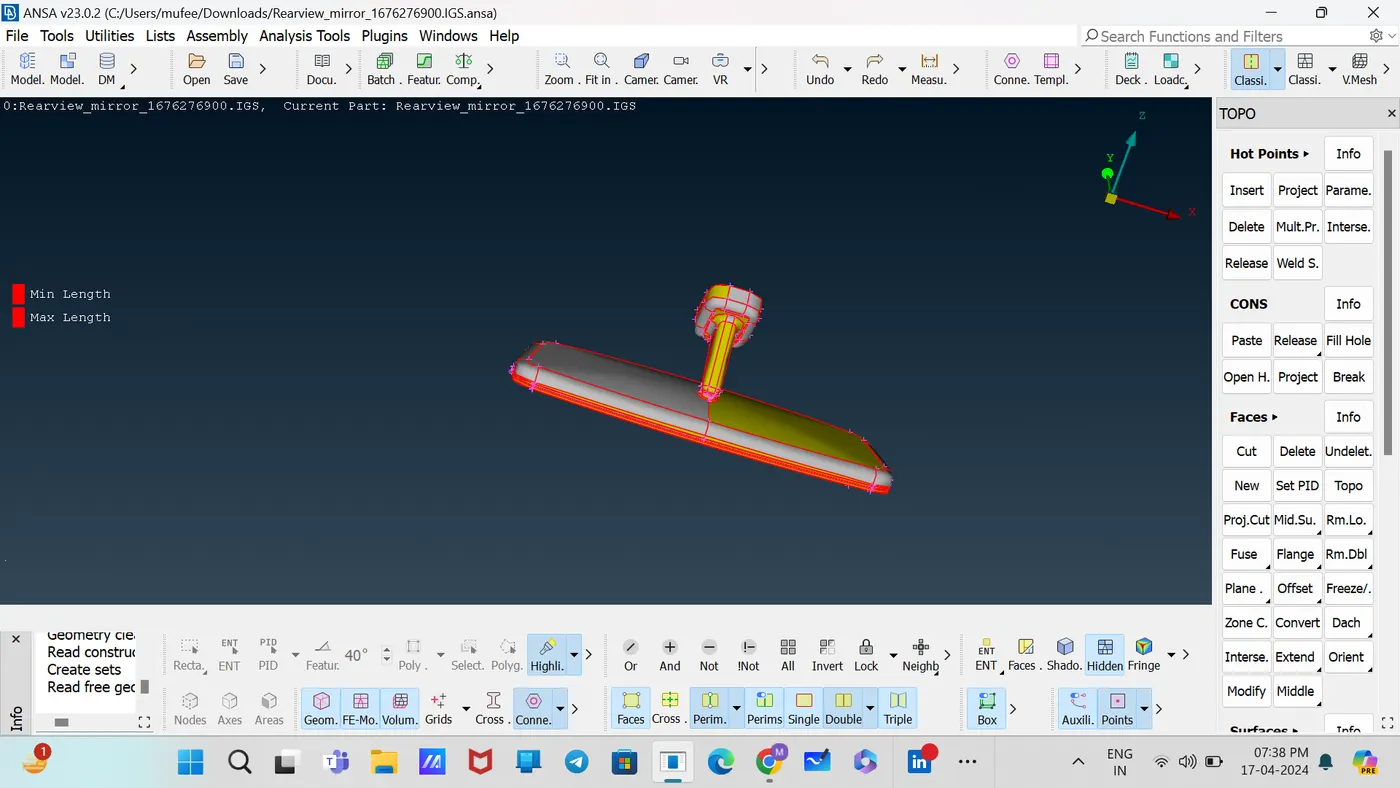
Checked the orientation and rectified by using the command [Topo—Faces—Orient--visible]
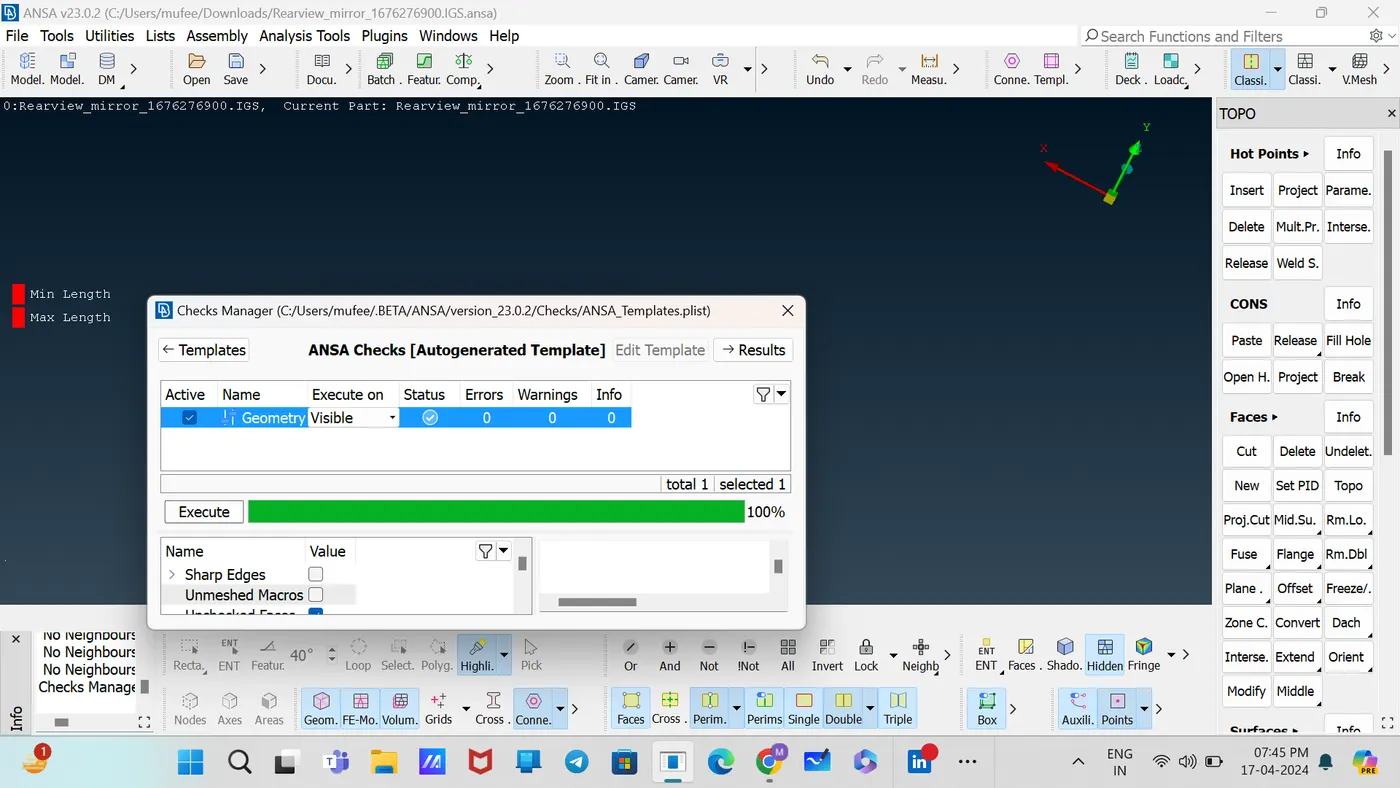
Checked the Geometry using the tool [Checks--Geometry].
cleaned up the model by fixing all errors using Release, Topo commands.
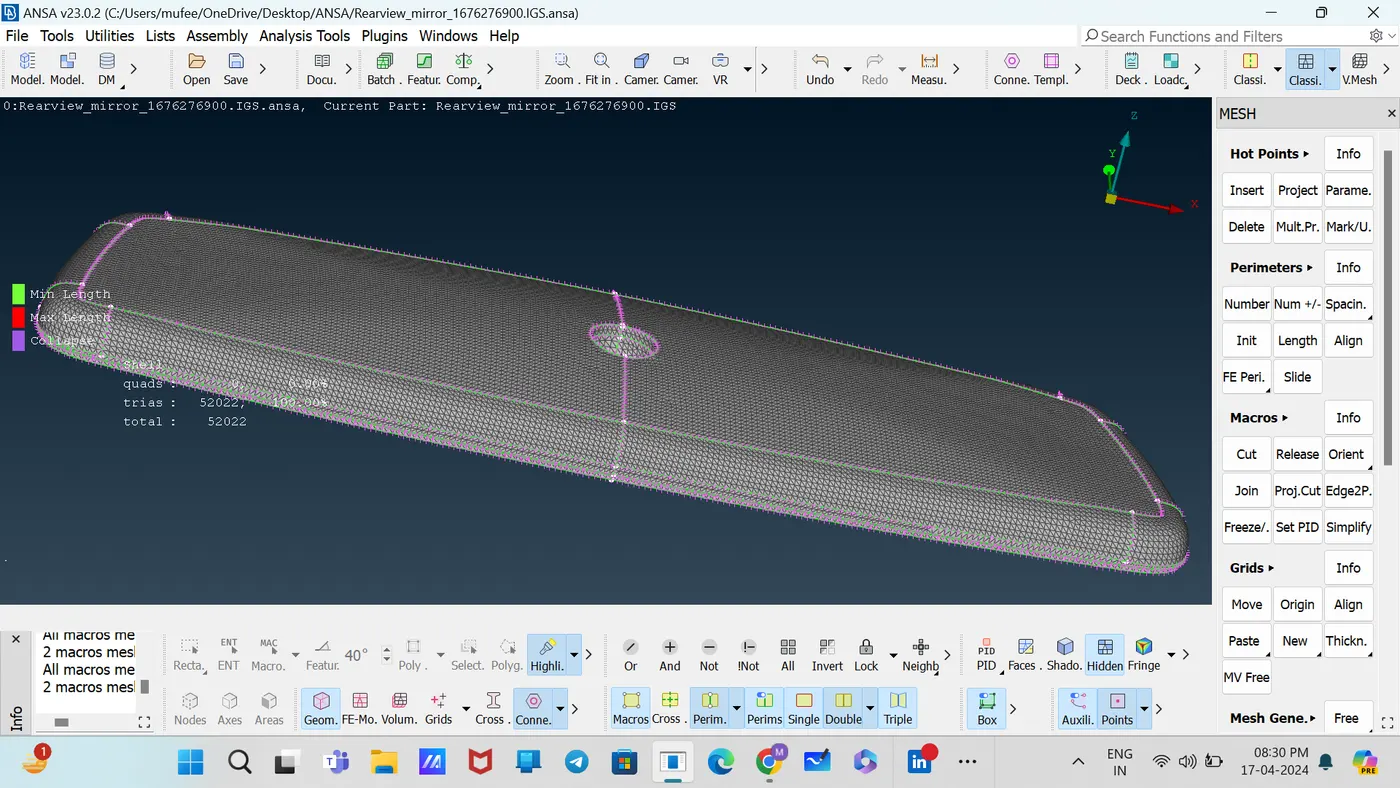
Set the target length as 1, mesh type as ortho Tria in Mesh Parameter Tab.
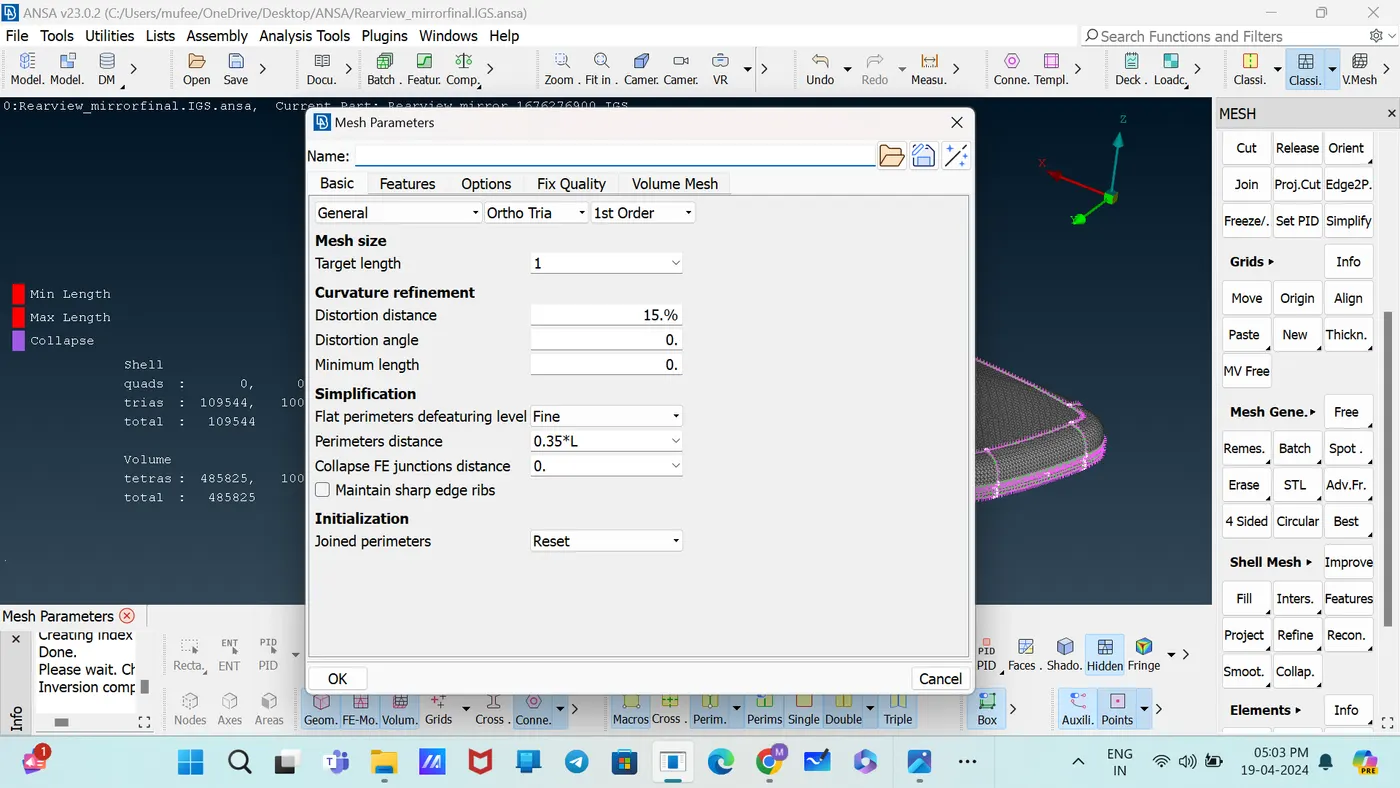
Set the Quality Criteria As min length 0.5, Maximum length 2 in shell, and collapse I 0.2 in solids.
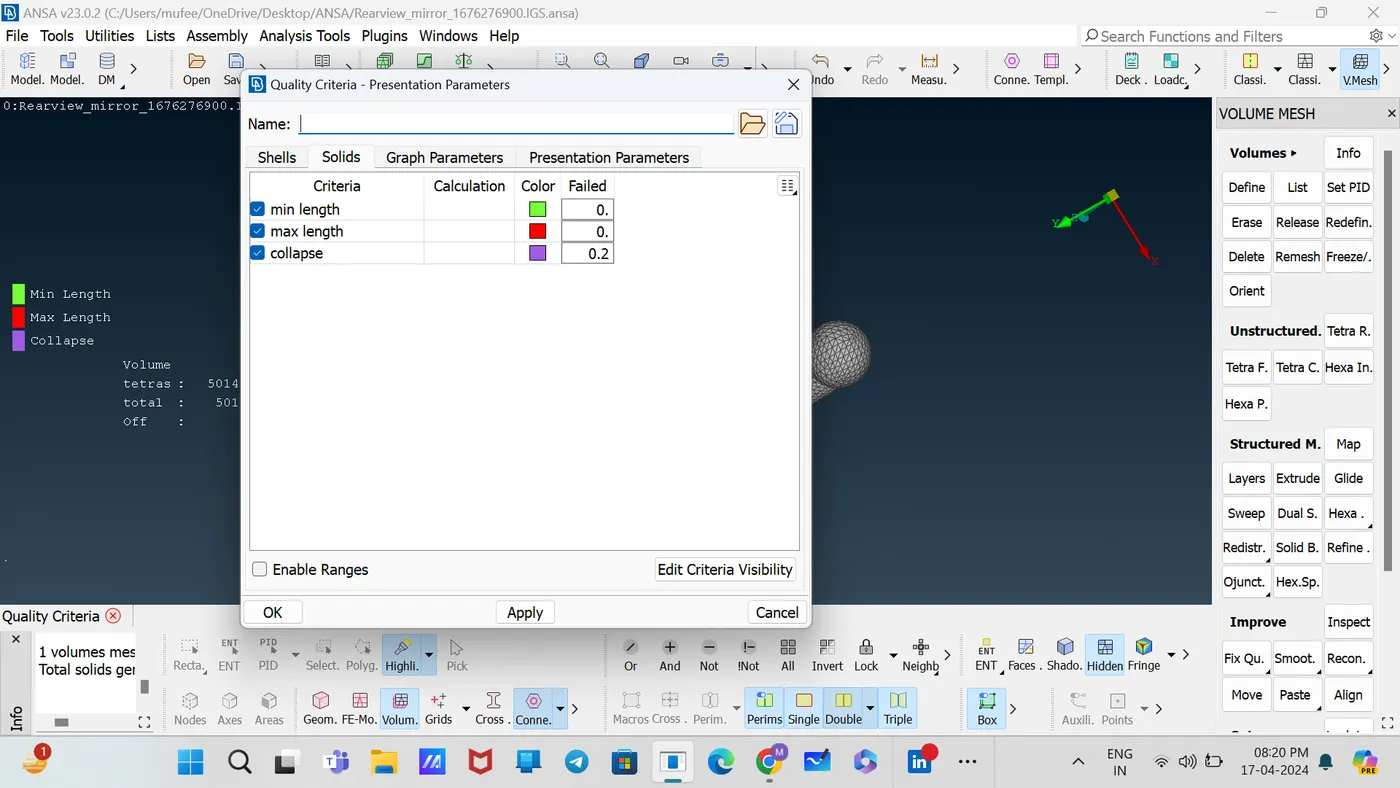
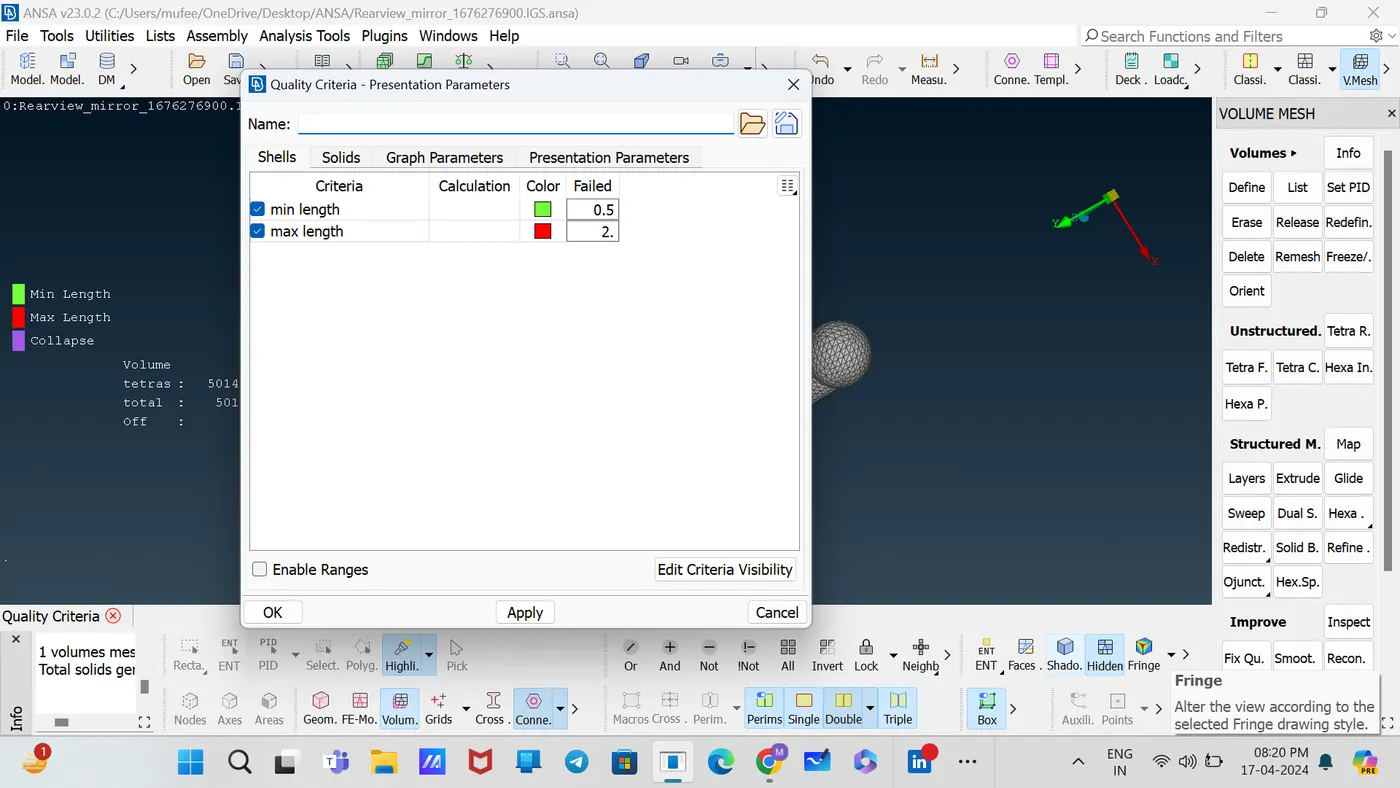
Isolate each PID component, start mesh individually.
Mesh each component using by the command [classic mesh—mesh generation—spot mesh—select].
Complete the meshing by ortho mesh in curved area and tria mesh in flat area.
Use the Reconstruct command for proper mesh flow. [Classic mesh—Shell mesh—Reconstruct].
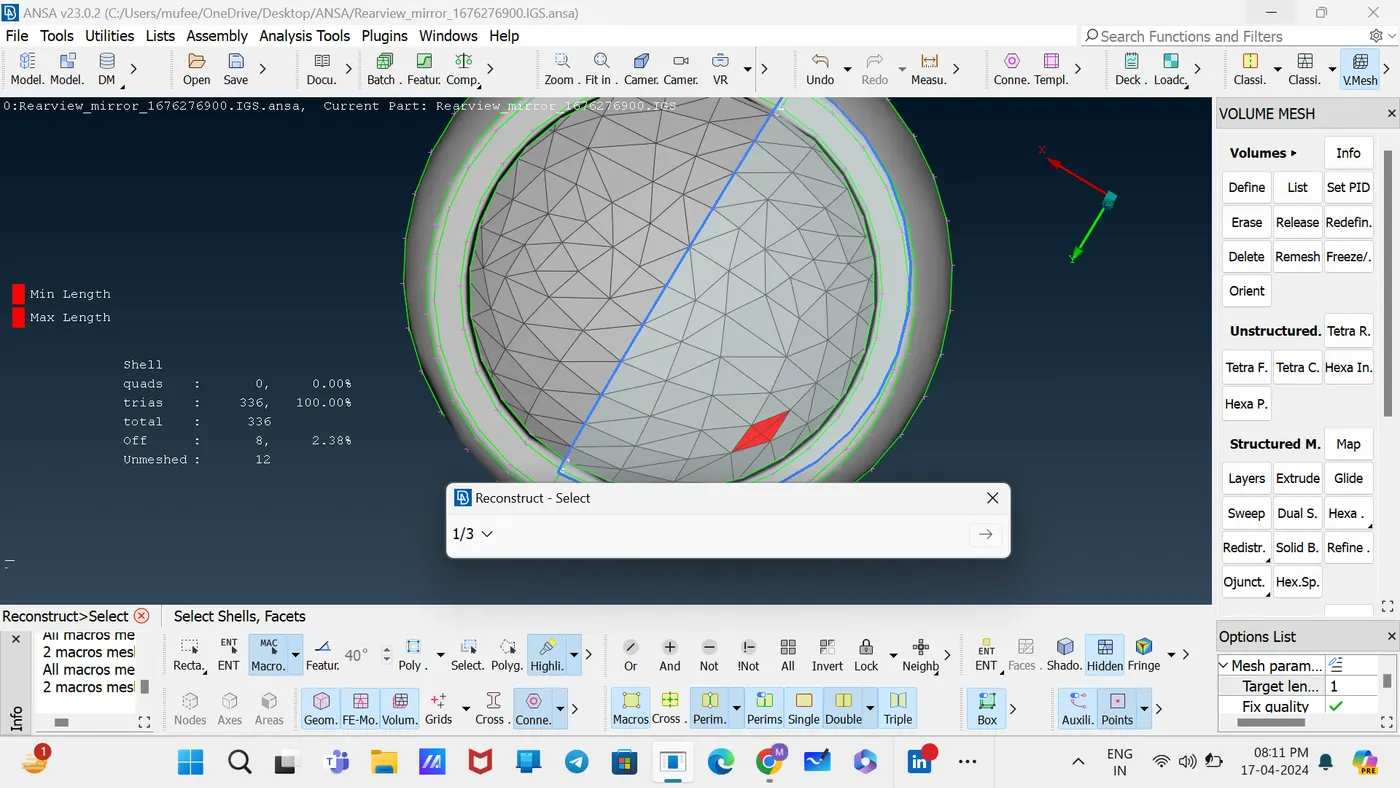
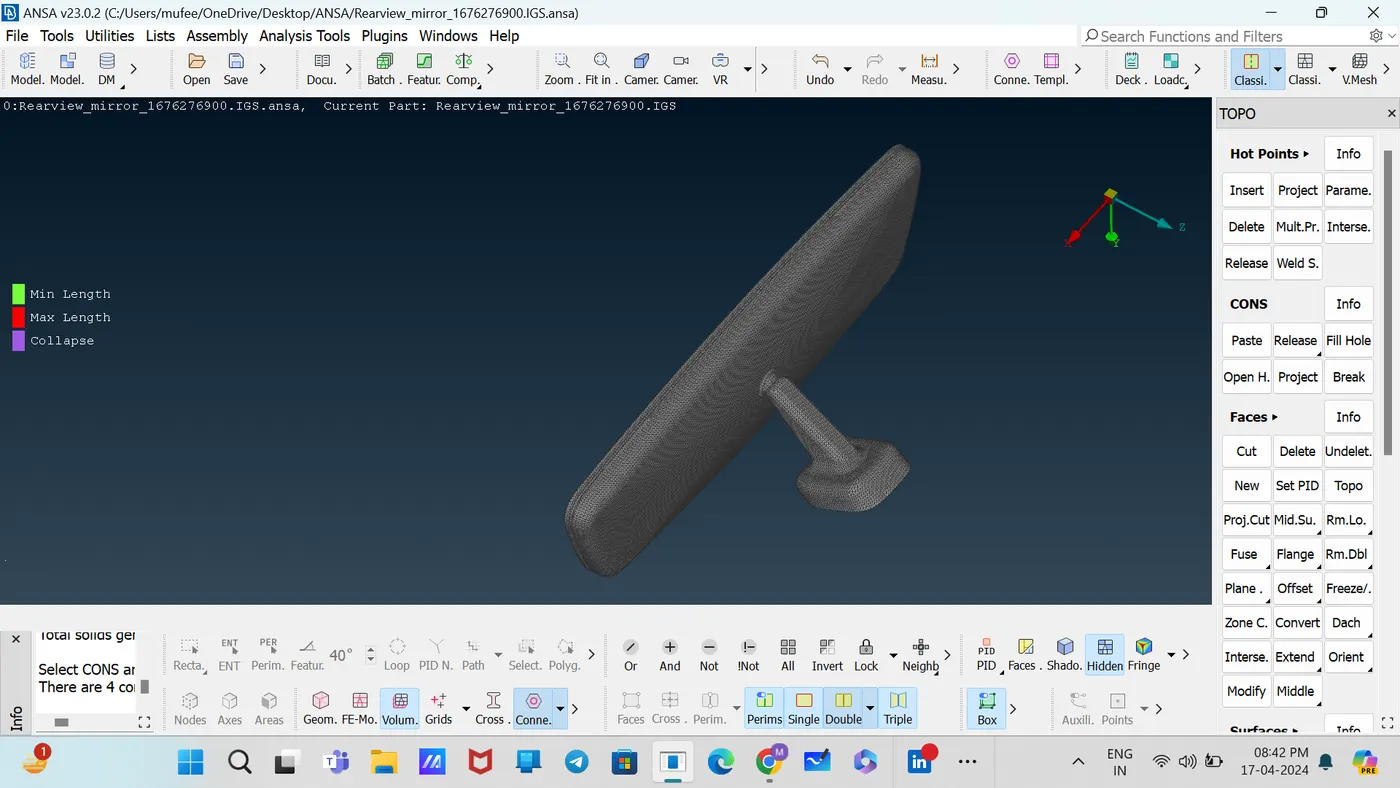
Define the volume by the command [Volume mesh—volumes—Define] Select the component.
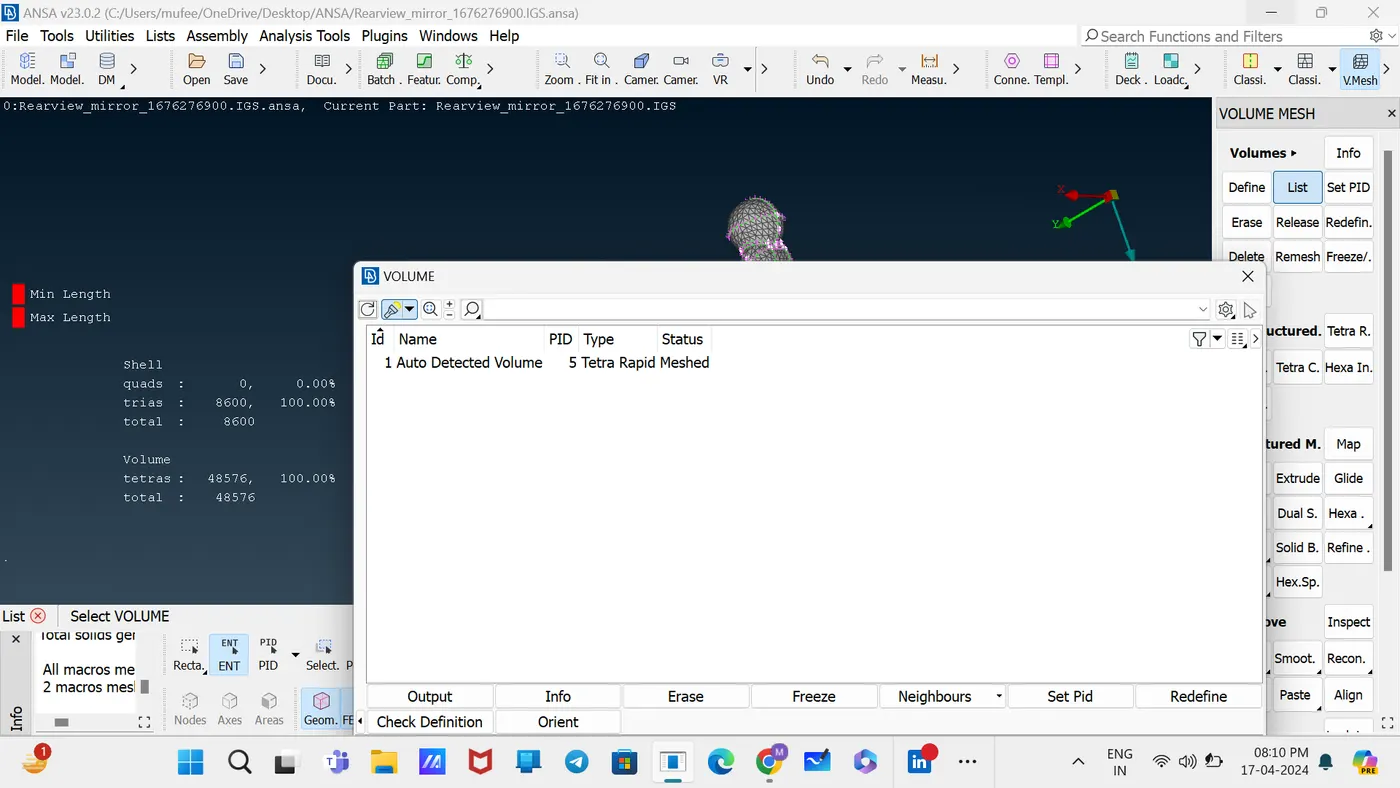
Set the PID for the component by new—PSOLID.
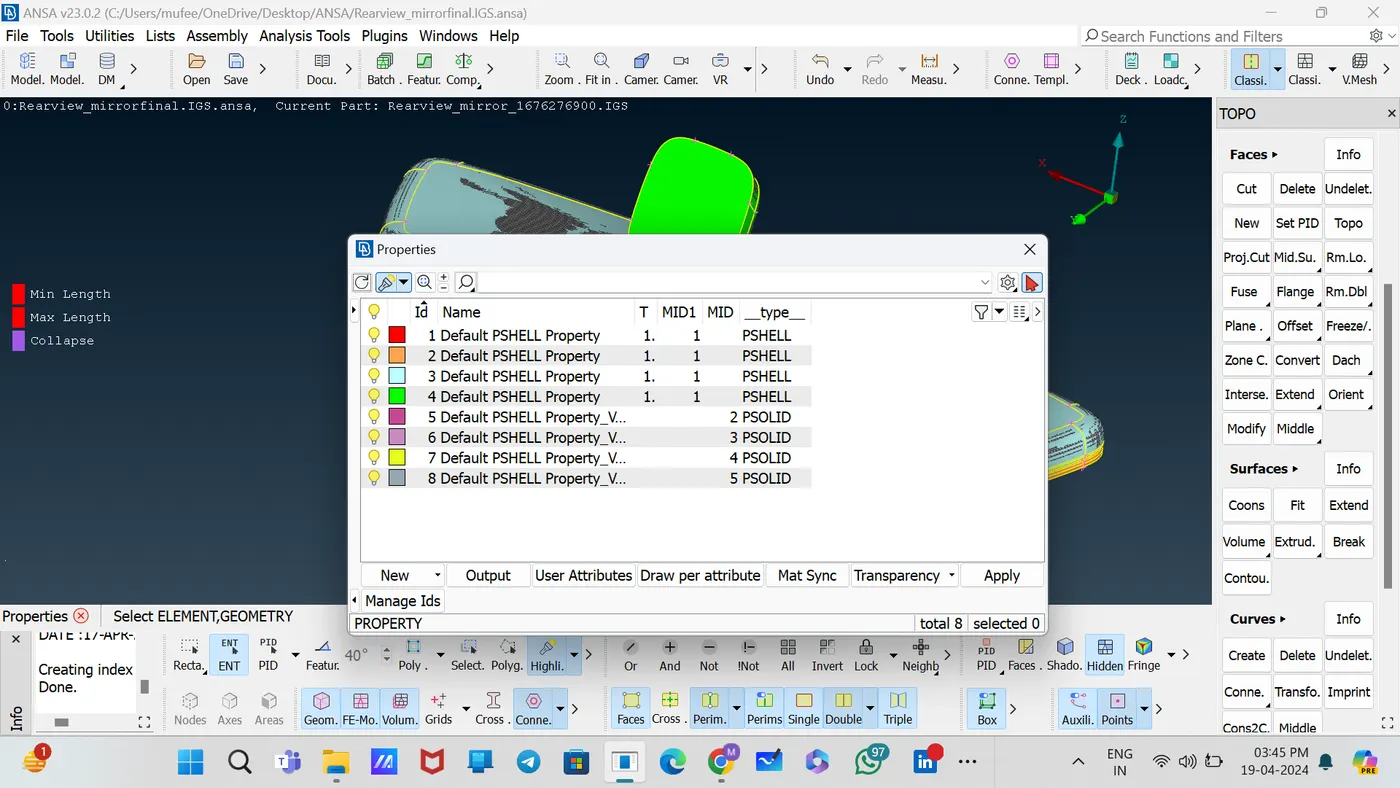
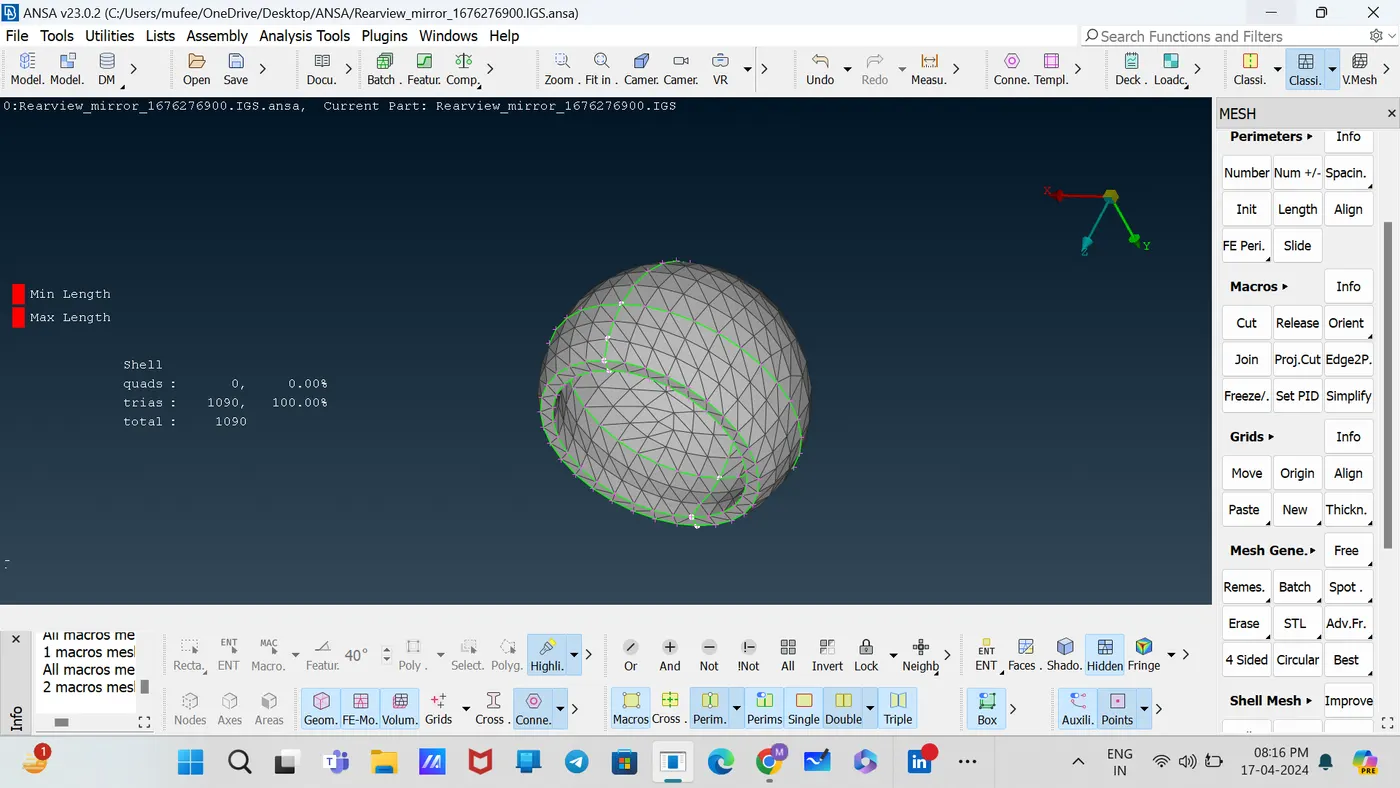
For converting tia to Tetra elements, Use the command [Volume Mesh—Unstructured—tetra Rapid].
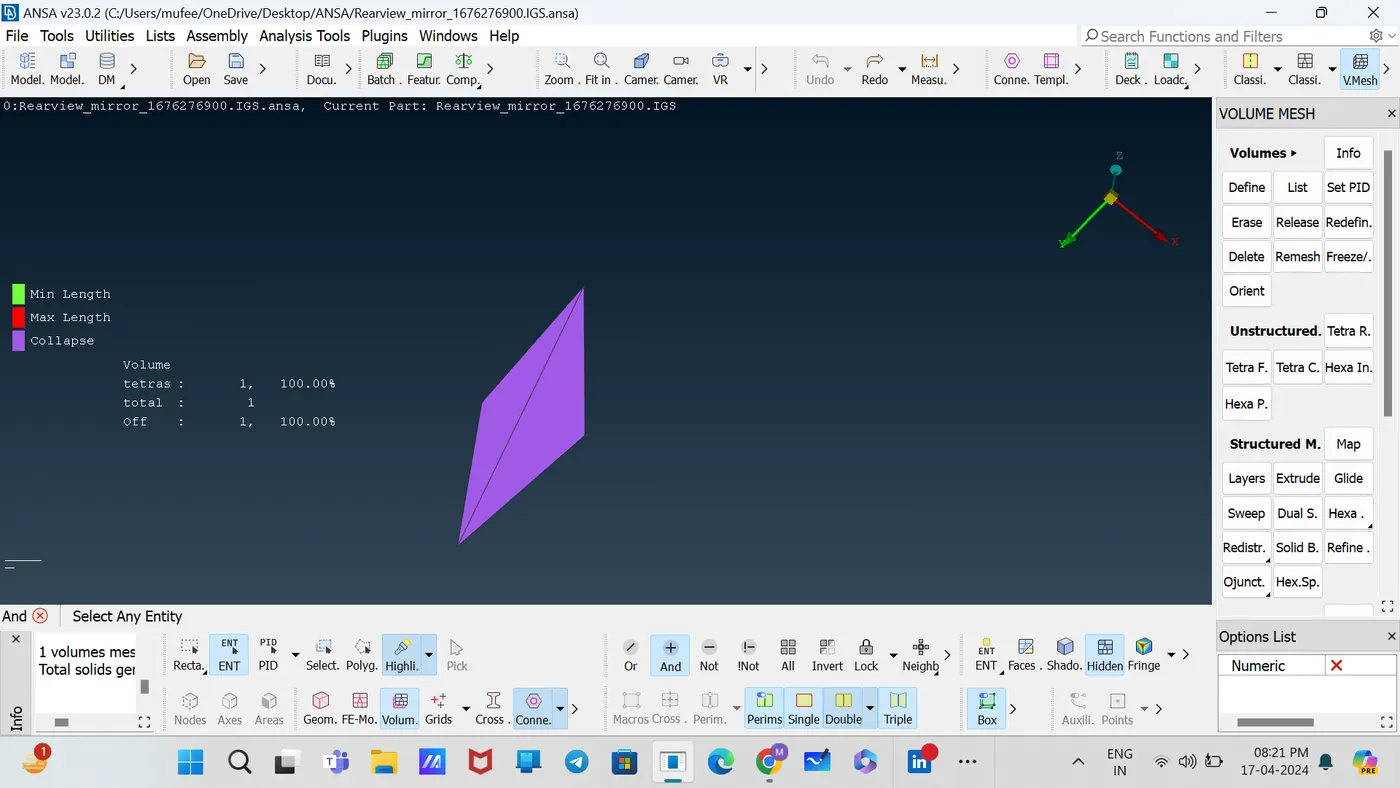
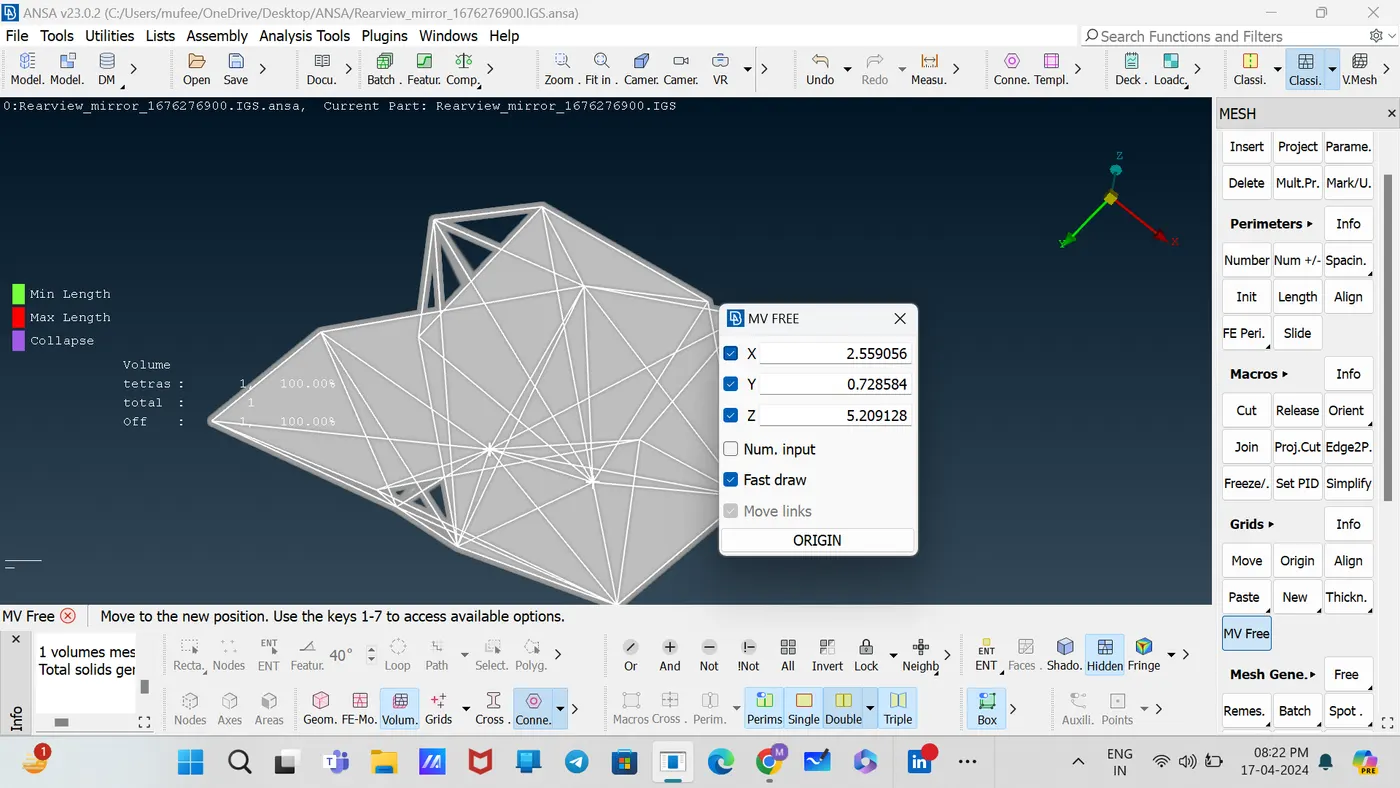
Rectify the collapse off elements using by the command [classic mesh—Grids—MV Free]
For remaining components, follow the above steps and complete the tetra meshing.
CONCLUSION
1. Geometric Validation: Through meticulous inspection and correction of geometric errors, we have ensured the integrity of the rearview mirror component's model, laying the foundation for accurate simulation and analysis.
2. Mesh Quality Assurance: By adhering to specified 2D element quality criteria and employing tetrahedral elements for volume meshing, we have established a robust mesh structure that meets the standards of accuracy and reliability required for simulation purposes.
3. Quality Confirmation: Our comprehensive evaluation post-volume meshing confirms the suitability of the mesh in representing the rearview mirror component, with particular attention paid to surface quality, ensuring a smooth and precise simulation environment for further analysis and optimization.