Week- 6 - Solid meshing
AIM:-
The below-mentioned quality criteria have to follow, also meshing the component with a target size of 1 unit, and assigning thickness at last:
|
S.No |
Quality Criteria |
Value |
|
1 |
Target/Average length |
1 |
|
2 |
Minimum Length |
0.5 |
|
3 |
Maximum Length |
2 |
This criterion is for shell elements.
|
S.No |
Quality Criteria |
Value |
|
1 |
Tet collapse |
0.2 |
This criterion is for volume meshing.
Procedure To Accomplish The Given Task:-
Step1:-
We have to Download the model and import it into ANSA software.
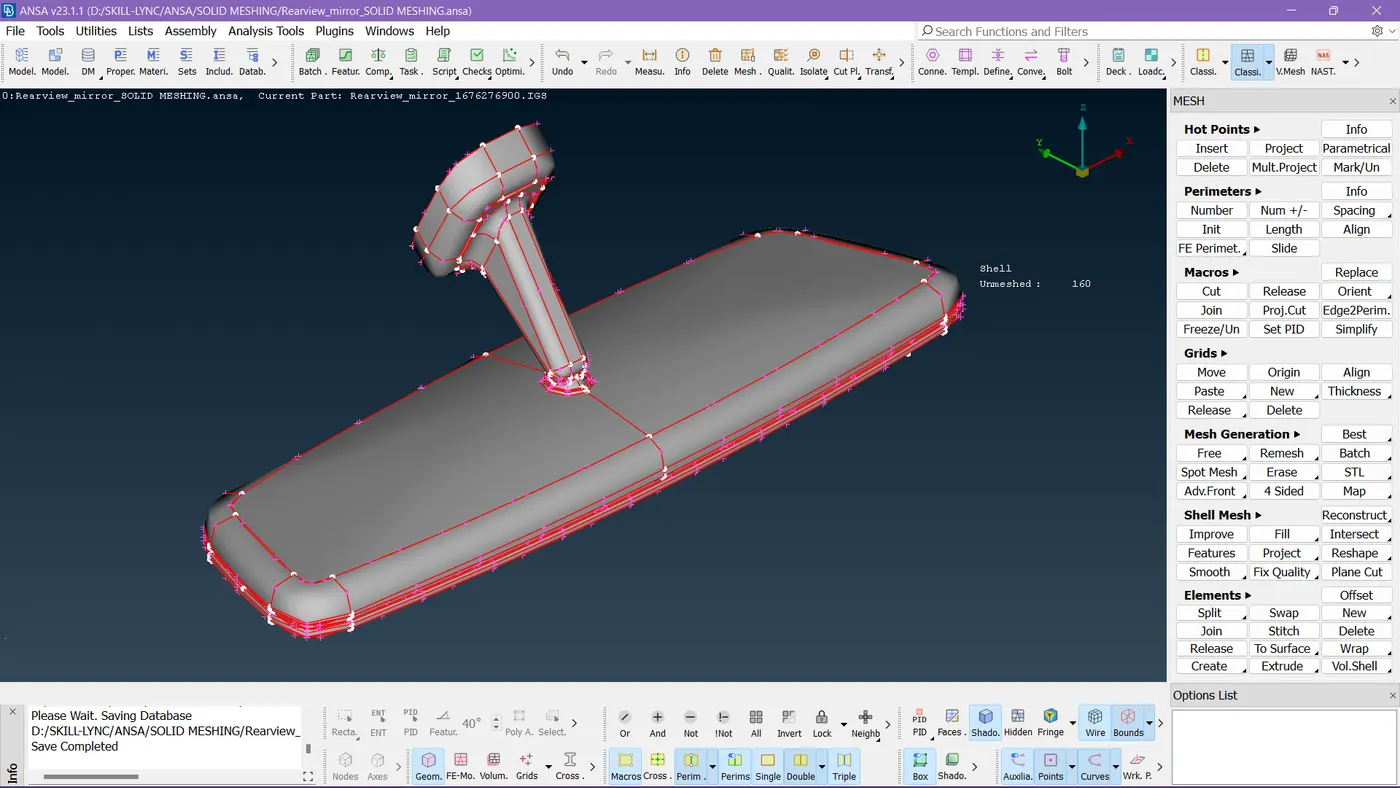
Step 2:-
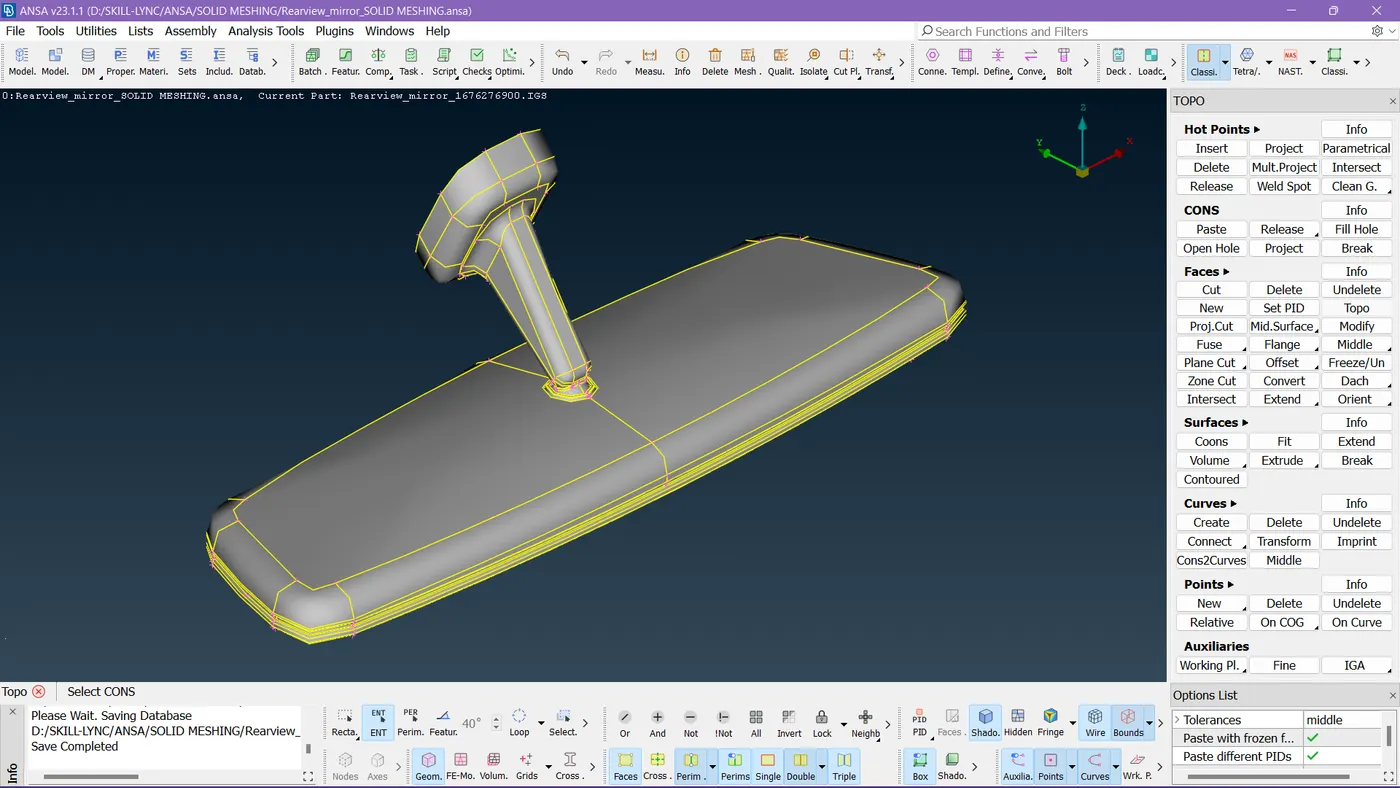
I did TOPO on it and stitched the faces.
Step 3:-
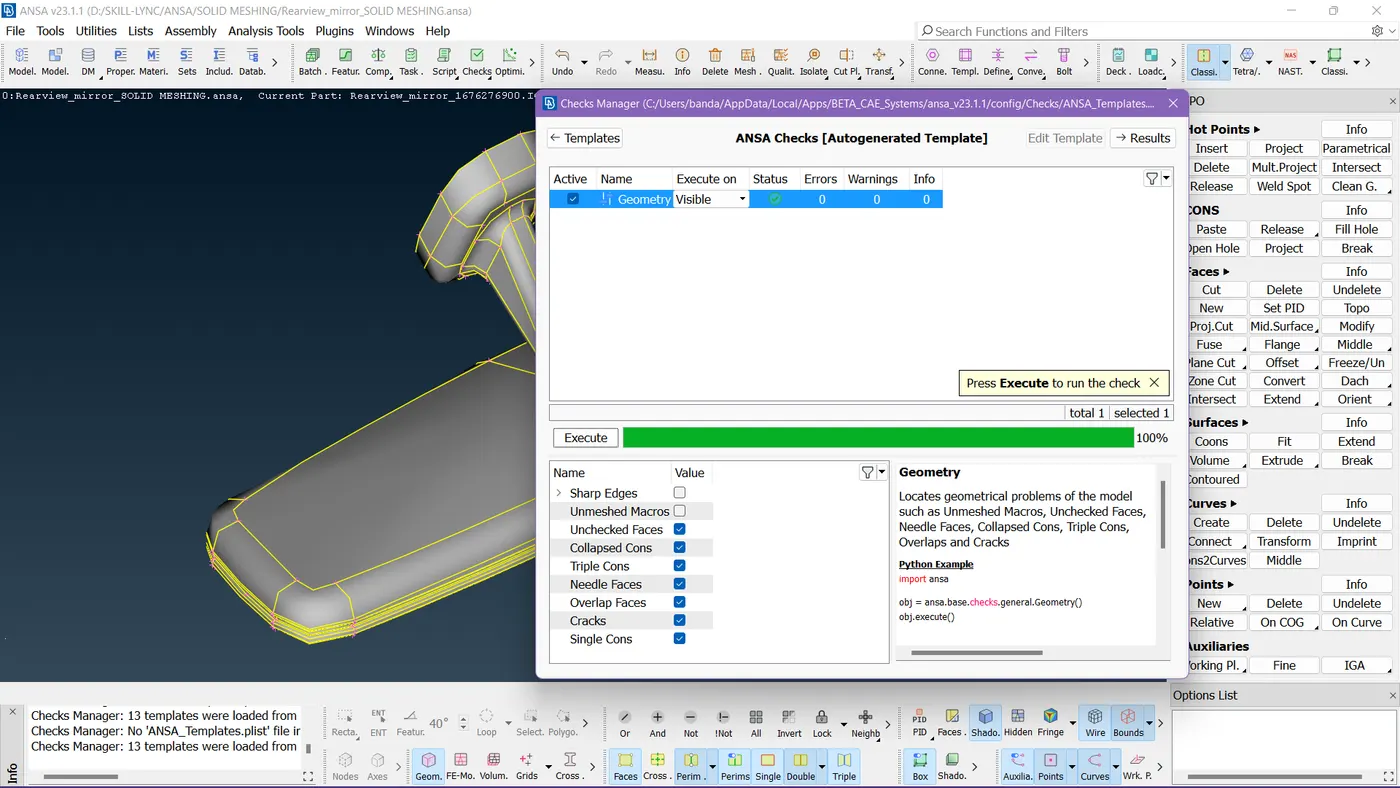
I ran a geometry check to fix and confirm the model is perfect.
Step 4:-
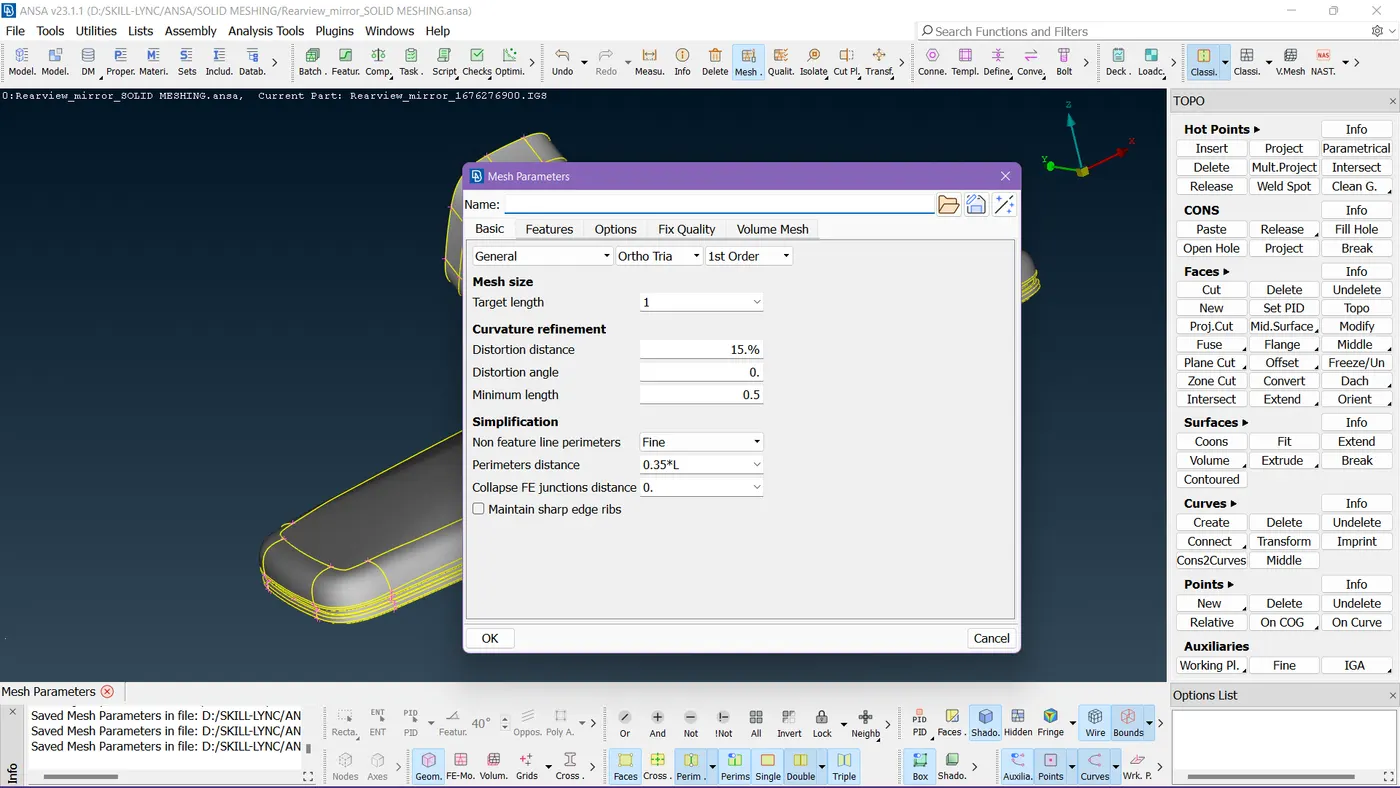
I had set down the mesh parameters.
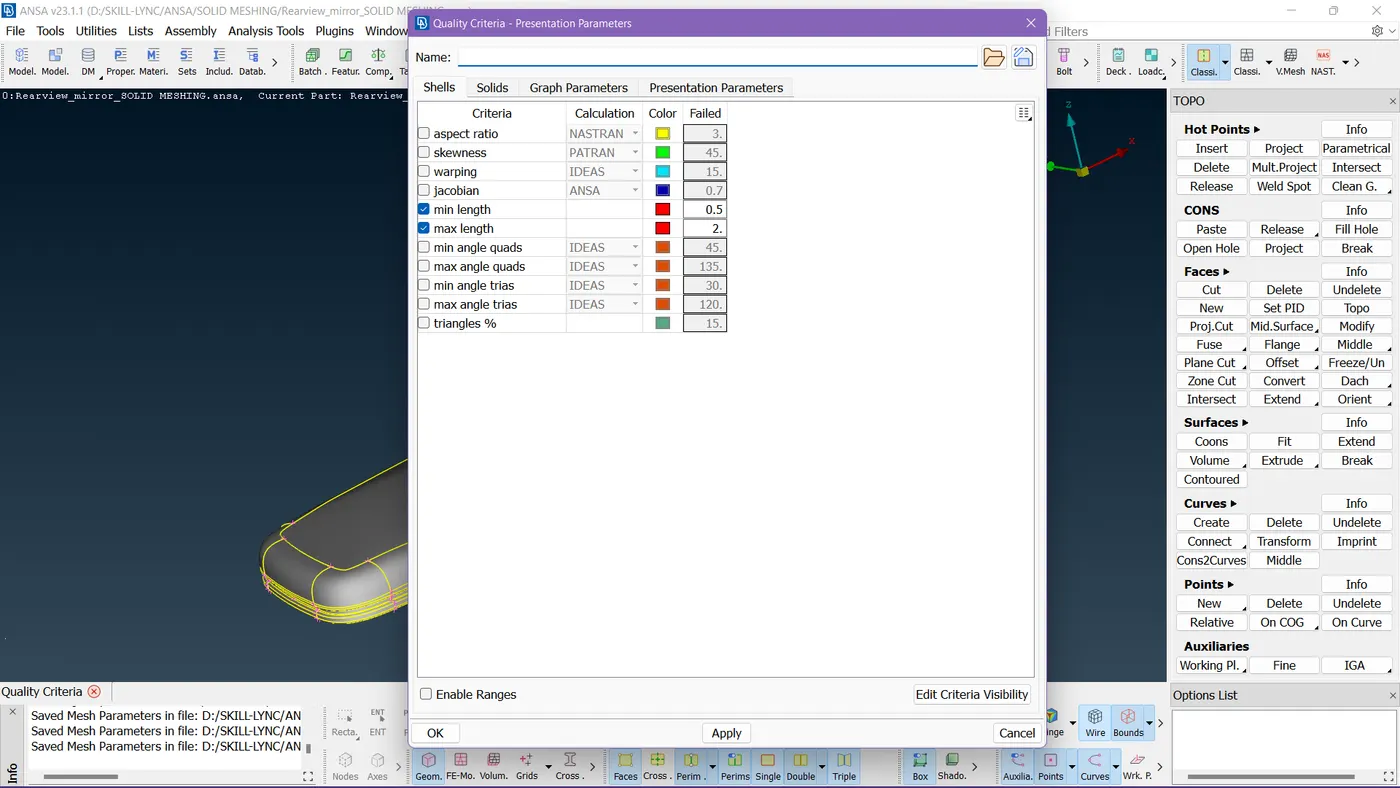
I had also set down the quality criteria before shell meshing.
Step 5:-
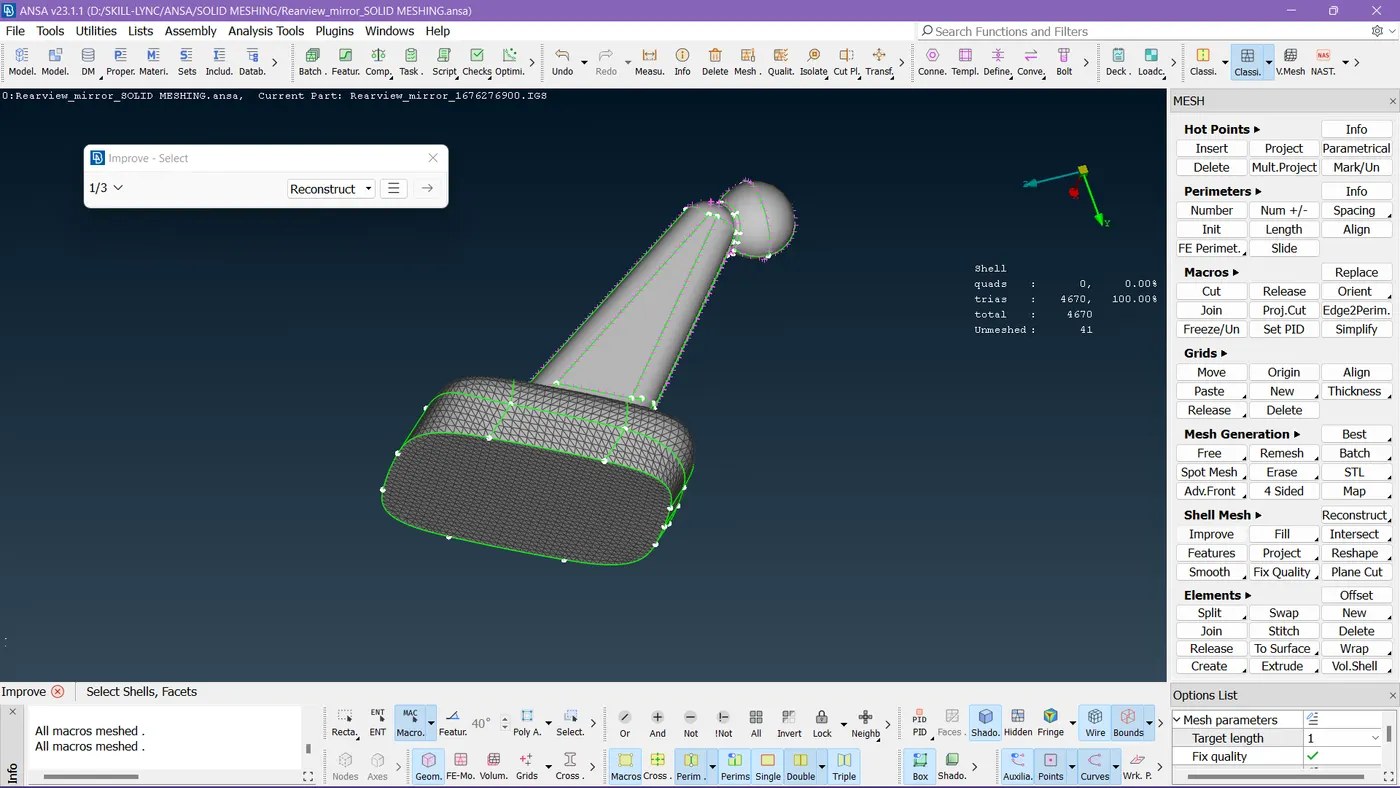
I'm isolating each component and working on it.
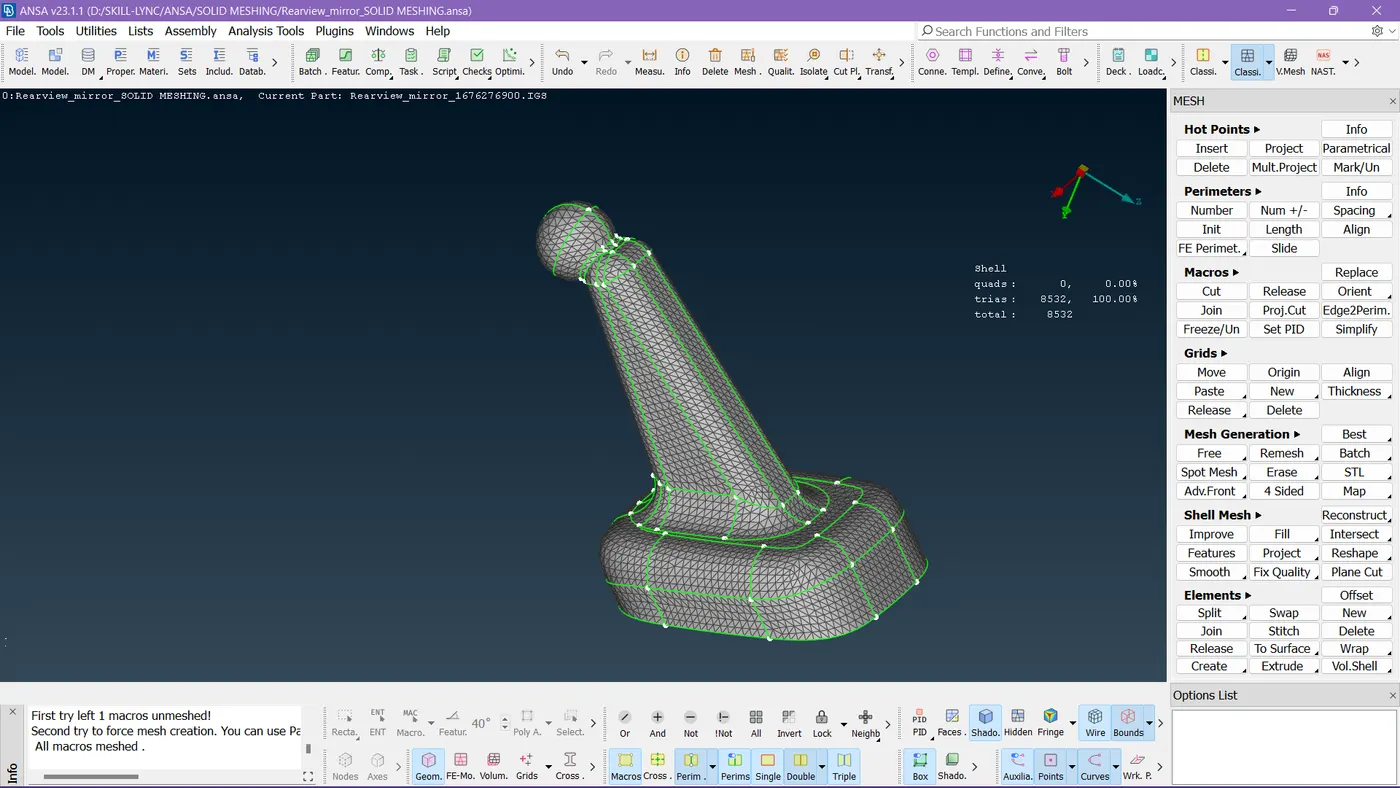
Done meshing the 1st component.
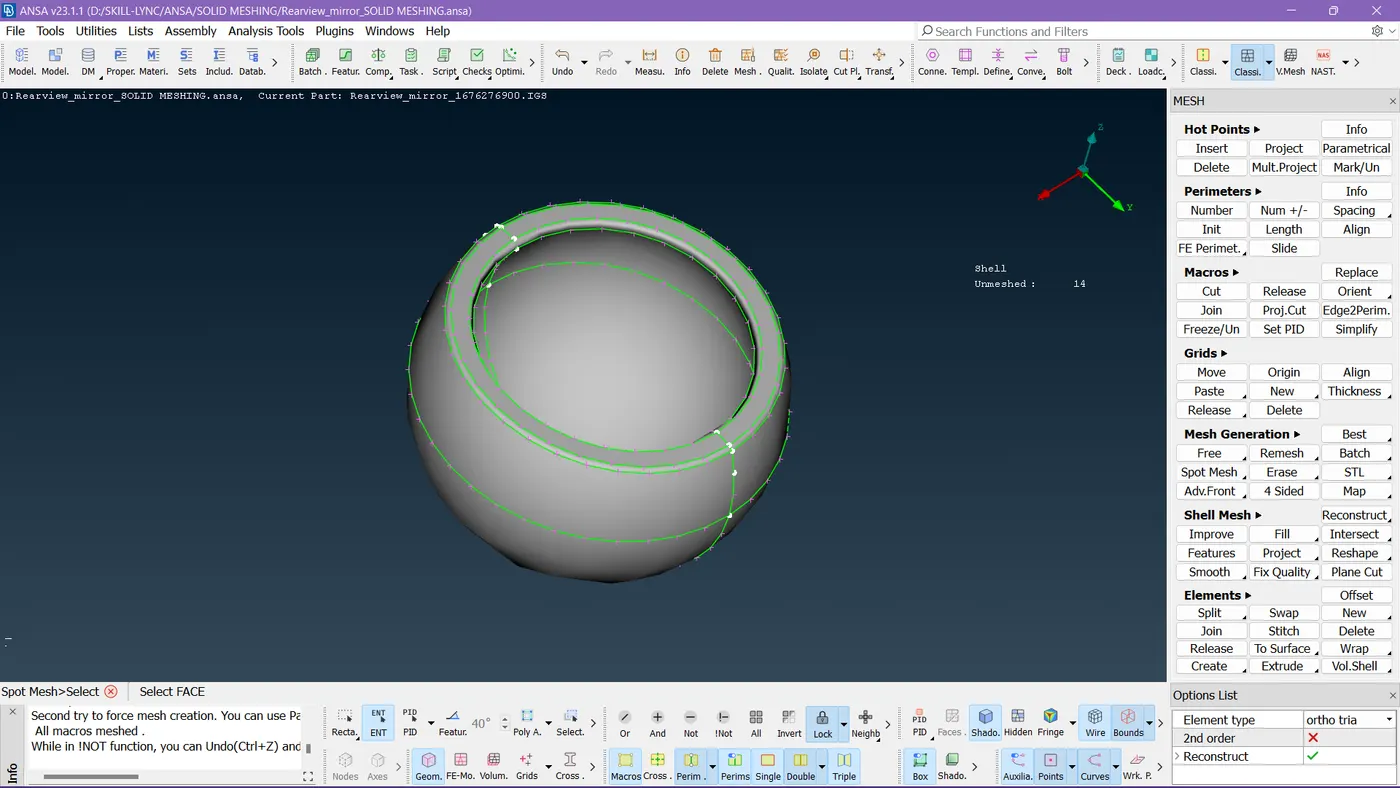
Now the second component is here, I set down the length to the target element size and started meshing.
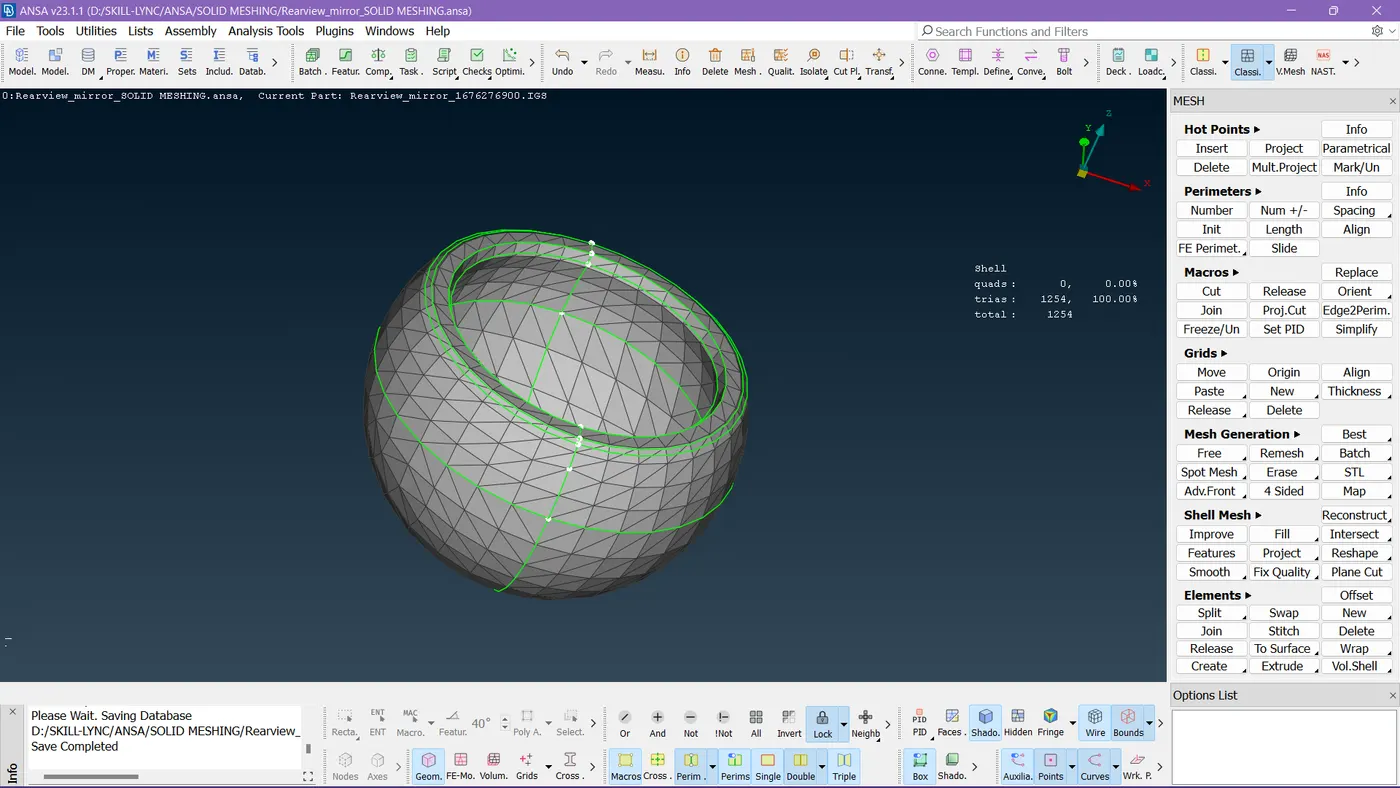
Done meshing the 2nd part too with any off elements.
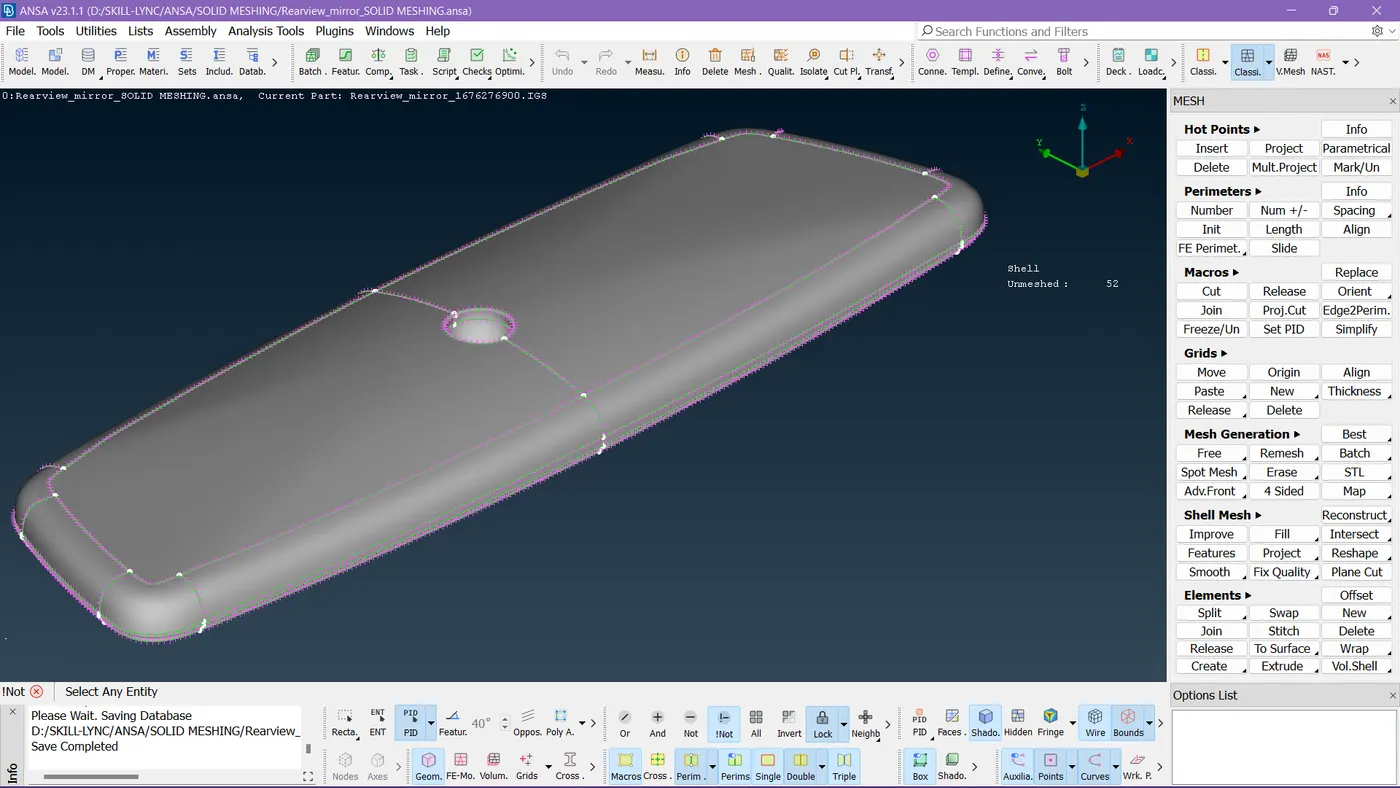
So this is the 3rd component to work on!
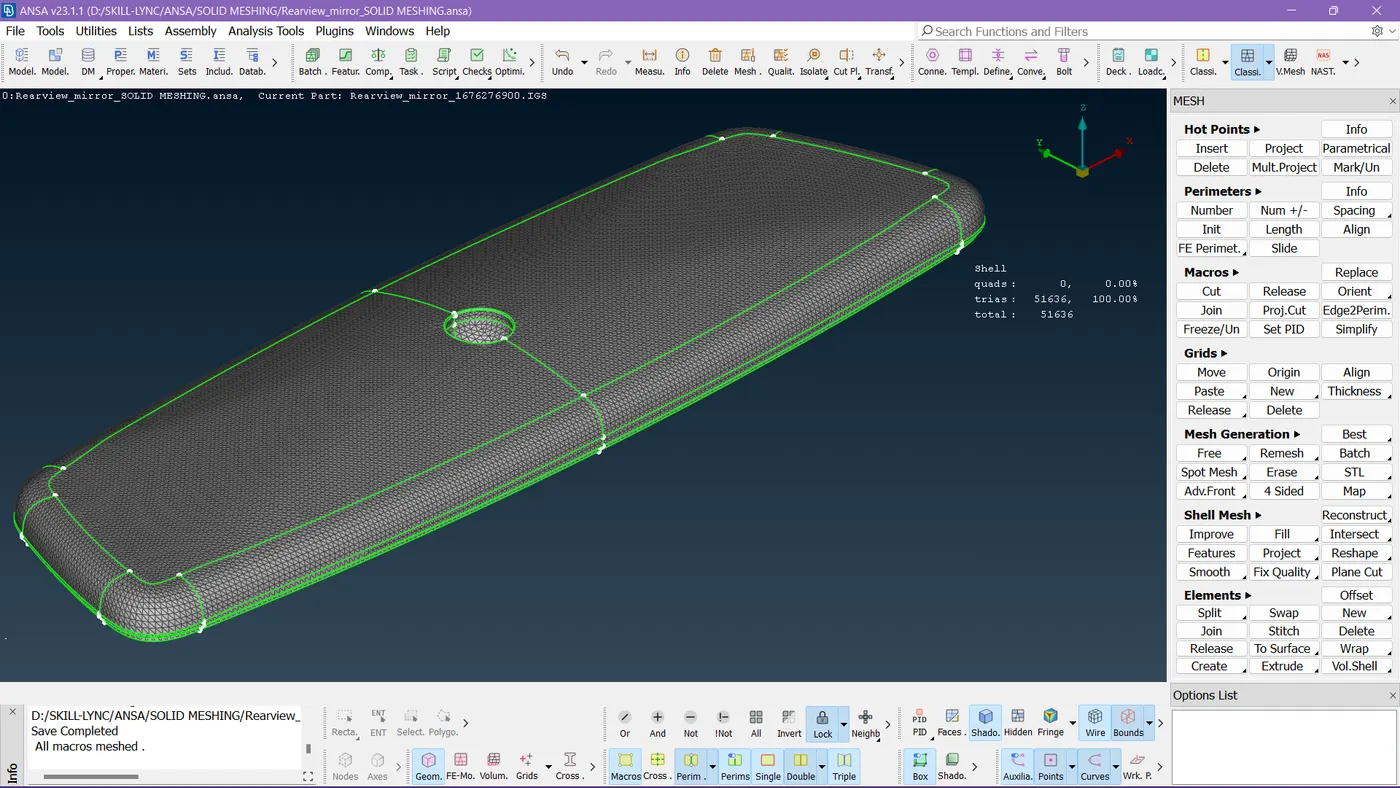
So I completed this thing by taking care of quality criteria.
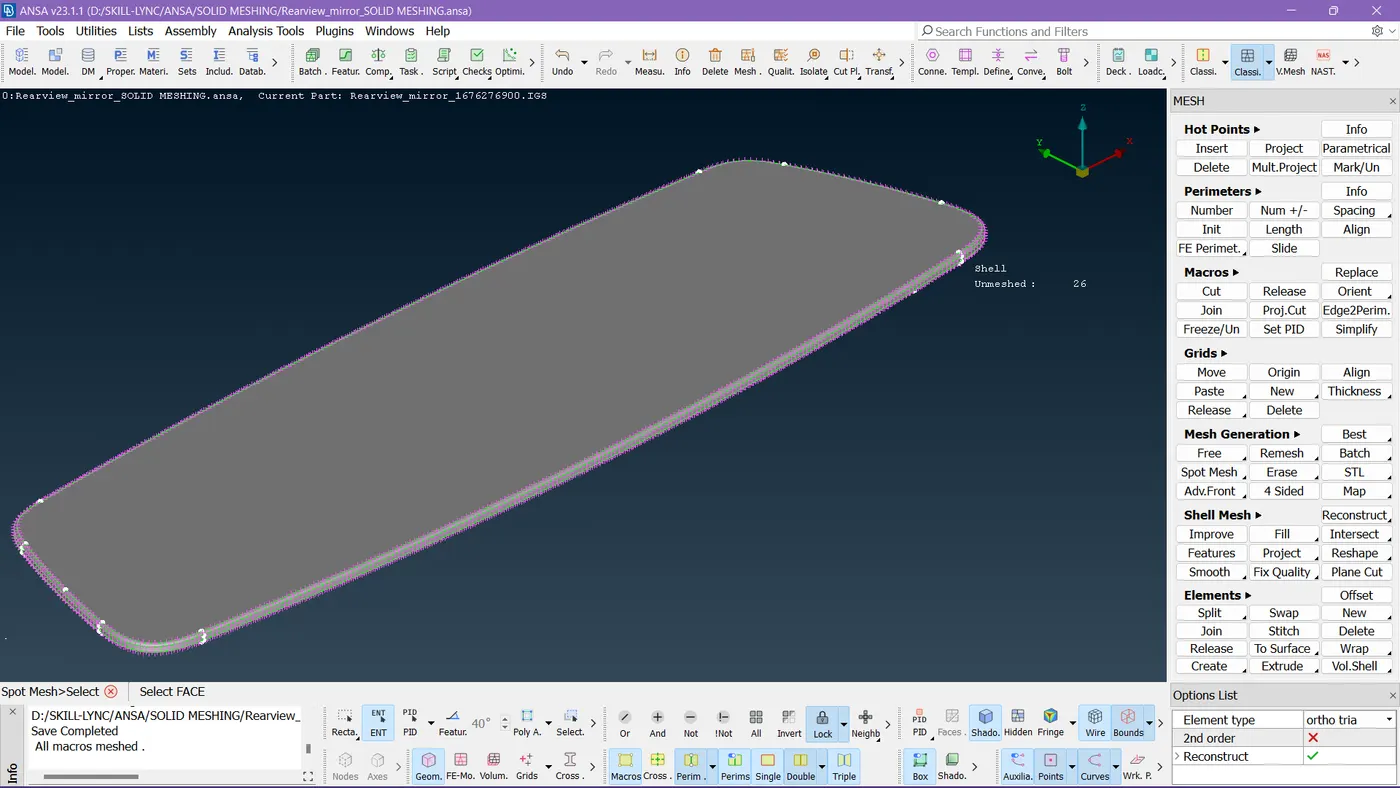
Now the last part is ready to work on, I confirmed geometry by running a geometry check and setting down the length values to the target element size.
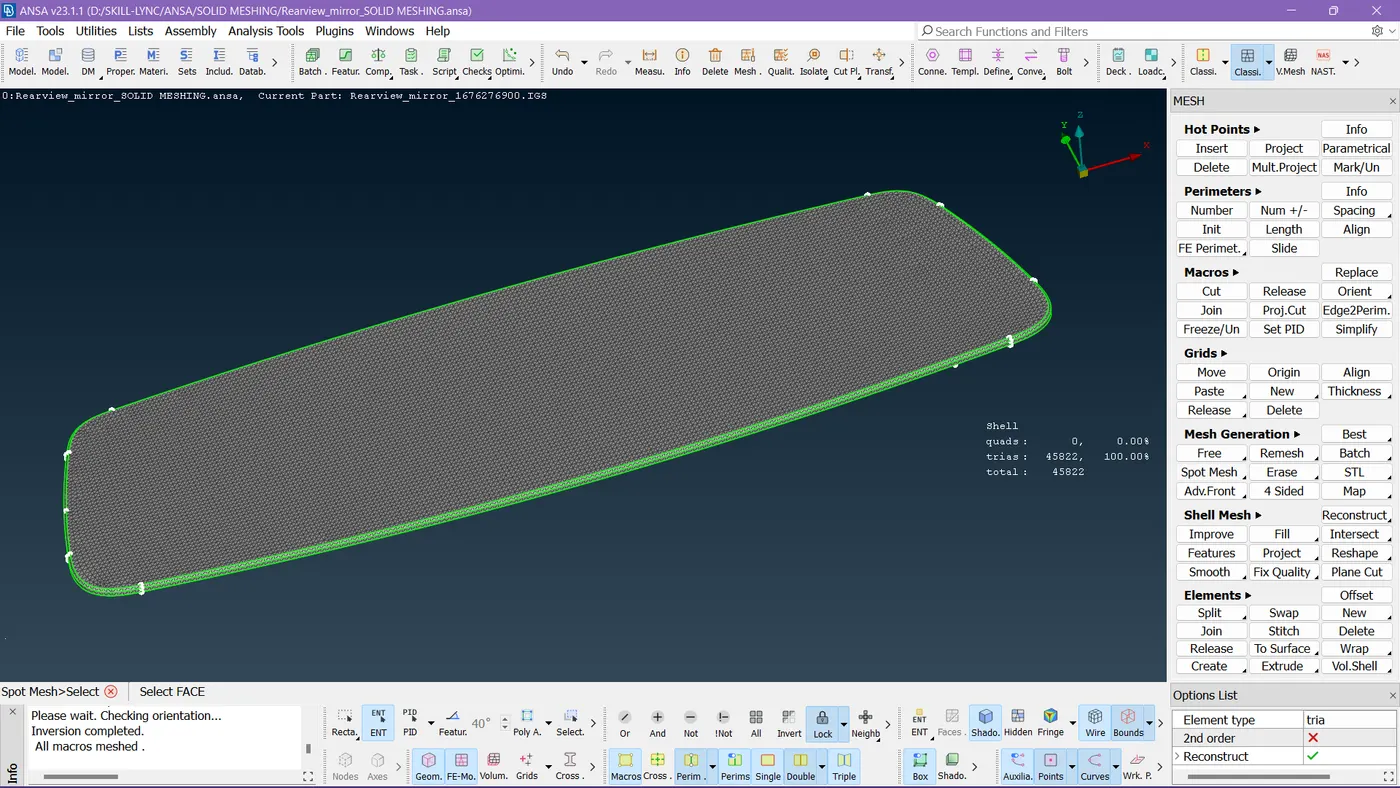
So compiled shell meshing for all components.
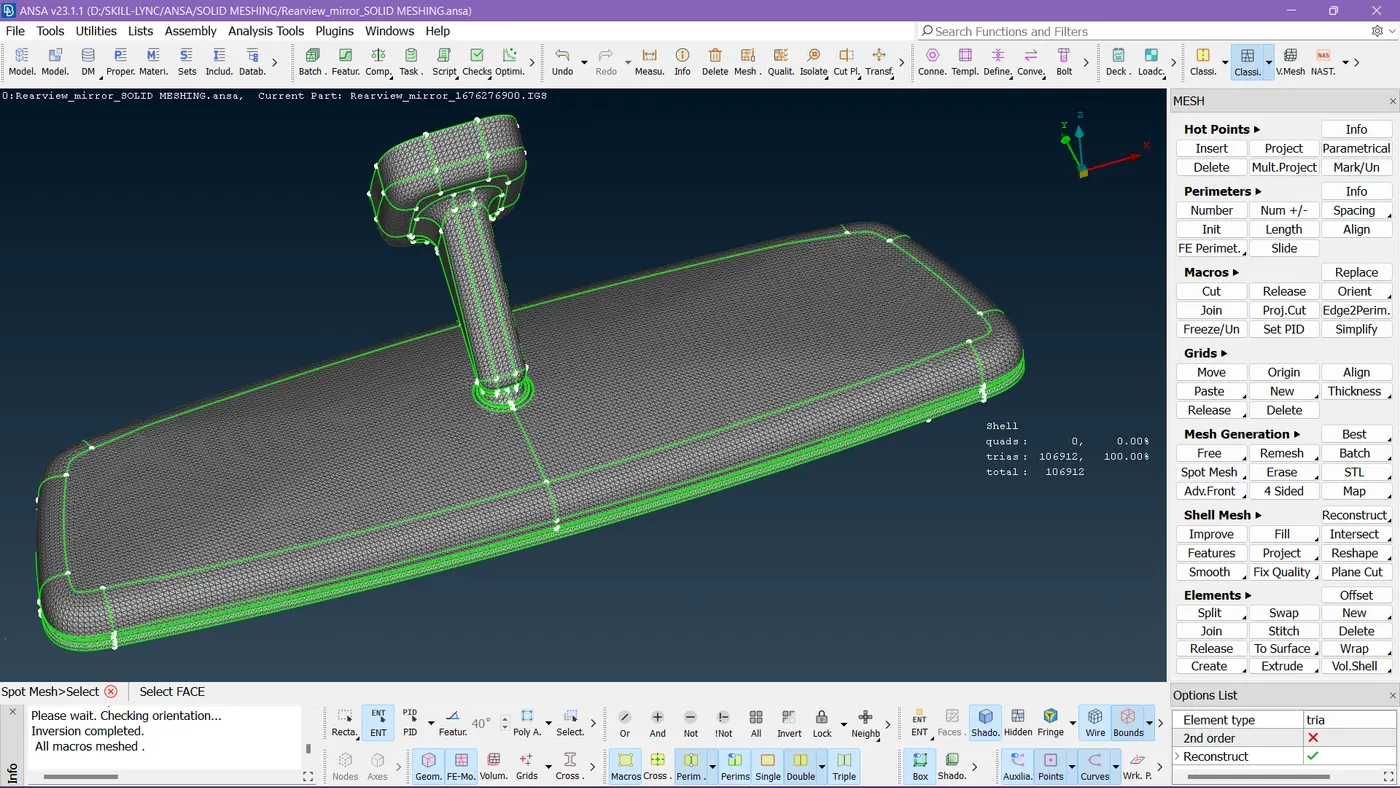
This is up to the shell meshing part for the whole geometry, now we need to work on volume meshing.
Step 6:-
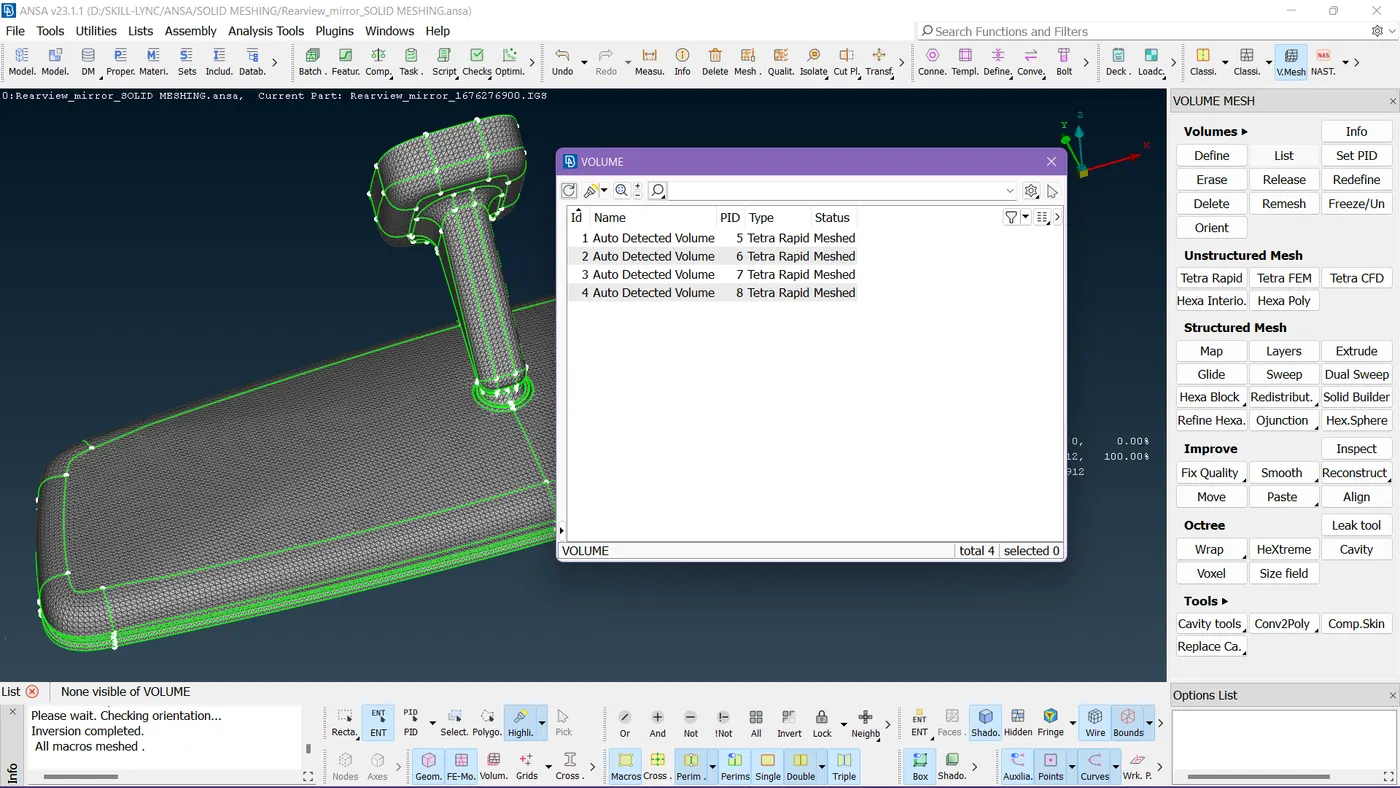
So I individually defined its volume to perform volume mesh to it.
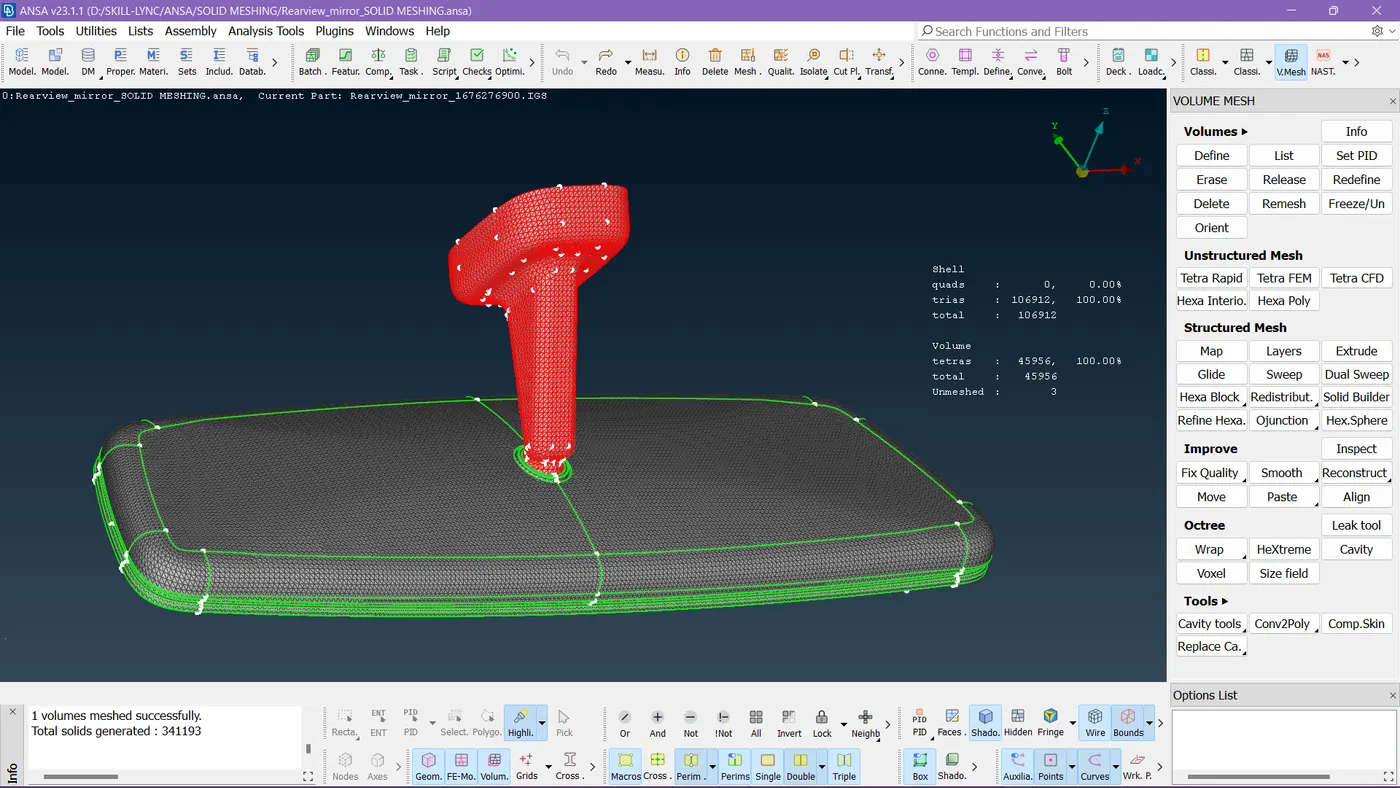
I started meshing one by one.
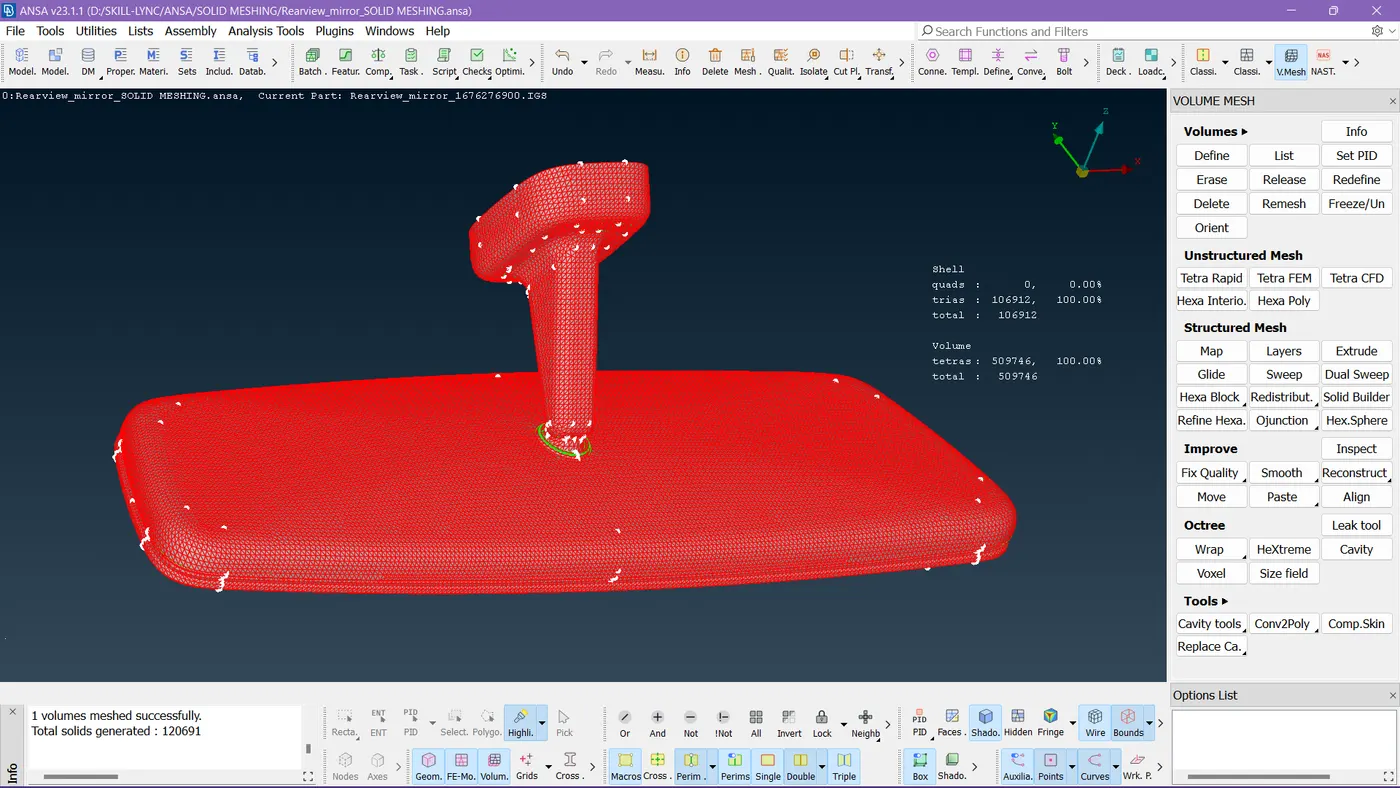
So here you can see the volume mesh is completed for the whole geometry without any off elements.
Step 7:-
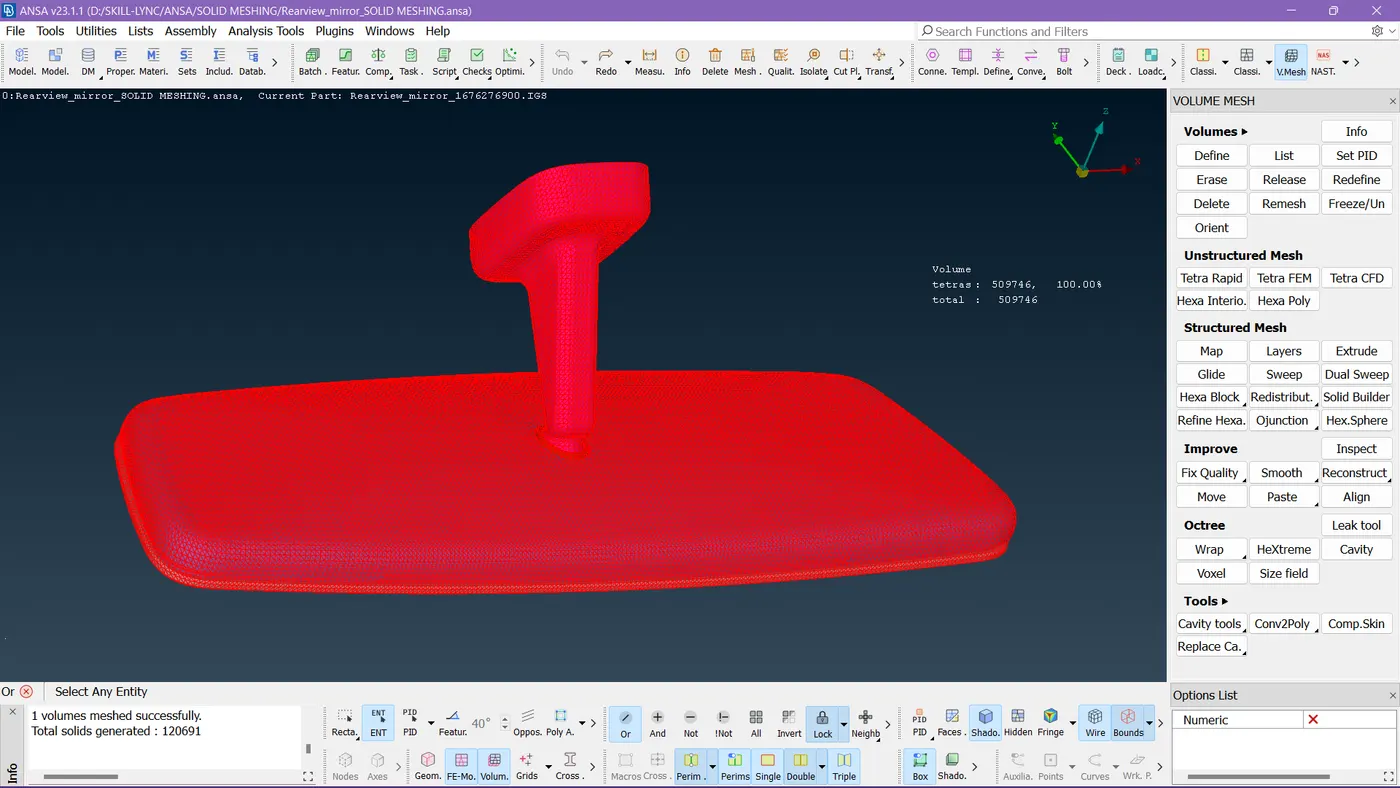
So this is our volume mesh.
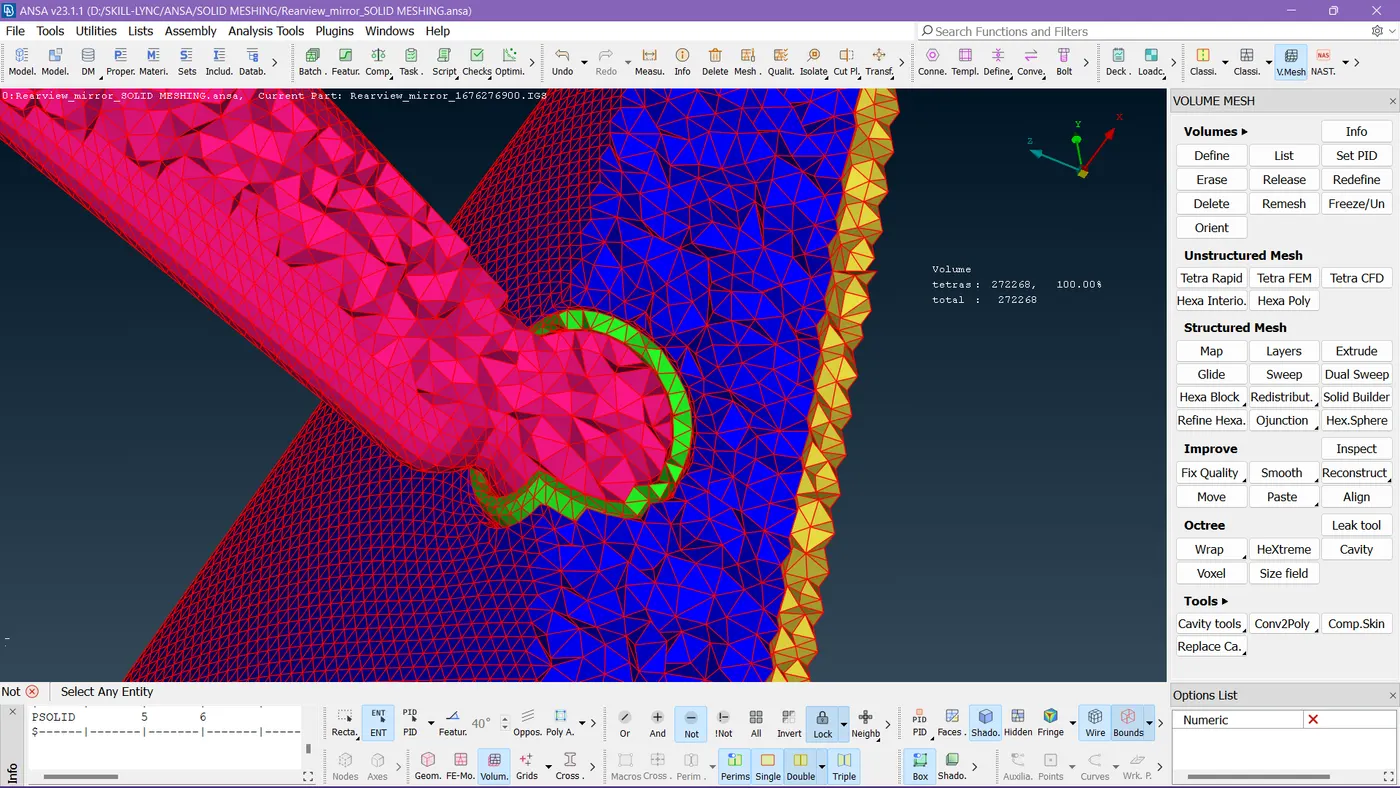
Here to get proper visualization I changed PID's color for proper representation of each component to check them out.
RESULT:
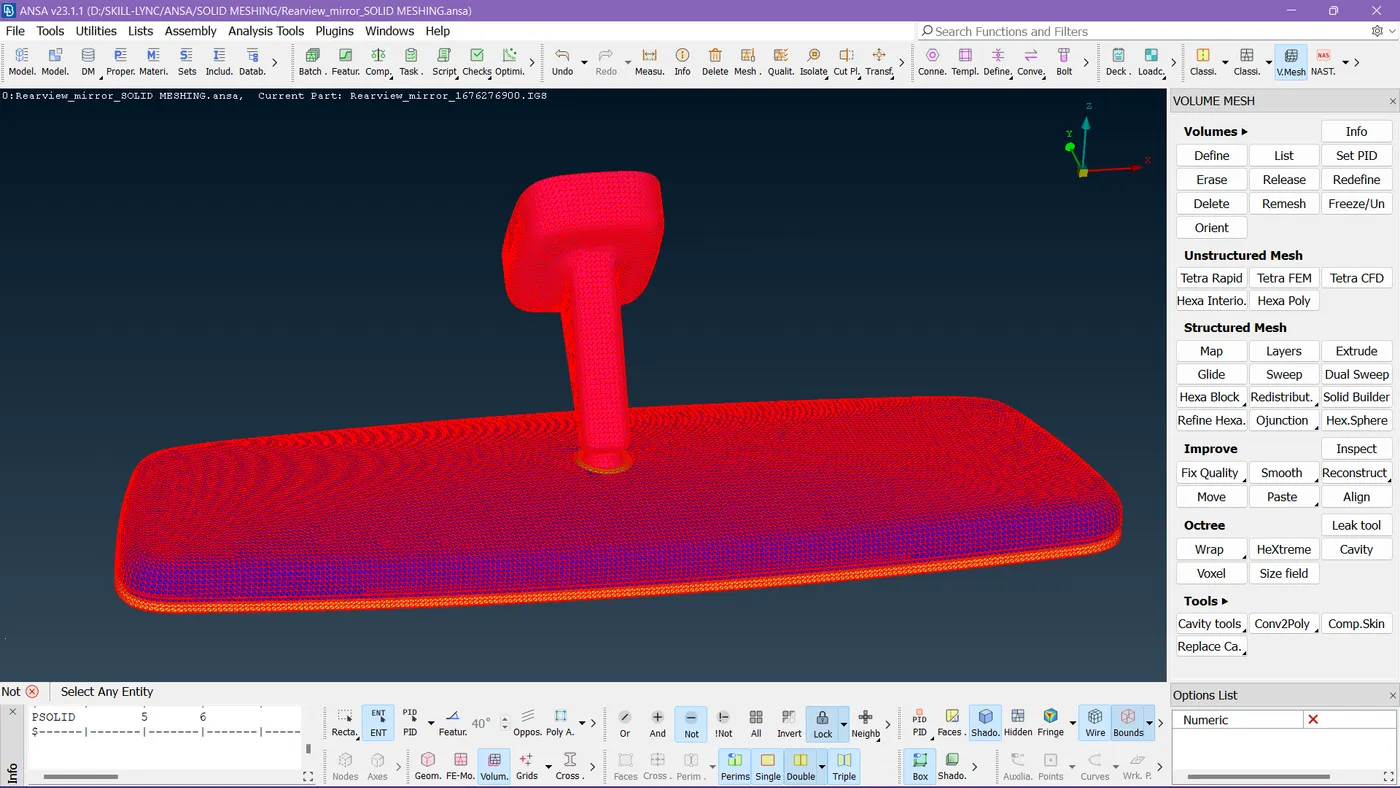
Finally completed the task without any off elements by following the criteria to work on it.
ANSA MODEL DRIVE LINK: https://drive.google.com/file/d/1cFXyL7UOxQY1N_Bi8SBG_qg8Pdxk3bDg/view?usp=sharing