Week- 6 - Solid meshing
AIM: To perform 3D Meshing(Tetramesh) on Rearview mirror.
Objectives:
- To check for Geometrical errors.
- To Perform topology cleanup.
- Perform Surface meshing of Orth trias and Trias.
- Create Psolid PropertyID and creating 3D mesh tetra mesh using Tetra FEM or Tetra Rapid Algorithm.
- Writing Detail report about the meshing process
Procedure:
Check for Geometrical errors.
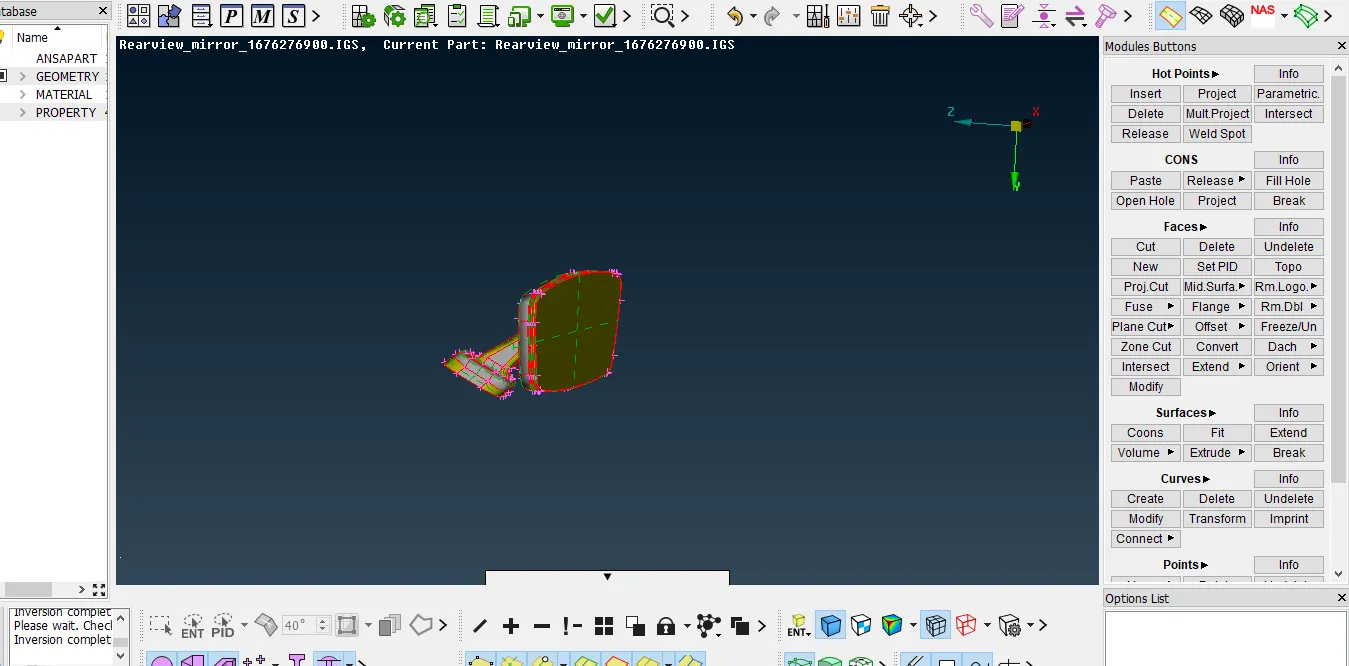
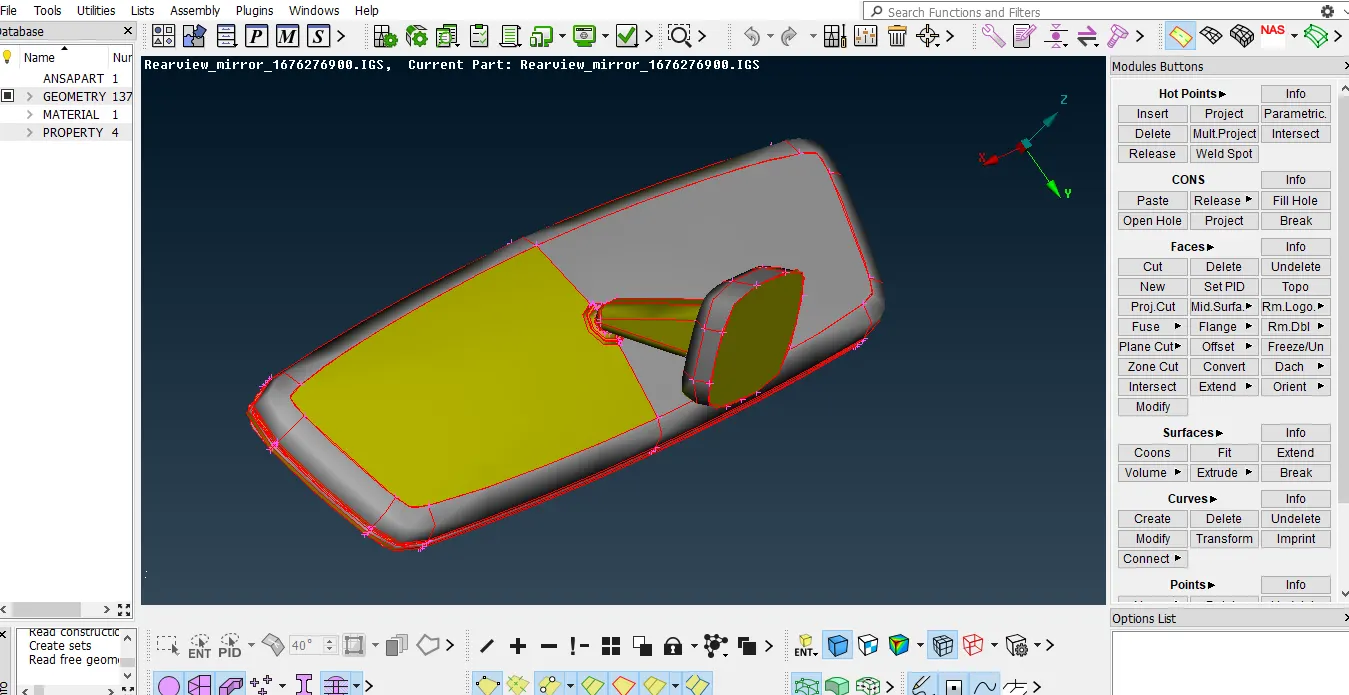
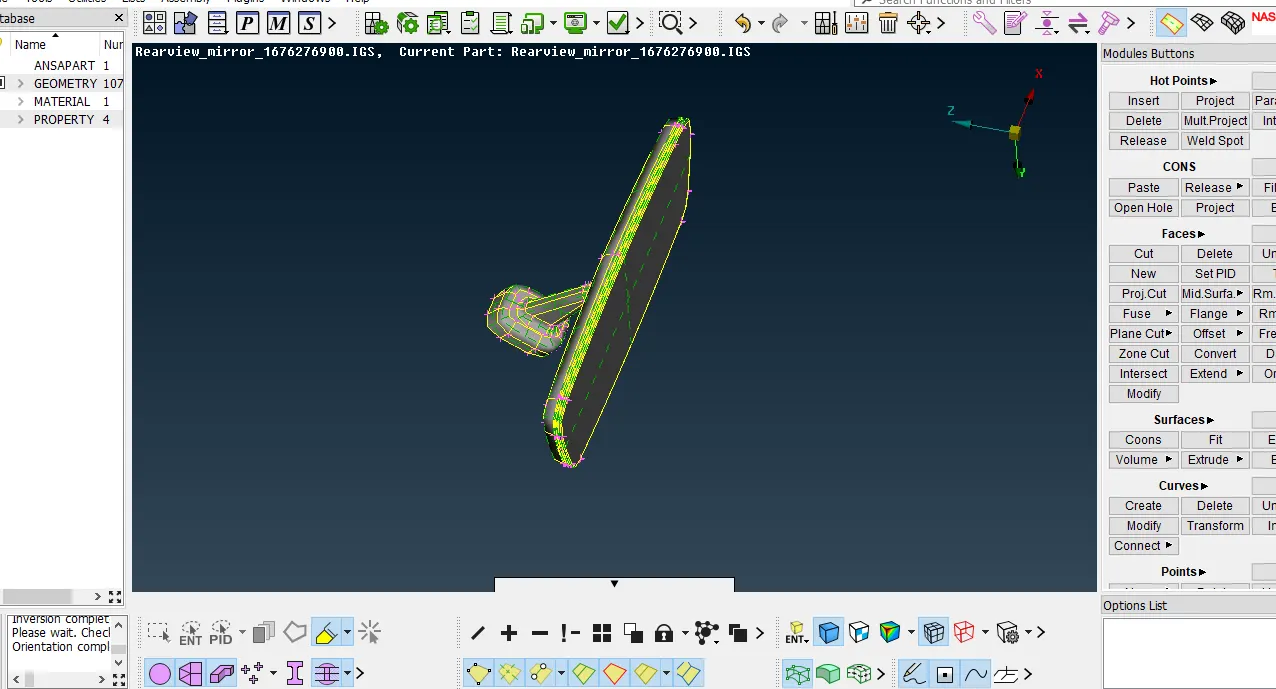
First we have to open the CAD model and give topo to the CAD model and make the surface negative side that is grey on outer surface by using Orient option.
Perfrom topology cleanup
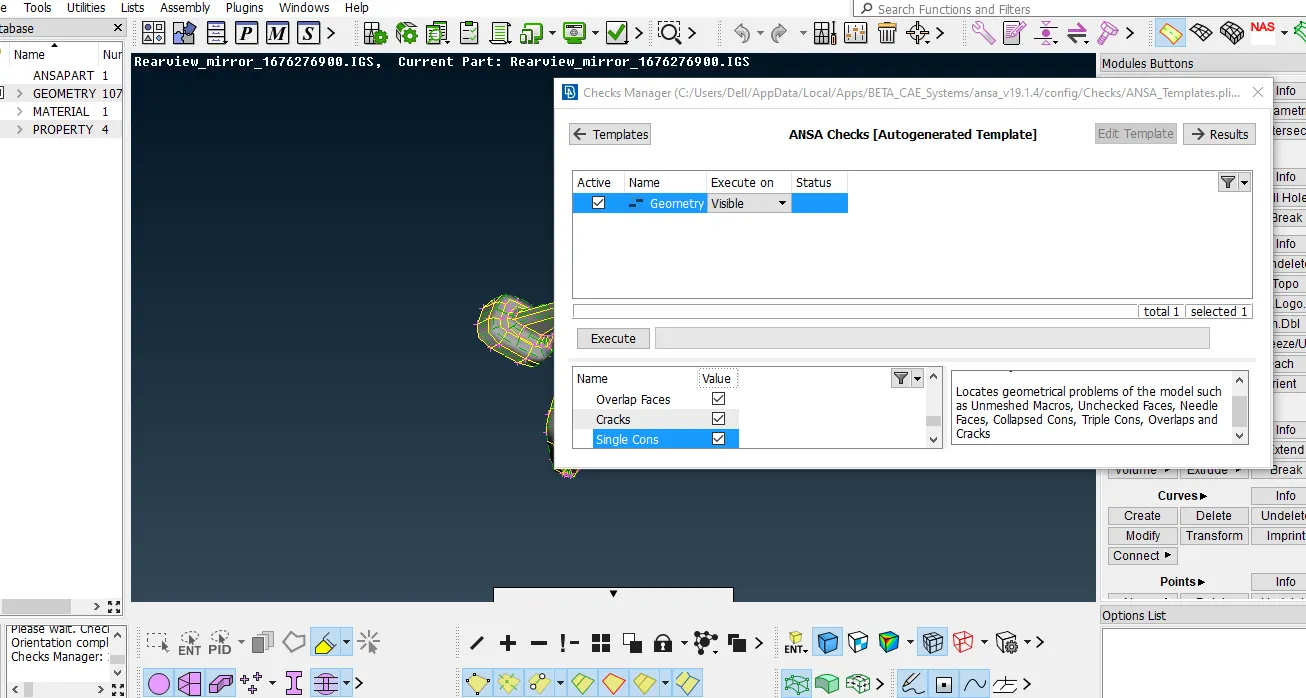
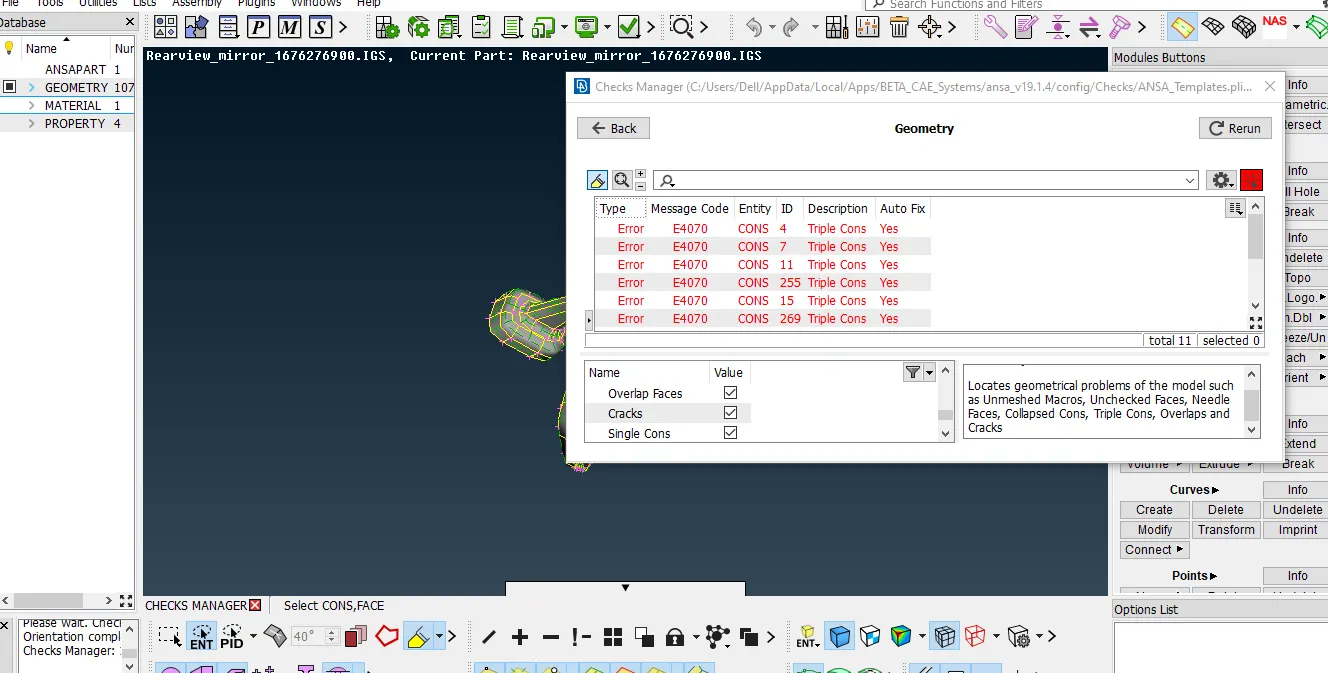
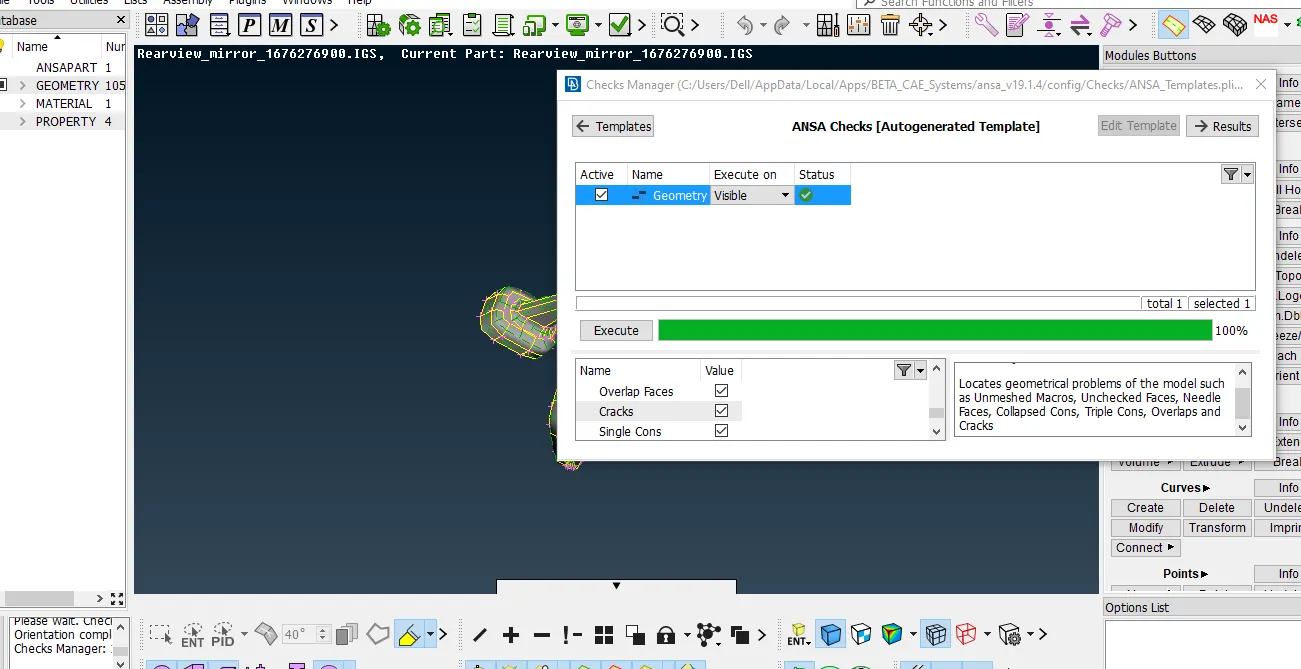
Now check for geometrical errors by using check manager option.
some error will occurs and we have to fix these errors by auto fix option. by right clicking on errors and click on autofix option.
Perform surface meshing on CAD model
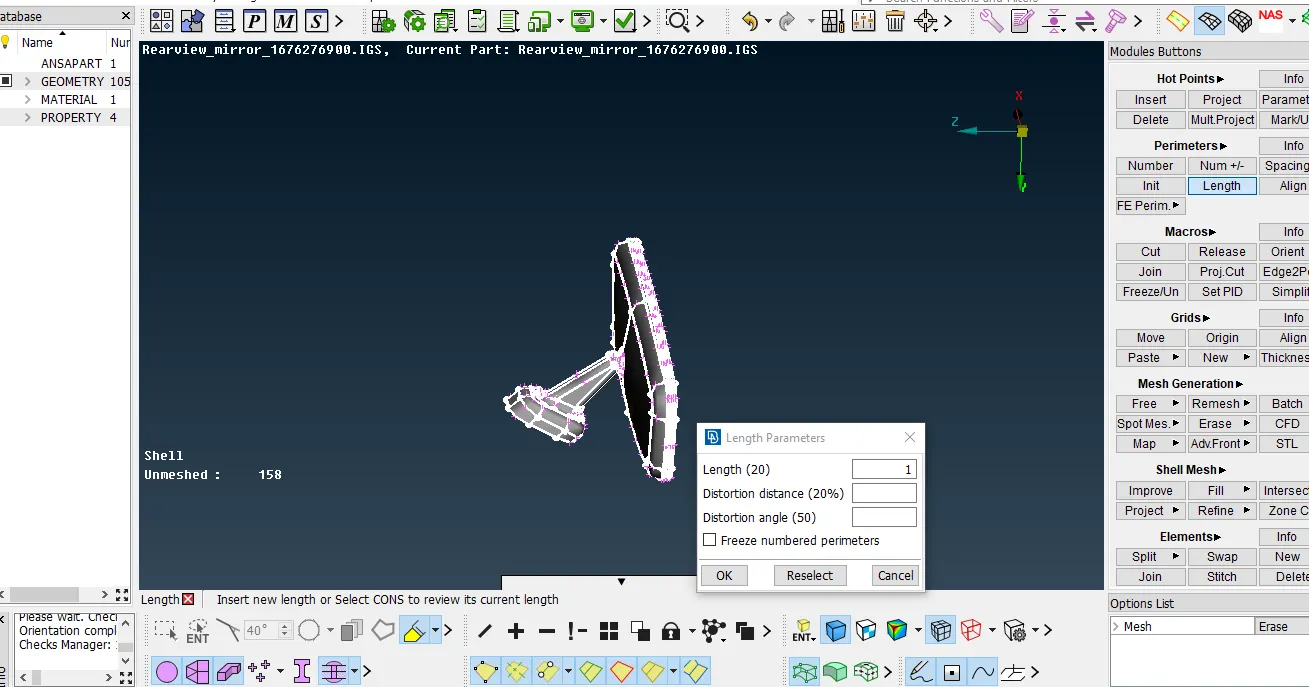
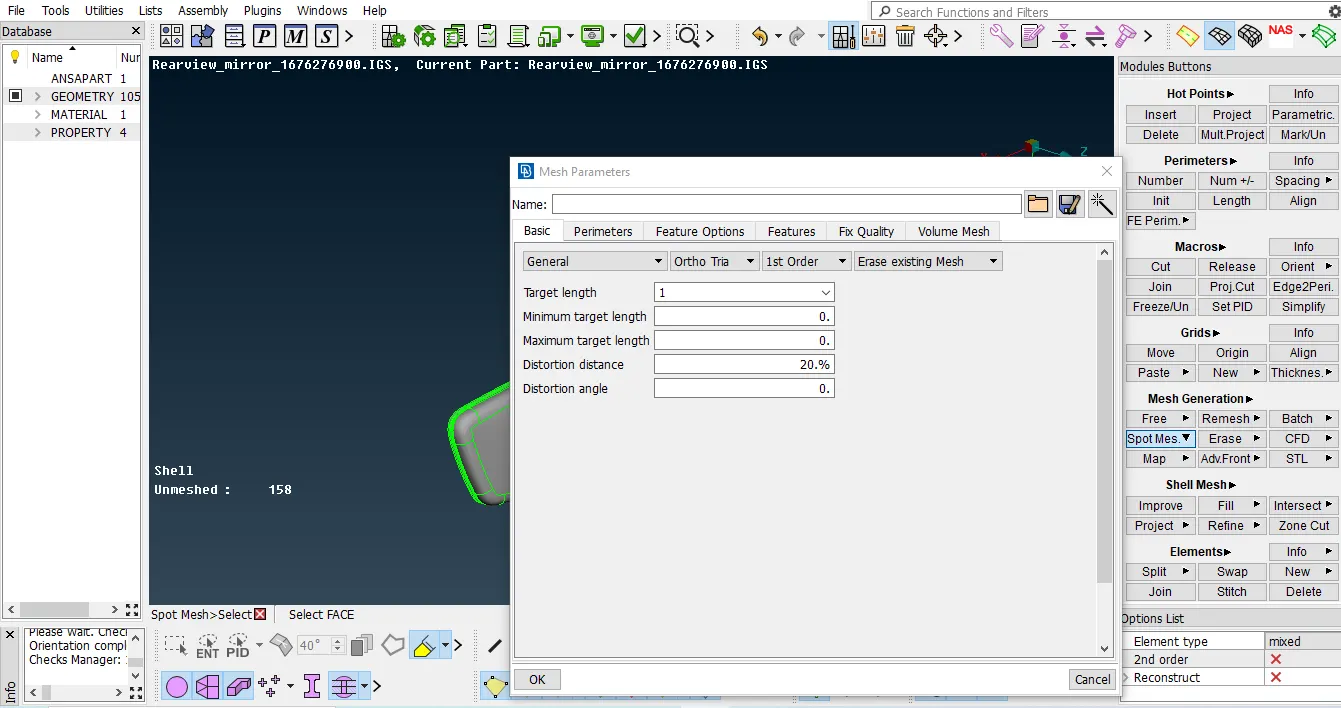
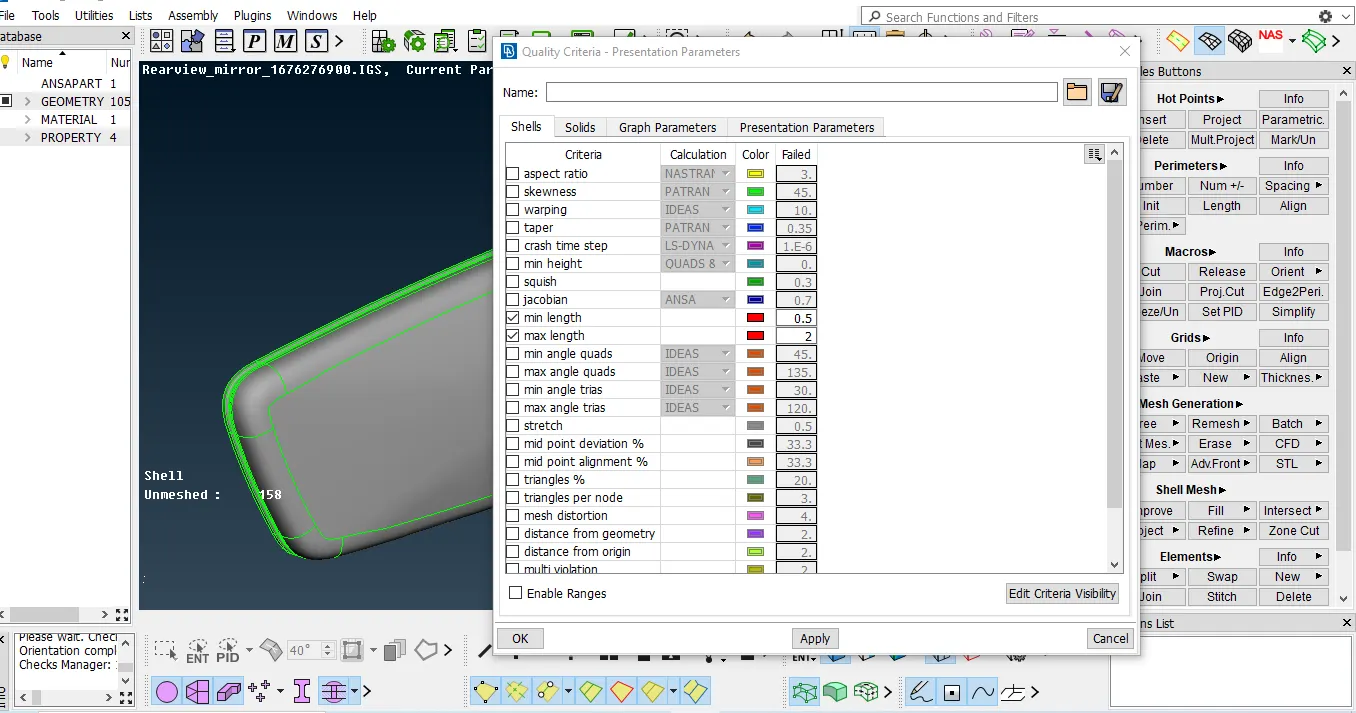
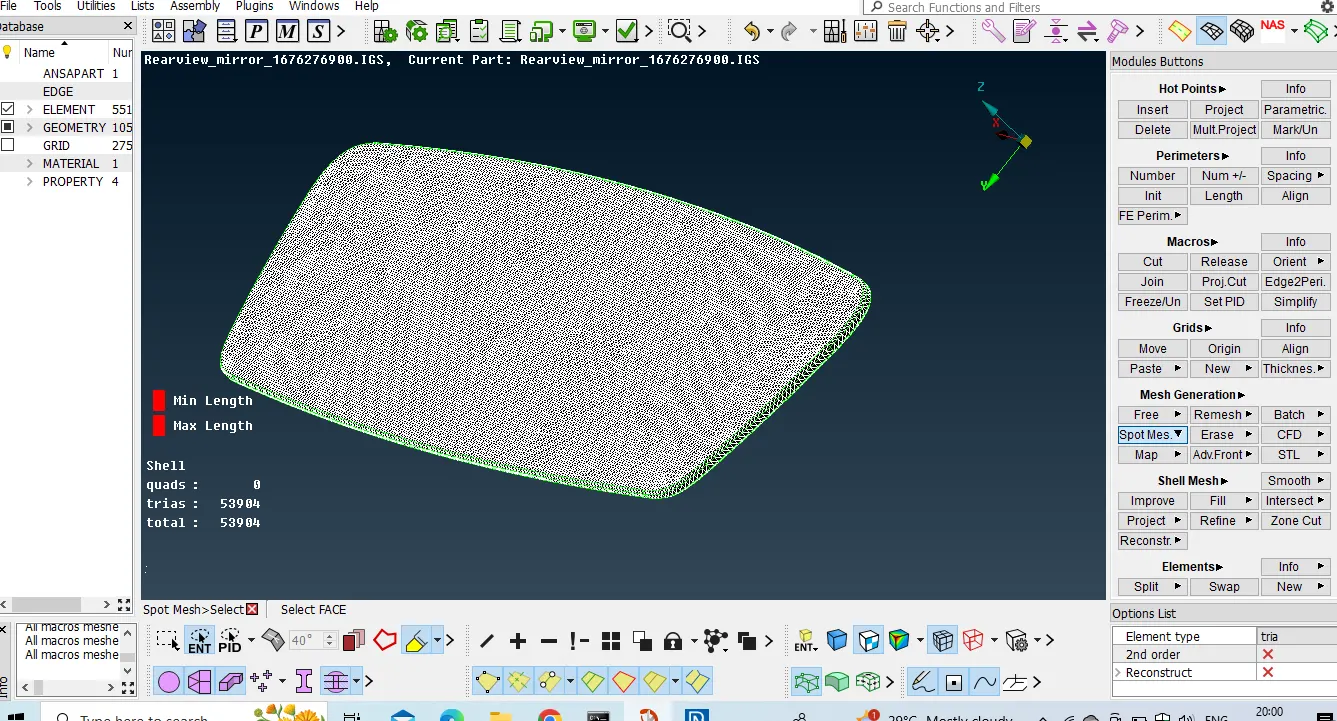
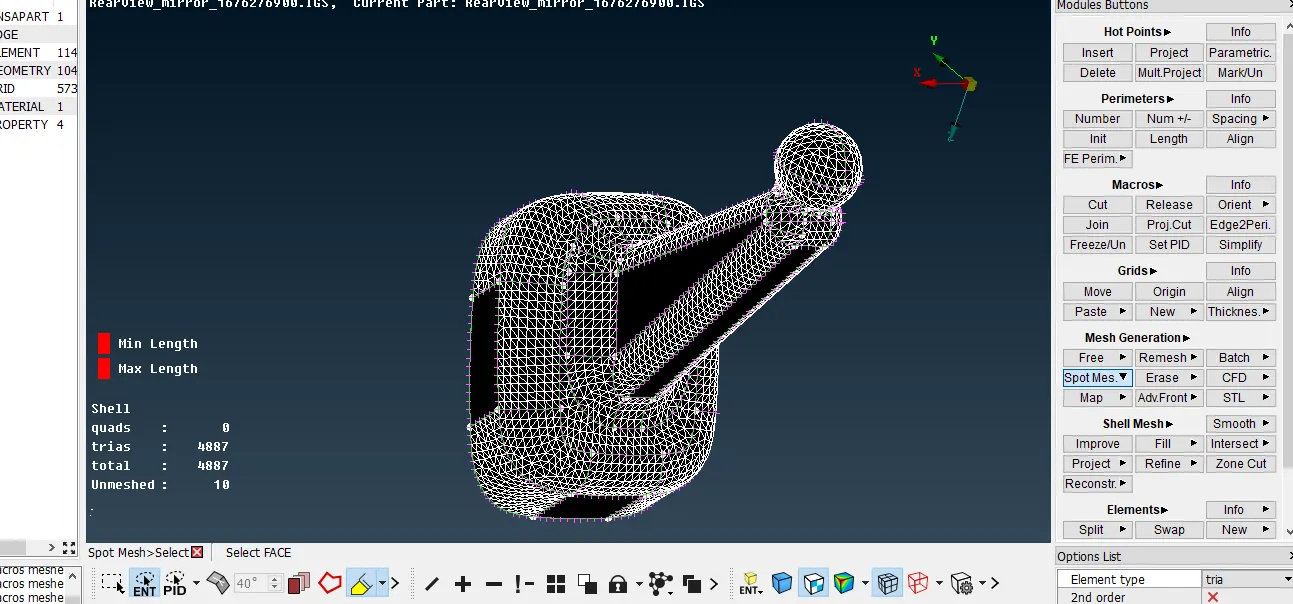
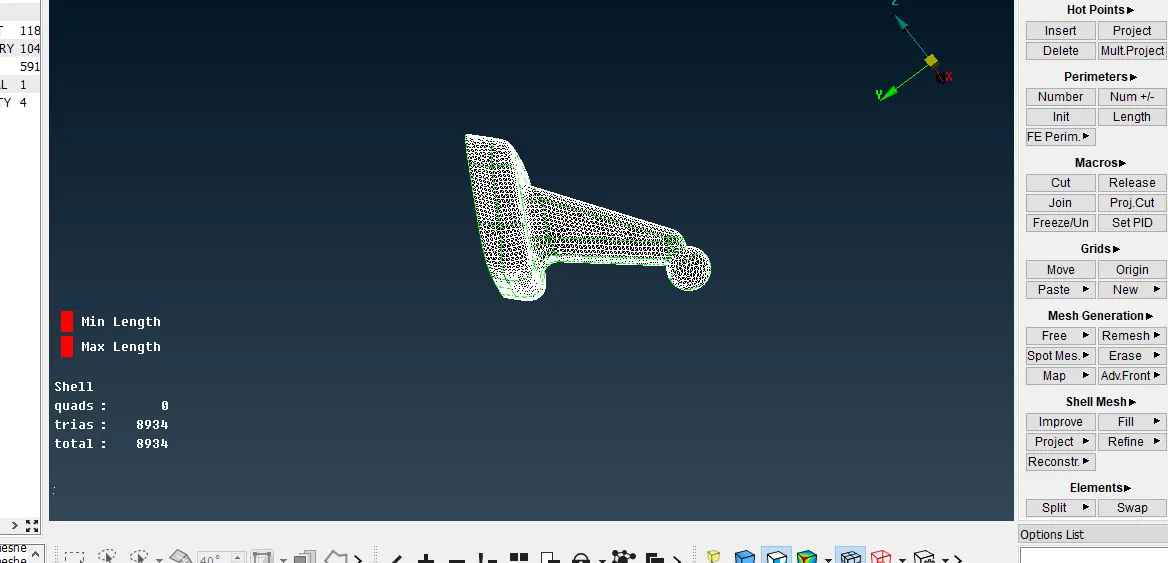
Now set the mesh parameters as target element length as 1
and select ortho trias in the dropdown option.
and set quality criteria as max length as 2 and min length as 0.5 and click on OK.
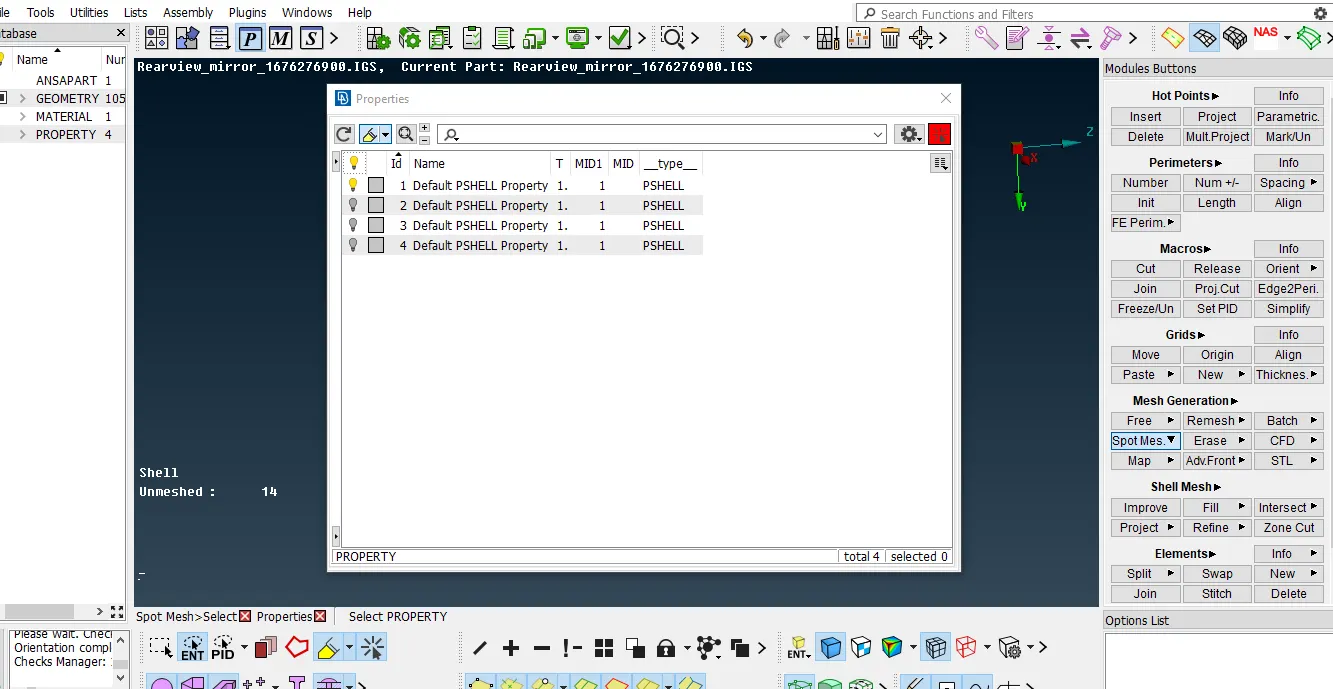
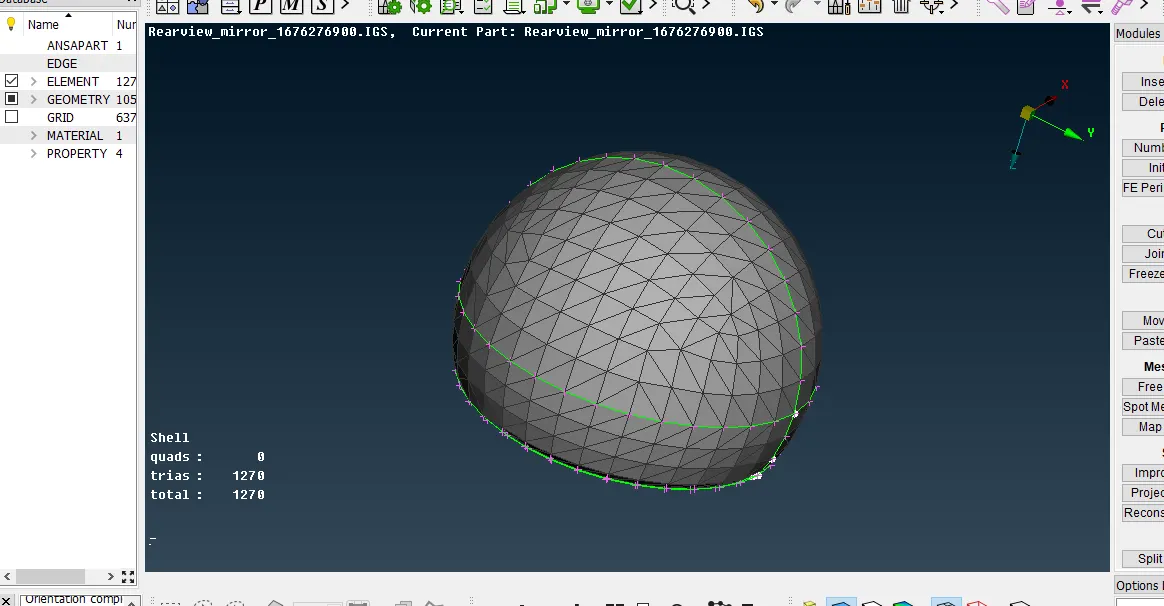
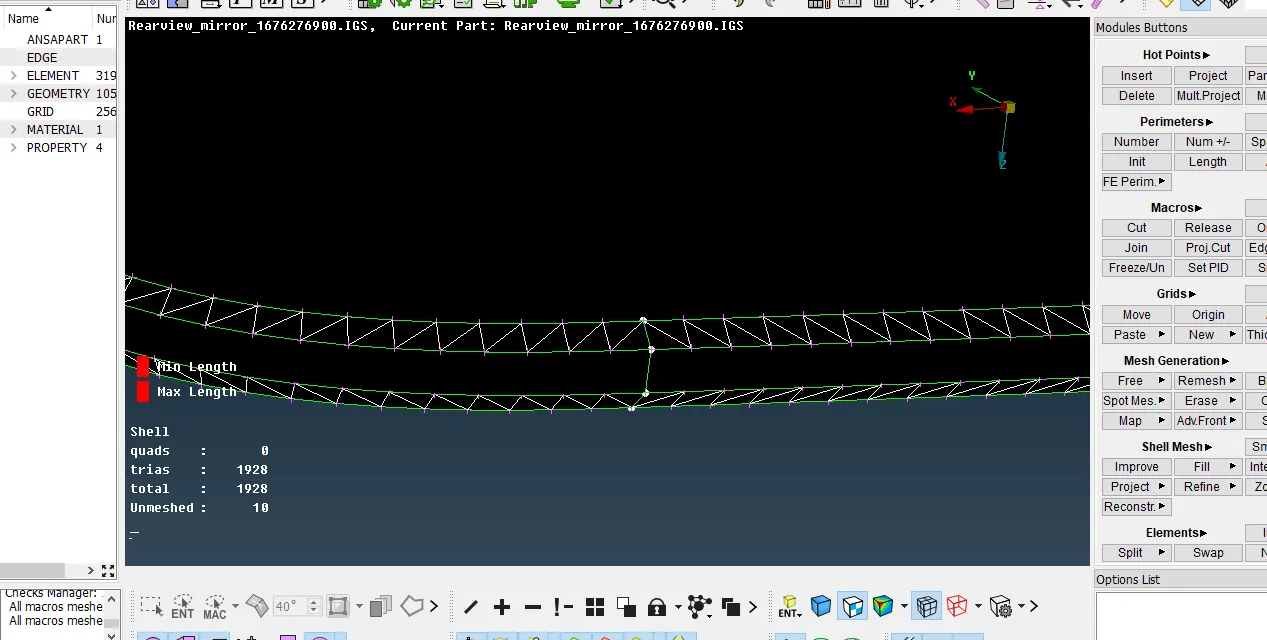
and perform mesh on surfaces by using spot mesh option and if mesh pattern is not good then adjust them in a god manner by using reconstruct option and swap/split option after surface meshing done,
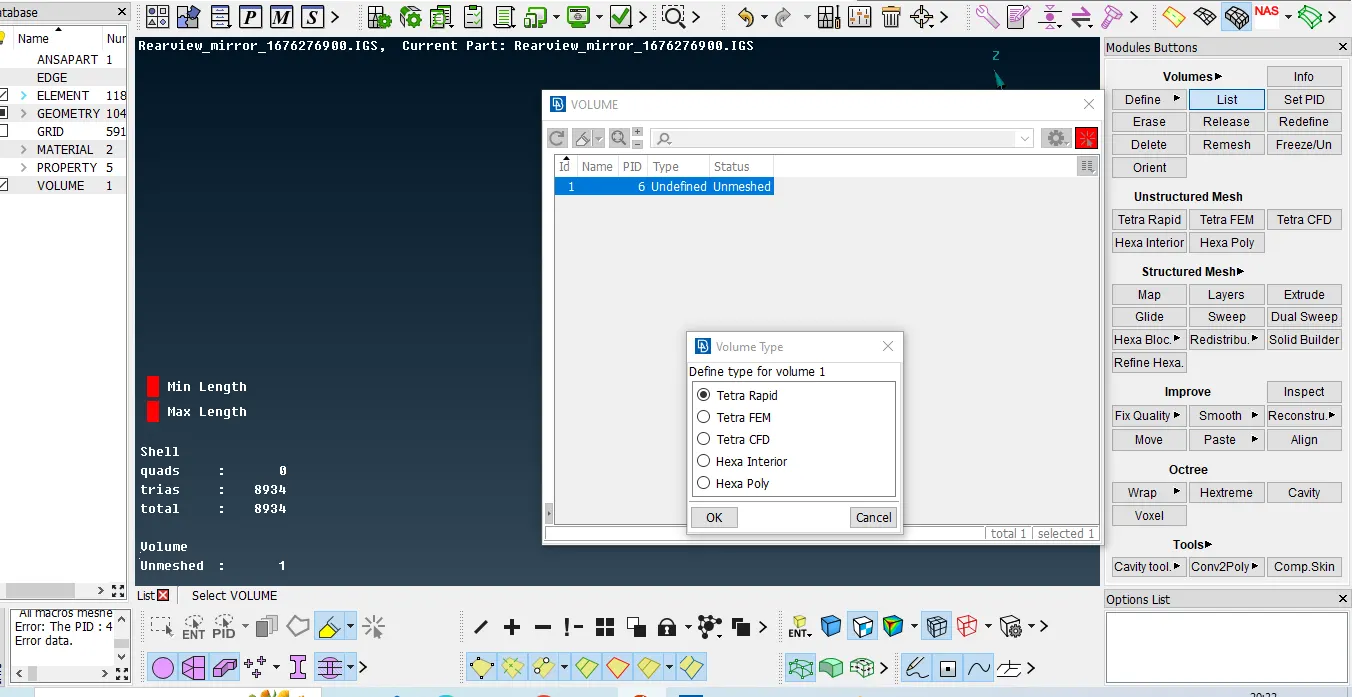
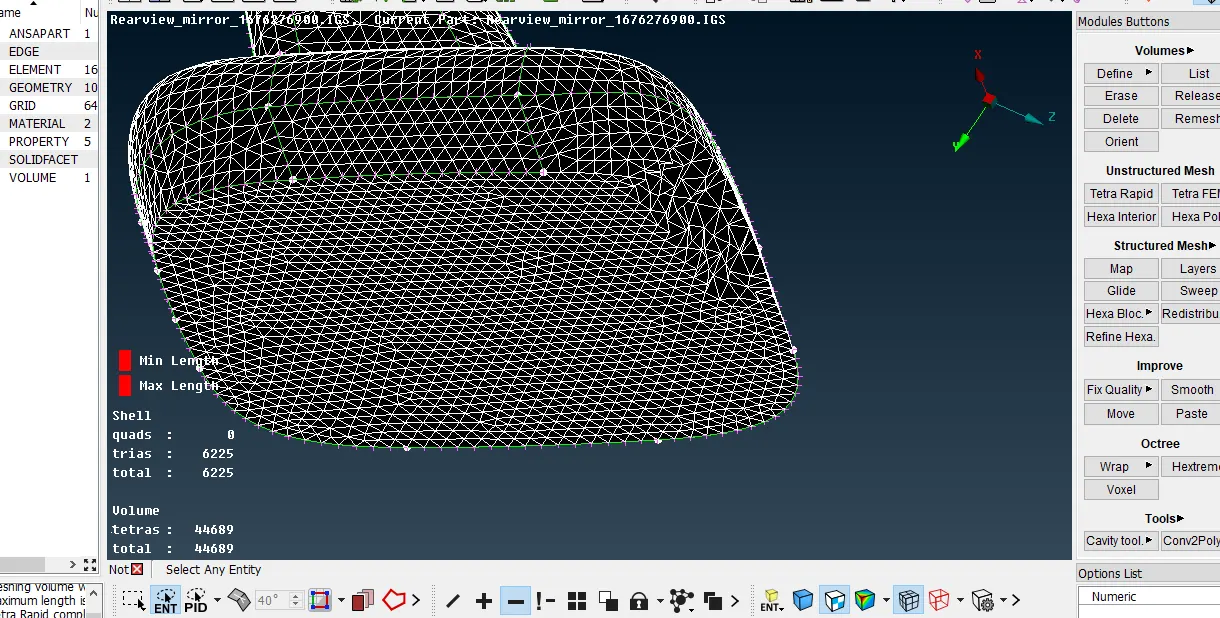
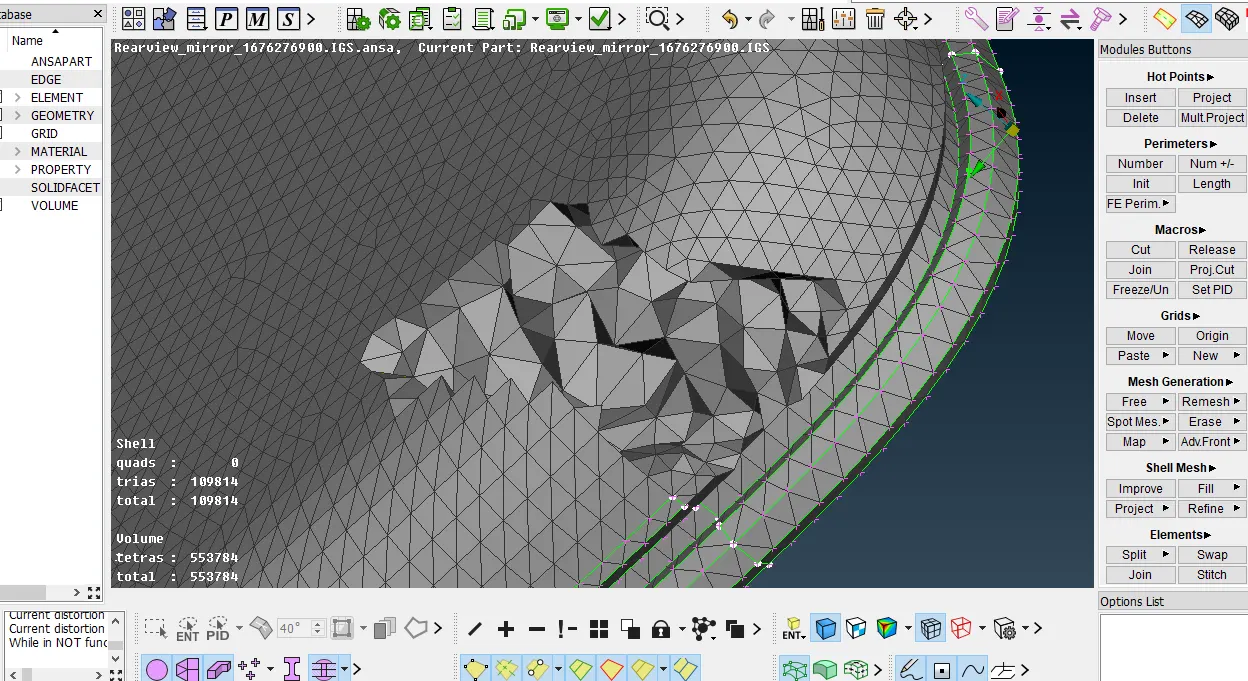
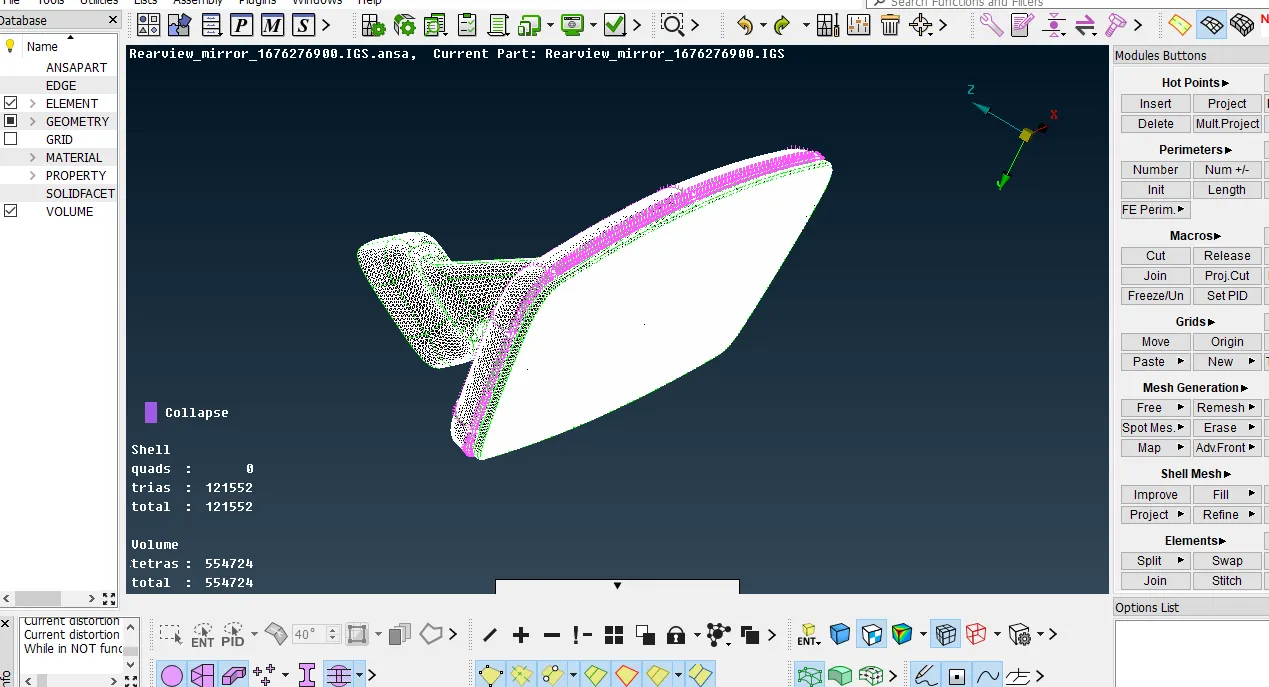
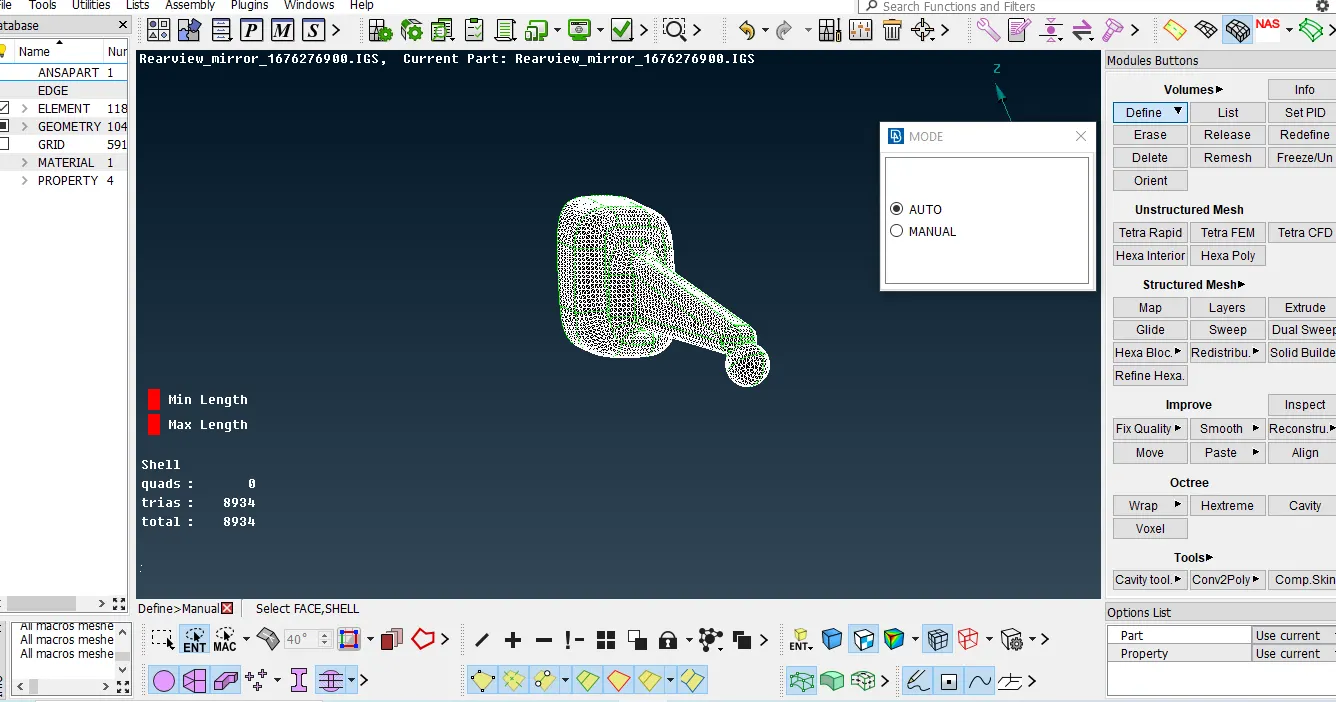
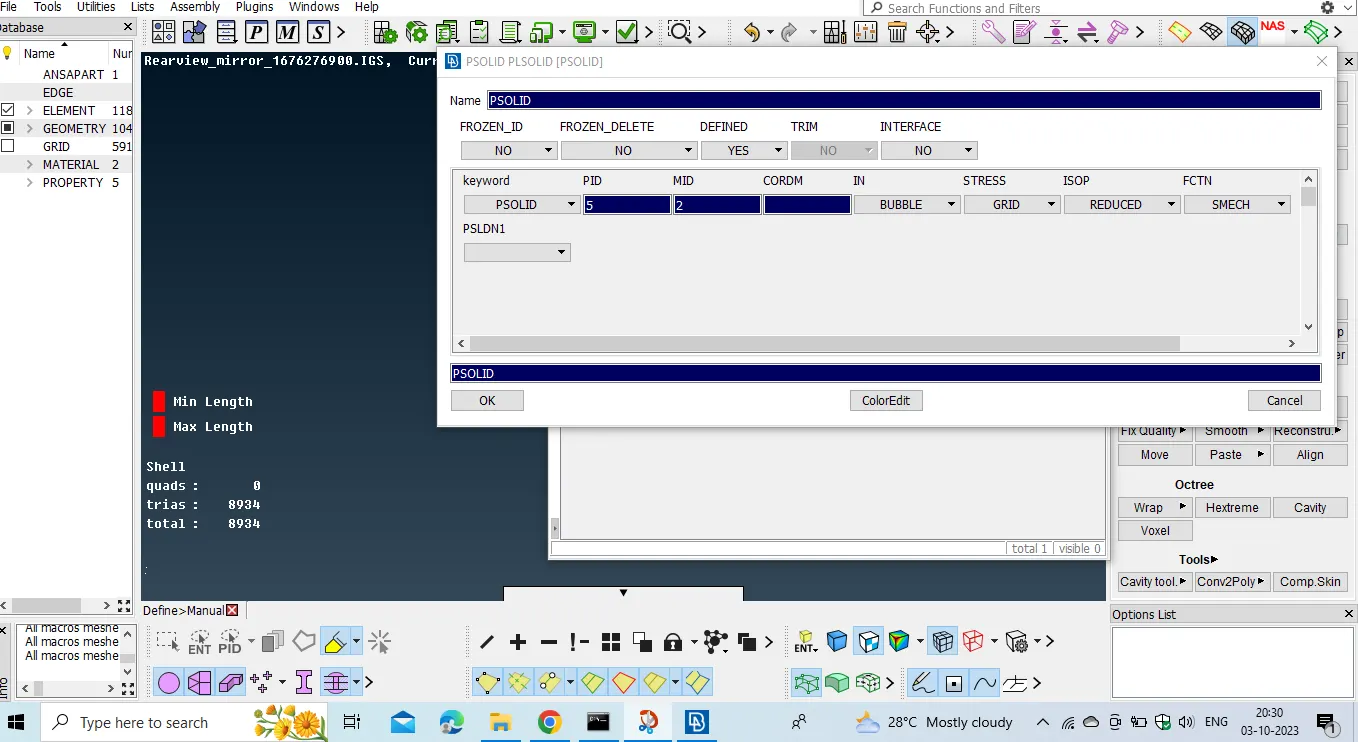
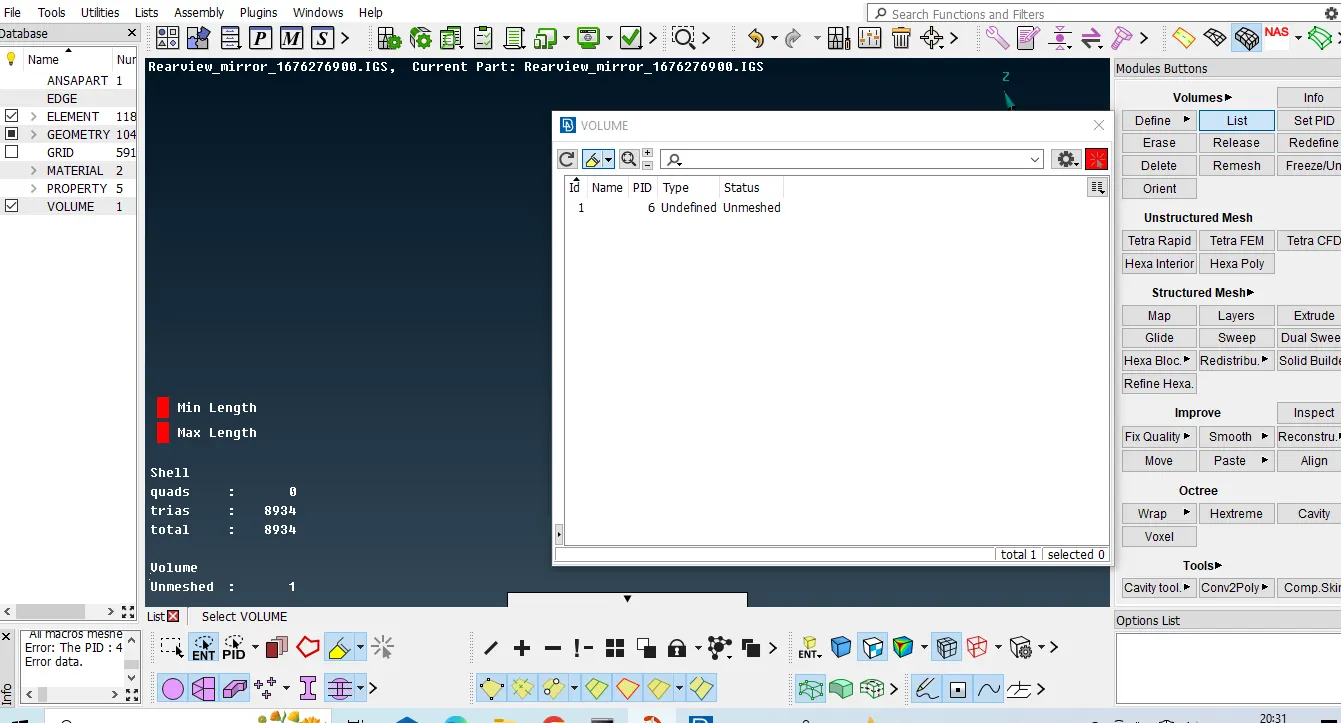
create a PSolid card in the 3d mesh option by clicking define option and select manual method and select entrie model and click middle mouse button and new window opens assign name for Psolid and double click on that and click on List option right click on psolid option and select remesh option and select tetra rapid or tetrafem algorith to create tetra elements and after clicking tetra elements were created and chek for tet collapse by setting the value as 0.2
if any element is failing for tet collapse then we should adjust the element inner side the outer surface should be plane no kinks and raised surface should be present.
thankyou.
Model Link:
https://drive.google.com/file/d/1MCkOeg4kBi5m1iSSPAIxGExoTluuTSbm/view?usp=sharing