Week 6-Meshing of Hood Challenge
Aim- Follow the mentioned quality criteria, mesh the component given below and assign thickness:
Procedure-
1. Take a midsurface after importing geometry Geometry-Midsurface-Skin
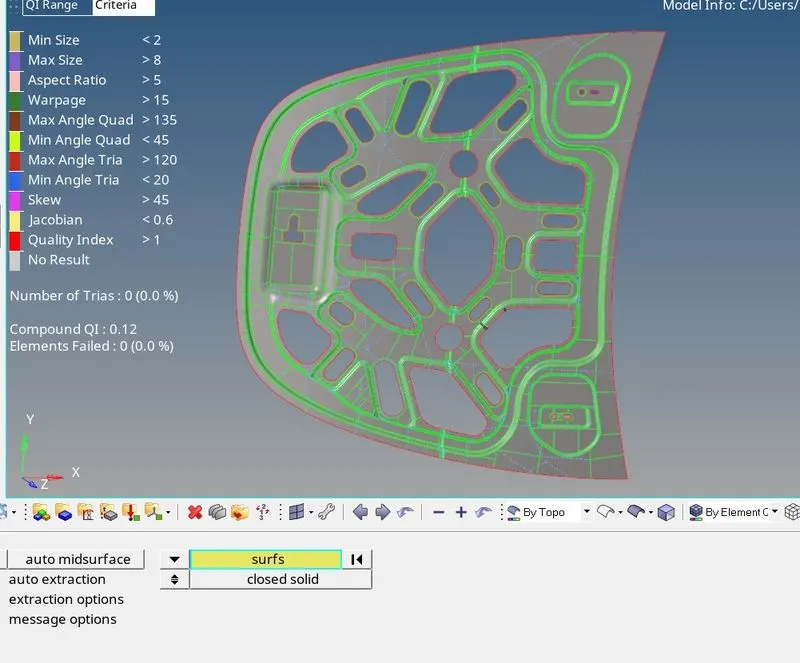
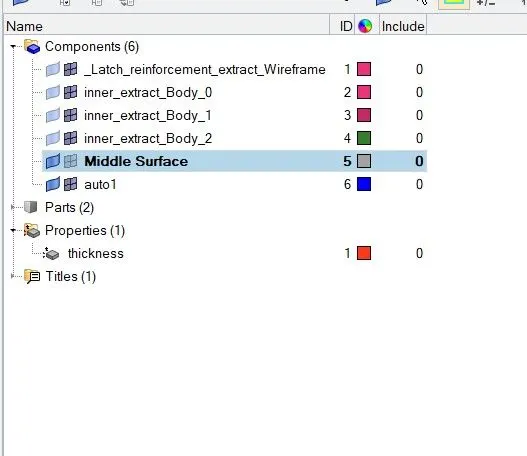
2. Perform necessary cleanup wherever necessary and assign the thickness to the midsurface by creating (property) Thickness
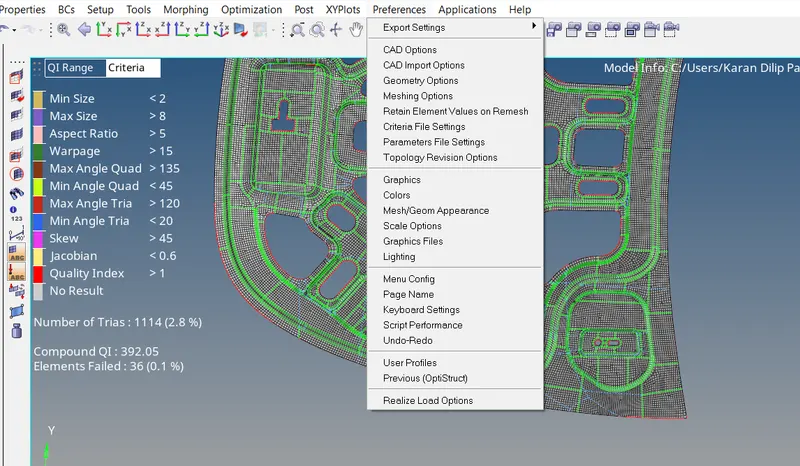
3. Apply the given quality criteria from preference- Criteria File Settings
4. Start with the mesh by pressing F12 or 2D- Automesh work on half portion and then reflect it
5. To Avoid or clear the quality failure go to 2D- Quality Index-Element Optimize or adjust the node accordingly.
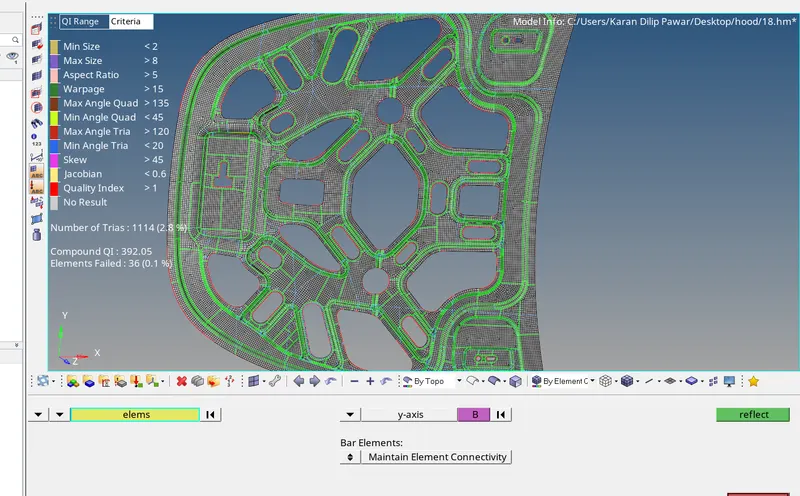
6. For Mirror go to Tools - Reflect Select the elements and duplicate those elements and reflect them around Y-axis
Learning Outcome -
Learn different tools like-Translate, Automesh,Reflect, Project, Quality Index.