Week 6-Meshing of Hood Challenge
AIM
The Aim of this Challenge is to create the Mesh for Automobile Hood component using Hypermesh Software, which is a sheet metal Part.
PROCEDURE
The Following Step by step procedure is followed for creating the FE model for Automobile Hood
- Importing Cad Geometry into the Hypermesh
- Extraction of Midsurface of all the sheet metal components
- Defeaturing of the Midsurface
- Meshing the Midsurface of Sheet metal component according to Quality Criteria
- Removing the Free-edges if any
- Assigning the Thickness to Midsurface.
1. IMPORTING CAD GEOMETRY INTO HYPERMESH
The Cad Geometry is imported as .hm file into the Hypermesh. The CAD Geometry consist of following Parts.
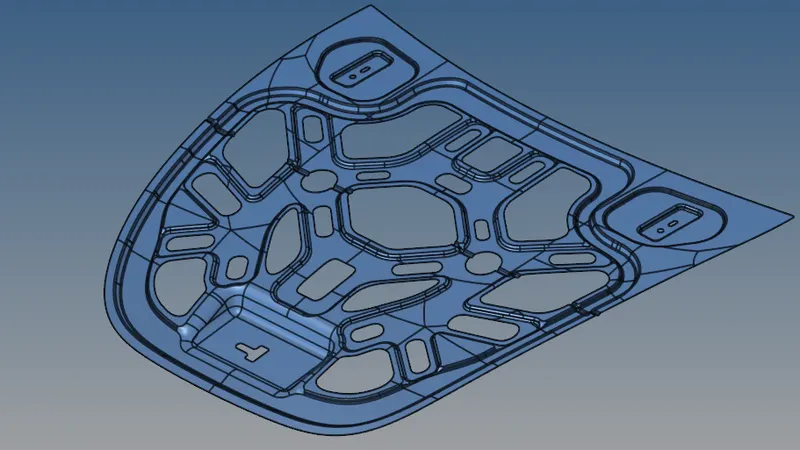
1. Inner Extract
The Thickness of inner extract is 0.75mm.
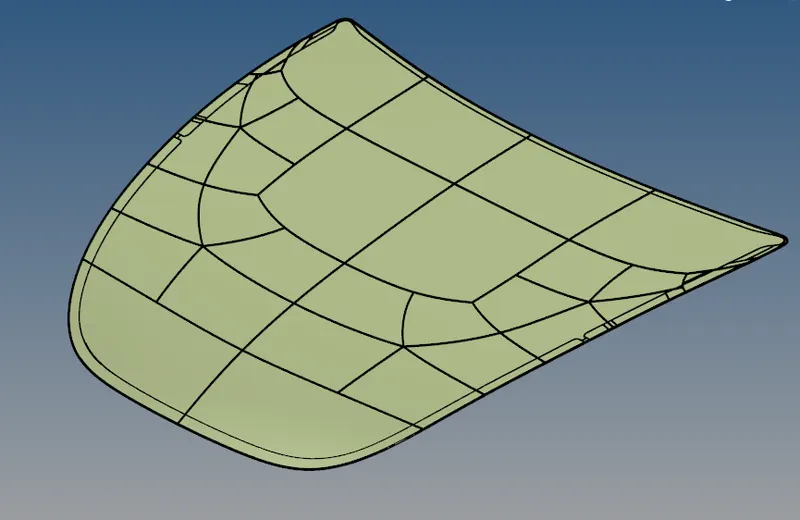
2. Outer Extract
The Thickness of outer Extract is 0.75mm
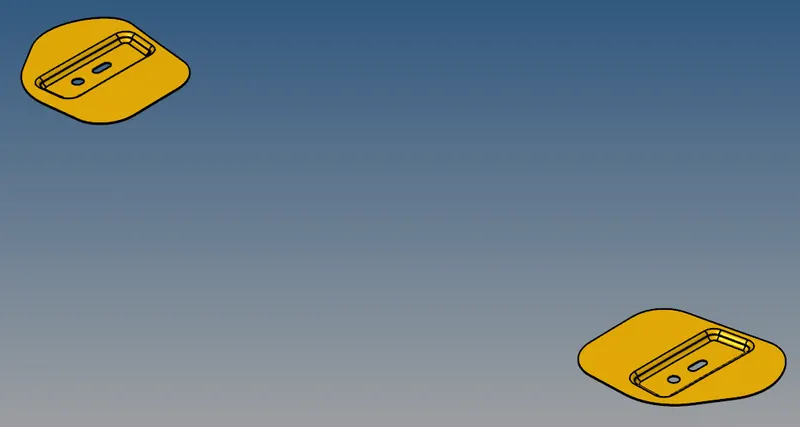
3. Hinge Reinforcement
The Thickness of Hinge Reinforcement is 1.2mm
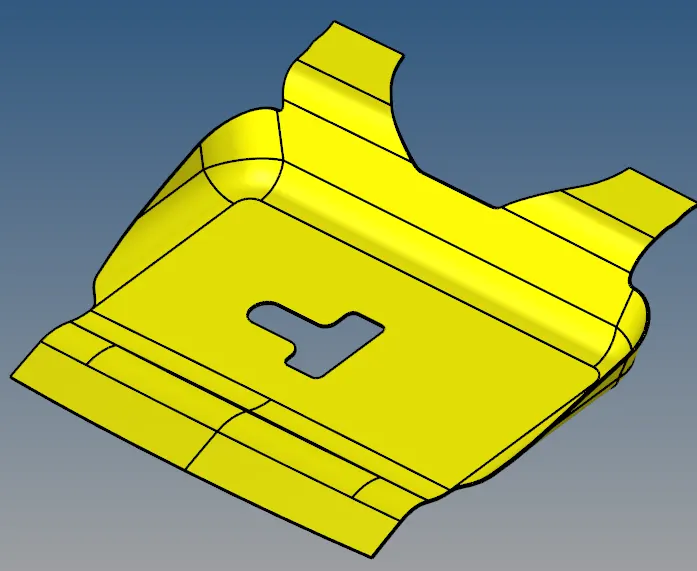
4. Latch Reinforcement
The thickness of latch reinforcement is 1.2mm
2. EXTRACTION OF MIDSURFACE FOR ALL THE SHEET METAL COMPONENT
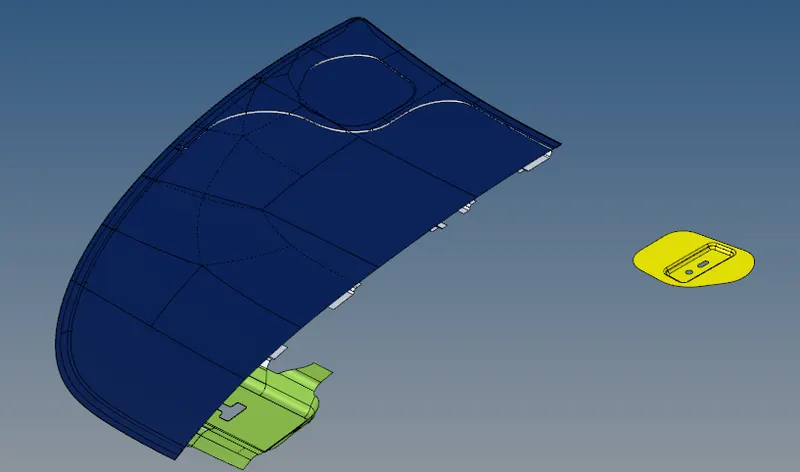
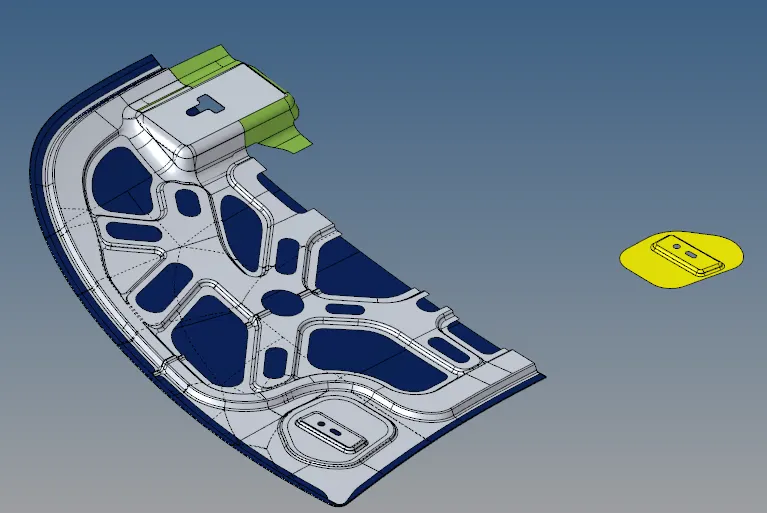
The Midsurface is extracted using Midsurface option under the geometry tab. As the Model consist of Components having uniform thickness, the midsurface is extracted using automidsurface option.
Midsurface of sheet Metal Component
Due to the Symmetry of Inner & Outer extract, the other half of the midsurface is deleted to reduce the time taken for meshing process.
3. DEFEATURING THE MIDSURFACE
The Target size is 5mm, but the given geometry may contain some small features whose size is less than 5mm. Hence these features has to be defeatured so that after meshing the elements will not fail for Minimum size. Defeaturing is also done keeping in mind the mesh flow. Unwanted Edges present in the geometry which will affect the mesh flow is supressed. The defeaturing is done using the Quick Edit option under the Geometry toolbar.
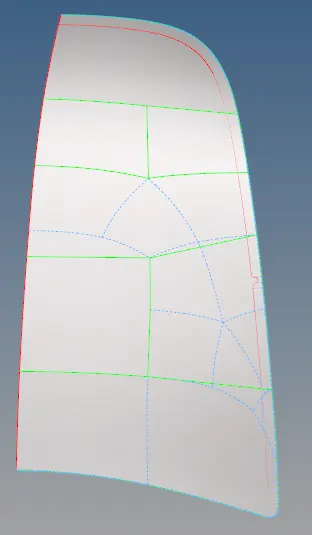
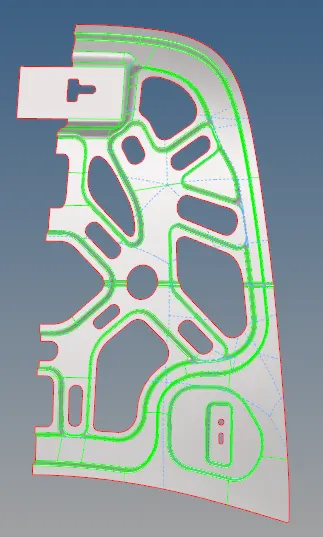
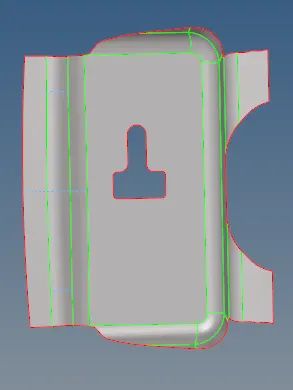
In the hemming regions of the outer extract, the Top and the bottom edges are defeatured to avoid Elements getting failed for minimum Quality Criteria.
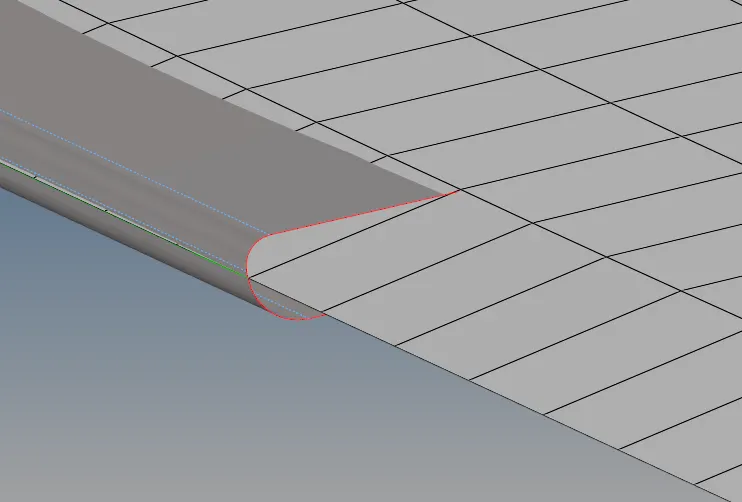
4. MESHING THE MIDSURFACE ACCORDING TO GIVEN QUALITY CRITERIA
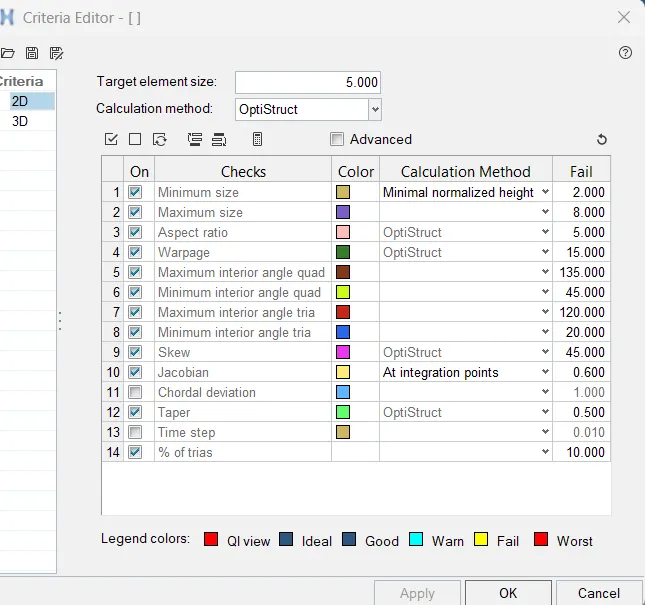
The Quality Criteria is given as input in hypermesh using Criteria file settings under Preferences toolbar. The Target element size is 5mm.
As the Outer Extract and the Inner Extract are the Symmetrical about global Y-axis, Only one half of the Midsurface is meshed. Once the meshing of one-half is completed, the elements are reflected about the Y-axis to get the Mesh for entire component. This is performed by using "Reflect" option under the "Tool" toolbar.
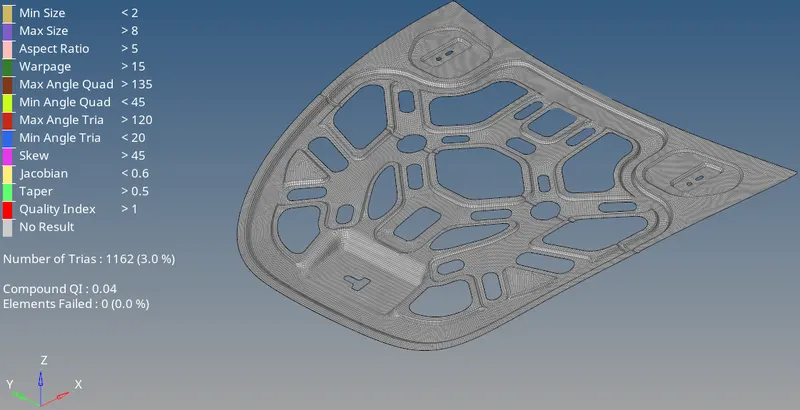
Mesh of Outer Extract:
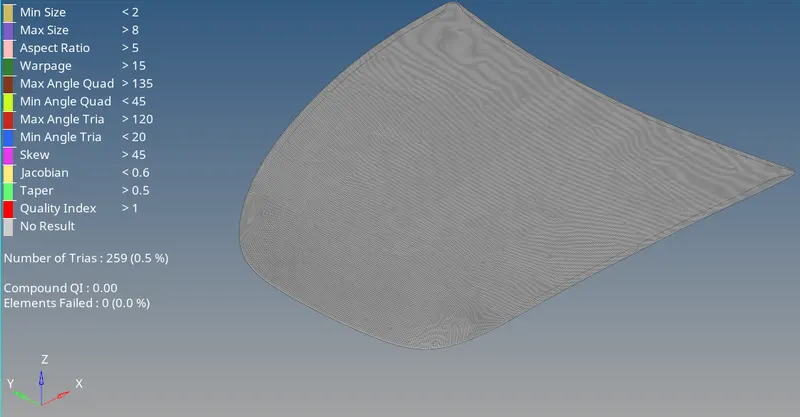
The outer extract is meshed according to the given quality criteria and there are no element failed for Mesh quality.
Mesh of Inner Extract:
The outer extract is meshed according to the given quality criteria and there are no element failed for Mesh quality.
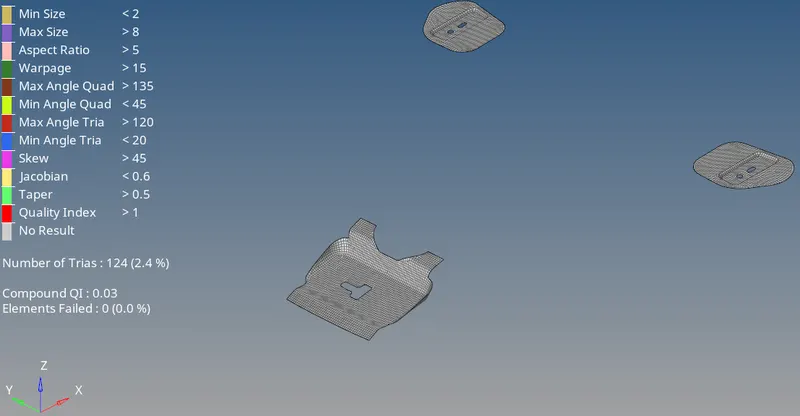
Mesh for Reinforcement Parts:
The Hinge reinforcement & latch reinforcement is meshed according to the given quality criteria and there are no element failed for Mesh quality.
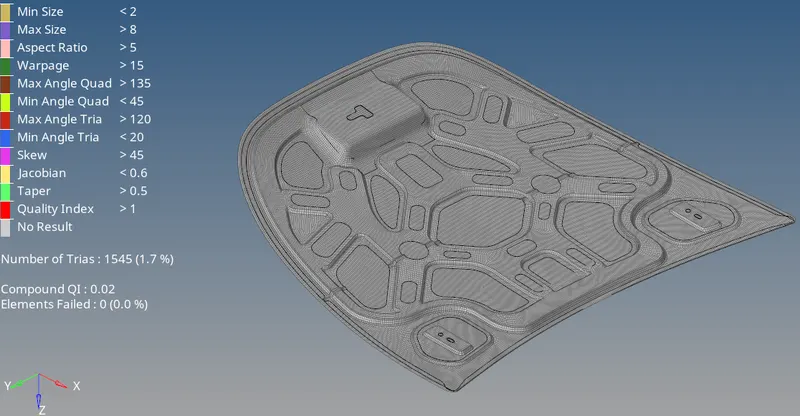
Overall Mesh:
The overall mesh of the hood component is shown below. There are no Elements failed for mesh Quality
5. ASSIGNING ELEMENT TYPE & MATERIAL PROPERTIES
The Element type is assigned as Shell element using Property Card. The thickness of inner & outer extract is specified as 0.75mm and the Reinforcements are specified as 1.2mm.
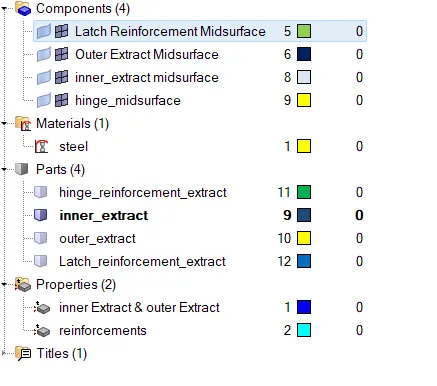
The Material Card is created with Properties of steel.
6.CONCLUSION
The Mesh is created for automobile hood component. The Mesh is inline with specified quality Criteria.