Week 6-Meshing of Hood Challenge
Week 6 -Meshing of Hood Challenge
AIM:- To import the hood model and performing geometry clean up and extraction of mid surface to mesh the model.
GIVEN DATA:
Here given data provide are
1.Quality criteria -
The quality criteria provided is mention below in the table-
Target Element Length = 5 Units
| S.N | Quality Criteria | Value |
| 1 | Aspect Ratio | 5 |
| 2 | Skewness | 45 |
| 3 | Warping | 15 |
| 4 | Taper | 0.5 |
| 5 | Min. Length | 2 Units |
| 6 | Max. Length | 8 Units |
| 7 | Min angle Quad | 45 |
| 8 | Max angle Quad | 135 |
| 9 | Min angle Tria | 20 |
| 10 | Max angle Tria | 120 |
| 10 | Tria % | 10 |
2.CAD Model -
Using Hypermesh sowftwere V22.
- Go to (File>Import>Model/Geometry).
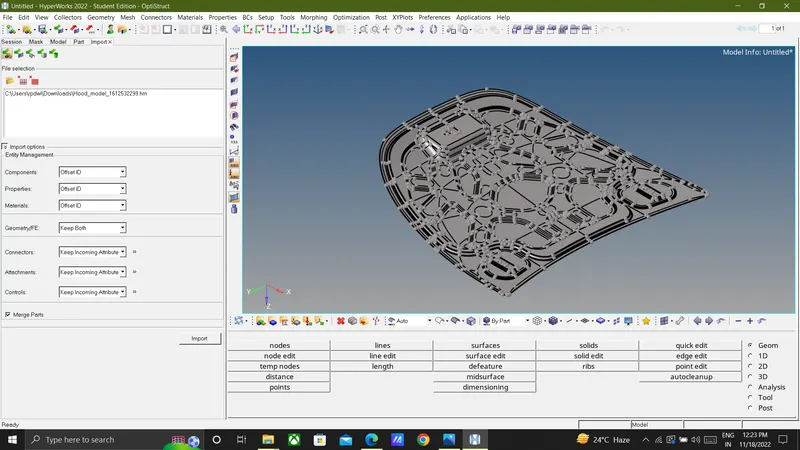
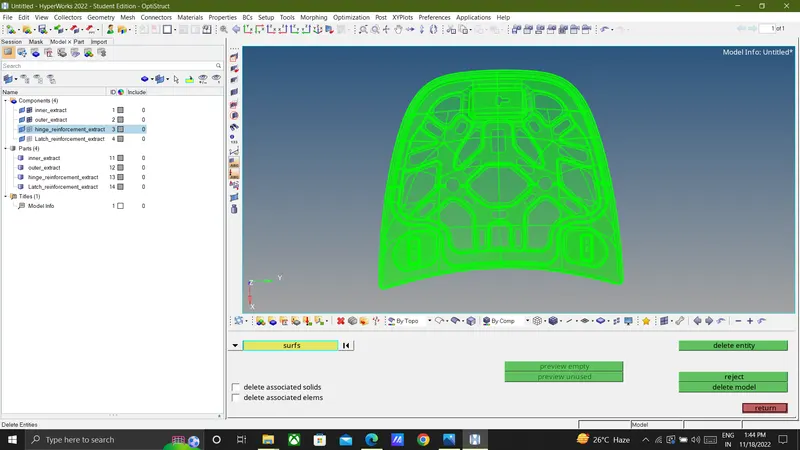
Here , the imported model contains the solids which are to be deleted for the taking the midsurface.
(Tool>delete>serface>display>delete entity).
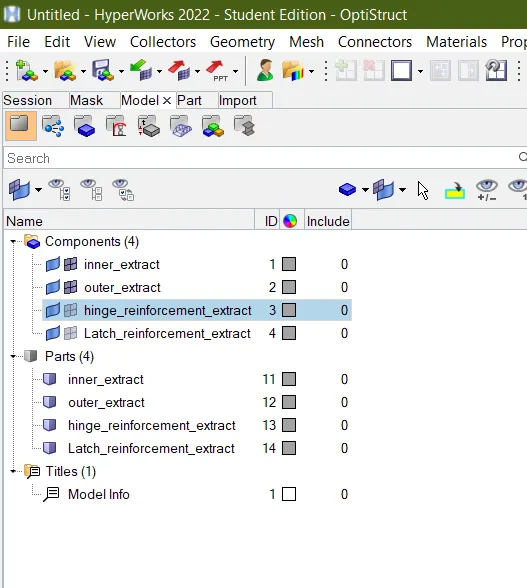
After import the model provided CAD model of car hood consisting of five components given below-
1)Latch Reinforcement.
2)Hinge Reinforcement.
3)Inner Extract.
4)Outer Extract.
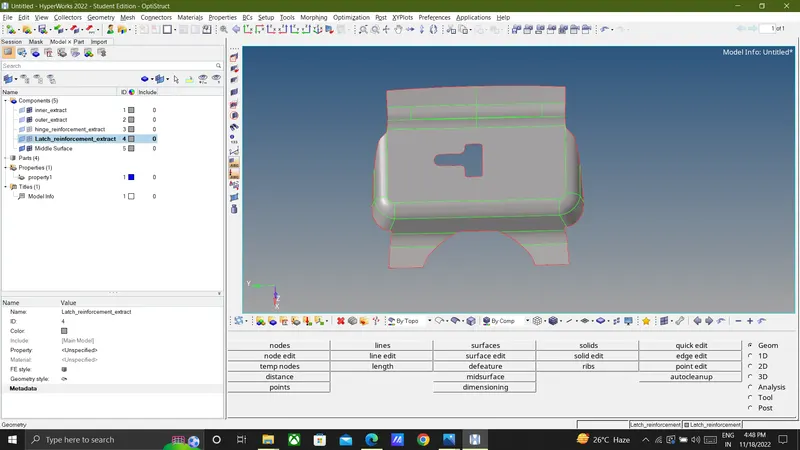
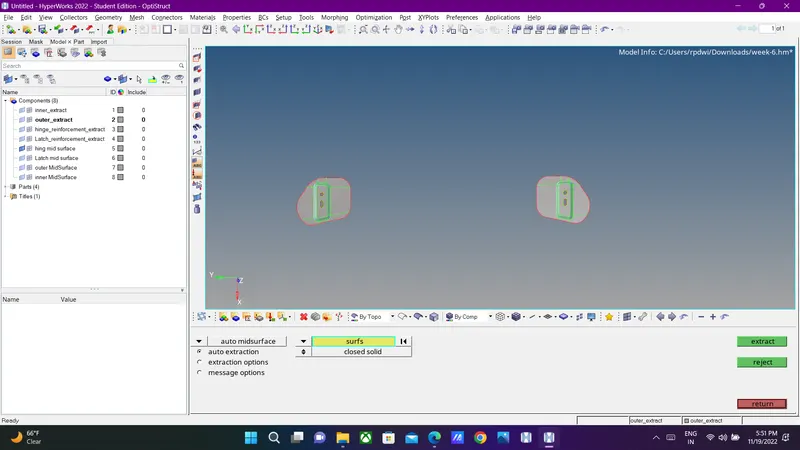
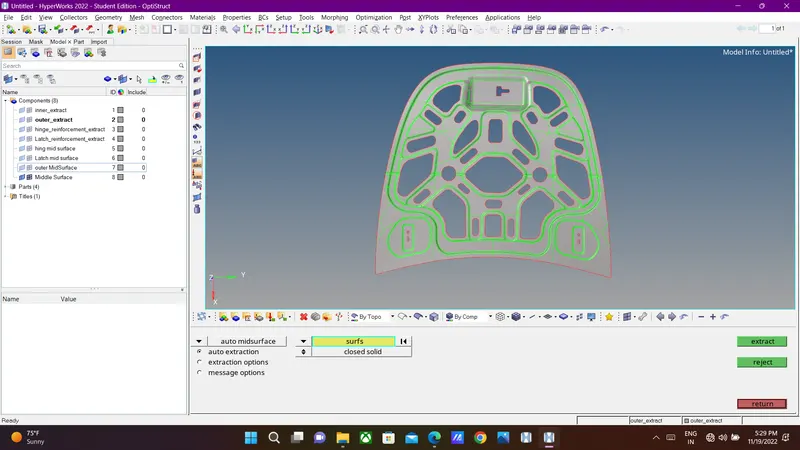
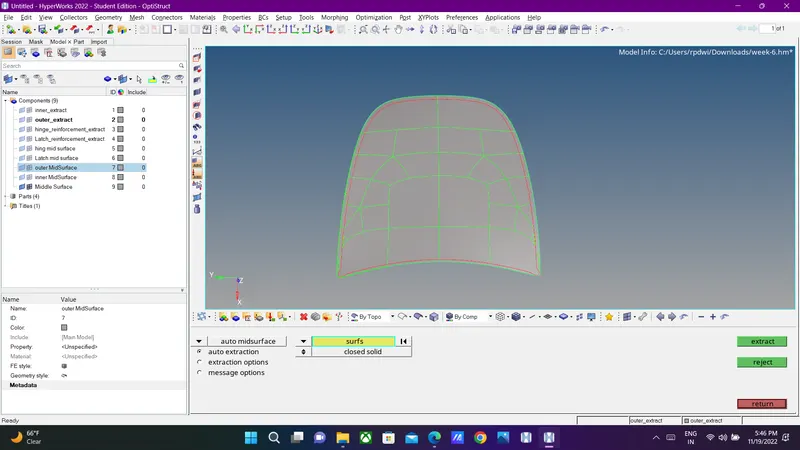
3) Midsurface Extraction:-Midsurface extraction is the next step after geometry cleanup and for that, goto bGeom > midsurface > extraction options > skin offset > auto extraction > surfs > displayed > extract)
1)Latch:-
2)Hinge Reinforcement;-
3)Inner Extract:-
4)Outer Extract:-
4)Property and thickness assigning:-
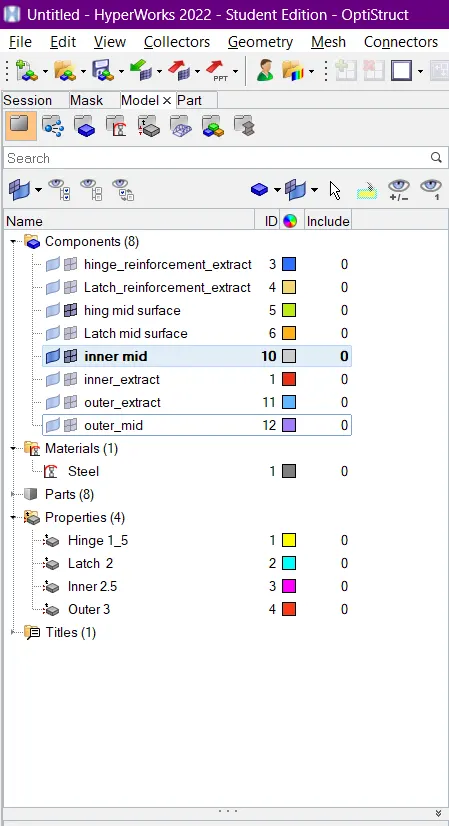
create seperate property cards for all the midsurface components and give thickness to them. Create material card and assign material to all the property cards and then assign property cards to their respective midsurface components.
5) .Quality criteria:-
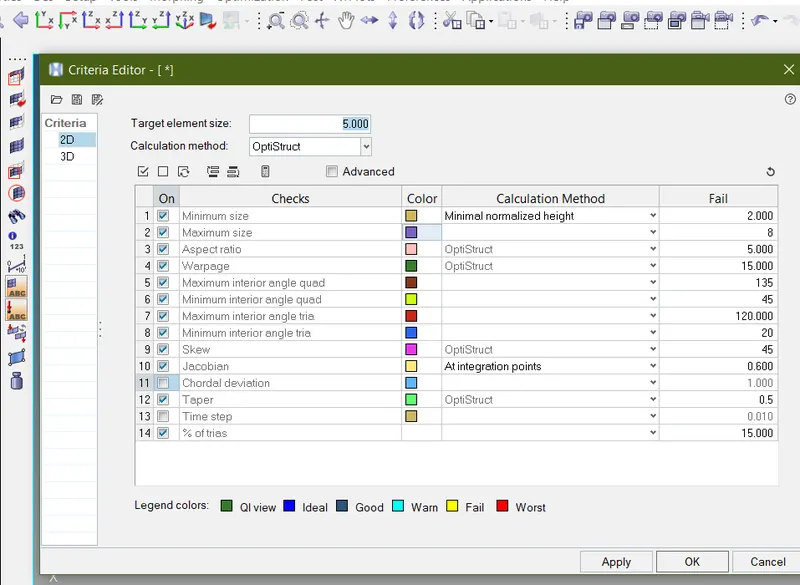
he below-mentioned quality criteria, mesh the component given below and assign thickness:
Target Element Length = 5 Units
| S.N | Quality Criteria | Value |
| 1 | Aspect Ratio | 5 |
| 2 | Skewness | 45 |
| 3 | Warping | 15 |
| 4 | Taper | 0.5 |
| 5 | Min. Length | 2 Units |
| 6 | Max. Length | 8 Units |
| 7 | Min angle Quad | 45 |
| 8 | Max angle Quad | 135 |
| 9 | Min angle Tria | 20 |
| 10 | Max angle Tria | 120 |
| 10 | Tria % | 10 |
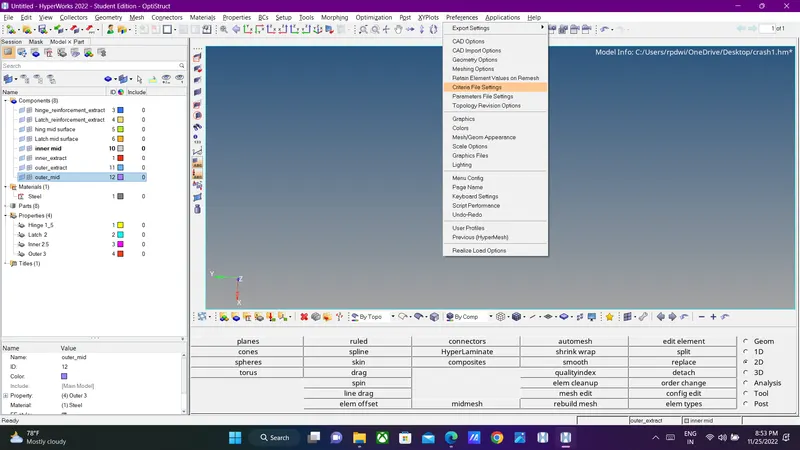
By enter above Metion Quality criteria by using Go To (Preference>Quality File Setting>Enter Value According)
6) Mesh Generation:-
Before meshing, ww have to make sure that quality criteria values are properly entered and quality criteria is applied. Now go to (2D > automesh > surfs > element size - 5 > element type - mixed > mesh). This will mesh the selected target surface with average element length of 5mm. Adjust the number of nodes on the either of sides, to get a good mesh flow and to make sure that rotational quads are not formed on the surface.

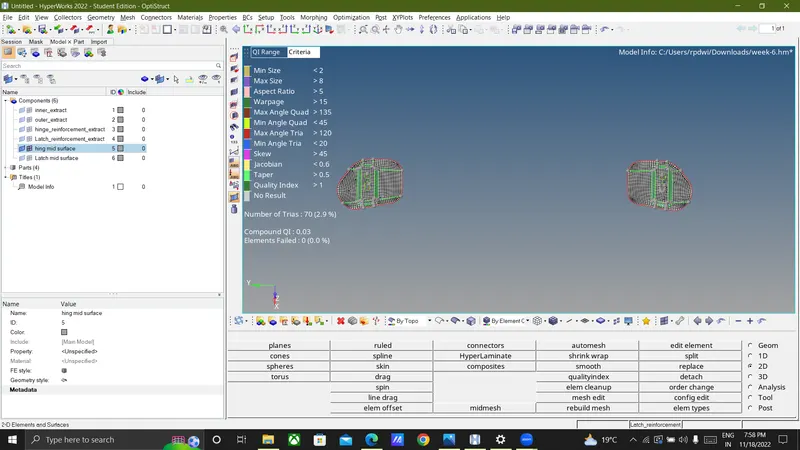
1) Hinge Mesh Generation:-
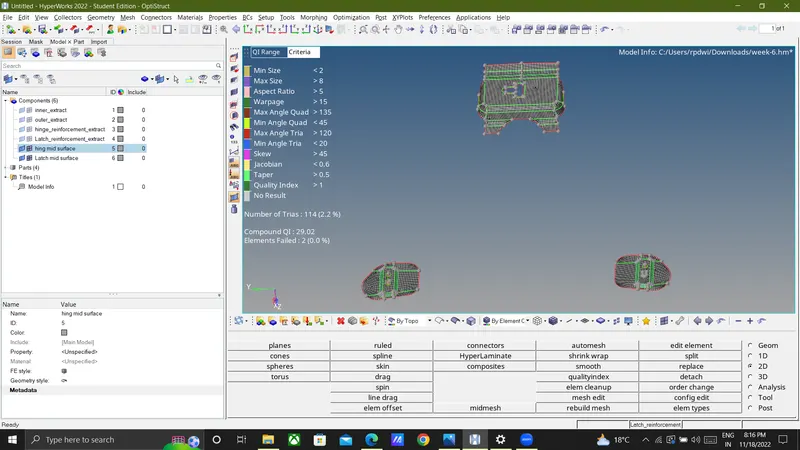
We have to try for getting as less numbers of trias as it can get and also there should not be any failing element present in the mesh if it is there, then it needs to get resolved. Some cleanup tools like split, swap, combine, replace, drag tria can be used to perform quality error cleanup and for this, go to (2D > qualityindex > cleanup tools)

No element Fail
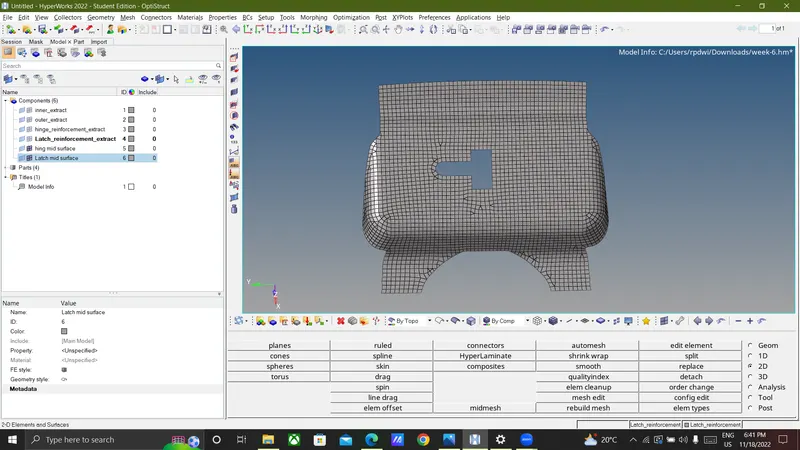
2) Latch Mesh generation:-
3)Inner mesh genetarion:-
If there's symmetry present in the components, then one half of the component can be deleted by using
Goto (delete > surfs > Select the surfaces > delete entities)
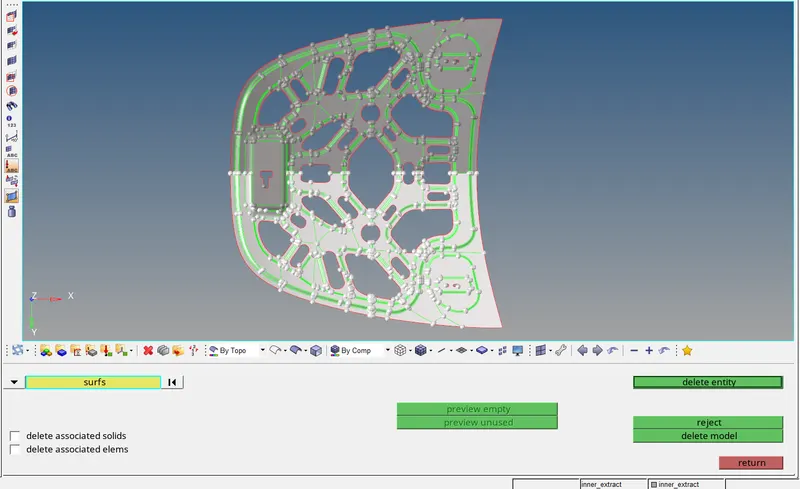
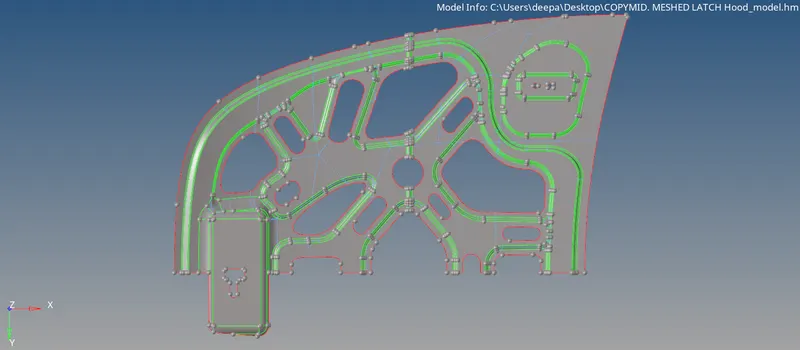
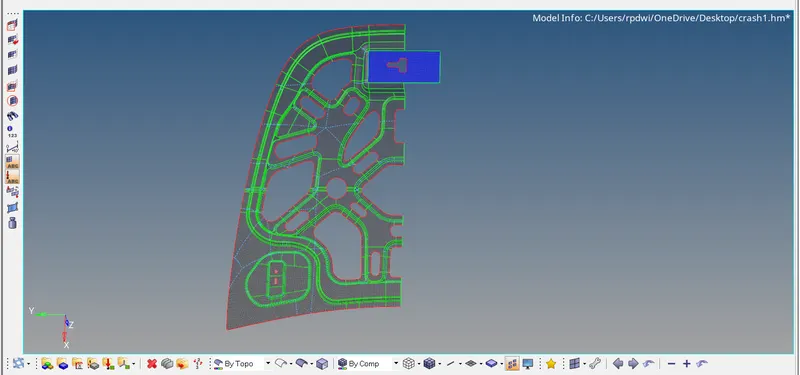
Find Edge of this componen By using Go to (Tool>Edge> element> Displayed>Find edge)
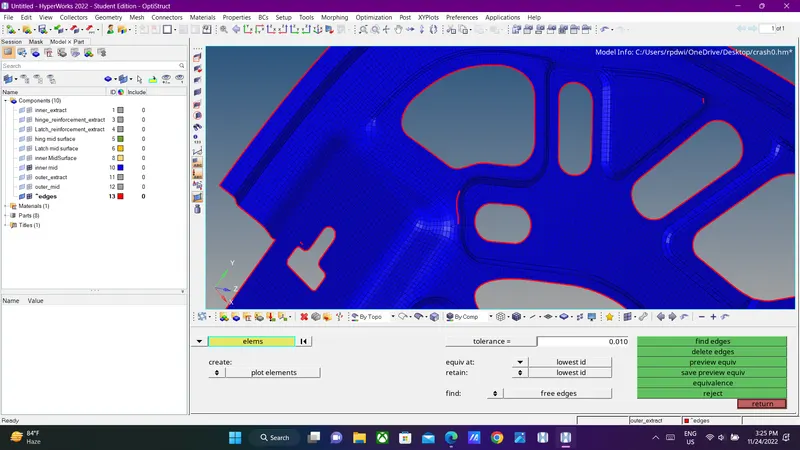
By fix this issue Go to (2D>Repalce>Select Node)
Refelect this inner pannel by using (Tool>Reflect>Element>Displayed>Deselect Unsymetrical Element>Dublicate>Select Direction>Reflect)
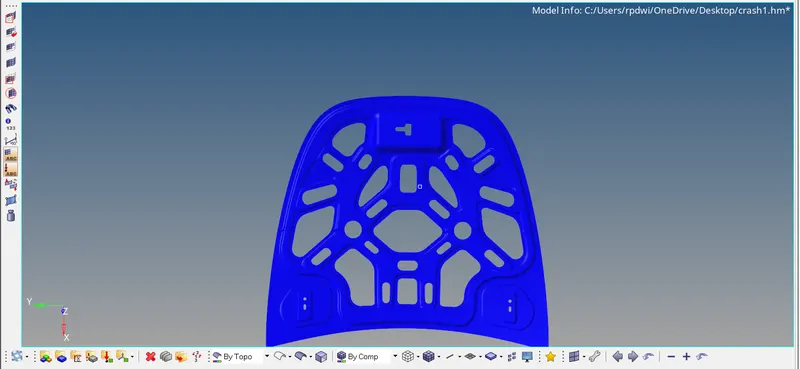
Once reflection is done free edge occure fix it by using (Tool>Edge> element> Displayed>Preview qeuiv>Equivalence)
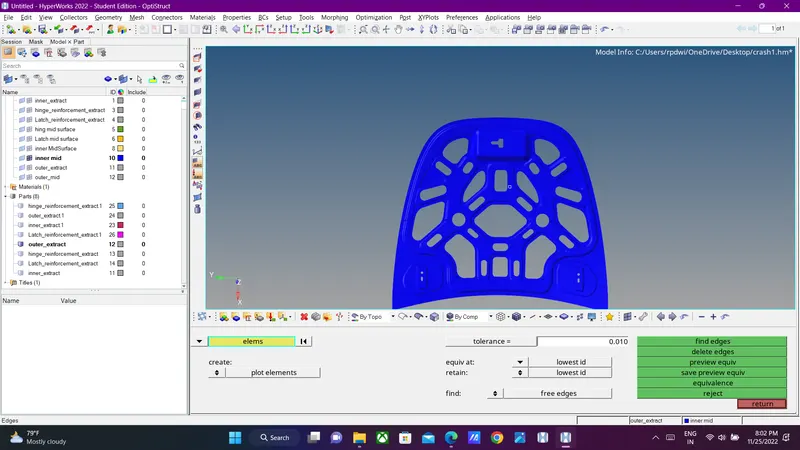
4) Outer mesh generation:-
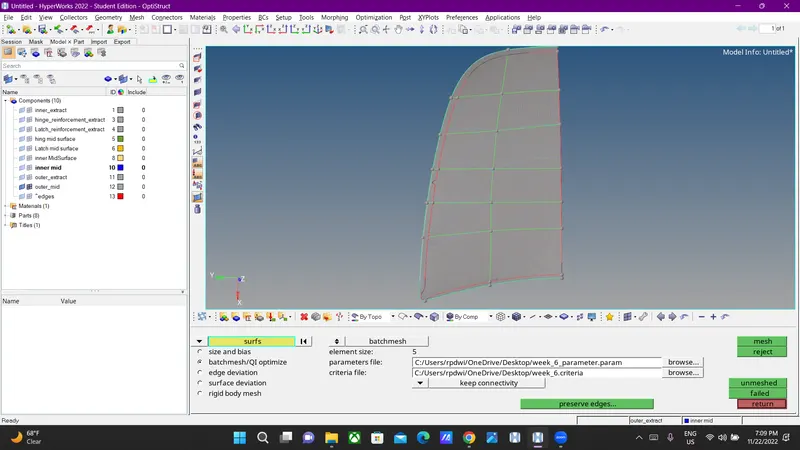
Refelect this inner pannel by using (Tool>Reflect>Element>Displayed>Deselect Unsymetrical Element>Dublicate>Select Direction>Reflect)
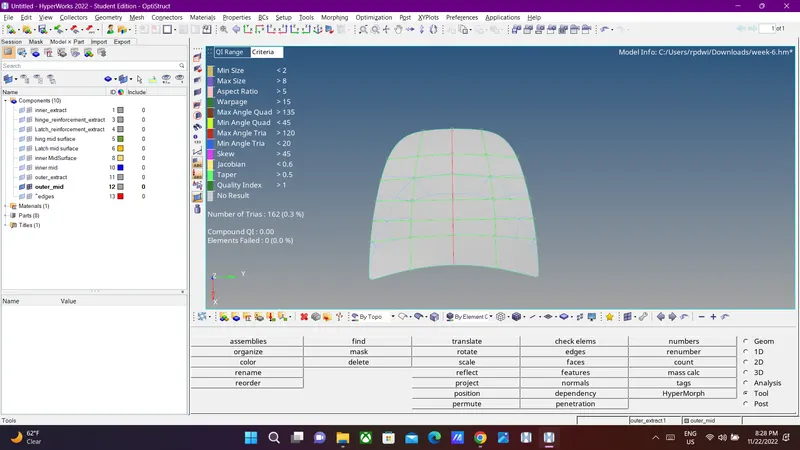
Once reflection is done free edge occure fix it by using (Tool>Edge> element> Displayed>Preview qeuiv>Equivalence)
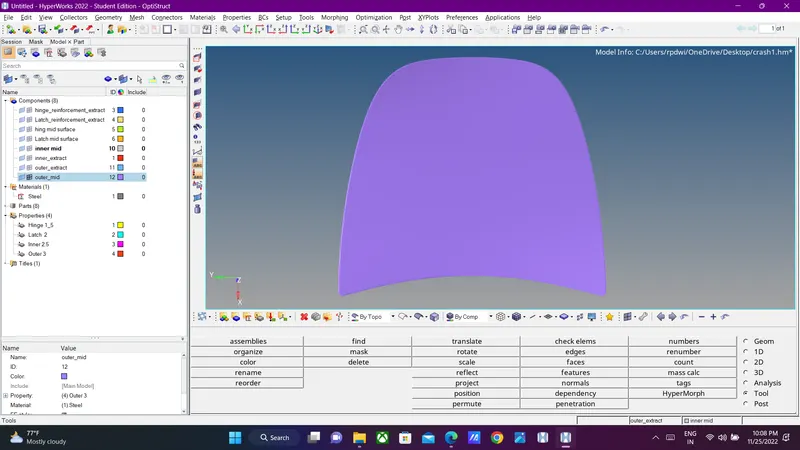
RESULT AND CONCLUSION :
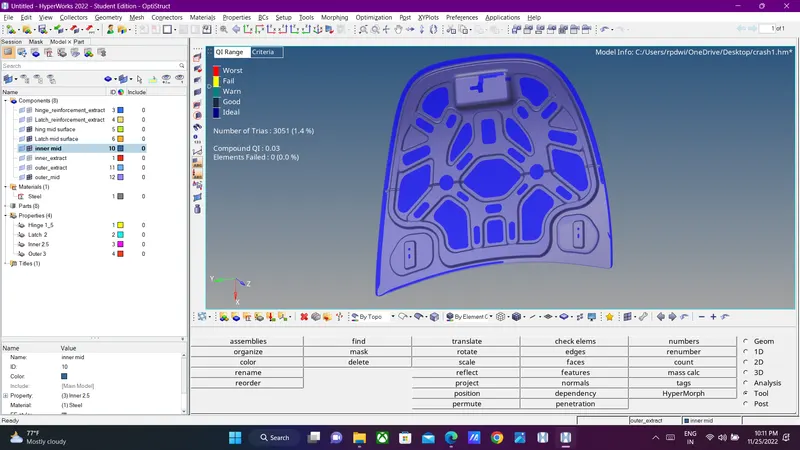
Extracted mid surface of the hood model of the car and performed geometry clean up , meshing according to the acceptable element criteria and mesh flow .