Week 6-Meshing of Hood Challenge
AIM
Follow the below-mentioned quality criteria, mesh the component given below and assign thickness:
Target Element Length = 5 Units
| S.N | Quality Criteria | Value |
| 1 | Aspect Ratio | 5 |
| 2 | Skewness | 45 |
| 3 | Warping | 15 |
| 4 | Taper | 0.5 |
| 5 | Min. Length | 2 Units |
| 6 | Max. Length | 8 Units |
| 7 | Min angle Quad | 45 |
| 8 | Max angle Quad | 135 |
| 9 | Min angle Tria | 20 |
| 10 | Max angle Tria | 120 |
| 10 | Tria % | 10 |
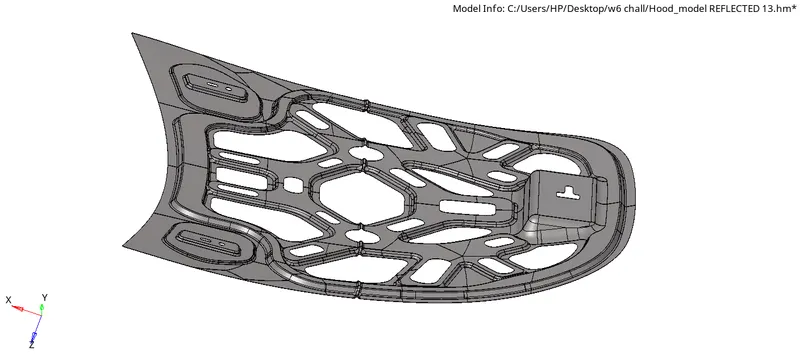
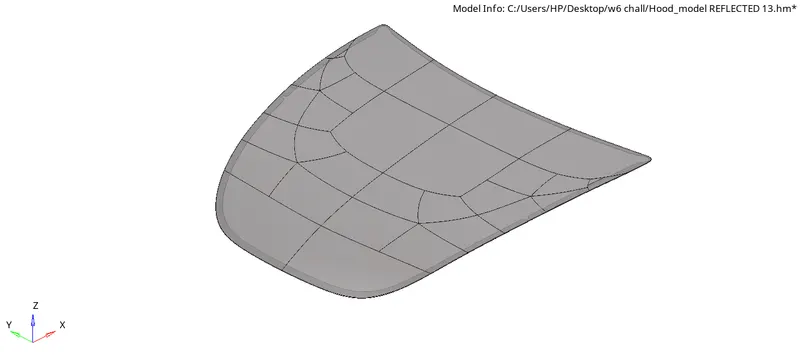
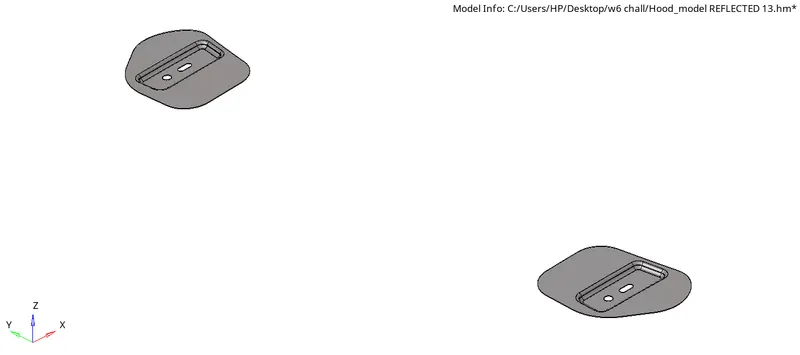
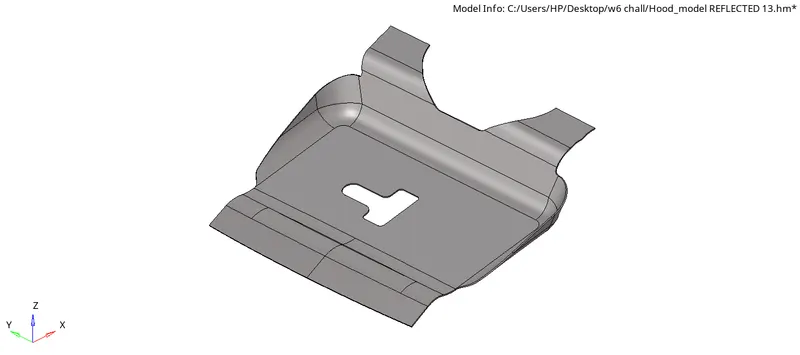
MODEL
PROCEDURE
- Open the hyperworks software.
- Select "import geometry" option and also set the file type format, then import the first model.(import geometry>model>open)
- we have to clean up the given model by removing the holes and unfilled surfaces (Geometry>quick edit>fill hole)
- As the model consists of the various components we should extract the midsurface for the each components and do the topology clean up
- The midsurface is extracted for the each component using the midsurface option from the geometry menu(geo>midsurface)
- check for any defects in the mid surface by changing the geometry topology mode.Remove the defect.
- Now go the auto clean up option in the geometry menu and select mid surface to be meshed.(geo>autocleanup)
- Toggle the unnecessary lines by using toggle edge tool & create lines where is necessary by using the split surf node & split surf line tool.(geo>quick edit)
- Give the quality criteria and mesh criteria(preference>criteria/mesh parameters)
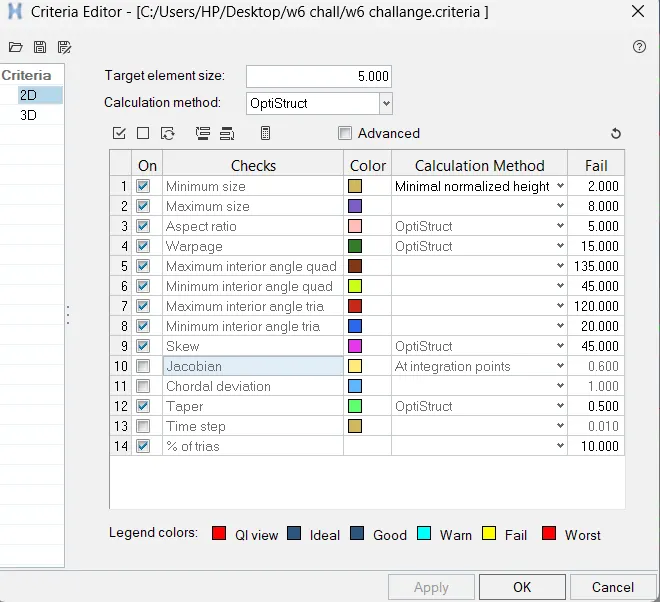
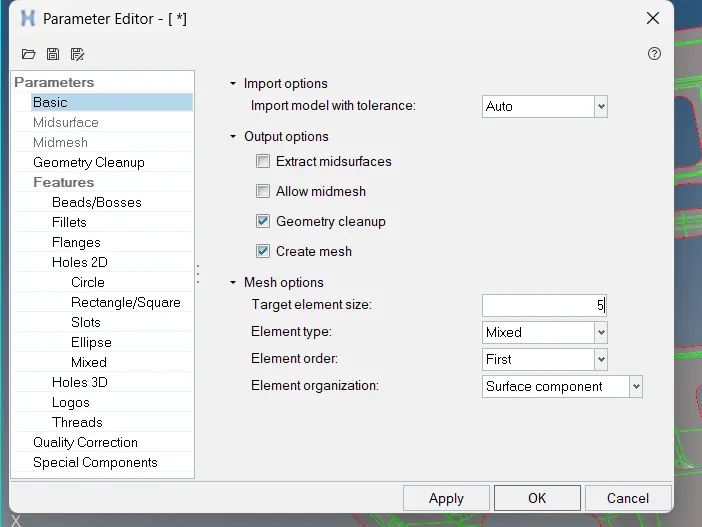
- After the autocleanup, go to 2D mesh menu and select automesh option, change the element size to 5, element type to mixed and select the mid surface and click mesh to generate the mesh.(2D>automesh>select surface>mesh)
- After generating the mesh, check for the quality criteria, to perform the quality criteria.(2D>quality index)
- In quality index there are many tools to fix the off elementsl like placenodes,split,element optimization etc.
- After meshing and quality check smooth the elements using the smooth option. (2D>smooth)
- Use element cleanup for fixing the off elements.(2D>elementclean up)
- For the inner extract body mesh cannot be done for the whole component so first half of the geometry meshed
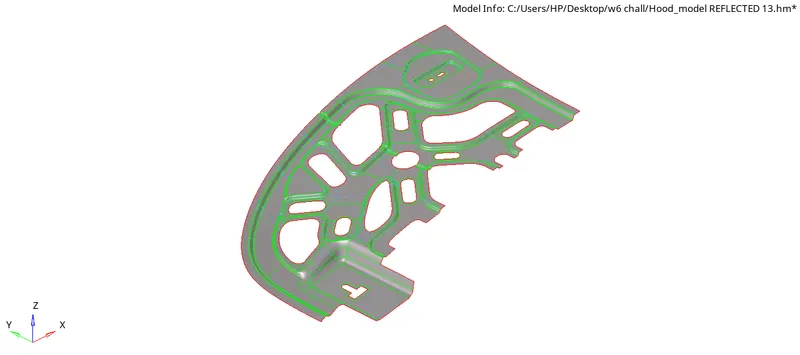
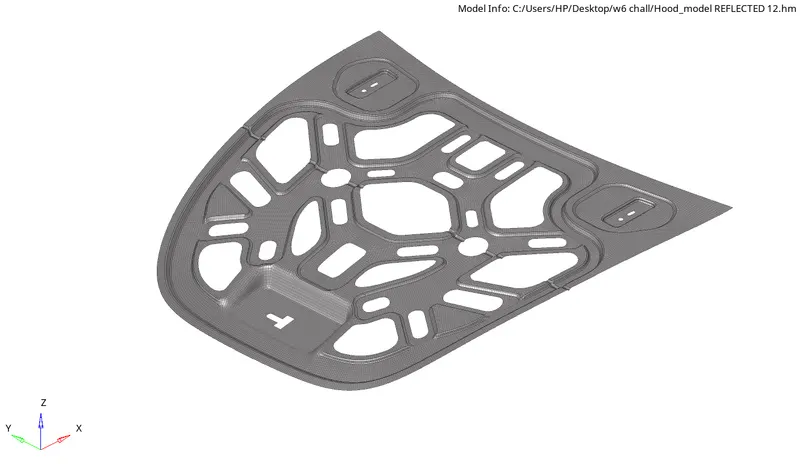
- To mesh the other half, go to tools menu and select reflect and select the elements to reflect, and duplicate the elements. change the vector selection to the required- axis as and select the centre node of the complete geometry and click reflect.(Tools>refelect)
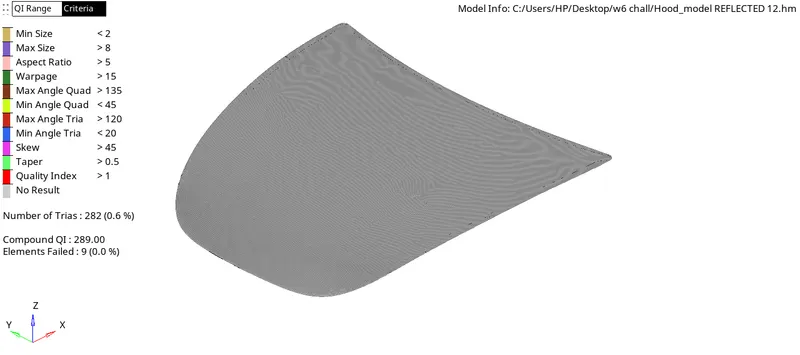
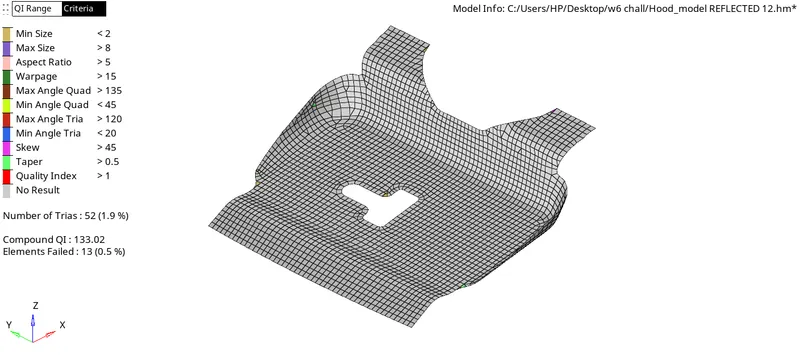
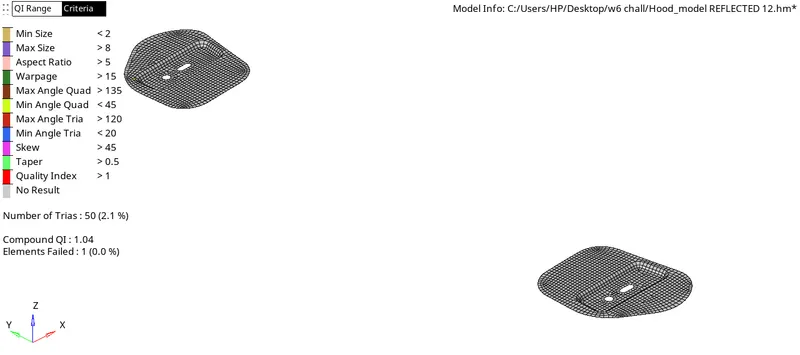
CONCLUSION
The given Hood model has been successfully midsurfaced and meshed with given quality parameters.