Week 6-Meshing of Hood Challenge
aim-To mesh Hood model for given quality criteria.
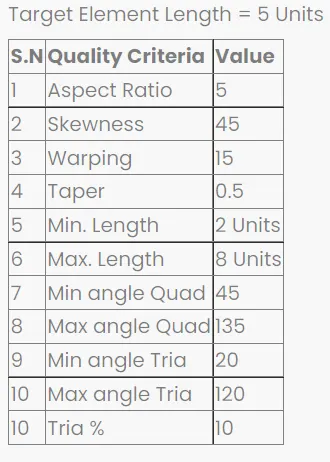
Procedure:
Step 1: Importing geometry and cleanup:
- To import the geometry, go to file >> Import >> select the file >> Import.
- After importing the geometry, the geometry is checked for any missing surfaces or triple cons. If there are no errors present in the geometry then the geometry is ready for the mid-surface extraction.
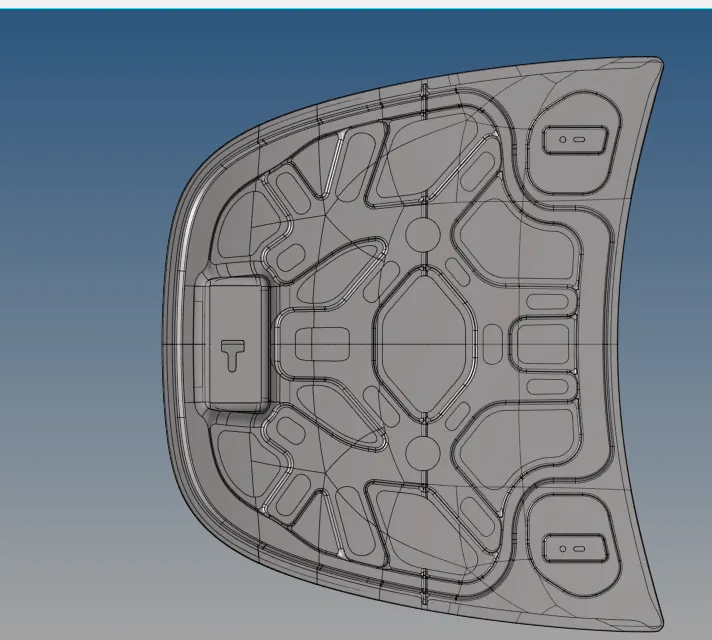
Delete solid surfaces
Now change the Geometry color mode from Auto to By Topo and delete all solid faces for the given component. For deleting the faces, goto Tool > delete > solids > displayed > delete entities.
Geometry Cleanup
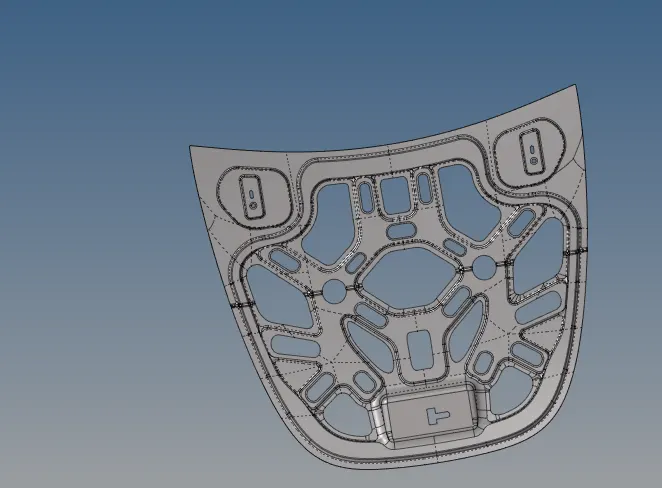
Once the model is imported, move to geometry cleanup just to check if there's any extra surface or free edges or missing surfaces are present or not. For this enable wireframe geometry mode and then try to observe and find irragularities and discontinuities in the model. If found then fix it manually.
Midsurface Extraction
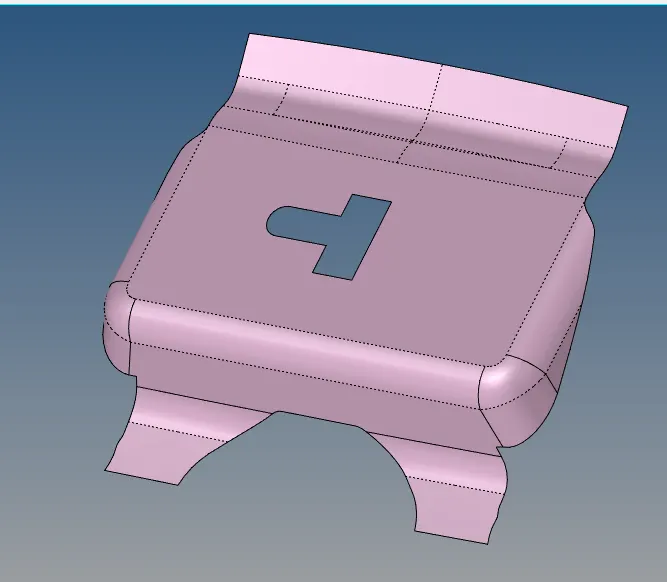
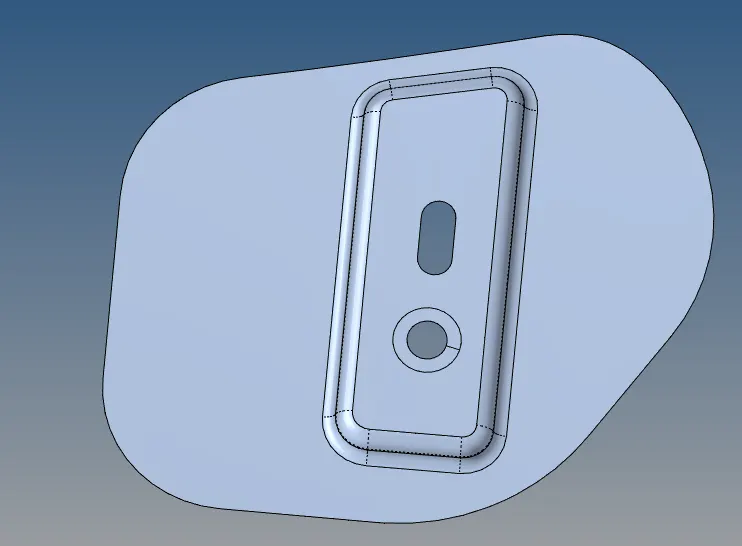
Midsurface extraction is the next step after geometry cleanup and for that, goto Geom > midsurface > extraction options > skin offset > auto extraction > surfs > displayed > extract.
Assign quality criteria
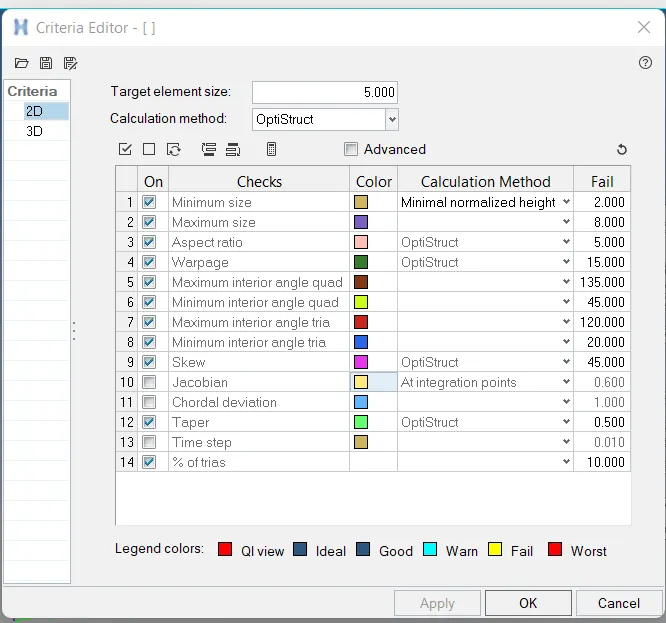
Every mesh produced has to go through the set of quality check. If quality check fails other steps like boundary conditions and applying loads will not be feasible, So element quality check is performed and no element is allowed to fail under this quality criteria. If the elements fail then these failed elements should be corrected and the elements should matche the quality criteria. To assign quality criteria to the model, go to Preferences > Criteria File Settings.
Meshing
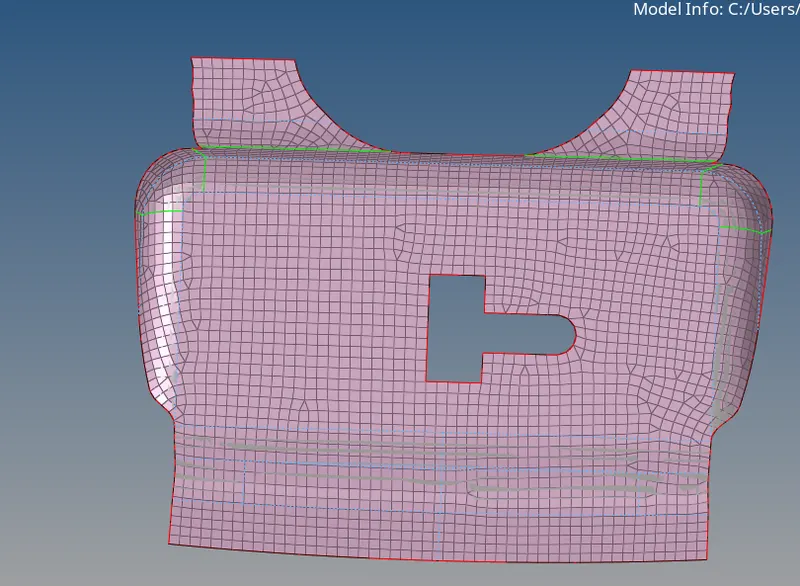
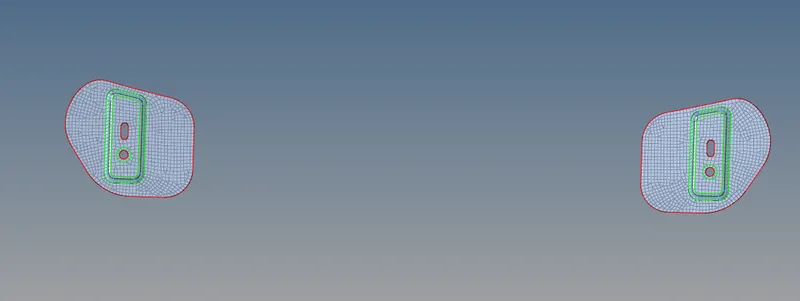
Before meshing, ww have to make sure that quality criteria values are properly entered and quality criteria is applied. Now go to 2D > automesh > surfs > element size - 5 > element type - mixed > mesh. This will mesh the selected target surface with average element length of 5mm. Adjust the number of nodes on the either of sides, to get a good mesh flow and to make sure that rotational quads are not formed on the surface.

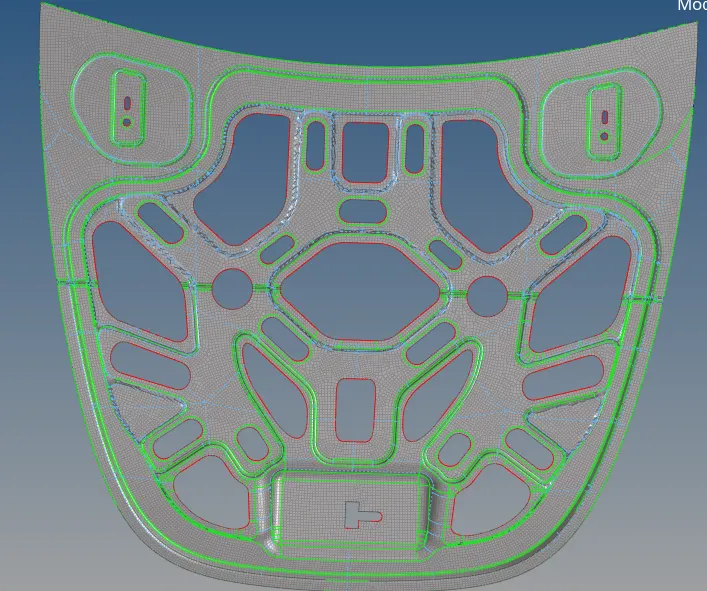
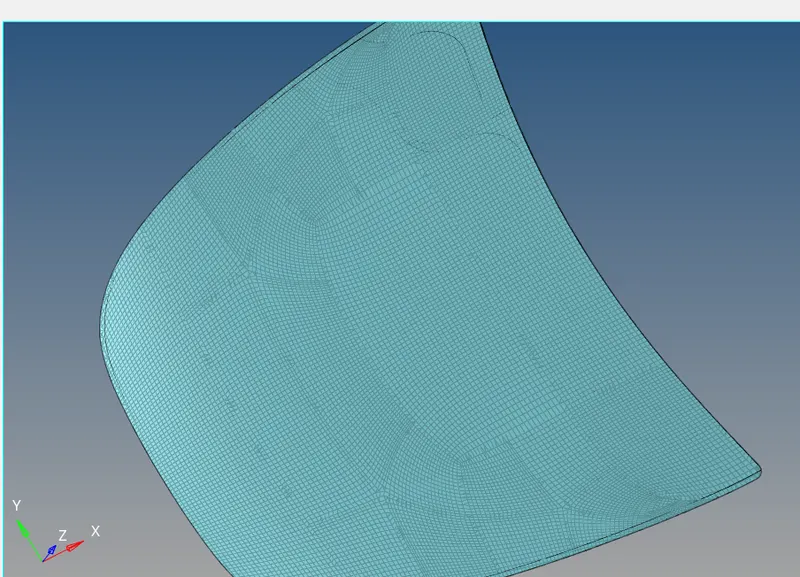
Result
Successfully perform geometry cleanup, generated mid surface and meshed the given hood model