Week 6-Meshing of Hood Challenge
OBJECTIVE:
To generate seperate mid-surface and assign thickness for all the model component and
mesh them under the quality criteria given below.
Target Element Length = 5 Units
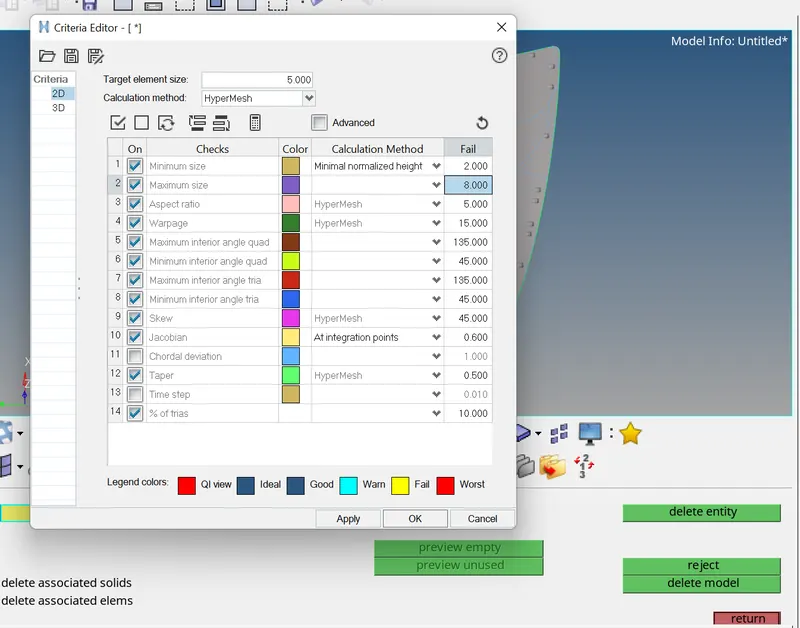
| S.N | Quality Criteria | Value |
| 1 | Aspect Ratio | 5 |
| 2 | Skewness | 45 |
| 3 | Warping | 15 |
| 4 | Taper | 0.5 |
| 5 | Min. Length | 2 Units |
| 6 | Max. Length | 8 Units |
| 7 | Min angle Quad | 45 |
| 8 | Max angle Quad | 135 |
| 9 | Min angle Tria | 20 |
| 10 | Max angle Tria | 120 |
| 11 | Tria % | 10 |
PROCEDURE:
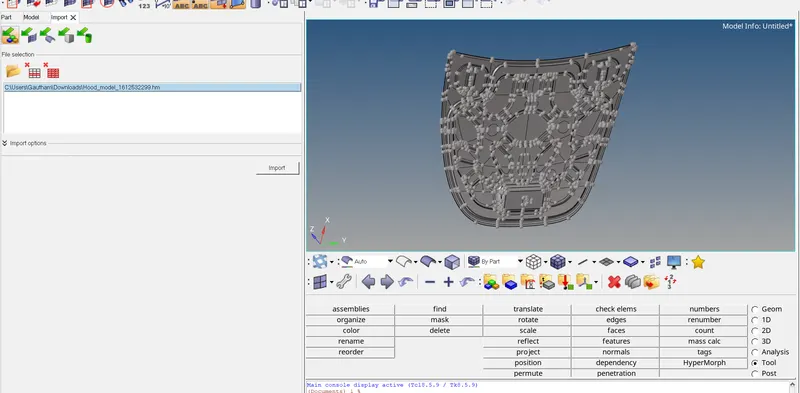
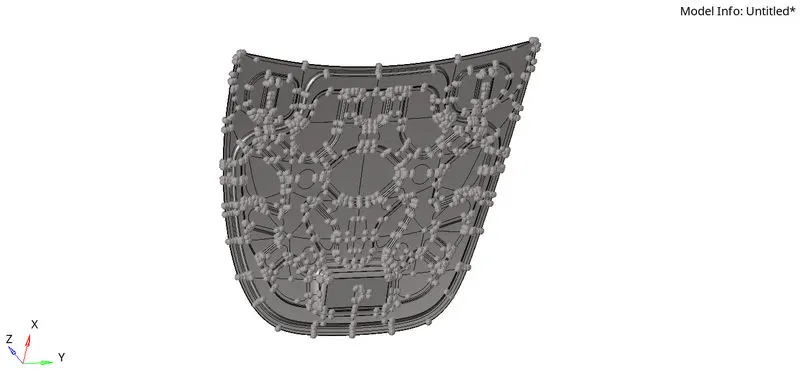
1. Import CAD file to hyperwork.
Import the .stp model file using File > Import > Geometry > Select file type as STEP > Locate
the file > Open > Click on the file > Import.
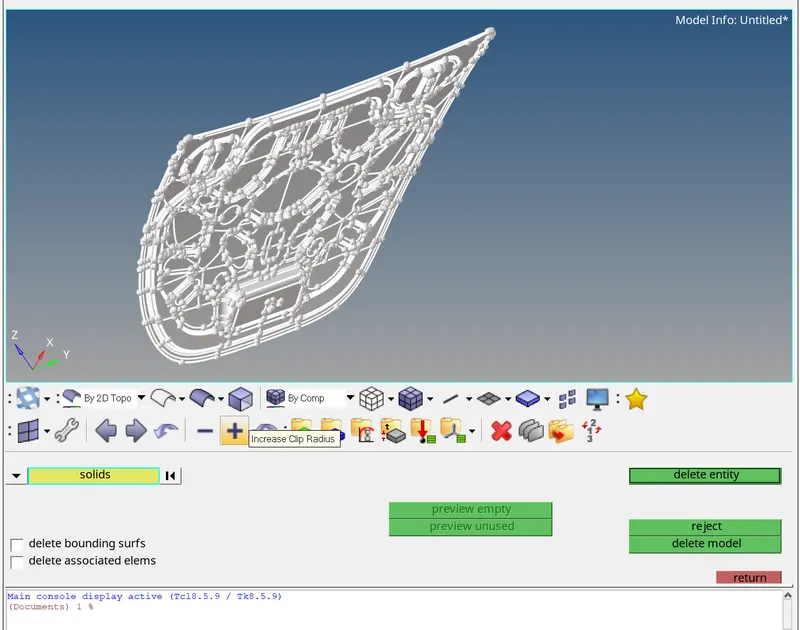
2. Delete solid surfaces by change the Geometry color mode from Auto to By Topo and delete all solid faces for the given
component. For deleting the faces, goto Tool > delete > solids > displayed > delete entities.
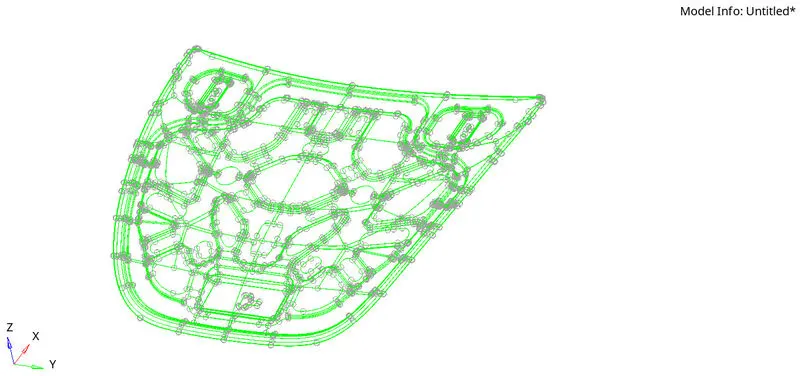
3. Geometry cleanup is just to check if there's any extra surface or free edges or missing surfaces are present or not. For this enable wireframe geometry mode and then try to observe and find irragularities and discontinuities in the model. If found then fix it manually.
4. Midsurface extraction is the next step after geometry cleanup and for that, goto Geom > midsurface >
extraction options > skin offset > auto extraction > surfs > displayed > extract.
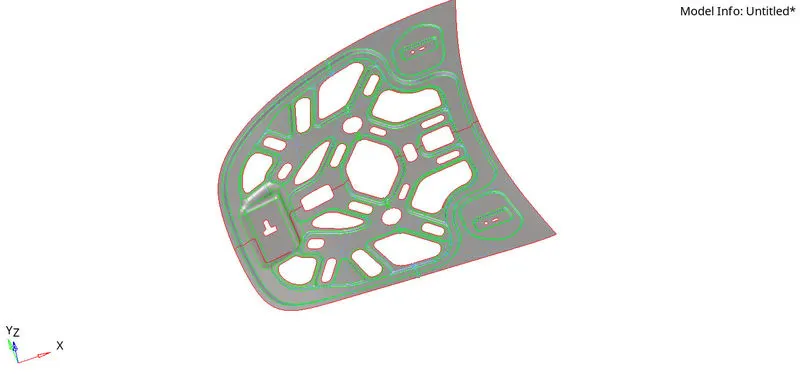
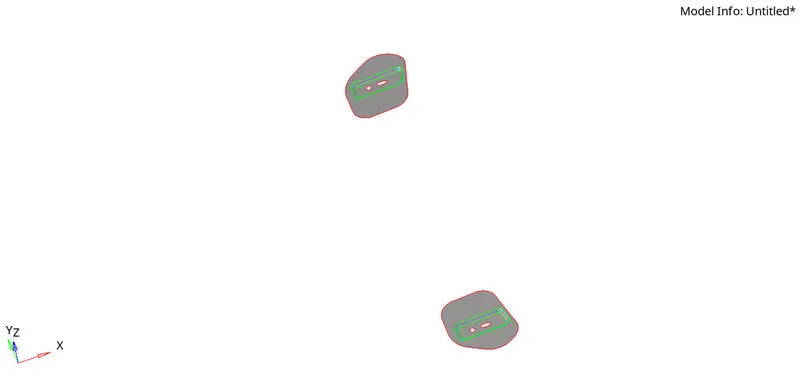
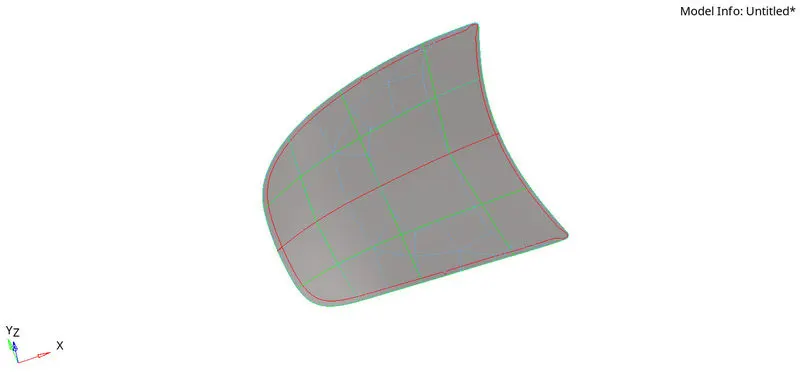
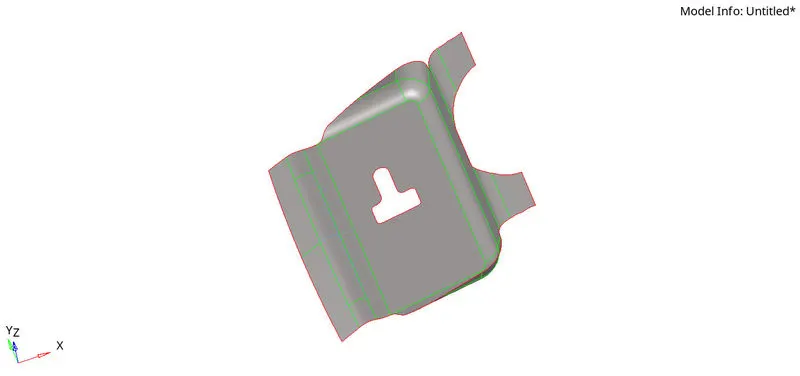
5. Rename all the midsurface components for convenience and create seperate property cards for all the midsurface components and give thickness to them. Create material card and assign material to all the property cards and then assign property cards to their respective midsurface components.
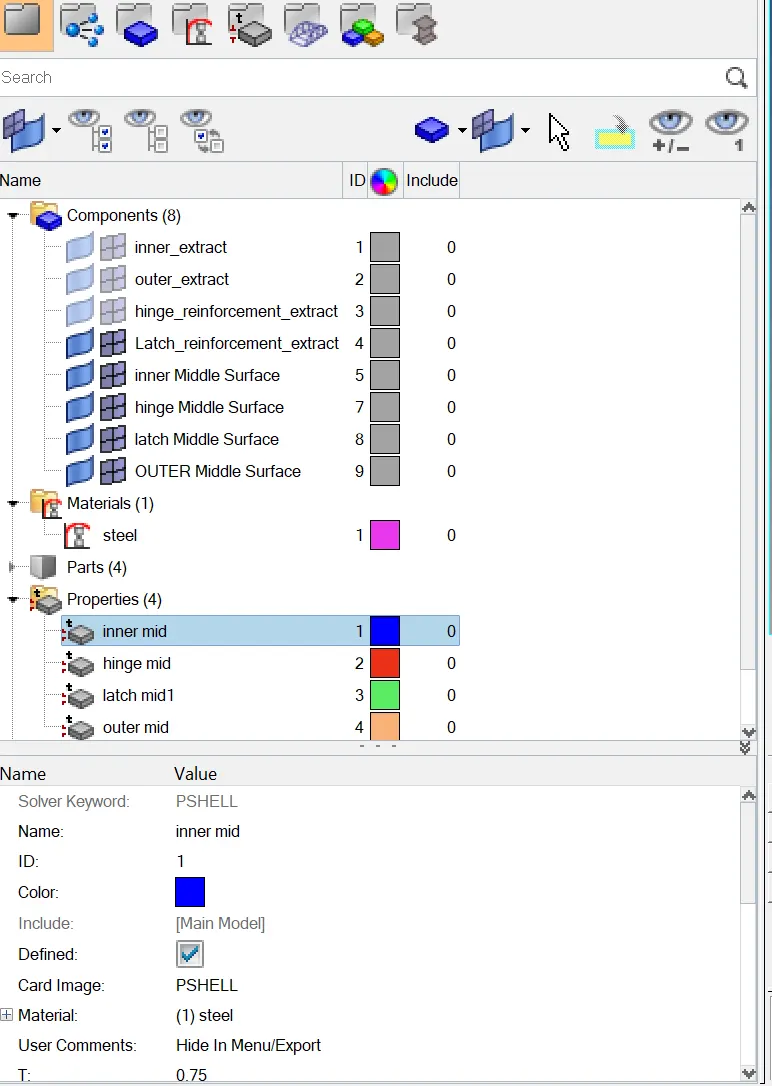
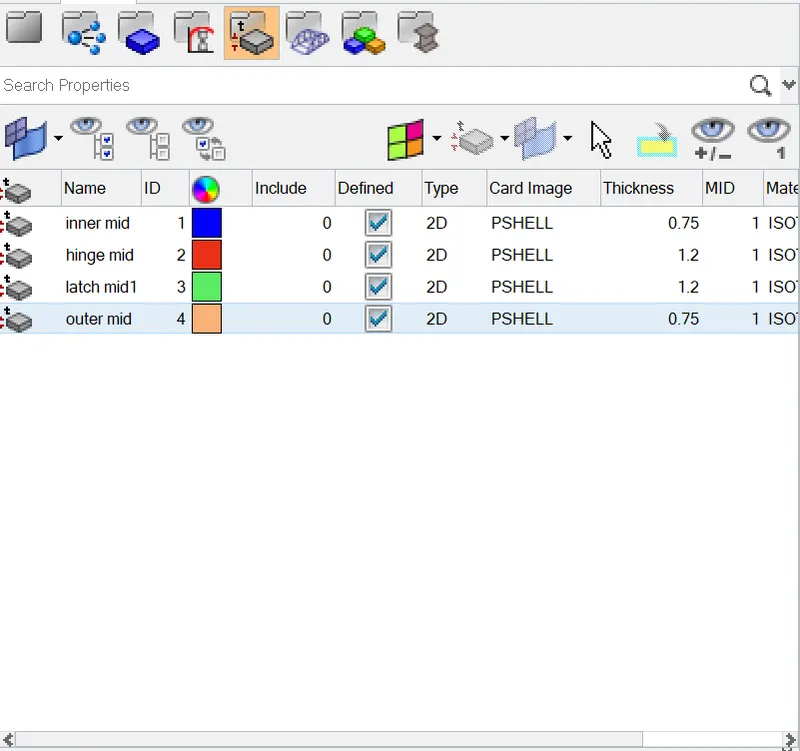
5. Delete symmetry surfaces by Goto Geom > delete > surfs > Select the surfaces > delete entities.
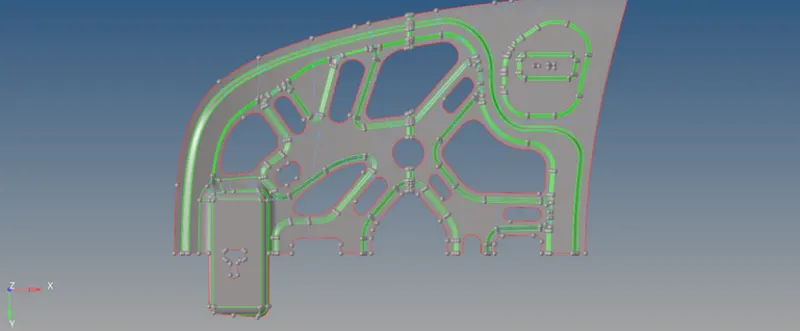
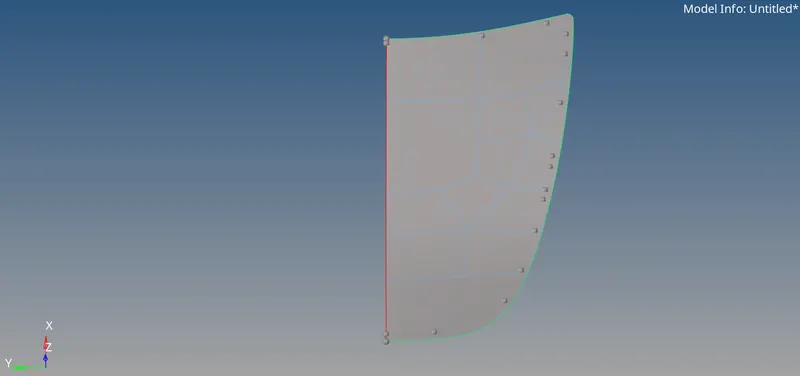
After this toggle the unwanted construction lines by Geom > quick edit > toggle.
6. Assign the quality criteria by go to Preferences > Criteria File Settings.
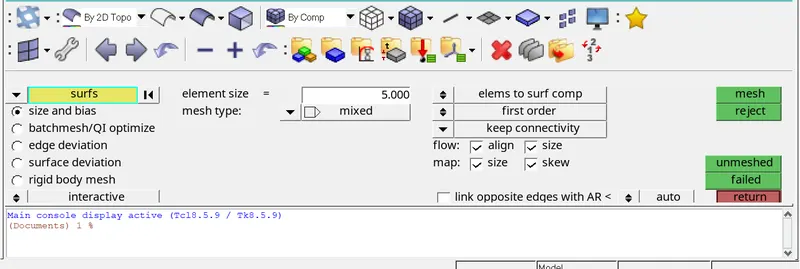
7. Meshing for the component is done by go to 2D > automesh > surfs > element size - 5 > element
type - mixed > mesh.
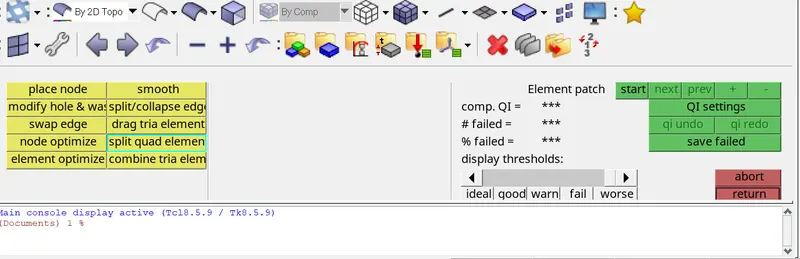
The quality errors are corrected by go to 2D > Quality index > Cleanup tools.
8. After meshing the half surface can be deleted and then after meshing, elements are reflected by Tools > reflect > elements > choose the nodes (N1 ,N2 , N3 , B ) .
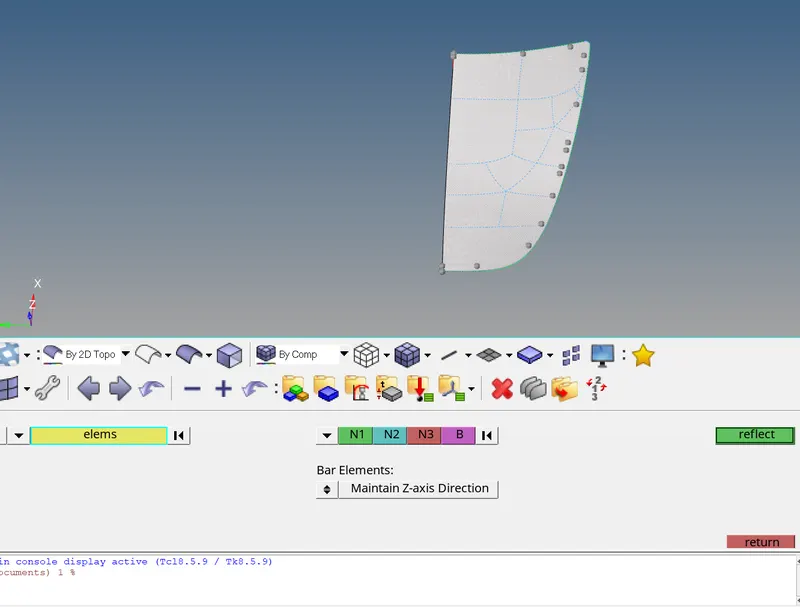
First select the elements and make it dupilicate and choose the reflecting axis and base point and make reflect.
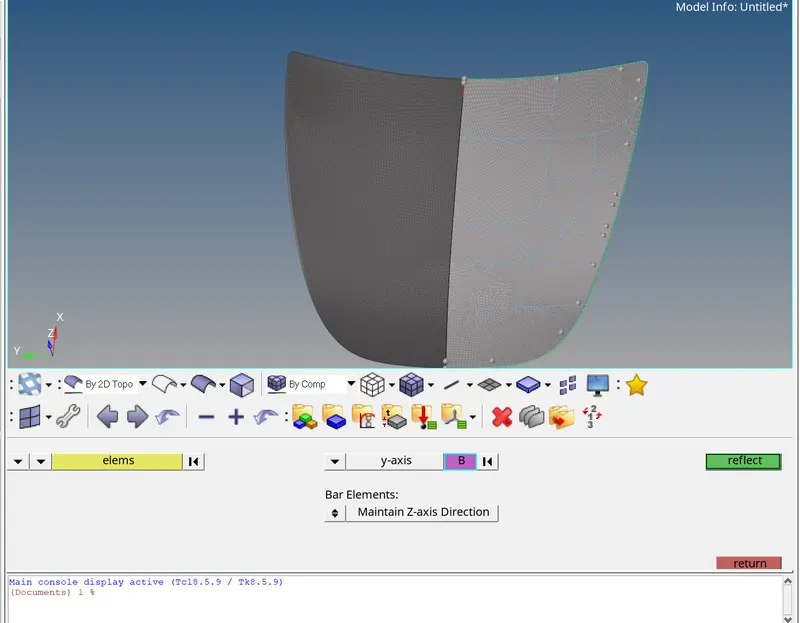
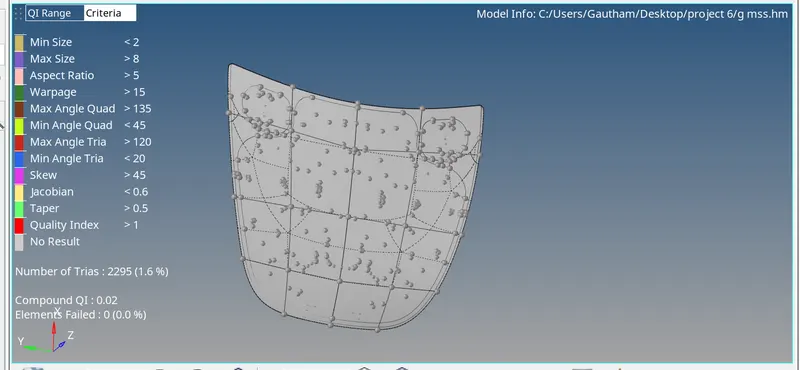
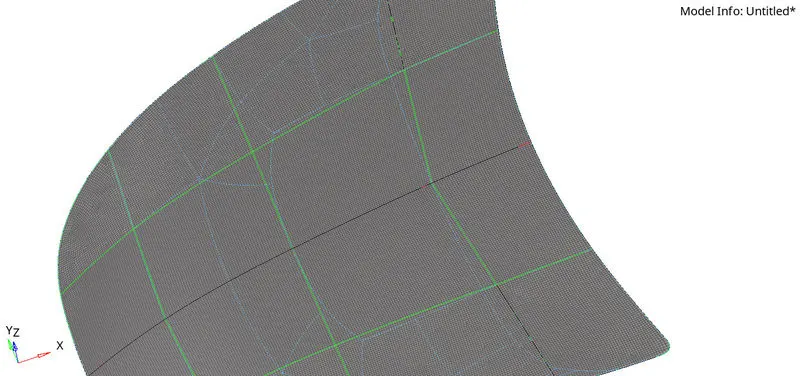
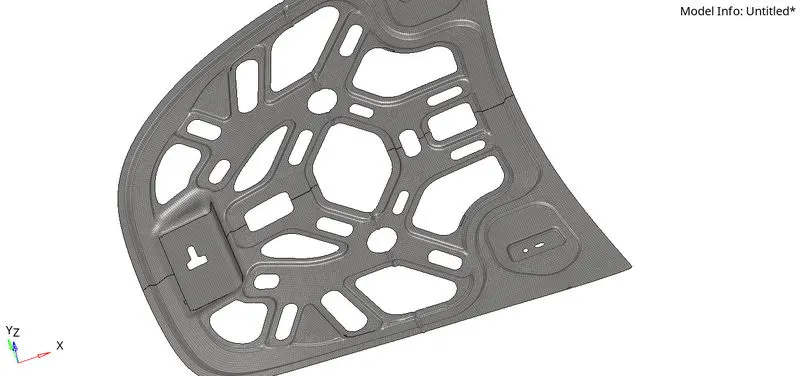
9. Final Meshed Hood Model:
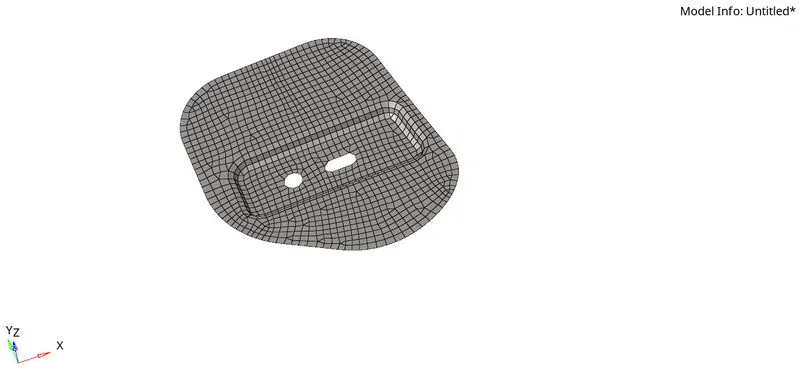
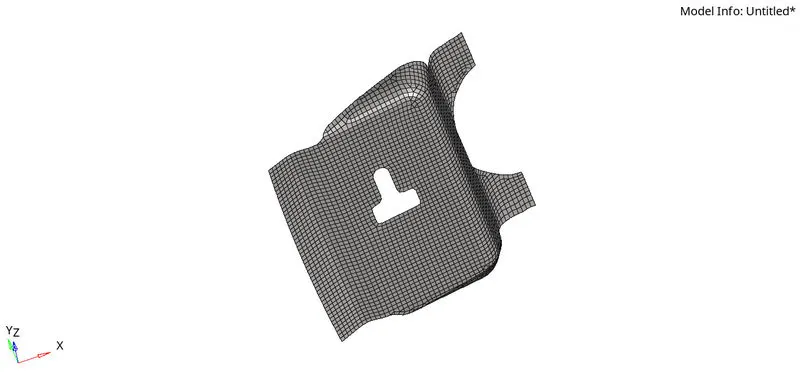
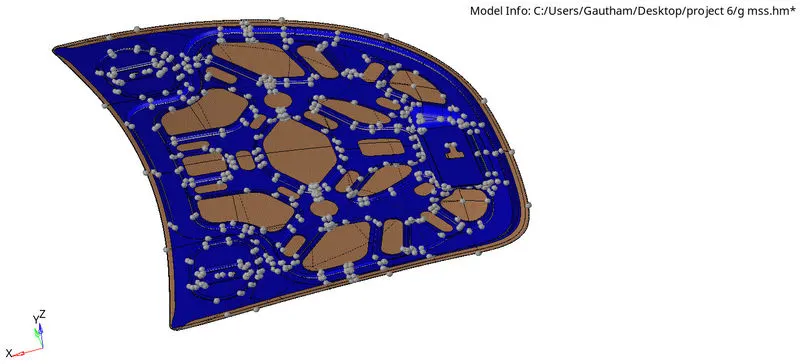
10. Check for free edges Tool > edges > comp > find edges.
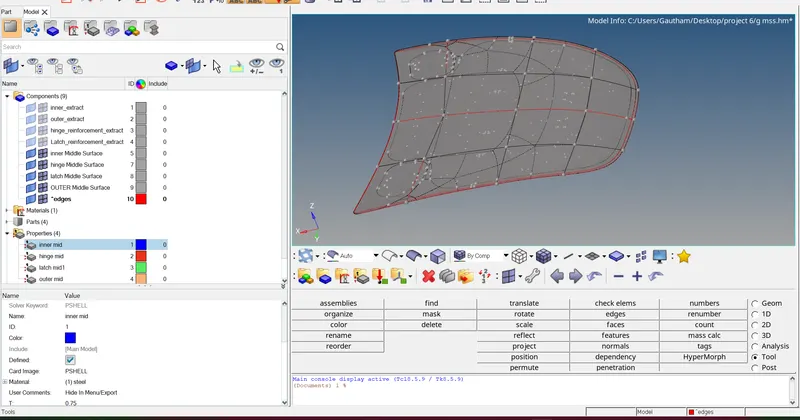
RESULT:
Successfully perform geometry cleanup, generated mid surface and meshed the given hood model with best mesh flow possible also identified and resolved element failures and learned to assign thickness and property to respective components.