Week 6-Meshing of Hood Challenge
MODULE 1
Follow the below-mentioned quality criteria, mesh the component given below and assign thickness:
Target Element Length = 5 Units
| S.N | Quality Criteria | Value |
| 1 | Aspect Ratio | 5 |
| 2 | Skewness | 45 |
| 3 | Warping | 15 |
| 4 | Taper | 0.5 |
| 5 | Min. Length | 2 Units |
| 6 | Max. Length | 8 Units |
| 7 | Min angle Quad | 45 |
| 8 | Max angle Quad | 135 |
| 9 | Min angle Tria | 20 |
| 10 | Max angle Tria | 120 |
| 10 | Tria % | 10 |
WHAT IS HOOD
The hood or bonnet is the hinged cover over the engine of motor vehicles. Hoods can open to allow access to the engine compartment, or trunk on rear-engine and some mid-engine vehicles) for maintenance and repair.
in this challange we are going to mesh the hood of the car
there are four components in the hood and we are going to mesh them one by one
the four parts are
Inner extract body
Outer extract body
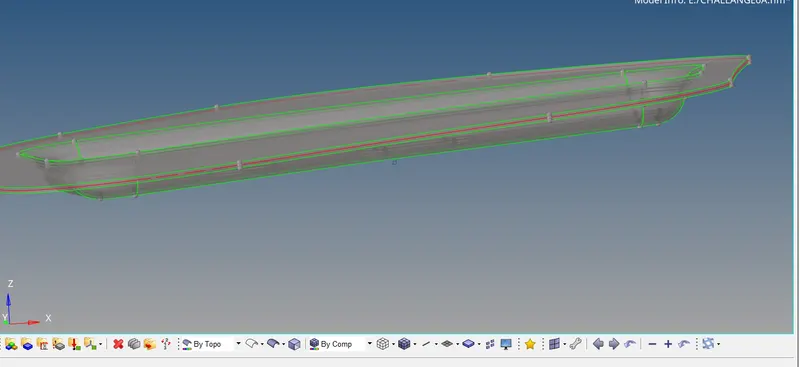
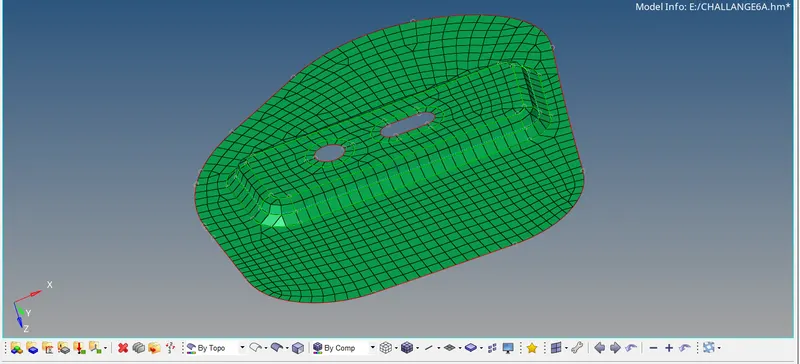
hinge reniforcement extract body 1 and hinge reniforcement extract body 2
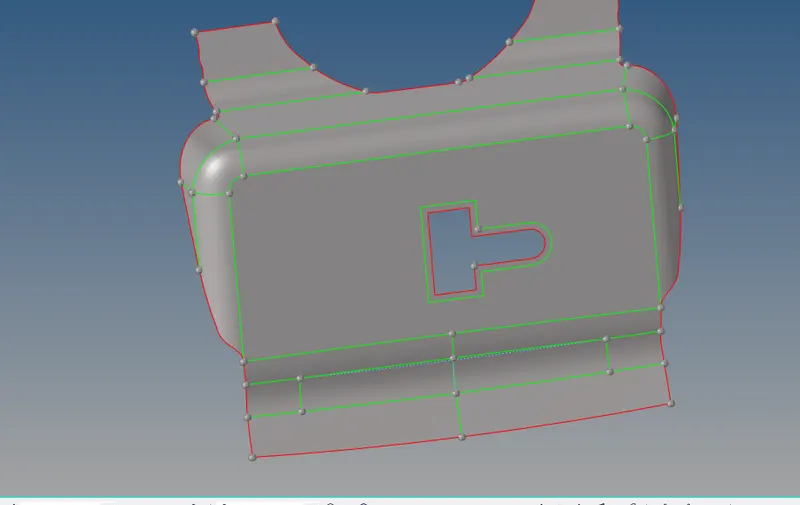
latch reniforcement extract body
intially we have imported the STEP file from the model browser
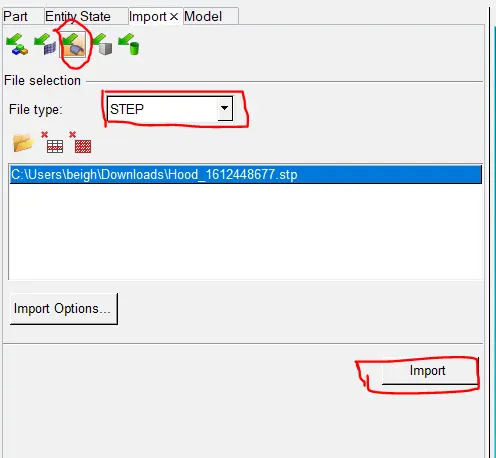
once we have succesfully imported the model file into the hypermesh graphic window the next step is to identify any missing surface ,free edge,pinholes duplicate surface,extar points and we have to remove them one by one ,the process of defeature will be written below
click on geo>select the defeature command ,in defeature we will find options like pinhole surface fillet ,duplicate surface click one by one to find out the defeatures and remove them


in our challange there was neither pinhole nor duplicates
step 2
in the step 2nd we have to delete all the solids from the component the process will be written below
click on the red X icon or select the tool icon from the pannel bar and this will take us to delete command ,click on delet commond and selest the solids and select all

once the solids have been deleted the next step is to extract mid surface from components
we have four components and we will mask the other three components and extract mid surface from inner extract body 1
the process of midsurfacing of inner extract body 1 will be written below
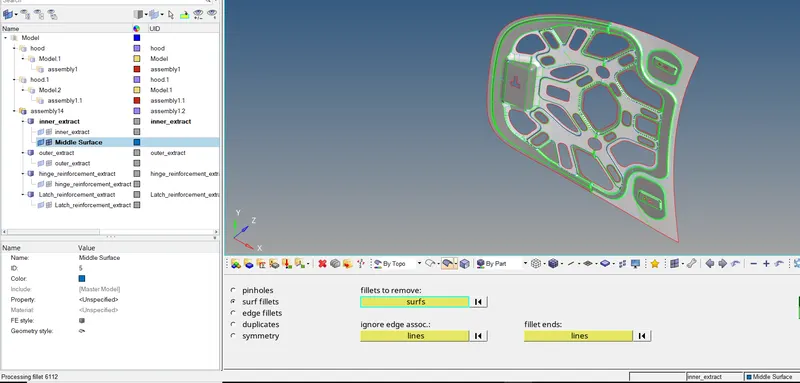
the above component is axisymmtric and we are going to mask the half of the above component and we will mesh the above component only on half part and we will reflect the elements to the other half in later
how to mask the half component
click on tool from the pannel bar >select mask icon >select the surface which we want to hide

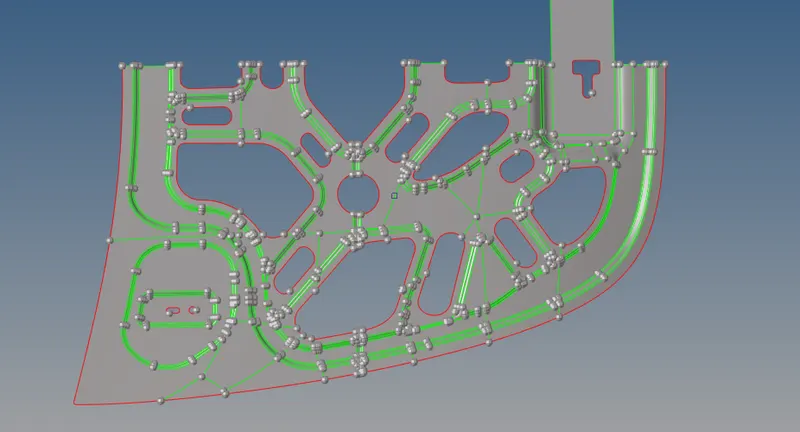
we have mask the above component the next step is remove the shared lines from the surface also we are going to provide washer split around the holes and this will be done with the quick edit
click on geo>select the quick edit >select the toggle edge /unsplit surface these commands will clean the geometry and make surface smooth

once the cleaning process is done the above surface will look like refer (below image )
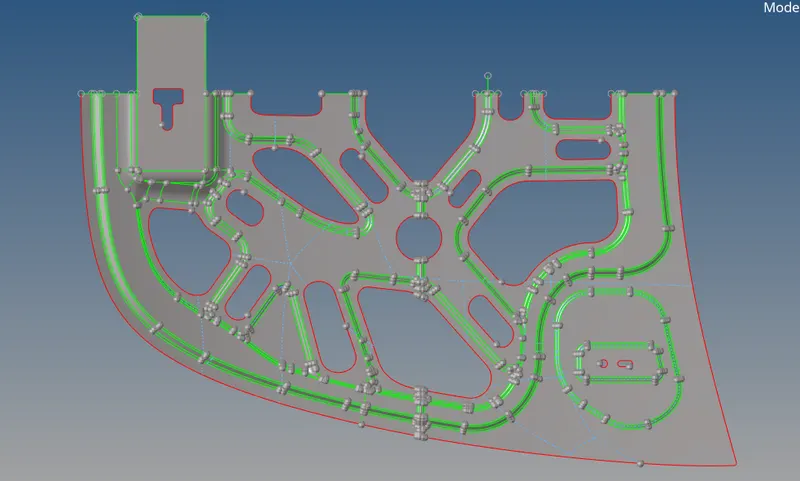
before mid surfacing we have to measure the distance between the two points to avoide the minimum size element failure
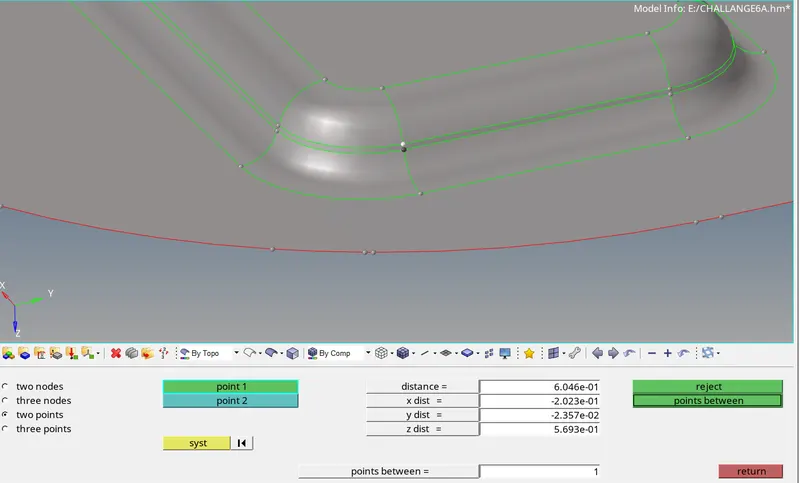
now the model is ready for midsurface
click on geometry>click on midsurface >select auto extraction >select the surface (all attached )
below is the image of midsurface (inner extract body one )
in order to perform the mesh of the given component we have to set given parameters before meshing
click on preference on menu bar >click on criteria file setting >set the given parameters
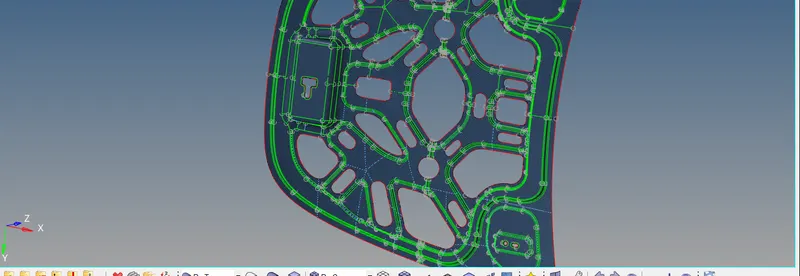
in the above component we have mesh only half part and those half elements have been reflected to other half
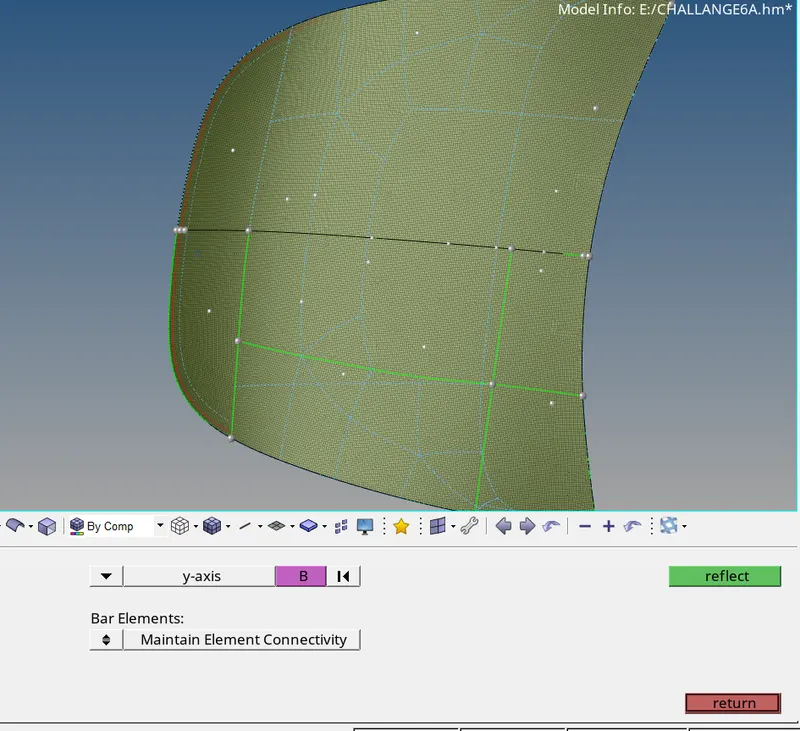
now reflectecting the elements to other half ,click on tool from pannel>click on reflect >select the element from the drop down >select the direction where you want to reflect the elements >click on elements bar >select duplicate and you will find option from origional component ,current component we have to select current component>select the base node >and click on reflect.this way elements will reflect to other half.

the final step is to check the quality of the elements
click 2D from the pannel >select quality index .now we can see how many elements has been failed and we will improve them with the help cleanup tool(like place node somooth node ,drag trias ,split quard) with these tools we will improve the mesh quality.

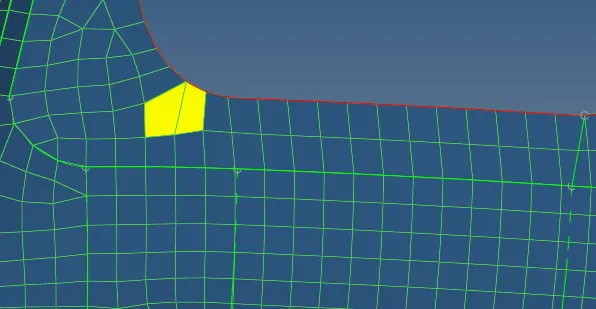
now we will mesh the other components simillarly as the above component .
outer extracted body
the outer extract body is also symettric about the axis
we will mesh the half and reflect those elements to other half
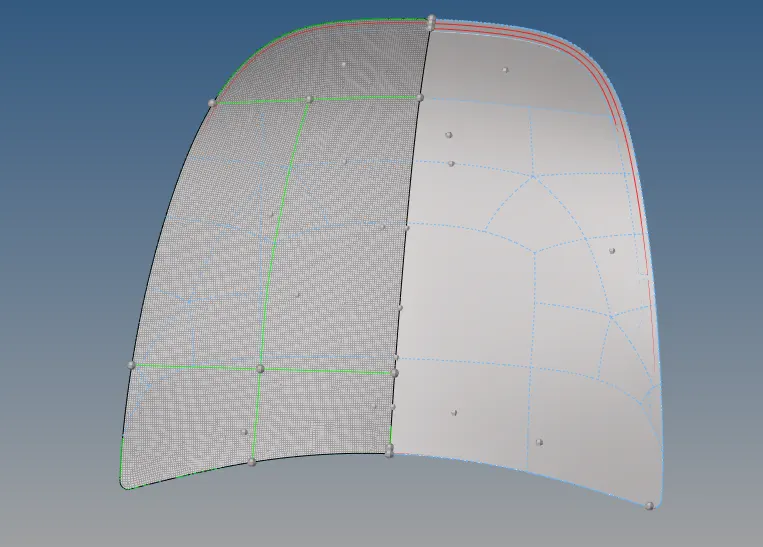
2nd half
hinge reniforcement 1 and hinge_reniforcement 2
mid surface
meshing
latch _reniforcement
mid surface
meshing
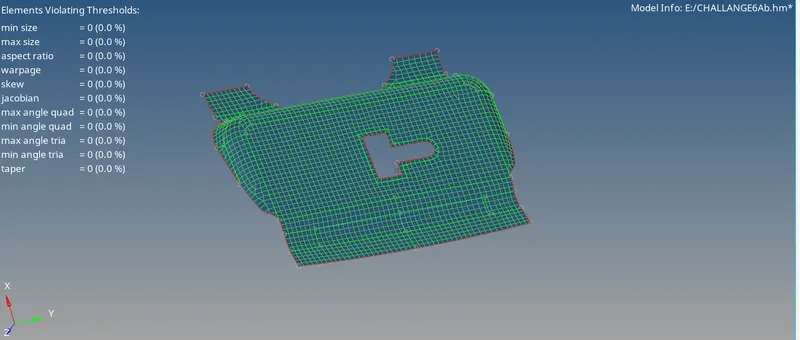
in all the above components we have used cleenup tools to improve the mesh quality we have successfully removed the fail elements in alll the above components
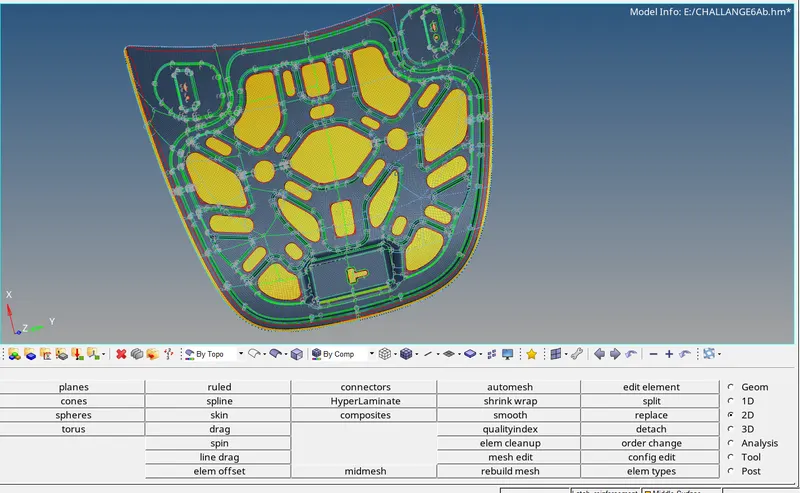
final view of all the components
 \
\