Week 6-Meshing of Hood Challenge
AIM : FOR THE GIVEN HOOD MODEL, THE BELOW MENTIONED OPERATIONS IS TO BE PERFORMED;
- THE HOOD MODEL CONTAINS FOUR COMPONENTS IN TOTAL, ELIMINATION OF TOPOLOGICAL ERRORS IF ANY.
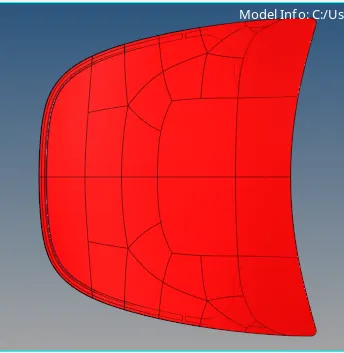
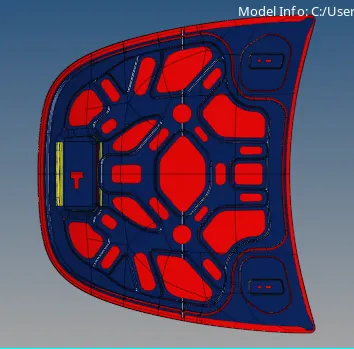
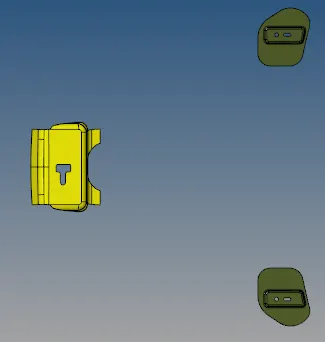
- EXTRACTION OF MIDSURFACE USING SUITABLE METHODS FOR EACH OF THE FOUR COMPOMENTS SEPARATELY.
- MESHING OF ALL THE COMPONENT AS PER GIVEN QUALITY CRITERIA GIVEN BELOW, WITH MINIMUM TRIA CONCENTRATION AND FREE FROM FAILED ELEMENTS.
-
S.N Quality Criteria Value 1 Aspect Ratio 5 2 Skewness 45 3 Warping 15 4 Taper 0.5 5 Min. Length 2 Units 6 Max. Length 8 Units 7 Min angle Quad 45 8 Max angle Quad 135 9 Min angle Tria 20 10 Max angle Tria 120 10 Tria % 10
WORKING PROCEDURE :
- The model is first imported to HYPERWORKS, then checked for any geometrical error for all its components WIREFRAME MODE.
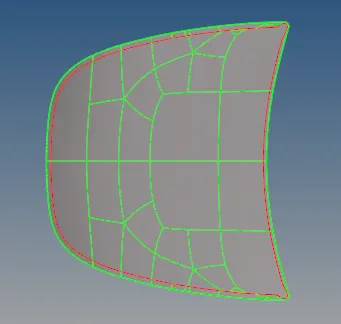
- Then then for each component its MIDSURFACE IS EXTRACTED one by one using MIDSURFACE>AUTOMIDSURFACE, and extracting option as SKIN + OFFSET.
- The extracted midsurface is shown below;
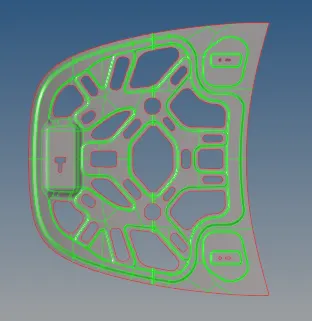
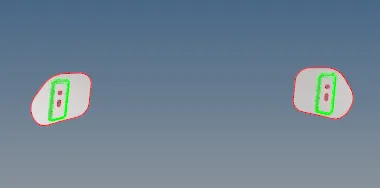
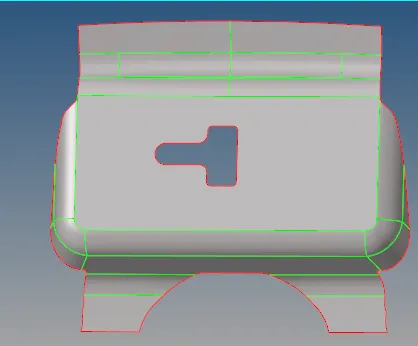
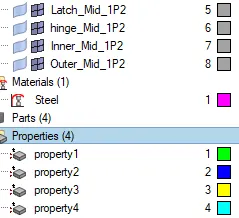
- These MIDPLANES are then assigned with PROPERTIES and MATERIAL. Shown below;
-
- Now, before we start meshing, we need to perform autocleanup for desired element size 5 by feeding the specified quality criteria in AUTOCLEANUP>EDIT CRITERIA and EDIT PARAMETERS. Shown below;
-
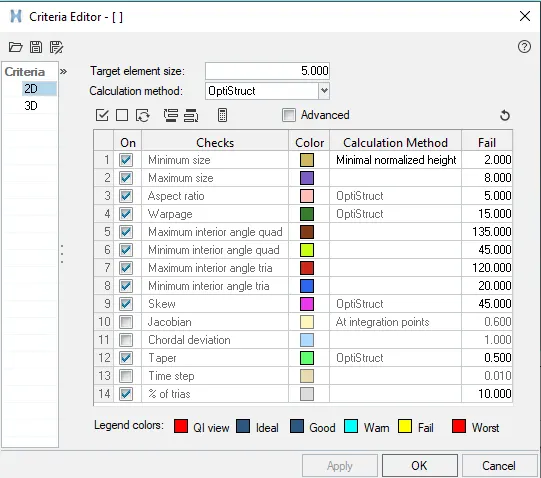
- Now starting from one component, the autocleanup is done for each component. Which has TOGGLED THE EDGES wherever required as well as created WASHER LIMITS for the holes.
- The PROPERTY has been created for each individual component, and THICKNESS is measured and provided respectively. Shown below;
-
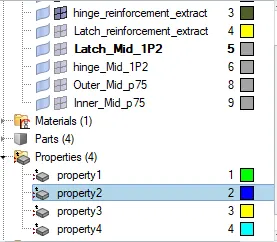
- The thickness values are mesured using GEOMETRY>LENGTH and fed for the respective components are given below;
- LATCH REINFORCEMENT : 1.2
- HINGE REINFORCEMENT : 1.2
- INNER EXTRACT : 0.75
- OUTER EXTRACT :0.75
- The 3 out of 4 components are found AXISYMMETRIC and meshed only half of the midplane, which is then DUPLICATED and REFLECTED.
- The LATCH REINFORCEMENT meshed using 2D>AUTOMESH OR F12 (shortcut), and the primary result has been shown below;
-
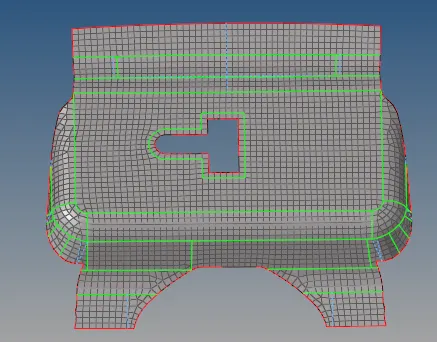
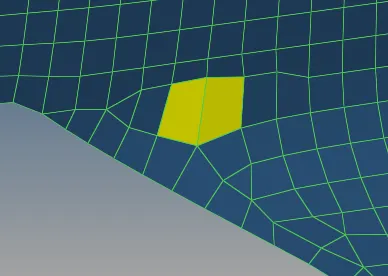
- Few failed element has been observed, along with the unaligned node, which is fixed using NODE EDIT or SHIFT+F7 (Shortcut). Shown below;
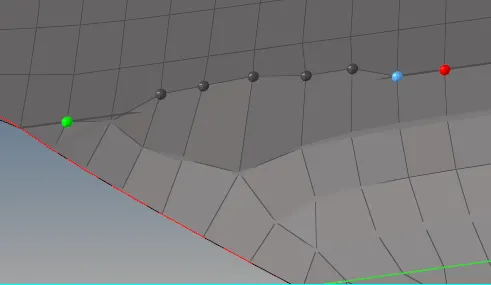
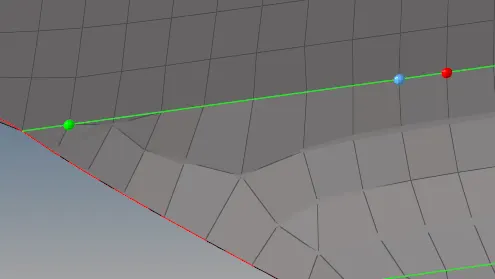
- After manual intervention to the existing mesh, the final meshed free from any failed elements has been obtained. Shown below;
-
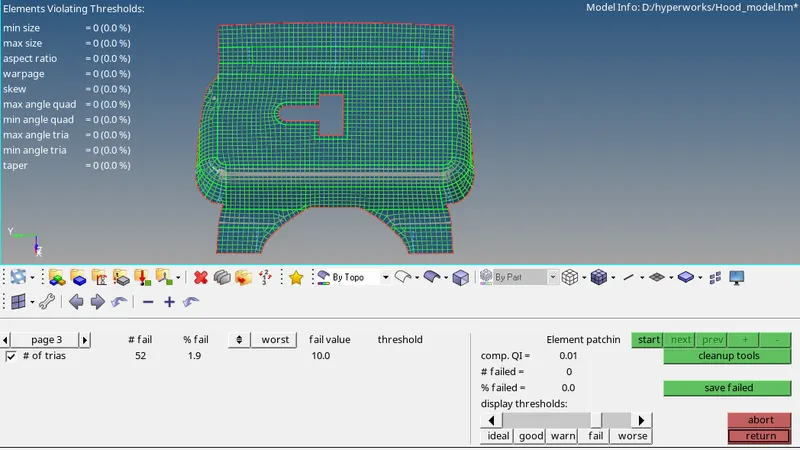
- Now coming to the necxt component, HINGE REINFORCEMENT, as it is symmetric, we only need to mesh the part of it and then to REFLECT.
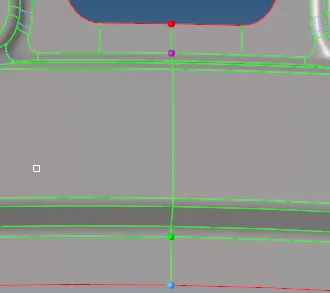
- Small sections has been cut using GEOMETRY>QUICK EDIT>SPLIT SUR NODE & SPLIT SURF LINE, and then meshed accordingly, shown below;
-
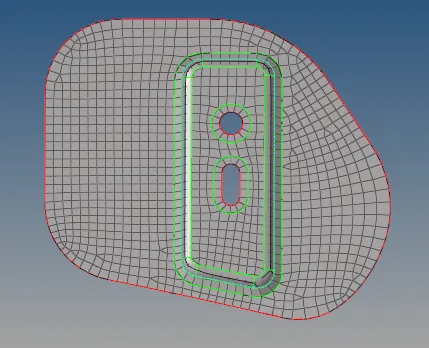
- Now using TOOLS>REFLECT and element has been selected and duplicated and using mid line on inner extract as reference, the element has been mirrored. Shown below;
-
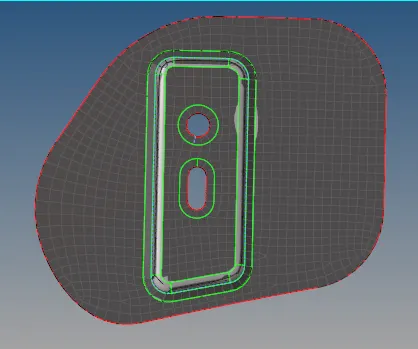
- Coming to the OUTER EXTRACT, as this one is large axisymmetrical component, the same has been done to it.
- The most complex component amongst all four was INNER EXTRACT, consisting the complex features.
- Since this too is axisymmetric, half of which is meshed, by creating sections in order to obtain better mesh flow.
- The primary meshing result is shown below of INNER EXTRACT component;
-
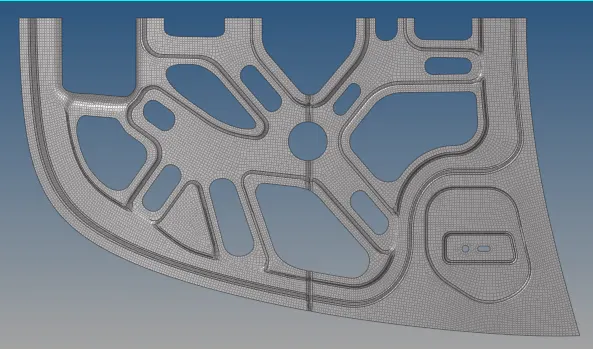
- Some elements have been failing for the specified quality criteria, which ha been eliminated using various methods, most frequent operations have been performed are;
- Toggling edges
- spliting quad element wherever necessary to eliminate ROTATING QUADS, as in this model is being prepared for CRASH AND SAFETY simulations, thus TRIAs are more preferrable than ROTATONG QUADS.
- Dragging tria elements out in order to decrease the TRIA percentage.
- Element optimmization
- Place node
- After clearing the quality of existing element, the elements are then reflected on the other side as well. Shown below;
-
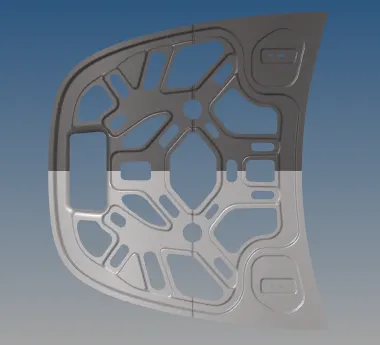
- And rest of the unmeshed portion of this component is meshed.
- Now we observe that the nodes are not connected properly after reflecting the elements, we need to stitch it together using TOOLS>EDGES, PREVIEW EQUIVALENCE, and then EQUIVALENCED. Shown below;
-
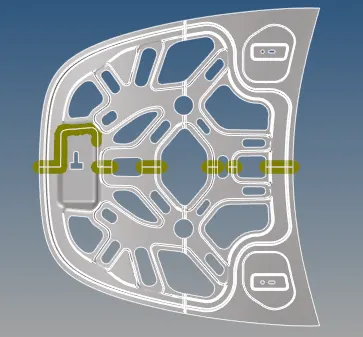
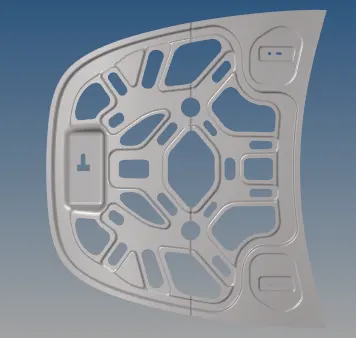
- The Nodes which were not connected through has been fixed using TOOLS>PREVIEW EQUIVALENCED and then by selecting elements, the nodes were equivalenced, and also by 2D>REPLACE , and by selecting nodes. Shown below;
-
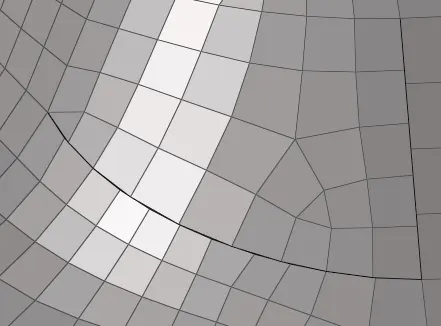
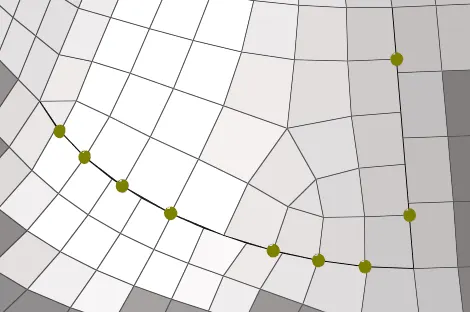
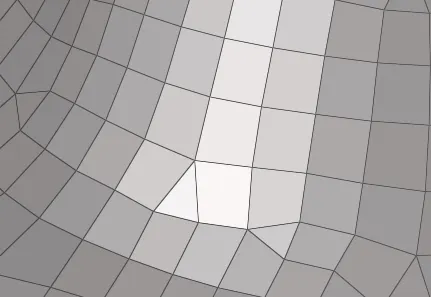
- The OUTER EXTRACT is now meshed and half and then reflected to the other half as before. Shown below;
- Now all the meshed component has been checked for FREE EDGES using TOOLS>EDGES and find edges, then cleared.
- Post meshing, we need to perform some checks,
- CHECKING FOR NORMALS :
-
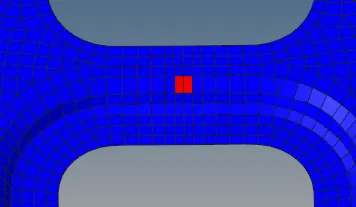 Which is then adjusted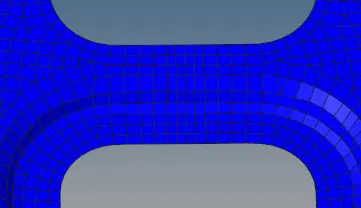
- CHECKING FOR DEPENDENCY : Done using TOOLS>DEPENDENCY, and by selecting the elements, no any nodes dependents were found.
- CHECKING FOR PENETRATION : Penetration check is done using TOOLS> PENETRATION and by selecting the elements. The result came out as
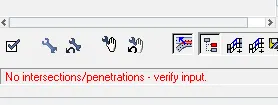 .
.
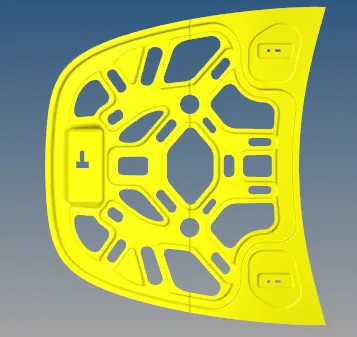
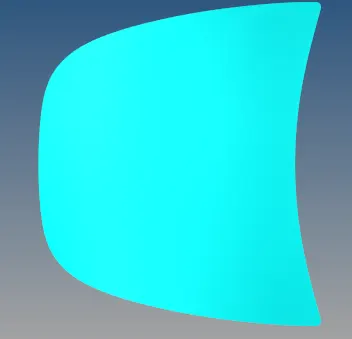
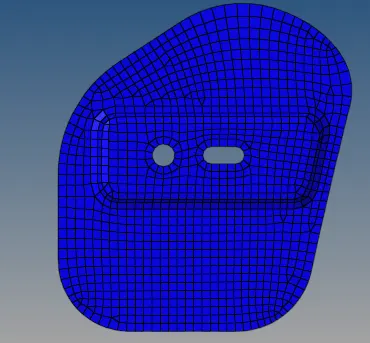
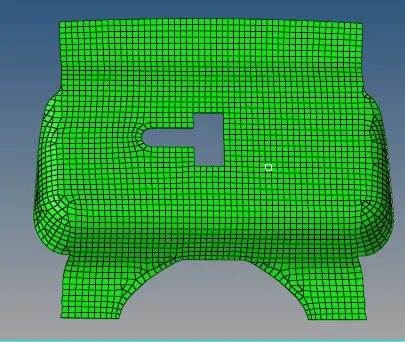
- After performing all the operations, we can check how well the MESH had captured the actual geometry, for that DETAILED 2D ELEMENT REPREASENTATION is enabled.
- The results are shown below;
-
-
RESULTS :
- The HOOD model is imported in HYPERWORKS and checked for any existing geometrical error, component by component.
- The model is then treated to extract midsurface for all four of its components and property is assigned to all of them.
- 2D meshing is done over all the component with the specified quality criteria and with low tria concentration.
CONCLUSION :
- The hood model mesh challenge has brought the situation where all the principles and techniques taught regarding 2D MESHING has been used and become used to it, it also gave the opportunity to learn about various complex feature capturing without failing the element quality. Various techniques has been implemented to reduce the TRIA concentration as well as to obtail better mesh flow.