Week 6-Meshing of Hood Challenge
OBJECTIVES :
To follow the mentioned quality criteria, mesh the hood component given below and assign thickness.
PROCEDURE :
- The given component is imported as STEP format file.
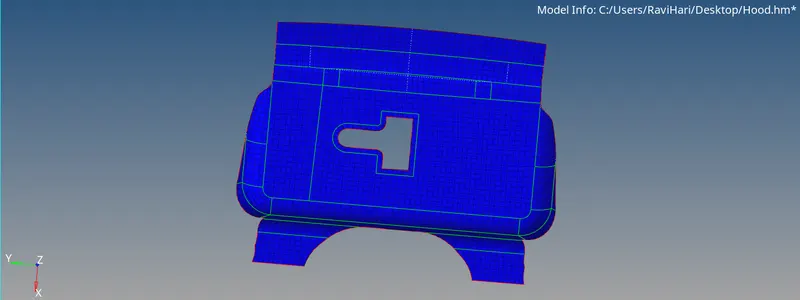
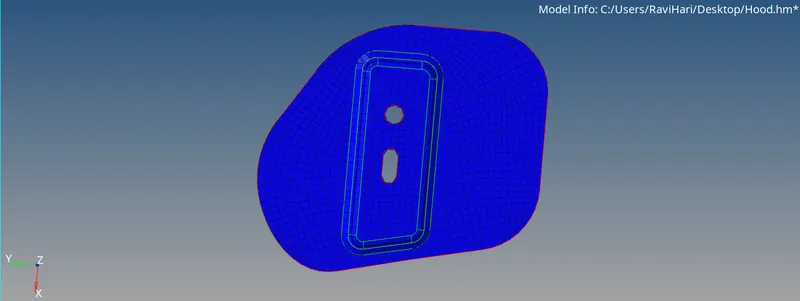
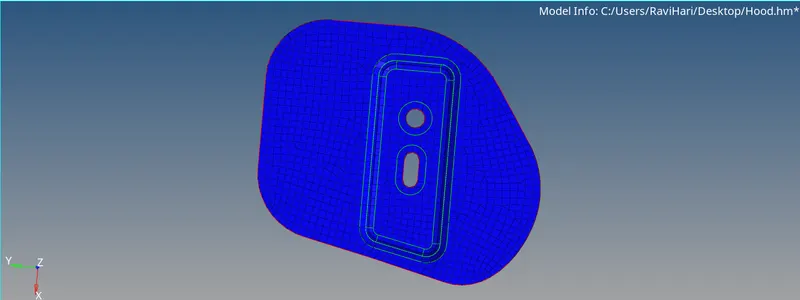
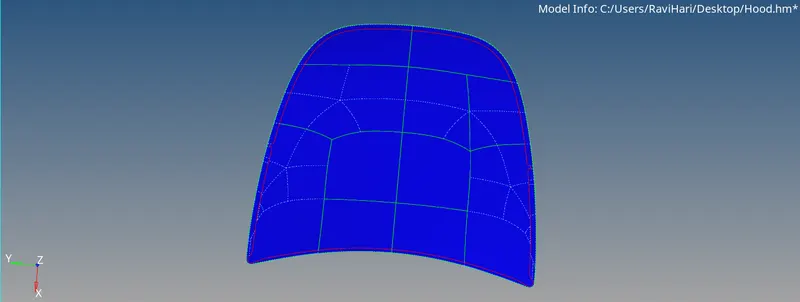
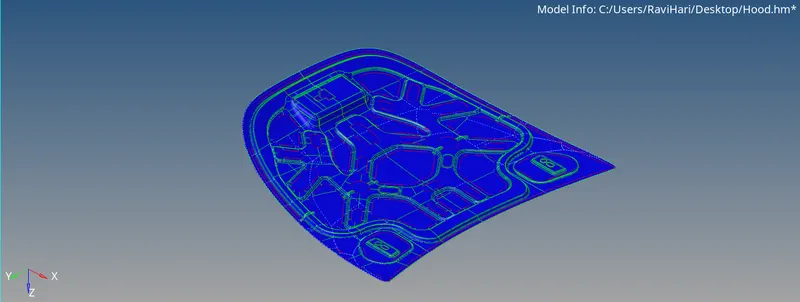
- The hood file has 5 small componenets such as Outer extract, inner extract, 2 hinge reinforcement and a latch reinforcement of a hood.
- The mid-surface is extracted for all the 5 components using the midsurface option in geometry section and the displaying mode is changed from auto to by topo.
- The solid in the components are deleted by selecting the solids in the component and using the delete option. On deleting the solids only the surfaces will be available in the component.
- In the given components middle surface, the cleanup is done in which certain edges are toggled for proper mesh flow and satisfying the quality criteria and they are done using the toggle edge option in quick edit.
- The edges can also be extended for proper mesh flow using the split surface-line option and the node points can also be added or removed by using the add/remove points option in quick edit.
- The components are meshed one by one in the order of latch reinforcement, hinge reinforcement, outer extract and finally the inner extract.
- The meshing process is carried using the automesh option in the 2D section and the mixed elements is used here for meshing. The target element size followed here is 5.
- The above given qualiity criteria are given as input in the check elements option in the tools section.
- On meshing the components are meshed with quads and trias and the mesh is made proper by following various processes.
- The mesh with the rotating quad elements are made proper by selecting the rotation quads along with the nearby elements and remeshing them using the automesh option.
- The elements are aligned in a line by aligning the nodes of the elements using the align node option in node edit.
- The meshed elements are frequently checked for satisfying the quality criteria by using the check elements option in which the warpage, skew, length etc are checked for failures in the elements.
- The failed elements are then saved using the save failed option and are retrieve masked and reversed using the mask option to display only the failed elements.
- Then the adjacent elements to the failed elements are unmasked using the unmask adjacent and the optimizing process is carried out.
- The failure of elements on quality criteria are made proper by various methods depending on the element failure in the mesh. The various methods followed to remove the failed elements in the mesh are
- By using place node in qualiity index in which the node of an element can be moved to optimize the element.
- By using the element optimize option in quality index in which the element will be optimized based on the given quality criteria.
- By using the split & combine element in the edit element option in which a quad element can either be splitted into two trias or vice-versa.
- By using the smooth option in the 2D section, the elements can be selected and on performing this option the selected are made smoother by aligning the elements in a proper mesh flow with respect to the adjacent mesh flow.
- In case of any failure, translate option can also be used to fix the nodes of the element and the project option is used to fix the failures in the nodes of an element.
- In case of any 2 opposite trias are found in the mesh, the 2 trias are made closer by using drag tria element in quality index and the trias are remeshed for removing them.
- On meshing all the 5 components using the above steps, the free edges in the components are found using the edges option in the tool section and the free edges are deleted and made equivalence.
- The inner extract component is a symmetric component therefore one half of the component is alone meshed and the mesh on the one half is mirrored on the other half using the reflect option on selecting the vector nodes and the base node on the component.
- Therefore all the 5 components in the given hood are meshes properly under the given quality criteria.
FINAL CAD MODEL IMAGES :
- LATCH :
- HINGE :
- OUTER EXTRACT :
- INNER EXTRACT :
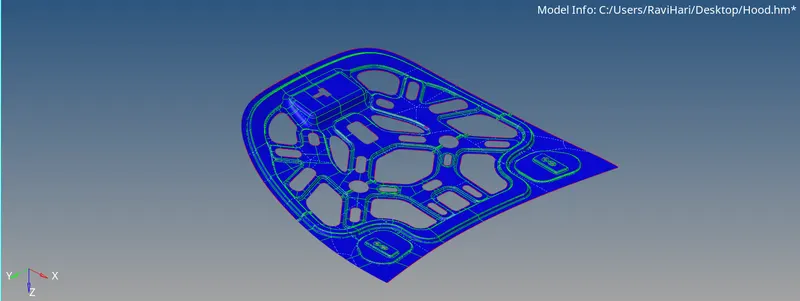
- HOOD MODEL :
CONCLUSION :
Thus the given hood component is meshed successfully under the given quality criteria.