Week 6-Meshing of Hood Challenge
Aim :
- Meshing the Hood
Objective :
- As per the below-mentioned quality criteria, mesh the component given below and assign thickness
- Target element length 5 units.
- create the mid surface separately and mesh component
| S.N | Quality Criteria | Value |
| 1 | Aspect Ratio | 5 |
| 2 | Skewness | 45 |
| 3 | Warping | 15 |
| 4 | Taper | 0.5 |
| 5 | Min. Length | 2 Units |
| 6 | Max. Length | 8 Units |
| 7 | Min angle Quad | 45 |
| 8 | Max angle Quad | 135 |
| 9 | Min angle Tria | 20 |
| 10 | Max angle Tria | 120 |
| 10 | Tria % | 10 |
Procedure :
Mesh created model file :https://drive.google.com/file/d/11gDiV-JWE6sBhzr0sc2hMNMXyF4h3Cch/view?usp=sharing
step 1:
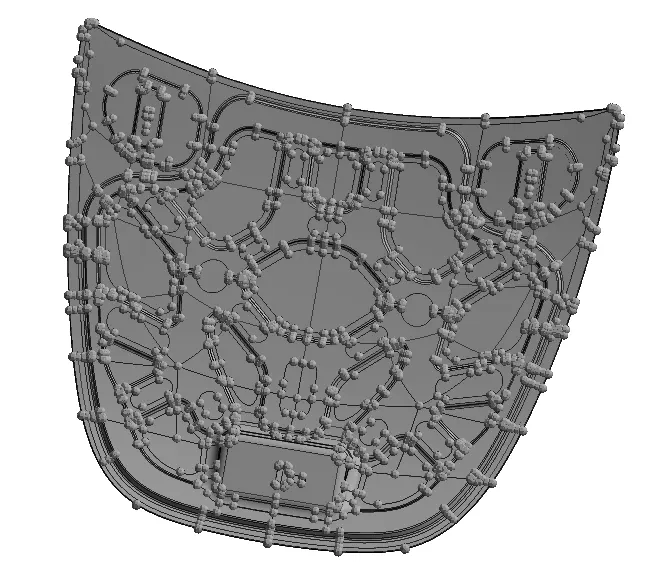
Import geometry Hood file import >> model >> select file
Then check for any deformed surfaces or missing surfaces and triple cons. if there is no error in the component then the component is ready to create the mid surface.
step 2:
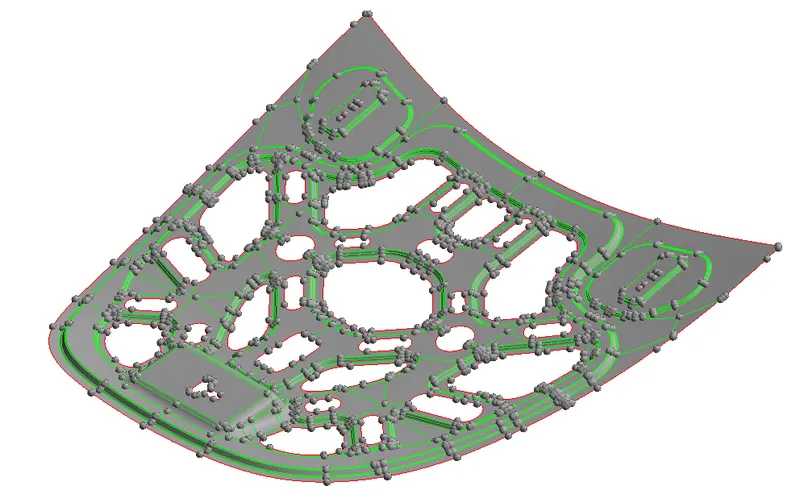
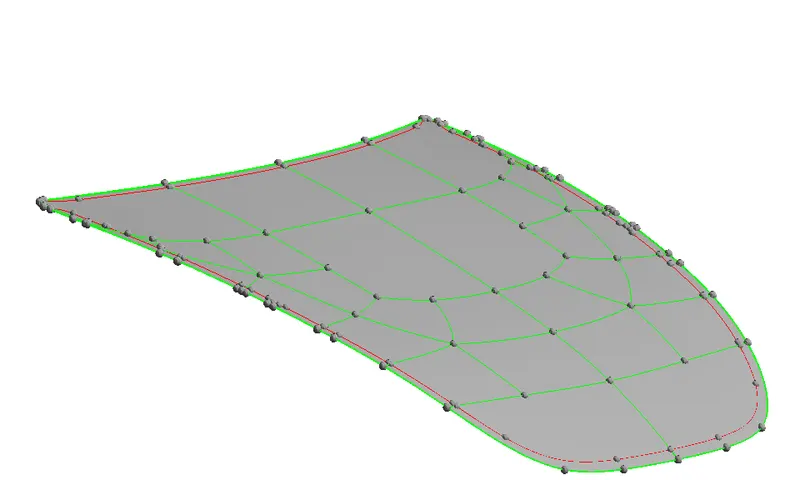
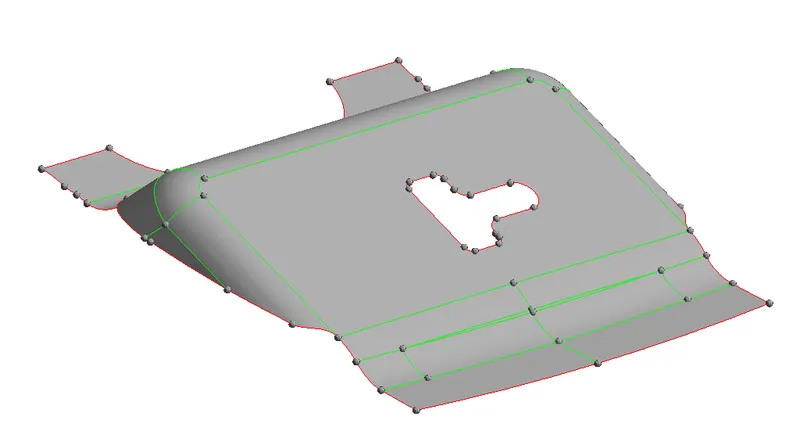
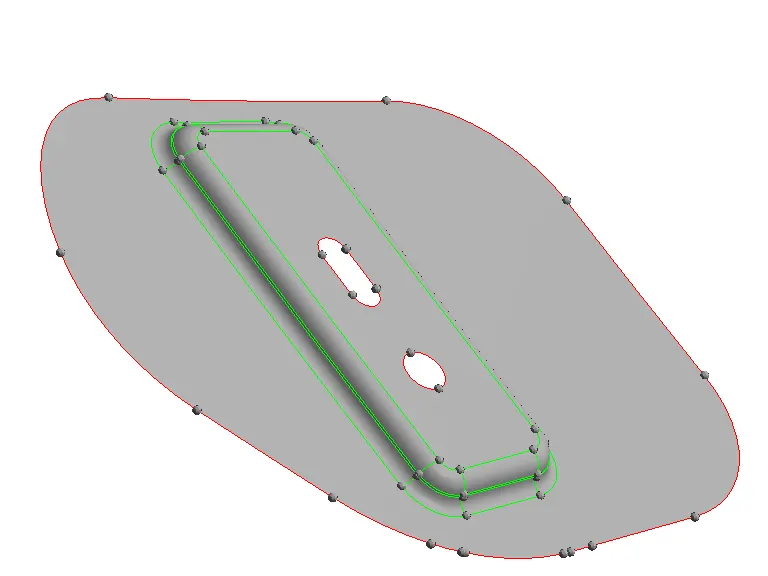
extract the mid surfaces for each and every component.
Geometry >> midsurface >> select surf >> extract
Step 3 :
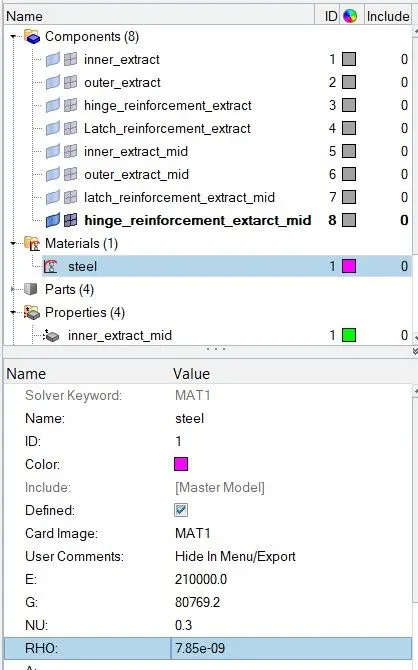
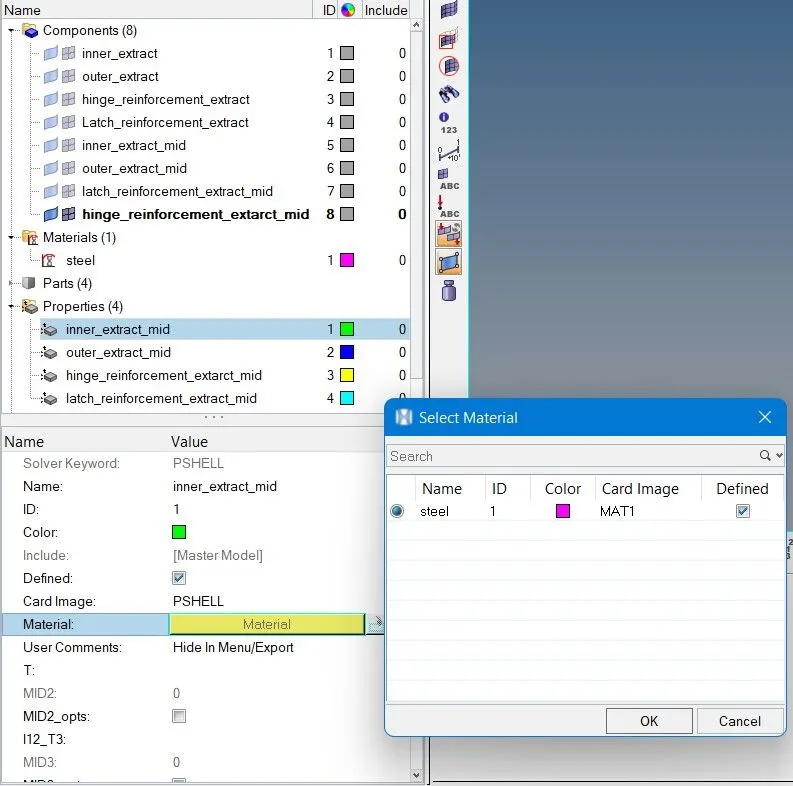
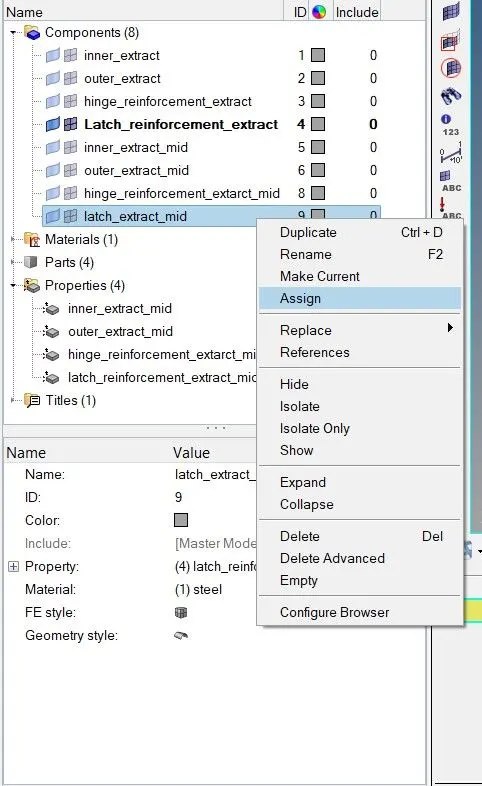
Assigning the material and thickness to every surface
Step 4
Click on the topology view and check if there are any free edges, deformed surfaces, duplicate surfaces. Prepare the surface for the meshing
for an outer extract of the hood, we can trim the surface as it is an asymmetrical body. as this surface is symmetrical we first create mesh on the half side of the element using the reflect option we can reflect on the other half.
2d >> automesh >> mesh (element size 5)
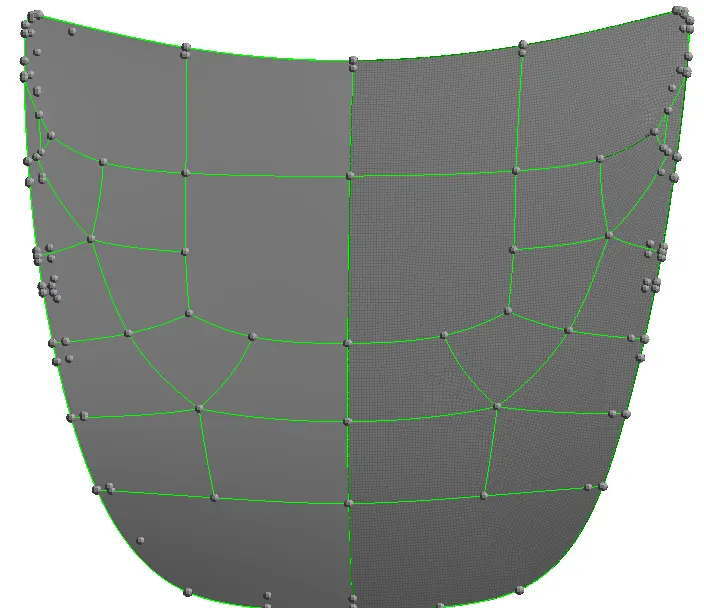
Using the edges option find the edges of the element and then go preview equivalence the edges

tool >> edges >> preview equivalence >> equivalence
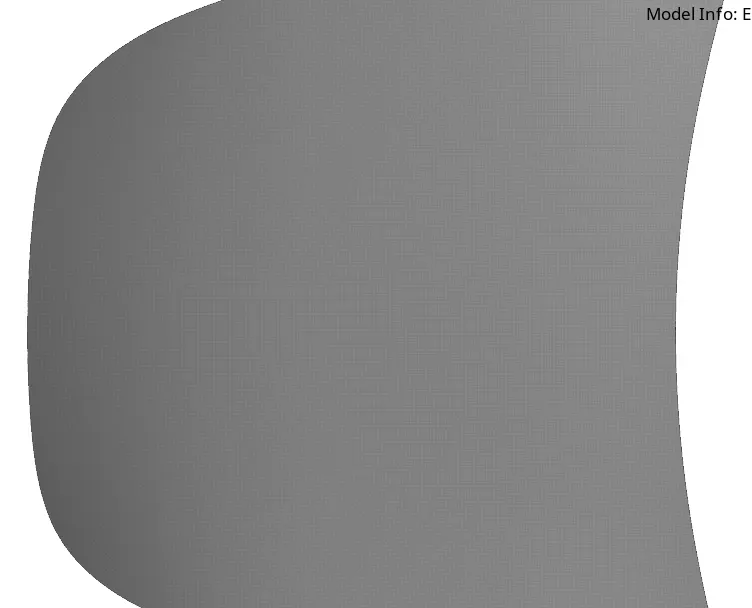
check the elements tool >> check elems
mesh the latch surface
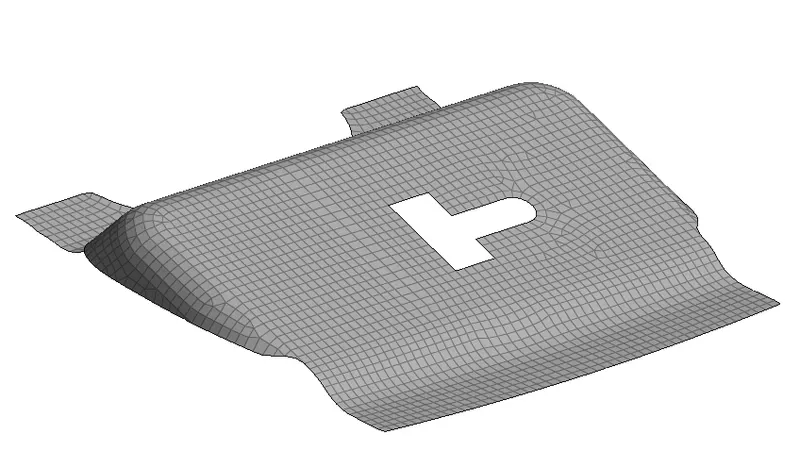
mesh hinge surface
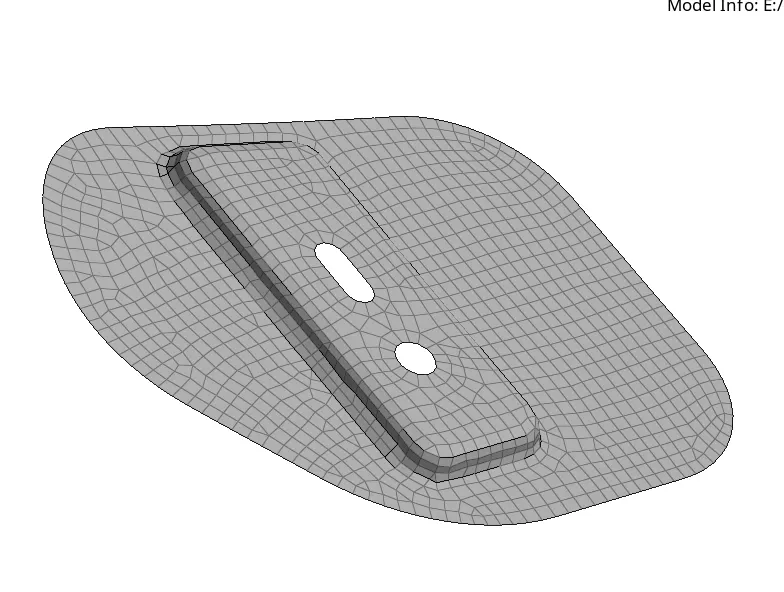
the inner extracted surface is meshed
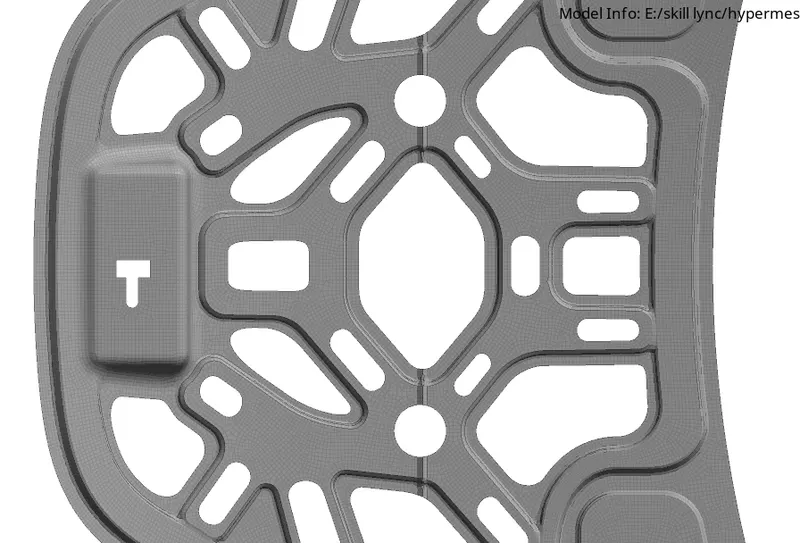
Quality check of the element as per the given parameters using the check element tool >> check elems
Conclusion :
- we extracted surfaces for each and every part and meshed them as per the given element quality parameters